
Create One Time Links
What is a one time link?
A one time link is a URL that can only be used once. After the first person clicks it, the link automatically expires and stops working for everyone else.
One time links are ideal for:
- Secure file sharing — send a download link that can only be accessed once.
- Private invitations — ensure only the intended recipient can use the link.
- Exclusive offers — create a discount or promo link limited to one redemption.
- Confidential documents — share sensitive information with a self-destructing link.
Linkly's expiring links feature lets you create one time links by setting a click limit of 1. You can also combine this with a date-based expiry for extra control.

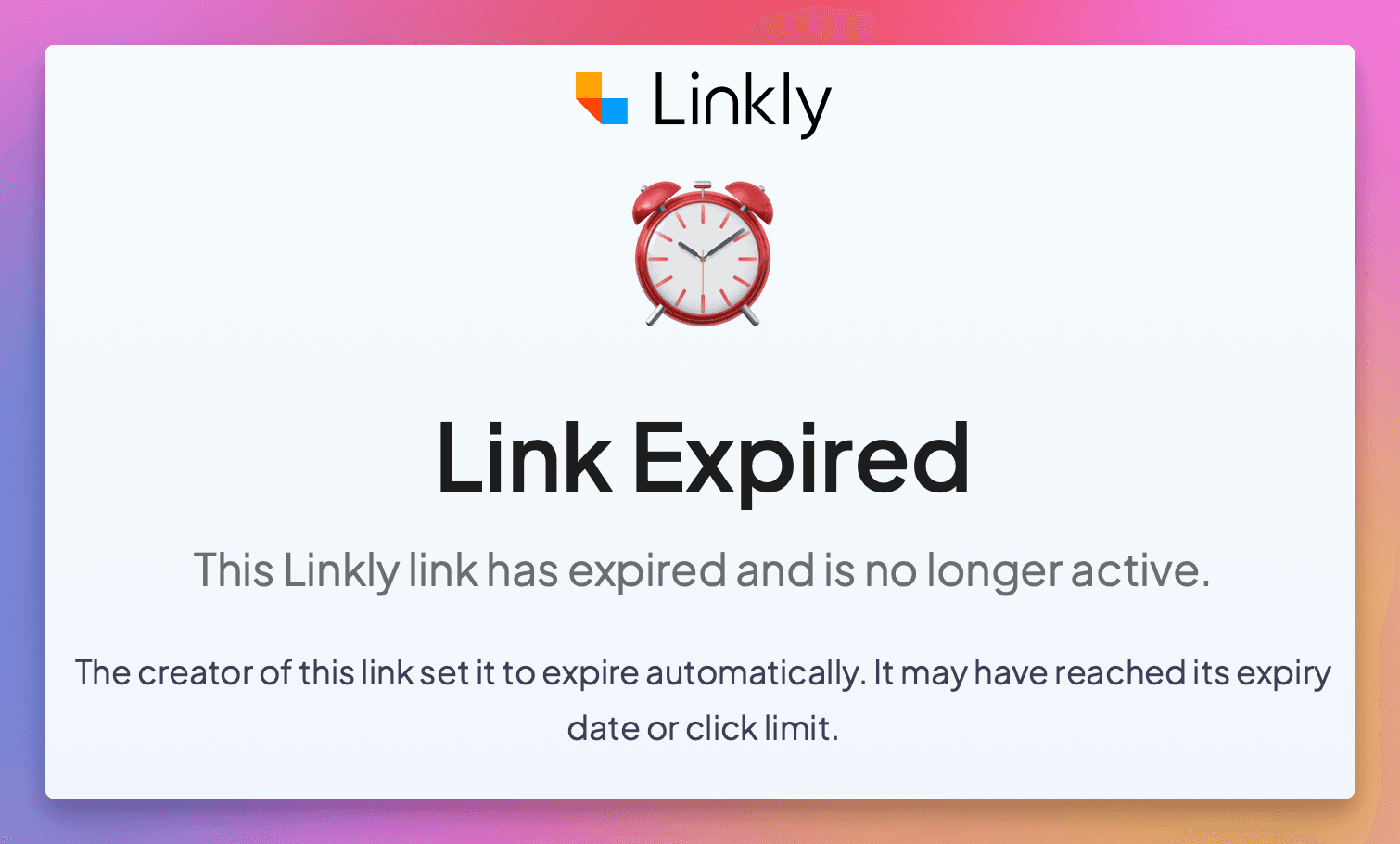
When a one time link expires after its single use, it can either redirect to a different destination of your choice, or show visitors a "link expired" page.
How to create a one time link with Linkly
Sign in or sign up to Linkly
Create a free account if you don't have one.
Click Create New Link from the menu.
Enter a Destination for the link.
This is the URL visitors will be redirected to on their one allowed click.
Under Options, select Expiry.
This section contains all expiry settings, including click limits.
Set the Click limit to 1.
This makes the link a one time link — it will expire immediately after the first click. You can also optionally set an expiry date as a backup.
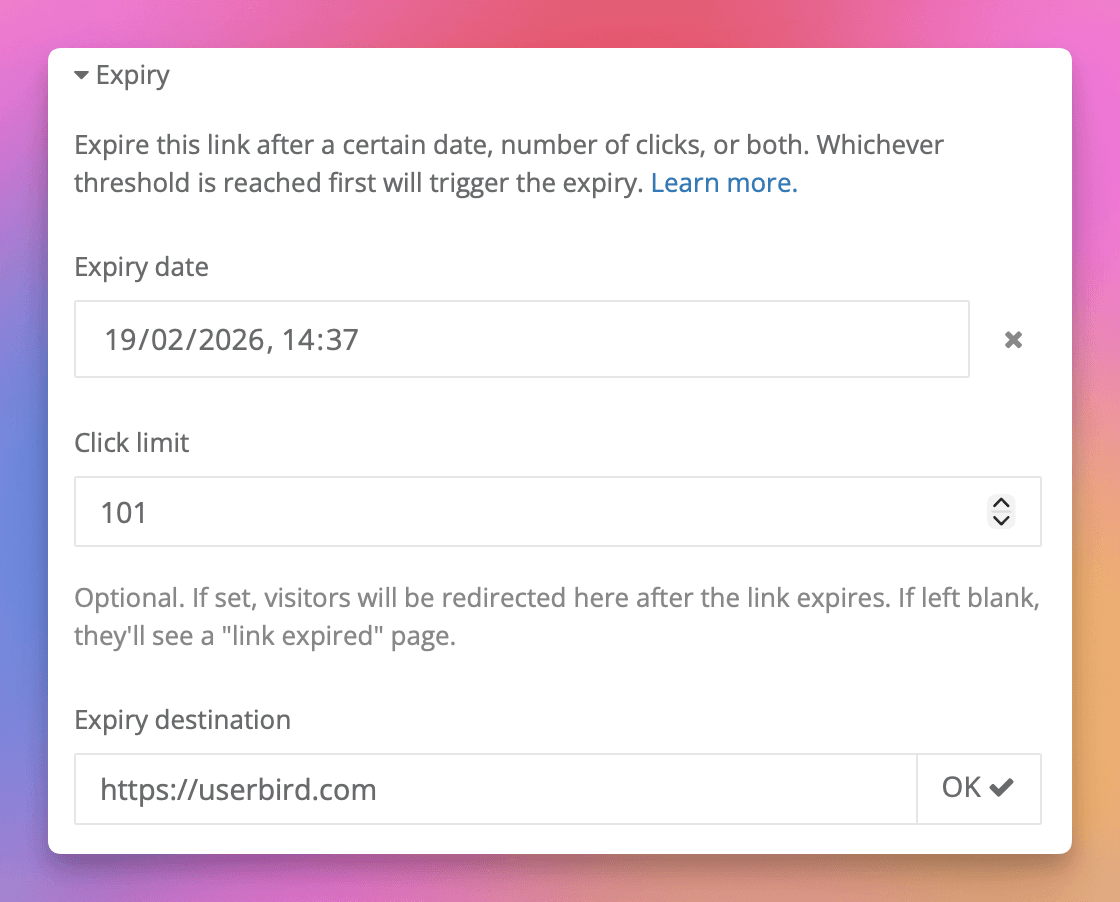
Optionally set an expiry destination.
Enter a URL to redirect any subsequent visitors to after the link has been used. If you leave this blank, they will see a "link expired" page instead.
Click Save.
Linkly will create your one time link. Share it with your intended recipient — after one click, the link will stop working.
Frequently asked questions about one time links
What happens after someone clicks a one time link?
The link expires immediately after the first click. Any subsequent visitors will either be redirected to your expiry destination or see a "link expired" page.
Can I see who clicked my one time link?
Yes. Linkly records full click analytics including the visitor's location, device, browser, and referrer — even for one time links.
Can I create a link that allows more than one click?
Yes. You can set the click limit to any number. For example, set it to 10 to create a link that expires after 10 clicks. See expiring links for more details.
Can I combine a one time link with a date expiry?
Yes. You can set both a click limit of 1 and an expiry date. Whichever threshold is reached first will trigger the expiry.
Can I reset or reuse a one time link after it has been used?
Yes. Edit the link and either increase the click limit or remove it entirely. The same short URL will start working again immediately.
Is the click limit exact?
The click limit is checked before each redirect with a 10 second caching window for performance. For a one time link, this means a second click within 10 seconds of the first may occasionally get through.
Can I create one time links via the API?
Yes. Set expiry_clicks to 1 when creating a link via the API. View our API documentation for details.
Plan availability
Available on Pro and above
Get 100 short links and track 500 monthly clicks for free.