
SMS Link Generator & Shortener
Evaluating Linkly for SMS marketing? See the SMS link shortener for marketing overview — branded short links, click tracking, and the integrations Linkly works with.
What are SMS links?
SMS links are links that, when clicked on a mobile device, prompt the user to send a text message to a predefined number. With Linkly you can also pre-fill the message body, so the user only has to hit Send.
SMS links use the format:
sms:+15551234567?body=Hello%20world
When a user clicks on an SMS link, their device opens the messaging app with the number and message pre-filled. SMS links work just like tel links on Linkly and support all the same features.
How to create an SMS link with Linkly
Click Create New Link from the menu.
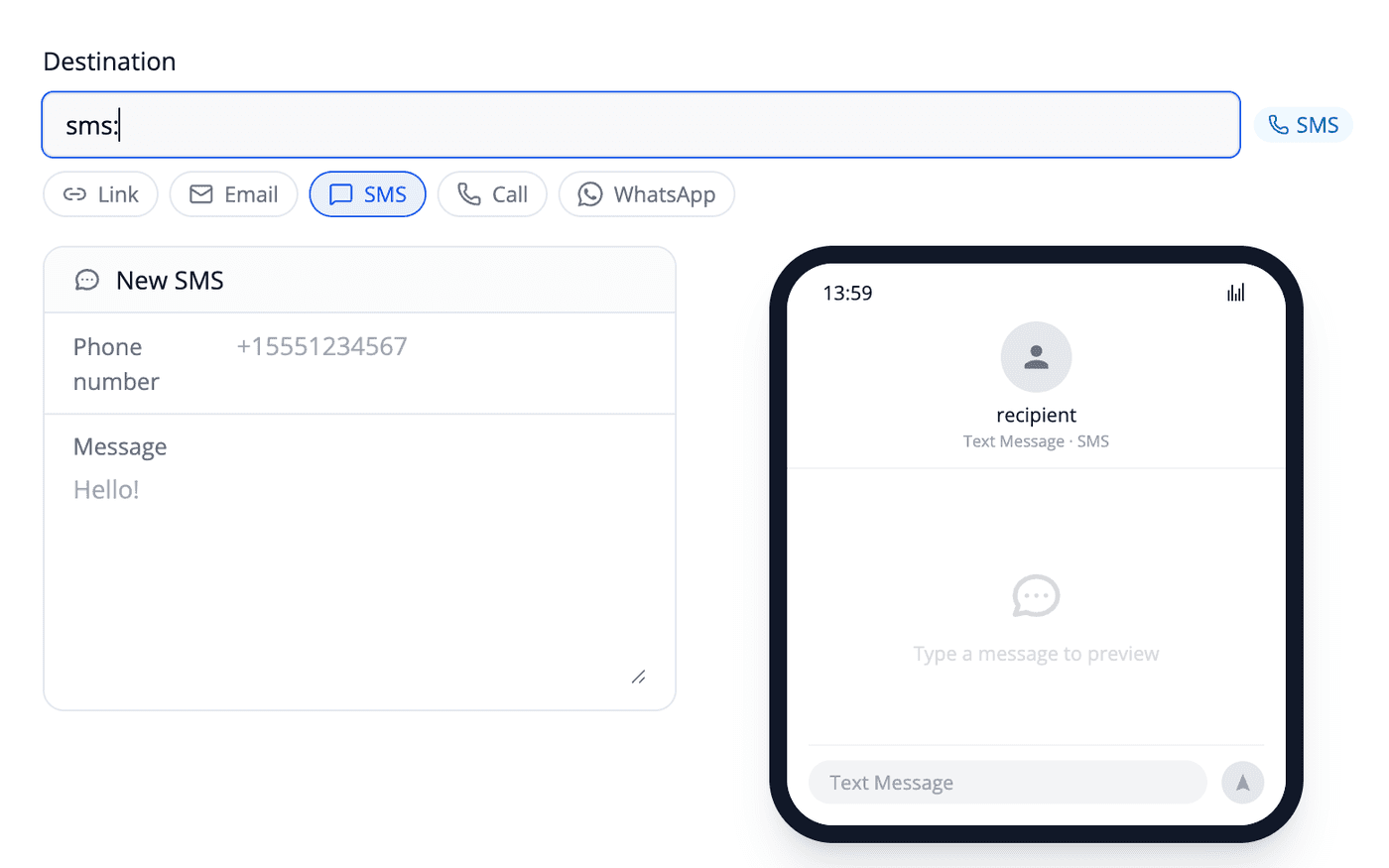
Enter your phone number in the Destination field.
Use the format sms:+(country code)(telephone number), for example sms:+15551234567. Linkly accepts the number with or without hyphens.
(Optional) Type a pre-filled message in the Message field.
Linkly will URL-encode the text and add it to your SMS link as a ?body= parameter. When the user clicks the link, their messaging app opens with this message ready to send.
Give your link a Nickname.
This is private and helps you find the link later. The end user will never see this.
Click Save.
Linkly will create your shortened SMS link and automatically generate a QR code.
How an SMS link is constructed
Under the hood, an SMS link looks like this:
sms:+15551234567?body=Hello%20world
The pieces:
sms:— the URI scheme. Always required.+15551234567— the destination phone number in E.164 format (a+followed by country code and the rest of the number). Hyphens are optional.?body=...— the optional pre-filled message. Spaces are URL-encoded as%20, commas as%2C, newlines as%0A.
Linkly's SMS link generator handles all of this encoding for you — just fill in the phone number and message fields.
QR codes for SMS links
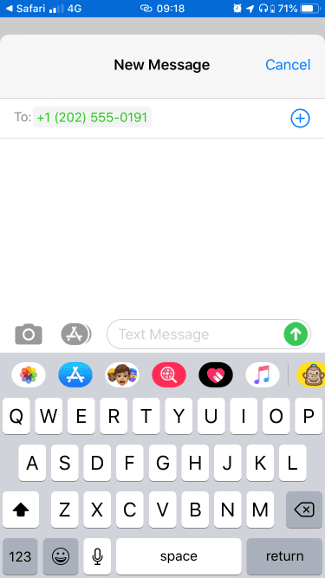
When you create an SMS link, Linkly automatically generates a QR code. When scanned, this QR code will prompt the user's device to send a text message to the number.
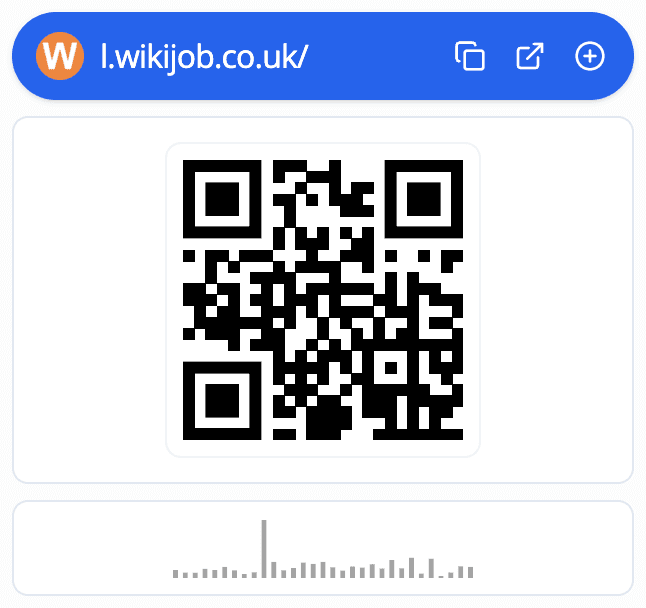
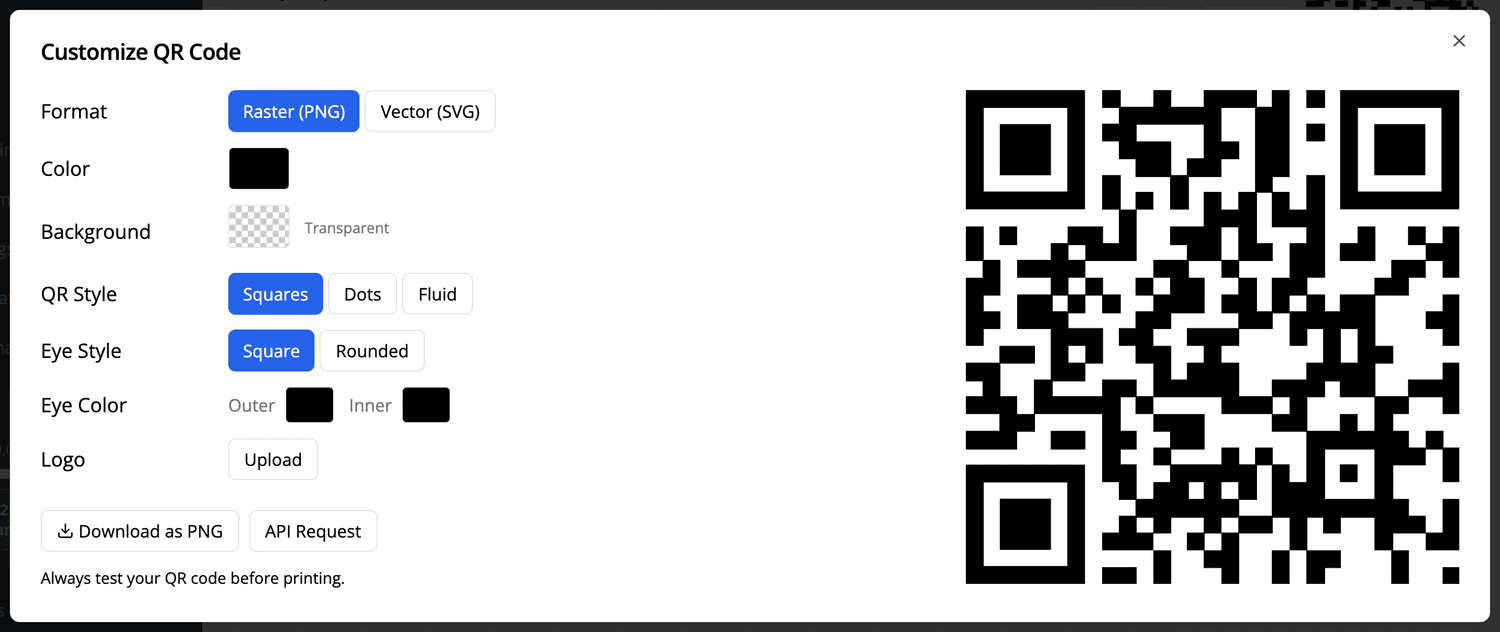
Click on the QR code to enlarge it. You can then save it for use in printed materials or digital marketing.
When scanned on a mobile device, the user will be prompted to send a message:
Redirecting to different numbers by country
You can redirect users to different phone numbers based on their location. On the Create New Link form, click Redirect by country under the destination and enter the SMS numbers for each region.
Any countries not covered by your list will go to the main Destination at the top.
Tracking SMS link clicks
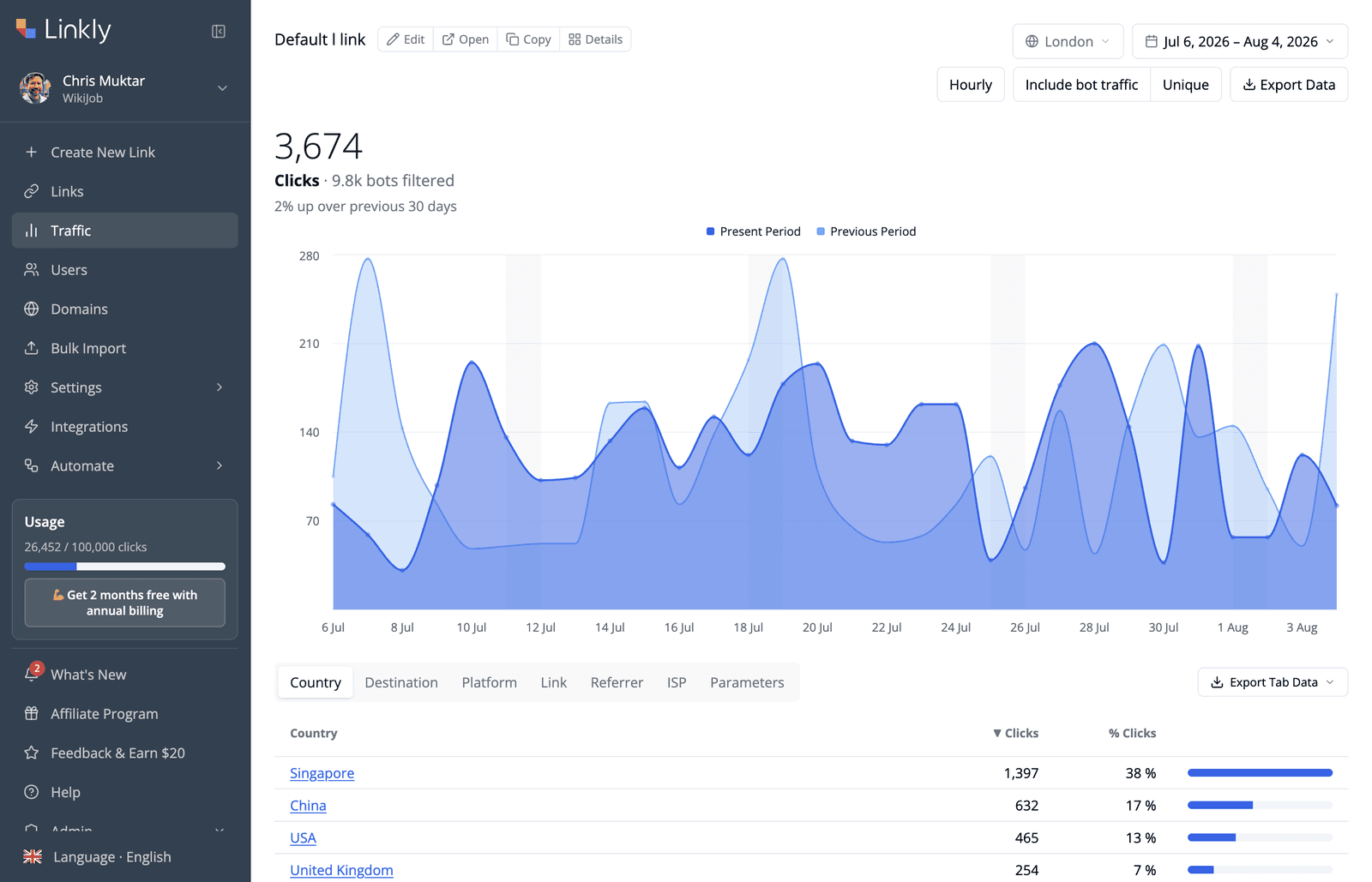
All of Linkly's click tracking and reporting features work with SMS links, just as they do for any other link type.
Frequently asked questions about SMS links
Can I pre-fill the message in an SMS link?
Yes. Linkly's SMS link generator lets you type a message body when creating the link — Linkly URL-encodes it and adds it as a ?body= parameter on the SMS link. When the user clicks the link, their messaging app opens with the message ready to send.
Can I track whether messages were actually sent?
Linkly can track clicks on SMS links, but cannot track whether someone actually sent the message. Click figures will usually be higher than the number of messages sent, as some users may close the messaging app without sending.
Do SMS links work on desktop computers?
SMS link behaviour depends on the browser and device. Desktop computers typically cannot send SMS messages. Apple and Android phones respond reliably.
Can I change the phone number after distributing a QR code?
Yes. The QR code points to your Linkly link, which then redirects to the SMS number. You can change the destination phone number at any time, even after printing and distributing the QR code.
Other actionable link types Linkly can track
SMS isn't the only protocol Linkly shortens. You can also create trackable, shortened links for:
-
Tel Links — trigger a phone call with a tap, perfect for mobile landing pages and contact CTAs.
-
Mailto Links — open the user's email client with To, CC, BCC, subject and body pre-filled.
-
WhatsApp Links — drop the user straight into a WhatsApp conversation with optional pre-filled text.
Like SMS links, each of these can be shortened, tracked, retargeted, and served from your own custom domain.
Get 100 short links and track 500 monthly clicks for free.