
How to Change your Linkly Password
Linkly doesn't use passwords — instead, we use a passwordless login system. This means there's no password to change, reset, or forget.
Every time you log in, you have two options:
Option 1: Magic link (email)
Enter your email address and click Continue with email. Linkly will send you a one-time magic link. Click the link in your email and you'll be logged in instantly.
Option 2: Log in with Google
Click Continue with Google to sign in using your Google account. This is the fastest option and doesn't require checking your email.
Both methods are more secure than traditional passwords because there's nothing to guess, steal, or reuse across sites.
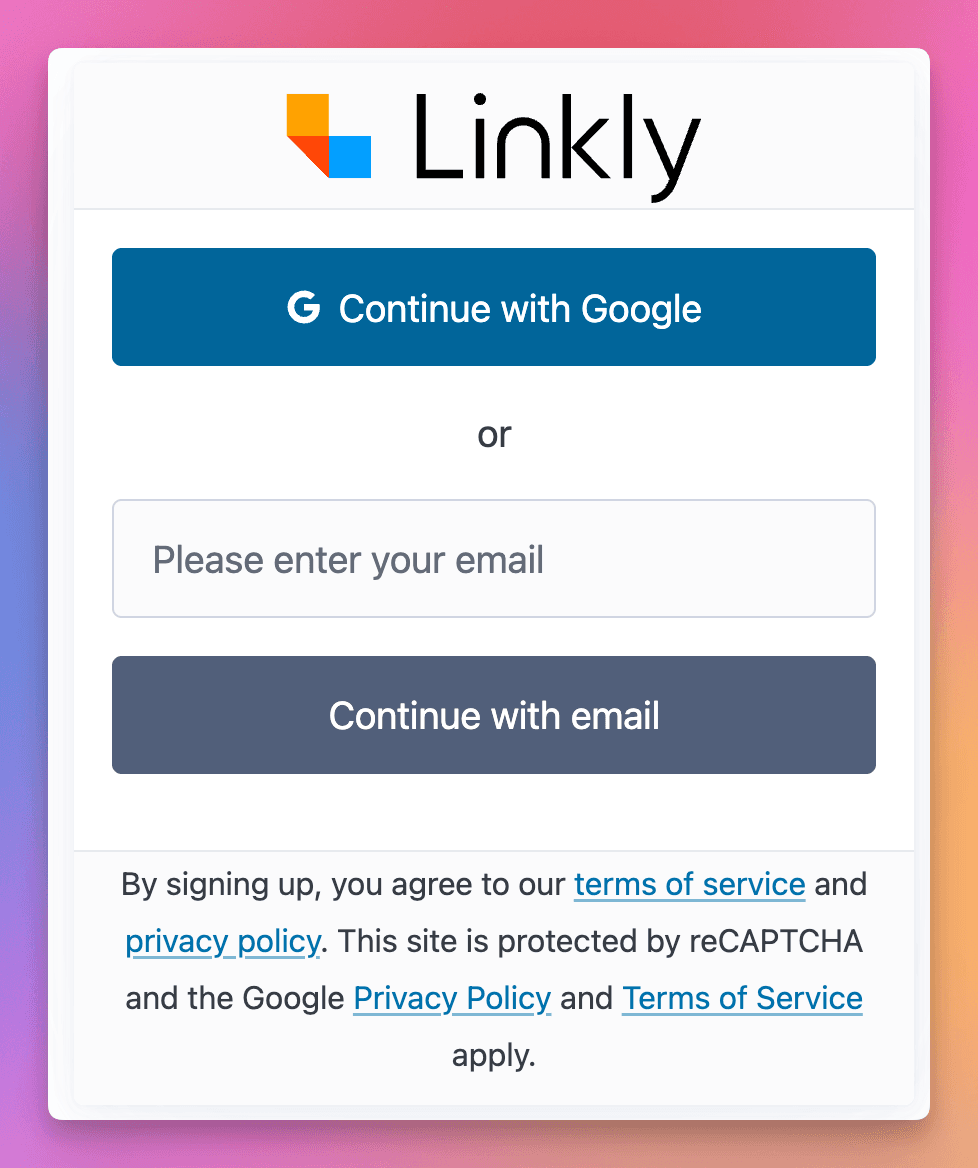
Linkly login page showing Continue with Google and email options
Frequently asked questions
How do I share my account with other users?
Add a user under Settings → Users.
Get 100 short links and track 500 monthly clicks for free.