Videos

Linkly Video Tutorials

Every feature, shown in under three minutes. Each video has chapters and a full transcript.

1:46

How to Create QR Codes in Bulk — Spreadsheet to Zip in One Minute

Need a QR code for every product, table, or poster? Here's how to create QR codes in bulk: paste a spreadsheet of URLs into Linkly, then export every QR code as PNG or SVG in a single zip. Every code is a dynamic QR code: change where it points after printing, and see every scan.

September 8, 20266 chapters
2:03

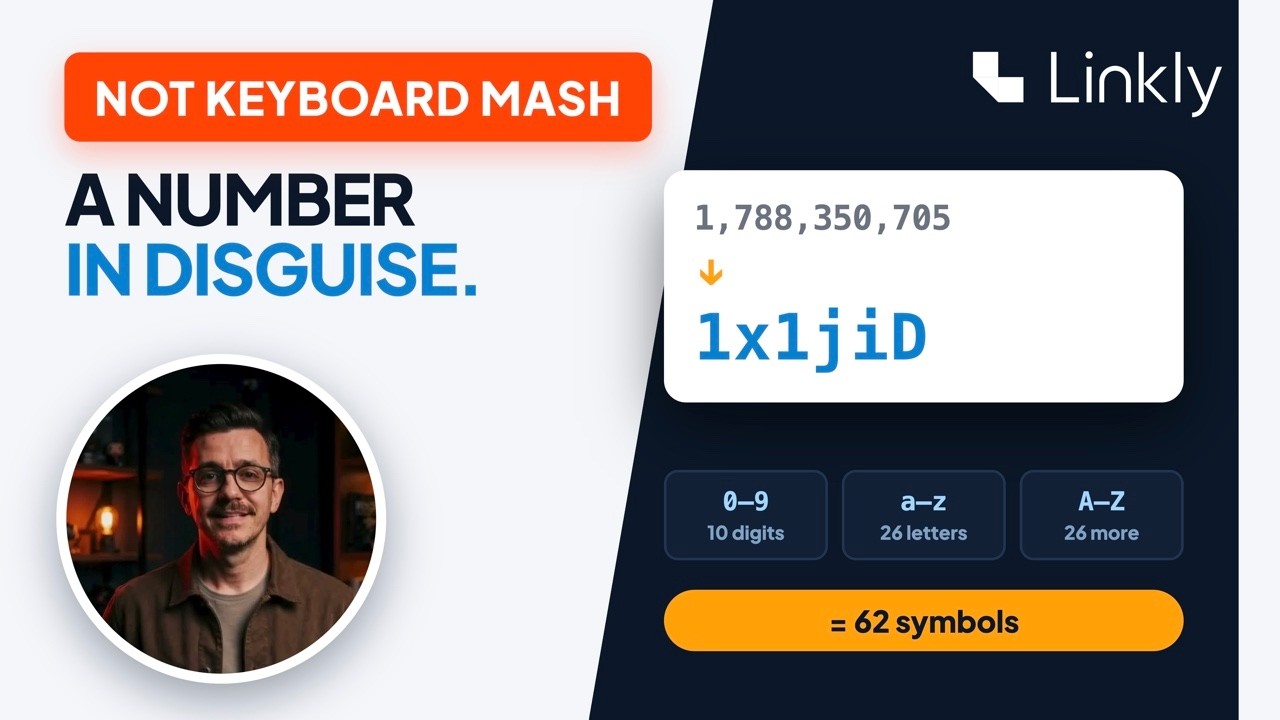
What Is Base62? Why Short Links Look Like That

The 62-symbol alphabet, link #1,788,350,705 becoming 1x1jiD, why base62 is the URL-safe sweet spot, and how Linkly uses base62 codes on linkly.link with random endings on customer domains.

September 5, 20265 chapters
1:32

301 vs 302 Redirects Explained — Which One Should Your Links Use?

301 or 302? One is a permanent move that transfers your rankings and gets cached by browsers — sometimes forever. The other is temporary: nothing transfers, nothing is memorized, and every visit checks fresh. This video explains both in plain English, shows how to check any link's redirect with a free tool, and why short links deliberately answer with a 302.

September 1, 20265 chapters
1:38

Retargeting Pixels Explained — Track & Retarget Clicks on Any Link

A retargeting pixel is how ads "follow" people around the internet — and normally it only works on your own website. This video explains what a tracking pixel actually is, how retargeting audiences are built, and the trick most marketers miss: putting your Meta, TikTok, GA4 or LinkedIn pixel on a Linkly short link, so every click joins your audience — even clicks to pages you don't own, like press coverage, marketplace listings, or affiliate products.

September 1, 20266 chapters
2:20

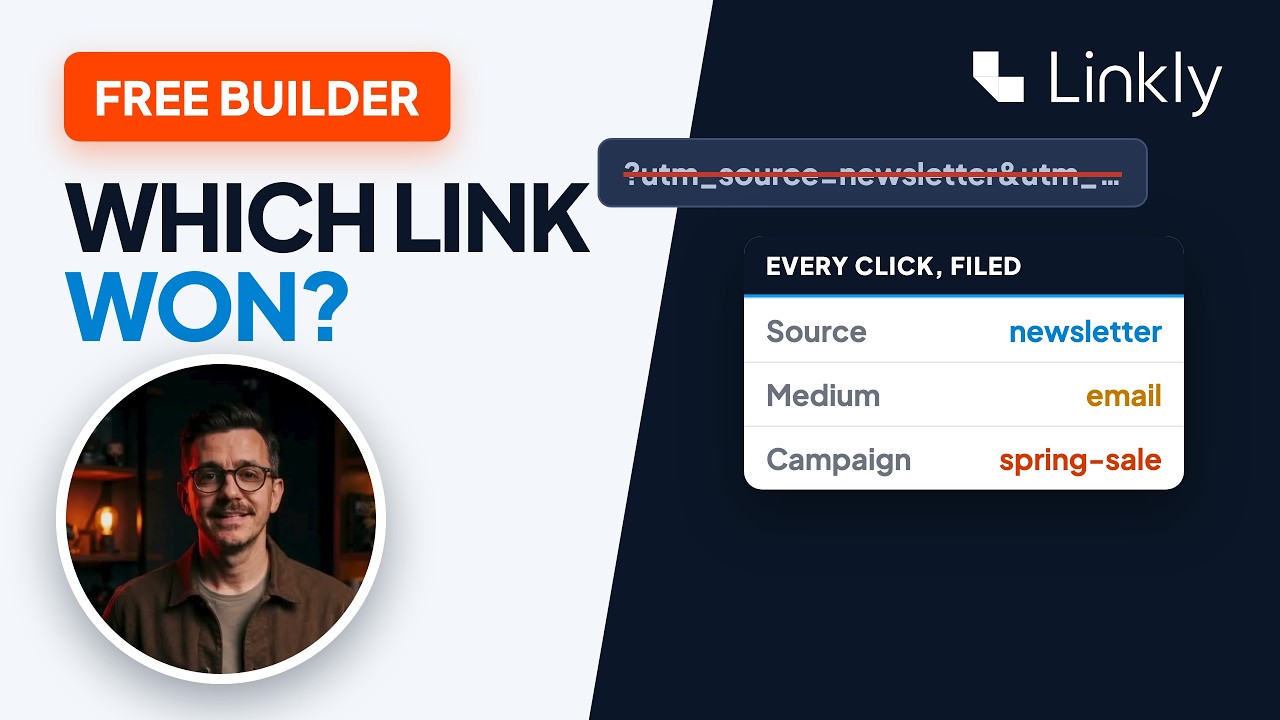
UTM Parameters Explained — Free UTM Builder + Tracking in GA4

UTM parameters are how marketers know exactly which link brought every visitor. This video shows the whole loop: what utm_source, utm_medium and utm_campaign actually mean, how to build a tagged link without typos in Linkly's free UTM builder, how to hide the mess behind one short link that still delivers every tag to Google Analytics, and where the click shows up — instantly in Linkly, and filed under source / medium / campaign in GA4.

September 1, 20268 chapters
1:24

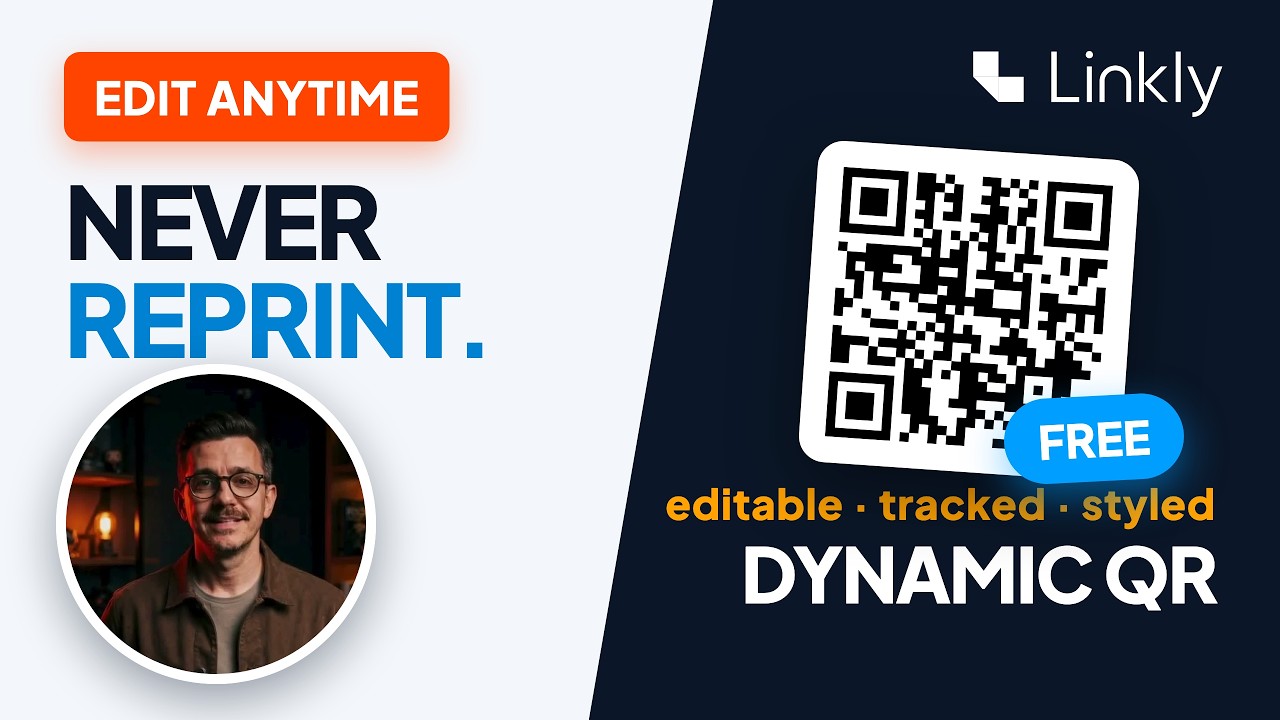
Dynamic QR Codes, Explained: Make a Free QR Code You Can Edit After Printing

Most QR tools charge a monthly subscription for dynamic QR codes. In Linkly, every QR code is dynamic and free — because it's just a short link wearing a costume. Watch a printed code change its destination without being reprinted, get styled with colours and a logo (it picks up your destination's icon automatically), and track every scan by country, device, and destination.

August 31, 20267 chapters
1:25

How to Rename a Link (the Text, the URL & the Preview)

"Rename a link" means three different things — and this video does all of them. One: the display text in a doc or an email — click the link, retype the text. Two: the address itself — you can't rename a page you don't own, but put a Linkly short link in front of it, name the ending anything you like, and put it on your own domain so nothing of the original address is left. Three: the preview — set a custom title and image for the card your link shows when it's shared.

August 31, 20267 chapters
1:23

What Is a URL Shortener? (And What They Actually Do)

The redirect is the easy part — see what a modern URL shortener actually does, live in Linkly. Shorten an unreadable link, track every click by country and device, put links on your own domain, change a destination after sharing, and tour the extras — QR codes, link rotators, geo redirects, Google Sheets sync, and more.

August 29, 20267 chapters
1:10

How to Change a Link's Destination — Without Changing the Link

The biggest advantage of a shortened URL — you can change where it sends people without touching the link itself. Watch a live short link flip from Apple's iPhone page to the Mac page in one edit, while the printed link, the QR code, and the click history all stay exactly the same.

August 28, 20266 chapters
1:26

How to Disguise a Link (Free) — Make Any Link Look Like Yours

Turn an ugly affiliate URL into a clean branded link in under a minute. Paste the messy link, rename it, and put it on your own domain — people still land exactly where you promised, but the link now looks like you. No code, and nothing for the person clicking to notice.

August 25, 20265 chapters
2:29

Link Rotator Tutorial — One Link, Multiple URLs (A/B Test Anything)

Build a link rotator in Linkly in about a minute — split one short link across multiple destination URLs, set the traffic percentages, then watch the Destination report show exactly where every click went. Ideal for A/B testing landing pages, rotating offers, or distributing WhatsApp group members.

August 21, 20266 chapters