
Exporting Linkly Data as JSON
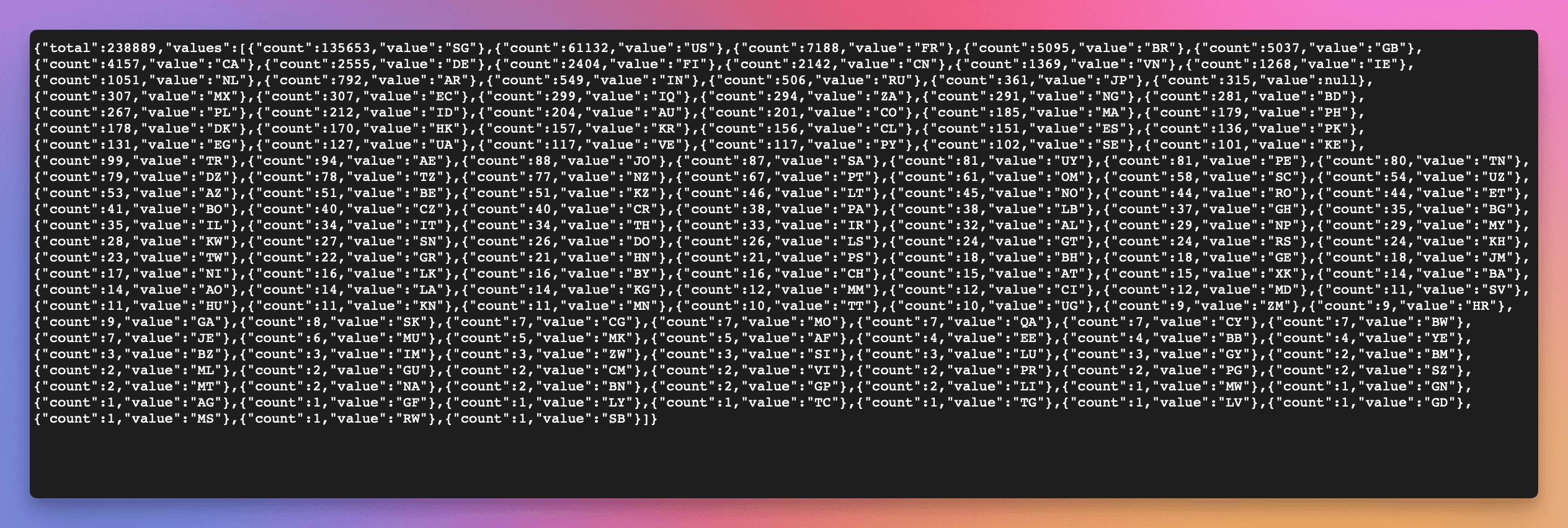
You can export data from Linkly as JSON feeds, which can be used in custom integrations, dashboards, or any application that consumes JSON data.
You can:
- Get a live JSON feed of any data in Linkly, by clicking the 'JSON' button wherever you see data.
- Use the feed in your own applications, by making HTTP requests to the JSON feed URL.
- Export daily data. This shows the total number of clicks per day for the current report.
Note: Exporting all raw click data as JSON is not available due to file size constraints. To export all raw data, use CSV export instead.
How to get a JSON feed
- 1View any Traffic report in Linkly.
- 2Click the Export Data tab.
- 3Click the JSON button to get the feed URL.
How to export data as JSON
View any Traffic report in Linkly.
Adjust the view so it contains just the dates & links you want to export.
Click the JSON button next to any data you see
You'll find them next to any chart or table.
Click Copy JSON Feed
Copy the JSON feed URL to use in your application or integration.
Frequently asked questions
What is the timezone of data?
All data on Linkly is recorded in UTC.
You can adjust the timezone by using the timezone dropdown in the top right hand corner of the traffic reports. The timezone of the main dashboard is always UTC.
How often is data updated?
Data is in general presented realtime.
If you are repeatedly requesting the same data, we may cache your request for up to 3 hours.
Can I export all raw click data as JSON?
No, exporting all raw click data as JSON is not available due to file size constraints. For raw data exports, use CSV export instead. JSON feeds are ideal for daily summaries and live dashboard integrations.
Plan availability
Available on Starter and above
Get 100 short links and track 500 monthly clicks for free.