Can You See Who Clicks Your Instagram Link? Here's What You Can See
Can you see who clicks your Instagram link? Instagram counts the taps, but it won't tell you where those people were, what they were using, or which of your posts did the work. Here's how to see all of that.
Transcript
The full spoken transcript, split by chapter.
- 0:00Can you see who clicks your Instagram link?
- Can you see who clicks your Instagram link? Sort of. Instagram counts the taps. It won't tell you where those people were, what they were using, or which of your posts did the work. Here's how to get the rest.
- 0:11What Instagram actually counts
- Open a story's insights and you get views, interactions, and accounts engaged. Link taps are folded into interactions. So you get a number. Not a place. Not a device. Not a post.
- 0:24Make a link you can read
- The fix is a link you can actually read. Make a short link for whatever you're sharing. Look, it's already named itself after the page. Use that in your story sticker or your bio instead.
- 0:34One link for every place, plus UTM tags
- Then give every place its own. One for the bio. One for this story. One for the newsletter. Same page behind all of them. And if you add the UTM tags, Google Analytics agrees with Linkly as well.
- 0:47Reading the report
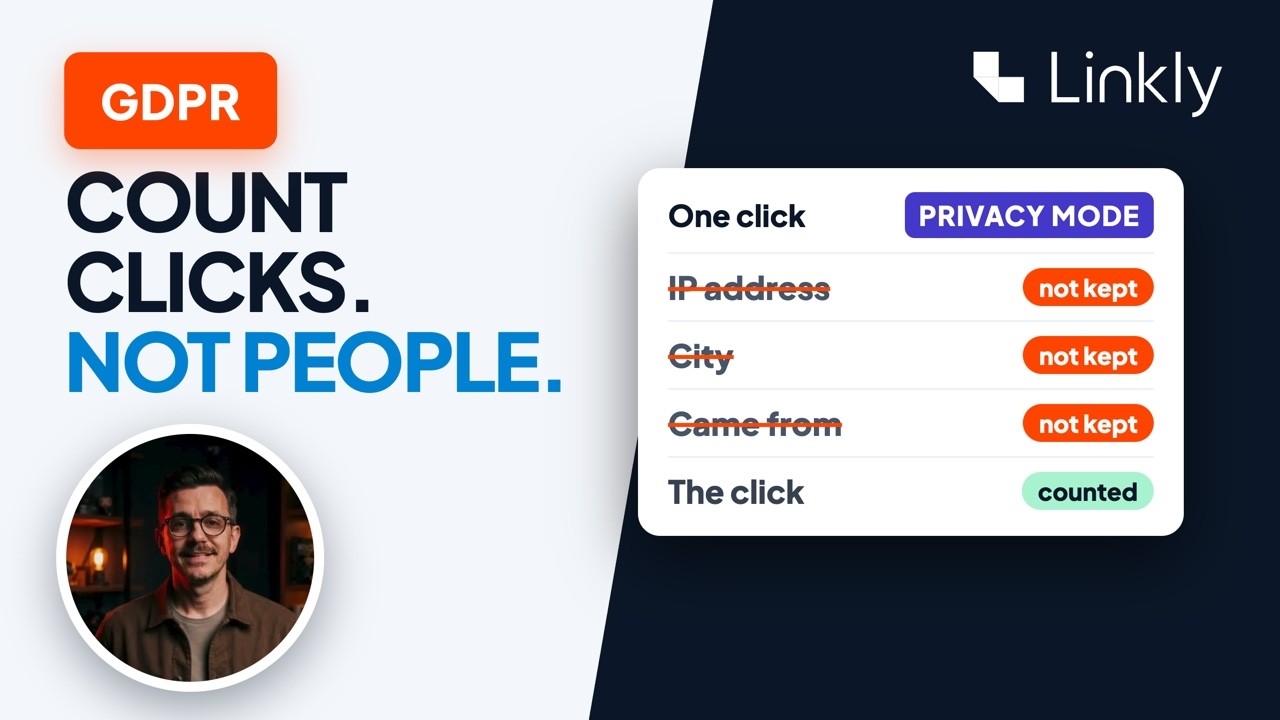
- Now watch the report. Human clicks, with the bots already filtered out. City and region. Phones versus desktops. And the referrer tells you whether it came from Instagram or somewhere else. And the link tab shows you which of the three did best.
- 1:02What you won't get (a name)
- What you won't get is a name. Nobody can give you that, and I'd be careful around anyone who says they can. But you do find out which story worked, in which city, on which phone. Honestly, that's the useful bit. So can you see who clicks your Instagram link? Not who. But now you can see everything else. It's free to start, and everything you need is just below this video.