QR Code Design That Still Scans — Logo, Colors & Eye Styles
Four rules for scannable styled codes, then a real Linkly QR styled live: brand color, dots, rounded tinted eyes, a logo pulled from the destination's favicon, and a print-ready PNG download.
Transcript
The full spoken transcript, split by chapter.
- 0:00Branded codes get scanned
- A plain QR code works. A branded one gets scanned. Colors, rounded eyes, even your logo in the middle. Today, how to style a QR code so it still scans every time.
- 0:11Four rules for scannability
- Four rules keep a styled code scannable. Keep contrast high. Dark pattern, light background. Leave the quiet zone alone. That white border is load bearing. A small logo fits fine, but a huge one breaks the code. And always test after styling.
- 0:28Style it in Linkly
- In Linkly, every link comes with a QR code. Pick your brand color for the pattern. Switch the style to dots. Round the eyes. Tint them. And the logo? If your destination has a favicon, Linkly drops it straight in. Or upload your own. Then download the finished PNG.
- 0:44Repoint without reprinting
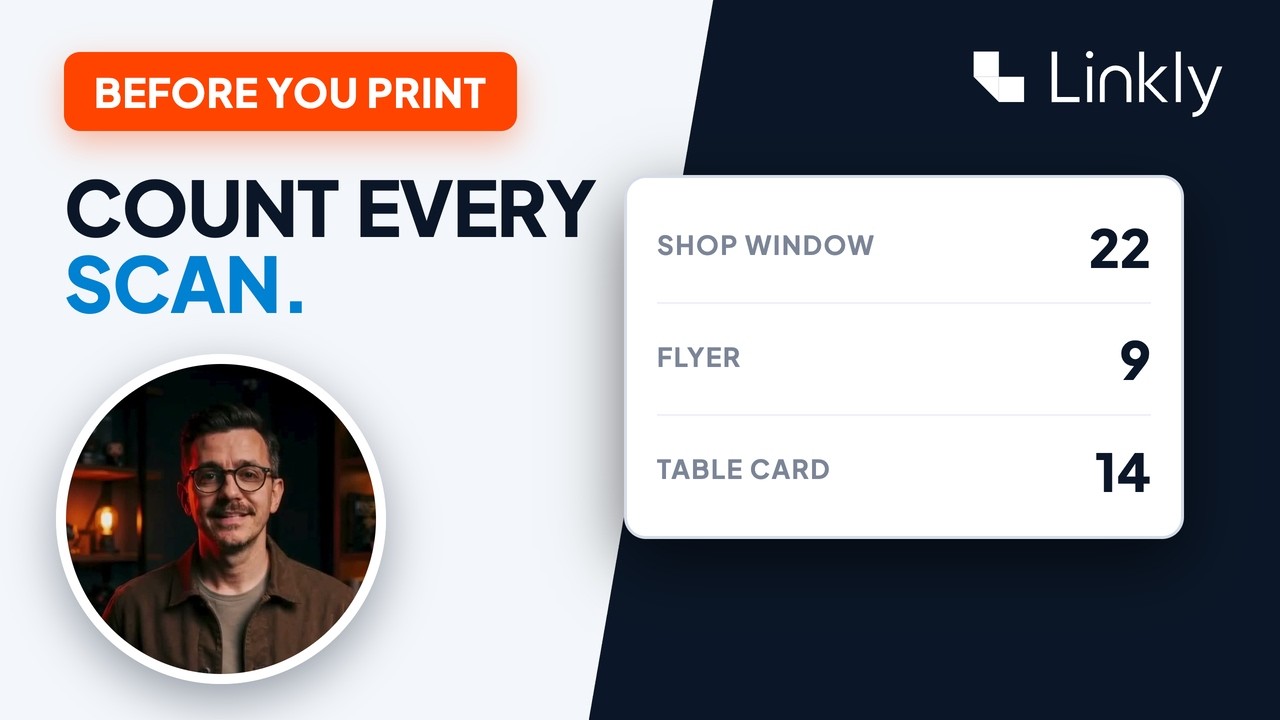
- The styled code still points at your short link. Repoint the link any time, without reprinting anything. And every scan shows up in your click stats. If you missed it, dynamic QR codes are the previous video. Everything you need is just below this video.