Instagram QR Code: Where to Find It (and Count the Scans)
Instagram can give you a QR code for your profile. Here's where to find it, and how to make a QR code that tells you how many people scanned.
Transcript
The full spoken transcript, split by chapter.
- 0:00Where to find Instagram's QR code
- Instagram can give you a QR code for your profile. Here's where to find it, and how to make one that tells you how many people scanned. Open your profile, then tap Share profile. Your QR code is right there. Friends can scan it to follow you.
- 0:14Make one that counts scans
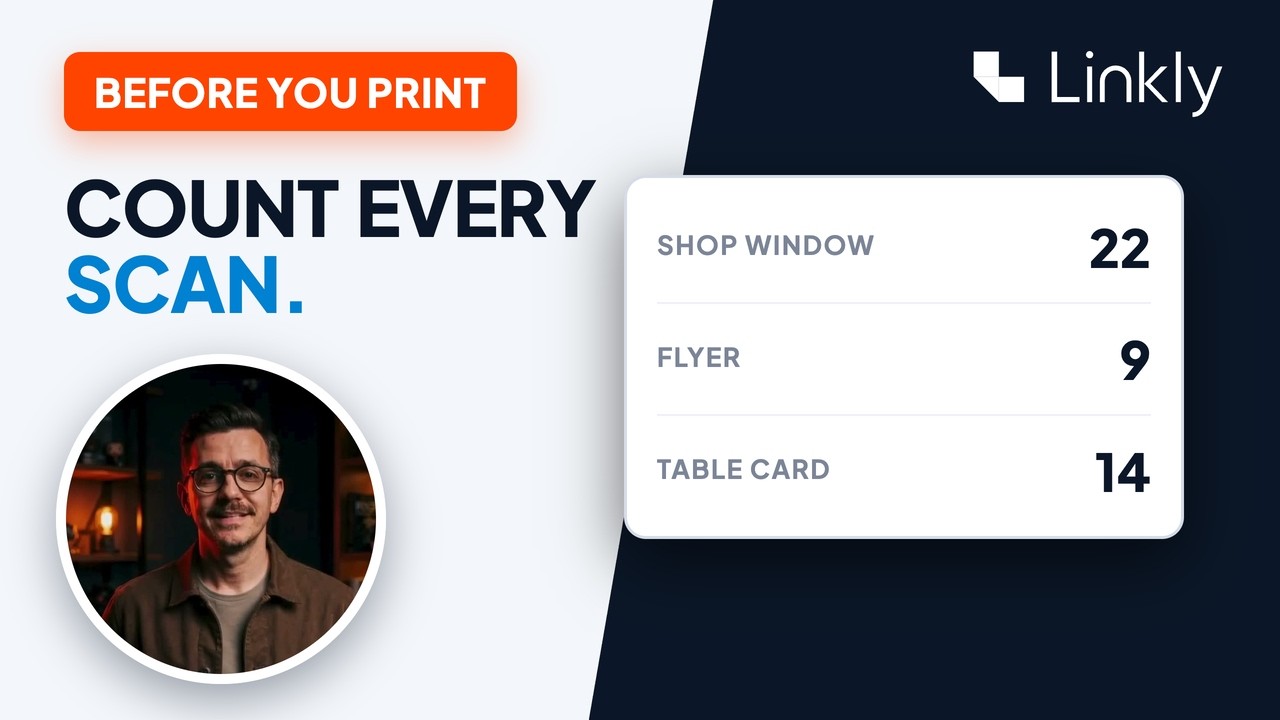
- If you'd rather have numbers, make your own. Paste your profile link into Linkly. The QR code comes with it. Every scan is counted. You can see where, and on what phone. Here, iPhones scanned it most.
- 0:26A different code for each place
- Put a different code on each thing you print. Then you can see which one worked. That's Instagram's own code, and here's one that counts its scans. It's free to start with Linkly, and everything you need is just below this video.