
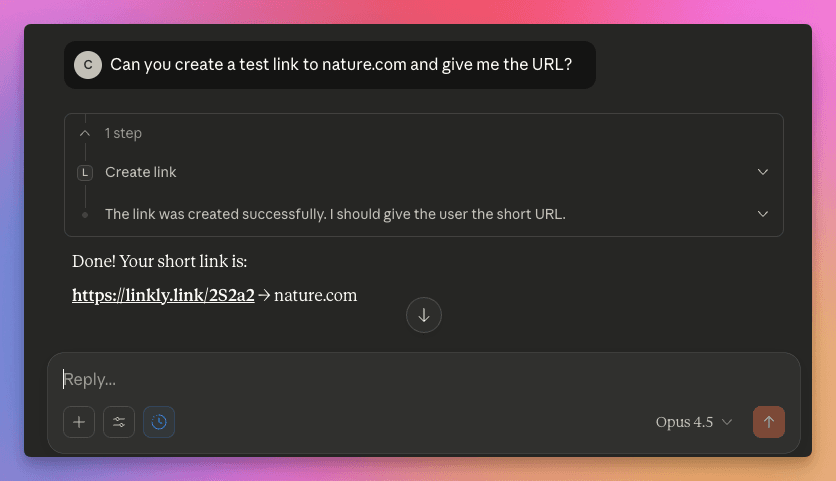
We're excited to announce the Linkly MCP server for Claude Desktop, allowing you to manage your short links through natural conversation.
What You Can Do
Once connected, simply ask Claude to:
- Create links - "Create a short link for https://example.com with UTM source twitter"
- View analytics - "How many clicks did my links get this week?"
- Update links - "Change the destination of my promo link"
- Search links - "Find all links related to the product launch"
- Manage webhooks - "Set up a webhook for click notifications"
Getting Started
- 1Get your API key from Settings → API in Linkly
- 2Add the Linkly MCP server to your Claude Desktop config
- 3Start chatting!
Check out our full setup guide for detailed instructions.
Get 100 short links and track 500 monthly clicks for free.