

Linkly Review 2026
Complete analysis of features, pricing, and alternatives
Last updated June 2026
Linkly Overview
Linkly Screenshots
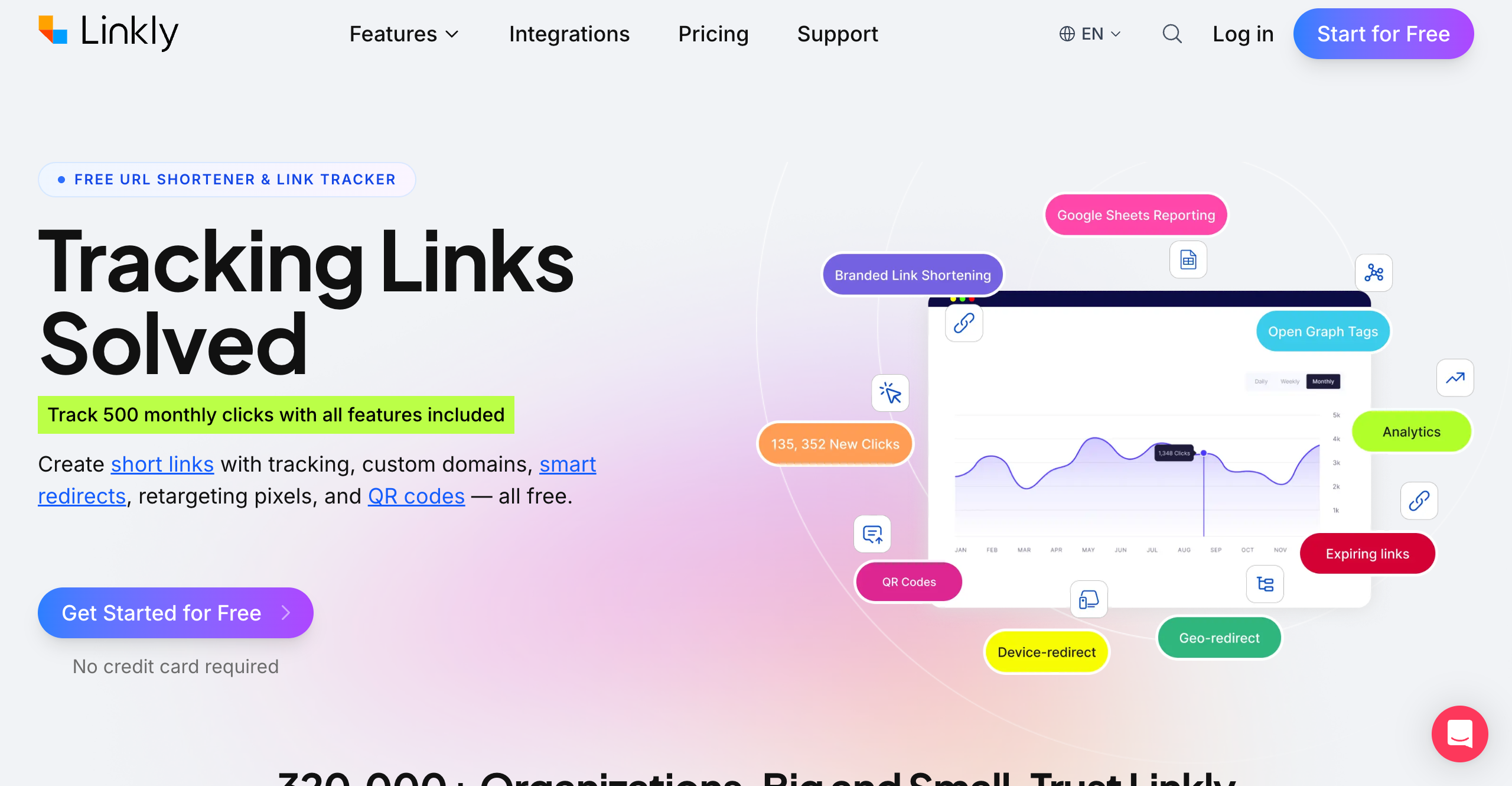
Homepage
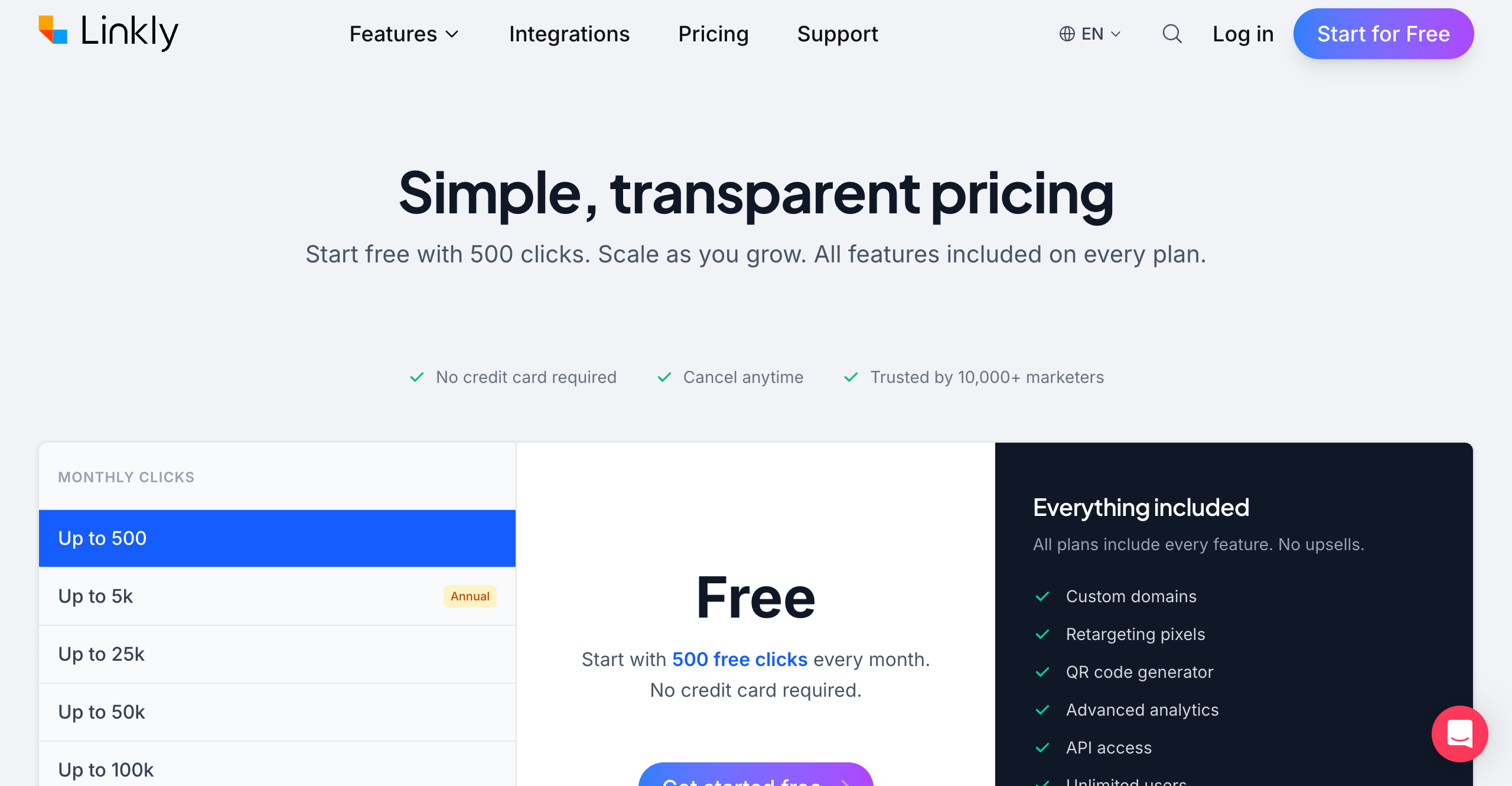
Pricing Page
Linkly Key Differentiator
Marketer-focused link management & attribution
Linkly Features
- Branded links
- Analytics
- Retargeting pixels
- UTM builder
- QR codes
- Rules (geo/device)
- Bulk operations
Linkly Target Users
- Marketers
- Publishers
- Affiliates
Linkly Integrations
- Zapier
- Google Sheets
- Meta Pixel
- Google Analytics
Linkly API
Linkly Compliance
Linkly is a UK-based marketing link management platform founded in 2018. Built specifically for marketers, publishers, and affiliates, Linkly takes a fundamentally different approach to pricing than most competitors, with pricing based on click volume rather than feature access.
Linkly Pricing
Linkly's pricing is structured around four named tiers — Free, Starter, Pro, and Business — with an Enterprise option for large organisations:
| Plan | Monthly | Annual (per month) |
|---|---|---|
| Free | $0 | — |
| Starter | — (annual only) | $15/mo |
| Pro | $39/mo | $32/mo |
| Business | $129/mo | $107/mo |
| Enterprise | Custom | Custom |
All paid plans include custom domains, retargeting pixels, QR codes, advanced analytics, full API access, unlimited users, unlimited links, geo and device routing rules, UTM builder, and bulk operations.
The free tier is genuinely useful, not just a demo. It provides enough for small projects, testing workflows, or personal use — with no credit card required, so the barrier to getting started is essentially zero.
Annual billing saves approximately two months versus paying month-to-month; Starter is available on annual billing only. Plans can be cancelled, upgraded, or downgraded at any time.
Linkly Features
Linkly's feature set is built around the needs of marketing teams managing links at scale:
- Branded Links -- Create short links using your own custom domains. Maintain brand consistency across all channels and build trust with your audience.
- Advanced Analytics -- Detailed click tracking with breakdowns by geography, device, browser, referrer, and time. Visual dashboards make it easy to understand performance at a glance.
- Retargeting Pixels -- Add Meta, Google, LinkedIn, Twitter, and other retargeting pixels to your links. Every click builds your retargeting audiences, turning link management into an active part of your paid media strategy.
- UTM Builder -- Automatically append UTM parameters to destination URLs. Ensure consistent campaign tracking across Google Analytics and other platforms without manual URL construction.
- QR Codes -- Generate QR codes for any link. Useful for print materials, packaging, events, and offline-to-online campaigns.
- Geo and Device Routing Rules -- Send users to different destination URLs based on their country, region, device type, or operating system. Run localized campaigns from a single link.
- Bulk Operations -- Create, update, and manage links in bulk. Essential for teams managing hundreds or thousands of links across campaigns.
- Google Sheets Live Feeds -- Connect link data directly to Google Sheets for real-time reporting and integration with existing workflows.
- API -- A full REST API for programmatic link creation, management, and analytics retrieval. Integrate Linkly into your existing tools and automation workflows.
Integrations extend Linkly's reach into the broader marketing stack: Zapier for automation, Google Sheets for reporting, Meta Pixel and Google Analytics for attribution, and the API for custom integrations.
Linkly is GDPR compliant, with data handling practices designed to meet European privacy requirements.
Linkly Pros and Cons
Pros:
- Comprehensive feature set. Retargeting pixels, routing rules, analytics, API access, custom domains, and team collaboration are all available.
- Retargeting pixel support. The ability to fire retargeting pixels from link clicks is a powerful marketing feature. Every shortened link becomes a touchpoint for building ad audiences across Meta, Google, and other platforms.
- Geo and device routing. Sophisticated routing rules let you create a single link that serves different destinations based on the user's location or device. This simplifies international campaigns and platform-specific promotions.
- Generous free tier. 500 clicks per month with no credit card requirement is a genuinely useful starting point.
- Simple, transparent pricing. Click-based pricing is easy to understand and predict. No hidden fees, no feature upsells, no per-seat charges.
Cons:
- Smaller brand than Bitly. Linkly does not have the name recognition of Bitly, which can matter when proposing tools to stakeholders who default to the most well-known option.
- No SOC2 or HIPAA certifications yet. For organizations in regulated industries that require these specific compliance certifications, Linkly may not meet procurement requirements.
- Younger platform. Founded in 2018, Linkly is newer than some competitors. While the platform is mature and stable, some enterprises prefer longer track records.
Who Is Linkly Best For?
Linkly is designed for teams where links are a working part of the marketing strategy, not just a cosmetic convenience:
- Marketers running paid campaigns. Retargeting pixel support means every link click contributes to your ad audiences. If you are spending money on Meta, Google, or LinkedIn ads, Linkly's pixel integration turns your links into an active part of your acquisition funnel.
- Publishers managing many links. Bulk operations, API access, and Google Sheets integration make it practical to manage hundreds or thousands of links across content, social media, and email campaigns.
- Affiliates needing click tracking. Detailed analytics, custom domains, and routing rules give affiliates the tools to track performance, optimize placements, and manage links across multiple campaigns and partners.
- Agencies managing multiple clients. Unlimited users, custom domains per client, and workspace organization let agencies manage link strategies for multiple clients without per-seat pricing eating into margins.
- Anyone wanting full features without enterprise pricing. If you have been quoted enterprise prices for features like retargeting pixels or routing rules on other platforms, Linkly includes them for free.
The Bottom Line
Linkly fills a genuine gap in the link management market. On one side, you have basic URL shorteners that offer little beyond creating short links. On the other, enterprise platforms charge hundreds or thousands per month for advanced marketing features. Linkly sits in between, offering the full marketing feature set -- retargeting, routing, analytics, API, team collaboration -- at prices that are accessible to individuals, small teams, and growing companies.
The all-features-every-plan approach is not just a pricing strategy; it reflects a belief that marketing tools should not be artificially restricted based on what you pay. Whether you are a solo marketer on the free tier or an agency on the highest plan, you get the same powerful toolkit. The only difference is scale.
Looking for a Linkly Alternative?
Try Linkly - the powerful URL shortener with advanced analytics, custom domains, and reliable tracking.
Try Linkly Free