# Linkly — Full Content for LLMs
> Linkly (linklyhq.com) is a marketing-focused URL shortener, link-management, and click-tracking platform. Create branded short links and QR codes on your own custom domain, track every click with detailed analytics, fire retargeting pixels, route visitors by country or device, and automate everything through a REST API, a command-line tool, and an MCP server.
This file concatenates the full text of Linkly's support documentation, blog, and release notes for LLM ingestion. It is auto-generated; see https://linklyhq.com/llms.txt for a concise index.
Generated: 2026-10-02T13:08:49.509Z
Sections: Documentation (152), Blog (114), Release notes (171)
---
# Documentation
---
# Stripe Integration - Track Which Links Make Sales
> Connect Stripe to Linkly and see which short links produce revenue. Payments, subscription renewals and refunds are recorded against the link that was clicked.
Source: https://linklyhq.com/support/stripe-integration
# Linkly & Stripe
Click counts tell you a link was popular. They don't tell you it made any money.
Install the [Linkly app from the Stripe App Marketplace](https://marketplace.stripe.com/apps/linkly-conversion-tracking) and every payment that came through a tracked Linkly link is recorded against that link. You can then compare emails, ads, creators and campaigns by revenue, not only by clicks. Subscription renewals are credited to the link that first won the customer, and refunds are subtracted.
## What you need
- A Linkly account. The free plan works.
- A Stripe account. The app is free, and it only reads: it never creates charges or changes anything in Stripe.
## Install and connect
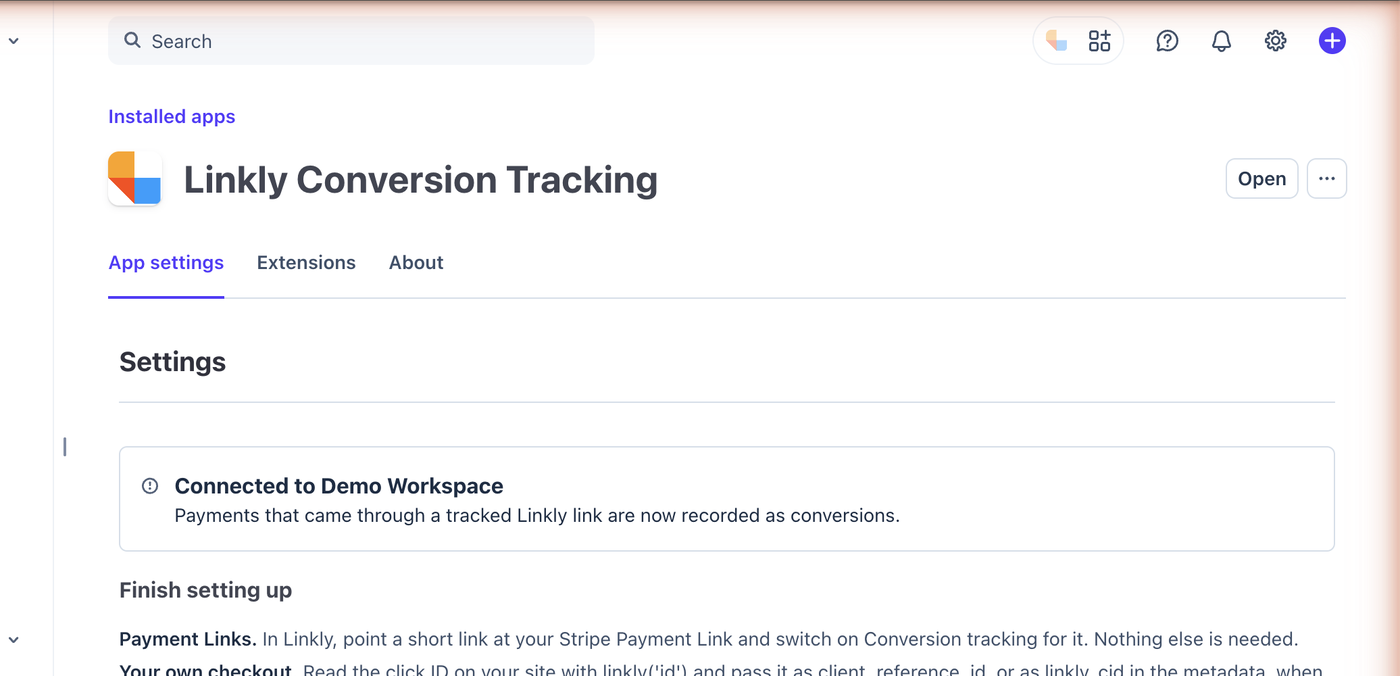
1. Install **[Linkly Conversion Tracking](https://marketplace.stripe.com/apps/linkly-conversion-tracking)** from the Stripe App Marketplace. After installing you land on the app's settings page.
2. Click **Connect to Linkly**. A new tab opens on Linkly.
3. Sign in to Linkly, choose the workspace this Stripe account belongs to, and click **Connect Stripe**.
4. Back in Stripe, click **Check again**. The page shows the workspace you connected.
Until a workspace is connected, nothing is recorded.
## Track Stripe Payment Links (no code)
1. In Linkly, create a link that points at your Stripe Payment Link, for example `https://buy.stripe.com/abc123`, or edit one you already have.
2. In the link's **Tracking & analytics** options, switch on **Conversion tracking**.
That is the whole setup. Share the short link as usual. When someone clicks it, Linkly adds a short random identifier for that click to the Payment Link address as `client_reference_id`. Stripe hands it back when the payment completes, and Linkly matches the payment to the click.
If your Payment Link already uses `client_reference_id` for your own reconciliation, Linkly leaves your value alone and that link's payments can't be matched. Use the metadata method below instead.
## Track your own checkout
If you create Checkout Sessions in your own code, pass the click identifier yourself. Add the Linkly script to your site:
```html
```
Read the identifier in the browser with `linkly('id')`, send it to your server with the order, and set it when you create the session:
```js
const session = await stripe.checkout.sessions.create({
client_reference_id: linklyClickId,
// ...the rest of your session
});
```
If `client_reference_id` is already taken, put it in the metadata instead, as `linkly_cid`, on the Checkout Session or on the Customer:
```js
await stripe.customers.create({
email: user.email,
metadata: { linkly_cid: linklyClickId },
});
```
A customer created with a click identifier is recorded as a lead, and every payment that customer makes afterwards is credited to the same link.
## What gets recorded
| Stripe event | What Linkly records |
|--------------|---------------------|
| **Checkout completed** | A sale with the amount, tax and currency. A free trial is recorded as a lead. |
| **Invoice paid** | A sale for the first invoice, a renewal for the ones that follow. |
| **Charge refunded** | A negative sale against the same link, so revenue nets out. |
| **Customer created or updated** | A lead, when the customer carries a click identifier. |
A few things worth knowing:
- **Only tracked links count.** Payments that didn't come through a Linkly link with conversion tracking on are ignored. Linkly never sees the rest of your sales.
- **A subscription counts once per payment.** Stripe reports the first payment of a subscription twice, as a checkout and as an invoice. Linkly records it once.
- **Delayed payment methods.** For bank debits and vouchers, the sale is recorded when the money arrives, not when the checkout is completed.
- **Test mode works.** Payments made in Stripe test mode or a sandbox are recorded too, which is the easiest way to check your setup. They are marked as test payments.
- **The identifier names a click, not a person.** It is random and carries no personal information.
## In the Stripe Dashboard
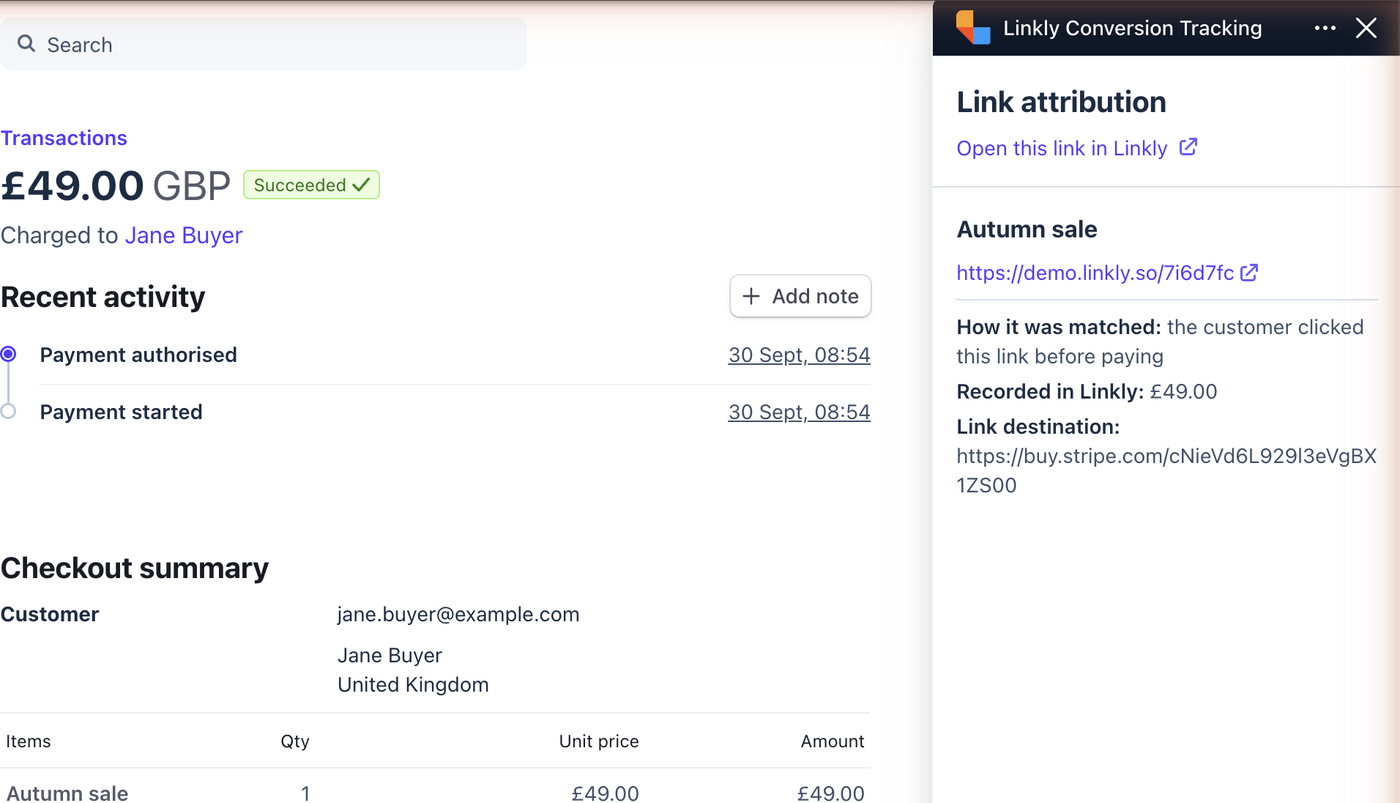
Open any payment in Stripe and the Linkly panel shows which short link it came from, how it was matched, the amount recorded, and a link to that link's analytics in Linkly. For a renewal it shows the link that first brought the customer in.
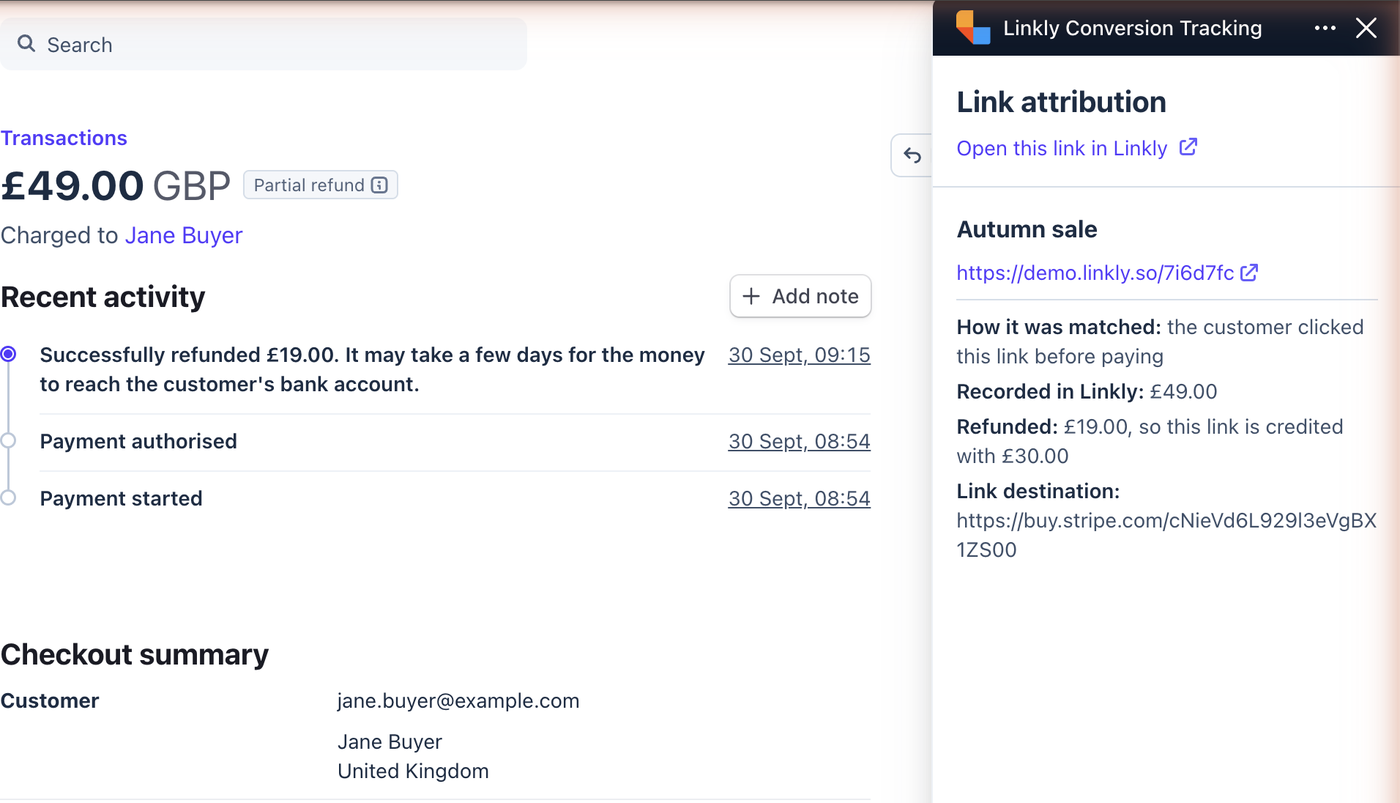
When a payment is refunded, in full or in part, the panel shows the refund and what the link is still credited with.
## Disconnect
Open the app's settings in Stripe and click **Disconnect**, or uninstall the app. Either one stops recording immediately. Conversions already recorded stay in your reports.
## Troubleshooting
**Payments aren't appearing.** Check that conversion tracking is on for the link, then click the short link yourself and confirm the Stripe address contains `client_reference_id=linkly_`. If it shows your own value instead, use the metadata method.
**The panel says "Connect your Linkly workspace".** The app is installed but no workspace is connected yet. Open the app's settings in Stripe (Apps, then Installed apps, then Linkly Conversion Tracking) and click **Connect to Linkly**.
**You can't find the app.** It is listed as [Linkly Conversion Tracking](https://marketplace.stripe.com/apps/linkly-conversion-tracking) on the Stripe App Marketplace, free, and installs into any Stripe account you administer.
**Links to a hosted invoice.** A link that points at an `invoice.stripe.com` page can't carry a click identifier, so those payments aren't matched yet.
---
# Google Form QR Code: How to Make a QR Code for a Google Form (Free)
> Make a QR code for a Google Form in about a minute. Copy the responder link, paste it into Linkly, print the QR code on the sign. Point the same QR code at next term's form later, and see every scan.
Source: https://linklyhq.com/support/google-form-qr-code
# How to Make a QR Code for a Google Form
A Google Form link is around ninety characters of letters and numbers. It works fine in an email, but nobody standing in front of a noticeboard, a sign-up sheet or a slide is going to type it into their phone. A **QR code** does the same job in one scan: point the camera, the form opens, they fill it in.
Google Forms does not have a QR code button of its own, so you need something to turn the form's link into a QR code. This guide uses Linkly, which gives you a QR code that you can **edit after printing** and that **counts every scan**, for free.
## Static or dynamic?
A free QR generator encodes the form's address directly into the QR code. That is a *static* QR code, and it is frozen: when next term's sign-up uses a new form, every printed copy still opens the old one.
Linkly makes *dynamic* QR codes. The QR code points at a short link, and the short link points at the form. Change the link's destination and every QR code already printed follows it, and because each scan passes through the link you can see how many people scanned, when, and where. The [static vs dynamic QR codes](https://linklyhq.com/blog/static-vs-dynamic-qr-codes) guide explains the difference in more detail.
**Video: How to Make a QR Code for a Google Form (Free)** — https://www.youtube.com/embed/fPmKC-VMnQA
Want a QR code for a Google Form? Here's how to make one in Linkly: copy the responder link, paste it in, and print the QR code on a sign. Nobody has to type a ninety character URL, and when next term's form is a new one you point the same QR code at it instead of reprinting.
- 0:00 — Why nobody types the link
- 0:22 — Get the form link, make the QR code
- 0:56 — Swap the form, keep the sign
- 1:09 — Every scan is counted
## How to create a QR code for a Google Form
1. **Copy the form's responder link.** — Open the form in Google Forms and click the **link icon** at the top (next to **Publish**), or click **Send** and choose the link tab. Copy the link. This is the *responder* link, the one people fill in, not the editing link in your browser's address bar.
If the form is new, publish it first. An unpublished form tells scanners it is not accepting responses.
2. **Sign in to Linkly and click **Create New Link**.** — [Create a free account](https://l.linklyhq.com/l/4a) if you don't have one yet.
3. **Paste the form link into the **Destination** field.** — Give the link a short ending you could read out loud, such as `/signup`, and a **Nickname** such as "Autumn plant fair form" so you can find it again next term. The nickname is private.
4. **Click **Save**.** — Linkly creates the short link and draws its QR code straight away. There is no separate generator to open.
5. **Download the QR code.** — Click the QR code to open it. You can change its colours, style and add a logo, then download a **PNG** for a sign or a slide, or an **SVG** if a designer is laying out the print. See [adding a logo to a QR code](https://linklyhq.com/support/qr-code-logo) and [SVG QR codes](https://linklyhq.com/support/qr-code-svg).
6. **Scan it once before you print.** — Point a phone camera at the QR code on your screen. The form should open in the browser with no app and no typing. Test on an iPhone and an Android phone if you can.
## Change the form later without reprinting
This is the reason to put a short link in front of the form rather than encoding the form's address directly.
When next term's sign-up is a new form, open the link in Linkly, paste the new form's responder link into **Destination**, and save. The QR code on the wall does not change; it simply starts opening the new form. The same trick works when you spot a mistake in the form and rebuild it, or when the survey closes and you want the QR code to send people to a thank-you page instead.
## See how many people scanned
Every scan is a click on the short link, so Linkly's [QR code analytics](https://linklyhq.com/support/qr-code-analytics) show you how many people scanned the QR code, when, from which town, and on what kind of phone. That tells you whether the sign is in the right spot, whether the noticeboard gets read at all, and which of several signs is pulling its weight.
If you have the same form in several places, make one short link per place, each with its own QR code. They all open the same form, but you get a scan count for each.
## Tips for Google Form QR codes
* **Put a short instruction next to the QR code**, such as "Scan to sign up" or "Scan to give feedback". People scan when they know what they will get.
* **Check who can respond.** In the form's **Settings**, under **Responses**, an option restricts the form to people in your organisation. Leave it off for a public sign-up, or scanners with personal Google accounts will be asked to sign in and turned away.
* **Pre-filled links work too.** Google Forms can produce a link with some answers already filled in (**⋮ → Get pre-filled link**). Put one behind each QR code and you can tell which sign, table or event a response came from, even before you look at the scan counts.
* **Keep it big enough.** A QR code printed smaller than about 2 cm across is hard to scan from arm's length. Leave a clear margin around it.
* **Use your own domain.** [Attaching a custom domain](https://linklyhq.com/support/custom-domain) puts your own name in the link and makes the QR code more trusted by phones and content filters.
## Frequently asked questions
### Does Google Forms have a built-in QR code generator?
No. Google Forms gives you a link, not a QR code. Some browsers can turn any page into a static QR code from the share menu, but that QR code is fixed forever and tells you nothing about scans. Linkly's QR code can be redirected later and counts every scan.
### Is it free to make a QR code for a Google Form?
Yes. Every Linkly link comes with a QR code, including on the [free plan](https://linklyhq.com/support/free-plan), and the QR codes do not expire.
### Can I change the form after the QR code is printed?
Yes. Edit the short link's destination in Linkly and every printed QR code opens the new form from then on. Nothing needs reprinting.
### Do people need the Google Forms app to scan it?
No. The QR code opens the form in the phone's browser. The camera app on both iPhone and Android reads QR codes without any extra app.
### Can I see who scanned the QR code?
You can see how many people scanned it, when, from roughly where, and on what device. You cannot see who they were unless the form itself asks for their name or email.
### Can I add my school or company logo to the QR code?
Yes. Click the QR code in Linkly to change its colours and add a logo. See the guide on [adding a logo to a QR code](https://linklyhq.com/support/qr-code-logo).
### Does the QR code stop working when the form closes?
The QR code keeps working for as long as the link exists. If the form has stopped accepting responses, scanners see Google's closed-form message, so point the link at a thank-you page or the next form instead.
### Can I make one QR code for several forms?
A QR code opens one destination at a time. Make one link per form, or reuse the same link and change its destination as each form replaces the last.
## Related QR code guides
- **[Create QR Codes](https://linklyhq.com/support/create-qr-codes)** - the complete guide to dynamic QR codes in Linkly
- **[Google Review QR Code](https://linklyhq.com/support/google-review-qr-code)** - collect more reviews from a table card
- **[Location QR Code](https://linklyhq.com/support/location-qr-code)** - one scan opens Google Maps at your venue
- **[Add a Logo to a QR Code](https://linklyhq.com/support/qr-code-logo)** - branded QR codes that still scan
- **[QR Code Analytics](https://linklyhq.com/support/qr-code-analytics)** - track scans by time, place and device
**Available on:** Free, Starter, Pro, Business, Enterprise plans
---
# Google Review QR Code: Get More Google Reviews From One Scan
> Make a QR code for your Google review page. Copy the review link from your Business Profile, paste it into Linkly, and print it on a table card or receipt. Customers land on the star box, and you can see which spot gets scanned.
Source: https://linklyhq.com/support/google-review-qr-code
# How to Make a QR Code for Google Reviews
Most customers will happily leave you a review. They just will not go hunting for the page to do it on. Asking someone to "find us on Google" afterwards is five steps, and most people stop at three. A **Google review QR code** on the counter, the table or the receipt makes it two: point the camera, write the review.
This guide shows how to get your review link from Google, turn it into a QR code you can edit and track, and where to put it so it actually gets scanned.
## Google's own QR code, and why not to use it
Google Business Profile hands you a review link, and it will even draw a QR code for it. That QR code is *static*: it is frozen the day you print it, and it tells you nothing. You cannot see whether the table cards or the receipts are the ones bringing reviews in, and if you ever want the QR code to go somewhere else, you reprint.
Put the same review link behind a Linkly short link instead and the QR code becomes yours: every scan is counted, you can make one per location or placement and compare them, and the destination can be changed later without touching the print.
**Video: QR Code for Google Reviews: Get More Reviews From One Scan** — https://www.youtube.com/embed/ClAx40MC1Lo
Want more Google reviews? Here's how to make a QR code for your Google review page in Linkly: copy the review link from your Business Profile, paste it in, and print the QR code on a table card or a receipt. Customers land straight on the star box, and you can see which spot actually gets scanned.
- 0:00 — Why asking doesn't work
- 0:22 — Get your Google review link
- 0:33 — Make the QR code, and what they see
- 0:59 — Which spot actually works
## How to create a Google review QR code
1. **Get your Google review link.** — Sign in to Google as your business and open your **Business Profile** (search for your business name in Google, or open Google Maps). Click **Ask for reviews** and copy the link. It opens your business's review box directly.
2. **Sign in to Linkly and click **Create New Link**.** — [Create a free account](https://l.linklyhq.com/l/4a) if you don't have one yet. The free plan covers a small shop easily.
3. **Paste the review link into the **Destination** field.** — Give the link a short ending such as `/review`, and a **Nickname** such as "Reviews - table cards" so you can tell your QR codes apart later.
4. **Click **Save**.** — Same destination, same star box, but now it is a link you own. The QR code is drawn as soon as the link exists.
5. **Download the QR code and send it to print.** — Click the QR code to add your colours or logo, then download a **PNG** or an **SVG** for whoever prints your table cards. See [adding a logo to a QR code](https://linklyhq.com/support/qr-code-logo).
6. **Scan it yourself first.** — Point a phone at the QR code on your screen. It should land on your business's review box with the stars ready to tap.
## What customers see
The scan opens your business's Google review box, with the star rating ready to tap and a box for the comment. If the Google Maps app is installed it opens there; otherwise it opens in the browser. Customers who are not signed in to Google are asked to sign in first, which is Google's rule, not something the QR code controls.
You cannot pre-select the rating. The QR code opens the box, and people write what they write.
## Where to put it
* **Table cards and tent cards**, which is usually the winner for cafés and restaurants.
* **The counter or the till**, at the moment people are paying and pleased.
* **Receipts and invoices**, printed or emailed.
* **Packaging inserts** for online orders, with a line thanking them for the purchase.
* **After-service messages** by SMS or email, where the same short link works as a tappable link.
* **Your email signature**, for a service business.
Whatever you print, put a short line next to the QR code: "Enjoyed your visit? Scan to leave us a Google review." People scan when they know what will happen.
## Which spot actually works
Here is the trick worth stealing from the video. Make **one QR code per placement**: one short link for the table cards, another for the till receipts, another for the packaging insert. They all open the same review box, but each has its own scan count in [Linkly's analytics](https://linklyhq.com/support/qr-code-analytics), so a month later you can see which spot brings the reviews in and print more of that one.
If you run more than one location, make one link per location too, each pointing at that location's review link.
## Changing where the QR code goes
Because the QR code points at a short link, its destination can change later. Open a new branch and repoint the old cards. Decide you would rather collect Tripadvisor or Trustpilot reviews for a while, and switch the same QR code over. If a review link ever changes, edit the link once and every card in the building follows.
## A note on Google's rules
Google's review policies allow you to ask customers for reviews, and a QR code is a good way to do it. They do not allow offering discounts or gifts in exchange for reviews, or showing the review link only to customers you expect to be positive. Ask everyone, and let the reviews speak for themselves.
## Frequently asked questions
### Where do I find my Google review link?
Sign in to Google as your business, open your Business Profile and click **Ask for reviews**. The link it shows opens your review box directly. Paste it into Linkly as the destination.
### Can the QR code pre-select five stars?
No. The scan opens the review box with the stars empty. Customers choose the rating themselves.
### Is it against Google's rules to use a QR code for reviews?
No. Asking for reviews is allowed. Offering incentives for reviews, or only asking customers you expect to be positive, is not.
### Do customers need the Google Maps app?
No. If the app is installed the review box opens there, otherwise it opens in the browser. Customers do need to be signed in to a Google account to post a review, which is Google's requirement.
### Can I have one QR code for each location or each table?
Yes. Make one short link per location or placement, each with its own QR code and its own scan count. Compare them in your analytics.
### Can I see how many people scanned it?
Yes. Every scan is a click on the short link, so you see totals over time, by placement if you made one link per placement, and by device. Google shows you the reviews themselves.
### Can I change where the QR code goes later?
Yes. Edit the short link's destination in Linkly and every printed QR code follows it. Nothing needs reprinting.
### Is it free?
Yes. Every Linkly link comes with a QR code, including on the [free plan](https://linklyhq.com/support/free-plan), and the QR codes do not expire.
## Related QR code guides
- **[Create QR Codes](https://linklyhq.com/support/create-qr-codes)** - the complete guide to dynamic QR codes in Linkly
- **[Location QR Code](https://linklyhq.com/support/location-qr-code)** - one scan opens Google Maps at your door
- **[Google Form QR Code](https://linklyhq.com/support/google-form-qr-code)** - collect feedback with your own form
- **[Add a Logo to a QR Code](https://linklyhq.com/support/qr-code-logo)** - branded QR codes that still scan
- **[QR Code Analytics](https://linklyhq.com/support/qr-code-analytics)** - track scans by time, place and device
**Available on:** Free, Starter, Pro, Business, Enterprise plans
---
# Location QR Code: Make a QR Code for a Google Maps Location
> Turn a Google Maps place into a QR code. Copy the share link from Maps, paste it into Linkly, print the QR code. One scan opens the pin with directions ready, and you can move the QR code to a new venue without reprinting.
Source: https://linklyhq.com/support/location-qr-code
# How to Make a QR Code for a Location
An address printed on a flyer, a poster or an invitation means someone has to read it, type it into a maps app, and get it right. A **location QR code** skips all of that: one scan and Google Maps opens on the pin, with the directions button already there.
Any maps link works. This guide uses Google Maps because it is on almost every phone, but a link from Apple Maps, Waze or any other map service can go behind the QR code in exactly the same way.
## Why make it with Linkly?
A free QR generator bakes the map link into the QR code itself, so the QR code is frozen from the moment it is printed. Linkly's QR codes point at a short link instead, which means:
* **You can move the pin later.** If the venue changes, edit the link and every printed QR code sends people to the new place.
* **Every scan is counted**, with the city it was scanned in and the kind of phone that scanned it.
* **The QR code can carry your logo and colours**, and live on your own domain.
**Video: Location QR Code Generator: One Scan Opens Google Maps** — https://www.youtube.com/embed/dEeKjoiXUfk
Want a QR code that opens your location in Google Maps? Here's how to make one in Linkly: copy the place link out of Maps, paste it in, and print the QR code. Nobody types an address, and if the venue changes you point the same QR code somewhere else.
- 0:00 — Getting people to the door
- 0:23 — Copy the link out of Maps, make the QR code
- 0:50 — What the scan opens
- 1:00 — When the venue moves
- 1:16 — Every scan is counted
## How to create a location QR code
1. **Copy the place link out of Google Maps.** — Find the place in Google Maps, click or tap **Share**, and choose **Copy link**. The link opens the pin with the directions button ready. If you want the QR code to open turn-by-turn directions straight away, get directions to the place first and share from there instead.
2. **Sign in to Linkly and click **Create New Link**.** — [Create a free account](https://l.linklyhq.com/l/4a) if you don't have one yet.
3. **Paste the map link into the **Destination** field.** — Give the link a short ending you can say out loud, such as `/venue` or `/find-us`, and a **Nickname** such as "Summer fair venue" so you can find it again in a month.
4. **Click **Save**.** — The short link and its QR code come back together. There is no separate generator step.
5. **Download the QR code.** — Click the QR code to style it and download a **PNG** for print or an **SVG** if a designer is laying out the flyer. See [SVG QR codes](https://linklyhq.com/support/qr-code-svg) for the print workflow.
6. **Scan it before you print.** — Point a phone at the QR code on your screen. Google Maps should open on the pin, in the app if it is installed and in the browser if not.
## What the scan opens
On a phone with the Google Maps app installed, the QR code opens the app on your pin, with **Directions** one tap away. Without the app, it opens the same place in the browser. Either way the person gets there without typing anything.
If most of your visitors use iPhones and you would rather open Apple Maps, share the place from Apple Maps instead and paste that link. A Waze link works the same way for drivers.
## When the venue moves
Venues move, rooms change, and the flyers are usually already printed when it happens. Open the link in Linkly, paste the new place's link into **Destination**, and save. The short link and the printed QR code stay exactly as they were; everyone who scans from then on is sent to the right place.
The same edit turns a one-off QR code into a permanent one. A "find us" QR code on your business card can follow you to a new office, and the QR code on a market stall's sign can point at this week's pitch.
## Every scan is counted
Because the QR code runs through a short link, Linkly's [analytics](https://linklyhq.com/support/qr-code-analytics) show how many people scanned it, when, which cities they were in, and what kind of phone they used. If you print the same location on flyers for three neighbourhoods, give each batch its own short link and QR code, and you will know where the next stack of flyers should go.
## Where location QR codes get used
* **Event flyers and posters**, so the address at the bottom becomes one scan.
* **Invitations**, for the ceremony, the reception and the hotel. For a wedding, pair it with a [wedding photo QR code](https://linklyhq.com/support/wedding-photo-qr-code).
* **Business cards and email signatures** for a shop or clinic.
* **Menus and table cards** that point at your second location.
* **Property boards and parcel labels**, where the address is the whole point.
## Frequently asked questions
### Does the QR code open the Google Maps app?
If the app is installed, yes. If not, the same place opens in the phone's browser. Nobody has to install anything to use it.
### Can I use Apple Maps or Waze instead of Google Maps?
Yes. Share the place from Apple Maps or Waze, paste that link into Linkly, and the QR code opens that app instead. Any maps link works.
### Can I change the location after the QR code is printed?
Yes. Edit the short link's destination and every printed QR code sends people to the new place. Nothing needs reprinting.
### Can I make a QR code that opens turn-by-turn directions?
Yes. In Google Maps, get directions to the place, then share the directions rather than the place. Paste that link into Linkly and the scan opens the route straight away.
### Can I see how many people scanned it?
Yes. Every scan is a click on the short link, so you see totals over time, the cities people scanned from, and their device type.
### Is it free?
Yes. Every Linkly link comes with a QR code, including on the [free plan](https://linklyhq.com/support/free-plan), and the QR codes do not expire.
### Can I add my logo to the QR code?
Yes. Click the QR code in Linkly to change its colours and add a logo. See [adding a logo to a QR code](https://linklyhq.com/support/qr-code-logo).
## Related QR code guides
- **[Create QR Codes](https://linklyhq.com/support/create-qr-codes)** - the complete guide to dynamic QR codes in Linkly
- **[Wedding Photo QR Code](https://linklyhq.com/support/wedding-photo-qr-code)** - one QR code that collects every guest's photos
- **[Google Review QR Code](https://linklyhq.com/support/google-review-qr-code)** - collect more reviews from a table card
- **[Add a Logo to a QR Code](https://linklyhq.com/support/qr-code-logo)** - branded QR codes that still scan
- **[QR Code Analytics](https://linklyhq.com/support/qr-code-analytics)** - track scans by time, place and device
**Available on:** Free, Starter, Pro, Business, Enterprise plans
---
# Power Automate Integration - Create Short Links and Pull Click Data From Your Flows
> Use the certified Linkly connector in Microsoft Power Automate to create short links, read click analytics and record conversions from any flow. Sign in with Linkly, no API key needed.
Source: https://linklyhq.com/support/power-automate-integration
# Linkly & Power Automate
## What is Power Automate?
**Microsoft Power Automate** is Microsoft's automation platform. A flow starts from a trigger, such as a new row in Excel, an item added to a SharePoint list, a form submitted or a schedule, and then runs a series of actions across Microsoft 365, Dynamics 365, Dataverse and hundreds of other services.
With the Linkly connector, one of those actions can be **Create or update a link**, and another can be **Get click analytics**. Short links get created where your data already lives, and click data flows back into the tools your team already reads.
## How to use Linkly & Power Automate
Linkly publishes a **certified connector** for the Power Platform. It is built and maintained by Linkly, signed in with your Linkly account, and needs no API key.
With the connector, a flow can:
* **Create short links** with a custom domain, slug, UTM parameters, retargeting pixels and social preview, then write the short URL back to the row, record or message that triggered it.
* **Update or trash existing links** by ID, for example to change a destination when a campaign page moves.
* **Read click analytics**: clicks over time for a workspace or a set of links, filtered by date, country, browser, platform, referrer or ISP.
* **Get click counts by dimension** such as country, city, platform, referrer or UTM parameter.
* **Record conversions** against the link that was clicked, and list recent conversions.
The connector is certified, which means Microsoft has reviewed and published it and it appears in the connector picker like any Microsoft connector. Certified connectors from third parties are classed as **Premium** in Power Automate, so your Microsoft licence needs to include premium connectors. The same connector is also available in Power Apps, Azure Logic Apps and Copilot Studio.
Microsoft rolls a newly certified connector out to its regions over a couple of weeks. If **Linkly** does not appear in the connector search yet, check again in a few days.
## Connect Linkly to Power Automate
1. In a flow, click **New step** (or the **+** button) and search for **Linkly**.
2. Pick an action, for example **Create or update a link**.
3. Power Automate asks you to create a connection. Click **Sign in with Linkly**.
4. Sign in to your Linkly account, choose the workspace this connection should use, and approve the request.
That is all. The connection is bound to the workspace you chose, so every action in a flow that uses it runs in that workspace. To automate a second workspace, create a second connection and pick it in the action's settings.
## Actions
### ➕ Create or update a link
Creates a short link, or updates an existing one when you supply a **Link ID**. The fields match the [New Link form](https://linklyhq.com/create-tracking-links) in Linkly:
* **Destination URL** is the only field you need to create a link.
* **Domain** and **Slug** put the link on your own [custom domain](https://linklyhq.com/support/custom-domain) with a path you choose. The slug must start with a slash, for example `/spring-sale`.
* **Name** is the nickname shown in your dashboard, and **Note** is a private note.
* **UTM Source**, **Medium**, **Campaign**, **Content** and **Term** are appended to the destination.
* **Meta Pixel ID**, **Google Analytics 4 Tag ID**, **Google Tag Manager ID** and **TikTok Pixel ID** fire retargeting and analytics tags on the click.
* **Open Graph Title**, **Description** and **Image** set the preview shown when the short link is shared on social media.
* **Block Bots**, **Forward Parameters**, **Cloaking**, **Hide Referrer**, **Head Tags**, **Body Tags** and **Enabled** work as they do in the app.
The action returns the new link, including its **short URL** and **ID**, which you can use in later steps.
### 🔍 Get a link
Fetches one link by its ID, with its destination, short URL and settings.
### 📋 List links
Returns a page of the links in a workspace with their click counts. Supports search and sorting, so a flow can find a link by name before updating it.
### 🗑️ Delete a link
Moves a link to the trash. Its short URL stops redirecting straight away, and the link can be restored from the trash in Linkly if it was deleted by mistake.
### 📈 Get click analytics
Returns click counts over time for a whole workspace or for specific links, optionally filtered by date range, country, browser, platform, referrer or ISP. This is the action to use for scheduled reports.
### 🌍 Get click counts by dimension
Returns clicks grouped by one dimension, ordered by count: country, city, platform, browser, referrer or a UTM parameter, for example "clicks by country this month".
### 🌐 List custom domains
Returns the custom domains configured in a workspace, so a flow can pick a valid **Domain** when creating links.
### 🎯 Report a conversion
Records a conversion such as a purchase, sign-up or custom event. Pass the `linkly_cid` value from your landing page URL as the attribution token and Linkly credits the conversion to the link that was clicked. This action needs [conversion tracking](https://linklyhq.com/support/conversion-tracking) on your workspace.
### 🧾 List conversions
Returns the most recent conversions recorded in the workspace.
### 🗂️ List workspaces
Returns the workspaces available to the connection. Actions that take a **Workspace** field show this list as a dropdown, so you rarely need to call it yourself.
## Flows to build
**Shorten every new row.** Trigger on a new row in an Excel table or SharePoint list that holds campaign URLs. Add **Create or update a link** with the row's URL as the destination and its campaign name as the UTM campaign, then update the row with the short URL the action returns. The sheet fills itself in.
**A weekly click report in Teams.** Use a **Recurrence** trigger, call **Get click analytics** for the past seven days, and post the totals to a Teams channel or send them by email. Add **Get click counts by dimension** for a top-countries table.
**Links for every Dynamics 365 campaign.** When a campaign is created in Dynamics 365 or a row is added in Dataverse, create a tracked link with the campaign's UTM fields and store the short URL on the record, so everyone in sales shares the same tracked link.
**Conversions from your CRM.** Store the `linkly_cid` from your landing page in the lead record. When the deal closes, call **Report a conversion** with that value and the deal amount, and the revenue shows up against the link, ad and partner that produced it.
## Things to know
* **One workspace per connection.** The workspace is chosen when you sign in. Create another connection for another workspace.
* **No click triggers.** The connector has actions only. To start a flow when a link is clicked, create a [Linkly webhook](https://linklyhq.com/support/webhooks) that posts to a flow built on the **When an HTTP request is received** trigger.
* **Rate limits.** Listing links is limited to one request every two seconds per workspace, and **Get click counts by dimension** returns a rate-limit error when the limit is exceeded. Add a short **Delay** step and retry if a flow hits either.
* **Not included:** bulk link creation, click exports and domain management. These are available through the [Linkly API](https://linklyhq.com/support/api).
* **Conversion actions** need conversion tracking to be enabled on the workspace; other workspaces receive an error from those two actions.
The connector mirrors the [Linkly API](https://linklyhq.com/support/api). If you prefer another automation tool, Linkly also has [Zapier](https://linklyhq.com/support/zapier-integration), [Make](https://linklyhq.com/support/make-integration) and [n8n](https://linklyhq.com/support/n8n-integration) integrations.
## Frequently asked questions
### Do I need a Linkly API key to use the Power Automate connector?
No. The connector uses OAuth. When you create a connection you click **Sign in with Linkly**, sign in, choose a workspace and approve it. There is no key to copy or rotate.
### Which Linkly plan do I need?
Any plan, including the free plan. Reporting and listing conversions also needs conversion tracking enabled on your workspace. On the Microsoft side the connector is classed as Premium, so your Power Automate licence must include premium connectors.
### Can I use the Linkly connector in Power Apps or Logic Apps?
Yes. Certified connectors are shared across the Power Platform, so the same Linkly connector and the same connections work in Power Apps, Azure Logic Apps and Copilot Studio.
### Is there a trigger for link clicks?
Not in the connector. Create a webhook in Linkly that posts each click to a flow that starts with the **When an HTTP request is received** trigger. That gives you the click's country, platform, browser, referrer and parameters in near real time.
### Does Delete a link remove the link permanently?
No. The link is moved to the trash and stops redirecting. You can restore it from the trash in Linkly.
### Which workspace do my actions run in?
Actions with a **Workspace** field show a dropdown of the workspaces available to the connection. Actions without one, such as **Get a link** and **Report a conversion**, use the workspace you chose when you signed in.
### I can't find Linkly in the connector search.
Microsoft rolls certified connectors out region by region over a couple of weeks after publication. Search again in a few days, and make sure your environment allows premium connectors.
**Available on:** Free, Starter, Pro, Business, Enterprise plans
---
# Video QR Code: Link a YouTube or Vimeo Video to a QR Code
> Make a QR code that plays a video. Copy the YouTube, Vimeo or hosted video link, paste it into Linkly, and print the QR code on the box, the card or the manual. Swap the video later behind the same QR code and count every scan.
Source: https://linklyhq.com/support/video-qr-code
# How to Make a QR Code for a Video
Paper cannot play a video, but a **video QR code** gets close: a small square on the card in the box, the instruction sheet or the poster, and the phone everybody already carries plays the video. No app to install, nothing to type.
Any video link works. YouTube and Vimeo are the usual choices, but a TikTok, an Instagram Reel, a Loom recording or a video file on your own website can sit behind the QR code just the same.
## Why make it with Linkly?
Most QR generators encode the video's address directly into the QR code, which means the QR code plays that one video forever. Linkly's QR codes point at a short link instead, so:
* **You can swap the video later.** Re-record the setup guide next year and the QR code already printed on ten thousand boxes plays the new one.
* **Every scan is counted**, so you know how many people watched and roughly where they were.
* **The QR code stays small and clean** enough to carry your logo, because it only has to hold a short link.
**Video: Video to QR Code: Play a Video From a Printed Page** — https://www.youtube.com/embed/NbogsMO326Q
Want a QR code that plays a video? Here's how to make one in Linkly: copy the video link, paste it in, and print the QR code on the box, the card or the manual. It plays on any phone, with no app to install, and you can swap the video later without reprinting anything.
- 0:00 — Paper can't play a video
- 0:18 — Copy the video link
- 0:29 — Make the QR code
- 0:55 — Swap the video later
- 1:09 — Every scan is counted
## How to create a video QR code
1. **Copy the video's link.** — Open the video on YouTube, Vimeo or wherever it lives, click **Share**, and copy the link. On YouTube you can tick **Start at** to make the video begin partway through. This is the only time you will touch the video platform.
2. **Sign in to Linkly and click **Create New Link**.** — [Create a free account](https://l.linklyhq.com/l/4a) if you don't have one yet.
3. **Paste the video link into the **Destination** field.** — Give the link a short ending such as `/setup` or `/how-to`, and a **Nickname** such as "Kettle setup video" that you will recognise next year.
4. **Click **Save**.** — The QR code is drawn as soon as the link exists. There is no second tool and no export step.
5. **Download the QR code.** — Click the QR code to style it, then download a **PNG** for print or an **SVG** if it is going on packaging, and hand that to whoever does your artwork. See [SVG QR codes](https://linklyhq.com/support/qr-code-svg).
6. **Scan it before it goes to print.** — Point a phone at the QR code on your screen. Some phones open the YouTube app and some open the browser; both play the video without an install.
## Swap the video later
This is the part people miss. Open the link in Linkly, paste the new video's link into **Destination**, and save. The QR code that is already printed starts playing the new video the same afternoon, and nobody needs to know.
That makes a printed QR code safe to commit to: a product insert can outlive three versions of the setup video, a museum label can get a better recording, and a conference poster can point at the talk once it has been uploaded.
## Every scan is counted
Every scan is a click on the short link, so Linkly's [QR code analytics](https://linklyhq.com/support/qr-code-analytics) show how many people watched, when, and roughly where. If nobody is scanning, the QR code is probably in the wrong place on the box. If you put the same video on the packaging and the instruction sheet, give each its own short link and QR code and you will know which one people actually use.
## Where video QR codes get used
* **Packaging inserts and product cards**, for the unboxing or setup video.
* **Instruction manuals**, where a two-minute video beats four pages of diagrams.
* **Posters and flyers** for an event, with the trailer behind the QR code.
* **Business cards**, linking to a short introduction.
* **Menus, labels and museum captions**, for the story behind the thing.
## Tips for video QR codes
* **Tell people what they will get.** "Scan to watch the setup video" next to the QR code gets more scans than a bare square.
* **Unlisted videos work.** A YouTube video set to *unlisted* plays for anyone with the link, so the video does not have to appear on your channel.
* **Keep the video short and phone-shaped.** People are usually standing up when they scan. A vertical video under two minutes is watched to the end far more often.
* **Host the file on a video platform.** Linkly hosts [PDFs](https://linklyhq.com/support/pdf-to-link) but not video files, so upload the video to YouTube, Vimeo or your own site and link to it.
## Frequently asked questions
### Do people need the YouTube app to watch?
No. If the app is installed the video opens there; if not, it plays in the phone's browser. Nothing needs installing.
### Can I use an unlisted or private video?
Unlisted works, because anyone with the link can watch. A private video only plays for accounts you have invited, so it is not suitable for a printed QR code.
### Can I change the video after the QR code is printed?
Yes. Edit the short link's destination in Linkly and every printed QR code plays the new video from then on.
### Can the video start at a particular moment?
Yes. Use the video platform's share option with a start time (on YouTube, tick **Start at**), and paste that link into Linkly.
### Can I use a TikTok, Instagram Reel or Loom video?
Yes. Any link that opens a video can sit behind the QR code. Bear in mind that some platforms ask people to sign in before playing.
### Can Linkly host the video file itself?
No. Linkly can host PDFs, but video files need to live on a video platform or your own website. The QR code then links to them.
### Can I see how many people watched?
You can see how many people scanned the QR code, when and roughly where. Watch time and completion stay in the video platform's own analytics.
### Is it free?
Yes. Every Linkly link comes with a QR code, including on the [free plan](https://linklyhq.com/support/free-plan), and the QR codes do not expire.
## Related QR code guides
- **[Create QR Codes](https://linklyhq.com/support/create-qr-codes)** - the complete guide to dynamic QR codes in Linkly
- **[PDF to Link](https://linklyhq.com/support/pdf-to-link)** - host a PDF and put it behind a QR code
- **[Google Form QR Code](https://linklyhq.com/support/google-form-qr-code)** - collect sign-ups and feedback from a sign
- **[Add a Logo to a QR Code](https://linklyhq.com/support/qr-code-logo)** - branded QR codes that still scan
- **[QR Code Analytics](https://linklyhq.com/support/qr-code-analytics)** - track scans by time, place and device
**Available on:** Free, Starter, Pro, Business, Enterprise plans
---
# Wedding QR Code for Photos: One Scan Collects Every Guest's Pictures
> Make one wedding QR code that collects every guest's photos. Create a shared album in Google Photos, iCloud or Dropbox, paste its link into Linkly, and print the QR code on the table cards. After the day, point the same QR code at the photographer's gallery.
Source: https://linklyhq.com/support/wedding-photo-qr-code
# How to Make a Wedding QR Code for Photos
Everyone at your wedding takes photos. Almost nobody sends them to you, because sending them is a faff and everyone has a train to catch. A **wedding photo QR code** on the table cards fixes that: guests scan it, land in a shared album, and add their photos while they are still at the table.
It costs nothing, it takes about ten minutes to set up, and you do it weeks before the day. After the wedding, the same QR code can point at the photographer's gallery, so any guest who kept a card still ends up in the right place.
## How it works
1. You create a **shared album** that guests can add to, in Google Photos, iCloud or Dropbox.
2. You put the album's link behind a **Linkly short link**, which draws the **QR code**.
3. The QR code goes on the table cards, the welcome sign or the order of service.
4. Guests scan and upload. Afterwards you can see when people scanned, and change where the QR code goes.
The short link is what makes this better than a free QR generator: the album link is long and unmemorable, the QR code can be redirected later, and every scan is counted.
**Video: Wedding QR Code for Photos: One Scan, Everyone's Pictures** — https://www.youtube.com/embed/o8E8p3YJaag
Want one QR code that collects everyone's wedding photos? Here's how to make one in Linkly: create a shared album, paste its link in, and print the QR code on your table cards. Guests scan and add their photos straight to the album, and after the day you point the same QR code at the photographer's gallery.
- 0:00 — The photos problem
- 0:24 — Album link in, QR code out
- 0:45 — What guests see
- 0:56 — Swap to the gallery afterwards
- 1:09 — When people scanned
## How to create a wedding photo QR code
1. **Create a shared album guests can add to.** — In **Google Photos**, create an album, open its sharing options, switch on the option that lets other people add photos, and copy the link. **iCloud Shared Albums** and **Dropbox** shared folders work too. Google Photos is the easiest when guests have a mix of iPhones and Android phones.
2. **Sign in to Linkly and click **Create New Link**.** — [Create a free account](https://l.linklyhq.com/l/4a) if you don't have one yet. The free plan covers a wedding comfortably.
3. **Paste the album link into the **Destination** field.** — Give the link an ending you could say across a room, such as `/photos` or `/ellie-and-sam`, and a **Nickname** such as "Wedding album" so you can find it again afterwards.
4. **Click **Save**.** — The QR code is drawn as soon as the link exists. Click it to match its colours to your stationery or add a monogram.
5. **Download the QR code and add it to your stationery.** — Download a **PNG** to drop into your own artwork, or an **SVG** for a stationer or printer. See [SVG QR codes](https://linklyhq.com/support/qr-code-svg) and [adding a logo to a QR code](https://linklyhq.com/support/qr-code-logo).
6. **Test it with a friend's phone.** — Scan the QR code from your screen with an iPhone and an Android phone, and try adding a photo, before anything goes to print.
## What guests see
Guests scan the QR code and land straight in the album, where they can look through the photos so far and add their own. Most can do it from the browser without installing anything. Depending on the album service, some guests are asked to sign in before they can upload: iCloud shared albums always ask for an Apple account, so if many guests use Android phones, Google Photos or Dropbox is the safer choice. Test with a friend before printing.
Put a short line next to the QR code so people know what it is for: "Scan to add your photos to our album" does the job.
## Where to print it
* **Table cards and place cards**, where guests are sitting down with their phones out.
* **A welcome sign** or the bar, for people arriving.
* **The order of service**, which many guests keep.
* **Invitations**, so early photos from the hen do and the stag do land in the same album.
* **Thank-you cards**, pointing at the finished gallery.
## After the day: point the QR code at the gallery
This is the part that makes it worth doing properly. When the photographer's gallery is ready, open the link in Linkly, paste the gallery's link into **Destination**, and save. The QR code on every card that guests took home now opens the professional photos instead. The album with everyone's phone pictures stays where it was; you just move the QR code.
## When people scanned
Because the QR code runs through a short link, you can see when people scanned it in [Linkly's analytics](https://linklyhq.com/support/qr-code-analytics). A spike during the speeches, another at about eleven at night. It is oddly lovely to look at afterwards, and it tells you the cards were in the right place.
## Frequently asked questions
### Do guests need an app to add photos?
Usually not. The album opens in the phone's browser. Some album services ask guests to sign in before they can upload, so test with a couple of phones before you print.
### Which shared album service should we use?
Google Photos works well for a mix of iPhones and Android phones. iCloud Shared Albums are easy for an all-iPhone crowd but ask for an Apple account. A Dropbox shared folder or file request also works. Whatever you choose, the QR code is made the same way.
### Can we change where the QR code goes after the wedding?
Yes. Edit the short link's destination in Linkly and every card guests kept opens the new place, such as the photographer's gallery.
### Can the QR code match our stationery?
Yes. Click the QR code in Linkly to change its colours, style and add a monogram or logo, and download it as an SVG for your stationer.
### Can we see how many guests used it?
Yes. Every scan is a click on the short link, so you can see how many people scanned, and when.
### Does the QR code expire?
No. The QR code keeps working for as long as the link exists, including on the [free plan](https://linklyhq.com/support/free-plan).
### Is it free?
Yes. Every Linkly link comes with a QR code, including on the free plan, which covers a wedding comfortably.
### Can we use one QR code for photos and another for directions?
Yes. Make a second link for the venue and print its QR code on the invitation. See the [location QR code](https://linklyhq.com/support/location-qr-code) guide.
## Related QR code guides
- **[Create QR Codes](https://linklyhq.com/support/create-qr-codes)** - the complete guide to dynamic QR codes in Linkly
- **[Location QR Code](https://linklyhq.com/support/location-qr-code)** - one scan opens the venue in Google Maps
- **[Video QR Code](https://linklyhq.com/support/video-qr-code)** - put the wedding video behind a QR code on the thank-you cards
- **[Add a Logo to a QR Code](https://linklyhq.com/support/qr-code-logo)** - a monogram in the QR code that still scans
- **[QR Code Analytics](https://linklyhq.com/support/qr-code-analytics)** - see when people scanned
**Available on:** Free, Starter, Pro, Business, Enterprise plans
---
# Conversion Tracking — Attribute Sales to Short Links
> See which short links actually produce sales. Connect Stripe or Calendly, use your existing Google Analytics 4 setup, or report sales from your own code, and Linkly attributes every purchase back to the click.
Source: https://linklyhq.com/support/conversion-tracking
# Conversion Tracking
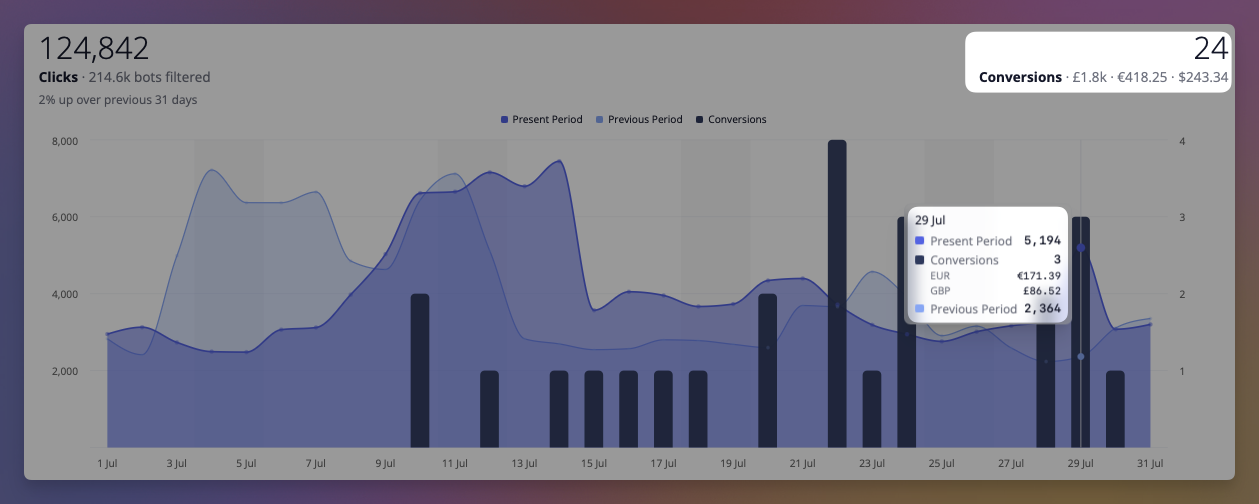
Click counts tell you a link was popular. They don't tell you it made any money.
Conversion tracking closes that gap. When someone clicks a Linkly link and later buys something, Linkly records the sale against the link that sent them — so you can see revenue per link, not just traffic per link.
## How it works
When conversion tracking is enabled on a link, Linkly adds a short identifier to the destination URL as it redirects:
```
https://yourstore.com/product?linkly_cid=2ejmw.01KYT5RTSHNMMPWWQ18V570TVG
```
That identifier names the click — not the person. It is remembered on the visitor's own device, and when a purchase happens it is sent back to Linkly so the sale can be matched to the click. If a purchase can't be matched to a link, Linkly discards it: your store is already the record of your sales, and Linkly's job is only to say which link earned them.
## Choosing an integration
There are four ways for a sale to reach Linkly, and a link only needs one. Pick the row that matches where the money changes hands.
| Integration | Best for | Setup |
|-------------|----------|-------|
| **Stripe app** | Stripe Payment Links, and any checkout built on Stripe | Install the app from the Stripe App Marketplace, no code for Payment Links |
| **Calendly** | Booking pages, where a booked meeting is the conversion | Connect Calendly in Linkly, no code |
| **Google Analytics 4** | Any site already sending purchases to GA4 | Add one script tag |
| **API** | Custom checkouts, server-side reporting | One HTTP request per sale |
Stripe and Calendly report over their own webhooks, so there is no script to install and nothing to add to the page. The other two rely on the Linkly script running on your site. When you paste a Stripe Payment Link or a Calendly page into the New Link form, Linkly points you at the right one.
### Stripe
Install **Linkly Conversion Tracking** from the [Stripe App Marketplace](https://marketplace.stripe.com/apps/linkly-conversion-tracking), click **Connect to Linkly** in the app, and choose the workspace the Stripe account belongs to. Then, for any link that points at a Stripe Payment Link, switch on **Conversion tracking** in its Tracking & analytics options. That is the whole setup: Linkly passes the click identifier to Stripe as `client_reference_id`, Stripe hands it back when the payment completes, and the sale is recorded against the link, with subscription renewals credited to the link that first won the customer and refunds subtracted.
If you build your own Checkout Sessions, pass the click identifier yourself as `client_reference_id`, or as `linkly_cid` in the metadata. The app is free and read-only. Full details in the [Stripe guide](https://linklyhq.com/support/stripe-integration).
### Calendly
Connect Calendly from **Integrations** in Linkly, then turn on conversion tracking for links that point at a Calendly booking page. Each booking made through one of those links is recorded as a lead conversion. See the [Calendly guide](https://linklyhq.com/support/calendly-integration).
### Google Analytics 4
If your site already sends purchases to GA4, Linkly can read the same event — no second integration and no changes to your existing tracking.
Add this to every page:
```html
```
There is nothing to configure and no key to copy — the attribution identifier already names the link, and a link belongs to one workspace, so Linkly works out where the sale belongs on its own.
Linkly watches for the GA4 `purchase` event and records a conversion when one fires, reading the transaction ID, value and currency from the event you're already sending. It works with gtag.js and with Google Tag Manager.
To track something other than purchases, list the events you want:
```html
```
To turn the GA4 bridge off and report conversions yourself, add `data-ga4="false"`.
### Reporting a sale yourself
For a custom checkout, report the sale from your own code:
```js
linkly('track', 'purchase', { amount_cents: 4999, currency: 'USD', event_id: 'order-1234' });
```
Server-side reporting is more reliable and is the better choice where you have the option, because it can't be blocked by the browser. Read the attribution identifier with `linkly('id')`, send it to your backend along with the order, and report the sale from there.
## Making sure it works
Always send an **event ID** — your order number is ideal. Linkly uses it to recognise a sale it has already seen, which is what stops a purchase being counted twice when a customer refreshes the confirmation page.
A few things worth knowing:
- **Only clicks on tracked links count.** Conversion tracking is enabled per link, so turn it on for the links you want measured.
- **A sale is credited to the most recent link the visitor clicked.** If someone clicks two of your links, the later one gets the credit.
- **Attribution isn't instant to set up.** A conversion can only be matched if the visitor arrived through a tracked link after the integration was live, so give it a day or so before judging the numbers.
## Privacy
The identifier Linkly adds to your links is random. It identifies a click, not a person, and it carries no personal information — it can't be traced to an individual by anyone who sees it.
Where an integration sends customer details, Linkly stores them separately from the sale itself, so a deletion request removes the person without destroying the record of which link earned the revenue.
## Troubleshooting
**No conversions are appearing.** Check the link has conversion tracking enabled, then click it yourself and confirm `linkly_cid` appears in the address bar on arrival. If it doesn't, the link isn't tracked. For a Stripe Payment Link, the New Link form and the Traffic page both say whether the Stripe app is connected to this workspace; if it isn't, nothing is recorded until it is.
**GA4 purchases aren't recorded.** Confirm the `purchase` event actually fires by watching GA4's DebugView while placing a test order. Linkly reads the same event, so if GA4 doesn't receive it, neither will Linkly.
**Numbers don't match my store exactly.** They shouldn't. Linkly counts only sales it can trace to one of your links; your store counts every sale. A gap between the two is the point of the feature, not a fault.
---
# Jotform Integration - Track Which Links Get Forms Submitted
> Connect Jotform to Linkly and see which short links turn into form submissions. Every submission is recorded as a conversion against the link that was clicked.
Source: https://linklyhq.com/support/jotform-integration
# Linkly & Jotform
Click counts tell you a form link was popular. They don't tell you whether anyone filled the form in.
Connect Jotform and Linkly records each submission as a conversion against the short link that was clicked. You can then compare links by submissions, not only by clicks: which email, which ad, which QR code, which social post actually brings in the leads.
## What you need
- A Linkly account. The free plan works.
- A Jotform account. Any plan works; webhooks and API keys are available on all of them.
## Connect Jotform
1. In Jotform, open **Settings**, then **API**, and click **Create New Key**. Set its permissions to **Full Access**. Linkly needs this to add a hidden field and a webhook to the forms you choose.
2. In Linkly, open **Integrations**, choose **Jotform**, paste the key and click **Connect Jotform**.
3. Linkly checks the key with Jotform and shows the account as connected. The key is stored encrypted and is never shown again.
## Choose the forms to track
Your forms are listed under the connected account. Click **Track submissions** next to each form you want to follow.
Tracking a form makes two changes to it, and nothing else:
- A hidden short-text field called **Linkly click id** (unique name `linkly_cid`). Nobody filling in the form sees it.
- A webhook that tells Linkly when the form is submitted.
**Stop tracking** removes the webhook. The hidden field stays, because deleting a field in Jotform deletes its answers from every past submission.
## Turn on conversion tracking for your form links
1. Create a Linkly link that points at your form, for example `https://form.jotform.com/251234567890123`, or edit one you already have.
2. In the link's **Tracking & analytics** options, switch on **Conversion tracking**.
That is the whole setup. Share the short link as usual.
## How it works
When someone clicks a tracked link, Linkly adds a short random identifier for that click to the form's address as it redirects, as `linkly_cid`. Jotform puts it into the hidden field, and when the form is submitted the webhook hands it back to Linkly, which matches the submission to the click.
A few things worth knowing:
- **Only tracked links count.** Submissions that didn't come through a Linkly link with conversion tracking on are ignored. Linkly never sees the rest of your submissions.
- **An edit is not a second submission.** When a respondent edits their submission, the original conversion stands and no new one is added.
- **The identifier names a click, not a person.** It is random and carries no personal information.
- **Jotform hosts the form page.** Because the form lives on jotform.com, there is no page of yours to put the tracking script on, and none is needed.
## Disconnect
Open **Integrations**, choose **Jotform**, and click **Disconnect**. Linkly removes its webhook from every tracked form and deletes the stored API key. Conversions already recorded stay in your reports.
You can also revoke the key from Jotform's API settings at any time; Linkly will then ask you to reconnect.
## Troubleshooting
**"Jotform did not accept that API key."** Check that you copied the whole key, and that it is a Full Access key. A Read Access key can list forms but cannot add the field or the webhook.
**The hidden field is showing on the form.** Occasionally Jotform adds the field without the hidden setting. In the Form Builder, open the field's properties, go to **Advanced**, and switch on **Hide Field**. Linkly shows a note next to the form when this is needed.
**Submissions aren't appearing.** Check that the form is tracked and that conversion tracking is on for the link, then click the short link yourself and confirm the form's address contains `linkly_cid=` followed by a code with a dot in it.
**Forms embedded on your own site.** If the short link goes to a page on your site that embeds a Jotform form, rather than to jotform.com directly, use [conversion tracking with linkly.js](https://linklyhq.com/support/conversion-tracking) on that page instead.
---
# Typeform Integration - Track Which Links Get Forms Filled In
> Connect Typeform to Linkly and see which short links turn into form submissions. Every completed form is recorded as a conversion against the link that was clicked.
Source: https://linklyhq.com/support/typeform-integration
# Linkly & Typeform
Click counts tell you a form link was popular. They don't tell you whether anyone filled the form in.
Connect Typeform and Linkly records each completed form as a conversion against the short link that was clicked. You can then compare links by submissions, not only by clicks: which email, which ad, which QR code, which partner's link actually brings in responses.
## What you need
- A Linkly account. The free plan works.
- A Typeform account. URL parameters are a free Typeform feature. Webhooks, which carry the responses to Linkly, are listed on Typeform's paid plans (Basic and up); if Typeform refuses the webhook when you switch tracking on, that is the reason.
## Connect Typeform
1. In Linkly, open **Integrations** and choose **Typeform**.
2. Click **Connect Typeform** and approve access on Typeform's screen.
3. You are returned to Linkly with the account shown as connected, and a list of its forms.
4. Switch on **Tracking** for each form you share through Linkly links.
Switching tracking on does two things in Typeform: it adds a URL parameter named `linkly_cid` to the form (Typeform calls these hidden fields), and it registers a webhook that sends Linkly each completed response for that form. Nothing else about the form changes.
## Turn on conversion tracking for your form links
1. Create a Linkly link that points at your form, for example `https://yourname.typeform.com/to/AbCd12`, or edit one you already have.
2. In the link's **Tracking & analytics** options, switch on **Conversion tracking**.
That is the whole setup. Share the short link as usual.
## How it works
When someone clicks a tracked link, Linkly adds a short random identifier for that click to the form's address as it redirects, as `linkly_cid`. Typeform reads it into the form's `linkly_cid` parameter, sends it back to Linkly with the response, and Linkly matches the submission to the click.
A few things worth knowing:
- **Only tracked links count.** Submissions that didn't come through a Linkly link with conversion tracking on are ignored. Linkly never sees the rest of your responses.
- **Your own URL parameters still work.** If your links already carry `#email=` or `#source=` parameters, they are passed through untouched. `linkly_cid` travels alongside them.
- **Partial responses don't count.** Linkly only records completed forms.
- **The identifier names a click, not a person.** It is random and carries no personal information. The respondent's name and email are attached to the conversion only when your form asks for them.
## Embedded forms
If the short link goes to a page on your own site that embeds a Typeform, rather than to typeform.com directly, the embed has to pass the parameter through. In the embed's advanced options switch on **Read URL parameters**, or add `data-tf-transitive-search-params="linkly_cid"` to the embed code. Alternatively, use [conversion tracking with linkly.js](https://linklyhq.com/support/conversion-tracking) on that page instead.
## Disconnect
Open **Integrations**, choose **Typeform**, and click **Disconnect**. Linkly removes its webhooks from your forms and deletes its access. Conversions already recorded stay in your reports. The `linkly_cid` parameter stays on your forms; it does nothing on its own, and you can remove it in Typeform under **Workflow**, then **Pull data in**.
## Troubleshooting
**"Typeform wouldn't let Linkly add the linkly_cid parameter."** Some forms can't be edited through Typeform's API. Add the parameter yourself: open the form in Typeform, choose **Workflow**, then **Pull data in**, and add a URL parameter named `linkly_cid`. Tracking works as soon as it exists.
**Submissions aren't appearing.** Check that tracking is on for the form on Linkly's Typeform page, and that conversion tracking is on for the link. Then click the short link yourself and confirm the form's address contains `linkly_cid=` followed by a code with a dot in it.
**"That form is already tracked by another Linkly workspace."** A form can send its submissions to one workspace at a time. Switch tracking off there first.
---
# Calendly Integration - Track Which Links Book Meetings
> Connect Calendly to Linkly and see which short links turn into booked meetings. Every booking is recorded as a conversion against the link that was clicked.
Source: https://linklyhq.com/support/calendly-integration
# Linkly & Calendly
Click counts tell you a booking link was popular. They don't tell you whether anyone booked.
Connect Calendly and Linkly records each new booking as a conversion against the short link that was clicked. You can then compare links by meetings booked, not only by clicks: which email, which ad, which social post, which sales rep's link actually fills the calendar.
## What you need
- A Linkly account. The free plan works.
- A Calendly account on a paid plan (Standard or above). Calendly only sends booking notifications on its paid plans.
## Connect Calendly
1. In Linkly, open **Integrations** and choose **Calendly**.
2. Click **Connect Calendly** and approve access on Calendly's screen.
3. You are returned to Linkly with the account shown as connected.
If you are an owner or admin of your Calendly organization, Linkly listens for bookings across the whole organization, so round robin and team events are covered. Otherwise it listens for your own bookings only.
## Turn on conversion tracking for your booking links
1. Create a Linkly link that points at your Calendly page, for example `https://calendly.com/your-name/30min`, or edit one you already have.
2. In the link's **Tracking & analytics** options, switch on **Conversion tracking**.
That is the whole setup. Share the short link as usual.
## How it works
When someone clicks a tracked link, Linkly adds a short random identifier for that click to the Calendly address as it redirects. Calendly passes it back to Linkly when the booking is made, and Linkly matches the booking to the click.
Calendly only passes UTM parameters through to a booking, so the identifier travels in `utm_term`. If your link already sets its own `utm_term`, Linkly leaves it alone and that link's bookings can't be matched. Leave `utm_term` empty on links where you want bookings tracked. Your other UTM parameters are untouched.
A few things worth knowing:
- **Only tracked links count.** Bookings that didn't come through a Linkly link with conversion tracking on are ignored. Linkly never sees the rest of your calendar.
- **A reschedule is not a second booking.** When an invitee moves a meeting, the original conversion stands and no new one is added.
- **Paid bookings carry their value.** If you collect payment through Calendly, the amount is recorded with the conversion.
- **The identifier names a click, not a person.** It is random and carries no personal information.
## Disconnect
Open **Integrations**, choose **Calendly**, and click **Disconnect**. Linkly removes its booking subscription from Calendly and deletes its access. Conversions already recorded stay in your reports.
## Troubleshooting
**"Booking notifications need a paid Calendly plan."** Calendly refused the subscription, which is what happens on its free plan. Upgrade in Calendly, then connect again.
**Bookings aren't appearing.** Check that conversion tracking is on for the link, then click the short link yourself and confirm the Calendly address contains `utm_term=` followed by a code with a dot in it. If `utm_term` shows your own value instead, clear it on the link.
**Embedded Calendly on your own site.** If the short link goes to a page on your site that embeds Calendly, rather than to calendly.com directly, use [conversion tracking with linkly.js](https://linklyhq.com/support/conversion-tracking) on that page instead.
---
# How to Create QR Codes in Bulk (Spreadsheet, Zip Export & API)
> Create hundreds of dynamic QR codes at once. Paste a spreadsheet of URLs into Linkly, export every QR code as PNG or SVG in a single zip, or generate them by URL with the .qr.png API. Step-by-step with screencasts.
Source: https://linklyhq.com/support/create-qr-codes-in-bulk
# How to Create QR Codes in Bulk
Need a QR code for every product, table, poster, or delegate badge? Making them one at a time in a generator doesn't scale past a dozen. This guide shows how to **create QR codes in bulk from a spreadsheet**, download them all as a **single zip of PNG or SVG files**, and keep every one of them editable and trackable after printing.
There are three ways to do it in Linkly, from no-code to fully automated:
1. **Spreadsheet → zip** — paste your URLs into Linkly's spreadsheet importer, then export every QR code with one click. No code, takes about a minute.
2. **QR codes by URL** — add `.qr.png` to any short link to get its QR image. Drop that into a Google Sheets or Excel formula, a mail merge, or a print template and generate thousands of codes without downloading anything.
3. **API** — create links (with QR styling) from your own system, then fetch the images.
Every QR code Linkly makes is a [dynamic QR code](https://linklyhq.com/blog/static-vs-dynamic-qr-codes): it points at a short link, so you can change the destination after the codes are printed, and every scan is [tracked](https://linklyhq.com/support/qr-code-analytics).
**Video: How to Create QR Codes in Bulk — Spreadsheet to Zip in One Minute** — https://www.youtube.com/embed/0Lormm42JS8
Paste a spreadsheet of URLs into Linkly, export every QR code as PNG or SVG in a single zip, and generate QR codes straight from a spreadsheet formula with the .qr.png trick. Every code is dynamic: change where it points after printing, and see every scan.
- 0:00 — Two hundred QR codes, one spreadsheet
- 0:14 — Bulk import: paste URLs, nicknames, your domain
- 0:36 — Export every QR code as one zip (PNG or SVG)
- 0:52 — What's inside the zip
- 1:02 — The .qr.png trick: QR codes from a spreadsheet formula
- 1:18 — Why dynamic QR codes beat a plain generator
**Video: Just the export: 12 QR codes in one zip** — https://linklyhq.com/videos/bulk-qr-export.mp4
Search for the links you want, tick the select-all box, then choose Bulk → Export QR Codes → PNG. Linkly renders every code in the browser and downloads a single zip — this batch of 12 took about a second.
## Method 1: Create QR codes in bulk from a spreadsheet
1. **Prepare a spreadsheet of destination URLs** — In Google Sheets or Excel, put one destination URL per row. Add two optional columns:
* **Nickname** — becomes the link's name in Linkly **and the filename of its QR code**, so use something you'll recognise in a folder of 200 images (`Table 14 – menu`, `SKU-4471 – care card`).
* **Domain** — your own [custom domain](https://linklyhq.com/support/custom-domain), if you've connected one. Printed QR codes last for years, so it's worth putting them on a domain you control.
The example below is a plant shop making a care-card QR code for each of 12 products.
2. **Open Bulk Import and paste your rows** — In your Linkly workspace, click **Bulk Import** in the sidebar (or **Bulk → Bulk Import** on the links page). This opens the [spreadsheet importer](https://linklyhq.com/support/spreadsheet-import) — a grid that works like a sheet. Click the first **Destination URL** cell and paste. Columns line up with the sheet you copied from, so URL, nickname and domain land in the right places.
The grid auto-saves in your browser, and you can also upload a CSV with the **CSV Import** button if you prefer.
3. **Click Import** — The button shows how many valid rows it found — **Import 12 links** here. Click it and each row gets a status and a short URL. Rows with a problem (a malformed URL, a slug that's already taken) are flagged individually so you can fix them and import again without touching the rest.
4. **Select the links on your dashboard** — Click **Go to Dashboard**. Type the nickname keyword you used (here, `Care card`) into the search box so only this batch is listed, then tick the checkbox in the table header to select every link on the page. The footer confirms how many are selected.
5. **Export the QR codes as PNG or SVG** — Open the **Bulk** menu, hover **Export QR Codes**, and choose **PNG** or **SVG**. Linkly renders every selected code in your browser (no uploads, no per-code rate limit) and downloads a single zip named `qr-codes-png-YYYY-MM-DD.zip`. A progress toast counts through larger batches.
6. **Unzip and use them** — Inside the zip is one image per link, named after the link's nickname. Drop the folder into your design tool, print templates, or product database — the filename tells you which code is which.
## PNG or SVG?
| | **PNG** | **SVG** |
|---|---|---|
| **Best for** | Screens, documents, most print jobs | Large-format print, signage, professional design workflows |
| **Resolution** | 1024 × 1024 pixels | Vector — scales to any size without loss |
| **Styling** | Full: colours, dot style, eye style, **logo** | Foreground and background colour only (no logo or eye styles) |
| **Background** | Transparent unless you set a colour | Transparent unless you set a colour |
| **File size** | ~25–30 KB each | ~15 KB each |
If you've [added a logo](https://linklyhq.com/support/qr-code-logo) or custom eye styles to your codes, export **PNG** — the bulk export renders exactly what you see in the QR editor for each link. If you're handing files to a printer or designer who needs vectors, export **SVG**; you can always re-export in the other format, since the codes stay in Linkly.
## How many QR codes can you export at once?
Your dashboard lists up to **500 links per page**, and the header checkbox selects all of them, so a single export can produce up to 500 codes. For more, page through or narrow the list with search — each page becomes its own zip. Some QR tools cap bulk downloads at 100–150 codes per batch; Linkly renders everything in your browser, so there's no server-side ceiling to hit.
Because the QR codes belong to the links, you can come back and export again at any time — after renaming, restyling, or adding more links to the batch.
## Branding QR codes in bulk
QR styling (colour, dot pattern, eye style, logo) is saved per link. There are three ways to apply a consistent brand look across a whole batch:
* **Style parameters on the image URL** — every short link's QR is available at `.qr.png`, and you can pass styling as query parameters. The same parameter string brands every code identically, without editing any links. See Method 2 below.
* **Set styles when creating links via the API** — pass a `qr_styles` object with each link and the bulk PNG export (and `.qr.png`) will use it. See Method 3 below.
* **Style individual links in the QR editor** — open any link, click its QR code, and adjust colours or [add a logo](https://linklyhq.com/support/qr-code-logo). Good for a handful of hero codes; tedious for hundreds.
Whichever you choose, keep the [scannability rules](https://linklyhq.com/support/qr-code-logo) in mind: dark code on a light background, a logo no bigger than about 20% of the code, and a real-world test scan before you print.

## Method 2: Generate QR codes by URL
Every Linkly short link has a QR image at the same address with `.qr.png` on the end. No login, no API key:
```
https://demo.linkly.so/7BLL3CM.qr.png
```
That turns bulk QR generation into a string-concatenation problem, which spreadsheets are good at.
### In Google Sheets or Excel
Put your short links in column B (the spreadsheet importer shows them after an import, or use **Export data** on the dashboard to download them as CSV). Then, in column C:
```
=IMAGE(B2 & ".qr.png")
```
Fill the formula down and a QR code appears next to every link. Google Sheets renders `=IMAGE()` directly; in Excel 365 the same `IMAGE()` function works. To brand them all at once, append the style parameters:
```
=IMAGE(B2 & ".qr.png?fgColor=%231f6f4a&qrStyle=dots&eyeStyle=rounded&size=600")
```
(`%23` is a URL-encoded `#`.) Change the parameters in one cell and every code updates.
### In mail merges, labels and print templates
Any tool that can place an image from a URL can use the same trick: mail-merge tools for personalised postcards, label printers, InDesign data merge (use `@QR` as the column header and the `.qr.png` URL as the value), or a CMS that renders product pages. Because the image is generated on request, you never manage a folder of files — and if a destination changes, the printed code still works because it's a [dynamic QR code](https://linklyhq.com/features/qr-code-generator).
The full list of parameters — size (up to 2048px), colours, eye colours, logo, padding and quiet zone — is in the [QR Code Generator API](https://linklyhq.com/support/qr-code-generator-api) docs. The endpoint is rate-limited to 5 requests per second per IP, so for very large one-off batches prefer the zip export.
## Method 3: The API
If your links live in a database, a booking system, or an e-commerce back end, create them with the [Link Shortening API](https://linklyhq.com/support/link-shortening-api) and skip the spreadsheet entirely. Include a `qr_styles` object to brand each code at creation time:
```json
POST https://app.linklyhq.com/api/v1/link
{
"api_key": "your_api_key",
"workspace_id": 1234,
"url": "https://example.com/products/sku-4471",
"name": "SKU-4471 – care card",
"domain": "go.example.com",
"qr_styles": {
"fgColor": "#1f6f4a",
"qrStyle": "dots",
"eyeStyle": "rounded",
"logoImage": "https://example.com/logo.png",
"logoStyle": "circle"
}
}
```
The response includes the short link. Append `.qr.png` to fetch the styled QR image whenever you need it, or select the links on the dashboard and use the bulk zip export. There's also a [bulk endpoint](https://linklyhq.com/support/link-shortening-api) that accepts an array of links in one request.
Prefer no-code automation? The [Zapier](https://linklyhq.com/support/zapier-integration) and Make integrations can create a Linkly link (and therefore a QR code) whenever a row is added to a sheet, a product is published, or a form is submitted.
## Tips for printing QR codes in bulk
* **Test-scan a sample before you print the run.** Print one sheet, scan it with an iPhone and an Android phone from the distance people will actually stand at, and check every code lands on the right page. A batch of 500 wrong labels is expensive; a batch of 500 wrong *dynamic* codes is a two-minute fix in Linkly — but only if the codes themselves scan.
* **Use your own domain.** Codes generated on a [custom domain](https://linklyhq.com/support/custom-domain) don't depend on anyone else's brand, and a branded domain reads better on packaging.
* **Tag the traffic.** Add `utm_source=qr` and a `utm_campaign` in the importer's UTM columns so QR scans are separated from web clicks in [Google Analytics](https://linklyhq.com/support/google-analytics-utm-tag-builder). Linkly's own [traffic reports](https://linklyhq.com/support/qr-code-analytics) show scans per code either way.
* **Mind the quiet zone.** Leave clear space around each code (about four modules' width). If you're placing codes on dark backgrounds via the URL method, add `quietZone=50&bgColor=%23ffffff`.
* **Size for the scanning distance.** A rough rule: the code's width should be at least one tenth of the distance it'll be scanned from — 2 cm for a hand-held leaflet, 25 cm for a poster read from across a room.
* **Keep the names tidy.** Nicknames become filenames, and searching by nickname is how you'll re-select the batch later for re-export, editing, or a group traffic report.
* **Set expiry where it matters.** Event or promotion codes can be given an [expiry date or click limit](https://linklyhq.com/support/create-expiring-links) so old print doesn't send people to a dead offer.
## Frequently asked questions
### Is there a limit on how many QR codes I can create in bulk?
The spreadsheet importer accepts thousands of rows; large imports are processed row by row with a status for each. The bulk QR export works on whatever is selected on the current dashboard page (up to 500 links), so a single zip holds up to 500 codes — page through or filter by search for more. Linkly workspaces support millions of links.
### Do the QR codes keep their colours and logo in the bulk export?
Yes for **PNG**: each code is rendered with the colours, dot style, eye style and logo saved on its link, exactly as in the QR editor. **SVG** exports keep the foreground and background colours but not logos or eye styles, since they're plain vector output.
### Can I change where a QR code points after I've printed it?
Yes. Every Linkly QR code is dynamic — it encodes the short link, not the destination — so edit the link's destination in Linkly and the printed code follows. You can also add rules later: [country redirects](https://linklyhq.com/support/creating-location-redirects), [device redirects](https://linklyhq.com/support/app-redirects), or a [link rotator](https://linklyhq.com/support/link-rotator), all behind the same printed code.
### How are the files in the zip named?
After the link's nickname, with spaces and punctuation turned into underscores — `Table_14_menu.png`. If two links share a name, the second gets the link ID appended so nothing is overwritten. Links without a nickname are named after their destination URL.
### Can I export QR codes for links I created earlier, not just imported ones?
Yes. The bulk export works on any selection of links — imported, created one by one, or made via the API. Use search to narrow the list (any field is searchable), select all, then **Bulk → Export QR Codes**.
### Can I create QR codes in bulk without downloading files?
Yes — use the `.qr.png` URL. Put the short links in a spreadsheet and use `=IMAGE(B2 & ".qr.png")`, or reference the URL from a mail-merge or print template. The images are generated on request, so there's nothing to store.
### Is bulk QR code creation free?
Creating QR codes, styling them, exporting them in bulk, and the `.qr.png` image URL are available on every plan, including the [free plan](https://linklyhq.com/support/free-plan). The spreadsheet/CSV importer that creates links in bulk is included on Pro plans and above; on lower plans you can still create links individually or via [Zapier](https://linklyhq.com/support/zapier-integration) and export their QR codes in bulk.
### Which is better for print, PNG or SVG?
SVG for anything large or going to a professional printer — it's vector, so it stays crisp at any size. PNG (1024 × 1024) is fine for labels, leaflets and screens, and it's the only format that carries logos and eye styles.
### Can I see how many times each QR code has been scanned?
Yes. Scans are recorded as clicks on the link. Select the batch on the dashboard and use **Bulk → Traffic Report** for a combined view, or open any link for its own [scan analytics](https://linklyhq.com/support/qr-code-analytics) by country, device and time.
## Related guides
- **[Create a QR code for a link](https://linklyhq.com/support/create-qr-codes)** — the basics, one link at a time
- **[Spreadsheet import](https://linklyhq.com/support/spreadsheet-import)** — every column the importer accepts, including UTM tags, pixels and redirect rules
- **[Bulk link import with Google Sheets](https://linklyhq.com/support/bulk-link-import)** — the CSV template route
- **[Add a logo to a QR code](https://linklyhq.com/support/qr-code-logo)** — styling rules that keep codes scannable
- **[SVG QR codes](https://linklyhq.com/support/qr-code-svg)** — vector output for print
- **[QR Code Generator API](https://linklyhq.com/support/qr-code-generator-api)** — all `.qr.png` parameters
- **[Link Shortening API](https://linklyhq.com/support/link-shortening-api)** — create links programmatically
- **[QR code analytics](https://linklyhq.com/support/qr-code-analytics)** — track scans per code
**Available on:** Pro, Business, Enterprise plans
---
# Ad Analytics
> Break your Linkly clicks down by ad platform, placement, campaign, ad set and ad. See which Meta placements your budget is really going to and reconcile against Ads Manager.
Source: https://linklyhq.com/support/ad-analytics
# Ad Analytics
If you send paid traffic through a Linkly link, the **Ads** tab breaks those clicks down the way your ad platform does — by network, placement, campaign, ad set and ad.
It appears at the end of the tab strip on any traffic report:

The example above is a Meta campaign where **85% of the clicks came from Audience Network** — Meta's inventory inside third-party apps and games, rather than the Facebook or Instagram feeds. That is the sort of thing this tab exists to make obvious.
## How Linkly knows a click came from an ad
Ad platforms add their own click identifier to your destination URL automatically — `fbclid` for Meta, `gclid` for Google, `ttclid` for TikTok, `msclkid` for Microsoft. You don't have to configure anything for this: if the click came from an ad, the identifier is there.
Linkly reads that identifier to work out which platform served the click, which is what the **Network** dimension shows:

## The five dimensions
Use the buttons above the table to switch between them.
* **Network** — which ad platform served the click, and how much of your traffic wasn't from an ad at all.
* **Placement** — where inside the platform the ad ran.
* **Campaign**, **Ad set**, **Ad** — your ad account's own structure.
The last four read your **UTM parameters**, so they only fill in if your ads are tagged (see below). The labels change to match whichever platform you're advertising on, because each one uses the UTMs differently — on Google the last two columns are **Ad group** and **Keyword**, since that is what Google puts there.
Click the filter icon on any row to narrow the whole report — every other tab, the graph and the click total — to that campaign, ad set or ad. Click it again, or use the chip at the top of the page, to clear it.
## Tagging your ads
Click identifiers arrive on their own. **UTM parameters do not** — they are a separate setting in your ad account, and until you turn them on the Campaign, Ad set and Ad dimensions will show everything under *Not set*.
Both platforms below can fill these in automatically, so you never have to tag links by hand.
## How to tag your ads so they break down in Linkly
1. **In **Meta Ads Manager**, edit your ad and open **Tracking → URL parameters**.** — Use **Build a URL parameter** and add source, campaign, content and term. Meta's defaults map to Placement, Campaign, Ad set and Ad in Linkly.
2. **In **Google Ads**, open **Settings → Campaign URL options** and set a tracking template.** — Google's ValueTrack parameters fill Campaign, Ad group and Keyword.
3. **Wait for new clicks.** — Tagging only applies from the moment you save it — clicks recorded earlier keep whatever they arrived with.
## Reading the two "empty" rows
They mean different things, and they are counted differently:
* ***Not from an ad*** on the Network dimension — the click carried no ad identifier at all. Organic traffic, email, someone sharing your link.
* ***Not set*** on the other four — the click **was** from an ad, but that particular UTM was missing. Almost always untagged ads rather than a problem with the link.
A large *Not set* row is worth acting on: it is the share of your ad spend that Linkly can see arriving but cannot attribute to a campaign.
## Comparing against your ad platform
Once Linkly detects a network, the Campaign, Ad set and Ad dimensions count **only ad clicks**, so their percentages are of your paid traffic — the same basis your ad platform reports on. Their totals add up to the Network row.
Expect your ad platform to report **slightly more** clicks than Linkly. It counts the tap; Linkly counts the arrival, and some taps never complete — the visitor closes the app, loses signal, or backs out mid-redirect. A gap of 10–20% is normal. A much larger one usually means you are comparing different date ranges, or one campaign against a whole account.
Use **Export Tab Data** to pull any breakdown out as a CSV.
## Frequently asked questions
### Why is the Ads tab empty?
None of the clicks in the date range carried an ad click identifier or a UTM parameter. If you are running ads, check you are sending them through the Linkly link rather than straight to the destination, and widen the date range.
### Which ad platforms are supported?
Meta (Facebook, Instagram, Threads, Messenger, Audience Network), Google, TikTok, Microsoft, LinkedIn, X, Reddit, Pinterest, Snapchat, Amazon, Yandex and Impact are all detected from their click identifiers. Any other platform still appears if your links carry UTM parameters.
### What is Audience Network?
Meta's ad inventory inside third-party apps and games, rather than the Facebook and Instagram feeds. It is often a large share of a campaign's clicks. If it converts far worse than your other placements, you can turn it off by switching that ad set from Advantage+ placements to manual placements.
### Why don't my campaigns show names instead of numbers?
Meta's default URL template sends campaign, ad set and ad IDs rather than names. If you prefer names, change the URL parameters in Ads Manager to use the name fields instead — new clicks will show them.
### Do the percentages include bot traffic?
No. Bots are filtered out of every report by default, the Ads tab included. Turn on **Include bot traffic** at the top of the page if you want to see them.
### Does the Ads tab work on links I created before I started advertising?
Yes. The breakdown is built from the clicks themselves, so any link starts showing ad data as soon as paid traffic reaches it. Clicks recorded before then are unaffected.
---
# PDF to Link: Host a PDF and Share It as a Short URL
> Turn a PDF into a link with Linkly. Upload a file up to 10MB, get a trackable short URL and QR code, and swap the PDF later without changing the link.
Source: https://linklyhq.com/support/pdf-to-link
# PDF to Link: Host a PDF and Share It as a Short URL
## What does "PDF to link" mean?
A PDF on your computer has no address. Nobody can open it until it lives somewhere on the web, which usually means uploading it to a website, a file-sharing account, or cloud storage first — and then sharing whatever long, unmemorable URL that service hands back.
Linkly does both halves at once. Upload the PDF and **we host the file for you**, then point a short link at it. You share the short link.
People describe this job in different ways: turning a PDF into a URL, a PDF link generator, sharing a PDF as a link, hosting a PDF. It is all the same thing: giving a file an address that is short enough to share, and a link you still control afterwards.
## Why not just link to the file directly?
Because the short link can be changed and the file cannot.
Once a PDF URL is printed on a flyer, pasted into a scheduled email, or turned into a QR code on packaging, it is fixed forever. If the document changes, that URL is wrong and there is nothing you can do about it.
With a Linkly link in front of the file, **you can swap the PDF whenever you like** — upload a new version and every link, QR code and printed copy already out in the world points at the new document. Nothing needs reprinting.
The same applies to the usual workarounds. A Google Drive or Dropbox share link is long, it opens a preview page rather than the document, and the reader may hit a **request access** prompt if the sharing setting is wrong. Move or rename the file and the link dies. An email attachment cannot be updated at all once it has been sent, and tells you nothing about whether it was opened.
You also get everything Linkly does for any other link: click tracking, a QR code, your own custom domain, country and device redirects, and expiry dates.
**Video: PDF to Link: How to Create a Link to a PDF (and Track Every Open)** — https://www.youtube.com/embed/Vg5ezZ7SJBA
Need a link for a PDF? Upload it to Linkly and you get a short link and a QR code that open the document in any browser, with no app, no sign-in and no "request access" prompt. When the document changes, you replace the file and the link stays exactly the same, so every copy already printed, emailed or scheduled serves the new version. And because it's a Linkly link, every open is tracked: how many, when, where and on what device.
- 0:00 — A PDF needs a link
- 0:26 — Why a file URL is a trap
- 0:51 — Build the PDF link and open it
- 1:17 — Swap the file, keep the link
- 1:34 — Limits, privacy and the written guide
## How to create a link to a PDF (turn a PDF into a link)
1. **Sign in or sign up to Linkly** — [Create a free account](https://l.linklyhq.com/l/4a) if you don't have one. PDF hosting is included on every plan, including the free one.
2. **Click **Create New Link** from the menu.**
3. **Under the **Destination** field, choose the **PDF** link type.** — The link type buttons sit directly under the destination box, alongside Email, SMS, Call and WhatsApp.
4. **Click **Choose a PDF** and pick your file.** — Files can be up to 10MB. The upload starts straight away, and when it finishes your destination is filled in with the address of the hosted file.
5. **Give your link a **Nickname**.** — This is private and only helps you find the link later. Nobody who clicks the link will see it.
6. **Click **Save**.** — Linkly creates your short link and generates a QR code for it automatically. Share either one — both open the PDF.
## Replacing the PDF later
This is the part that makes hosting the file with Linkly worth doing.
Open the link, click **Edit**, then **Replace** next to the file name, and choose a new PDF. The short link and its QR code stay exactly the same, so every copy already printed, emailed or scheduled now serves the new document.

A price list, a menu, a timetable, a product manual, a term-time calendar — anything that gets revised on a schedule is a good candidate. Print the QR code once and update the document behind it as often as you need.
Replacing a file deletes the one it replaces, so old versions don't linger.
## Deleting a hosted PDF
Click the bin icon next to the file name. The PDF is deleted from our storage immediately and permanently, and the short link stops resolving to it.
There is no undo, so if you might want the document again, download a copy before deleting it.
## Limits
* **Maximum file size:** 10MB per PDF.
* **File type:** PDF only. To host an image instead, use a [custom social preview](https://linklyhq.com/support/custom-social-previews) or link to it directly.
* **Number of files:** there is no cap on how many PDFs you host.
## Who can open a hosted PDF?
Anyone with the address. Hosted PDFs are public files — there is no login in front of them — but the address itself contains a long random string, so nobody can guess or discover it.
If you need to control who reads a document, put a [password on the link](https://linklyhq.com/support/password-protected-links) or [set it to expire](https://linklyhq.com/support/create-expiring-links) after a date or a number of clicks.
## Link a QR code to a PDF
Every Linkly link comes with a QR code, so a hosted PDF is also a scannable one: print the QR code on a menu stand, a poster, a product box or a business card, and a phone camera opens the document. Because the QR code encodes the short link rather than the file, you can replace the PDF later and the printed QR code keeps working. The [QR code guide](https://linklyhq.com/support/create-qr-codes) covers styling, logos and download formats.
**Video: PDF to QR Code (Free): Upload the File, Print the QR Code** — https://www.youtube.com/embed/YNkJp5bsdzM
Want a QR code for a PDF but the file has nowhere to live? Here's how to make one in Linkly with no website and no Drive link: drop the PDF in, Linkly hosts it, and the short link and QR code come back together. Print the QR code, and if the file changes later you swap it behind the same QR code instead of reprinting.
- 0:00 — Host the PDF, get the QR code
- 0:26 — The QR code, and restyling it
- 0:46 — The bonus: swap the file, keep the QR code
- 1:11 — Same QR code, new prices
## Tracking who opens your PDF
Every open is a click, so all of Linkly's reporting applies: how many people opened the document, when, from which country, on which device, and from which campaign if you tagged the link with [UTM parameters](https://linklyhq.com/support/google-analytics-utm-tag-builder).
This is the main practical advantage over emailing an attachment — an attachment tells you nothing once it leaves your outbox.
## Frequently asked questions about hosting PDFs
### How large can my PDF be?
Up to 10MB. If your file is larger, compressing images inside the PDF usually brings it well under the limit. Most text-heavy documents are only a few hundred kilobytes.
### Can I replace the PDF after sharing the link?
Yes — that's the point of hosting it behind a short link. Click **Replace**, choose a new file, and every existing copy of the link and its QR code points at the new document. The link itself never changes.
### Does the PDF open in the browser or download?
It opens in the browser's built-in PDF viewer on most desktop browsers and phones. Readers can then save or print it from there. Some mobile browsers download the file instead, which is a setting on the reader's device rather than something the link controls.
### Is my PDF private?
The file is public to anyone who has the address, and there is no sign-in in front of it. The address includes a long random string, so it can't be guessed. For genuinely confidential documents, add a password to the link or an expiry date.
### Can I use my own domain for the link?
Yes. A hosted PDF works with [custom domains](https://linklyhq.com/support/custom-domain) exactly like any other link, so you can share it as yourbrand.com/brochure.
### Can I create a QR code for a PDF?
Yes, and it's automatic — every Linkly link gets a QR code. Because the QR code points at the short link rather than the file, you can print it and still swap the PDF behind it later.
### What happens to the file if I delete the link?
Deleting a link does not delete the file. To remove the PDF from our storage, click the bin icon next to the file name in the link's destination panel.
### Can I upload a PDF through the API?
Not yet — uploads happen in the app. You can still set a link's destination to a PDF you host elsewhere via the [API](https://linklyhq.com/url-shortener-api-reference), and track it the same way.
### How do I share a PDF as a link?
Upload it to Linkly as a PDF link, then share the short URL or its QR code anywhere you like, whether that is email, a social bio, a message or print. Readers open the document in their browser with no account and no download step.
### Which plans include PDF hosting?
All of them, including the free plan, so this is free PDF hosting for files up to 10MB. Your usual click allowance applies to opens of the document, just as it does to any other link.
## Other link types Linkly can create
A PDF isn't the only destination Linkly builds for you. You can also create trackable, shortened links for:
* **[Mailto Links](https://linklyhq.com/support/shortening-mailto-links)** — open the reader's email client with To, CC, BCC, subject and body pre-filled.
* **[SMS Links](https://linklyhq.com/support/tracking-sms-links)** — open the messaging app with a phone number and message ready to send.
* **[Call Links](https://linklyhq.com/support/shortening-tel-links)** — start a phone call when tapped on a mobile device.
* **[WhatsApp Links](https://linklyhq.com/support/whatsapp-link-generator)** — drop the reader into a WhatsApp conversation with optional pre-filled text.
Like hosted PDFs, each of these can be tracked, given a QR code, and served from your own custom domain.
**Available on:** Free, Starter, Pro, Business, Enterprise plans
---
# How to Make TikTok Links Open in the App
> Learn how to create deep links that open TikTok videos directly in the TikTok app instead of the mobile website, on iOS and Android.
Source: https://linklyhq.com/support/tiktok-open-links-in-app
# How to Get TikTok Links to Open the App Directly
When you share a TikTok video anywhere outside TikTok — an Instagram bio, a YouTube description, a newsletter — you want it to open in the TikTok app, where viewers are signed in and one tap away from following you. Opened in a mobile browser instead, the same video plays behind login prompts and app banners, and the follow rarely happens.
TikTok's link formats are messier than most platforms', so this guide covers what reliably works, what to avoid, and how to handle viewers who don't have the app.
## The direct method: TikTok's video scheme
1. **Start from the full video URL.** — You need the long form with the username and the numeric video ID:
`https://www.tiktok.com/@yourhandle/video/7106594312292453675`
If you have a short share link like `vm.tiktok.com/xyz`, open it in a browser first and copy the full URL it lands on — the short form doesn't contain the video ID.
2. **Take the video ID and build the scheme link.** — The number after `/video/` is the video ID. Put it into TikTok's scheme:
`snssdk1233://aweme/detail/7106594312292453675`
(`snssdk1233` is TikTok's internal app identifier — it looks odd, but it's the scheme the app registers.)
3. **Use the new link.** — On a phone with TikTok installed, this opens the video straight in the app.
## The catch: no fallback, and scheme quirks
**If TikTok isn't installed, a `snssdk1233://` link does nothing** — there's no web page behind it, so the tap dead-ends unless you add device detection and a fallback.
**TikTok's schemes also vary more than other platforms'.** Different sources document `snssdk1233://`, `aweme://`, and `tiktok://` forms, and behaviour differs between iOS and Android. What works from one context can no-op in another — which makes TikTok the strongest case on this site for letting a service handle the per-device logic.
Linkly's [**Open in app**](https://linklyhq.com/support/open-in-app) feature does exactly that: paste the normal video URL and each viewer gets the right link for their device — the app when it's installed, the App Store, Google Play, or the website when it isn't — with your [click tracking](https://linklyhq.com/support/click-tracking) and retargeting pixels firing before the handoff. You can preview what it generates for any TikTok URL with the free [deep link tester](https://linklyhq.com/tools/deep-link-tester).
## Platform-specific information for developers
### iOS
Standard `https://www.tiktok.com` links open the app via Universal Links from Safari and Messages — but not from inside other apps' browsers (Instagram's, notably), which is where creator links get tapped. There, a scheme link fired on a user tap is the reliable path. Some sources report `aweme://` as the iOS-native form; `snssdk1233://` is the widely used one.
### Android: Intent URLs
On Android the robust approach is an Intent URL built on TikTok's https App Link, pinned to the TikTok package, with an explicit fallback:
`intent://www.tiktok.com/@yourhandle/video/7106594312292453675#Intent;scheme=https;package=com.zhiliaoapp.musically;S.browser_fallback_url=https://play.google.com/store/apps/details?id=com.zhiliaoapp.musically;end`
This opens the app when installed and sends everyone else to the Play Store (or any fallback you choose).
## TikTok app link FAQs
### Can I deep link to my TikTok profile instead of a video?
Not reliably from a public URL. TikTok's profile scheme wants an internal numeric user ID, not your @handle, and there's no public way to look it up. Share a normal profile link, or link to a pinned video instead — video IDs are right there in the URL.
### Why doesn't my vm.tiktok.com share link work for this?
Those short links are redirects that don't contain the video ID. Open the short link in a browser, let it resolve, and copy the full /@handle/video/... URL it lands on.
### What happens if the viewer doesn't have TikTok installed?
A raw scheme link does nothing. A Linkly link falls back automatically — to the App Store, Google Play, or the website, depending on how you set it up.
### What happens on desktop?
With a Linkly link, desktop viewers simply get the normal tiktok.com page — the app behaviour only applies on phones and tablets.
---
# How to Make Twitch Links Open in the App
> Learn how to create deep links that open a Twitch channel or live stream directly in the Twitch app, using Twitch's officially documented link formats.
Source: https://linklyhq.com/support/twitch-open-links-in-app
# How to Get Twitch Links to Open the App Directly
A follow is one tap in the Twitch app — the viewer is already signed in. The same link opened in a mobile browser lands on a login wall. If you're promoting your stream on TikTok, Instagram, or X, whether the app opens is the difference between gaining a follower and losing one.
Twitch is one of the few platforms that officially documents its deep link formats, which makes this one refreshingly reliable.
## The direct method: the twitch:// scheme
1. **Take your channel URL.** — For example:
`https://www.twitch.tv/yourchannel`
2. **Rewrite it with the twitch:// scheme.** — To send viewers straight to the live stream:
`twitch://stream/yourchannel`
Or to the channel page (with VODs and the activity feed):
`twitch://channel/yourchannel`
Both formats come from Twitch's official mobile deep link documentation.
3. **Use the new link.** — On a phone with Twitch installed, the link opens the app directly — `stream` lands on the live player, `channel` on your profile.
## The catch: no fallback, and in-app browsers
**If the Twitch app isn't installed, a `twitch://` link does nothing.** There's no web page behind the scheme, so viewers without the app hit a dead end unless you add device detection and a fallback.
**And the social in-app browsers — where your promo clips get tapped — ignore the automatic app-opening** that Safari and Chrome do. A plain `twitch.tv` link tapped from a TikTok bio opens the mobile site inside TikTok's browser, logged out.
Linkly's [**Open in app**](https://linklyhq.com/support/open-in-app) feature handles it end to end: paste your normal channel URL, and each viewer gets the right behaviour for their device — the app when it's installed, the App Store, Google Play, or the website when it isn't — including from TikTok and Instagram bios. Your [click tracking](https://linklyhq.com/support/click-tracking) still counts every tap. Preview what it generates with the free [deep link tester](https://linklyhq.com/tools/deep-link-tester).
## Platform-specific information for developers
Twitch documents its full set of mobile deep links (streams, channels, VODs, games, categories) at [dev.twitch.tv/docs/mobile-deeplinks](https://dev.twitch.tv/docs/mobile-deeplinks/) — including alternate query forms like `twitch://open?stream=yourchannel`.
### Android: Intent URLs
For a scheme link with a built-in fallback on Android, wrap it as an Intent URL pinned to the Twitch package:
`intent://stream/yourchannel#Intent;scheme=twitch;package=tv.twitch.android.app;S.browser_fallback_url=https://www.twitch.tv/yourchannel;end`
This opens the app when installed and falls back to the website (or the Play Store, if you prefer) when it isn't.
## Twitch app link FAQs
### Should I link to the stream or the channel?
Use `stream` when you're live — it drops viewers straight into the player. Use `channel` for bios and evergreen links, since it works whether or not you're currently streaming.
### Can I deep link to a specific VOD or clip?
Twitch's documentation covers VOD links (`twitch://video/`), but for share-anywhere reliability a channel link is the safer bet — clips in particular are best shared as normal web links.
### What happens on desktop?
With a Linkly link, desktop viewers just get twitch.tv as normal — the app behaviour only applies on mobile devices.
### Why does my Twitch link open inside TikTok's browser?
TikTok's in-app browser deliberately ignores the mechanism that normally opens apps from web links. You need an explicit app link triggered on tap — which is what Linkly's Open in app feature does.
---
# How to Make Apple Music Links Open in the App
> Learn how to create deep links that open Apple Music albums, playlists, and songs directly in the app on iPhone and Android.
Source: https://linklyhq.com/support/apple-music-open-links-in-app
# How to Get Apple Music Links to Open the App Directly
When a fan taps your Apple Music link, you want the album to open in the Music app — where they're signed in and can add it to their library — not in a web preview.
Apple Music is one of the friendlier apps for this: on iPhone, a simple protocol swap works. This guide covers that, the Android side (which most guides get wrong), and how to handle listeners who don't have the app.
## The simple method: the music:// scheme (iOS)
1. **Take any standard Apple Music URL.** — For example, an album link:
`https://music.apple.com/us/album/1989-taylors-version/1708308989`
The same method works for `playlist`, `song`, and `artist` links.
2. **Replace 'https://' with 'music://'.** — The new link:
`music://music.apple.com/us/album/1989-taylors-version/1708308989`
3. **Use the new link.** — On an iPhone with Apple Music installed this opens the album straight in the Music app.
## The catch: Android, fallbacks, and in-app browsers
**The `music://` trick is iOS-only.** Older guides suggest `musics://` for Android, but there's no evidence the Android Apple Music app supports it — the reliable Android route is an Intent URL (below).
**If Apple Music isn't installed, a `music://` link does nothing** — no error, no web page, just a dead tap.
**And the in-app browsers on TikTok and Instagram ignore the automatic app-opening** that Safari performs, so a plain `music.apple.com` link tapped from a link in bio opens the web preview inside the social app.
Linkly's [**Open in app**](https://linklyhq.com/support/open-in-app) feature covers all three: paste a normal Apple Music URL and it opens the app on iPhone and Android when installed, falls back to the App Store, Google Play, or the website when it isn't, and works from social in-app browsers — with your [click tracking](https://linklyhq.com/support/click-tracking) and retargeting pixels firing on the way through. You can preview the generated links with the free [deep link tester](https://linklyhq.com/tools/deep-link-tester).
## Platform-specific information for developers
### iOS: Universal Links
In Safari, Messages, and the Camera app, standard `https://music.apple.com` links already open the Music app via Universal Links. The `music://` scheme matters in the contexts that ignore Universal Links — chiefly social in-app browsers.
### Android: Intent URLs
Apple Music for Android responds to its https App Link. The robust form pins the intent to the package with an explicit fallback:
`intent://music.apple.com/us/album/1989-taylors-version/1708308989#Intent;scheme=https;package=com.apple.android.music;S.browser_fallback_url=https://play.google.com/store/apps/details?id=com.apple.android.music;end`
This opens the app when installed and sends everyone else to Google Play (or any fallback you choose).
## Apple Music app link FAQs
### Do artist pre-add and marketing links work the same way?
Pre-add links are standard music.apple.com URLs, so the same rewriting applies. Behind a Linkly link you also get click counts and retargeting on your campaign.
### Is there really an Apple Music app on Android?
Yes — Apple ships Apple Music for Android on Google Play, and the Intent URL above opens it directly. The `musics://` scheme you'll see in older guides is unreliable there.
### What happens on desktop?
A `music://` link can open the Music app on a Mac. A Linkly link detects the device and sends desktop visitors to the normal web page instead, which is usually what you want.
### Does the country code in the URL matter?
Keep it. The /us/, /gb/ etc. segment is part of the canonical URL; listeners are redirected to their own storefront automatically when needed.
---
# How to Make Amazon Links Open in the App
> Learn how to create deep links that open Amazon product pages directly in the Amazon shopping app — including regional stores and affiliate links.
Source: https://linklyhq.com/support/amazon-open-links-in-app
# How to Get Amazon Links to Open the App Directly
Shoppers convert better in the Amazon app: they're signed in, one-tap checkout works, and nobody has to squint at a mobile web page. If you're an affiliate or sell on Amazon, sending people to the app instead of the browser is one of the easiest conversion wins available.
This guide shows the link format that opens the Amazon app directly, how it works across regional stores, and how to keep your affiliate attribution intact.
**Video: How to Open Links in App Instead of Browser: Instagram to the Amazon App** — https://www.youtube.com/embed/qUILptUv9ac
Why social in-app browsers strand shoppers on a logged-out web page, how Linkly's Open in app interstitial hands the tap to the Amazon app with the affiliate tag intact, and the store fallback when the app isn't installed.
- 0:00 — The sale that dies in the in-app browser
- 0:23 — Why links open in the wrong place
- 0:53 — Build the link in Linkly
- 1:23 — Instagram to the Amazon app
- 1:46 — Recipes, pixels and the written guide
## The direct method: Amazon's app scheme
1. **Find the product's ASIN in the URL.** — Every Amazon product URL contains a 10-character product ID (the ASIN) after `/dp/`:
`https://www.amazon.com/dp/B08N5WRWNW`
Longer URLs work too — the ASIN is the part you need.
2. **Rewrite it with the Amazon app scheme.** — Replace `https://www.` with `com.amazon.mobile.shopping.web://`:
`com.amazon.mobile.shopping.web://amazon.com/dp/B08N5WRWNW`
Regional stores keep their own domain — a UK product becomes `com.amazon.mobile.shopping.web://amazon.co.uk/dp/B08N5WRWNW`, and the same pattern works for .de, .co.jp, and the rest.
3. **Use the new link.** — On a phone with the Amazon app installed, this opens the product page straight in the app, in the right regional store.
## The catch: no fallback, and in-app browsers
**If the Amazon app isn't installed, the scheme link does nothing** — there's no web page behind it. You need device detection to fall back to the normal product URL or the app store.
**The in-app browsers on TikTok, Instagram, and Facebook make it worse.** They ignore the automatic app-opening that Safari and Chrome perform, so a normal Amazon link tapped from a link in bio opens the mobile website inside the social app — where the shopper isn't signed in.
Linkly's [**Open in app**](https://linklyhq.com/support/open-in-app) feature handles the whole flow: paste a normal Amazon URL and it opens the app when installed (preserving the regional store), falls back to the App Store, Google Play, or the website when it isn't, and works from social in-app browsers. Your [click tracking](https://linklyhq.com/support/click-tracking) and retargeting pixels fire before the handoff. Preview the generated links for any product URL with the free [deep link tester](https://linklyhq.com/tools/deep-link-tester).
## Notes for affiliates
Attribution parameters like `tag=` live on the web URL, and Amazon's attribution carries through the app handoff when the link preserves them. Keep your full affiliate URL as the destination — don't strip parameters when constructing app links. A Linkly link keeps the destination URL exactly as you entered it, so your affiliate tag survives, and [link cloaking](https://linklyhq.com/support/link-cloaking) can tidy the visible URL without touching attribution.
## Platform-specific information for developers
### iOS: Universal Links, until they aren't
In Safari and other "clean" contexts, standard `https://www.amazon.com` links already open the Amazon app via Universal Links. Inside social in-app browsers they don't — which is why the explicit scheme above exists.
### Android: Intent URLs
The robust Android form is an Intent URL pinned to the Amazon shopping package with an explicit fallback:
`intent://amazon.com/dp/B08N5WRWNW#Intent;scheme=com.amazon.mobile.shopping.web;package=com.amazon.mShop.android.shopping;S.browser_fallback_url=https://www.amazon.com/dp/B08N5WRWNW;end`
## Amazon app link FAQs
### Does this work for regional Amazon stores?
Yes. The scheme keeps the store domain, so amazon.co.uk, amazon.de, amazon.co.jp and the rest all open in the app on their own store — shoppers land in the marketplace they actually buy from.
### Will my affiliate tag still count?
Keep the tag on the destination URL and it carries through. Don't hand-strip URL parameters when building app links — or use a Linkly link, which preserves the destination exactly as entered.
### What about links to searches or storefronts?
The /dp/ product format is the reliable one. Searches, carts, and storefront pages don't have a stable public app-link format — for those, a normal web link is the safe choice.
### What happens on desktop?
With a Linkly link, desktop visitors simply get the normal Amazon website — the app behaviour only applies on phones and tablets.
---
# How to Make Spotify Links Open in the App
> Learn how to create deep links that open Spotify tracks, playlists, and podcasts directly in the app — and why the usual protocol-swap trick doesn't work for Spotify.
Source: https://linklyhq.com/support/spotify-open-links-in-app
# How to Get Spotify Links to Open the App Directly
When you share a Spotify link, you want it to open the Spotify app — where your listener is signed in, can follow you, and can save the track — not a stripped-down web preview asking them to log in.
Spotify is trickier than most apps here. The trick that works for YouTube and Apple Music — swapping `https://` for the app's own scheme — **does not work** for Spotify. Links like `spotify://open.spotify.com/track/…` look right but never open the app. This guide covers the format that actually works, and how to handle listeners who don't have the app.
## The working method: Spotify's colon-form URI
1. **Take any standard Spotify URL.** — For example, a track link:
`https://open.spotify.com/track/4cOdK2wGLETKBW3PvgPWqT`
The same method works for `album`, `playlist`, `artist`, `show` (podcast), and `episode` links.
2. **Rewrite it as spotify:type:id.** — Take the type (`track`) and the ID (the code after it), and join them with colons:
`spotify:track:4cOdK2wGLETKBW3PvgPWqT`
Note there are no slashes and no `//` — Spotify registers the colon form, not a web-style URL.
3. **Use the new link.** — On a phone with Spotify installed, this URI opens the track straight in the app. A playlist works the same way: `spotify:playlist:37i9dQZF1DXcBWIGoYBM5M`.
## The catch: no fallback, and in-app browsers
**If Spotify isn't installed, a `spotify:` link simply does nothing.** There's no web page behind it to fall back to, so on a fresh phone your listener hits a dead end.
**And the place you most want this — your link in bio — is the hardest.** The mini-browsers inside TikTok and Instagram deliberately ignore the automatic app-opening that Safari and Chrome do, so a plain `open.spotify.com` link tapped from a bio opens the cramped in-app web player instead of the app.
Linkly's [**Open in app**](https://linklyhq.com/support/open-in-app) feature handles both problems: paste a normal Spotify URL, and it generates the right app link per device — opening the Spotify app when it's installed, and falling back to the App Store, Google Play, or the web player when it isn't. It's built to work from TikTok and Instagram bios, and your [click tracking and retargeting pixels](https://linklyhq.com/support/retargeting-tracking-pixels) still fire on the way through. You can preview what it generates for any URL with the free [deep link tester](https://linklyhq.com/tools/deep-link-tester).
## Platform-specific information for developers
### iOS: Universal Links, until they aren't
In Safari, Chrome, Messages, and the Camera app, standard `https://open.spotify.com` links already open the Spotify app on iOS via Universal Links — no special link needed. But Universal Links don't fire inside the TikTok, Instagram, or Facebook in-app browsers, which is exactly where creator links get tapped. There, the `spotify:` scheme (triggered on a user tap) is the reliable path.
### Android: Intent URLs
On Android the robust approach is an Intent URL built on Spotify's https App Link, pinned to the Spotify package, with an explicit fallback:
`intent://open.spotify.com/track/4cOdK2wGLETKBW3PvgPWqT#Intent;scheme=https;package=com.spotify.music;S.browser_fallback_url=https://play.google.com/store/apps/details?id=com.spotify.music;end`
This opens the app if it's installed and sends everyone else to the Play Store (or any fallback URL you choose).
## Spotify app link FAQs
### Why doesn't spotify://open.spotify.com/... work?
Because Spotify registers the colon form `spotify:type:id`, not a web-style URL. In `spotify://open.spotify.com/…` the domain gets treated as part of the URI structure the app doesn't recognise, so nothing opens. Several older guides still show that broken form.
### Does this work for podcasts?
Yes — podcast shows and episodes use the same pattern, with `show` and `episode` as the type, e.g. `spotify:episode:ID`.
### What happens on desktop?
A `spotify:` URI on desktop opens the Spotify desktop app if installed. A Linkly link goes one better — it detects the device and sends desktop visitors to the normal web player.
### Will my Spotify pre-save or promo campaign still track clicks?
With a plain `spotify:` URI, no — there's nothing in the middle to count the click. Putting the link behind Linkly gives you click analytics and retargeting pixels before the app opens.
---
# How to Open a Link Directly in the App on iPhone & Android
> How to open a link directly in the app on iPhone and Android. Turn a normal web link into one that opens inside the native app — Amazon, YouTube, Spotify, Instagram, TikTok — with a fallback to the app store or website when the app isn't installed.
Source: https://linklyhq.com/support/open-in-app
# How to Open a Link Directly in the App on iPhone & Android
## What is "Open in app"?
Normally, a link to something like an Amazon product or a Spotify track opens in the phone's **mobile browser**, even when the person already has the app installed. That's a worse experience — and for shopping and media links, it converts far worse than the native app.
**Open in app** (also known as **[app deep linking](https://linklyhq.com/features/deep-links)**) turns a single link into one that opens your content *inside* the native app. Tap an Amazon link and the Amazon app opens straight to the product. Tap a Spotify link and the track starts playing in Spotify. If the app isn't installed, the person is sent to the app store to get it — or to the normal website. On a desktop, the link opens the website as usual.
Best of all, it works **without any SDK or changes to the destination app** — Linkly handles the technical details for you.
## How it works
When someone taps your link on a phone, Linkly serves a lightweight page that tries to open the destination inside the app:
- **App installed** → it opens directly to your content.
- **App not installed** → it falls back to the app store to install it (or to the website).
- **On desktop** → it opens the website normally.
This is what makes it work from places where links usually break out to the browser, like the **link in bio** on TikTok and Instagram.
### Supported apps
Linkly recognises links from many popular apps and fills in the technical settings for you automatically, including:
**Amazon** (all regional stores), **YouTube**, **Spotify**, **Apple Music**, **Instagram**, **TikTok**, **X**, **Pinterest**, **Snapchat**, **WhatsApp**, **Telegram**, **Twitch**, **Netflix**, **Vimeo**, **IMDb**, **eBay**, **Etsy**, **AliExpress** and **Yelp**.
For any other app, you can enter the app's link details by hand under **Edit app link details**.
## When you need it — and when your phone already handles it
Modern phones can already open some links in the app on their own. On iOS this is called **Universal Links**, and on Android it's **App Links**: when you tap a big-brand link (like Amazon or YouTube) in **Safari, Chrome, the Camera / QR scanner, or Messages**, the operating system opens the app directly — no help needed.
So in those "clean" contexts you don't need **Open in app** for the major apps. If you scan a QR code and the app opens, that's your phone doing it — the same would happen with the feature switched off.
**The gap is social apps.** The mini-browsers *inside* TikTok, Instagram, Facebook and Snapchat **deliberately ignore** Universal Links and App Links. So a normal link tapped from a **link in bio** opens your page in that cramped in-app browser instead of the real app — which looks worse and converts worse.
That's exactly where Open in app steps in. **Linkly only takes over inside these in-app browsers** and stays out of the way everywhere else — so your phone's own app-opening keeps working normally, and turning the feature on never makes your other links worse.
### How to test it properly
Because your phone already opens apps from QR codes and Safari, **don't test with a QR scan or by pasting into Safari** — the app will open whether or not the feature is on. Instead:
- Put your short link in a **TikTok or Instagram bio** (or send it in a DM) and tap it **from inside that app**.
- With Open in app **off**, it opens your page in the in-app browser.
- With it **on**, it opens the native app.
That's the real-world test that shows the difference. To preview the exact iOS and Android deep links for any URL before you publish, paste it into our [free deep link tester](https://linklyhq.com/tools/deep-link-tester).
## How to make a link open in an app
1. **Click **Create New Link** from the menu.**
2. **Paste your **Destination** — for example an Amazon product, a YouTube video, or a Spotify track.**
3. **When Linkly recognises the app, a prompt appears under the destination. Click **Open in app**.** — You can also scroll to the **Open in app** section and switch it on manually.
4. **Linkly detects the app and fills in the settings automatically.** — To fine-tune the app link or set it up for an unsupported app, expand **Edit app link details**.
5. **Click **Save** to get your link and test it on a phone.**
## Deep links vs app store redirects
These two features sound similar but do different things:
- An **[app store redirect](https://linklyhq.com/support/app-redirects)** sends iPhone users to the Apple App Store and Android users to Google Play. It's about getting people to *install* an app.
- **Open in app** goes a step further and opens your specific content *inside* an app the person already has installed — with the app store as the fallback.
Many marketers use both together.
### Where it works best
- **Link in bio** on TikTok and Instagram, where normal links open in a limited in-app browser.
- **Affiliate and shopping links** — the Amazon app converts much better than the mobile web.
- **Music and video promotion** — open a track or video straight in Spotify, Apple Music, or YouTube.
- **QR codes** on print and packaging — the same code opens the app on a phone and the website on a desktop.
## Open in app FAQs
### What happens if the person doesn't have the app installed?
They're automatically sent to the app store to install it (or to the website, depending on how you set the link up). Nothing dead-ends — there's always a fallback.
### Do I need an SDK or to change my app?
No. For the supported apps, Linkly opens the app using its published link format, so there's nothing to install and no code to change. You just paste a link and switch Open in app on.
### Does it work on desktop?
Yes — on a desktop or laptop, the link simply opens the destination website as normal. The app-opening behaviour only applies on mobile devices, where the app can be installed.
### Do I need this if my phone already opens some links in the app?
In "clean" contexts — Safari, the Camera or QR scanner, and Messages — iOS and Android already open big-brand apps on their own via Universal Links and App Links, so you don't need Open in app there. Its job is the mini-browsers inside social apps like TikTok, Instagram and Facebook, which ignore those mechanisms and would otherwise open your link in their built-in browser. Linkly only steps in inside those in-app browsers and leaves everything else untouched.
### What's the best way to test it?
Don't test with a QR code or by pasting the link into Safari — your phone opens the app there anyway, whether or not the feature is on. Instead, put the link in a TikTok or Instagram bio and tap it from inside that app. With Open in app on it opens the native app; with it off it opens your page in the in-app browser.
### Which apps are supported?
Linkly automatically recognises links from many popular apps, including Amazon (all regional stores), YouTube, Spotify, Apple Music, Instagram, TikTok, X, Pinterest, Snapchat, WhatsApp, Telegram, Twitch, Netflix, Vimeo, IMDb, eBay, Etsy, AliExpress and Yelp.
For any other app, you can enter the app's link scheme and store links yourself under **Edit app link details**.
### How is this different from an app store redirect?
An app store redirect sends people to the App Store or Google Play to install an app. Open in app opens your specific content inside an app the person already has installed, falling back to the store only if it isn't. See our guide to [app store redirect links](https://linklyhq.com/support/app-redirects).
### Can I still track clicks and add tracking pixels?
Yes. Open in app works alongside Linkly's full click analytics, and any retargeting pixels you've added to the link still fire before the app opens.
**Available on:** Pro, Business, Enterprise plans
---
# Google Ads Tracking Template
> Use Linkly as a certified Google Ads click tracker. Set up a tracking template for any link and measure every ad click without adding a redirect in the user's path.
Source: https://linklyhq.com/support/google-ads-tracking-template
# Google Ads Tracking Template
Linkly can act as a **certified Google Ads click tracker**, recording every ad click against a specific link in your account — without slowing down the user's journey to your landing page.
## How it works
Google Ads uses **parallel tracking**: when someone clicks your ad, Google sends the user directly to your landing page and simultaneously fires a background beacon to your tracking template URL. Linkly receives that beacon, records the click (including the Google Click ID), and returns immediately. There is no extra redirect in the user's path.
This is different from older redirect-based tracking. Because the tracker runs in the background, it has no effect on page-load speed or ad quality scores.
## How to set up a Google Ads tracking template with Linkly
1. **Open a link's edit page.** — Go to **Links**, find the link you want to track in Google Ads, and click **Edit**.
2. **Scroll to the **Tracking** section and expand **Google Ads tracking template**.** — The section is collapsed by default. Click it to reveal your personalised tracking template URL.
3. **Click the copy button to copy the tracking template URL.** — The URL looks like: `https://linklytrack.com/track/your-domain.com/your-slug?redirect_url={lpurl}`. The `{lpurl}` part is a Google ValueTrack parameter — leave it exactly as-is. Google fills it in with your landing page URL at click time.
4. **Open Google Ads and go to **Settings → Account settings → Tracking**.** — You can also set the tracking template at campaign or ad-group level if you only want to track specific campaigns.
5. **Paste the tracking template URL into the **Tracking template** field and save.**
6. **Click the **Test** button in Google Ads to verify the template resolves correctly.** — Google will check that the URL responds and that `{lpurl}` is present. Once the test passes, your ad clicks will start appearing in your Linkly link analytics.
## What gets recorded
For each ad click Linkly records:
- **Click count** — appears in your link's analytics alongside organic clicks.
- **Google Click ID (gclid)** — stored with the click for future use, such as offline conversion import back to Google Ads.
- **Destination URL** — the landing page Google substituted for `{lpurl}`.
Ad clicks are tagged with `source: gads` in the click data, so they can be distinguished from organic clicks in analytics queries.
## About linklytrack.com
All tracking templates use the domain **linklytrack.com**, which is Linkly's dedicated Google Ads tracking domain. Google's certified click tracker programme requires a single approved domain per tracker provider. Using your own custom Linkly domain in the tracking template would not be approved by Google, so all ad traffic routes through linklytrack.com regardless of which custom domain your short link normally uses.
## Frequently asked questions
### Does using a tracking template slow down my ads?
No. Google's parallel tracking sends users directly to your landing page. The tracking template is fired as a background request and has no effect on how fast your landing page loads or on your ad quality score.
### Do ad clicks count towards my Linkly click allowance?
Yes. Each ad click recorded through the tracking template counts as one click in your Linkly account, the same as an organic click on the same link.
### What is {lpurl} and should I change it?
`{lpurl}` is a Google ValueTrack parameter. When your ad is served, Google automatically replaces it with your landing page URL. You should leave it exactly as-is in the tracking template — do not substitute a real URL.
### Can I use the tracking template with any Linkly link?
Yes. Every saved link in Linkly has its own tracking template URL, generated from that link's domain and slug. Open the link's edit page, expand the **Google Ads tracking template** section, and copy the URL.
### Can I set the tracking template at account level to cover all my ads?
You can set one tracking template at account level, but each template URL is specific to one Linkly link. If you want to track multiple ads against different Linkly links, set the tracking template at campaign or ad-group level, using the appropriate link's template for each.
### My ads are showing a policy violation for an unapproved click tracker. What should I do?
Linkly's tracking domain (linklytrack.com) is built to meet Google's transparency requirements for certified click trackers and is pending Google's formal certification. If you see a policy violation, contact Linkly support and we can advise on next steps.
### Where can I see which clicks came from Google Ads?
Ad clicks are mixed into your standard link analytics. They are tagged internally with `source=gads`, which means they can be filtered in a BigQuery export if you have the analytics integration set up. A dedicated Google Ads view in the dashboard is planned.
**Available on:** Free, Pro, Business, Enterprise plans
---
# Retargeting & Remarketing Pixels: How to Add Them to a Link
> What is a retargeting pixel — and how do you add one to a link? Fire Meta, TikTok, LinkedIn, Google and 6 more retargeting and remarketing pixels automatically on every click, with no code.
Source: https://linklyhq.com/support/retargeting-tracking-pixels
# Retargeting & Remarketing Pixels: How to Add Them to a Link
A **retargeting pixel** — also called a **remarketing pixel** — lets you tag everyone who clicks your link and re-engage them later with targeted ads. Linkly fires it automatically on every click, with no code: pick a platform, paste your ID, and save.
## What is a retargeting pixel?
A **retargeting pixel** is a small, invisible snippet of code that an ad network uses to recognise someone who has interacted with your brand. When that person clicks your link, the pixel fires and quietly adds them to a retargeting **audience** — a list of warm prospects you can advertise to later, for higher conversion rates and a better return on ad spend.
A pixel normally lives in the `` of a website. Linkly fires it the moment someone clicks your short link instead — so you can retarget people from a link you share anywhere, even when you don't own the destination page.
## Retargeting vs remarketing: what's the difference?
**Retargeting** and **remarketing** are two names for the same thing: showing ads to people who already engaged with you. The wording just varies by network — Google Ads calls it *remarketing*, while Meta, TikTok, LinkedIn and most others call it *retargeting*. A **remarketing pixel** and a **retargeting pixel** are therefore the same tool, and every platform Linkly supports works the same way: paste an ID, and Linkly does the rest.
## Supported pixels and tags
Linkly has **built-in, code-free support for every major advertising and analytics pixel**. Each platform below has a dedicated integration — you only need to paste its ID:
* **Meta Pixel** — Pixel ID
* **TikTok Pixel** — Pixel ID
* **LinkedIn Insight Tag** — Partner ID
* **X Pixel** — Pixel ID
* **Pinterest Tag** — Tag ID
* **Microsoft Advertising (UET)** — UET Tag ID
* **Snap Pixel** — Pixel ID
* **Reddit Pixel** — Advertiser ID
* **Google Analytics (GA4)** — Measurement ID
* **Google Tag Manager** — Container ID
Need something else? Use the **Custom tracking scripts** section to paste your own `` and `` code for any pixel or script Linkly doesn't list natively.
Linkly is a privacy-focused platform. The retargeting is handled by the ad networks themselves, not by Linkly — Linkly simply fires the pixels automatically on each click.
## Which audience does each network build?
Everyone your pixel tags is added to an **audience**. Each ad network gives it its own name:
* Meta Custom Audiences (using the [Meta Pixel](https://linklyhq.com/support/add-facebook-pixel-to-a-link))
* [TikTok](https://linklyhq.com/support/tiktok-pixel) audiences
* [LinkedIn](https://linklyhq.com/support/linkedin-insight-tag) Matched Audiences (using the Insight Tag)
* [X Tailored Audiences](https://linklyhq.com/support/twitter-tailored-audience-tags-to-links) (using the X Pixel)
* Pinterest, Microsoft Advertising (UET), Snap and Reddit audiences
* Google Ads [Remarketing Audiences](https://support.google.com/google-ads/answer/2453998) (using [Google Analytics](https://linklyhq.com/support/ga4-tracking-tags) or [Google Tag Manager](https://linklyhq.com/support/google-tag-manager-on-links))
With Linkly, **users are added to these retargeting audiences automatically** as they click your links.
## How to add a retargeting pixel to a link
1. **Get your pixel ID** — From your ad network (Meta, TikTok, LinkedIn, and so on), copy the ID for the pixel or tag you want to fire. Each network has its own name for it — see the list above.
2. **Create or open a link in Linkly** — In your Linkly dashboard, click **Create New Link**, or open an existing link to edit it.
3. **Open the Tracking scripts & audience pixels section** — Expand the **Tracking scripts & audience pixels** section in the link editor. You'll see an icon for each supported platform.
4. **Choose a platform and paste your ID** — Click the platform you want to fire — for example Meta, LinkedIn or X. A field appears; paste your ID into it.
You can switch on as many platforms as you like — a single link can fire several pixels at once.
5. **Add a custom script (optional)** — For any pixel or script Linkly doesn't natively support, expand the **Custom tracking scripts** section instead.
You'll see two boxes: one for **head tags** and one for **body tags**. Paste the full code — including any `
---
# Where to List Your MCP Server: Every Directory and Marketplace (2026)
> The complete, first-hand list of MCP server directories, marketplaces and registries — where to publish, what each one needs, what it costs, and which ones aren't worth it. Updated August 2026.
Source: https://linklyhq.com/blog/mcp-server-directories
# Where to List Your MCP Server: Every Directory and Marketplace (2026)
We recently published the [Linkly MCP server](https://linklyhq.com/support/mcp-server) everywhere we could find, and it turns out "everywhere" is a moving target: two dozen directories, three incompatible plugin formats, one submission that quietly went nowhere for six weeks, and one that wanted write access to all of our GitHub repos in exchange for a listing with eleven installs.
This is the list we wished we'd had at the start. Every entry below is one we actually submitted to, verified we were already in, or deliberately skipped — with what it needs, what it costs, and how long it took. If you build an MCP server, work down this list in order and you'll cover almost every user who's looking.
## Start here: the official MCP Registry
**[registry.modelcontextprotocol.io](https://registry.modelcontextprotocol.io/)** — the vendor-neutral registry run by the MCP project itself. Publish here first, because many of the directories below crawl it: we found ourselves already listed on Glama, mcp.directory and PulseMCP without doing anything, purely because we were in the registry.
* **How:** the `mcp-publisher` CLI with a `server.json`; namespaces are DNS-verified (a TXT record on your domain proves you own `com.yourcompany/…`).
* **Supports:** remote servers with a `remotes` block — no package required.
* **Cost:** free. **Review:** none — it's a registry, not a curated store.
* **Guide:** [github.com/modelcontextprotocol/registry](https://github.com/modelcontextprotocol/registry/blob/main/docs/modelcontextprotocol-io/quickstart.mdx)
## Tier 1: the AI-assistant marketplaces
These are where end users actually click "Connect". They're curated, reviewed, and reach the largest audiences.
### Anthropic — Claude connector directory
**[claude.com/connectors](https://claude.com/connectors)** — surfaced inside Claude.ai, Claude Desktop and Claude Code. Being here means a user searches "your product" in Claude and connects in one click; no URL to paste.
* **How:** the submission portal at `claude.ai/admin-settings/directory/submissions/new`. It reads your live tool list, so every tool needs a `title` and `readOnlyHint`/`destructiveHint` annotations before you start.
* **Requires:** a Claude **Team or Enterprise** org (~$50/month for the 2-seat minimum) — individual plans can't reach the portal. A privacy policy URL is mandatory; missing one is an automatic rejection.
* **Review:** human, functional — reviewers run your tools against a test account you supply. Ours took a few days once the portal submission was in.
* **Gotcha:** approval isn't publication. There's a separate **Publish** button after approval; the listing isn't public until you press it.
### Anthropic — Claude plugin directory
Separate from connectors: **plugins** bundle an MCP server with skills and slash commands for Claude Code and Cowork. Same portal (`…/submissions/plugins/new`), same Team-org requirement, lighter automated review, and once published, pushes to your GitHub repo mirror automatically — no re-submission. Your repo needs a `.claude-plugin/plugin.json`; run `claude plugin validate --strict` before submitting.
### Cursor Marketplace
**[cursor.com/marketplace](https://cursor.com/marketplace)** — 200+ integrations, one-click install inside Cursor, remote OAuth servers fully supported. You apply as a **publisher** at `cursor.com/marketplace/publish` (needs a Cursor account); every plugin is manually reviewed and must be open source. The plugin format lives in `.cursor-plugin/plugin.json` with MCP servers in a root `mcp.json` — close enough to Claude's that one repo can carry both manifests. Start from [cursor/plugin-template](https://github.com/cursor/plugin-template).
### Cline MCP Marketplace
**[github.com/cline/mcp-marketplace](https://github.com/cline/mcp-marketplace)** — Cline's built-in marketplace, which it says reaches millions of developers. Submission is a **GitHub issue** with your repo URL, a 400×400 PNG logo, and a reason. Cline installs servers by reading your README with an agent, so add an `llms-install.md` if setup is anything more than one JSON block. Review "within a couple of days"; they weigh community adoption and maintainer credibility, and say low star counts are fine.
### Gemini CLI extensions gallery
**[geminicli.com/extensions](https://geminicli.com/extensions/browse/)** — the easiest of the lot: **no submission at all**. Put a `gemini-extension.json` at your repo root (`httpUrl` for a remote server; OAuth is auto-discovered), add the `gemini-cli-extension` topic to the repo, and the crawler indexes it within a day. One caveat: Google is moving free-tier users from Gemini CLI to "Antigravity CLI", so watch whether the gallery follows.
### Docker MCP Catalog
**[hub.docker.com/mcp](https://hub.docker.com/mcp)** — feeds Docker Desktop's MCP Toolkit. Explicitly accepts **remote OAuth servers**, not just container images. Submission is a pull request to [docker/mcp-registry](https://github.com/docker/mcp-registry); the catalog entry appears within about 24 hours of approval.
## Tier 2: independent MCP directories
Aggregators with real search traffic. Most auto-index from GitHub or the registry, and most let you **claim** your listing for a verified badge — worth doing, since a claimed listing beats an anonymous auto-generated one.
| Directory | How to get listed | Cost |
| --- | --- | --- |
| [Glama](https://glama.ai/mcp/servers) (~21K) | Auto-indexed from GitHub and the registry | Free |
| [Smithery](https://smithery.ai) (7K+) | Free publish at `smithery.ai/new` | Free (paid plan for full verification) |
| [mcp.directory](https://mcp.directory) | Auto-imports from the registry, or `/submit` | Free |
| [mcpservers.org](https://mcpservers.org) | Free form at `/submit` (has a Marketing category) | Free; $39 premium optional |
| [mcp.so](https://mcp.so) (~20K) | $39 premium tier — the only path we found | $39 |
| [PulseMCP](https://www.pulsemcp.com) (11K+) | Paused until mid-Aug 2026; then ingests the registry | Free |
| [ClaudePluginHub](https://www.claudepluginhub.com) (65K plugins) | Auto-discovers from GitHub, or submit URL | Free |
A few notes from doing these:
* **Smithery** scans your live tools on publish and shows a quality score; filling in name, description, homepage and GitHub in Settings took ours from 65 to 89. Its 6-point *vendor verification* wants a DNS TXT record on your homepage and a backlink to your Smithery page — both free — with a paid developer plan as the final point.
* **Claim your listings.** Glama, mcp.directory (email `hello@mcp.directory`), ClaudePluginHub (sign in with the repo-owning GitHub account, or commit a one-time verification file) and mcp.so all let you claim for a verified badge. A claimed listing beats an anonymous auto-generated one, and ClaudePluginHub renders your README as the listing page — so put a homepage link in its first line.
* **mcp.so, honestly:** we paid the $39. Days later the listing was in neither their site search nor their sitemap, and their pipeline had auto-created a duplicate stub for our endpoint with the wrong auth type. We fixed the stub and filed a ticket. Budget for follow-up if you go this route.
* **PulseMCP** is hand-reviewed and worth being on, and it ingests the official registry when it resumes — another reason to publish there first.
## Curated "awesome" lists
Not directories, but heavily trafficked and heavily crawled.
* **[punkpeye/awesome-mcp-servers](https://github.com/punkpeye/awesome-mcp-servers)** (~90K stars) — the big one. Fork, add one line in the right category (there's a Marketing section), open a PR. Their CONTRIBUTING fast-tracks PRs opened by AI agents if you add 🤖🤖🤖 to the title.
* **[hesreallyhim/awesome-claude-code](https://github.com/hesreallyhim/awesome-claude-code)** (~50K stars) — strict: your repo must be **14+ days old with continued activity, or have 100+ stars**, one submission at a time via their issue form, and the maintainer explicitly warns against treating it as a promotion channel. Worth one shot once you qualify.
* **[cline/mcp-marketplace](https://github.com/cline/mcp-marketplace)** and **[anthropics/claude-plugins-official](https://github.com/anthropics/claude-plugins-official)** — see Tier 1; both are GitHub-hosted but not open to direct PRs (Anthropic's auto-closes them).
## Ones we'd think twice about
**LobeHub** ([lobehub.com/mcp](https://lobehub.com/mcp), 88K servers) — big catalogue, but the only path to publish or claim a listing is a GitHub OAuth grant that requests **read and write access to all your public and private repositories**, plus gists, workflows and org management. That's for an ownership check that every other directory does with a DNS record or a repo file. We declined; the two stale auto-scraped Linkly entries there had eleven installs between them.
**mcpmarket.com** — rankings site; rate-limited us on every attempt to reach its submit page.
## The other model providers
People ask about Mistral, DeepSeek, Gemini's consumer app, Grok and Perplexity. The short version: **Mistral Le Chat** has a curated MCP-connector directory, but it's admin-added with no public submission path we could find — end users can add your server as a custom OAuth connector themselves. **Gemini's consumer app** connectors are partnership-only. **DeepSeek, Qwen, Kimi, Grok and Perplexity** have no third-party connector directories; users reach MCP servers through each app's custom-connector settings or bridge extensions. For all of these, being in the official registry is your discoverable surface.
## Before you submit anywhere: the checklist
Every reviewer or crawler on this list probes the same things. Get them right once and every submission goes smoother:
1. **Answer `resources/list` and `prompts/list`** even if you have neither — return empty lists, not "Method not found". Smithery's scanner logged an error against our otherwise-healthy server until we fixed this.
2. **Annotate every tool** — `title`, `readOnlyHint`, `destructiveHint`, `openWorldHint`. Anthropic won't accept a listing without them; Smithery and Cursor render them as badges.
3. **Return upstream errors as tool results** (`isError: true` with the real message), not protocol `-32603` errors. Reviewers run your tools; an opaque "Internal error" reads as broken.
4. **Ship `llms-install.md`** — Cline installs from it, and it keeps agents from over-reading a long README.
5. **Put a homepage backlink in the first line of your README** — several directories render it as your listing page.
6. **A test account with real data.** Analytics that are empty because your seeded data aged out of the default window looks identical to broken tools. Ask us how we know.
7. **A privacy policy URL** — automatic rejection at Anthropic without one.
8. **One repo, several manifests.** `.claude-plugin/plugin.json`, `.cursor-plugin/plugin.json` + `mcp.json`, and `gemini-extension.json` can all live in the same repo sharing one `skills/` directory. One push updates three marketplaces.
## What we listed, for the record
The [Linkly MCP server](https://linklyhq.com/support/mcp-server) — branded short links, click analytics, custom domains and click webhooks — is now on the [Claude connector directory](https://claude.ai/directory/linkly), the [official registry](https://registry.modelcontextprotocol.io/v0/servers?search=linkly) (`com.linklyhq/linkly`), [Smithery](https://smithery.ai/servers/linkly/linkly), [Glama](https://glama.ai/mcp/servers/Linkly-HQ/linkly-mcp-server), [mcp.directory](https://mcp.directory/servers/linkly), [mcp.so](https://mcp.so/servers/mcp-0dae79) and [ClaudePluginHub](https://www.claudepluginhub.com/plugins/linkly-hq-linkly), with Cursor, Cline and the awesome-mcp-servers PR in review. If you spot a directory we've missed, [tell us](mailto:support@linklyhq.com) and we'll add it.
## MCP directory FAQs
### Which MCP directory should I submit to first?
The official MCP Registry at registry.modelcontextprotocol.io. It's free, unreviewed, and several other directories (Glama, mcp.directory, PulseMCP) crawl it, so one publish there gets you listed in three or four places automatically.
### Do I need to pay to be listed?
No. Every directory in Tier 1, the official registry, Glama, Smithery's basic listing, mcp.directory, mcpservers.org and ClaudePluginHub are free. The paid tiers (mcp.so and mcpservers.org at $39, Smithery's developer plan) buy badges, placement or faster review — not the listing itself. The one real cost is the Anthropic connector directory, which needs a Claude Team org (~$50/month) to reach the submission portal.
### How do I get listed in the Claude connector directory?
Through the submission portal in Claude.ai admin settings, which requires a Team or Enterprise organisation. Your server needs full tool annotations, OAuth or another supported auth mode, a privacy policy URL, and a populated test account for reviewers. After approval you must also press Publish — approval alone doesn't make the listing public.
### Can one GitHub repo serve Claude Code, Cursor and Gemini CLI at once?
Yes. Their plugin formats are close cousins — a `.claude-plugin/plugin.json`, a `.cursor-plugin/plugin.json` with a root `mcp.json`, and a `gemini-extension.json` can all sit in one repo and share the same skills/ and commands/ directories. Cursor and Claude both auto-mirror pushes after publication, and Gemini's gallery re-crawls daily.
### Is it safe to authorise a directory's GitHub app?
Read the scope screen. An ownership check needs read-only user info or, at most, public repo metadata — that's what mcp.so, ClaudePluginHub and Smithery ask for (or they use a DNS record / repo file instead). If a directory asks for read and write access to all your repositories, as LobeHub did, the listing isn't worth it.
---
# How AI Search Is Changing the Way People Find Websites
> AI search is changing how people discover websites. Here's what marketers can do to improve visibility across ChatGPT, Perplexity, Gemini and AI summaries.
Source: https://linklyhq.com/blog/how-ai-search-is-changing-the-way-people-find-websites
# How AI Search Is Changing the Way People Find Websites
*This is a guest post by [Sophia Nomicos](https://loopla.com/), founder of [Loopla](https://loopla.com/), a UK family events marketplace, and author of the [Agentic Formula newsletter](https://agenticformula.ai/).*
The way people find websites is changing.
Some searches still start on Google. Others now start in ChatGPT, Perplexity or Gemini. And even on Google, more answers are being shown directly in AI summaries, before anyone clicks a result.
That means fewer searches are turning into website visits. [SparkToro found that 68.01 per cent of Google searches in the US ended without a click](https://sparktoro.com/blog/in-2026-less-than-one-third-of-google-searches-still-send-a-click/) in the first 4 months of 2026.
So if your brand relies on search traffic, the changes could be having a big impact.
While search result clicks are getting harder to win, another kind of traffic is starting up: people arriving from AI tools and AI-generated answers.
AI referral traffic is still small but the early conversion data is interesting.
Across several early benchmarks, AI-referred visitors appear to convert around 4–6x better than traditional organic search visitors, though results vary by business and sector. [One B2B tech benchmark from Opollo found that AI-referred visitors converted at 14.2 per cent, compared with 2.8 per cent from Google organic.](https://quickseo.ai/blog/ai-traffic-conversion-benchmarks-why-ai-visitors-are-4-6x-more-valuable-than-organic)
So the question is no longer just: how do we rank on Google?
It is also: how do we become one of the sources AI tools trust enough to mention, cite or send traffic from?
Some teams are starting to run their own experiments into what improves a brand's authority in the eyes of LLMs.
One example is Glasp. Its founders [increased daily sessions from ChatGPT from 517 to 19,129 in 4 months](https://seanellis.substack.com/p/how-glasp-grew-chatgpt-traffic-from) — roughly 37x more AI traffic. The figure counted real people clicking through from ChatGPT, not bots.
So what can businesses do now?
The field is still new. The research is early. But a few patterns are starting to emerge.
It is also worth pointing out that this does not replace SEO. The companies doing this well are usually building on top of good SEO, not abandoning it.
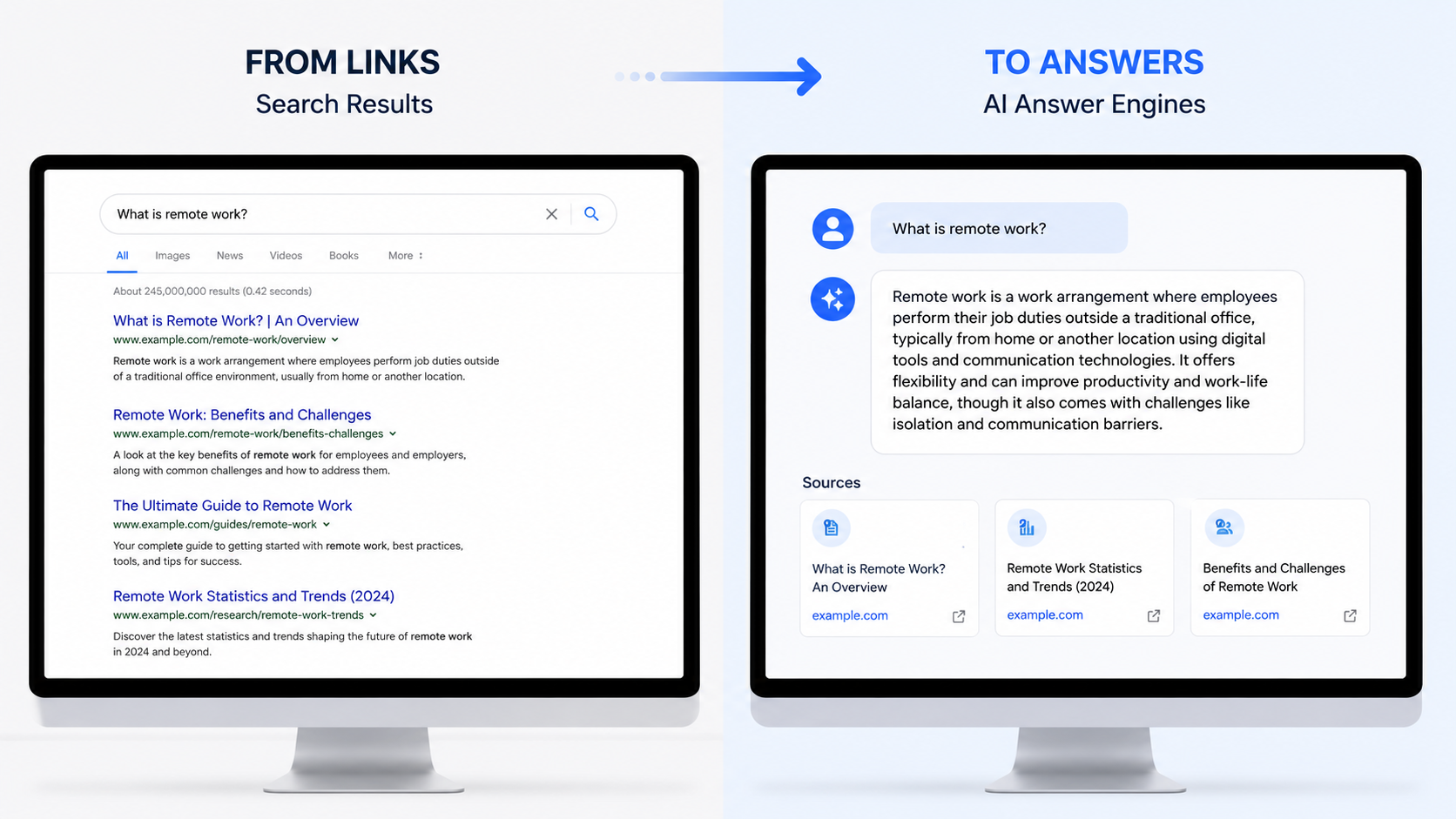
## How to increase your chances of being cited by AI tools
There is no single checklist that guarantees AI visibility.
AI tools do not work exactly like Google. They can pull from search results, product feeds, knowledge sources, social platforms, reviews, forums, media coverage and their own model memory.
That makes the work broader than classic SEO.
For marketers, the goal is to make the brand easier to find, easier to understand and easier to trust across the web.
## AI tools look beyond your own website
AI tools look beyond your website to understand your brand.
They also pull information from the wider web, and some sources seem to carry more weight than others.
[Peec AI analysed 30 million AI citations](https://peec.ai/blog/top-domains-cited-by-ai-search-analysis-based-on-30m-sources) and found that Reddit, YouTube and LinkedIn were the most-cited domains across ChatGPT, Google AI Mode, Gemini, Perplexity and AI Overviews. Wikipedia and Forbes also appeared in the top five.
This means that appearing on those sites will likely give your brand more authority signals outside your own domain.
For most businesses, that means focusing on the platforms AI tools already seem to use: LinkedIn, YouTube, Reddit, review sites, directories, comparison pages, partner pages and industry publications.
A software company might focus on LinkedIn, YouTube, G2, Capterra, Gartner Peer Insights and comparison pages.
A local business might focus on Google Business Profile, review sites, local directories and local press.
A consultancy might focus on LinkedIn, podcasts, trade publications, partner pages, case studies and client testimonials.
The goal is to make sure your brand appears in the places your market already trusts, and where AI tools are likely to look for context.
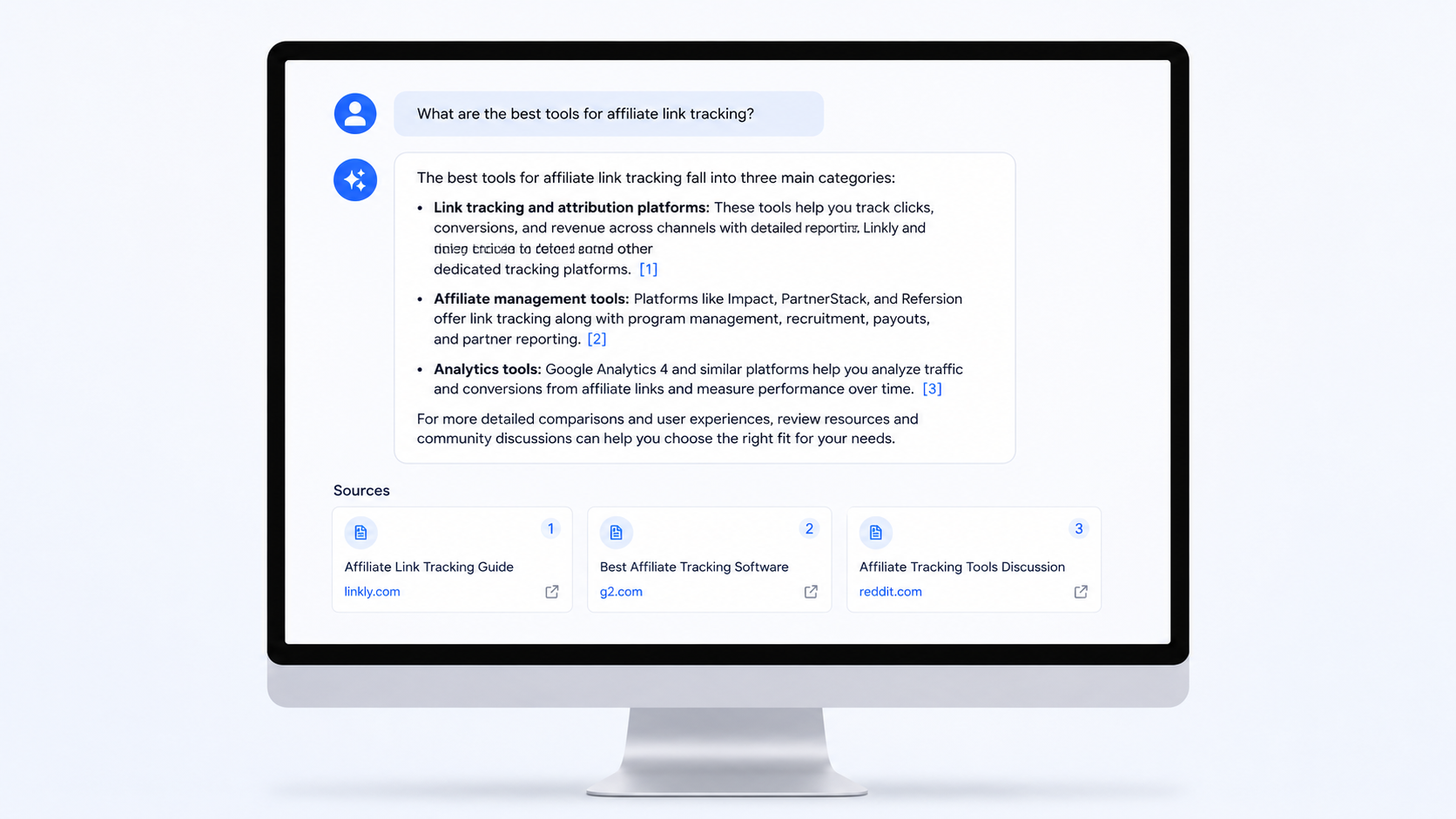
## Tell the same story everywhere
The next common thread that came up was making your brand easy to understand.
AI tools are not only reading your website. They may also pull from your LinkedIn page, YouTube channel, Reddit mentions, review listings, directory profiles, articles and other places where your brand appears.
When those places describe the company differently, the brand can be misunderstood.
[Semrush found that when a brand is described differently across blogs, social media, YouTube and Reddit, AI tools can get confused.](https://www.businessinsider.com/ai-search-strategies-hampered-by-corporate-silos-semrush-study-2026-5) In the same report, 30 per cent of marketers said AI tools had given inaccurate descriptions of their brand, and 29 per cent said AI tools had shown unclear brand positioning.
So if your website says one thing, your LinkedIn page says another, your YouTube description is out of date, and your directory listings use old positioning, it creates a messy picture of what the company does.
For example, a company that calls itself a coupon site in one place, a review site in another, and a software directory somewhere else is harder to understand.
A company that uses the same clear description across its website, social profiles, directories and press mentions gives AI tools a cleaner signal.
As a practical takeaway, draft one concise 2–3 sentence description of the brand. It should cover what the company does, who it helps and where it fits in the market. Then use that same description, or a close version of it, everywhere the brand appears.
## Reddit and LLM search
Reddit is now one of the main places AI tools can use to understand what people think about a topic.
That is because Reddit is full of genuine user content and opinions. People ask questions, compare products, complain about problems, and explain what worked or did not work for them.
[Reddit says it has more than 100,000 active communities and 116 million daily active unique visitors](https://investor.redditinc.com/news-events/news-releases/news-details/2025/Reddit-Announces-Third-Quarter-2025-Results/default.aspx), which means there are public discussions across most categories.
Google has also put more weight behind Reddit. In 2024, it expanded its partnership with Reddit to access Reddit's Data API. [Google said Reddit has "an incredible breadth of authentic, human conversations and experiences."](https://blog.google/company-news/inside-google/company-announcements/expanded-reddit-partnership/) [AP reported the deal was worth about $60 million.](https://apnews.com/article/a7f131c7cb4225307134ef21d3c6a708)
For marketers, this does not mean using Reddit as a promotion channel.
It means understanding the conversations already happening in your market.
Look for the subreddits where your customers spend time. Watch the questions they ask, the products they compare, and the language they use when they describe problems.
Post useful and helpful comments in the relevant chats. Do not use Reddit to promote your brand heavily, as promotional posts are often removed and accounts can be banned.
However a presence on Reddit means that LLMs see your brand when they search for answers.
## Set up Bing Webmaster Tools
Most teams check Google Search Console. Fewer check Bing Webmaster Tools.
That now matters more because Bing sits inside Microsoft's wider search and AI ecosystem, including Copilot and Bing's AI-generated answers.
Bing has also added an [AI Performance report inside Bing Webmaster Tools](https://blogs.bing.com/webmaster/February-2026/Introducing-AI-Performance-in-Bing-Webmaster-Tools-Public-Preview). It shows when your site is cited in AI-generated answers, which pages were cited, and how that citation activity changes over time.
It will not show everything happening across ChatGPT, Claude, Gemini or Perplexity. But it does give businesses one official place to start checking AI visibility, rather than relying only on guesswork.
[Bing also recommends using sitemaps and IndexNow together.](https://blogs.bing.com/webmaster/July-2025/Keeping-Content-Discoverable-with-Sitemaps-in-AI-Powered-Search) Sitemaps help search engines understand the structure of your site. IndexNow lets search engines know when pages have changed, so updates can be found faster.
So as a starting point, set up Bing Webmaster Tools, submit your sitemap, check that Bing can crawl your site, and review the AI Performance report if it is available.
## List products inside ChatGPT
For ecommerce and marketplace businesses, AI search is not only about getting articles cited.
Product discovery is also moving into ChatGPT.
When someone asks a shopping-style question, ChatGPT can show product options with images, product details and links to buy. For some eligible products and merchants, it may also show Instant Checkout, so customers can buy without leaving ChatGPT.
Merchants can also [share product data with OpenAI](https://chatgpt.com/merchants/). OpenAI says most merchants start with product feeds, which help control how products appear in ChatGPT. The feed can give ChatGPT more accurate information on names, descriptions, prices, availability, images and seller details.
That means product data is becoming part of AI visibility. Clean product titles, descriptions, images, prices, availability and shipping information now matter beyond your own website or Google Shopping.
[OpenAI says product results are not ads and are not influenced by partnerships.](https://help.openai.com/en/articles/11128490-shopping-with-chatgpt-search) The product appears when ChatGPT sees it as relevant to the user's request.
For now, this matters most to businesses that sell physical products. But it points to a wider shift: AI tools are moving from answering questions to helping people choose and buy inside the chat.
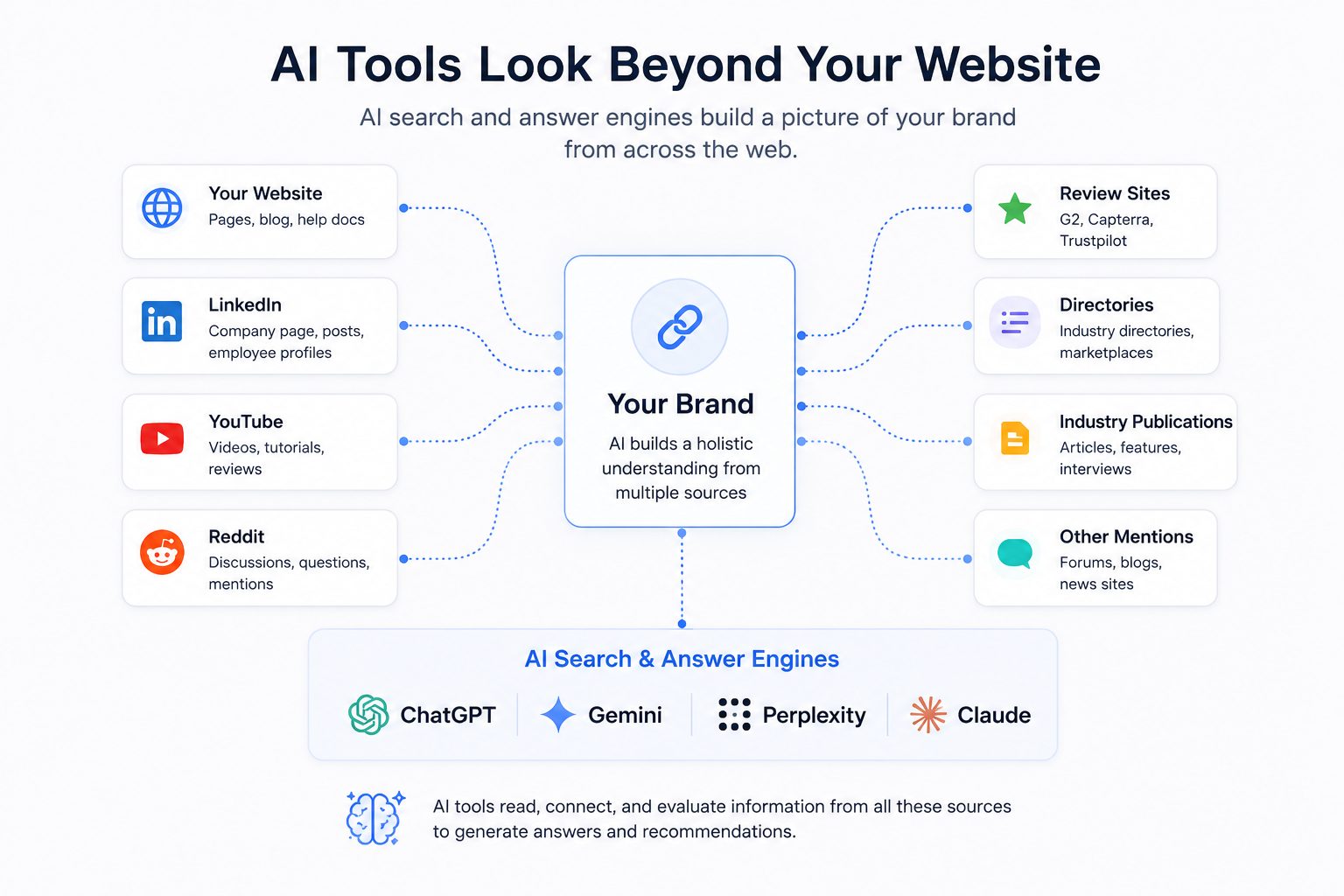
## Build proof outside your own site
AI tools do not only look at what your website and profiles say about you. They can also cross-check what other sites say about you.
That can include mentions of your brand on Reddit, Wikipedia, YouTube, LinkedIn, blogs, G2 and other trusted sites.
So one of the clearest ways to build authority is to get more reviews on trusted third-party platforms.
For software companies, that might mean G2, Capterra, Gartner Peer Insights, Software Advice or TrustRadius.
For local businesses, that might mean Google Reviews, Yelp, Tripadvisor, Trustpilot or local directories.
For ecommerce brands, that might mean product reviews on marketplaces, Google Reviews, Trustpilot, YouTube reviews and Reddit mentions.
The point is simple: do not only keep reviews on your own website. Get them onto the sites your buyers, and AI tools, can check.
## Write content for conversational searches
There are also ways businesses can optimise the content on their own website for LLM search.
This includes sales pages, product pages, service pages and blog content.
People do not use AI tools in the same way they use Google. Google searches are often short, like "vibe coding definition". AI searches are more likely to sound like a full question or a command: "How do I start vibe coding if I'm not technical?" or "Summarise this for me."
That means website content needs to include the longer, more natural phrases people are likely to use inside AI tools.
These can be added to sales pages and product pages as FAQ sections. They can also be used as subheadings in blog posts, guides and comparison pages.
The answer below each question should be concise and complete. It should make sense even if it is read on its own, away from the rest of the page.
That gives the LLM more context and a cleaner answer to work with.
## What marketers can do next
The AI search landscape is still early, but the first steps are practical:
- **Check how your brand is described online.** Make sure your website, LinkedIn, YouTube, directories and review profiles all explain the business in the same clear and concise way.
- **Show proof in more places.** Get reviews, case studies, media mentions and product comparisons onto the sites your buyers already use and trust.
- **Build a presence on Reddit, YouTube and LinkedIn.** These platforms keep appearing in AI citation research, so they should be part of your visibility strategy. Focus on useful answers, clear profiles and content your buyers would genuinely trust.
- **Add natural questions to key pages as subheadings or FAQs.** Use the questions customers are likely to ask in ChatGPT, Perplexity or Gemini, then answer them clearly.
- **Clean up your product data.** If you sell products, make sure titles, descriptions, images, prices, availability and shipping details are accurate and up to date.
- **Set up Bing Webmaster Tools.** Google Search Console still matters, but Bing now gives another view of how your site may appear in AI-generated answers.
Together, these steps give your brand a stronger baseline for being seen as an authority by LLMs.
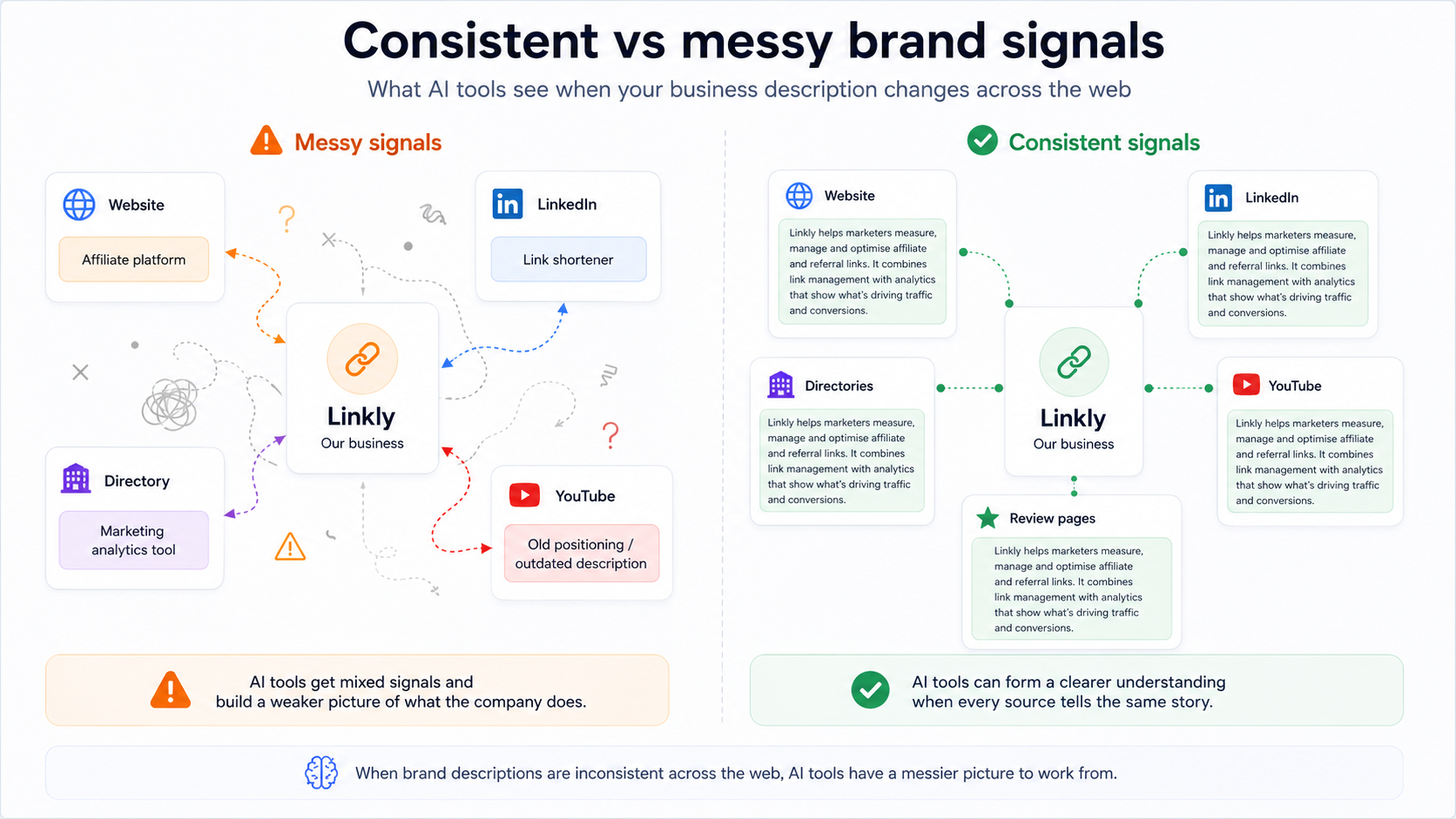
---
*Sophia Nomicos is the founder of [Loopla](https://loopla.com/), a UK family events marketplace helping parents find classes, clubs, camps and days out. She also writes the [Agentic Formula newsletter](https://agenticformula.ai/) on what is working for businesses with AI.*
---
# Enterprise Link Security: SSO, Audit Logs, Data Residency, and SLAs Explained
> How Linkly handles enterprise security requirements: SSO with SAML, audit logs, custom domains at scale, data residency, contractual SLAs, and DPA agreements.
Source: https://linklyhq.com/blog/enterprise-security
# Enterprise Link Security: What Your Security Team Will Actually Ask About
When a link management platform goes through an enterprise procurement review, the conversation stops being about features and starts being about controls. Who can see which links? Where does the click data go? What happens when someone leaves the company? What does the SLA actually cover?
These aren't unreasonable questions. A link shortener is infrastructure, and like any infrastructure it touches user data, runs in front of your brand, and needs to fail gracefully when something goes wrong. This post covers how Linkly answers each of the questions that come up in a real enterprise security review — honestly, without the parts we can't back up.
## SSO and Authentication
Single sign-on is the first thing most IT teams ask about, and for good reason. Managing separate credentials for every SaaS tool in a company's stack is a security liability — it means more passwords to phish, more accounts to offboard, and less visibility into who has access to what.
Linkly's Enterprise plan supports SSO via SAML 2.0, which means it connects to whatever identity provider your company already uses — Okta, Azure Active Directory, Google Workspace, OneLogin, or any other SAML-compliant IdP. Once SSO is configured, your team members log in through your existing identity provider. Linkly never holds their password.
The practical benefit beyond security: offboarding is automatic. When someone leaves the company and their account is deprovisioned in your IdP, their Linkly access is revoked at the same time. No separate admin step, no risk of a former employee's credentials still working six months later.
SAML SSO is available on the Enterprise plan. If you're evaluating Linkly for a deployment of any meaningful size, SSO setup is a standard part of the onboarding process and the Linkly team will work through it with you.
## Audit Logs
Audit logs exist to answer a specific question: who did what, and when? For security teams, this isn't optional — it's what you show an auditor, and it's how you reconstruct events when something goes wrong.
Linkly's Enterprise audit log captures actions at the account and workspace level. When a link is created, edited, or deleted, the log records it. When a user is added to or removed from a workspace, the log records it. When permissions change, the log records it. The log is accessible to account administrators and is exportable for ingestion into your SIEM or log management system.
This matters particularly for organizations where links are business-critical infrastructure. If a link pointing to a payment page or a contract is edited without authorization, the audit log tells you when it happened and who made the change. For teams running affiliate programs, partner campaigns, or any link surface where tampering has financial consequences, that trail is important.
The audit log is not a marketing feature. It's a control, and it's there because enterprise deployments need it.
## Custom Domains at Scale
For most companies, a short domain is also a brand asset. The link that goes out in an email, a text message, or a printed QR code carries your domain — not ours, not a generic shared shortener domain.
Linkly supports custom domains across the full account structure, with no shared infrastructure between customers. Each domain you add to Linkly is yours: SSL is provisioned automatically, the redirect infrastructure is isolated, and the domain only forwards traffic you've configured. There's no risk of another Linkly customer's link appearing to come from your domain.
For enterprise accounts with multiple brands, regions, or business units, Linkly's workspace model maps cleanly onto your domain strategy. Each workspace can have its own assigned domains. A holding company with five brands can run each brand's links on that brand's domain, with full separation of analytics, access controls, and link management — while billing and executive reporting roll up to a single account.
Domain provisioning at scale — adding dozens of domains for a large rollout or a client portfolio — can be handled via the API, which means it fits into an infrastructure-as-code workflow rather than requiring manual admin steps for each domain. This is one of the areas where Linkly's API depth matters: domain management isn't locked behind a UI-only workflow.
## Data Residency
Where your data lives matters. It matters for GDPR compliance if your users are in the EU, it matters for internal data governance policies, and it increasingly matters for contract negotiations with enterprise customers who have their own data sovereignty requirements.
Linkly's default infrastructure runs on Google Cloud, with primary processing in the United States. For organizations with EU data residency requirements, Linkly can discuss residency options at the Enterprise tier. This is not a self-serve configuration — it's a conversation about your specific requirements and whether Linkly's infrastructure can accommodate them. We'd rather have that conversation honestly than promise something we can't deliver.
Click event data can be streamed to your own infrastructure via webhooks (available on the Business plan and above) or via a native BigQuery sync (Enterprise). If your data governance policy requires that personally identifiable information never leave a specific environment, webhook payloads can be configured to exclude PII fields before delivery. This gives your data team a real-time stream of click events without Linkly holding data you'd rather keep on your own infrastructure.
For teams that need their click data to live entirely within their own warehouse, the BigQuery sync is the most direct path. Events land in your BigQuery dataset in real time, query-ready alongside your product and CRM data, with no Linkly dashboard required as part of the reporting workflow.
## SLAs and Reliability
An SLA is only meaningful if it covers the thing that actually matters. For a link management platform, the critical path is the redirect — the moment between a user clicking a link and arriving at the destination. Everything else in the product can be slow or unavailable without immediate business impact. A broken redirect is a broken link, which is a broken user experience, which is lost revenue or a failed authentication.
Linkly's redirect infrastructure has served over one billion clicks. The redirect path is architected separately from the management UI and API, so dashboard performance doesn't affect redirect speed. Redirect latency is sub-millisecond at the edge. The public status page at [status.linklyhq.com](https://status.linklyhq.com) reflects the current state of all components in real time.
The Enterprise plan includes a contractual SLA with uptime guarantees on the redirect path and defined service credits if those guarantees aren't met. This is the form a reliability commitment needs to take for enterprise procurement — a public status page is useful for visibility, but a contractual SLA with credits is what goes into a vendor agreement.
If you're evaluating Linkly for a use case where link failures are P1 incidents — transactional emails, magic links, password resets, in-product referral flows — the SLA conversation is one of the first things to have. The Linkly team can walk through the specifics and what the credits structure looks like for your expected volume.
## Contract Flexibility
Enterprise software procurement involves contracts, and contracts have requirements that go beyond the standard terms of service. DPAs, MSAs, net payment terms, invoice billing, custom renewal dates — these are normal parts of enterprise vendor relationships, and a vendor that can't accommodate them isn't a real enterprise vendor.
Linkly's Enterprise plan includes:
A custom Data Processing Agreement (DPA) that documents how Linkly processes personal data on your behalf, who the sub-processors are, and what the obligations are on both sides. This is what your legal team needs to sign off on GDPR compliance for click data processing.
A Master Service Agreement (MSA) that can be negotiated to reflect your specific requirements — liability caps, indemnification, warranty terms, and any other provisions your legal team needs. We're not a take-it-or-leave-it SaaS on the contract side for enterprise customers.
Invoice billing with net payment terms, for organizations whose procurement process requires purchase orders rather than credit card payments. This is standard for any meaningful enterprise deal and Linkly supports it.
Flexible renewal structures, including multi-year agreements where the economics make sense. Volume commitments, prepaid click packs, and custom pricing for large-scale deployments are all things the Linkly team negotiates regularly.
## How Enterprise Onboarding Works
Enterprise deployments at Linkly follow a structured process rather than a self-serve signup. The typical shape:
A discovery call to understand your domain strategy, team structure, data requirements, and any compliance-specific needs. Most of the important architectural questions — workspace setup, domain assignment, data destination — get answered here.
A trial period on the Enterprise plan so your team can validate the SSO configuration, audit log access, and API integration before any commercial commitment. We want the evaluation to happen against a real deployment, not a demo account.
Contract negotiation covering DPA, MSA, billing terms, and SLA specifics. This usually runs in parallel with the technical evaluation.
Onboarding with a dedicated contact who stays available through the first campaign cycle, not just through the setup call.
If you're starting an enterprise evaluation, the [contact sales page](https://linklyhq.com/contact-sales) is the right starting point. You can also review Linkly's security posture on the [security page](https://linklyhq.com/security) before the first conversation.
### Does Linkly support SAML SSO?
Yes. Linkly's Enterprise plan supports SSO via SAML 2.0, compatible with Okta, Azure Active Directory, Google Workspace, OneLogin, and any other SAML-compliant identity provider. Once configured, users authenticate through your existing IdP and access is automatically revoked when their account is deprovisioned.
### Is there an audit log?
Yes. The Enterprise plan includes an audit log that captures link creation, editing, and deletion events, as well as user access changes and permission modifications at the workspace level. The log is exportable for ingestion into a SIEM or log management system.
### Does Linkly offer a DPA for GDPR compliance?
Yes. A custom Data Processing Agreement is included with the Enterprise plan. It documents how Linkly processes personal data on your behalf, the sub-processors involved, and the obligations on both sides. This is what most legal and compliance teams need to approve GDPR compliance for click data processing.
### What does the SLA cover?
The Enterprise SLA covers the redirect path — the critical infrastructure that serves link clicks. It includes contractual uptime guarantees and defined service credits if those guarantees aren't met. The redirect infrastructure runs separately from the management UI, so dashboard performance doesn't affect redirect reliability. The public status page at status.linklyhq.com provides real-time visibility for all components.
### Can Linkly support EU data residency?
Linkly's default infrastructure runs on Google Cloud with primary processing in the United States. EU data residency options are available for discussion at the Enterprise tier. This is handled on a case-by-case basis depending on specific requirements. Click data can also be streamed to your own EU-based infrastructure via webhooks or BigQuery sync, which some teams use to meet data sovereignty requirements without requiring Linkly infrastructure changes.
### Does Linkly support invoice billing and net payment terms?
Yes. Enterprise accounts can be invoiced with net payment terms rather than credit card billing. Purchase order workflows, multi-year agreements, and custom pricing structures for large-scale deployments are all supported. These are negotiated as part of the Enterprise contract process.
---
# Bitly vs Linkly: An Honest Comparison for 2026
> Bitly vs Linkly: an honest comparison of pricing, features, API capabilities, retargeting and geo-targeting — and which platform is right for your team.
Source: https://linklyhq.com/blog/bitly-vs-linkly
# Bitly vs Linkly: An Honest Comparison for 2026
Bitly is the most recognizable name in link shortening. If you say "shortened link," most people picture a bit.ly URL. That brand recognition is real, and for some use cases it genuinely matters. But brand recognition and platform capability are different things, and if you're evaluating Bitly against alternatives in 2026, the price-to-feature ratio is worth looking at carefully.
This comparison is written by the Linkly team, so you should factor that in. We've tried to be straight about what Bitly does well, where it falls short, and where Linkly is the better fit. If Bitly is right for you, we'd rather you know that than sign up for the wrong tool.
## What Bitly Is Good At
Bitly has been doing this for a long time, and it shows in the things that matter for simple use cases. The shortening interface is fast and familiar. The analytics dashboard is clean and readable. Custom domains work reliably. QR code generation is included on paid plans. The UTM builder is straightforward. And if you're sharing links with an audience that might be wary of unfamiliar short domains, a bit.ly URL carries inherent trust that a less-known shortener doesn't.
For teams that need a shared workspace to manage links at scale with straightforward click data, Bitly handles that competently. The integrations with social scheduling tools and the general polish of the product are genuine strengths.
None of this is faint praise. Bitly built the category and there are real reasons it has the market share it does.
## Where Bitly Shows Its Limits
The problems with Bitly become visible when you start asking it to do anything beyond shortening and basic analytics.
There's no geo-targeting. You can't send a visitor to a different destination based on their country. For any campaign that spans multiple regions with different landing pages, different language variants, or different regulatory requirements, that's a hard gap to work around.
There's no device targeting. You can't route iOS users to the App Store and Android users to Google Play from a single link. This is table stakes for mobile app marketing, and Bitly simply doesn't have it.
There are no retargeting pixels. You can't fire a Facebook, Google, TikTok, or LinkedIn pixel when someone clicks a link. If retargeting audiences built from link clicks is part of your paid media strategy — and for most performance marketers it is — Bitly isn't in the conversation.
There's no A/B split testing via link rotators. You can't distribute traffic across multiple destinations to test conversion rates.
There are no link expiration controls. You can't set a link to stop working after a date or after a click threshold.
And the pricing is steep. Bitly's Business plan runs $199 per month. That's not a typo. For a tool that lacks geo-targeting, device targeting, retargeting pixels, and split testing, $199 a month is a significant ask.
## What Linkly Is Built For
Linkly started from a different premise: links are marketing infrastructure, not just convenient aliases for long URLs. That framing shapes everything about how the platform is built.
[Geo-targeting](https://linklyhq.com/support/click-tracking) lets you route visitors based on country. You set it per-link: anyone from Germany goes to the German landing page, everyone else goes to the default. It works at the link level without any additional redirect logic in your destination pages.
[Device targeting](https://linklyhq.com/support/click-tracking) does the same thing by device type. One link, two destinations — iOS to the App Store, Android to Google Play, desktop to the web page. This is how app download campaigns should work.
[Retargeting pixels](https://linklyhq.com/support/retargeting-tracking-pixels) from Facebook, Google, TikTok, and LinkedIn can be attached to any link. When someone clicks, the pixel fires. They're added to your retargeting audience. You can then reach them with paid ads without ever needing them to have landed on your own website first. For affiliate marketers and performance campaigns, this is a meaningful capability.
[Link rotators](https://linklyhq.com/support/link-rotator) distribute traffic across multiple URLs, either evenly or weighted. Use this for A/B testing landing pages, splitting traffic between affiliate offers, or balancing load across destinations.
[Link expiration](https://linklyhq.com/support/create-expiring-links) lets you set a date or a click count at which a link stops working. Useful for limited-time promotions, event registration pages, or any URL that shouldn't stay live indefinitely.
[QR codes](https://linklyhq.com/support/create-qr-codes) are generated automatically for every link and update dynamically — if you change the link destination, the QR code still works.
All of this is available on the [Pro plan at $39 per month](https://linklyhq.com/pricing). Not a Business tier. Not an Enterprise negotiation. Pro.
## The API: Where Linkly Pulls Ahead for Technical Teams
This is worth its own section because it's where the gap between Bitly and Linkly is most pronounced for teams building programmatic workflows.
Linkly's [API](https://linklyhq.com/support/api) is designed for scale. The default rate limit is 20 requests per second per API key. Teams that need more can request up to 200 requests per second. Bulk endpoints accept up to 1,000 links per call. If you're generating thousands of short links for an SMS campaign, a product catalog, a print run, or a dynamic content pipeline, the API is built to handle that without requiring you to queue and throttle everything on your end.
Bitly's API is functional, but it's rate-limited in ways that cause friction for high-volume programmatic use, and the feature set you can access through the API reflects the same gaps in the core product — no geo-targeting, no retargeting pixel configuration, no link rotator management.
Linkly's API exposes the full feature set. You can create a link programmatically with geo-targeting rules, device targeting, an attached retargeting pixel, and an expiration date — all in a single API call. For teams building link generation into their product, their campaign tooling, or their data pipelines, this matters.
Beyond the direct API, Linkly integrates natively with [Zapier](https://linklyhq.com/support/zapier-integration), [Make, and n8n](https://linklyhq.com/support/zapier-integration). These integrations let non-technical teams build automated workflows — create a link when a form is submitted, log clicks to a spreadsheet, trigger a notification when a link expires — without touching the API directly. The [Google Sheets add-on](https://linklyhq.com/support/google-sheets-addon) lets you generate and manage links from a spreadsheet, which is genuinely useful for teams managing affiliate programs or campaign tracking at scale.
For Business plan subscribers, webhooks are available for real-time event delivery. Rather than polling the API for click data, you receive events as they happen. This is the foundation of real-time analytics pipelines and alert systems built on top of link data.
## Pricing: A Direct Look
Linkly's [Free plan](https://linklyhq.com/pricing) gives you 500 tracked clicks per month at no cost. No credit card required. It's a real plan for low-volume use, not a crippled trial.
The Starter plan is $15 per month, billed annually ($180 per year). Pro is $39 per month and includes custom domains, geo-targeting, device targeting, retargeting pixels, link rotators, link expiration, QR codes, full API access, the UTM builder, the Google Sheets add-on, and Zapier integration. Business is $129 per month and adds link cloaking, webhooks, and higher volume limits. Enterprise pricing is available for organizations with specific requirements.
Bitly's Business plan is $199 per month. It includes custom domains, analytics, QR codes, API access, and team workspaces. It does not include geo-targeting, device targeting, retargeting pixels, link rotators, or link expiration.
If you need only what Bitly's Business plan offers, Linkly's Pro plan at $39 covers most of it at a fifth of the price. If you need the features Bitly doesn't have, you're looking at Linkly regardless of price.
## Who Should Choose Bitly
Bitly makes sense if you need brand recognition above everything else. If your audience is skeptical of unfamiliar short URLs and a bit.ly domain is a meaningful trust signal, that's a real consideration. It also makes sense if your organization has already standardized on Bitly's workspace and analytics features and switching costs outweigh the capability gaps.
If you're a large enterprise that has negotiated a custom Bitly contract and has dedicated support, the switching calculus looks different than it does for a team that's evaluating for the first time.
## Who Should Choose Linkly
Linkly is the right fit if you're running campaigns that need routing intelligence — geo-targeting, device targeting, or traffic splitting. It's the right fit if retargeting pixel support is part of your performance marketing stack. It's the right fit if you have a technical team that needs a capable, documented API with serious rate limits and bulk operations. And it's the right fit if you want a Pro-tier tool at a price that doesn't require a budget conversation.
For [SMS marketing campaigns](https://linklyhq.com/use-cases/sms-marketing), where link destination control, click tracking, and pixel firing all matter in a single URL, Linkly is built for exactly that workflow.
## Verdict
Bitly is a solid, reliable tool for basic link shortening and analytics. It has earned its market position and for simple use cases it's a reasonable choice.
But it charges enterprise prices for a feature set that hasn't kept pace with what modern marketing campaigns need. Geo-targeting, device targeting, retargeting pixels, and A/B split testing are standard requirements for any serious campaign, and they're not on Bitly's roadmap as far as we can tell.
Linkly offers all of those features, plus a genuinely capable API, at $39 per month. If you're comparing the two platforms with campaign performance in mind rather than brand familiarity, the math is straightforward.
For a side-by-side feature breakdown, see our [Bitly vs Linkly comparison page](https://linklyhq.com/compare/bitly-vs-linkly).
### Can I migrate my existing Bitly links to Linkly?
Linkly doesn't automatically redirect your existing bit.ly URLs — those will continue to resolve through Bitly's infrastructure. What you can do is export your Bitly link data and recreate the links in Linkly, ideally on a custom domain. For campaigns still running on bit.ly links, the practical approach is to let existing links live out their campaign life and use Linkly for new campaigns. If you have a large number of links to migrate, the Linkly API's bulk endpoint (up to 1,000 links per call) makes the import straightforward to script.
### What are Linkly's API rate limits?
The default rate limit is 20 requests per second per API key. Teams with high-volume use cases can request up to 200 requests per second. Bulk creation endpoints accept up to 1,000 links per call, which means a single API request can generate a thousand short links with full geo-targeting, device targeting, and pixel configuration. API access is included on the Pro plan and above. Full documentation is at /support/api.
### Does Linkly support retargeting pixels for Facebook and Google Ads?
Yes. Linkly supports retargeting pixels from Facebook, Google, TikTok, and LinkedIn. You attach a pixel to a link in your Linkly settings, and the pixel fires when someone clicks that link — even if they never land on a page you own. This lets you build retargeting audiences from link clicks, which is particularly useful for affiliate campaigns, SMS campaigns, and any situation where your destination URL is a third-party page.
### How does geo-targeting work in Linkly?
You set geo-targeting rules at the link level. For each country you want to handle separately, you specify a destination URL. Anyone clicking from that country goes to your specified destination; everyone else goes to the default destination. You can layer multiple country rules on a single link. Geo-targeting is available on the Pro plan and above.
### Is the Linkly free plan actually usable or is it just a trial?
It's a real plan. The free tier gives you 500 tracked clicks per month with no time limit and no credit card required. It's genuinely useful for low-volume personal projects, early-stage testing, or evaluating whether Linkly fits before you commit. The main constraints are the click limit and the absence of custom domains and advanced routing features, which are Pro plan features.
### Does Linkly work well for SMS marketing campaigns?
Yes, SMS is one of Linkly's stronger use cases. Short links with custom domains look trustworthy in SMS messages. Geo-targeting and device targeting let you send recipients to the right destination based on where they are and what device they're using. Retargeting pixels fire on click, building your ad audiences. Click analytics show you open rates and engagement patterns by campaign. The API and Zapier integration make it straightforward to generate campaign-specific links programmatically at send time.
### How does Linkly compare to Bitly for team collaboration?
Bitly's Business plan includes team workspaces, which is a genuine advantage if collaborative link management is a priority. Linkly's Business and Enterprise plans include team features as well. If you're on Pro and need to share access, the most common approach is shared API credentials or workspace-level access — worth checking the current plan details on the pricing page, as this evolves. For most small teams, shared access to a single Linkly account covers the practical need.
---
# BL.INK vs Linkly: Enterprise Link Management at Two Different Price Points
> BL.INK is built for enterprise brands. So is Linkly — but at $39/mo vs BL.INK's $48 entry price, and with retargeting pixels, device targeting, and A/B testing that BL.INK doesn't offer.
Source: https://linklyhq.com/blog/blink-vs-linkly
# BL.INK vs Linkly: Enterprise Link Management at Two Different Price Points
BL.INK has been around long enough to build a real reputation in enterprise brand link management. Large brands and agencies use it for branded short links, team management, and the kind of organizational structure that enterprise procurement teams appreciate. If you've encountered BL.INK in an evaluation, you know it presents itself seriously — polished UI, enterprise positioning, reasonable API.
This comparison is worth having because BL.INK and Linkly both serve the enterprise and mid-market segment, but they arrive at that market from different directions. BL.INK leads with brand management. Linkly leads with the full marketing stack. The practical question is which features matter most to your team — and whether you want to pay more or less for them.
## What BL.INK Does Well
BL.INK's strongest argument is brand governance. For large organizations with many teams generating links under a shared brand umbrella, BL.INK provides the administrative structure to manage that at scale. Team workspaces, user permission levels, custom domain management, and reporting dashboards give brand managers visibility and control over how short links are created and used.
The UTM builder is solid. BL.INK has clearly thought about the workflow where marketing teams need to generate consistently tagged URLs without relying on everyone to remember the correct parameter syntax. Built-in UTM management reduces the kind of tracking errors that accumulate when UTM parameters are entered manually by different team members.
Link expiration is supported. If you need links to stop working after a campaign ends or after a set date, BL.INK handles that. Analytics are present and cover the expected dimensions: clicks, referrers, geography, and devices.
QR codes are included, which matters for out-of-home and print campaigns where brands need the physical-to-digital bridge.
For a brand that primarily needs governed, organized short link management with clean analytics and a UTM workflow, BL.INK serves the need adequately.
## Where BL.INK Falls Short
The marketing-layer features that modern performance campaigns require are largely absent from BL.INK.
Retargeting pixels are not supported. You cannot attach a Facebook Pixel, Google Ads remarketing tag, TikTok Pixel, or LinkedIn Insight Tag to a BL.INK link. For brands running paid social campaigns who want to build audiences from link click traffic — or who need pixel attribution on clicks to pages they don't control — this is a significant gap. Linkly supports [retargeting pixels](https://linklyhq.com/support/retargeting-tracking-pixels) on the Pro plan and above, across all major ad platforms.
Device targeting is available on BL.INK, but only from their SMB plan at $99/mo and above — not on the entry-level Expert+ plan at $48/mo. Linkly's [device targeting](https://linklyhq.com/support/click-tracking) is available from $39/mo on the Pro plan, which costs less than half the BL.INK tier that includes it.
A/B split testing via link rotation is not part of BL.INK's feature set. If you want to test two landing pages against each other by distributing traffic from a single short link, you cannot do that with BL.INK. Linkly's [link rotator](https://linklyhq.com/support/link-rotator) supports percentage-based traffic distribution across multiple destinations.
Geo-targeting is available on BL.INK via their Dynamic Links feature, but again only from the SMB plan at $99/mo and above — not on their Expert+ entry plan at $48/mo. Linkly's [geo-targeting](https://linklyhq.com/support/click-tracking) is available from $39/mo on the Pro plan.
Link cloaking — masking the destination URL so the browser shows your branded domain — is not available in BL.INK. Linkly offers link cloaking on the Business plan and above.
## What Linkly Adds
Linkly's Pro plan at $39/mo includes [retargeting pixels](https://linklyhq.com/support/retargeting-tracking-pixels) across Facebook, Google, TikTok, and LinkedIn; [A/B split testing via link rotators](https://linklyhq.com/support/link-rotator); and link cloaking (Business plan) — features BL.INK doesn't offer at any price. It also includes [device targeting](https://linklyhq.com/support/click-tracking) and [geo-targeting](https://linklyhq.com/support/click-tracking) at $39/mo — the same features BL.INK only adds from $99/mo. Rounding out the plan: [link expiration](https://linklyhq.com/support/create-expiring-links); [QR codes](https://linklyhq.com/support/create-qr-codes); UTM builder; and [bot filtering](https://linklyhq.com/support/click-tracking) from the Starter plan.
The Business plan at $129/mo adds link cloaking, webhooks for real-time click event streaming, and the enterprise features discussed below.
For marketing teams running performance campaigns alongside brand link management, Linkly's feature set is more complete than BL.INK's at a lower entry price.
## The API Comparison
BL.INK has a REST API. For basic programmatic link management — creating, updating, and retrieving links — it works. Enterprise teams that need to generate links from internal systems or integrate link data into reporting pipelines can do so.
Where BL.INK's API falls short is in high-volume and real-time use cases. There is no webhook support, which means you cannot receive push notifications when a link is clicked. Real-time data pipelines — streaming click events to a data warehouse, triggering CRM updates on click, or powering real-time dashboards — require webhook support that BL.INK doesn't offer.
Linkly's [API](https://linklyhq.com/support/api) is built for scale. The default rate limit is 20 requests per second per API key, with capacity available up to 200 requests per second on request. Bulk link creation endpoints accept up to 1,000 links per API call, which matters for teams generating large volumes of links for campaigns, product catalogs, or multi-tenant applications.
On the Business plan and above, Linkly supports webhooks that push click event data to any configured endpoint in real time. You can pipe those events directly into a data warehouse, CRM, custom analytics system, or application without polling.
Linkly also has native integrations with [Zapier](https://linklyhq.com/support/zapier-integration), [Make](https://linklyhq.com/support/zapier-integration), and [n8n](https://linklyhq.com/support/n8n-integration), as well as a [Google Sheets add-on](https://linklyhq.com/support/google-sheets-addon). These matter in enterprise environments where marketing operations and analytics teams want to build workflows around link data without engineering involvement. A marketing ops manager can pull click data into a Google Sheet for a weekly report, or trigger a notification in Slack when a campaign link passes a click threshold — no custom code required. BL.INK does not have native integrations with these tools.
The comparison is straightforward: BL.INK's API handles the basics. Linkly's API handles the basics plus high-volume programmatic generation, real-time event streaming, and a no-code integration layer for non-developer teammates.
## Pricing: BL.INK $48 vs Linkly $39
BL.INK's entry price is around $48/mo. Linkly's Pro plan is $39/mo. That $9/mo difference in Linkly's favor is compounded by the feature gap: Linkly's lower-priced plan includes retargeting pixels, device targeting, A/B split testing, and geo-targeting that BL.INK doesn't offer at any price.
For budget-conscious teams evaluating enterprise link management, paying more for fewer features is a hard position to justify. The pricing difference isn't large in absolute terms, but it's directionally wrong if the more expensive platform also delivers less capability.
For teams that need Linkly's Business plan — which adds link cloaking, webhooks, and enterprise features — the price is $129/mo. Teams considering BL.INK's enterprise tiers should request pricing directly, as BL.INK's enterprise plans are not publicly listed.
See the full breakdown on [Linkly's pricing page](https://linklyhq.com/pricing).
## Enterprise Considerations
Both BL.INK and Linkly serve enterprise buyers, and there are real enterprise-tier questions beyond feature counts.
Linkly's Enterprise plan includes SSO/SAML for single sign-on, an audit log for compliance and governance, BigQuery sync for teams that want click data flowing directly into their data warehouse, and a custom Data Processing Agreement for teams with GDPR or legal compliance requirements. These are not afterthoughts bolted onto a SMB product — they're part of the platform for organizations that need them.
BL.INK's team management and brand governance features are its strongest enterprise argument. For organizations where the primary concern is controlling how many people can create links under a shared domain, and ensuring consistent link governance across a large team, BL.INK's administrative structure has been purpose-built for that problem.
The distinction comes down to what the enterprise requirement actually is. If it's brand governance, BL.INK is a reasonable fit. If it's brand governance plus performance marketing capabilities plus scalable API infrastructure plus compliance tooling, Linkly covers more of the list — and at a lower entry price.
## Who Should Choose Which
Choose BL.INK if your primary requirement is enterprise brand link governance: controlled access, team management, consistent UTM tagging across a large organization, and clean analytics. If retargeting pixels, device routing, and A/B testing are not relevant to your workflows, BL.INK's feature set matches the use case and its reputation is solid.
Choose Linkly if you need the marketing layer on top of brand management: retargeting pixels for paid campaigns, device targeting for mobile app marketing, A/B split testing, link cloaking, and a high-throughput API with webhook support. Linkly also wins on price at entry level — $39/mo vs BL.INK's $48/mo — while delivering more features. For enterprise teams that need SSO, audit logs, and BigQuery sync, Linkly's Enterprise plan covers those requirements.
The comparison isn't close on feature breadth. BL.INK is good at what it does. Linkly does more, costs less at entry level, and doesn't require you to give up either the marketing features or the API capability to get there.
For a side-by-side feature breakdown, see our [BL.INK vs Linkly comparison page](https://linklyhq.com/compare/blink-vs-linkly).
### Does BL.INK support retargeting pixels?
No. BL.INK does not support retargeting pixels from Facebook, Google, TikTok, LinkedIn, or other ad platforms. Linkly supports retargeting pixels on the Pro plan and above, letting you build ad audiences and attribution from link click traffic even when you don't control the destination page.
### Does BL.INK support device targeting?
BL.INK offers device-type routing via their Dynamic Links feature, but only on their SMB plan ($99/mo) and above — it is not available on their entry-level Expert+ plan ($48/mo). Linkly's device targeting is available from $39/mo on the Pro plan.
### Does BL.INK have geo-targeting?
Yes. BL.INK supports geo-targeting via Dynamic Links, but only from their SMB plan ($99/mo) and above — not on their entry-level Expert+ plan ($48/mo). Linkly's geo-targeting is available from $39/mo on the Pro plan, routing visitors by country to different destination URLs.
### How does BL.INK's API compare to Linkly's?
BL.INK has a REST API suitable for basic programmatic link management. Linkly's API supports 20 req/sec by default with burst up to 200 req/sec on request, bulk creation of up to 1,000 links per API call, and webhook event streaming on the Business plan. BL.INK does not support webhooks. Linkly also has native integrations with Zapier, Make, n8n, and Google Sheets.
### Is Linkly cheaper than BL.INK?
Yes. Linkly's Pro plan is $39/mo compared to BL.INK's entry price of approximately $48/mo. Linkly's Pro plan also includes retargeting pixels, device targeting, A/B split testing, and geo-targeting that BL.INK does not offer at any price point.
### Does Linkly have enterprise features like SSO and audit logs?
Yes. Linkly's Enterprise plan includes SSO/SAML, an audit log, BigQuery sync for data warehouse integration, and a custom Data Processing Agreement for compliance requirements. These features are available for organizations that need enterprise-grade governance and data infrastructure on top of Linkly's standard feature set.
---
# Dub.co vs Linkly: Developer-Friendly Links vs the Full Marketing Stack
> Dub.co is an excellent developer tool. But if your team also needs retargeting pixels, geo routing, device targeting, and A/B testing, Linkly does more for $20 extra a month.
Source: https://linklyhq.com/blog/dub-vs-linkly
# Dub.co vs Linkly: Developer-Friendly Links vs the Full Marketing Stack
Dub.co is one of the most interesting link management platforms to emerge in the last few years. It's open-source-friendly, genuinely developer-focused, and built with the kind of API quality that engineers actually appreciate. If your primary requirement is clean link infrastructure with solid developer experience, Dub is worth taking seriously.
But Dub.co made a deliberate product decision: it's infrastructure, not a marketing platform. It doesn't have retargeting pixels. It doesn't have geo-targeting or device routing. It doesn't have A/B split testing. For developer and SaaS teams who don't need those things, that's fine — even a feature. For marketing teams who need their links to do real work in paid campaigns, it's a hard stop.
This comparison is for teams that are deciding between the two. Both are capable, both have real APIs, and both are worth understanding clearly before you commit.
## What Dub.co Does Well
Dub.co's developer experience is genuinely good. The API documentation is clean and well-organized. There's a TypeScript SDK that makes integration straightforward for teams working in Node.js or TypeScript environments. The REST API follows predictable conventions, and the response structures are consistent. For a developer who needs to generate short links from application code, Dub is one of the more pleasant integrations in the category.
The analytics are solid. Dub tracks clicks, browsers, devices, countries, and referrers without requiring additional configuration. For SaaS teams embedding link generation into their product, that out-of-the-box analytics quality is useful.
Team workspaces, custom domains, link expiration, QR codes, and a UTM builder are all present. For the core use case — branded links with analytics and clean API access — Dub covers the ground competently.
Dub's open-source heritage also resonates with teams that care about platform transparency and community. If you want to self-host or contribute to the codebase, that option exists in a way it doesn't with most commercial link management tools.
## Where Dub.co Falls Short for Marketing Teams
The gaps in Dub.co are specific and consequential for marketing workflows.
There are no retargeting pixels. You cannot attach a Facebook Pixel, Google Ads tag, TikTok Pixel, or LinkedIn Insight Tag to a Dub link. This is not a hidden limitation or a bug — it's simply not a feature Dub offers. For paid media teams who want to build audiences from link click traffic, or who need pixel fires for attribution, this is a blocker.
There is no geo-targeting. You cannot route a visitor in Germany to a German-language page and a visitor in the US to the English version. Linkly's [geo-targeting](https://linklyhq.com/support/click-tracking) handles that routing at the link level. Dub doesn't.
Device targeting is absent too. A single Dub link cannot send iOS users to the App Store and Android users to the Play Store. Mobile app marketing campaigns almost universally need this. Linkly's device targeting does it cleanly.
There is no A/B split testing. Linkly's [link rotator](https://linklyhq.com/support/link-rotator) lets you distribute traffic across multiple destination URLs, which is the standard mechanism for testing landing pages and offers via short links. Dub has no equivalent.
There's also a link creation cap. On Dub's Pro plan, you can create 1,000 links per month. For teams running large campaigns or generating links programmatically, this ceiling can become a constraint. Linkly's Pro plan has no equivalent monthly creation cap.
## What Linkly Adds
Linkly is built for marketing teams who need their links to function as part of a campaign stack, not just as redirect infrastructure. The marketing layer includes [retargeting pixels](https://linklyhq.com/support/retargeting-tracking-pixels) for Facebook, Google, TikTok, and LinkedIn; [geo-targeting](https://linklyhq.com/support/click-tracking) to route traffic by country or region; [device targeting](https://linklyhq.com/support/click-tracking) to split traffic by iOS, Android, and desktop; [A/B split testing via link rotators](https://linklyhq.com/support/link-rotator); [link expiration](https://linklyhq.com/support/create-expiring-links); link cloaking on Business plan and above; a UTM builder; [QR codes](https://linklyhq.com/support/create-qr-codes); and [bot filtering](https://linklyhq.com/support/click-tracking) from the Starter plan.
That's not a minor extension of what Dub does — it's a fundamentally different product scope. If retargeting and traffic routing matter to your team, Linkly isn't a marginal improvement over Dub. It's the tool that can do the job.
## API Deep-Dive: The Comparison That Actually Matters
This is the section worth reading carefully, because both platforms are developer-friendly and the API comparison is genuinely close in some respects — and genuinely different in others.
Dub.co's API has real strengths. The TypeScript SDK is well-maintained and the developer experience is thoughtful. Endpoints are consistent. Documentation is accurate. If your integration is primarily a web application generating short links on demand, Dub's API will feel good to work with.
Linkly's [API](https://linklyhq.com/support/api) approaches the problem from a different angle. The default rate limit is 20 requests per second per API key, with burst capacity available up to 200 requests per second on request. That ceiling matters for teams generating links at volume — whether you're building a SaaS product that creates personalized links for thousands of users, or running a campaign that requires generating links in bulk before launch.
Dub's bulk link creation capability is limited. Linkly's API supports bulk endpoints that accept up to 1,000 links per call. If you're building a campaign that requires 10,000 links, you're making 10 API calls rather than 10,000. That's not just a performance consideration — it's the difference between a pipeline that's manageable and one that requires careful throttling and retry logic.
Webhooks are the most consequential difference in real-world integrations. Dub.co does not currently offer webhook support. When a link gets clicked, you won't receive a real-time push notification to your endpoint. If you want to trigger downstream actions on click events — updating a CRM record, logging to a data warehouse, firing a notification — you have to poll Dub's API on an interval. Polling introduces latency, wastes request quota, and creates brittle systems.
Linkly supports webhooks on the Business plan and above. When a link is clicked, Linkly pushes the event to your configured endpoint in real time. You can pipe that data into a CRM, a data warehouse, an analytics system, or any custom application — without polling.
Beyond the raw API, Linkly has native integrations with [Zapier](https://linklyhq.com/support/zapier-integration), [Make](https://linklyhq.com/support/zapier-integration), and [n8n](https://linklyhq.com/support/n8n-integration), as well as a [Google Sheets add-on](https://linklyhq.com/support/google-sheets-addon). These integrations mean that non-developer teammates — marketers, operations, sales — can build automated workflows around link events without writing code. They can pull click data into a spreadsheet, trigger email sequences when a link gets clicked, or create links in bulk from a form, all without engineering involvement. Dub.co has no native equivalents.
The honest summary: Dub wins on developer experience polish and TypeScript SDK quality. Linkly wins on throughput, bulk operations, webhook support, and the breadth of integration options for mixed-skill teams. If your team is entirely composed of engineers who prefer direct API access, the gap narrows considerably. If your team includes non-developer stakeholders who need to participate in link workflows, Linkly's integration ecosystem is a clear advantage.
## Pricing: Dub $19 vs Linkly $39
Dub.co's Pro plan is $19/mo. Linkly's Pro plan is $39/mo. That's a $20/mo difference, and it's worth being direct about what you get for that gap.
At $19/mo on Dub, you get 50,000 tracked events per month, 1,000 links per month, custom domains, team workspaces, and the full API access. It's a solid package for developer-focused use cases.
At $39/mo on Linkly, you get 25,000 clicks per month, no monthly link creation cap, custom domains, [geo-targeting](https://linklyhq.com/support/click-tracking), device targeting, [retargeting pixels](https://linklyhq.com/support/retargeting-tracking-pixels), [A/B link rotation](https://linklyhq.com/support/link-rotator), [link expiration](https://linklyhq.com/support/create-expiring-links), [QR codes](https://linklyhq.com/support/create-qr-codes), UTM builder, the Google Sheets add-on, and full API access including bulk endpoints.
If you need the marketing features — and specifically retargeting pixels, geo routing, and device targeting — there is no version of Dub that unlocks them. The $20 difference isn't just buying you more of the same thing. It's buying you a different category of capability.
If you don't need those features, Dub at $19/mo is genuinely good value and the lower price is a real consideration.
See the full breakdown on [Linkly's pricing page](https://linklyhq.com/pricing).
## Who Should Choose Which
Choose Dub.co if your team is primarily developers or engineers, your primary use case is generating branded short links from application code, you don't need retargeting pixels or traffic routing by device and geography, and you value a clean TypeScript SDK and open-source transparency. For developer infrastructure with solid analytics, Dub is a well-built choice.
Choose Linkly if your team includes marketers who need their links to fire pixels, route traffic intelligently, and connect to workflow automation tools. Choose Linkly if you're generating links at scale and need bulk API operations and webhook event streaming. Choose Linkly if you need geo-targeting, device routing, or A/B split testing — none of which Dub offers at any price point.
The two platforms overlap meaningfully on the basics: custom domains, analytics, API access, link expiration, QR codes. The difference is in what happens when your requirements extend beyond the basics. Dub is excellent within its chosen scope. Linkly covers a broader scope — and the API holds its own in the comparison.
For a side-by-side feature breakdown, see our [Dub.co vs Linkly comparison page](https://linklyhq.com/compare/dub-vs-linkly).
### Does Dub.co support retargeting pixels?
No. Dub.co does not support retargeting pixels from Facebook, Google, TikTok, LinkedIn, or any other ad platform. This is a deliberate product scope decision — Dub is infrastructure, not a marketing platform. Linkly supports retargeting pixels on the Pro plan and above.
### Does Dub.co have geo-targeting or device targeting?
No. Dub.co does not support geo-targeting or device targeting. You cannot route visitors by country or by device type from a single Dub link. Linkly supports both on the Pro plan, including routing iOS users to the App Store, Android users to the Play Store, and desktop users to a web page from one link.
### How do the APIs compare between Dub.co and Linkly?
Dub.co has a strong developer experience with a TypeScript SDK and clean documentation. Linkly's API supports 20 req/sec by default (up to 200/sec on request), bulk creation of up to 1,000 links per API call, and webhook event streaming on Business plan and above. Dub currently does not offer webhooks. Linkly also has native integrations with Zapier, Make, and n8n for non-developer teammates.
### Is Dub.co open source?
Dub.co is open-source-friendly and its codebase is publicly accessible on GitHub. This is a genuine differentiator for teams that want platform transparency or self-hosting options. Linkly is a commercial SaaS product and does not offer self-hosting.
### Does Dub.co have a link creation limit?
Yes. Dub.co's Pro plan allows 1,000 link creations per month. If you're generating links programmatically for large campaigns or a high volume of users, this cap can become a constraint. Linkly's Pro plan does not have a monthly link creation cap, and the API's bulk endpoint can create up to 1,000 links in a single call.
### Which is better for a mixed team of developers and marketers?
Linkly is the stronger choice for mixed teams. Developers get a high-performance API with bulk endpoints and webhook support. Marketers get retargeting pixels, geo-targeting, device targeting, A/B split testing, and native no-code integrations with Zapier, Make, n8n, and Google Sheets. Dub is optimized for developer-only workflows and lacks the marketing-layer features that non-developer teammates typically need.
---
# Short.io vs Linkly: Which Link Management Tool Is Right for You?
> Short.io and Linkly are priced similarly, but the feature depth is very different. Here's an honest look at where each platform wins and where it falls short.
Source: https://linklyhq.com/blog/shortio-vs-linkly
# Short.io vs Linkly: Which Link Management Tool Is Right for You?
Short.io has earned a solid reputation, particularly among agencies managing links across multiple client domains. It has a clean interface, reasonable pricing, and a feature set that covers the basics well. If you've been comparing it to Linkly, the honest answer is that both tools handle branded short links competently — the gap only becomes clear when you look at the marketing layer on top.
This post walks through what Short.io does well, where it runs out of road, and what Linkly adds for teams that need more than a link shortener.
## What Short.io Does Well
Short.io's strongest suit is multi-domain management. Agencies running dozens of client domains find it approachable: adding a custom domain is straightforward, and the workspace structure makes it easy to keep client links separated. That's a genuine competitive advantage, and it's why Short.io is the default recommendation in a lot of agency tooling conversations.
Beyond domain management, Short.io covers the core features you'd expect. Geo-targeting lets you route clicks to different destinations based on the visitor's country. Link rotation — Short.io's version of A/B split testing — lets you distribute traffic across multiple URLs. Click analytics give you a clear picture of where traffic is coming from. QR codes are supported. The interface doesn't get in the way.
For a team whose primary requirement is branded links with basic routing, Short.io is a reasonable choice. It's priced around $18/mo for the Personal plan, which sits right next to Linkly's Starter plan ($15/mo, billed annually). On price alone, you won't find a clear winner.
## Where Short.io Falls Short
The limitations show up when you try to use Short.io as part of a broader marketing stack.
Short.io has no retargeting pixel support. If you want to fire a Facebook, Google, TikTok, or LinkedIn pixel when someone clicks a link — even if they don't land on a page you control — you can't do that with Short.io. For paid media teams, this is a significant gap. Retargeting pixels on short links let you build audiences from click traffic, which is valuable for remarketing campaigns and attribution. Linkly supports [retargeting pixels](https://linklyhq.com/support/retargeting-tracking-pixels) on the Pro plan and above.
Device targeting is also absent. Short.io can route by geography, but it cannot send iOS users to the App Store, Android users to the Play Store, and desktop users to your website from a single link. That kind of smart routing is table stakes for mobile app marketing campaigns. Linkly's [device targeting](https://linklyhq.com/support/click-tracking) handles exactly this.
There's no UTM builder in Short.io. Teams who want to append consistent UTM parameters to their destination URLs have to manage that manually or build their own tooling. Linkly includes a UTM builder so you can generate properly tagged URLs without remembering the parameter syntax every time.
Link cloaking — which masks the destination URL so the browser displays your branded domain rather than the final destination — is not available in Short.io at any plan level. Linkly offers link cloaking on Business plan and above.
Link expiration is similarly absent. If you need a link to stop working after a specific date or after a certain number of clicks, Short.io can't do that. Linkly supports [expiring links](https://linklyhq.com/support/create-expiring-links) on Pro and above.
## What Linkly Adds
Linkly was built for marketing teams who want short links to do real work, not just redirect traffic. That means the full stack: [retargeting pixels](https://linklyhq.com/support/retargeting-tracking-pixels) across every major ad platform, [geo-targeting](https://linklyhq.com/support/click-tracking) that routes by country or region, [device targeting](https://linklyhq.com/support/click-tracking) that splits traffic by iOS, Android, and desktop, [A/B split testing via link rotators](https://linklyhq.com/support/link-rotator), [link expiration](https://linklyhq.com/support/create-expiring-links), link cloaking (Business+), a native UTM builder, [QR codes](https://linklyhq.com/support/create-qr-codes), and [bot filtering](https://linklyhq.com/support/click-tracking) from the Starter plan.
The result is that Linkly fits into a marketing stack in ways Short.io simply can't. You can fire retargeting pixels on every click, build segmented audiences from link traffic, route mobile users to the right app store, and run clean A/B tests on destination URLs — all from the same link management dashboard.
## The API Comparison
Short.io has a REST API, and it works. You can create, update, and delete links programmatically. For basic use cases — generating links from a CMS, syncing data to a spreadsheet — it covers the ground.
Where Short.io's API falls short is in real-time data integration. There are no webhooks. If you want to know the moment a link gets clicked so you can trigger a downstream action — updating a CRM, firing a notification, logging to a data warehouse — Short.io can't do that. You'd have to poll the API on an interval, which adds latency, consumes request quota, and creates brittle pipelines.
Short.io also has no native integrations with Zapier, n8n, or Make. Teams who want to connect link events to their broader workflow automation stack have to build custom code to do it.
Linkly's [API](https://linklyhq.com/support/api) is built for scale. The default rate limit is 20 requests per second per API key, with burst capacity up to 200 requests per second available on request. Bulk endpoints let you create up to 1,000 links in a single API call, which matters if you're generating links programmatically for large campaigns or product catalogs. On the Business plan and above, webhook support lets you stream click events in real time to any downstream system.
Beyond the raw API, Linkly has native integrations with [Zapier](https://linklyhq.com/support/zapier-integration), [Make](https://linklyhq.com/support/zapier-integration), and [n8n](https://linklyhq.com/support/n8n-integration), as well as a [Google Sheets add-on](https://linklyhq.com/support/google-sheets-addon). Non-developer teammates can build link workflows without writing a line of code. That combination — a high-performance API for engineers and no-code integrations for everyone else — is something Short.io doesn't offer.
## Pricing Comparison
Short.io's Personal plan runs around $18/mo. Linkly's Starter plan is $15/mo, billed annually. At first glance, they look equivalent.
They're not. Linkly's Starter plan includes bot filtering, custom domains, and the API. Linkly's Pro plan at $39/mo unlocks retargeting pixels, device targeting, geo-targeting, A/B link rotation, link expiration, QR codes, the UTM builder, and the Google Sheets add-on. The Business plan at $129/mo adds link cloaking, webhooks, and additional team management features.
Short.io has no equivalent path to retargeting pixels or device targeting at any price point. If you need those features, you're not choosing between $18 and $15 — you're choosing between a tool that can do the job and one that can't.
See the full breakdown on [Linkly's pricing page](https://linklyhq.com/pricing).
## The Agency Use Case
Agencies are Short.io's core audience, and it's a fair fit for agencies whose primary need is multi-domain branded link management with basic analytics. If your clients don't run retargeting campaigns and you're not building workflows on top of click data, Short.io will do the job cleanly.
But many agencies need more. A client running paid social needs pixels on their links. A client promoting a mobile app needs device-aware routing. A client with seasonal campaigns needs link expiration. An agency that manages all of this across multiple clients needs all of those features across all of their domains — and the API throughput to generate links programmatically without hitting rate limits.
Linkly's workspace model supports multiple domains, team members, and permissions — the same organizational structure agencies need. Combined with the full marketing feature set and a scalable API, it covers agency use cases that Short.io simply can't address.
## Who Should Choose Which
Choose Short.io if your requirements are straightforward: branded short links, basic geo-routing, multi-domain management, and clean analytics, with no need for retargeting pixels, device targeting, link cloaking, or workflow automation. It's a well-built tool for that specific scope.
Choose Linkly if you need your links to do real marketing work: firing retargeting pixels, routing traffic by device, running A/B tests, expiring links on a schedule, or connecting click events to your broader automation stack. Linkly also wins on the API side if you need bulk link creation, webhook event streaming, or native integrations with tools like n8n and Zapier.
The two platforms are similarly priced at entry level, but they serve different ambitions. If you've already outgrown "just a link shortener," Linkly is the more complete answer.
For a side-by-side feature breakdown, see our [Short.io vs Linkly comparison page](https://linklyhq.com/compare/shortio-vs-linkly).
### Does Short.io support retargeting pixels?
No. Short.io does not support retargeting pixels from Facebook, Google, TikTok, LinkedIn, or any other ad platform. Linkly supports retargeting pixels on the Pro plan and above, which lets you build ad audiences from link click traffic even when you don't control the destination page.
### Can Short.io route traffic by device type?
Short.io supports geo-targeting by country, but it does not support device targeting. You cannot route iOS users to the App Store, Android users to the Play Store, and desktop users to a web page from a single Short.io link. Linkly supports device targeting on the Pro plan.
### Does Short.io have webhooks?
No. Short.io's API does not support webhooks. If you need real-time click event data pushed to an external system, you'd have to poll the Short.io API on a schedule. Linkly supports webhooks on the Business plan and above, streaming click events to any downstream endpoint in real time.
### Does Short.io integrate with Zapier or n8n?
Short.io does not have native integrations with Zapier, Make, or n8n. Linkly has native integrations with all three, as well as a Google Sheets add-on, so non-developer teammates can build automated link workflows without writing custom code.
### Is Short.io good for agencies?
Short.io is a popular choice for agencies that primarily need multi-domain branded link management with clean analytics and basic geo-routing. It's less suitable for agencies whose clients need retargeting pixels, device targeting, link expiration, or workflow integrations — features that Linkly covers on the Pro plan and above.
### How does Linkly's pricing compare to Short.io?
Short.io's Personal plan starts at around $18/mo, close to Linkly's Starter plan ($15/mo, billed annually). However, the Pro plan features — retargeting pixels, device targeting, A/B split testing, link expiration, UTM builder, and the Google Sheets add-on — are available in Linkly at $39/mo. Short.io has no equivalent feature set at any price point. See the full comparison on Linkly's pricing page.
---
# TinyURL vs Linkly: What You Get at Each Price Point
> TinyURL vs Linkly: an honest comparison of features, pricing, API capabilities, analytics depth, and which shortener is right for your marketing workflow.
Source: https://linklyhq.com/blog/tinyurl-vs-linkly
# TinyURL vs Linkly: What You Get at Each Price Point
TinyURL has been around since 2002. That's not a trivial fact. In internet years, surviving two decades as a link shortener means something — it means you're reliable, you don't delete links, and people trust you not to disappear. For a lot of users, that's the entire evaluation: will this link still work in five years? TinyURL's answer is almost certainly yes.
But longevity and depth are different qualities. This comparison looks honestly at what TinyURL offers today, where it falls short for marketing-focused use cases, and where the $29 monthly difference between TinyURL Pro and Linkly Pro is worth paying.
## What TinyURL Does Well
TinyURL is genuinely underestimated. Most people think of it as a bare-bones free tool with no features, but the paid plans are more capable than that reputation suggests.
TinyURL Pro at $9.99 per month includes custom domains, click analytics, QR codes, a UTM builder, and an API. It also includes geo-targeting and link cloaking — two features that often surprise people who assume TinyURL is purely utilitarian. Link cloaking in particular is usually associated with premium-tier tools, so finding it in a $10 plan is worth acknowledging.
For someone who needs a reliable, cheap shortener with a few marketing features and no interest in team collaboration or advanced automation, TinyURL Pro is a defensible choice. It's not a toy.
## Where TinyURL Falls Short
The gaps become clear when you start building campaigns that need more than a shortened URL with basic click counts.
TinyURL has no retargeting pixel support. You can't fire a Facebook, Google, TikTok, or LinkedIn pixel on click. For performance marketers, this is a hard stop. Building retargeting audiences from link clicks — especially when the destination is a third-party page you don't control — requires pixel support at the link level. TinyURL doesn't have it.
There's no device targeting. You can't route iOS users to the App Store and Android users to Google Play from a single link. For app download campaigns, this means either two separate links or a branch-and-redirect solution bolted on elsewhere.
There are no link rotators or A/B split testing. You can't distribute traffic across multiple destinations, which rules out simple conversion tests and multi-offer affiliate campaigns.
There's no link expiration. You can't set a link to stop working after a date or a click count.
There are no team workspaces. TinyURL is fundamentally a single-user tool. If multiple people need to create and manage links under a shared account structure with organized access, you're working around the product rather than with it.
The analytics are shallow. You get click counts with basic geographic and referrer data. There's no device breakdown, no bot filtering, no ISP data, no VPN detection, and no export capability worth building a reporting workflow around. If your campaign analytics live in a spreadsheet or a BI tool, getting data out of TinyURL is manual.
And the API, while present, is built for simple use cases. It handles single-link creation and basic retrieval. It's not built for bulk operations, it doesn't expose advanced link configuration through API calls, and the rate limits reflect a tool that wasn't designed for programmatic use at scale.
## What Linkly Adds
Linkly's Pro plan at $39 per month is built around the assumption that links are marketing assets with measurable, controllable behavior — not just aliases for long URLs.
[Retargeting pixels](https://linklyhq.com/support/retargeting-tracking-pixels) from Facebook, Google, TikTok, and LinkedIn attach to any link. The pixel fires on click, regardless of where the destination URL lives. You can build retargeting audiences from every link click without needing visitors to land on your own domain first.
[Device targeting](https://linklyhq.com/support/click-tracking) routes visitors based on their device type. One link sends iOS users to the App Store, Android users to Google Play, and desktop users to a web page. This is standard practice for app download campaigns and Linkly handles it at the link level with no additional redirect infrastructure required.
[Link rotators](https://linklyhq.com/support/link-rotator) distribute traffic across multiple destinations, either evenly or weighted. Use them to split-test landing pages, rotate between affiliate offers, or gradually shift traffic as a campaign evolves.
[Link expiration](https://linklyhq.com/support/create-expiring-links) gives you a date or click count at which a link stops forwarding. Essential for time-limited promotions, event registrations, and any URL that shouldn't stay live indefinitely.
[Analytics](https://linklyhq.com/url-shortener-analytics) go significantly deeper than click counts: device breakdown, geographic data, referrer analysis, bot filtering, VPN detection, ISP data, and export to CSV. If your reporting workflow involves a spreadsheet or a dashboard, Linkly's data is structured to support that.
## The API: Where the Gap Is Most Visible
TinyURL has an API. Linkly has an [API built for scale](https://linklyhq.com/support/api). The distinction matters if you're doing anything programmatic with links.
Linkly's default rate limit is 20 requests per second per API key. Teams with high-volume needs can request up to 200 requests per second. Bulk creation endpoints accept up to 1,000 links per call. For teams generating large numbers of campaign links — for an SMS send, a product catalog, a print run, or a personalized content pipeline — the difference between single-link API calls and 1,000-link bulk operations is the difference between a feasible workflow and an overnight queue.
The API also exposes Linkly's full feature set. You can create a link via API with geo-targeting rules, device targeting, a retargeting pixel, and an expiration date in a single call. TinyURL's API doesn't expose those features because the product doesn't have most of them.
Beyond the direct API, Linkly integrates natively with [Zapier](https://linklyhq.com/support/zapier-integration), Make, and n8n. These integrations let non-technical users build automated link workflows without writing code — generate a tracking link when a form is submitted, log clicks to a sheet when a campaign ends, create QR codes automatically when a product is published. The [Google Sheets add-on](https://linklyhq.com/support/google-sheets-addon) extends this further, letting you generate and manage links directly from a spreadsheet. TinyURL has none of these integrations.
For Business plan subscribers, Linkly also provides webhooks for real-time click event delivery. Instead of polling the API for analytics, events are pushed as they happen — the foundation for real-time dashboards, automated alerts, and live campaign monitoring.
## Pricing: When Is the Extra $29 Worth It?
TinyURL Pro is $9.99 per month. Linkly Pro is $39 per month. That's a real difference, and it's worth being direct about when it's justified.
If you need a shortener for personal use, low-volume campaigns, or situations where basic analytics and custom domains are sufficient, TinyURL Pro is adequate. The $29 you'd spend upgrading to Linkly delivers features you won't use, and that's not a good trade.
The calculus shifts when any of the following apply: you're running paid social campaigns and need retargeting pixels, you're marketing a mobile app and need device targeting, you're managing an affiliate program with multiple offers that need traffic splitting, you're generating links programmatically and need API rate limits and bulk operations that can handle real volume, or you have a team that needs to collaborate on link management with shared workspace access.
In any of those scenarios, TinyURL Pro's ceiling is the constraint. You're either working around the product or you're missing capability that directly affects campaign performance. At that point, $39 is not a significant cost relative to the campaigns you're running.
Linkly's [Free plan](https://linklyhq.com/pricing) gives you 500 tracked clicks per month at no cost, no credit card required, and no time limit. It's a genuine free tier, not a trial. If you want to test the platform before committing to Pro, start there.
## Who Should Choose TinyURL
TinyURL is the right choice if your primary requirements are low cost, long-term link reliability, and basic shortening with light analytics. If you're a solo user, a small team without campaign tracking needs, or an organization that has standardized on TinyURL and finds the current feature set sufficient, there's no compelling reason to switch. At $9.99 a month, the value-to-price ratio is reasonable for what it is.
## Who Should Choose Linkly
Linkly is the right choice when links need to do more than redirect. If you're attaching retargeting pixels to links, routing by device or geography, running split tests across landing pages, building automated link workflows, or generating links programmatically at volume, Linkly's Pro plan at $39 is built for those use cases. It's also the right choice for teams — multiple users, organized campaign structure, shared analytics, and collaborative access are built into the platform rather than bolted on.
For [SMS marketing](https://linklyhq.com/use-cases/sms-marketing) specifically, Linkly is well-suited: short custom-domain links, click tracking with device and geographic data, pixel firing on click, and API or Zapier-based link generation at send time.
For a side-by-side feature breakdown, see our [TinyURL vs Linkly comparison page](https://linklyhq.com/compare/tinyurl-vs-linkly).
### How much better is Linkly's analytics compared to TinyURL?
Meaningfully better. TinyURL gives you click counts with basic geographic and referrer data. Linkly gives you click counts broken down by device type, country, city, referrer, ISP, and whether a click came from a bot or VPN. You can filter and segment the data in the dashboard and export it to CSV for use in your own reporting tools. If you're making campaign decisions based on link data, the depth difference matters.
### Can I use retargeting pixels with TinyURL?
No. TinyURL does not support retargeting pixels. If firing Facebook, Google, TikTok, or LinkedIn pixels on link clicks is part of your campaign strategy, Linkly is the tool for that. Retargeting pixel support is available on Linkly's Pro plan and above.
### How does Linkly's API compare to TinyURL's for bulk link creation?
TinyURL's API handles single-link creation. Linkly's API includes bulk endpoints that accept up to 1,000 links per call, with a default rate limit of 20 requests per second per key (up to 200 req/sec on request). If you're generating large numbers of campaign links programmatically — for an SMS campaign, a product catalog, or a personalized content pipeline — Linkly's API is built for that workflow in a way TinyURL's isn't.
### Does Linkly have team features?
Yes. Linkly's Business and Enterprise plans include team workspace functionality with shared access and organized link management. TinyURL doesn't have team workspaces. If you have multiple people creating and managing links under a shared account structure, Linkly is the better fit.
### Can I migrate my TinyURL links to Linkly?
TinyURL links will continue to resolve through TinyURL's infrastructure — Linkly can't redirect them. The practical approach is to let active TinyURL links run their course and use Linkly for new campaigns, particularly on a custom domain. For bulk migration of a large link inventory, Linkly's API bulk creation endpoint (1,000 links per call) makes it feasible to recreate links programmatically. You lose the original TinyURL short URLs but gain full control over the new links under your own domain.
### Is Linkly's free plan genuinely usable or just a teaser?
It's a real plan. 500 tracked clicks per month, no credit card, no time limit. It's not going to power a high-volume campaign, but it's enough to evaluate whether Linkly fits your workflow, run a small test campaign, or handle genuinely low-volume personal use. The main things it doesn't include are custom domains and the advanced routing and pixel features, which are Pro plan features.
---
# Linkly vs Bitly Enterprise (2026): A Better Alternative for High-Scale Link Management
> How Linkly compares to Bitly Enterprise for high-scale link management in 2026. Routing, attribution, API limits, SMS, workspaces, governance, and where each platform fits.
Source: https://linklyhq.com/blog/linkly-vs-bitly-enterprise
# Linkly vs Bitly Enterprise (2026): A Better Alternative for High-Scale Link Management
*Updated for 2026.*
Bitly has been a default for link shortening for more than a decade. The brand is recognizable, the platform is mature, and the Bitly Enterprise tier has anchored a lot of enterprise marketing programs over the years. For many teams it is the platform they grew up on.
And yet, by 2026, a growing number of enterprise marketing teams are quietly migrating off Bitly Enterprise. The reasons are rarely a single deal-breaker. They tend to be the accumulation of small frictions: features that should be in the base plan are gated behind enterprise contracts, routing that does not keep up with the way modern campaigns are built, API limits that get in the way of automation, and pricing conversations that scale faster than the underlying usage.
This article is for marketing operations leaders, growth engineering teams, agencies, and SaaS companies evaluating Bitly Enterprise against alternatives in 2026. It walks through where Bitly is genuinely strong, where it becomes limiting at scale, and how Linkly compares for the workflows that actually matter at enterprise volume.
## Quick Comparison
| Capability | Linkly Enterprise | Bitly Enterprise |
|---|---|---|
| Branded short links with custom domains | Included, scoped per contract | Included |
| Geo, device, OS, and schedule-based routing | Included | Limited; often device-only |
| Link rotators / A/B traffic splitting | Included | Not a core feature |
| Retargeting pixels (Facebook, GA, GTM, TikTok) | Included | Limited |
| Bot and social-crawler filtering | Included | Limited |
| Dynamic QR codes on every link | Included | Plan-tier |
| Real-time webhooks for click events | Included | Enterprise-tier |
| BigQuery / data-warehouse sync | Included | Custom integration |
| Native Zapier, Make, n8n | Included | Zapier focus |
| SSO (SAML), audit log, workspace controls | Included | Included |
| API rate limits suitable for automation | 20 req/sec per key (up to 200/sec on request) | Tiered by contract |
| GDPR compliance | Yes | Yes |
The interesting comparison at enterprise scale is not whether each platform supports a given feature, but where the feature lives in the pricing structure and how easy it is to compose into actual workflows.
## Bitly Enterprise Overview
Bitly grew up as a link shortener and over time expanded into a broader platform. Bitly Enterprise offers a familiar set of capabilities: branded short links, click analytics, QR codes, team collaboration, integrations with major marketing platforms, and a custom-quoted commercial model for high-volume customers.
Enterprise contracts typically bundle features that are not available on the public-pricing tiers, including higher click allowances, dedicated support, more aggressive API rate limits, additional team seats, advanced integrations, and contractual commitments like uptime SLAs and data processing agreements. The platform itself is solid technology at scale and handles very high click volumes reliably.
For organizations whose primary use of short links is "tracked, branded URLs across marketing channels," Bitly Enterprise is a credible default. The platform has earned its reputation in that core use case.
## Where Bitly Is Strong
It is worth being specific about where Bitly genuinely deserves credit.
**Brand recognition.** The `bit.ly` domain is one of the most recognizable short link patterns in existence. For some social and editorial channels, that recognition still matters.
**A long history at scale.** Bitly has run very high traffic volumes for many years. The infrastructure is battle-tested and reliable.
**A broad integration footprint.** Many marketing platforms have built-in Bitly integrations because the product has been around long enough to be everywhere.
**A familiar interface.** Most marketers have used Bitly at some point. New team members tend to find the dashboard intuitive without much onboarding.
**Enterprise-grade contractual options.** SLAs, DPAs, dedicated CSMs, and security reviews are part of the standard enterprise package.
These are real strengths. None of them are reasons to avoid the platform.
## Where Bitly Becomes Limiting
The limitations tend to show up when the link itself needs to do more than count clicks.
**Pricing scales faster than usage.** Enterprise contracts are negotiated, opaque, and can become significantly more expensive as volume grows. Features that arrive in mid-tier plans on other platforms are often gated behind enterprise contracts on Bitly. Many teams find that the "right tier" for them on Bitly Enterprise costs several times what an equivalent feature set costs elsewhere.
**Routing is limited.** Bitly's routing options are typically constrained to device-aware redirects (mobile vs desktop). Modern campaign patterns like country-level geo-targeting, schedule-based routing, browser-aware redirects, and percentage-based traffic splitting are either not first-class features or require workarounds.
**API rate limits are tiered by contract.** Teams running bulk operations, programmatic link creation, or real-time data integration often hit ceilings that require contract renegotiation rather than a simple tier upgrade.
**Attribution depth is limited.** The dashboard reports clicks well, but pulling structured click events into a warehouse or CRM for downstream attribution typically requires custom integration work rather than a native feature.
**Feature gatekeeping.** Retargeting pixels, advanced analytics dimensions, and certain integrations land in higher tiers or enterprise-only configurations. The total cost of "everything we actually need" can be several multiples of the headline tier price.
None of these are catastrophic, and any one of them on its own would not justify a platform change. The pattern is the accumulation: many enterprise teams reach a point where the total friction of running modern campaigns on Bitly exceeds what they would prefer to spend energy on.
## What Linkly Brings to Enterprise Workflows
Linkly was designed from the start around the workflows that enterprise marketing teams actually run. The product is API-first, routing rules are composable visually rather than buried in higher tiers, and the data model exposes structured events at every step. The result is a platform where the link participates in the campaign architecture rather than sitting alongside it.
Concretely, a single Linkly short link can:
- Route by country, device, OS, browser, time of day, or any composition of those rules
- Run a percentage-based traffic split between two or more landing pages
- Attach Facebook, Google Analytics, GTM, or TikTok pixels so every click joins a retargeting audience
- Filter out bot and social-crawler traffic so reported numbers reflect real human visitors
- Stream click events to BigQuery, Google Sheets, or any webhook-receiving system
- Operate inside a workspace with role-based permissions and an audit trail
Workspaces, SSO, audit log, BigQuery sync, and dedicated onboarding live on the Enterprise plan. The advantage at the enterprise level is that Linkly does not require contract escalation to unlock individual marketing capabilities — routing, retargeting pixels, link rotators, and the API surface are part of the platform, not gated behind separately negotiated add-ons.
## Pricing and Value Comparison
Bitly Enterprise pricing is custom-quoted and not publicly listed. The most useful third-party benchmark comes from Vendr's procurement marketplace, which puts the median Bitly Enterprise contract at around **$13,575 per year**, with significant variation by user count, link volume, and contract length.
Linkly Enterprise is also custom-quoted, scoped to click volume, workspaces, and governance requirements rather than feature unlocks. The Enterprise plan includes workspace-level controls, SSO via SAML, audit log, BigQuery sync, custom MSA and DPA agreements, invoice billing, and dedicated onboarding. The structural difference: features like routing, retargeting pixels, link rotators, real-time webhooks, and the API surface are part of the platform rather than negotiated as separate enterprise add-ons, which tends to keep contract line items shorter and more predictable. Enterprise quotes are scoped by the Linkly team after a discovery conversation. See the [Linkly pricing page](https://linklyhq.com/pricing) for product structure.
## Enterprise Workflows in Practice
Enterprise marketing programs in 2026 share a few common patterns. Both platforms can technically support each one. The question is how much glue work is required to make it actually run.
### Multi-region product launches
A global SaaS team launches a product across eight regions. Each region needs a localized landing page with appropriate pricing, language, and compliance treatment.
*With Bitly:* the typical pattern is one short link per region, often coordinated by an upstream routing decision in the campaign management tool or marketing automation platform. Analytics are reported per link, requiring stitching when reporting at the campaign level.
*With Linkly:* a single short link with country-based geo-routing rules sends US, EU, UK, and APAC visitors to their respective destinations. Analytics report under one campaign by default, with country-level breakdown available in the dashboard. The marketing team owns the routing logic without dependency on adjacent systems.
### Performance marketing at scale
A performance marketing agency manages many client accounts with hundreds of concurrent campaigns. Each client needs isolated link inventory, separate analytics, and the ability to programmatically create and update thousands of links.
*With Bitly:* enterprise plans support multi-account structures, and the API supports bulk operations with tier-dependent rate limits. Higher throughput typically requires contract escalation.
*With Linkly:* workspaces on the Enterprise plan isolate each client's domains, links, and analytics. The API is documented at 20 requests per second per key, with up to 200/sec available on request and custom limits on Enterprise for very high-volume use. Bulk endpoints accept up to 1,000 links per call, and webhooks stream click events into downstream systems in real time. Many performance agencies find the combination removes a class of operational overhead.
### SMS and transactional messaging
A retail brand runs same-day-sale SMS campaigns to drive immediate purchases. Each link needs to be character-efficient, brand-recognizable, and capable of routing iOS vs Android traffic without losing attribution.
*With Bitly:* SMS support is functional but generic. The link is shortened, clicks are tracked, attribution is reported.
*With Linkly:* branded short links on a custom domain reduce character count and increase recipient trust. Bot and social-crawler filtering keeps reported click numbers honest. Device routing sends iOS to the App Store and Android to Play with one link. The [SMS marketing use case](https://linklyhq.com/use-cases/sms-marketing) page covers this workflow in more detail.
## API and Automation
Both platforms have REST APIs. The structural differences matter at automation-heavy scale.
Linkly's API is documented at 20 requests per second per key, with up to 200/sec available on request. Bulk endpoints accept up to 1,000 links per call. The full surface includes link creation, routing rule configuration, analytics retrieval, QR generation, and webhook subscription. Native integrations with Zapier, Make, and n8n cover the common no-code workflows. Webhooks for click events fire within seconds. BigQuery sync on Enterprise pipes raw events into the data warehouse without engineering work. The Enterprise plan supports custom rate limits scaled to usage for very high-volume programmatic use. See the [link shortening API documentation](https://linklyhq.com/support/link-shortening-api) for the full reference.
Bitly's enterprise API is capable, but rate limits, bulk operation support, and webhook availability are typically negotiated as part of the contract rather than published. Teams whose automation logic depends on a specific rate limit or event stream often find the conversation more contract-driven than product-driven.
## Attribution and Analytics
Attribution at enterprise scale typically means three things: the data must be accurate, it must arrive quickly, and it must be available to downstream systems for joining with other data.
*Accuracy.* Linkly applies bot and social-crawler filtering to every click by default. Reported clicks reflect human visitors rather than preview bots, which is particularly important for SMS, email, and any channel with significant automated traffic touching links in transit.
*Speed.* Webhooks fire within seconds of each click. CRM and analytics systems pick up link events in near real time. The dashboard offers hourly analytics and period-over-period comparison out of the box.
*Downstream availability.* BigQuery sync on Enterprise streams raw click events into the warehouse. The Google Sheets feed gives marketing ops a live, formula-friendly data view. The API exposes all of the same data programmatically. The [analytics overview](https://linklyhq.com/url-shortener-analytics) page covers the data model.
Bitly Enterprise covers the same conceptual ground, but the data layer tends to be more dashboard-centric and the export to downstream systems is more often a custom integration. Many teams end up wiring Bitly into a warehouse through middleware rather than as a first-class feature.
## Traffic Routing in Detail
Routing is the area where Linkly differentiates most clearly from Bitly Enterprise for modern campaign work.
Linkly's routing rules compose visually:
- **Geo-routing** at country level
- **Device routing** (mobile, desktop, tablet)
- **Operating system routing** (iOS, Android, Windows, macOS, Linux)
- **Browser routing**
- **Schedule-based routing** (different destinations on weekdays vs weekends, before vs after a launch date)
- **Traffic splitting** for A/B testing via the link rotator
Rules combine. A team can route US mobile visitors to the App Store, EU mobile visitors to a GDPR-aware variant of the App Store flow, US desktop to a USD landing page, and EU desktop to a localized variant, with a 50/50 split inside each segment for A/B testing.
Bitly's routing is typically device-aware (mobile vs desktop), and more advanced conditional logic is either handled outside the platform or requires enterprise-tier configuration. For campaigns that depend on multi-condition routing, this difference is often the deciding factor.
## Scale and Performance
The Linkly platform has processed over one billion clicks with 99.9% uptime on the redirect path. The Enterprise tier supports custom usage limits, unlimited workspaces, and SLA commitments through the standard MSA.
Bitly's infrastructure operates at a similar scale and reliability profile. Both products will handle the volume.
The interesting comparison at scale is not "can the platform serve a high QPS" (both can) but "what does the contract look like when you need it to." Linkly's pricing and tier structure tend to make scaling a budgeting conversation rather than a renegotiation. Bitly Enterprise is custom-quoted by definition.
## Team Management and Workspaces
Large marketing organizations and agencies need ways to isolate work across teams, brands, or clients while still operating inside one billing relationship.
Linkly's Enterprise plan provides workspace-level controls, role-based permissions, and audit logging across the organization. Custom domain and team seat allocations are scoped per-contract to match the size and structure of the organization.
Bitly's enterprise tier supports similar structural concepts. The exact configuration is part of the contract.
For agencies in particular, Linkly's workspace model is often a meaningful operational improvement: each client gets isolated link inventory, analytics, and domain configuration inside one Linkly account that the agency owns and bills against.
## Support Responsiveness
Support is one of the most consistently-praised aspects of Linkly in public reviews. The pattern across reviews is same-day responses, real engineers rather than tiered ticket queues, and a willingness to investigate customer-specific scenarios.
Bitly Enterprise customers typically have dedicated CSMs and named support contacts as part of the contract. For very large customers, this is often a smooth experience. For mid-market enterprises in the gray area between standard support and named-account treatment, the experience can be more variable.
Response time matters when a revenue-critical campaign is mid-flight. Many teams cite Linkly's support cadence as one of the reasons the platform stays in place even as the team grows.
## Migration Considerations
Linkly has a dedicated Bitly import flow. The shape of the work:
1. **Export your link inventory from Bitly** as a CSV (Links page, filtered by date range). Large exports can take up to 30 minutes.
2. **Open Links > Import in Linkly** and upload the CSV, mapping the columns to the correct fields. Linkly creates new short links pointing to the same destinations.
3. **Migrate any vanity domains** by updating DNS to point at Linkly. Self-owned domains transfer cleanly. Bitly-provided free domains cannot transfer and stop renewing once the Bitly account downgrades — confirm domain ownership before relying on the migration.
4. **Reconfigure routing rules** for campaigns where the routing logic now lives in the link.
5. **Update analytics integrations** for Google Analytics, your CDP, your warehouse, your CRM.
6. **Run both platforms in parallel** for a campaign or two. Your existing bit.ly short links continue to work on Bitly, so there is no forced cutover.
7. **Decommission Bitly when ready.** Historical analytics remain accessible in Bitly during your contract period; new analytics flow into Linkly.
Testing a small batch of links first is recommended before running the full inventory. For large migrations, the Linkly team will assist as part of standard onboarding. See the [Bitly import support article](https://linklyhq.com/support/bitly-import-links) for the full walkthrough.
Most enterprise migrations complete in a few days of focused work for small inventories, and one to two weeks for large multi-brand organizations with significant existing domain and link counts. The Linkly team supports the migration as part of standard onboarding.
## Final Recommendation for 2026
Bitly Enterprise is a credible platform. For organizations whose primary use of short links is "tracked, branded URLs across major marketing channels" and where the existing contract is performing well, there is no urgent reason to switch.
For organizations where any of the following apply, Linkly is typically the better fit:
- Campaigns require composable conditional routing
- Retargeting attribution is part of the program
- SMS or transactional messaging is a significant channel
- Click data needs to land in a warehouse or CRM in near real time
- Pricing transparency and predictability matter for budgeting
- The marketing organization is structured around workspaces or multi-brand isolation
- The team is an agency managing many client accounts
The pattern in 2026 is consistent: teams moving from Bitly Enterprise to Linkly cite a combination of better routing, better attribution data, and a pricing model that does not require contract escalation for each new feature. The transition is usually faster than expected, and the resulting setup tends to absorb the next several quarters of campaign growth without renegotiation.
## Frequently Asked Questions
### How much does Bitly Enterprise cost, and how does Linkly Enterprise compare?
Bitly does not publish Enterprise pricing. Third-party procurement data (Vendr) puts the median Bitly Enterprise contract at around $13,575 per year, with significant variation by user count and volume. Linkly Enterprise is also custom-quoted. Talk to our team for a scoped quote against your usage profile.
### Can Linkly handle our enterprise click volume?
Yes. The Linkly platform has processed over one billion clicks with 99.9% uptime on the redirect path. The Enterprise tier supports custom usage limits, unlimited workspaces, and SLA commitments through the standard MSA.
### What about SSO, audit log, and DPA for vendor review?
Linkly's Enterprise plan includes SSO (SAML), an activity audit log of who created, edited, and deleted each link, custom MSA and DPA agreements, invoice billing with net terms, and dedicated onboarding. Linkly is GDPR compliant and click data is never sold or shared with third parties.
### Can we import our existing Bitly links into Linkly?
Yes. Export your links as a CSV from Bitly (use the Links page, filtered by date range; large exports can take up to 30 minutes). Upload the CSV via Links > Import in your Linkly dashboard and map the columns. Linkly creates new short links pointing to the same destinations. Your existing bit.ly short links continue to work on Bitly, so there is no forced cutover. Self-owned custom domains can be migrated by updating DNS to point at Linkly; Bitly-provided free domains cannot transfer and stop renewing once you downgrade. Test a small batch first; the Linkly team will assist on large migrations. See the [Bitly import guide](https://linklyhq.com/support/bitly-import-links) for the full walkthrough.
### How long does enterprise migration typically take?
A few days of focused work for small inventories and one to two weeks for large multi-brand organizations with many custom domains and active campaigns. The bulk API and CSV import handle the heavy lifting. Linkly's team supports the migration as part of standard onboarding.
### Does Linkly support multi-workspace organizations and agencies?
Yes. The Enterprise plan includes workspace-level controls, role-based permissions, and an audit log spanning the organization. Agencies commonly use workspaces to isolate each client's links, domains, and analytics inside one Linkly account.
### How does Linkly handle attribution for paid acquisition?
Retargeting pixels (Facebook, GA, GTM, TikTok) attach directly to short links, so every click joins the retargeting audience even when the destination is a site you do not own. Webhooks stream click events into downstream systems within seconds. BigQuery sync on Enterprise pipes raw events into the warehouse for joined attribution analysis.
### What about API rate limits for automation-heavy use?
Linkly's API is documented at 20 requests per second per API key, with up to 200 requests per second available on request. Bulk endpoints accept up to 1,000 links per call. The Enterprise plan supports custom limits scaled to usage for very high-volume programmatic use.
### Can we test Linkly with a real campaign before committing?
Yes. The Linkly Free plan supports 100 short links and 500 tracked clicks per month with one custom domain and no credit card required. Most teams can run a full end-to-end test with their own domain and a real campaign before any commercial conversation.
---
# Linkly vs Rebrandly (2026): Which Link Management Platform Is Better for Modern Marketing Teams?
> An updated 2026 comparison of Linkly and Rebrandly for marketing teams: routing, retargeting pixels, attribution, SMS, API, pricing, and which platform fits which kind of team.
Source: https://linklyhq.com/blog/linkly-vs-rebrandly
# Linkly vs Rebrandly (2026): Which Link Management Platform Is Better for Modern Marketing Teams?
*Updated for 2026.*
Choosing a link management platform in 2026 looks very different than it did even two years ago. Short links are not just click counters anymore. They route paid traffic, attach retargeting pixels, drive SMS conversions, hide affiliate destinations, and feed real-time data into warehouses. The platforms behind them have had to evolve, and not all of them have evolved at the same pace.
Linkly and Rebrandly both shorten URLs, brand the links with custom domains, and report on clicks. That is where the similarities tend to stop. This guide walks through how the two platforms compare in practice for marketing teams, performance agencies, and SaaS companies evaluating both products, and where each one earns its place.
## Quick Comparison
| Capability | Linkly | Rebrandly |
|---|---|---|
| Branded short links with custom domains | Yes (1 on Free, scales up) | Yes (often gated by plan) |
| Geo, device, OS, and schedule-based routing | From the Pro plan | Limited; often device-only |
| Link rotators / A/B traffic splitting | From the Pro plan | Not a core feature |
| Retargeting pixels (Facebook, GA, GTM, TikTok) | From the Pro plan | Limited integrations |
| Bot and social-crawler filtering | From the Starter plan | Not a core feature |
| Dynamic QR codes on every link | From the Free plan | Plan-tier add-on |
| Real-time webhooks | From the Business plan | Limited |
| BigQuery / data-warehouse sync | Enterprise plan | Not a core feature |
| Native Zapier, Make, n8n | From the Pro plan | Zapier only |
| SSO and audit log | Enterprise plan | Enterprise plan |
| Free plan with custom domain | 100 links, 500 clicks, 1 custom domain, no credit card | Free plan available, custom domain often gated |
| GDPR compliant | Yes | Yes |
Both products handle the basics. The differences show up the moment a campaign needs the link to do conditional work or feed structured data downstream.
## What Rebrandly Is Good At
Rebrandly has built a focused product around branded short links. The pitch is clean and well-understood: take a long URL, replace `bit.ly/abc` with `yourbrand.co/abc`, share it across email, social, and print. For that job, Rebrandly executes well.
Teams that choose Rebrandly often cite three reasons:
- A friendly link-creation experience designed for non-technical marketers
- A clear focus on brand consistency, with attention to how links look and feel
- A mature product with a long track record in the URL shortening space
For a small marketing team whose primary use of short links is "share a clean-looking URL on LinkedIn or in an email," Rebrandly does the job and gets out of the way. There is real value in a tool that is opinionated about what it does and does not try to do.
The trade-off is that everything beyond branded shortening tends to be either limited, gated behind higher plans, or solved by adding another tool to the stack. That trade-off is where Linkly typically pulls ahead for teams running modern marketing programs.
## What Linkly Is Built For
Linkly was built for marketing teams that need short links to do more than count clicks. The product is API-first, designed around routing rules and attribution data, and structured so the same link can support several different campaign behaviors at once. A single Linkly short link can:
- Send US visitors to a USD landing page and EU visitors to a localized variant
- Route mobile traffic to the App Store or Google Play while desktop goes to the web product
- Run a 50/50 traffic split between two landing pages for A/B testing
- Attach a Facebook or TikTok pixel so every click joins a retargeting audience
- Filter out bot and social-crawler traffic so the reported numbers reflect real humans
- Stream click events to BigQuery, Google Sheets, or any webhook-receiving system
Customers commonly describe Linkly as simple to set up but deep when you need it. The Free plan exists to let teams test the product against a live campaign before any commercial conversation, which is part of why many teams arrive at Linkly after outgrowing simpler tools.
## Key Differences at a Glance
The headline difference between the two platforms is what the link can do once it has been clicked. Rebrandly focuses on the link itself: the domain, the slug, how it looks when shared. Linkly focuses on what happens after the click: where the visitor is routed, which pixel fires, how the event is captured, where the data ends up.
That difference shapes almost every other comparison in this article. Pricing reflects it. Analytics reflect it. API design reflects it. Even support tends to reflect it, because marketing teams running routed campaigns have different questions than teams sharing static branded links.
## Pricing Comparison
Pricing is one of the more practical reasons teams compare these two platforms. Both products use plan-based pricing with usage tiers, and both can become costly as link volume grows. The structures are different enough that simple cost comparisons can be misleading without context.
### Linkly pricing (public, as of 2026)
- **Free** — $0/mo. 100 links/month, 500 tracked clicks, 1 custom domain. No credit card required.
- **Starter** — $15/mo, billed annually (annual only). 250 links, 2,000 clicks, custom QR codes, bot and crawler filtering, UTM builder.
- **Pro** — from $32/mo annual ($39 monthly). 1,000 links, 10,000 clicks, 3 custom domains, geo and device redirect rules, link rotators, retargeting pixels, API access, Zapier/Make/n8n.
- **Business** — from $107/mo annual ($129 monthly). 5,000 links, 50,000 clicks, 10 custom domains, hourly analytics, public analytics pages, webhooks, link cloaking.
- **Enterprise** — custom pricing. Workspace controls, SSO (SAML), audit log, BigQuery sync, custom MSA and DPA.
Add-on packs are available for extra clicks, links, and domains so teams can extend a single resource without upgrading tiers.
### Rebrandly pricing (public list pricing)
Rebrandly's public pricing typically starts with a Free tier and scales up through Starter, Growth, and Premium plans, with Enterprise pricing negotiated separately. Higher tiers unlock features like more team members, larger click allowances, API access, and advanced analytics. The exact dollar amounts shift over time, and Rebrandly often runs promotions and annual discounts, so always check current list pricing directly.
### Where the math typically lands
For small teams sharing a handful of branded links, both platforms come in at comparable price points. The Free plans on both products are usable for early evaluation. For teams running multi-channel campaigns with routing, retargeting, or API automation, Linkly's Pro and Business plans tend to include features that on Rebrandly land in higher tiers or are not available at all. At enterprise scale, both platforms quote custom pricing, and the right comparison depends on usage profile rather than list pricing.
The general pattern: Rebrandly is competitive when the use case is "branded short links and basic analytics." Linkly tends to be the better value when the use case expands to include routing, attribution, retargeting, or warehouse integration, because those features are bundled into mainstream plans rather than gated behind enterprise contracts.
## Analytics Comparison
Both platforms report on clicks. The difference is how much data each one captures, how quickly it surfaces, and how easily it leaves the platform for downstream use.
Rebrandly's analytics cover the basics most marketing teams expect: clicks over time, geographic distribution, device breakdown, referrer source, and exportable reports. The dashboard is dashboard-first, designed for in-platform review.
Linkly captures the same baseline and adds a few things that matter for performance teams. Bot and social-crawler filtering is on by default from the Starter plan, so the numbers in the dashboard reflect real human visitors rather than preview bots inflating click counts. ISP-level tracking is available from the Pro plan. Hourly analytics and public analytics pages unlock on Business. UTM parameters are captured automatically, and the data is exportable through a live Google Sheets feed or, on Enterprise, streamed to BigQuery for warehouse-level analysis.
For teams whose attribution depends on connecting clicks to downstream conversions, Linkly's data layer tends to be easier to wire up. Webhooks fire within seconds of each click from the Business plan upward, which means CRM and analytics systems can pick up link events in something close to real time. See the [Linkly analytics overview](https://linklyhq.com/url-shortener-analytics) for a more detailed walkthrough.
## Routing and Redirect Capabilities
Redirects are where Linkly and Rebrandly diverge most clearly.
Rebrandly supports basic device-aware redirects, which covers the common pattern of routing mobile visitors to one destination and desktop to another. Beyond that, advanced conditional logic tends to be limited and often handled outside the platform.
Linkly's routing engine is one of the core product surfaces. From the Pro plan onward, a single short link can apply rules based on:
- **Country**
- **Device type** (mobile, desktop, tablet)
- **Operating system** (iOS, Android, Windows, macOS, Linux)
- **Browser**
- **Time of day or schedule** (different destinations on weekdays vs weekends, before or after a launch date)
Rules are composable. A team running a global product launch can use one Linkly link that routes US visitors to a USD-priced page, EU visitors to a GDPR-aware variant, and APAC visitors to a regional landing page, while also splitting mobile traffic to the App Store or Play Store as appropriate. Doing the same with Rebrandly typically means creating several distinct links and managing the routing logic in something upstream.
Linkly also supports link rotators for traffic splitting and A/B testing from the Pro plan, which is not a core feature of Rebrandly. For deeper detail, the [geo-redirect feature page](https://linklyhq.com/features/geo-redirect), [device redirect](https://linklyhq.com/features/device-redirect), and [link rotator](https://linklyhq.com/features/link-rotator) pages document the routing primitives.
## API Capabilities
Both platforms expose REST APIs. The difference shows up in rate limits, available endpoints, and the integration ecosystem around them.
Rebrandly's API is well-documented and covers core operations: create links, fetch click data, manage domains. Rate limits and feature scope are typically tied to plan tier.
Linkly's API is documented at 20 requests per second per API key, with up to 200 requests per second available on request. Bulk endpoints accept up to 1,000 links per call. The full reference and authentication model is documented at the [link shortening API support page](https://linklyhq.com/support/link-shortening-api). Native integrations with Zapier, Make, and n8n cover the no-code workflows. Webhooks for click events fire from the Business plan upward, giving downstream systems a real-time stream of link activity without polling.
For teams managing many campaigns, many clients, or any kind of bulk programmatic workflow, Linkly's API surface and rate limits tend to be the friction-reducer that makes the platform sustainable at scale.
## SMS Marketing Use Cases
SMS is one of the most demanding link environments. Open rates are typically above 95%, clicks happen within minutes, character count is tight, and carrier spam filters punish links that look generic or repetitive.
For SMS campaigns, two things matter beyond ordinary link shortening: the link needs to be brand-recognizable enough that recipients trust the message, and the click data needs to filter out the various crawler and preview bots that touch SMS links in transit. Linkly is designed with both in mind. Branded short links on a custom domain (available even on the Free plan) reduce character count and increase recipient trust, and bot and social-crawler filtering from the Starter plan keeps the reported click numbers honest.
For e-commerce teams running same-day-sale SMS campaigns, the combination of branded links, mobile-aware device routing (iOS to App Store, Android to Play Store, web to product page), and clean attribution data is often the reason teams move from a generic shortener to Linkly. The [SMS marketing use case page](https://linklyhq.com/use-cases/sms-marketing) covers the workflow in more depth.
Rebrandly supports SMS use cases at the level of "create a short branded link and paste it into your SMS." The trade-off, again, is what happens after the click.
## QR Codes
Both platforms support QR codes. The structural difference is whether QR codes are a first-class part of every short link or a separate feature with its own pricing.
Linkly includes a [dynamic QR code](https://linklyhq.com/features/qr-code-generator) on every short link by default. The Free plan QR codes are watermarked. Custom (un-watermarked) QR codes unlock on the Starter plan upward. Because the QR is tied to the short link, updating the destination later does not require reprinting the QR, which matters for print and packaging.
Rebrandly offers QR codes as an add-on or feature within certain plans. The mechanics are similar, but the pricing and packaging tends to be more modular.
For most teams the practical difference is minor unless QR is core to the channel mix. For event marketing, packaging, or print-heavy campaigns, Linkly's "QR on every link by default" tends to be the simpler model.
## Enterprise Scalability
At scale, both platforms can technically handle the volume. The difference is in what the contract and feature set look like once volume becomes the conversation.
Rebrandly's enterprise tier is custom-quoted and typically includes higher click allowances, more team members, and dedicated support. Specific features often unlock at the enterprise level rather than being available across tiers.
Linkly's Enterprise plan adds workspace-level controls (useful for agencies or multi-brand orgs), SSO via SAML, an audit log, BigQuery and data-warehouse sync, custom MSA and DPA, invoice billing with net terms, and dedicated onboarding. The Linkly platform has processed over one billion clicks with 99.9% uptime on the redirect path. The [enterprise link management overview](https://linklyhq.com/blog/enterprise-link-management) covers how teams typically deploy Linkly at scale.
The practical advantage at the enterprise level is that Linkly's mid-tier plans already include most of what marketing teams need for routing, attribution, and integration. Enterprise adds the controls and warehouse data layer, rather than unlocking core marketing features. That tends to keep the contract conversation focused on volume and governance rather than re-negotiating every feature.
## Ease of Use
Both platforms have invested in clean, approachable interfaces. Rebrandly leans toward a polished brand-first creation flow, which non-technical marketers tend to find familiar quickly. Linkly's dashboard is similarly simple for basic operations: paste a URL, pick a domain, share. Customers commonly describe Linkly's onboarding as fast, with most teams able to set up their first custom domain and start tracking real traffic on the same day they sign up.
Where Linkly differs is the depth available when you go looking for it. The routing rule editor, the analytics filters, and the API console are all designed to expose more configuration without forcing it on every user. New team members can create a link in a minute. Marketing ops can configure conditional routing in the same product without leaving for a separate tool.
## Support
Customer support is one of the most frequently-praised aspects of Linkly in public reviews. The pattern is consistent: same-day responses, real engineers rather than tiered ticket queues, and a willingness to dig into customer-specific use cases. For teams running revenue-critical campaigns, response time tends to matter more than any individual feature on a comparison chart.
Rebrandly offers standard email and chat support, with response times that scale by plan. For enterprise customers, dedicated support contacts are typically included in the contract.
## Security and Compliance
Both platforms operate at a level that meets the baseline expectations of most marketing teams. Both are GDPR compliant. Linkly's click data is never sold or shared with third parties. HTTPS is enforced on all short links.
Linkly's Enterprise plan adds SSO via SAML, an activity audit log of who created, edited, and deleted each link, custom MSA and DPA agreements, and invoice billing with net terms. For teams with formal vendor review processes, these are usually the controls that matter most.
## Best Use Cases for Each Platform
### Choose Rebrandly when
- Branded short links for social, email, and print are the primary use case
- Brand consistency matters more than conditional routing
- The team is small and prefers a focused, opinionated product
- Advanced analytics and attribution are not central to the workflow
### Choose Linkly when
- Campaigns require conditional routing (geo, device, OS, time-based)
- Retargeting pixels need to fire on every click, not just on the destination
- SMS is a meaningful part of the channel mix
- The team runs A/B tests on landing pages and needs traffic splitting
- Click data needs to land in BigQuery, Google Sheets, or a CRM in real time
- The marketing organization is large enough that workspaces and SSO matter
- The agency manages many client accounts that each need isolation
## The Verdict for 2026
Rebrandly is a capable platform for branded short links. For teams whose primary need is a clean, on-brand URL to share across social and email, it does the job well.
Linkly is built for the layer above that. Routing, retargeting, attribution, automation, and warehouse-grade data are first-class features rather than premium add-ons. For modern marketing teams running multi-channel campaigns at any meaningful scale, Linkly tends to be the platform that scales without renegotiation.
The honest recommendation: if the link itself is the deliverable, Rebrandly is a fine choice. If the link is part of a larger campaign architecture, Linkly will usually fit the work better.
## Migrating from Rebrandly to Linkly
Linkly has a dedicated Rebrandly import flow. The shape of the work:
1. **Export your links as a CSV from Rebrandly.** CSV export is a premium Rebrandly feature, so confirm your current plan supports it before starting.
2. **Open Links > Import in Linkly** and upload the CSV, mapping the columns to the correct fields.
3. **Run the import.** Linkly creates new short links pointing to the same destinations.
4. **Migrate your custom domain** by updating DNS to point at Linkly. Custom domains you own transfer cleanly. Rebrandly-provided domains may become unavailable when you downgrade your Rebrandly account, so confirm the domain status before relying on it.
5. **Add routing rules and pixels** where they are useful. This is the step where new Linkly capability shows up.
6. **Update analytics integrations.** Google Analytics, Google Sheets, your warehouse, your CRM.
7. **Run both platforms in parallel.** Your existing Rebrandly short links continue to work as long as your Rebrandly account is active, so there is no forced cutover.
Most migrations are a few hours of focused work. Testing a small batch of links first is recommended before running the full inventory. For larger migrations, the Linkly team will assist — see the [Rebrandly import support article](https://linklyhq.com/support/rebrandly-import-links) for the full walkthrough.
## Frequently Asked Questions
### Is Linkly more expensive than Rebrandly?
Not typically. Both platforms have free plans and overlap in mid-tier pricing. At Linkly's Pro plan, features like routing rules, retargeting pixels, and API access are included that Rebrandly often gates at higher tiers. At enterprise scale, both are custom-quoted, and which is better value depends on the specific usage profile.
### Can I use my own domain with Linkly?
Yes. One custom domain is included on the Free plan. The Pro plan includes three custom domains, Business includes ten, and Enterprise is custom. DNS setup typically takes a few minutes per domain. See the custom domain support guide for the walkthrough.
### Does Linkly support retargeting pixels like Rebrandly?
Linkly supports Facebook (Meta), Google Analytics, GTM, and TikTok pixels attached directly to short links from the Pro plan. Every click joins the retargeting audience, even when the destination is a site you do not own. This is often the most-cited reason teams move from a basic shortener to Linkly.
### How is Linkly different from Rebrandly for SMS marketing?
Linkly is designed with SMS in mind. Branded short links on a custom domain reduce SMS character count and improve recipient trust. Bot and social-crawler filtering from the Starter plan keeps reported click numbers honest. Device-aware routing from the Pro plan lets one link send iOS visitors to the App Store and Android to Play. Rebrandly supports basic SMS use, but the link does less work after the click.
### Can I import my existing Rebrandly links into Linkly?
Yes. Export your links as a CSV from Rebrandly (CSV export is a premium Rebrandly feature), then upload it via Links > Import in your Linkly dashboard and map the columns. Linkly creates new short links pointing to the same destinations. Your existing Rebrandly short links continue to work as long as your Rebrandly account is active, so there is no forced cutover. Custom domains you own can be migrated by updating DNS to point at Linkly; Rebrandly-provided domains may become unavailable when you downgrade. For larger migrations, the Linkly team will assist — see the [Rebrandly import guide](https://linklyhq.com/support/rebrandly-import-links) for the full walkthrough.
### Is Linkly suitable for agencies managing many clients?
Yes. The Business plan supports multiple custom domains and unlimited team members, and the Enterprise plan adds workspace-level controls and an audit log. Agencies commonly use workspaces to isolate each client's links, domains, and analytics within the same Linkly account.
### How does Linkly handle compliance?
Linkly is GDPR compliant. Click data is never sold or shared with third parties. SSO (SAML), audit log, and custom MSA and DPA agreements are available on the Enterprise plan.
### How long does it take to migrate from Rebrandly to Linkly?
A typical migration takes a few hours for small teams and up to a day for larger inventories with many custom domains. The Linkly Import flow handles CSV uploads of any size; the Linkly team will assist on large migrations. Old Rebrandly links continue to work on Rebrandly during the transition.
### Is there a free plan?
Yes. Linkly is free forever for up to 100 short links and 500 tracked clicks per month, with one custom domain on your own brand and no credit card required.
---
# Enterprise Link Management: What Actually Matters at Scale | Linkly
> A practical guide to evaluating an enterprise link management platform — branded domains, data destination, security & compliance, and reliability at scale.
Source: https://linklyhq.com/blog/enterprise-link-management
# Enterprise link management: what actually matters at scale
Every large company has a link problem, even if no one has named it yet.
Marketing has its own shortener. The product team uses something else for in-app notifications. An agency runs paid social through a third tool. Sales links go out from a fourth. Each is fine on its own — and collectively they're a mess: no shared attribution, no shared domain, no shared compliance posture, and no single answer when someone asks "how did that campaign actually perform?"
This is what enterprise link management is built to solve. Not just shorter URLs — a single, governed surface for every trackable link your company produces, on infrastructure you can defend in a security review.
## The four questions enterprise buyers actually ask
Past a certain size, the conversation about link management stops being about features and starts being about four questions. Most enterprise URL shortener evaluations come down to how a vendor answers them.
### 1. Can we keep links on our own domains?
Branded short domains aren't a vanity item. They're a deliverability and trust signal — click-through rates on branded domains consistently outperform generic shorteners, and email gateways treat known sender domains more kindly. SMS carriers, in particular, increasingly filter generic shorteners on promotional sends.
Linkly supports unlimited custom domains with automatic SSL, so every team can ship links on a domain you control — yourbrand.co/promo rather than someone else's shared infrastructure.
### 2. Can our data live where our data lives?
The Linkly UI is good. It's not where a data team wants to live. Linkly's Enterprise tier includes a native BigQuery sync, so click events stream into your warehouse alongside everything else — CRM activity, product events, ad spend. Join click data to revenue in a query, not in a screenshot.
For real-time use cases, webhooks fire a POST on every click with full context (link, tags, geo, device, referrer) — enough to drive retargeting audiences, lifecycle triggers, or fraud detection without polling.
### 3. Will it pass a security and compliance review?
This is where most consumer-grade shorteners fall down. Enterprise link management has to clear an actual review, not a marketing landing page.
Linkly is GDPR and CCPA compliant by default. The Enterprise tier ships with a custom DPA, SSO, an audit log, and the security documentation a real review actually asks for. EU data residency is available where required. Webhook payloads can be configured to exclude personally identifiable information for stricter compliance contexts.
### 4. Is it reliable enough for traffic we can't afford to lose?
A short link is only useful if it redirects. Linkly's redirect infrastructure has served over a billion clicks at sub-millisecond latency, with a 99.9% uptime SLA on the redirect path. The status page is public. The Enterprise tier adds a contractual SLA with service credits, which matters disproportionately for transactional sends — magic links, password resets, order confirmations — where a dead redirect is a P1 incident, not a marketing miss.
## The workspace question
The single architectural decision that matters most for enterprise link management is how you separate teams.
The wrong shape — one giant account with thousands of links and one merged report — turns into a nightmare within a quarter. Permissions get sloppy, naming conventions diverge, and nobody can tell which links belong to which campaign.
Linkly's workspace model lets you partition the account by team, brand, region, or client. Each workspace has its own links, its own domain assignments, its own members, and its own reports — but billing, governance, and reporting roll up to the parent.
This shape works particularly well for:
- SaaS and software companies separating product-led link surfaces (in-product sharing, transactional emails, magic links) from marketing campaigns and partner programmes
- Agencies and holding companies managing distinct client books with full operational isolation
- Multi-brand organisations where each brand needs its own short domain and analytics
- Regional marketing teams that need autonomy but report to a central CMO
- Platform companies offering link tracking as a feature to their own customers
## What enterprise teams actually use Linkly for
The common pattern, across customers we work with, isn't "we needed a shorter URL." It's one of these:
**Consolidating fragmented tooling.** A typical mid-market or enterprise stack accumulates three to five link tools across departments. Folding them into one enterprise link management platform recovers attribution data, reduces vendor sprawl, and gets compliance off everyone's back.
**Cross-channel attribution that survives.** UTM parameters are necessary but not sufficient — they get stripped, mangled, or ignored. Tracking the click itself, alongside UTMs, gives marketing teams a measurement layer that doesn't rely on the destination cooperating.
**Retargeting from anywhere a link gets shared.** Every Linkly link can fire a Meta Pixel, a Google Ads tag, a TikTok pixel, or a custom pixel before redirecting. That turns every shared link — email, SMS, podcast, partnership, QR code — into a retargeting touchpoint.
**Geo-routing and device-aware redirects.** A single short link can send US visitors to one page, EU visitors to a GDPR-compliant variant, and mobile users straight into the app. One link, many destinations, governed centrally.
**White-labelled reporting for clients or internal stakeholders.** Agencies and internal marketing teams can hand a stakeholder a clean, branded report instead of a screenshot of a dashboard.
## What good evaluation looks like
If you're considering Linkly as your enterprise URL shortener, the productive conversations tend to cover three things:
- **Domain strategy.** How many short domains do you need, and who owns them? This shapes the workspace setup.
- **Data destination.** Do you want clicks in BigQuery, in a webhook, in Google Sheets, or all three? This shapes the integration plan.
- **Migration path.** If you're consolidating off Bitly, Rebrandly, or a homegrown system, we have a tested import process that preserves historical links and short codes — no broken URLs in the wild.
We can usually map out a deployment plan in a single 30-minute call.
**[Talk to us about an enterprise rollout. Book a call →](https://go.linklyhq.com/meet)**
---
# The Programmatic Link API Your SMS Programme Is Missing | Linkly
> How a programmatic link API fixes the three biggest problems in SMS marketing — character limits, carrier filtering, and per-recipient attribution.
Source: https://linklyhq.com/blog/programmatic-link-api-sms
# The programmatic link API your SMS programme is missing
SMS is the hardest test case for any link tool, which makes it the most useful one.
A typical SMS campaign has three constraints that compound: a 160-character limit, US carriers that filter generic shorteners, and the need to attribute every click back to a specific recipient or segment. Get those three right and the same architecture handles transactional email, push notifications, in-app sharing, partner programs, and anything else you send programmatically.
This is a practical look at how teams build on Linkly's API — starting with SMS, because the constraints are sharpest there, then extending to the rest of the programmatic surface.
## Why generic shorteners stop working past a certain volume
Most marketing teams start with whatever shortener is built into their sending platform. It works fine — until one of three things happens.
**Deliverability degrades.** US carriers (Verizon, AT&T, T-Mobile) and the SMS aggregators feeding them have grown increasingly aggressive about filtering generic shortener domains, particularly on promotional sends. Links on real brand domains pass through cleanly; links on shared generic domains get rate-limited, deprioritised, or dropped.
**Click-through rate underperforms.** Industry research consistently puts branded short links 25–39% ahead of generic shorteners on CTR. The mechanism is recognition: recipients click links they trust, and a recognisable domain converts trust into clicks. Generic shorteners read as "I have no idea who sent this."
**Attribution stays shallow.** Built-in shorteners give you campaign-level data. They rarely give you per-recipient identity at the link level — which is exactly what you need for retargeting, lifecycle triggers, or proper revenue attribution.
These are not "nice to fix later" problems. They are the difference between an SMS programme that compounds and one that flatlines.
## The minimum viable API integration
The integration most teams settle on is two lines of code in their sending pipeline. Before handing a message to the SMS provider, shorten the destination URL through Linkly:
```bash
curl -X POST "https://app.linklyhq.com/api/v1/link?api_key=YOUR_API_KEY" \
-H "Content-Type: application/json" \
-d '{
"workspace_id": 1,
"url": "https://acme.com/bf/promo?recipient=48201",
"name": "bf-48201",
"domain": "acme.co"
}'
```
The response gives you a branded short URL (`acme.co/bf30`-style, on your own domain) which goes straight into the SMS body. Single-request creation is fine up to a few hundred messages per minute. For bulk sends, the bulk-create endpoint accepts up to 1,000 URLs in one request — enough that even a several-million-message campaign rounds down to a few thousand API calls.
The full reference is at the [URL Shortener API page](https://linklyhq.com/url-shortener-api), and the OpenAPI 3.0 spec drops into Postman, Insomnia, or whatever client you already use.
## What you actually get back
Three things matter operationally, and they're all in the API contract:
**A branded short link, automatic SSL included.** Average length around 18 characters — short enough to keep a typical SMS in one segment instead of splitting into two (which roughly doubles the send cost).
**Real-time click webhooks.** Subscribe an endpoint and Linkly POSTs every click within seconds, with link ID, tags, timestamp, geo, device, browser, and referrer. That webhook is enough to drive retargeting audiences, kick off follow-up flows, advance CRM stages, or fire fraud-detection rules.
**Permanent links, 99.9% uptime SLA.** Sub-millisecond redirect latency on a path that's served over a billion clicks. Links don't break if you exceed plan limits — which matters most for transactional sends where a dead link is a support ticket.
## Three patterns we see in production
The integration shape depends on where you're sending from.
**Teams on Klaviyo, Attentive, or Postscript** typically use Linkly for the link layer underneath their existing platform. The sending platform handles list, segmentation, and authoring; Linkly handles every URL inside the message. The win is a CTR lift over the platform's built-in shortener plus an analytics layer that survives if you ever change SMS vendors.
**Teams building on Twilio, Bandwidth, or Sinch directly** integrate via the REST API at send time. URLs are shortened just-in-time, often with the recipient ID baked into the link name or tags so the click webhook arrives pre-attributed. This is the pattern for transactional sends, alerts, and multi-step authentication flows where the link is generated dynamically per message.
**Agencies and multi-brand operations** use workspaces to keep brands isolated. Each client gets its own short domain, its own users, its own analytics, its own billing. Shareable read-only analytics URLs mean clients can see their own performance without a Linkly account or another seat to license.
## The same pattern works beyond SMS
Once the API integration exists, it tends to spread across the rest of the messaging stack. The constraints that make it work for SMS — branded domains, programmatic generation, real-time webhooks, per-message attribution — apply almost anywhere links go out at volume.
**Transactional email.** Order confirmations, magic links, password resets, shipping notifications. Every embedded link gets shortened and tracked per recipient. The 99.9% uptime SLA matters more here than anywhere else: a dead link in a password reset is a P1.
**Push notifications.** Payloads are tiny, so a short branded link is the only kind that fits cleanly. Per-notification attribution lets you measure which campaigns actually drive returns to the app instead of guessing from in-app session timing.
**In-app share flows.** Generate a branded short link when a user hits "Share". Webhook every click back into your analytics. You see which channels drive viral loops and which posts convert, without trusting whatever referrer the receiving platform happens to forward.
**Affiliate and partner programmes.** Mint branded, attributable links per partner programmatically, with their identifier in the tag schema. No spreadsheet of partner codes; the segmentation is in the data from day one.
**Per-piece QR codes.** The same API generates trackable QR codes — useful for retail packaging, OOH, events, and any printed surface where you want to attribute each physical placement separately.
**AI assistants and agents.** Linkly publishes an official MCP server, so agents that send messages on behalf of users can mint and track branded links natively — same auth, same domains, same analytics.
## A reasonable place to start
The free tier includes 1,000 API calls per month, one custom domain, and the full analytics and webhook APIs. That's enough to wire up a working integration, ship a test campaign on a real brand domain, and validate the CTR lift before paying for anything.
The faster path:
- [URL Shortener API page](https://linklyhq.com/url-shortener-api) — feature reference, comparison table, code samples in six languages
- [SMS marketing use case](https://linklyhq.com/use-cases/sms-marketing) — branded SMS specifics, platform integrations, three archetypes
- [Full API reference](https://linklyhq.com/support/api) and the OpenAPI 3.0 spec
For high-volume sends — 1M+ SMS messages a month, transactional infrastructure where the redirect path is critical, or multi-brand setups that need workspace separation — [book a 20-minute walkthrough](https://go.linklyhq.com/meet) and we'll size the integration with you.
---
# Linkly Hits 1,000 Customers: A Milestone Conversation with Founder Chris Muktar
> Linkly has reached 1,000 paying customers. Founder and CEO Chris Muktar reflects on the journey — from a personal frustration to a platform trusted by banks, governments, and the Olympics.
Source: https://linklyhq.com/blog/linkly-hits-1000-customers
# Linkly Hits 1,000 Customers: A Milestone Conversation with Founder Chris Muktar
Reaching 1,000 paying customers is a moment most founders only dream about. For Linkly, it's a number that represents years of genuine customer relationships, hard-won product decisions, and a founding belief that the best way to build a business is to solve a real problem and solve it better than anyone else. To mark the occasion, we sat down with founder and CEO Chris Muktar to talk about where Linkly came from, what the journey has taught him, and what the next chapter looks like.
---
## What problem were you trying to solve when you first built Linkly?
My previous company was an internet publishing business that made a lot of money from affiliate links. We were using a product called ClickMeter, paying $220 a month for it, and running into a lot of problems. I hadn't coded in several years and wanted to get back into it, so I decided to build my own and bring it in-house.
What started as an internal tool quickly took on a life of its own. We launched it publicly, and the response was immediate — people were looking for exactly this. Watching it grow from a scrappy internal fix into a platform trusted by organisations around the world has been one of the most rewarding things I've ever done.
## What's been the hardest moment in your entrepreneurship journey?
Building something from zero is an exercise in navigating constant uncertainty. There are moments where you have to make big decisions with incomplete information, stay the course when the path isn't obvious, and keep pushing forward on conviction alone. Nobody prepares you for that — and you can't learn it in a classroom. The truth is, it's all hard. But every difficult moment has also been a lesson, and those lessons compound over time into something you couldn't have built any other way.
## Who's using Linkly in ways you never expected?
The creative ways our customers use Linkly never cease to amaze me. We have teams orchestrating millions of links across global campaigns, marketers building sophisticated automation workflows, businesses running entire SMS marketing operations through the platform, and analysts generating deeply customised reports that we never imagined when we shipped the feature. The common thread is that if there's a powerful way to use a tool, someone will find it — and they'll push it further than you thought possible. That kind of customer ingenuity is genuinely exciting to be part of.
## Was there a feature or decision that changed everything?
Scalable infrastructure was a major turning point, and AI has since allowed us to improve the product in ways that simply weren't economically viable before. But the most honest answer is that building something people love is thousands of small improvements driven by thousands of customer conversations. I still interact with customers directly — it's how I stay close to what's working and where there's still room to do better.
## What does your team look like, and why stay lean?
Linkly is fully remote. We work with a talented network of freelancers, and with the leverage that modern tools and LLMs provide, a small focused team can move at a pace that simply wasn't possible a few years ago. Staying lean keeps us sharp, fast, and genuinely close to the product. It's a structural advantage we don't take for granted.
## Big players exist in this space — where does Linkly fit, and what is it not trying to be?
Linkly was built for a use case the big players were never designed to serve. They optimise for simplicity and mass appeal — which makes sense for their market. We optimise for depth, flexibility, and genuine capability. Linkly is a product-led and customer-led company: every feature we ship comes from a real need, and every roadmap decision is grounded in what our customers are actually trying to do. That's a fundamentally different philosophy, and it shows in the product.
## What's the biggest product mistake you've made?
Two things. First, moving too slowly on product improvements we knew mattered. When we finally shipped our redesigned interface and added localisation support, the impact on customer satisfaction and long-term retention was significant — more than I'd expected. It was a clear reminder that investing in the customer experience isn't a nice-to-have, it's the business. Second, not prioritising enterprise-grade infrastructure earlier. We had a significant outage that exposed real gaps in our setup, and I made a commitment then that we'd never find ourselves in that position again.
## What would you tell yourself before your first paying customer?
Trust the problem you're solving. If you've identified a genuine gap — something that frustrated you, something the market isn't serving well — back yourself and build with conviction. The journey will surprise you, test you, and ultimately shape you into someone better equipped to lead than you could have imagined at the start. The work is worth it.
## What kind of company are you intentionally building?
We want to be a leader in this space — and we want to earn that position the right way. We've served customers of every type and size: from the Olympics, major banks, and government agencies, to individual creators building their personal brands. What unites them is that they trusted us with something important to their business, and we take that seriously. We want Linkly to be the kind of company that wins because it genuinely serves its customers well, operates with transparency, and charges a fair price for real value. That's not a marketing line — it's how we make decisions every day.
## 1,000 paying customers — what does that number mean to you, and where does Linkly go from here?
It means a great deal. These are 1,000 active businesses and individuals who have chosen Linkly and kept choosing it — and that kind of sustained trust is what we're most proud of. From here, we're focused on making the platform faster, more powerful, and more connected — particularly around automations, AI capabilities, and integrations. This is a space that's too nuanced for the big players to invest in meaningfully, but for a focused and efficient team like ours, we can ship in a day what would take a large organisation months. We're just getting started.
---
## The Takeaway
Chris Muktar built Linkly to solve a problem he felt personally — and a decade later, that founding instinct still drives every product decision. What makes Linkly different isn't just the feature set; it's the philosophy behind it. A founder who still talks to customers. A team that ships fast and listens harder. A business that measures success by how well it serves the people who depend on it.
If you're running link tracking at scale, building marketing automations, or looking for a platform that actually grows with you — this is what Linkly was built for.
**Want to see it in action?** [Book a call with our team](https://linklyhq.com/contact-sales/) and we'll show you exactly what Linkly can do for your business.
---
# Digital Marketing Attribution: How to Track What's Actually Working
> A practical guide to digital marketing attribution. Learn how to track conversions across channels, set up UTM parameters, and measure real ROI.
Source: https://linklyhq.com/blog/digital-marketing-attribution
# Digital Marketing Attribution: How to Track What's Actually Working
You're running ads on Google, posting on social media, sending email newsletters, and creating content. Leads are coming in — but from where? Digital marketing attribution answers this question by connecting conversions to the channels and campaigns that drove them.
In this guide, we'll cover the practical side of attribution — how to set it up, common challenges, and the tools that make it work.
## Why Attribution Matters
Without attribution, you're making budget decisions based on gut feeling. With it, you can:
- **Identify your best channels** — stop wasting money on channels that don't convert
- **Optimize campaigns** — double down on what's working
- **Justify spend** — show stakeholders exactly what their marketing budget produces
- **Improve ROI** — reallocate budget from underperforming to high-performing channels
## The Attribution Stack
Effective attribution requires several tools working together:
### 1. Link Tracking
Every link you share needs tracking parameters. This is the foundation of attribution — without tagged links, your analytics tool can't identify the source of traffic.
[Linkly](https://linklyhq.com) handles this by:
- Auto-appending [UTM parameters](https://linklyhq.com/blog/what-is-utm-tracking) to every link
- Providing click-level analytics (who clicked, when, from where)
- Tracking across channels with a consistent, branded short domain
### 2. Web Analytics
Google Analytics (or your analytics tool of choice) receives the UTM data and assigns attribution credit based on your chosen [attribution model](https://linklyhq.com/blog/marketing-attribution-models).
### 3. Conversion Tracking
Define what counts as a conversion:
- Form submission
- Purchase
- Signup
- Download
- Phone call
Set up conversion goals in your analytics tool so it can connect the click to the outcome.
### 4. Retargeting Pixels
[Retargeting pixels](https://linklyhq.com/blog/blog-retargeting-link) add another layer: they track users across sessions, connecting a link click today to a conversion next week.
## Setting Up Attribution: Step by Step
### Step 1: Define Your UTM Convention
Create a consistent naming system for your UTM parameters:
**utm_source** — the platform or channel:
- `facebook`, `google`, `linkedin`, `email`, `twitter`
**utm_medium** — the marketing medium:
- `paid_social`, `organic_social`, `cpc`, `email`, `referral`
**utm_campaign** — the specific campaign:
- `spring_sale_2026`, `product_launch`, `newsletter_march`
**utm_content** (optional) — differentiate similar links:
- `header_cta`, `footer_link`, `sidebar_banner`
### Step 2: Tag Every Link
Every link you share externally should have UTM parameters. This includes:
- **Email links** — every link in every email
- **Social media posts** — organic and paid
- **Paid ads** — Google, Facebook, LinkedIn, TikTok
- **SMS campaigns** — [tracked short links](https://linklyhq.com/blog/sms-marketing-link-tracking)
- **Print materials** — [QR codes](https://linklyhq.com/blog/print-marketing-qr-codes) with tracked URLs
- **Partner/affiliate links** — tagged with partner source
With Linkly, you can set UTM parameters once per link and they're applied automatically — no manual URL building needed.
### Step 3: Set Up Conversion Tracking
In Google Analytics:
1. Define conversion events (form submissions, purchases, etc.)
2. Verify events are firing correctly
3. Assign monetary values if applicable
### Step 4: Choose an Attribution Model
See our [attribution models guide](https://linklyhq.com/blog/marketing-attribution-models) for detailed comparisons. Start with last-touch (the default) and add position-based or data-driven as you scale.
### Step 5: Build Reports
Create dashboards that answer:
- Which channels drive the most conversions?
- What's the cost per conversion by channel?
- How does the conversion path typically look?
- Which campaigns have the best ROI?
## Common Attribution Challenges
### Cross-Device Tracking
A user sees your Instagram ad on their phone, then converts on their laptop. Most analytics tools can't connect these sessions without logged-in user data.
**Partial solutions:**
- Google Analytics User-ID feature (requires login)
- Platform-specific attribution (Facebook, Google track their own users across devices)
- Accept some attribution gaps
### Cookie Restrictions
Safari's Intelligent Tracking Prevention (ITP), Firefox's Enhanced Tracking Protection, and the general trend toward privacy limit cookie-based tracking.
**Partial solutions:**
- First-party data collection
- Server-side tracking
- UTM parameter-based attribution (works without cookies)
### Walled Gardens
Facebook, Google, and TikTok each claim credit for conversions within their ecosystems but don't share data with each other.
**Partial solutions:**
- Use UTM parameters as the source of truth (they work across all platforms)
- Cross-reference platform-reported conversions with analytics data
- Build your own attribution view using link tracking data
### Dark Social
Links shared privately (WhatsApp, Slack, email forwards, DMs) often appear as "direct" traffic in analytics because the referrer header is stripped.
**Partial solutions:**
- Use unique [short links](https://linklyhq.com/blog/how-to-shorten-a-link) for different channels
- Tag links specifically for dark social channels
- Monitor "direct" traffic for patterns that suggest shared links
### Offline Conversions
Phone calls, in-store visits, and word-of-mouth can't be tracked digitally.
**Partial solutions:**
- Use tracked links and [QR codes](https://linklyhq.com/blog/print-marketing-qr-codes) on physical materials
- Ask "how did you hear about us?" on forms
- Use unique promo codes per channel
## Attribution in Practice: An Example
A SaaS company runs campaigns across four channels. Here's what their attribution data might look like:
| Channel | Clicks (Linkly) | Signups | Cost | Cost per Signup |
|---------|----------------|---------|------|----------------|
| Google Ads | 2,500 | 75 | $3,000 | $40 |
| LinkedIn Organic | 800 | 12 | $0 | $0 |
| Email Newsletter | 1,200 | 45 | $200 | $4.44 |
| Facebook Ads | 3,000 | 30 | $2,000 | $66.67 |
Insights:
- Email has the best ROI by far
- Facebook Ads are expensive per signup — investigate ad targeting
- LinkedIn organic is free but low volume — worth increasing posting frequency
- Google Ads are the primary paid channel — test different ad copy to reduce CPA
## Tools for Better Attribution
### Link Tracking (Linkly)
The foundation — track every link click with [UTM parameters](https://linklyhq.com/blog/what-is-utm-tracking), [custom domains](https://linklyhq.com/support/custom-domain), and [retargeting pixels](https://linklyhq.com/blog/blog-retargeting-link).
### Google Analytics
The central hub for web analytics and attribution reporting.
### Platform Analytics
Facebook Ads Manager, Google Ads, TikTok Ads — each platform's own reporting for platform-specific attribution.
### CRM
Tools like HubSpot or Salesforce that connect marketing touchpoints to revenue.
## Getting Started
If you're not doing attribution yet, start simple:
1. **Tag all your links** with UTM parameters — this is the single most impactful step
2. **Review traffic sources** in Google Analytics weekly
3. **Compare channels** by conversion rate, not just traffic volume
4. **Use a consistent naming convention** so data is clean and comparable
5. **Track costs** per channel to calculate true ROI
You don't need a sophisticated attribution model on day one. Consistent link tagging and basic reporting will reveal more than most businesses currently know about their marketing performance.
## Conclusion
Digital marketing attribution isn't about finding a perfect model — it's about having enough data to make informed decisions. The most important step is tagging every link you share. From there, patterns emerge that show you where your marketing budget works hardest.
**Ready to track your marketing links?** [Get started with Linkly](https://linklyhq.com) and create tracked links with automatic UTM parameters, click analytics, and retargeting pixels for every channel.
---
# What is a wa.me link?
> A wa.me link is WhatsApp's official click-to-chat URL. Learn the format, how it works, and how to track and brand wa.me links with Linkly.
Source: https://linklyhq.com/blog/wa-me-link
# What is a wa.me link?
A `wa.me` link is WhatsApp's official short URL for starting a conversation with a specific phone number. Click one and WhatsApp opens — on the app or the web — with a chat to that number ready to go. No saving the contact, no typing the number, no friction.
It's the closest thing WhatsApp has to a "digital business card," and it's everywhere: support pages, Instagram bios, email signatures, packaging, billboards in São Paulo, posters in Mumbai, restaurant menus in Mexico City. If a business runs on WhatsApp, it almost certainly has a `wa.me` link somewhere.
## The format
A `wa.me` link looks like this:
`https://wa.me/`
The phone number is in **international format with no `+`, no spaces, and no dashes**. So a UK number `+44 20 7946 0000` becomes:
`https://wa.me/442079460000`
You can also pre-fill a message that the recipient sees when the chat opens:
`https://wa.me/442079460000?text=Hi%20there%2C%20I%27m%20interested%20in%20your%20pricing`
The `text` parameter is URL-encoded — spaces become `%20`, commas become `%2C`, and so on. WhatsApp drops it into the message field; the user can edit before sending or just hit send.
That's the whole spec. No account needed, no API key, no sign-up. WhatsApp resolves the link and opens the chat.
## Why people use wa.me links instead of phone numbers
Phone numbers are friction. To contact a business by phone, you have to:
1. Copy the number
2. Open your contacts (or dialer)
3. Paste, save, or type it
4. Switch apps to WhatsApp
5. Find the new contact
6. Start the chat
A `wa.me` link collapses all of that into a single tap. For businesses operating in WhatsApp-first markets — which is most of Latin America, India, Indonesia, the Middle East, and large parts of Africa and Southern Europe — it's not optional. It's the front door.
Common uses:
* **Customer support** — "Message us on WhatsApp" buttons on websites and order confirmations
* **Sales** — Lead-capture CTAs that drop straight into a sales rep's inbox
* **Marketing** — QR codes on print, packaging, and out-of-home that open WhatsApp on scan
* **Personal** — Freelancers, consultants, and small business owners who use WhatsApp as their primary channel
## The problem with raw wa.me links
The format is brilliant, but the link itself is a dead end:
* **No tracking.** You have no idea who clicked, when, from where, or which campaign drove the click.
* **No branding.** `wa.me/442079460000` reveals your phone number publicly and looks generic.
* **No flexibility.** If you change phone numbers — or want to route different campaigns to different reps — every printed flyer, every email signature, every packaging insert has to be updated.
* **No A/B testing.** You can't compare two pre-filled messages or two destination numbers.
For a personal contact, none of this matters. For a business running multiple campaigns, channels, or reps, it matters a lot.
## How Linkly handles wa.me links natively
Linkly now processes `wa.me` links as a first-class destination type. Paste any `wa.me` URL into the destination field and Linkly recognises it as a WhatsApp link — phone number and pre-filled message become editable fields, with a live preview of how the chat will look:

Full walkthrough in the docs: [WhatsApp Link Generator](https://linklyhq.com/support/whatsapp-link-generator).
What you get on top of the raw `wa.me` link:
* **Click tracking** — see exactly how many people clicked, when, and from where, with [full geographic and device breakdowns](https://linklyhq.com/support/click-tracking).
* **Branded short domains** — replace `wa.me/442079460000` with `chat.yourbrand.com/sales` using a [custom short domain](https://linklyhq.com/support/custom-domain).
* **Editable destinations** — change the WhatsApp number or pre-filled message at any time without reprinting anything. Old QR codes keep working; they just route somewhere new.
* **Geographic routing** — send US clicks to your US sales WhatsApp, EU clicks to your EU rep, with [geo-redirect rules](https://linklyhq.com/support/geo-redirect).
* **A/B testing** — split traffic across two `wa.me` destinations to see which pre-filled message converts better.
* **Retargeting pixels** — fire a [Facebook, Google, or LinkedIn pixel](https://linklyhq.com/support/retargeting-tracking-pixels) when someone clicks through to WhatsApp, so you can remarket to your most engaged leads.
* **QR codes** — generate a [scannable QR code](https://linklyhq.com/support/create-qr-codes) for your `wa.me` link to drop on print, packaging, or out-of-home.
The link format stays exactly as WhatsApp expects it. We just add a layer of measurement and control on top.
## Building your own wa.me link
If you just need the URL itself, the format is:
`https://wa.me/?text=`
Linkly's [WhatsApp link generator](https://linklyhq.com/support/whatsapp-link-generator) builds this for you, URL-encodes the message, and gives you a trackable short link in the same step.
## In short
A `wa.me` link is WhatsApp's frictionless front door. It's free, it works on every device, and it's the dominant business-contact format in the markets where WhatsApp leads.
What raw `wa.me` links don't give you is visibility — or the flexibility to change destinations, route geographically, or measure which campaigns actually drive conversations. Wrap them in a Linkly short link and you keep the click-to-chat experience while gaining the tracking, branding, and routing layers a serious business needs.
[Get started with Linkly](https://linklyhq.com/) — free for the first 500 monthly clicks, no credit card required.
---
# TikTok Pixel Helper: How to Verify and Debug Your TikTok Pixel
> Learn how to use the TikTok Pixel Helper Chrome extension to verify, debug, and troubleshoot your TikTok Pixel installation for better ad tracking.
Source: https://linklyhq.com/blog/tiktok-pixel-helper-guide
# TikTok Pixel Helper: How to Verify and Debug Your TikTok Pixel
The TikTok Pixel Helper is a Chrome browser extension that lets you verify whether the TikTok Pixel is installed correctly on your website. It shows which pixel events are firing, catches common errors, and helps you troubleshoot tracking issues before they waste your ad budget.
In this guide, we'll cover how to install the TikTok Pixel Helper, what it tells you, and how to fix common problems.
## What Is the TikTok Pixel?
The TikTok Pixel is a snippet of JavaScript code you add to your website. It tracks user actions (page views, purchases, signups) and sends that data back to TikTok so you can:
- **Measure ad performance** — see which TikTok ads drive conversions
- **Build audiences** — create custom audiences based on website visitors
- **Optimize campaigns** — let TikTok's algorithm find users most likely to convert
- **Retarget visitors** — show ads to people who visited your site but didn't convert
Without a working pixel, you're running TikTok ads blind.
## What Is the TikTok Pixel Helper?
The TikTok Pixel Helper is a free Chrome extension from TikTok that:
- Detects the TikTok Pixel on any webpage
- Shows which events are firing (PageView, AddToCart, Purchase, etc.)
- Displays event parameters and values
- Flags errors and warnings
- Helps you verify your pixel installation is correct
It's similar to Facebook's Pixel Helper or Google Tag Assistant.
## Installing the TikTok Pixel Helper
### Step 1: Add the Extension
1. Open Google Chrome
2. Go to the Chrome Web Store
3. Search for "TikTok Pixel Helper"
4. Click **Add to Chrome**
5. Confirm by clicking **Add Extension**
### Step 2: Pin the Extension
1. Click the puzzle piece icon in Chrome's toolbar
2. Find TikTok Pixel Helper
3. Click the pin icon to keep it visible in your toolbar
### Step 3: Using the Helper
1. Visit any webpage
2. Click the TikTok Pixel Helper icon in your toolbar
3. The popup shows detected pixels and events
**Green icon:** Pixel detected and working
**No color/gray:** No pixel detected on the page
## Understanding the TikTok Pixel Helper Output
### Pixel ID
The helper displays the pixel ID, which should match the ID in your TikTok Ads Manager. If you see an unfamiliar pixel ID, it may belong to a third-party script or a previous account.
### Events
The helper lists each event that fires on the page:
- **PageView** — fires on every page load (standard)
- **ViewContent** — fires when a user views a product or content page
- **AddToCart** — fires when a user adds an item to their cart
- **InitiateCheckout** — fires when a user starts the checkout process
- **CompletePayment** — fires when a purchase is completed
- **SubmitForm** — fires when a user submits a form
- **Contact** — fires when a user contacts you
- **Subscribe** — fires when a user subscribes
### Event Parameters
For each event, the helper shows parameters like:
- **content_type** — product category
- **content_id** — product ID
- **value** — monetary value
- **currency** — currency code (USD, EUR, etc.)
- **quantity** — number of items
### Warnings and Errors
Common issues the helper flags:
- **No PageView event** — the base pixel isn't firing
- **Missing parameters** — an event is firing but lacks required data
- **Multiple pixels** — more than one pixel detected (may cause duplicate tracking)
- **Deprecated code** — old pixel version that should be updated
## Common TikTok Pixel Problems (and How to Fix Them)
### Pixel Not Detected
**Symptoms:** Helper shows no pixel on the page.
**Causes and fixes:**
- **Code not installed:** Check that the pixel code is in your page's `` section
- **Tag manager issue:** If using Google Tag Manager, verify the tag is published and the trigger is correct
- **Caching:** Clear your site's cache and reload
- **Ad blocker:** Disable ad blockers temporarily — they can block the pixel
### PageView Not Firing
**Symptoms:** Pixel detected but no PageView event.
**Causes and fixes:**
- **JavaScript error:** Check the browser console (F12 → Console) for errors
- **Incorrect initialization:** Make sure `ttq.load()` is called with the correct pixel ID
- **Script loading order:** The pixel code should load before the `ttq.page()` call
### Events Firing Multiple Times
**Symptoms:** The same event appears twice or more.
**Causes and fixes:**
- **Duplicate code:** The pixel snippet is added both directly and via a tag manager
- **Single-page app issues:** Navigation events re-triggering pixel code
- **Multiple tag manager triggers:** Check that your triggers don't overlap
### Wrong Parameter Values
**Symptoms:** Events fire but show incorrect values (wrong price, missing product ID).
**Causes and fixes:**
- **Dynamic values not populating:** Check that your data layer or JavaScript variables are set before the event fires
- **Currency mismatch:** Ensure the currency parameter matches your ad account settings
- **Hardcoded test values:** Remove any test values from production
## Using TikTok Pixel with Linkly
If you're running TikTok ad campaigns with link tracking, you can add the TikTok Pixel directly to your Linkly short links:
1. Create or edit a link in [Linkly](https://linklyhq.com)
2. Go to the **Pixels** section
3. Add your TikTok Pixel ID
4. Save the link
When someone clicks your Linkly short link, the TikTok Pixel fires — building your retargeting audience even before they reach your website.
This is especially useful for:
- **Social media links** — track who clicks your links on other platforms
- **Email campaigns** — fire the TikTok Pixel from email link clicks
- **Affiliate links** — track link clicks where you don't control the destination website
See our [TikTok Pixel integration guide](https://linklyhq.com/support/tiktok-pixel) for setup details.
## Testing Your Pixel with Events
After installation, trigger each event you've set up and verify in the Pixel Helper:
1. **PageView:** Load any page — should fire automatically
2. **ViewContent:** Visit a product page
3. **AddToCart:** Add a product to the cart
4. **CompletePayment:** Complete a test purchase
Cross-reference the Pixel Helper data with TikTok Ads Manager's event diagnostics. Both should show the same events.
## TikTok Pixel Helper vs. TikTok Events Manager
| Feature | Pixel Helper (Chrome) | Events Manager (TikTok) |
|---------|---------------------|----------------------|
| Real-time testing | Yes | Delayed (minutes) |
| Event parameters | Visible immediately | Aggregated |
| Error details | Detailed | Summary |
| Historical data | No (real-time only) | Yes |
| Where to use | During setup/debugging | Ongoing monitoring |
Use the Pixel Helper for setup and debugging. Use Events Manager for ongoing monitoring and reporting.
## Best Practices
1. **Test every event** — don't assume your pixel works because PageView fires
2. **Check regularly** — site updates can break pixel implementations
3. **Use one pixel per site** — multiple pixels cause duplicate tracking
4. **Verify parameters** — incorrect values lead to wrong optimization signals
5. **Test across devices** — verify the pixel works on mobile and desktop
6. **Check after site updates** — CMS updates, theme changes, or plugin updates can break the pixel
## Conclusion
The TikTok Pixel Helper is an essential tool for anyone running TikTok ads. It takes the guesswork out of pixel verification and catches errors before they impact your campaigns. Install it, test your pixel, and check it regularly.
**Want to add TikTok Pixel to your links?** [Get started with Linkly](https://linklyhq.com) and fire your TikTok Pixel from any shortened link — no website code changes needed.
---
# What Happens If You Click on a Phishing Link? Risks Explained
> What actually happens when you click a phishing link? Learn about the technical risks — from credential theft to malware — and how to protect yourself.
Source: https://linklyhq.com/blog/what-happens-click-phishing-link
# What Happens If You Click on a Phishing Link? Risks Explained
You accidentally clicked a suspicious link. Now what? Understanding what can actually happen — and what can't — helps you assess the real risk and respond appropriately.
In this guide, we'll explain exactly what happens technically when you click a phishing link, the different types of attacks, and how much danger you're actually in.
## The Short Answer
**Clicking a link alone is usually not enough to compromise your device.** The real danger comes from what you do next — entering credentials, downloading files, or granting permissions. However, there are exceptions (drive-by downloads) that can exploit browser vulnerabilities without any user interaction.
## What Happens Technically
When you click a phishing link, your browser:
1. **Resolves the domain** — your device looks up the IP address of the phishing site
2. **Establishes a connection** — your browser connects to the phishing server
3. **Downloads the page** — the HTML, CSS, JavaScript, and images load
4. **Renders the page** — you see a fake login page, error message, or download prompt
5. **Executes JavaScript** — scripts run that may track your visit, fingerprint your browser, or attempt exploits
At this point, you've revealed your IP address and basic browser information to the attacker, but your accounts and data are still safe — unless you take further action.
## Types of Phishing Attacks
### Credential Harvesting (Most Common)
**What it does:** Displays a fake login page that looks like a real service (bank, email, social media).
**The risk:** Only dangerous if you enter your username and password. The credentials are sent to the attacker instead of the real service.
**Signs:**
- URL doesn't match the real service
- SSL certificate may be missing or suspicious
- Subtle design differences from the real site
- Asking for unusual information
### Malware Downloads
**What it does:** Prompts you to download a file (disguised as a document, update, or attachment).
**The risk:** The downloaded file may contain malware — ransomware, keyloggers, or remote access trojans.
**Signs:**
- Unexpected download prompt
- File types like .exe, .dmg, .apk, .bat
- "Your PDF is ready" or "Update required" messages
- The file doesn't match what was promised
### Drive-By Downloads
**What it does:** Exploits browser or plugin vulnerabilities to install malware without any user interaction.
**The risk:** This is the most dangerous type because simply visiting the page can compromise your device. However, it's also the least common because it requires an unpatched vulnerability.
**Protection:** Keep your browser and operating system updated. Modern browsers with auto-updates make drive-by attacks very difficult.
### Session Hijacking
**What it does:** If you're already logged into a service, a malicious page may attempt to use your session through cross-site request forgery (CSRF).
**The risk:** The attacker could perform actions on your behalf on other websites.
**Protection:** Most modern websites have CSRF protections that prevent this.
### Browser Fingerprinting
**What it does:** Collects information about your browser, device, and settings to create a unique profile.
**The risk:** Primarily used for tracking, not direct harm. Your screen resolution, installed fonts, timezone, and browser plugins create a surprisingly unique fingerprint.
### Social Engineering Prompts
**What it does:** Displays fake warnings ("Your computer is infected!") or prompts ("Allow notifications?") to trick you into granting permissions.
**The risk:** Granting notification permissions lets attackers send you persistent spam. Calling a fake "support number" can lead to remote access scams.
## Risk Levels by Scenario
| Scenario | Risk Level | What Could Happen |
|----------|-----------|-------------------|
| Clicked link, closed immediately | Low | IP and browser info exposed |
| Clicked link, page loaded fully | Low-Medium | Browser fingerprinting, possible exploit attempt |
| Entered password | High | Account compromise |
| Downloaded and opened a file | High | Malware infection |
| Granted browser permissions | Medium | Notification spam, potential tracking |
| Entered financial info | Critical | Financial fraud |
## What Information Is Exposed Just by Clicking
Even without entering data, the attacker learns:
- **Your IP address** — reveals approximate location (city-level)
- **Browser and OS** — from the user agent string
- **Screen resolution and device type** — from JavaScript
- **Referring URL** — what page you came from
- **Time of click** — when you were active
This information alone is not typically dangerous, but it confirms to the attacker that your email address is active and you're susceptible to clicking links.
## Why Modern Browsers Protect You
Modern browsers have multiple layers of protection:
- **Sandboxing** — web pages run in an isolated environment
- **Safe Browsing** — Google, Apple, and Microsoft maintain databases of known phishing sites
- **Automatic updates** — patches for vulnerabilities are deployed quickly
- **Permission prompts** — browsers ask before granting access to camera, microphone, location, etc.
- **Download scanning** — browsers check downloaded files against malware databases
## How to Protect Yourself Going Forward
### Before Clicking
- [Check if a link is safe](https://linklyhq.com/blog/how-to-check-if-link-is-safe) before clicking
- Hover over links to preview the URL
- Be suspicious of urgent or threatening messages
- Go directly to websites instead of clicking email links
### After Clicking
If you've already clicked a phishing link, follow our step-by-step [recovery guide](https://linklyhq.com/blog/what-to-do-clicked-phishing-link).
### How Branded Links Help
One reason phishing works is that people can't tell where a short link goes. Using [branded short links](https://linklyhq.com/support/custom-domain) on your own domain makes your links instantly recognizable:
- `go.yourbrand.com/login` — clearly from your brand
- `bit.ly/a8f3k2` — could go anywhere
When your audience knows to expect links on your domain, they're less likely to fall for phishing links impersonating you.
## Conclusion
Clicking a phishing link is not an automatic disaster. The real risk depends on what you do after clicking — entering credentials, downloading files, or granting permissions. Understanding these risks helps you respond proportionally: don't panic, but do take the appropriate protective steps.
**Want your links to be trustworthy?** [Get started with Linkly](https://linklyhq.com) and create branded short links on your own domain — so your audience always knows the link is really from you.
---
# How to Share Your PayPal Link (PayPal.me and Payment Links)
> Learn how to create and share your PayPal.me link and PayPal payment links. Shorten them for cleaner sharing and track clicks across channels.
Source: https://linklyhq.com/blog/how-to-share-paypal-link
# How to Share Your PayPal Link (PayPal.me and Payment Links)
PayPal makes it easy to request payments with shareable links. Whether you're a freelancer invoicing clients, a small business accepting payments, or a creator receiving tips, a PayPal link lets anyone pay you with a click.
In this guide, we'll cover how to create PayPal links, where to share them, and how to make them more professional with short, branded URLs.
## Types of PayPal Links
### PayPal.me Link
PayPal.me is your personal payment URL. It looks like:
```
https://paypal.me/yourusername
```
When someone visits this link, they see your name and can send you any amount. You can also pre-fill an amount:
```
https://paypal.me/yourusername/50
```
This pre-fills a $50 payment (the sender can change it).
### PayPal Payment Button Links
For businesses, PayPal provides payment buttons that generate checkout links for specific products or amounts. These links are longer and include product details.
### PayPal Invoice Links
When you send a PayPal invoice, the recipient gets a unique payment link. These are tied to specific invoices and amounts.
## Setting Up Your PayPal.me Link
If you don't have a PayPal.me link yet:
1. Log into PayPal
2. Go to **paypal.me** or search for PayPal.me in settings
3. Choose your username (this becomes your permanent URL)
4. Customize your profile photo and message
**Tips for choosing a username:**
- Keep it short and memorable
- Use your name or business name
- Avoid numbers or special characters if possible
- Remember, you can't change it later
## Where to Share Your PayPal Link
### Email Signatures
Add your PayPal link to your email signature for easy invoicing:
"Pay me securely via PayPal: [yourdomain.com/pay](https://paypal.me/username)"
### Social Media
Share your PayPal link in:
- Instagram bio
- Twitter/X bio
- Facebook page
- TikTok bio
- YouTube channel description
### Invoices and Quotes
Include your PayPal link in PDF invoices as an alternative payment method.
### Websites
Add a "Pay with PayPal" button on your website that links to your PayPal.me URL.
### Messaging Apps
Send your PayPal link directly in WhatsApp, Telegram, Slack, or any messaging app.
### Business Cards
Print a shortened PayPal link or [QR code](https://linklyhq.com/blog/how-qr-codes-work) on your business cards for in-person payment.
## Shortening Your PayPal Link
A raw PayPal.me link is functional but not branded:
**Before:** `https://paypal.me/johnsfreelancing/150`
**After:** `go.yourbrand.com/pay`
Benefits of shortening your PayPal link with [Linkly](https://linklyhq.com):
- **Professional appearance** — branded links look more trustworthy than raw PayPal URLs
- **Easier to share** — shorter links work better on business cards, social bios, and in messages
- **Click tracking** — see how many people click your payment link
- **Easy to update** — if your PayPal username changes, update the redirect in Linkly without reprinting materials
- **Custom domain** — use your own [branded domain](https://linklyhq.com/support/custom-domain) for consistency
## Tracking PayPal Link Clicks
PayPal doesn't tell you how many people clicked your payment link versus how many actually paid. By using a tracked short link, you can see:
- **Total clicks** — how many people visited your payment link
- **Conversion gap** — compare clicks to actual payments received
- **Source tracking** — which channels drive the most payment clicks (email vs. social vs. website)
- **Geographic data** — where your payers are located
- **Timing** — when people are most likely to pay
This data helps you understand where to share your payment link most effectively.
## PayPal Link Security
### For Senders (People Paying You)
Assure payers that your PayPal link is legitimate:
- Use a [custom domain](https://linklyhq.com/support/custom-domain) for your short link so it looks professional
- Include your PayPal link alongside other business contact information
- Use your real name or registered business name on your PayPal.me profile
### For Receivers (You)
- **Keep your PayPal.me link semi-private** — don't post it publicly unless necessary
- **Use specific amounts** when possible — `paypal.me/you/50` is harder to misuse than an open-ended link
- **Monitor transactions** — watch for unexpected payments or refund requests
## PayPal Link vs. Other Payment Methods
| Feature | PayPal.me | Stripe Payment Link | Venmo Link |
|---------|----------|--------------------| -----------|
| Setup | Free, instant | Free, instant | Free, instant |
| Fees | Standard PayPal fees | Standard Stripe fees | Free (personal) |
| International | Yes | Yes | US only |
| Pre-filled amount | Yes | Yes | Yes |
| Custom branding | Limited | Yes | No |
| Business features | Invoicing, buttons | Checkout pages | Limited |
## QR Codes for PayPal Links
For in-person payments, generate a QR code for your PayPal link:
1. Create a short link in Linkly pointing to your PayPal.me URL
2. Linkly automatically generates a [QR code](https://linklyhq.com/support/create-qr-codes) for the link
3. Print the QR code or display it on a tablet at your point of sale
Customers scan the QR code with their phone camera and land directly on your PayPal payment page.
## Best Practices
1. **Use a memorable short link** — `yourdomain.com/pay` is easy to tell someone verbally
2. **Pre-fill amounts when appropriate** — reduce friction for fixed-price services
3. **Track clicks** — understand which channels drive the most payments
4. **Keep it professional** — use a custom domain rather than a generic shortener
5. **Test your link regularly** — make sure it still works and goes to the right place
6. **Include context** — don't just share a bare link; explain what the payment is for
## Conclusion
Sharing your PayPal link is one of the easiest ways to get paid online. Whether you use PayPal.me for freelance invoicing, tips, or business payments, shortening your link with a branded domain makes it more professional and trackable.
**Want a branded payment link?** [Get started with Linkly](https://linklyhq.com) and create a short, tracked PayPal link on your own custom domain.
---
# Marketing Attribution Models Explained: Which One Should You Use?
> Learn how marketing attribution models work — from first-touch to data-driven. Understand which model fits your business and how link tracking improves attribution.
Source: https://linklyhq.com/blog/marketing-attribution-models
# Marketing Attribution Models Explained: Which One Should You Use?
A customer sees your Instagram ad, clicks a blog link in a newsletter a week later, then searches your brand on Google and signs up. Which channel gets the credit? That's the question marketing attribution models answer.
In this guide, we'll explain the main attribution models, their strengths and weaknesses, and how link tracking supports accurate attribution.
## What Is Marketing Attribution?
Marketing attribution is the process of identifying which marketing touchpoints contribute to a conversion (sale, signup, download, etc.). It helps you understand:
- Which channels drive results
- Where to allocate budget
- Which campaigns are underperforming
- How customers move through your funnel
Without attribution, you're spending blindly.
## The Main Attribution Models
### First-Touch Attribution
**How it works:** 100% of the credit goes to the first touchpoint — the channel that introduced the customer to your brand.
**Example:** A user clicks a Facebook ad, later clicks an email link, then converts. Facebook gets all the credit.
**Best for:** Understanding which channels drive awareness and top-of-funnel discovery.
**Weakness:** Ignores everything that happened after the first interaction.
### Last-Touch Attribution
**How it works:** 100% of the credit goes to the last touchpoint before conversion.
**Example:** Same scenario above — the email link gets all the credit because it was the last click before conversion.
**Best for:** Understanding which channels close deals. This is the default in most analytics tools.
**Weakness:** Ignores the awareness and consideration stages entirely.
### Linear Attribution
**How it works:** Credit is divided equally across all touchpoints.
**Example:** Three touchpoints each get 33% credit.
**Best for:** Giving a balanced view when every touchpoint matters equally.
**Weakness:** Doesn't reflect the reality that some touchpoints are more influential than others.
### Time-Decay Attribution
**How it works:** Touchpoints closer to conversion get more credit. Recent interactions are weighted more heavily.
**Example:** Facebook ad (10%), email click (30%), Google search (60%).
**Best for:** Longer sales cycles where recent interactions are more influential.
**Weakness:** Undervalues awareness-stage touchpoints.
### Position-Based (U-Shaped) Attribution
**How it works:** 40% credit to the first touchpoint, 40% to the last, and 20% split among middle touchpoints.
**Example:** Facebook ad (40%), email click (10%), webinar (10%), Google search (40%).
**Best for:** Businesses that value both discovery and conversion equally.
**Weakness:** Arbitrary weighting — 40/20/40 is a convention, not a universal truth.
### Data-Driven Attribution
**How it works:** Machine learning analyzes all conversion paths and assigns credit based on actual contribution.
**Best for:** Large businesses with enough data for statistical significance.
**Weakness:** Requires high volume data, often opaque ("black box"), and only available in premium analytics tools.
## Comparing Attribution Models
| Model | Best For | Weakness | Complexity |
|-------|---------|----------|------------|
| First-touch | Awareness channels | Ignores nurture | Low |
| Last-touch | Closing channels | Ignores discovery | Low |
| Linear | Balanced view | Oversimplified | Low |
| Time-decay | Long sales cycles | Undervalues awareness | Medium |
| Position-based | Discovery + conversion | Arbitrary weights | Medium |
| Data-driven | Large-scale optimization | Needs high volume | High |
## How Link Tracking Supports Attribution
Attribution only works if you can track touchpoints. This is where link tracking becomes essential.
### UTM Parameters
[UTM parameters](https://linklyhq.com/blog/what-is-utm-tracking) tag your links with source, medium, and campaign data:
- `utm_source=facebook` — where the traffic comes from
- `utm_medium=paid_social` — what type of channel
- `utm_campaign=spring_sale` — which campaign
Google Analytics reads these parameters and assigns attribution credit based on your chosen model.
### Tracking Links Across Channels
When you share links across multiple channels (email, social, SMS, print), each link should be uniquely tagged. With [Linkly](https://linklyhq.com), you can:
- **Auto-append UTM parameters** to every link
- **Track clicks by channel** — see which source drives the most engagement
- **Compare performance** — identify your highest-converting channels
- **Use custom domains** — maintain brand consistency across all channels
### Retargeting Pixels
[Retargeting pixels on your links](https://linklyhq.com/blog/blog-retargeting-link) create another layer of attribution data. When someone clicks a link with a Facebook pixel, they're added to a custom audience — letting you track whether they later convert from a retargeting ad.
## Common Attribution Mistakes
### Relying Only on Last-Touch
Most analytics tools default to last-touch attribution. This systematically undervalues awareness channels (social media, content marketing, PR) and overvalues closing channels (branded search, retargeting).
### Ignoring Offline Touchpoints
Attribution models typically only track digital interactions. If customers also encounter your brand through events, word-of-mouth, or print, your attribution picture is incomplete.
Use [QR codes](https://linklyhq.com/blog/print-marketing-qr-codes) and tracked short links on print materials to bring offline touchpoints into your attribution data.
### Not Tracking Every Link
Every untagged link is a blind spot. If half your emails use UTM parameters and half don't, your attribution data is incomplete.
### Over-Attributing to Google
Branded search (someone Googling your company name) often gets last-touch credit, but the real question is: what made them aware of your brand in the first place?
## Choosing the Right Model
### For Small Businesses
Start with **last-touch attribution** (it's the default) but supplement it with UTM parameter tracking across all channels. This gives you directional data without complexity.
### For Growing Businesses
Move to **position-based attribution** to balance awareness and conversion channels. Ensure all links are tagged with UTM parameters.
### For Enterprise
Implement **data-driven attribution** if you have sufficient conversion volume. Use multi-touch attribution tools alongside your analytics platform.
### For All Businesses
Regardless of model, **track every link** with UTM parameters and use a consistent naming convention. The model matters less than the data quality.
## Conclusion
No attribution model is perfect — each makes trade-offs between simplicity and accuracy. The most important thing is to start tracking touchpoints consistently. Tag your links, use UTM parameters, and choose a model that aligns with your business goals.
**Need better link attribution?** [Get started with Linkly](https://linklyhq.com) and create tracked links with automatic UTM parameters, click analytics, and retargeting pixels for every channel.
---
# What to Do If You Clicked on a Phishing Link (Step-by-Step Recovery)
> Clicked on a phishing link? Follow these step-by-step recovery actions for your computer or phone. Learn how to minimize damage and protect your accounts.
Source: https://linklyhq.com/blog/what-to-do-clicked-phishing-link
# What to Do If You Clicked on a Phishing Link (Step-by-Step Recovery)
Phishing links trick you into visiting fake websites designed to steal your credentials, install malware, or capture personal information. If you've clicked on one — or suspect you have — don't panic. Quick action can minimize the damage.
In this guide, we'll walk through exactly what to do after clicking a phishing link, organized by how much information you may have exposed.
## Immediate Actions (Do These First)
### 1. Disconnect from the Internet
If you suspect malware may have been downloaded, disconnect your device from the internet immediately:
- **WiFi:** Turn off WiFi
- **Ethernet:** Unplug the cable
- **Mobile:** Enable airplane mode
This prevents malware from communicating with remote servers, sending your data, or downloading additional payloads.
### 2. Don't Enter Any Information
If the phishing page is still open and you haven't entered anything yet, close the tab immediately. Do not:
- Enter your username or password
- Fill in credit card details
- Download any files
- Click any additional links
Simply clicking a link is less dangerous than actually submitting information.
### 3. Screenshot Everything
Before closing anything, take screenshots of:
- The phishing page URL
- The email or message that contained the link
- Any error messages or pop-ups
These will help if you need to report the incident or work with IT support.
## If You Only Clicked the Link (No Data Entered)
If you clicked the link but didn't enter any information, the risk is lower but not zero:
### Run an Antivirus Scan
Some phishing pages attempt "drive-by downloads" that install malware without your knowledge:
- **Windows:** Run Windows Defender or your antivirus software
- **Mac:** Run Malwarebytes (free) or your security software
- **Phone:** Run your mobile security app
### Clear Your Browser Data
Clear cookies and cached data for the phishing site:
1. Go to your browser settings
2. Clear browsing data
3. Focus on cookies and cached files
4. Consider clearing for the last hour or day, not all time
### Check for Downloads
Look in your Downloads folder for any files you didn't intentionally download. Delete anything suspicious without opening it.
## If You Entered Your Password
This is more serious. Your credentials may be compromised.
### Change Your Password Immediately
1. Go directly to the legitimate website (type the URL, don't click any links)
2. Change your password
3. Use a strong, unique password
4. If you use the same password elsewhere, change it on all those sites too
### Enable Two-Factor Authentication
If you haven't already, enable 2FA on the compromised account:
- **Authenticator app** (Google Authenticator, Authy) is more secure than SMS
- **Security keys** (YubiKey) are the most secure option
### Check for Unauthorized Access
1. Review recent account activity and login history
2. Look for unfamiliar sessions or locations
3. Sign out of all other sessions
4. Check if recovery email or phone number has been changed
### Monitor for Suspicious Activity
Watch for signs that your account was accessed:
- Unexpected password reset emails
- Emails you didn't send in your Sent folder
- Changes to account settings
- New forwarding rules in email settings
## If You Entered Financial Information
If you entered credit card numbers, bank details, or other financial information:
### Contact Your Bank
Call your bank or credit card company immediately:
- Report the potential fraud
- Request a new card/account number
- Set up fraud alerts
- Review recent transactions for unauthorized charges
### Monitor Your Accounts
Check your financial accounts daily for the next month:
- Look for small "test" charges (fraudsters often start small)
- Set up transaction notifications
- Consider a credit freeze if Social Security number was exposed
## If You're on a Phone
### iPhone
- Close Safari and clear history
- Check for unfamiliar configuration profiles: **Settings** → **General** → **VPN & Device Management**
- Restart your phone
- Update iOS to the latest version
- If concerned about malware, restore from a backup made before the incident
### Android
- Close Chrome and clear data
- Check for unfamiliar apps: **Settings** → **Apps**
- Run a security scan: **Settings** → **Security**
- Check for unknown device admin apps
- Restart your phone
## Reporting the Phishing Attack
### Report to the Impersonated Company
Most major companies have phishing report addresses:
- Forward phishing emails to the company's abuse address
- Use in-app reporting features
### Report to Authorities
- **US:** Forward to `reportphishing@apwg.org` and report to the FTC
- **UK:** Forward to `report@phishing.gov.uk`
- **Your IT department:** If it happened on a work device, report immediately
### Report to Your Email Provider
Mark the email as phishing in your email client. This helps protect others.
## How to Recognize Phishing Links
Prevent future incidents by knowing what to look for. See our comprehensive guide on [how to check if a link is safe](https://linklyhq.com/blog/how-to-check-if-link-is-safe) before clicking.
Common red flags:
- **Urgency:** "Your account will be closed in 24 hours"
- **Suspicious sender:** Email address doesn't match the company
- **Misspelled URLs:** `paypa1.com` instead of `paypal.com`
- **Generic greetings:** "Dear customer" instead of your name
- **Unexpected attachments:** Files you didn't request
## How URL Shorteners Relate to Phishing
Short links can obscure the true destination, which phishers exploit. Legitimate URL shorteners like [Linkly](https://linklyhq.com) combat this through:
- **URL scanning** — checking destinations against phishing databases
- **Link previews** — letting users see where a link goes before clicking
- **Abuse reporting** — removing malicious links when reported
- **Domain reputation** — maintaining clean domains that aren't associated with spam
When sharing shortened links, use a [custom domain](https://linklyhq.com/support/custom-domain) so recipients can see your brand and trust the link.
## Prevention Checklist
1. **Use unique passwords** for every account (use a password manager)
2. **Enable 2FA** everywhere possible
3. **Check URLs carefully** before entering credentials
4. **Don't click links in unexpected emails** — go directly to the website
5. **Keep software updated** — patches fix security vulnerabilities
6. **Use link checking tools** before clicking suspicious links
## Conclusion
Clicking a phishing link is stressful but recoverable if you act quickly. The most important steps are disconnecting, not entering information, changing passwords if compromised, and monitoring your accounts. The faster you respond, the less damage phishers can do.
**Want to share safe, trustworthy links?** [Get started with Linkly](https://linklyhq.com) and create branded short links on your own domain — so your recipients always know who the link is from.
---
# WhatsApp Link Generator: Create Click-to-Chat Links
> Learn how to create WhatsApp click-to-chat links with pre-filled messages. Generate wa.me links, shorten them, and track clicks for your campaigns.
Source: https://linklyhq.com/blog/whatsapp-link-generator
# WhatsApp Link Generator: Create Click-to-Chat Links
A WhatsApp link lets anyone start a conversation with you (or your business) with a single click — no need to save your phone number first. These "click-to-chat" links are used on websites, social media, email signatures, and marketing materials.
In this guide, you'll learn how to create WhatsApp links, add pre-filled messages, shorten them, and track their performance.
## What Is a WhatsApp Click-to-Chat Link?
A click-to-chat link opens a WhatsApp conversation with a specific phone number. When someone clicks the link:
1. WhatsApp opens (app or web)
2. A new conversation starts with your number
3. An optional pre-filled message appears, ready to send
The recipient doesn't need to have your number saved in their contacts.
## How to Create a WhatsApp Link
### Basic Format
The standard WhatsApp link format is:
```
https://wa.me/PHONENUMBER
```
Replace `PHONENUMBER` with your full international phone number, without the `+` sign, spaces, or dashes:
- US number: `https://wa.me/14155551234`
- UK number: `https://wa.me/447700900123`
- Brazil number: `https://wa.me/5511999998888`
### Adding a Pre-Filled Message
Include a default message that appears when the chat opens:
```
https://wa.me/14155551234?text=Hello%20I%20would%20like%20to%20know%20more%20about%20your%20services
```
Replace spaces with `%20` (URL encoding). The user can edit the message before sending.
### Message-Only Link (No Phone Number)
If you want a link that opens WhatsApp with a pre-filled message but lets the user choose the recipient:
```
https://wa.me/?text=Check%20out%20this%20link
```
## Building Your WhatsApp Link Step by Step
1. **Get your phone number** in international format (e.g., `14155551234` for US)
2. **Write your pre-filled message** (optional)
3. **URL-encode the message** — replace spaces with `%20`
4. **Combine into the URL format:** `https://wa.me/NUMBER?text=MESSAGE`
5. **Test the link** by clicking it yourself
## Shortening WhatsApp Links
WhatsApp links can get long, especially with pre-filled messages. A URL shortener cleans them up:
**Before:** `https://wa.me/14155551234?text=Hi%20I%20am%20interested%20in%20your%20product%20can%20you%20send%20me%20more%20information`
**After:** `go.yourbrand.com/chat`
Shorten your WhatsApp link with [Linkly](https://linklyhq.com) to get:
- **A branded, memorable URL** — `go.yourbrand.com/whatsapp` is easier to share than a long wa.me link
- **Click tracking** — see how many people click your WhatsApp link
- **Geographic data** — understand where your clicks come from
- **Device breakdown** — see if users are on mobile or desktop
## Use Cases for WhatsApp Links
### Website Contact Button
Add a WhatsApp link to your website's contact page or as a floating chat button. Pre-fill a message like "Hi, I have a question about your services."
### Business Cards
Print a short WhatsApp link or [QR code](https://linklyhq.com/blog/how-qr-codes-work) on business cards. Scanning the QR code opens a direct conversation.
### Social Media Bios
Add your WhatsApp link to your Instagram bio, Facebook page, or Twitter profile. Use a [shortened link](https://linklyhq.com/blog/how-to-shorten-a-link) for a cleaner look.
### Email Signatures
Include a WhatsApp link in your email signature as an alternative contact method: "Chat with me on WhatsApp."
### Customer Support
Create a WhatsApp link with a support-specific pre-filled message: "Hi, I need help with order #[order number]."
### Marketing Campaigns
Use WhatsApp links in [SMS campaigns](https://linklyhq.com/blog/sms-marketing-link-tracking), email newsletters, or paid ads to drive conversations. Track which campaigns generate the most chat opens.
### Product Packaging
Print a WhatsApp QR code on packaging with a pre-filled message: "Hi, I just purchased [product name] and have a question."
## WhatsApp Business API Links
If you use WhatsApp Business, you can create links with additional features:
- **Catalog links:** Link directly to a product in your WhatsApp catalog
- **Pre-approved templates:** Pre-fill messages that match your approved message templates
- **Multi-agent routing:** Direct to specific support teams based on the message content
## Tracking WhatsApp Link Performance
WhatsApp itself doesn't provide click analytics for wa.me links. To understand performance, use a URL shortener:
1. **Create a short link** in Linkly pointing to your WhatsApp link
2. **Share the short link** instead of the raw wa.me URL
3. **Monitor clicks** in Linkly's dashboard
Track metrics like:
- **Total clicks** — how popular is your WhatsApp channel
- **Click sources** — which pages or campaigns drive the most conversations
- **Time patterns** — when people are most likely to reach out
- **Geography** — which regions generate the most inquiries
## Best Practices
1. **Always include your country code** — links without it may not work internationally
2. **Test on both mobile and desktop** — wa.me links open WhatsApp Web on desktop
3. **Keep pre-filled messages short** — long messages can feel scripted
4. **Use a branded short link** — `go.yourbrand.com/chat` is more trustworthy than a long wa.me URL
5. **Track clicks** — measure which placements drive the most conversations
6. **Add a QR code** for print materials — pair the link with a [scannable QR code](https://linklyhq.com/support/create-qr-codes)
7. **Update your number** — if your WhatsApp number changes, update the link immediately (easy with a URL shortener since you just change the destination)
## Common Mistakes
- **Wrong number format** — don't include `+`, spaces, or dashes
- **Missing country code** — always use the full international format
- **Not testing** — always click your own link before sharing
- **No tracking** — you can't optimize what you don't measure
- **Forgetting URL encoding** — spaces in messages must be `%20`
## Conclusion
WhatsApp click-to-chat links remove friction from customer communication. Whether you're using them for support, sales, or marketing, they make it easy for people to start a conversation with a single tap. Pair them with a URL shortener for branded links and click tracking.
**Ready to create trackable WhatsApp links?** [Get started with Linkly](https://linklyhq.com) and shorten your WhatsApp links with custom domains and click analytics.
---
# How to Share a Link on Instagram Story (2026 Guide)
> Learn how to add clickable links to your Instagram Stories using the Link sticker. Step-by-step guide with tips for better engagement and click tracking.
Source: https://linklyhq.com/blog/how-to-share-link-instagram-story
# How to Share a Link on Instagram Story (2026 Guide)
Instagram Stories are one of the most effective ways to share content with your audience. Adding a clickable link to your Story lets you drive traffic to your website, products, blog posts, or any other destination — directly from within Instagram.
In this guide, we'll show you exactly how to add links to Instagram Stories using the Link sticker, plus tips for maximizing clicks.
## How to Add a Link to Your Instagram Story
### Step 1: Create Your Story
1. Open the Instagram app
2. Tap the **+** icon or swipe right to open the Story camera
3. Take a photo, record a video, or upload from your camera roll
### Step 2: Add the Link Sticker
1. Tap the **sticker icon** (smiley face) at the top of the screen
2. Tap **Link**
3. Paste your URL in the URL field
4. Optionally, customize the sticker text (e.g., "Shop Now", "Read More", "Learn More")
5. Tap **Done**
### Step 3: Position and Style
1. Drag the Link sticker to your preferred position
2. Tap the sticker to cycle through different styles (color variations)
3. Resize by pinching
4. Add other elements — text, GIFs, music, polls — as desired
### Step 4: Share
Tap **Your Story** to publish, or **Close Friends** to share with a limited audience.
## Who Can Add Links to Stories?
As of late 2021, **all Instagram accounts** can add the Link sticker to Stories. Previously, this feature was limited to verified accounts or those with 10,000+ followers (the old "swipe up" feature). That restriction no longer exists.
## Tips for Getting More Link Clicks
### Use a Clear Call to Action
Don't just add a link sticker and hope people tap. Tell them what to expect:
- "Tap the link for 20% off"
- "Read the full guide"
- "Get the free template"
Add text or an arrow pointing to the sticker to draw attention.
### Customize the Sticker Text
The default sticker text shows the URL, which can look messy. Always customize it to something descriptive:
- Instead of: `linklyhq.com/blog/how-to-track-clicks-on-a-link`
- Use: "Learn to Track Clicks"
### Place the Sticker Strategically
Put the Link sticker where it's easy to tap:
- **Center or lower-third** of the screen
- **Not too close to edges** — users might accidentally swipe instead of tapping
- **Away from other interactive elements** — don't stack the link sticker next to a poll or question sticker
### Use Shortened URLs
Even with custom sticker text, shortened URLs look better if the URL is visible anywhere in your Story. A branded link like `go.yourbrand.com/sale` is more professional than a long URL with parameters.
### Create Context
The Story content surrounding the link sticker matters. A link sticker on a blank background gets fewer taps than one paired with:
- A product photo with the link to purchase
- A quote from a blog post with the link to read more
- A behind-the-scenes clip with the link to the full video
## Tracking Instagram Story Link Clicks
Instagram provides basic metrics for Story link clicks in its Insights:
- **Sticker taps** — how many times people tapped the link sticker
- **Reach** — how many unique accounts saw the Story
- **Views** — total times your Story was seen (Instagram replaced "Impressions" with "Views" in 2025)
### Getting Better Analytics
Instagram's Insights are limited. For detailed tracking, shorten your URL with [Linkly](https://linklyhq.com) before adding it to your Story:
1. Create a short link in Linkly for your destination URL
2. Add the Linkly short link to your Story's Link sticker
3. Track clicks in Linkly's dashboard
Linkly gives you data Instagram doesn't:
- **Geographic breakdown** — which countries/cities your clickers are in
- **Device data** — iOS vs. Android split
- **Click timing** — when clicks happen throughout the day
- **Referrer tracking** — combined with UTM parameters for full attribution
- **Historical data** — Instagram Story Insights disappear after the Story expires; Linkly keeps the data
### Adding Retargeting Pixels
With Linkly, you can add [retargeting pixels](https://linklyhq.com/blog/blog-retargeting-link) to your Story links. When someone taps the link:
- They're added to your Facebook custom audience
- They're added to your Google remarketing audience
- You can serve them targeted ads later
This is especially powerful for e-commerce and lead generation.
### Open Links Directly in the Destination App
When someone taps a link in your Story, it opens inside Instagram's in-app browser — a stripped-down webview that doesn't share the login or session from the person's real apps. That means broken sign-ins, missed app-only checkouts, and a clunkier experience than your native app.
Linkly's [Open in app](https://linklyhq.com/support/open-in-app) feature fixes this: it detects Instagram's in-app browser and deep-links tappers straight into the destination's native app (with an automatic app store or web fallback if they don't have it installed). For anyone sending Story traffic to a mobile app, it turns a poor webview experience into a native one.
## Instagram Story Links vs. Link in Bio
| Feature | Story Link | Link in Bio |
|---------|-----------|-------------|
| **Placement** | In the Story | Profile page |
| **Duration** | 24 hours (unless Highlighted) | Permanent |
| **Friction** | Low (one tap) | Higher (visit profile, then tap) |
| **Analytics** | Basic (or enhanced with Linkly) | Depends on tool used |
| **Multiple links** | One per Story | Multiple (with a link-in-bio tool) |
For time-sensitive content (sales, launches, events), Story links are better. For evergreen content, a [link in bio](https://linklyhq.com/blog/link-in-bio-vs-short-links) is more appropriate.
## Using Story Links for Different Goals
### E-Commerce
Link to product pages, collection pages, or limited-time offers. Use the sticker text "Shop Now" or "Get 20% Off."
### Content Marketing
Share blog posts, YouTube videos, or podcast episodes. Use the sticker text to highlight the topic.
### Lead Generation
Link to signup forms, free downloads, or webinars. Give a clear reason to tap.
### Event Promotion
Link to event pages, RSVP forms, or ticket sales. Create urgency with countdown stickers alongside the link.
### Affiliate Marketing
Share [affiliate links](https://linklyhq.com/blog/what-is-an-affiliate-link) to products you recommend. Disclose the relationship as required by regulations.
## Common Mistakes
1. **Not customizing sticker text** — raw URLs look unprofessional
2. **No call to action** — people need a reason to tap
3. **Sticker hidden or tiny** — make sure it's visible and tappable
4. **Not tracking** — you can't improve what you don't measure
5. **Broken links** — always test the link before publishing
## Conclusion
Adding links to Instagram Stories is straightforward with the Link sticker, and it's available to all accounts. The key to success is giving people a compelling reason to tap, using clear calls to action, and tracking clicks to understand what works.
**Want better Story link analytics?** [Get started with Linkly](https://linklyhq.com) and create short, branded links with detailed click tracking and retargeting for your Instagram Stories.
---
# What Are Open Graph Tags? A Guide to Link Previews and Social Sharing
> Learn what Open Graph tags are and how they control how your links appear when shared on social media. Covers og:title, og:image, og:description, and debugging.
Source: https://linklyhq.com/blog/what-are-open-graph-tags
# What Are Open Graph Tags? A Guide to Link Previews and Social Sharing
When you share a link on Facebook, LinkedIn, Slack, or Twitter, a preview card usually appears — with a title, description, and image. These previews aren't magic. They're controlled by **Open Graph (OG) tags** in your page's HTML.
Getting Open Graph tags right means your shared links look professional and get more clicks. Getting them wrong means ugly previews, missing images, or generic fallback text.
## What Is the Open Graph Protocol?
Open Graph is a protocol created by Facebook in 2010 that lets web pages define how they appear when shared on social platforms. It uses meta tags in the HTML `` section:
```html
```
When a social platform detects a shared URL, it fetches the page and reads these tags to build the preview card.
## Essential Open Graph Tags
### og:title
The title displayed in the preview card. Keep it under 60 characters for best display across platforms.
```html
```
**Tips:**
- Don't just duplicate your `` tag — optimize for social engagement
- Front-load important words
- Avoid clickbait (platforms may penalize it)
### og:description
A brief summary shown below the title. Aim for 120-160 characters.
```html
<meta property="og:description" content="Create custom branded short links with click tracking and analytics. Set up in 5 minutes." />
```
### og:image
The image displayed in the preview. This is the most impactful tag — posts with images get significantly more engagement.
```html
<meta property="og:image" content="https://example.com/social-preview.jpg" />
```
**Image requirements by platform:**
| Platform | Recommended Size | Aspect Ratio |
|----------|-----------------|--------------|
| Facebook | 1200 × 630 px | 1.91:1 |
| Twitter | 1200 × 628 px | 1.91:1 |
| LinkedIn | 1200 × 627 px | 1.91:1 |
| Slack | 500 × 500 px min | Any |
Use 1200 × 630 pixels to cover all platforms.
### og:url
The canonical URL for the page. This tells platforms which URL to display and helps prevent duplicate content.
```html
<meta property="og:url" content="https://example.com/page" />
```
### og:type
Describes the type of content. Common values:
- `website` — for homepages and general pages
- `article` — for blog posts and articles
- `product` — for product pages
## Twitter Card Tags
Twitter uses its own meta tags (in addition to Open Graph) for preview cards:
```html
<meta name="twitter:card" content="summary_large_image" />
<meta name="twitter:title" content="Your Title" />
<meta name="twitter:description" content="Your description" />
<meta name="twitter:image" content="https://example.com/image.jpg" />
```
If Twitter card tags aren't present, Twitter falls back to Open Graph tags. Most sites set both for maximum control.
## How Social Platforms Fetch Open Graph Data
When you share a URL:
1. The platform's crawler visits the URL
2. It reads the HTML `<head>` for OG tags
3. It caches the preview card data
4. Subsequent shares of the same URL use the cached version
**Important:** Changes to OG tags aren't reflected immediately. Platforms cache aggressively, so you may need to manually clear the cache (see debugging below).
## Customizing Link Previews with Linkly
What if you're sharing a URL you don't control — or you want different preview cards for different contexts?
Linkly's [custom social previews](https://linklyhq.com/support/custom-social-previews) feature lets you override the Open Graph data for any shortened link:
- Set a custom title, description, and image
- Different previews for different audiences
- No need to edit the destination page's HTML
- Works for any URL, even pages you don't own
This is especially useful when:
- Sharing third-party content with your own branding
- A/B testing different preview cards to see which gets more clicks
- The destination page has poor or missing OG tags
## Debugging Open Graph Tags
### Facebook Sharing Debugger
Facebook's tool lets you preview and refresh cached OG data:
1. Enter your URL
2. Click **Debug**
3. See what Facebook reads from your page
4. Click **Scrape Again** to clear the cache
### Twitter Card Validator
Twitter's validator shows how your card will appear and highlights any issues.
### LinkedIn Post Inspector
LinkedIn's tool previews your link card and refreshes cached data.
### General Tips
- **Check the source:** View your page source and search for `og:` to verify tags are present
- **Use absolute URLs:** Image URLs must be absolute (start with `https://`), not relative
- **Test after changes:** Always clear the platform cache after updating OG tags
- **Check for JavaScript rendering:** Some platforms can't execute JavaScript, so OG tags must be in the initial HTML response
## Common Mistakes
1. **Missing og:image:** Posts without images get 2-3x fewer clicks
2. **Image too small:** Use at least 1200 × 630 pixels
3. **Wrong aspect ratio:** Images get cropped awkwardly
4. **Stale cache:** Updated your OG tags but forgot to clear platform caches
5. **Duplicate tags:** Multiple OG tags of the same type cause unpredictable behavior
6. **HTTP images:** Use HTTPS for image URLs — some platforms block HTTP images
7. **Relative URLs:** Platform crawlers can't resolve relative paths
## Open Graph for Different Content Types
### Blog Posts
```html
<meta property="og:type" content="article" />
<meta property="article:published_time" content="2026-04-02" />
<meta property="article:author" content="Your Name" />
```
### Products
```html
<meta property="og:type" content="product" />
<meta property="product:price:amount" content="29.99" />
<meta property="product:price:currency" content="USD" />
```
### Videos
```html
<meta property="og:type" content="video.other" />
<meta property="og:video" content="https://example.com/video.mp4" />
```
## Conclusion
Open Graph tags are a small addition to your HTML that have a big impact on how your content appears across the social web. Getting them right — with the right title, description, and image — directly increases click-through rates when your links are shared.
**Want custom link previews without editing HTML?** [Get started with Linkly](https://linklyhq.com) and customize the social preview card for any shortened link — set your own title, description, and image.
---
# How to Make a QR Code in Canva (and Track the Scans)
> Step-by-step guide to Canva's QR code generator: make a dynamic QR code in Canva, edit the link later, and track scans on the free plan with a short link.
Source: https://linklyhq.com/blog/how-to-make-qr-code-canva
# How to Make a QR Code in Canva (and Track the Scans)
Canva has a QR code generator built into the editor, so you can add a QR code to a flyer, a business card, a poster or a social graphic without leaving your design. It is free to use, and Canva's QR codes are now **dynamic**: you can change the link after you have printed.
What Canva's free and Pro plans don't include is scan tracking. This guide walks through making a QR code in Canva step by step, then shows how to see your scans without upgrading.
Everything below about Canva was checked against the Canva editor and [Canva's help centre](https://www.canva.com/help/create-and-manage-qr-codes/) on **1 October 2026**. Canva's plans change, so check there for the current details.
**Video: Canva QR Code Generator: How to Make a QR Code in Canva and Track the Scans** — https://www.youtube.com/embed/RdNAqtNSfyM
Canva has a QR code generator built in, and its QR codes are dynamic: you can change the link after printing. What Canva's free and Pro plans don't show is how many people scanned. Here's how to make a QR code in Canva and track the scans anyway, by putting a short link inside it.
- 0:00 — What Canva's QR codes do now
- 0:16 — Make a QR code in Canva
- 0:29 — Put a short link inside it
- 0:55 — Track the scans
- 1:14 — Change the link later
## How to Create a QR Code in Canva
### Step 1: Open Your Design
Open an existing design in Canva or create a new one. QR codes work in any design type: social posts, presentations, flyers, business cards and so on.
### Step 2: Find Canva's QR Code App
1. Click **Apps** in the left sidebar
2. Search for **QR code**
3. Choose **Dynamic QR codes**, Canva's own app
The search also returns a long list of third-party QR apps. Canva's own one is called Dynamic QR codes and opens straight away, without asking you to connect an account.
### Step 3: Pick a Pattern
Canva asks you to choose a pattern first: blocks, round squares, circles, crosses, stars or hearts. A placeholder QR code appears on your design.
### Step 4: Enter Your URL
1. Paste the URL you want the QR code to open
2. Click **Save**
3. The panel shows "QR code is ready" and the QR code on your design becomes scannable
### Step 5: Customise the Appearance
In the same panel you can change the **pattern** and the **corner** style. By default the QR code has a Canva logo in the middle. Removing it, adding your own logo, setting a link expiry date and letting other editors update the link are marked with a crown, which means they need a paid Canva plan.
On the design itself, drag a corner to **resize** the QR code and drag it to **position** it.
### Step 6: Download
Export your design in your preferred format (PNG, JPG, PDF). The QR code is part of the exported file.
## Tips for QR Codes in Canva
### Maintain Contrast
QR codes need strong contrast between the foreground and background to scan reliably. A dark QR code on a light background works best. Avoid:
- Light grey on white
- Similar colours for foreground and background
- Busy background images behind the QR code
### Leave a Quiet Zone
QR codes need blank space (a "quiet zone") around them to scan properly. Don't place design elements right up against the edges of the QR code.
### Test Before Printing
Always test your QR code by scanning it with your phone before sending it to print. Different phones and scanning apps can behave differently.
### Size Matters
For printed materials, make your QR code at least 2cm × 2cm (about 0.8 × 0.8 inches), and bigger for anything read from a distance. See our [print marketing QR code guide](https://linklyhq.com/blog/print-marketing-qr-codes) for detailed sizing recommendations.
## What Canva's QR Codes Can and Can't Do
| | Canva Free and Pro | Canva Business, Enterprise, Nonprofit |
|---|---|---|
| **Change the link after printing** | Yes | Yes |
| **Scan insights** (total and unique scans, locations, devices) | No, the Insights button shows an upgrade prompt | Yes |
### Can You Edit a Canva QR Code After Printing?
Yes. A Canva QR code does not contain your URL directly. It points at a Canva redirect address, and Canva forwards the scan to whatever link you saved. That is why the panel says you can update the link without the QR code changing: open the QR code in Canva, change the URL and save, and the printed QR code opens the new page.
### Can You Track a Canva QR Code?
Only on some plans. Canva's scan Insights are available on Canva Business, Canva Enterprise and Canva for Nonprofits. On the free and Pro plans the Insights button carries a crown and opens an upgrade prompt, so you can make and edit a QR code but you cannot see whether anybody scanned it.
## How to Track Canva QR Code Scans Without Upgrading
Put a short link inside the QR code. Canva's generator turns whatever URL you give it into a QR code, so give it a link that counts its own clicks.
1. **Create a short link** in [Linkly](https://linklyhq.com): paste your page address, give the link a short ending, and save
2. **Paste the short link** into Canva's QR code panel instead of your page address, and click **Save**
3. **Place the QR code** on your design as usual
4. **Watch the scans** in Linkly: every scan shows up as a click on the link
On Linkly's free plan the report shows clicks by day and by country. Device and browser breakdowns, and Linkly's own styled QR codes, start on the Starter plan; see the [pricing page](https://linklyhq.com/pricing) for the current plans.
### What Else the Short Link Gives You
- **It works outside the QR code.** Print the same link in plain text under the QR code for anyone who would rather type it, put it in the email and in your bio, and all of it lands in one report.
- **Two places to change the destination.** You can update the link in Canva, or change where the short link points in Linkly. Either way the printed QR code stays the same.
- **Your own domain.** The short link can use a [custom domain](https://linklyhq.com/support/custom-domain), so the address people see after scanning is yours.
One thing to know: a scan now makes two hops, from Canva's redirect to your short link and then to your page. Each hop takes a fraction of a second.
### Prefer One Hop?
Every Linkly link comes with its own QR code. You can [download it](https://linklyhq.com/support/create-qr-codes) as a PNG or SVG and upload it to your Canva design as an image. The scan then goes straight to your short link, with no Canva redirect in between, and you still get the click report.
## When Canva's QR Code on Its Own Is Enough
- You are on Canva Business, Enterprise or Nonprofit, so scan Insights are already included
- You don't need to know how many people scanned
- It is for personal or internal use
## When to Put a Short Link Inside
- You are on Canva's free or Pro plan and want to see scans
- The same destination is also going in emails, social posts or a bio, and you want one set of numbers
- You want the link on your own domain
- You want [retargeting pixels](https://linklyhq.com/support/add-facebook-pixel-to-a-link) or [link rotation](https://linklyhq.com/blog/link-rotators-ab-testing) behind the QR code (these are on Linkly's paid plans)
## Conclusion
Canva's QR code generator is quick, free and now dynamic, so for many designs it is all you need. The gap on the free and Pro plans is scan tracking. A short link inside the QR code closes it: you design in Canva, and the link tells you whether the flyer is working.
**Want to see your scans?** [Get started with Linkly](https://linklyhq.com), create a short link, and paste it into Canva's QR code generator.
---
# Bitly Free Plan: What You Get and What You Don't (2026)
> Bitly's free plan in 2026: 5 links and 2 QR Codes a month, with ads. See what's included, what sits on paid plans, and how it compares with Linkly's free plan.
Source: https://linklyhq.com/blog/bitly-free-plan
# Bitly Free Plan: What You Get and What You Don't (2026)
Bitly is one of the most recognisable URL shorteners in the world. Millions of people use it to shorten links, and many start with the free plan. But Bitly's free tier has become much smaller over the years, and it's worth understanding exactly what you're getting, and what you're not.
Everything below about Bitly is taken from [Bitly's own pricing page](https://bitly.com/pages/pricing) as it stood on **1 October 2026**. Plans change, so check that page for the current numbers.
**Video: Is Bitly Free? Bitly Free Plan Limits in 2026 (and a Free Bitly Alternative)** — https://www.youtube.com/embed/TsqEcuzz6AQ
Is Bitly free? Yes, there's a free plan, but it's smaller than most people remember. On the day this was recorded (1 October 2026) Bitly's own pricing page listed the free plan as 5 links and 2 QR codes a month, labelled "With ads". Here's what you get, what sits on the paid plans, and a free Bitly alternative for comparison.
- 0:00 — Is Bitly free?
- 0:12 — Bitly free plan limits
- 0:26 — What sits on the paid plans
- 0:43 — The same three things on Linkly's free plan
- 1:02 — Should you switch?
## What's Included in Bitly's Free Plan
Bitly's Free plan gives you:
- **5 short links per month**: the number of new links you can create each month.
- **2 QR Codes per month**, with limited colour, frame and pattern options.
- **3 custom back-halves per month**, so three of your links can have an ending you choose.
- **2 custom landing pages** (Bitly's link-in-bio style pages).
- **Unlimited clicks and QR Code scans**: there is no cap on how many people can use a link.
- **1,000 API requests per month**.
The plan is labelled **"With ads"** on the pricing page. More on that below.
For casual, personal use (sharing the odd link) this may be enough.
## What You Don't Get
### 1. Only 5 Links Per Month
This is the biggest restriction. If you're a marketer, a content creator or running a business, five links a month goes quickly: every campaign, email, social post or ad that needs tracking wants its own link. The first paid plan, Core, lists 100 links a month.
### 2. Ads in Front of Your Links
Bitly's Free plan is labelled "With ads". Bitly's help centre explains that links on the free plan can show a preview page carrying an advert before the visitor reaches your destination, and that the way to remove it is to upgrade to a paid plan. If the link is on a flyer, in an email or in your bio, that advert sits between your audience and your page.
### 3. No Changing Where a Link Points
Bitly calls this "Redirects". The Free plan has none: once a link is made, its destination is fixed. Redirects start on Core, at 5 a month. That matters for anything printed, such as a QR code on a poster, because a destination you can't edit means a reprint when the page moves.
### 4. No Click History
The pricing table lists Data History as not included on Free, along with country, device and referrer data. History starts on Core with 30 days. So on the free plan you can share a link, but you can't look back at who clicked it or where they were.
### 5. No Custom Domain
All free links use Bitly's domain. Branded links and a custom domain are listed from the Growth plan, so your links look like everyone else's until then.
### 6. No UTM Builder, Expiry or Routing
The UTM builder starts on Core. Link expiration and dynamic routing by country or platform start on Growth, and mobile deep links on Premium.
## Bitly Free Plan vs Linkly Free Plan
| Feature | Bitly Free | Linkly Free |
|---|---|---|
| **New links per month** | 5 | 100 |
| **Clicks per month** | Unlimited | 500 tracked |
| **Ads before your page** | Yes ("With ads") | No |
| **Change a link's destination** | No (starts on Core) | Yes |
| **Click history** | None | Yes, with country-level analytics |
| **Custom domain** | No (from Growth) | [1 included](https://linklyhq.com/support/custom-domain) |
| **Custom back-halves** | 3 per month | Yes |
| **QR codes** | 2 per month | With every link (watermarked on Free) |
| **API access** | 1,000 requests per month | [Yes](https://linklyhq.com/support/api) |
| **Team members** | Not listed on Free | Unlimited |
The trade-off is real, and it runs both ways. Bitly doesn't cap clicks, but gives you five links, no editing, no history and an advert in front of your page. Linkly gives you 100 links a month that you can edit and report on, on your own domain, with no ads, but tracks up to 500 clicks a month on the free plan. Past that cap, links show an over-limit page until the allowance resets or you upgrade, so a free Linkly link is not the right home for a campaign you expect thousands of clicks from. The full details are in [About the Linkly Free Plan](https://linklyhq.com/support/free-plan).
Some Linkly features need a paid plan too: device and browser analytics, the [UTM builder](https://linklyhq.com/support/google-analytics-utm-tag-builder) and custom QR codes start on Starter, while [geo and device redirects](https://linklyhq.com/support/creating-location-redirects), [link rotators](https://linklyhq.com/support/link-rotator), [expiring links](https://linklyhq.com/support/create-expiring-links), [password protection](https://linklyhq.com/support/password-protected-links) and [tracking pixels](https://linklyhq.com/support/add-facebook-pixel-to-a-link) start on Pro. See the [pricing page](https://linklyhq.com/pricing) for the current plans.
## When Bitly's Free Plan Makes Sense
Bitly's free plan is fine if:
- You only need a handful of links a month
- You don't mind an advert appearing before your page
- You won't need to change a link after you've shared it
- You don't need to see who clicked
- You're sharing links casually, not for business
And to be fair to Bitly: it is the name everybody recognises, its paid plans are capable, and if you are already paying for one and it's working, there is no reason to move.
## When to Look at Alternatives
If any of these apply, you'll outgrow Bitly's free plan quickly:
- You create more than 5 links a month
- The link is going on something printed, and the destination might change
- You want to see where your clicks came from
- You want your own branded domain
- You don't want an advert between your audience and your page
## Getting Started with Linkly's Free Plan
Linkly's free plan includes 100 new links and 500 tracked clicks a month, one custom domain, country-level click analytics, API access and unlimited team members, with no ads. You can change any link's destination after you've shared it.
Already have links in Bitly? You can [import your Bitly links](https://linklyhq.com/support/bitly-import-links) rather than starting again.
[Try Linkly for free](https://app.linklyhq.com/create/new). No credit card required.
## Related Reading
- [Bitly Alternative](https://linklyhq.com/blog/bitly-alternative) — a detailed feature comparison
- [Bitly vs Linkly](https://linklyhq.com/blog/bitly-vs-linkly) — head-to-head comparison
- [Bitly Enterprise Pricing](https://linklyhq.com/blog/bitly-enterprise-pricing) — what Bitly charges larger teams
- [Best Link Shortener 2026](https://linklyhq.com/blog/best-link-shortener) — our roundup of the top tools
- [About the Linkly Free Plan](https://linklyhq.com/support/free-plan) — full details on what's included
---
# URL Shortener System Design: How Link Shorteners Work Under the Hood
> A deep dive into how URL shorteners are designed and built. Covers hashing, databases, redirects, caching, and scaling — from interview prep to real-world architecture.
Source: https://linklyhq.com/blog/url-shortener-system-design
# URL Shortener System Design: How Link Shorteners Work Under the Hood
"Design a URL shortener" is one of the most popular system design interview questions — and for good reason. It touches on hashing, databases, caching, load balancing, and distributed systems, all in a deceptively simple product.
In this guide, we'll walk through how URL shorteners actually work, the key design decisions, and the trade-offs involved at scale.
## The Basic Flow
A URL shortener does two things:
1. **Shorten:** Take a long URL and generate a short code
2. **Redirect:** When someone visits the short URL, redirect them to the original
Here's the high-level flow:
```
User creates short link:
Long URL → Generate short code → Store mapping → Return short URL
User clicks short link:
Short URL → Look up code → Find long URL → 301 Redirect
```
## Generating Short Codes
The core challenge is generating unique, short codes. There are several approaches:
### Approach 1: Base62 Encoding
Convert an auto-incrementing ID to a [Base62](https://linklyhq.com/blog/what-is-base-62) string using characters `[a-zA-Z0-9]`:
- ID `1` → `1`
- ID `62` → `10`
- ID `238,328` → `ZZZ`
A 7-character Base62 code supports 62^7 = 3.5 trillion unique URLs.
**Pros:** Simple, predictable length, no collisions
**Cons:** Sequential IDs are predictable (users can guess other short URLs)
### Approach 2: Hashing
Apply a hash function (MD5, SHA-256) to the long URL and take the first N characters:
```
SHA256("https://example.com/very/long/url") → "a3f2b8c1..." Short code: "a3f2b8c"
```
**Pros:** Same input always produces the same output (deduplication)
**Cons:** Hash collisions require handling; fixed hash length may waste space
### Approach 3: Random Generation
Generate a random alphanumeric string and check for uniqueness:
**Pros:** Simple, unpredictable
**Cons:** Requires collision checking on every creation; gets slower as the database fills
### Which Approach to Use?
Most production systems use Base62 encoding with a distributed ID generator. It's simple, collision-free, and performant. At Linkly, we use a similar approach — you can read more about [how URL shorteners work](https://linklyhq.com/blog/how-url-shorteners-work) for a less technical overview.
## Database Design
The core table is straightforward:
```
urls ├── id (primary key, auto-increment) ├── short_code (unique index) ├── long_url (the destination) ├── created_at (timestamp) ├── user_id (who created it) └── click_count (denormalized counter)
```
### SQL vs. NoSQL
**SQL (PostgreSQL, MySQL):** ACID compliance, strong consistency, good for moderate scale. Most URL shorteners start here.
**NoSQL (DynamoDB, Cassandra):** Better horizontal scaling for billions of URLs. Eventual consistency is acceptable for this use case.
**Hybrid:** SQL for URL mappings (need strong consistency for redirects), NoSQL or a time-series database for click analytics (high write volume, eventual consistency is fine).
## Handling Redirects
When a user clicks a short link, the system must:
1. Parse the short code from the URL
2. Look up the corresponding long URL
3. Return an HTTP redirect response
### 301 vs. 302 Redirects
- **301 (Permanent):** Browser caches the redirect. Fewer server requests, but you lose visibility into repeat clicks.
- **302 (Temporary):** Browser checks with the server every time. More requests, but better click tracking.
Most URL shorteners use **302 redirects** for click tracking accuracy, then offer 301 as an option for SEO use cases. See our guide on [301 redirects](https://linklyhq.com/blog/how-to-setup-301-redirect) for more on this distinction.
## Caching
Redirects need to be fast — every millisecond of latency affects user experience. Caching is critical:
### In-Memory Cache (Redis/Memcached)
Cache the mapping `short_code → long_url` in memory:
```
GET /abc123 → Check Redis for "abc123" → Cache hit? Return redirect immediately → Cache miss? Query database, cache result, return redirect
```
A small Redis instance can cache millions of URL mappings. Since most traffic goes to a relatively small number of popular links, cache hit rates above 90% are common.
### CDN Caching
For 301 redirects, CDN edge nodes can cache the redirect response, serving it from the nearest location to the user without hitting your origin server at all.
## Analytics and Click Tracking
Recording click data is a write-heavy operation that shouldn't slow down the redirect:
### Asynchronous Processing
1. User clicks short link
2. System immediately returns the redirect
3. Click event is pushed to a message queue (Kafka, RabbitMQ, SQS)
4. A background worker processes the event: parses user agent, geolocates IP, stores analytics
This decouples the fast redirect path from the slower analytics pipeline.
### Data to Capture
- Timestamp
- IP address (for geolocation)
- User agent (for device/browser detection)
- Referrer header
- Country, city (from IP geolocation)
## Scaling Considerations
### Read-Heavy Workload
URL shorteners are extremely read-heavy. A typical ratio might be 100:1 reads to writes. This means:
- Optimize the redirect path above all else
- Use caching aggressively
- Read replicas for the database
### Distributed ID Generation
If you use auto-incrementing IDs across multiple servers, you need to avoid collisions. Options:
- **Snowflake IDs:** Twitter's approach — embed timestamp, machine ID, and sequence number
- **UUID:** Universally unique but longer
- **ID ranges:** Assign each server a range of IDs to allocate from
### Geographic Distribution
Deploy redirect servers in multiple regions. A user in Tokyo shouldn't need to round-trip to a server in Virginia for a redirect.
## Security Considerations
URL shorteners can be abused for phishing and malware distribution. Production systems need:
- **URL scanning** — check destinations against malware and phishing databases
- **Rate limiting** — prevent mass creation of malicious short links
- **Abuse reporting** — let users report suspicious links
- **Preview pages** — optionally show users where a link goes before redirecting
Learn more about [link safety](https://linklyhq.com/blog/how-to-check-if-link-is-safe) and [click fraud protection](https://linklyhq.com/blog/protect-links-click-fraud).
## Additional Features
Beyond basic shortening and redirecting, production URL shorteners add:
- **Custom domains** — [branded short links](https://linklyhq.com/support/custom-domain) using your own domain
- **Custom slugs** — choose your own short code instead of random characters
- **Expiration** — [time-limited links](https://linklyhq.com/blog/expiring-links-flash-sales) that stop working after a date
- **Password protection** — require a password to access the destination
- **A/B testing** — [rotate between multiple destinations](https://linklyhq.com/blog/link-rotators-ab-testing)
- **Geo-targeting** — [redirect by country](https://linklyhq.com/blog/geo-targeting-links)
- **Device targeting** — different destinations for [mobile vs. desktop](https://linklyhq.com/blog/deep-linking-mobile-apps)
- **QR codes** — [generate scannable codes](https://linklyhq.com/blog/how-qr-codes-work) for any short link
## Conclusion
URL shortener system design is a great exercise because it starts simple but reveals layers of complexity: code generation, database design, caching, analytics pipelines, and abuse prevention. Understanding these fundamentals helps whether you're preparing for interviews or building your own tools.
**Want to use a production URL shortener without building one?** [Get started with Linkly](https://linklyhq.com) — all the architecture described above, ready to use with custom domains, analytics, and advanced features.
---
# Ow.ly Link Shortener: What Happened to Hootsuite's Shortener (and What to Use Instead)
> What happened to Ow.ly, Hootsuite's link shortener? Whether old ow.ly links still work, why it was retired, and the best ow.ly alternatives for social media links.
Source: https://linklyhq.com/blog/hootsuite-link-shortener
# Ow.ly Link Shortener: What Happened to Hootsuite's Shortener (and What to Use Instead)
If you used Hootsuite for social media management, you probably remember Ow.ly — the built-in link shortener that automatically shortened URLs in your scheduled posts. Hootsuite retired Ow.ly, leaving many social media managers looking for alternatives.
In this guide, we'll cover what happened to Ow.ly, what Hootsuite offers now, and the best alternatives for shortening and tracking links in your social media workflow.
## What Was Ow.ly?
Ow.ly was Hootsuite's proprietary link shortener, integrated directly into the Hootsuite dashboard. When you composed a post and added a URL, Hootsuite automatically shortened it to an `ow.ly` link.
Key features included:
- **Automatic shortening** when composing posts
- **Basic click tracking** within Hootsuite analytics
- **Free** for all Hootsuite users
- **Bundled** — no separate setup needed
## Why Hootsuite Retired Ow.ly
Hootsuite deprecated Ow.ly as part of a broader product simplification. The reasons likely included:
- **Maintenance costs** of running a link shortening infrastructure
- **Limited features** compared to dedicated shorteners
- **Platform support** for native link tracking making Ow.ly redundant
- **Focus shift** toward analytics and content management features
Hootsuite now uses standard URLs or integrates with third-party shorteners.
## What Hootsuite Offers Now
Hootsuite still provides some link management:
- **Link tracking** through UTM parameters
- **Third-party integrations** with shorteners like Bitly
- **Analytics** that track link clicks through Hootsuite's own measurement
However, the seamless one-click shortening of Ow.ly is gone. If you want short, branded links with detailed tracking, you need a dedicated tool.
## Best Alternatives to Ow.ly
### Linkly
[Linkly](https://linklyhq.com) is a full-featured link shortener built for marketers:
- **Custom domains** — use your own brand instead of a generic shortener domain
- **Detailed analytics** — clicks, geography, devices, referrers, and more
- **UTM parameter management** — auto-append tracking parameters
- **Retargeting pixels** — add [Facebook](https://linklyhq.com/blog/add-facebook-pixel-to-link), [TikTok](https://linklyhq.com/support/tiktok-pixel), and Google pixels to any link
- **Link rotation** — [A/B test](https://linklyhq.com/blog/link-rotators-ab-testing) different landing pages
- **QR codes** — generate [trackable QR codes](https://linklyhq.com/blog/qr-code-analytics-guide) for any link
- **API access** — automate link creation from your tools
Linkly works alongside any social media scheduler, not just Hootsuite.
### Bitly
Bitly is the most well-known shortener. It integrates with Hootsuite directly. However, Bitly's free tier is limited, and custom domains require a paid plan. See our [Bitly comparison](https://linklyhq.com/blog/bitly-alternative) for details.
### Native Platform Links
Some social platforms now shorten links automatically (Twitter/X uses t.co, for example). However, you lose tracking control and can't use branded domains.
For a wider comparison of free, paid, and self-hosted options, see our roundup of the [best link shorteners](https://linklyhq.com/blog/best-link-shortener).
## Setting Up Link Shortening for Social Media
Here's how to replace Ow.ly with a better workflow:
### Step 1: Choose Your Short Domain
Set up a [custom domain](https://linklyhq.com/support/custom-domain) for your short links. Something like `go.yourbrand.com` or `yourbrand.link`.
### Step 2: Create Links Before Scheduling
Instead of relying on auto-shortening in your scheduler:
1. Create your short link in Linkly
2. Add any UTM parameters or tracking pixels
3. Copy the short link
4. Paste it into Hootsuite (or any scheduler) when composing your post
### Step 3: Track Performance
View click analytics in Linkly's dashboard to see:
- Which posts drive the most clicks
- What times get the most engagement
- Which platforms perform best
- Geographic breakdown of your audience
## Why a Dedicated Shortener Beats Built-In Tools
| Feature | Ow.ly (retired) | Built-in tracking | Dedicated shortener |
|---------|----------------|-------------------|-------------------|
| Custom domains | No | No | Yes |
| Detailed analytics | Basic | Basic | Comprehensive |
| Retargeting pixels | No | No | Yes |
| Works across platforms | Hootsuite only | Platform-specific | Everywhere |
| QR codes | No | No | Yes |
| Link rotation | No | No | Yes |
| API | No | Limited | Yes |
The key advantage is **platform independence**. If you switch from Hootsuite to Buffer, Sprout Social, or any other tool, your links and analytics stay intact.
## Integrating Linkly with Hootsuite
While there's no direct Hootsuite plugin, you can integrate Linkly with your social media workflow through:
- **Linkly's API** — automate link creation from any tool
- **Zapier** — connect Linkly to Hootsuite and hundreds of other apps
- **Browser extension** — quickly shorten links while browsing
## Ow.ly FAQ
### Is Ow.ly shut down?
Ow.ly no longer exists as a link shortening service. Hootsuite retired the shortener, so you can't create new ow.ly links — even inside Hootsuite, where shortening used to happen automatically when you composed a post.
### Do old ow.ly links still work?
Existing ow.ly links have generally continued to redirect after the shortener was retired, but Hootsuite makes no ongoing commitment to them. That's the core risk of any bundled shortener: your links live or die with someone else's product decisions. A [custom domain](https://linklyhq.com/support/custom-domain) you own is the only way to keep permanent control of your short links.
### Is ow.ly safe to click?
Ow.ly was a legitimate service operated by Hootsuite, but like any public link shortener, the short link itself tells you nothing about the destination. If you're unsure where an ow.ly (or any shortened) link leads, use a link expander or preview tool to inspect the destination URL before clicking.
### What replaced Ow.ly in Hootsuite?
Hootsuite now relies on standard URLs, UTM-based tracking, and third-party shortener integrations rather than a built-in shortener. If you want branded short links with click analytics, you'll need a dedicated tool like [Linkly](https://linklyhq.com) or Bitly and paste the short link into your scheduler.
## Conclusion
Ow.ly's retirement is actually an opportunity to upgrade your link management. A dedicated shortener gives you branded domains, detailed analytics, retargeting capabilities, and platform independence that Ow.ly never offered.
**Ready to upgrade from Ow.ly?** [Get started with Linkly](https://linklyhq.com) and get branded short links with comprehensive click tracking for all your social media campaigns.
---
# Deep Link Generator: How to Create Deep Links That Open Apps
> Learn how to create deep links that open content inside mobile apps — URI schemes, Universal Links, App Links, and deferred deep links — plus a free deep link generator to build and test them.
Source: https://linklyhq.com/blog/deep-link-generator
# Deep Link Generator: How to Create Deep Links That Open Apps
Deep links take users directly to specific content inside a mobile app, bypassing the home screen and navigation. Instead of opening a website, a deep link might open a product page in a shopping app, a playlist in a music app, or a profile in a social app.
In this guide, you'll learn how deep links work, the different types, and how to generate them for your campaigns.
> **Skip the setup:** Linkly's [free deep link generator and tester](https://linklyhq.com/tools/deep-link-tester) builds and previews the iOS and Android deep links for any URL in seconds — no code and no SDK.
## What Is a Deep Link?
A standard web link opens a page in a browser. A deep link opens a specific screen or piece of content inside a mobile app.
For example:
- **Web link:** `https://open.spotify.com/track/abc123` → opens in browser
- **Deep link:** `spotify:track:abc123` → opens the track directly in the Spotify app
Deep links improve user experience because apps are faster, more interactive, and already have the user's preferences and login state.
## Types of Deep Links
### URI Scheme Deep Links
The original method. Each app registers a custom protocol:
- `spotify:track:abc123`
- `twitter://user?screen_name=linkly`
- `fb://profile/123456`
**Pros:** Simple to create
**Cons:** No fallback if the app isn't installed; can conflict between apps
### Universal Links (iOS)
Apple's solution since iOS 9. Universal Links use standard HTTPS URLs that open the app if installed, or fall back to the website:
`https://www.example.com/product/123`
The app developer hosts an `apple-app-site-association` file that tells iOS which URLs should open in the app.
**Pros:** Seamless fallback, standard URLs, no custom protocol needed
**Cons:** Requires server-side configuration by the app developer
### App Links (Android)
Google's equivalent of Universal Links. App Links use standard HTTPS URLs with a `assetlinks.json` file to verify app ownership:
`https://www.example.com/product/123`
**Pros:** Same benefits as Universal Links
**Cons:** Requires app developer configuration
### Deferred Deep Links
Deferred deep links work even when the app isn't installed. The user is sent to the app store, and after installing and opening the app, they're taken to the intended content.
This is handled by attribution platforms and deep link services, not by URLs alone.
## How to Generate Deep Links
### For Apps You Own
If you're the app developer:
1. **Define your URL scheme** in your app configuration
2. **Set up Universal Links / App Links** with the appropriate verification files
3. **Handle incoming URLs** in your app code to route to the correct content
See our [deep linking for mobile apps guide](https://linklyhq.com/blog/deep-linking-mobile-apps) for implementation details.
### For Third-Party Apps
To deep link into apps you don't own, you need to know their URL scheme. Linkly's [Open in app](https://linklyhq.com/support/open-in-app) does this for you across around 20 popular apps (Amazon, YouTube, Spotify, and more) — it opens links straight in the native app from inside social in-app browsers like Instagram, TikTok, and Facebook, with an app store or web fallback if the app isn't installed. To build the links by hand, you'll need each app's scheme:
| App | Deep Link Format | Example |
|-----|-----------------|---------|
| Spotify | `spotify:track:{id}` | `spotify:track:4uLU6hMCjMI75M1A2tKUQC` |
| Twitter/X | `twitter://user?screen_name={name}` | `twitter://user?screen_name=linkly` |
| Instagram | `instagram://user?username={name}` | `instagram://user?username=linkly` |
| YouTube | `vnd.youtube://{id}` | `vnd.youtube://dQw4w9WgXcQ` |
| WhatsApp | `whatsapp://send?phone={number}` | `whatsapp://send?phone=14155551234` |
| Maps (iOS) | `maps://?q={query}` | `maps://?q=coffee+near+me` |
| Maps (Android) | `geo:{lat},{lng}` | `geo:37.7749,-122.4194` |
### Using a Deep Link Generator Tool
Deep link generator tools simplify the process by:
1. Providing a library of known app URL schemes
2. Handling platform detection (iOS vs. Android)
3. Providing fallback URLs for users without the app
4. Adding click tracking and analytics
Linkly's [free deep link generator](https://linklyhq.com/tools/deep-link-tester) does all four automatically: paste a URL and it returns the iOS and Android deep links, shows how they open in the app, and falls back to the app store or website when the app isn't installed.
## Smart Routing with Deep Links
The challenge with deep links is handling multiple scenarios:
- User has the app → open in app
- User doesn't have the app → open in browser or app store
- User is on desktop → open the web version
This is where [device-based redirects](https://linklyhq.com/blog/deep-linking-mobile-apps) become valuable. With Linkly, you can create a single link that routes differently based on the user's device:
- **iOS users** → Universal Link or App Store
- **Android users** → App Link or Play Store
- **Desktop users** → Website
## Deep Links in Marketing
### Email Campaigns
Deep links in emails can take mobile users directly to in-app content, reducing friction. A promotional email linking to a product page opens much faster in the app than through a mobile browser.
### Push Notifications
While push notifications often handle deep linking natively, the landing page URL should also work as a deep link for cross-channel consistency.
### SMS Marketing
Short, tracked deep links in [SMS campaigns](https://linklyhq.com/blog/sms-marketing-link-tracking) drive higher conversion rates by taking users directly to relevant app content.
### QR Codes
[QR codes](https://linklyhq.com/blog/how-qr-codes-work) that resolve to deep links create seamless offline-to-app experiences. Scan a code on packaging to open the product in your app.
## Tracking Deep Link Performance
Understanding which deep links drive engagement is critical. Track:
- **Click-through rate** — how many people click the deep link
- **App open rate** — how many clicks result in app opens
- **Conversion rate** — how many app opens lead to the desired action
- **Platform split** — iOS vs. Android engagement
Linkly's [click tracking](https://linklyhq.com/support/click-tracking) provides device, location, and referrer data for every deep link click.
## Best Practices
1. **Always provide a fallback** — never leave users stranded if the app isn't installed
2. **Test on both platforms** — iOS and Android handle deep links differently
3. **Use Universal Links / App Links** over URI schemes when possible
4. **Keep links short** — use a [URL shortener](https://linklyhq.com/blog/how-to-shorten-a-link) to clean up long deep link URLs
5. **Track everything** — measure which deep links drive the most app engagement
## Conclusion
Deep links remove friction by taking users directly where they need to go. Whether you're driving app engagement from email, SMS, social media, or print, generating the right deep links and tracking their performance is essential.
**Need smart links with device routing?** [Get started with Linkly](https://linklyhq.com) and create links that automatically route to apps, app stores, or websites based on the user's device.
---
# How to Set Up a 301 Redirect: Complete Guide for Marketers
> Learn how to set up a 301 redirect to forward URLs permanently. Step-by-step guide covering .htaccess, Nginx, Cloudflare, WordPress, and link shorteners.
Source: https://linklyhq.com/blog/how-to-setup-301-redirect
# How to Set Up a 301 Redirect: Complete Guide for Marketers
A 301 redirect permanently forwards one URL to another. It's one of the most useful tools in web management — whether you're moving pages, rebranding, consolidating content, or creating memorable short links.
In this guide, we'll cover what 301 redirects are, when to use them, and how to set them up using different methods.
**Video: 301 vs 302 Redirects Explained — Which One Should Your Links Use?** — https://www.youtube.com/embed/jD9P2rSlGPc
What 301 and 302 redirects actually mean, how to check any link's redirect chain with a free tool, and why short links deliberately answer with a 302.
- 0:00 — Which redirect do you need?
- 0:16 — 301 vs 302, explained
- 0:41 — Check any link's redirect
- 0:57 — Why short links use 302
- 1:18 — Get started free
## What Is a 301 Redirect?
A 301 redirect tells browsers and search engines that a page has permanently moved to a new location. When someone visits the old URL, they're automatically sent to the new one.
Key characteristics:
- **Permanent:** Search engines transfer ranking signals (link equity) to the new URL
- **Automatic:** Users are redirected instantly without clicking anything
- **SEO-friendly:** Google treats 301 redirects as a signal to index the new URL instead of the old one
## 301 vs. 302 Redirects
| Feature | 301 Redirect | 302 Redirect |
|---------|-------------|-------------|
| **Type** | Permanent | Temporary |
| **SEO value** | Passes link equity | Does not pass link equity |
| **Browser caching** | Browsers cache the redirect | Browsers check each time |
| **Use case** | Page moved permanently | Page temporarily unavailable |
Use a 301 when the move is permanent. Use a 302 when you plan to bring the original URL back.
## When to Use 301 Redirects
### Website Migration
Moving to a new domain? Set up 301 redirects from every old URL to its equivalent on the new domain to preserve search rankings.
### URL Structure Changes
If you change your URL structure (e.g., from `/blog/2024/post-title` to `/blog/post-title`), redirect the old URLs to avoid broken links.
### Content Consolidation
Merging multiple pages about similar topics? Redirect the weaker pages to the strongest one to concentrate SEO authority.
### Rebranding
Changed your company name or domain? 301 redirects ensure old links still work.
### Vanity URLs
Create memorable URLs like `yourbrand.com/demo` that redirect to longer, less memorable destinations.
## Method 1: Apache (.htaccess)
If your site runs on Apache, add redirect rules to your `.htaccess` file:
```
# Single page redirect
Redirect 301 /old-page https://www.example.com/new-page
# Pattern-based redirect
RewriteEngine On
RewriteRule ^old-directory/(.*)$ https://www.example.com/new-directory/$1 [R=301,L]
```
## Method 2: Nginx
In your Nginx server configuration:
```
# Single page redirect
location = /old-page {
return 301 https://www.example.com/new-page;
}
# Pattern-based redirect
location /old-directory/ {
rewrite ^/old-directory/(.*)$ https://www.example.com/new-directory/$1 permanent;
}
```
## Method 3: Cloudflare Page Rules
If you use Cloudflare, you can set up redirects without touching your server:
1. Go to **Rules** → **Page Rules**
2. Enter the URL pattern to match
3. Choose **Forwarding URL** with status **301**
4. Enter the destination URL
## Method 4: WordPress Plugins
WordPress users can use plugins like Redirection or Yoast SEO Premium:
1. Install the Redirection plugin
2. Go to **Tools** → **Redirection**
3. Enter the source URL and target URL
4. Set the type to **301 Moved Permanently**
## Method 5: URL Shortener (Easiest)
The simplest way to create 301 redirects — especially for marketing links, [vanity URLs](https://linklyhq.com/support/vanity-url), and trackable links — is with a URL shortener like [Linkly](https://linklyhq.com).
1. Paste your destination URL into Linkly
2. Choose a custom slug (e.g., `yourdomain.com/demo`)
3. Your 301 redirect is live instantly
Benefits over server-side redirects:
- **No server access needed** — anyone on the team can create redirects
- **Click tracking included** — see who clicks, when, and from where
- **Easy to update** — change the destination URL anytime without touching code
- **Custom domains** — use your own [branded domain](https://linklyhq.com/support/custom-domain)
## SEO Considerations
### Link Equity Transfer
301 redirects pass most link equity (ranking power) to the destination URL. This makes them essential during site migrations.
### Redirect Chains
Avoid chaining redirects (A → B → C). Each hop reduces page load speed and can dilute SEO value. Redirect directly from the old URL to the final destination.
### Crawl Budget
Too many redirects can waste crawl budget. After a migration, keep redirects in place for at least a year, then consider removing ones that get zero traffic.
### Avoid Redirect Loops
A redirect loop (A → B → A) makes the page completely inaccessible. Always test your redirects after setting them up.
## Testing Your 301 Redirect
Verify your redirect is working correctly:
1. **Browser test:** Visit the old URL and confirm you land on the new page
2. **Check the status code:** Use browser dev tools (Network tab) to verify the response is 301, not 302
3. **Test with curl:** `curl -I https://old-url.com` shows the HTTP status code and Location header
## Common Mistakes
- **Using 302 instead of 301:** This doesn't pass SEO value
- **Forgetting trailing slashes:** `/page` and `/page/` may need separate rules
- **Not updating internal links:** Fix your site's internal links to point directly to the new URL, don't rely on redirects
- **Redirecting everything to the homepage:** Each old page should redirect to its closest equivalent, not a catch-all
## Conclusion
301 redirects are essential for maintaining link equity, preventing broken links, and creating clean marketing URLs. Whether you set them up at the server level or use a URL shortener, the key is choosing the right method for your situation.
**Need easy 301 redirects with tracking?** [Get started with Linkly](https://linklyhq.com) and create managed redirects with click analytics, custom domains, and no server configuration needed.
---
# LinkedIn URL Shortener: How to Shorten LinkedIn Links
> Learn how to shorten LinkedIn URLs for cleaner sharing. Create branded LinkedIn short links with tracking, custom domains, and click analytics.
Source: https://linklyhq.com/blog/linkedin-url-shortener
# LinkedIn URL Shortener: How to Shorten LinkedIn Links
LinkedIn URLs are notoriously long and messy. Whether it's a profile link, company page, or post URL, they're packed with tracking parameters and random characters that look unprofessional when shared.
In this guide, you'll learn how to shorten LinkedIn URLs, why it matters, and how to add tracking so you know who's clicking.
## Why LinkedIn URLs Are So Long
A typical LinkedIn profile URL looks something like this:
`https://www.linkedin.com/in/john-smith-a1b2c3d4e5/`
That's actually one of the shorter ones. LinkedIn post URLs, event links, and company page URLs are much worse:
`https://www.linkedin.com/posts/company-name_topic-keyword-activity-7123456789012345678-AbCd`
These long URLs cause problems:
- **They look spammy** in emails, messages, and social posts
- **They break in text messages** and some email clients
- **They reveal tracking parameters** that you might want to hide
- **They're impossible to remember** or type manually
## How to Shorten a LinkedIn URL
### Method 1: Customize Your LinkedIn Profile URL
LinkedIn lets you customize your profile URL directly:
1. Go to your LinkedIn profile
2. Click **Edit public profile & URL** (right sidebar)
3. Click the pencil icon next to your URL
4. Choose a custom slug (e.g., `linkedin.com/in/yourname`)
This only works for profile URLs and doesn't add any tracking.
### Method 2: Use a URL Shortener
For any LinkedIn URL — profiles, posts, company pages, events, or articles — a URL shortener gives you a clean, trackable link:
1. Copy the LinkedIn URL you want to shorten
2. Paste it into [Linkly](https://linklyhq.com)
3. Get a short link like `yourdomain.com/linkedin-post`
This works for every type of LinkedIn URL and adds click tracking automatically.
## Adding Tracking to LinkedIn Links
When you share LinkedIn content externally — in newsletters, on other social platforms, or in presentations — you lose visibility into who's clicking. A URL shortener solves this.
### Click Analytics
With Linkly, every shortened LinkedIn link tracks:
- **Click count** — total and unique clicks
- **Geographic data** — which countries clicks come from
- **Device and browser** — desktop vs. mobile breakdown
- **Referrer data** — where people clicked from
- **Timestamp** — when clicks happened
### UTM Parameters
Add [UTM parameters](https://linklyhq.com/blog/what-is-utm-tracking) to your LinkedIn links to track performance in Google Analytics:
- `utm_source=linkedin`
- `utm_medium=social`
- `utm_campaign=your-campaign-name`
Linkly can append UTM parameters automatically, keeping your links clean while preserving attribution data.
## Use Cases for Shortened LinkedIn Links
### Email Signatures
Your email signature should include your LinkedIn profile, but a long URL looks cluttered. Use a short link like `yourdomain.com/linkedin` that redirects to your profile.
### Business Cards and Print
Shortened LinkedIn URLs are easier to print on business cards and marketing materials. Pair them with a [QR code](https://linklyhq.com/blog/how-qr-codes-work) for instant scanning.
### Content Sharing
When sharing LinkedIn articles or posts on other platforms (Twitter, Facebook, Slack), shortened links look cleaner and let you track engagement across channels.
### Sales Outreach
Sales teams sharing LinkedIn content in outreach emails can track which prospects clicked, helping prioritize follow-ups.
### Recruiting
Recruiters sharing job postings can track which channels drive the most applicant clicks.
## Using a Custom Domain
Generic short links (`bit.ly/xyz`) don't build trust. With a [custom domain](https://linklyhq.com/support/custom-domain), your LinkedIn links use your own brand:
- `go.yourcompany.com/linkedin`
- `link.yourbrand.co/careers`
- `yourco.link/team`
Custom domains increase click-through rates because recipients recognize and trust the sender.
## Shortening LinkedIn URLs in Bulk
If you need to shorten multiple LinkedIn URLs — for a team directory, job board, or content library — Linkly's [bulk import](https://linklyhq.com/support/bulk-link-import) lets you upload a spreadsheet of URLs and generate short links for all of them at once.
## LinkedIn URL Best Practices
1. **Customize your profile URL** through LinkedIn's settings for a cleaner base link
2. **Use a URL shortener with tracking** for any LinkedIn links you share externally
3. **Add UTM parameters** to measure LinkedIn content performance in your analytics
4. **Use a custom domain** to build trust and brand recognition
5. **Create memorable slugs** like `/linkedin` or `/careers` instead of random characters
## Conclusion
Long LinkedIn URLs look unprofessional and give you zero visibility into engagement. Shortening them takes seconds and gives you clean, branded links with full click tracking.
**Ready to shorten your LinkedIn links?** [Get started with Linkly](https://linklyhq.com) and create trackable, branded short links for all your LinkedIn content.
---
# How to Protect Your Links from Click Fraud and Bot Traffic
> Learn how to identify and protect against click fraud and bot traffic on your links. Filter fake clicks, detect VPNs, and get accurate analytics.
Source: https://linklyhq.com/blog/protect-links-click-fraud
# How to Protect Your Links from Click Fraud and Bot Traffic
Not every click on your links is a real person. Bots, click farms, and fraudulent traffic can inflate your analytics, waste your ad budget, and skew your marketing decisions. Understanding click fraud and how to protect against it is essential for accurate measurement.
In this guide, we'll cover the types of fraudulent traffic, how to detect it, and tools to filter it out.
## What Is Click Fraud?
Click fraud is any click on a link that doesn't come from a genuine, interested user. This includes:
- **Bot traffic:** Automated scripts clicking links
- **Click farms:** Low-paid workers clicking repeatedly
- **Competitor sabotage:** Competitors clicking to drain ad budgets
- **Accidental clicks:** Fat-finger taps on mobile ads
- **Incentivized clicks:** Users paid or rewarded to click
Click fraud affects both paid advertising (wasting budget) and organic analytics (corrupting data).
## The Impact of Click Fraud
**Wasted ad spend:** If bots click your paid ads, you pay for nothing.
**Corrupted analytics:** Fake clicks make campaigns look better (or worse) than they are, leading to bad decisions.
**Skewed retargeting:** Bot clicks add non-humans to your retargeting audiences, reducing ad effectiveness.
**Inflated metrics:** Reporting artificially high engagement damages credibility with stakeholders.
## Types of Fraudulent Traffic
### Search Bots and Crawlers
Search engines and other services crawl links to index content. These aren't malicious but shouldn't count as real clicks. Common crawlers include:
- Googlebot
- Bingbot
- Social media preview bots (Facebook, Twitter, LinkedIn)
- SEO tool crawlers
See our [list of search bots](https://linklyhq.com/support/list-of-search-bots) for a comprehensive reference.
### Automated Click Bots
Malicious bots programmed to:
- Inflate click counts artificially
- Drain competitor ad budgets
- Game affiliate or pay-per-click systems
These often operate from data centers and cloud providers. Check our [list of cloud providers](https://linklyhq.com/support/list-of-cloud-providers) commonly associated with bot traffic.
### VPN and Proxy Traffic
Not all VPN traffic is fraudulent, but VPNs are commonly used to:
- Mask bot origins
- Bypass geographic restrictions
- Generate fake clicks from multiple "locations"
High volumes of VPN traffic often indicate fraud.
### Click Farms
Real humans clicking repeatedly for small payments. Harder to detect than bots because they're technically human, but they're not genuine prospects.
Signs of click farm traffic:
- High volume from unexpected countries
- Very short session durations
- No conversions despite high clicks
## How to Detect Click Fraud
### Unusual Traffic Patterns
Watch for:
- **Traffic spikes:** Sudden, unexplained increases
- **Off-hours activity:** High clicks at 3am when your audience is asleep
- **Geographic anomalies:** Heavy traffic from countries where you don't market
- **Device patterns:** 99% of traffic from one device type
### Low Engagement Metrics
Fraudulent clicks typically show:
- Very high bounce rates (95%+)
- Near-zero time on page
- No scroll depth
- Zero conversions
If a source has lots of clicks but terrible engagement, investigate.
### Repetitive Behavior
- Same IP clicking multiple times
- Identical user agents across many clicks
- Clicks occurring at perfectly regular intervals
### VPN and Data Center IPs
A high percentage of clicks from VPNs or known data centers suggests automated traffic rather than real users.
## Linkly's Click Fraud Protection
Linkly provides several features to identify and filter fraudulent traffic:
### Robot Click Detection
Linkly automatically identifies and flags clicks from known bots and crawlers. In your analytics, you can:
- See total clicks vs. human clicks
- Filter out robot traffic from reports
- Understand what percentage of traffic is automated
Learn more in our [robot clicks guide](https://linklyhq.com/support/robot-clicks).
### VPN Traffic Detection
Linkly detects when clicks come through VPN services. You can:
- See VPN click volume in analytics
- Filter VPN traffic from reports
- Identify suspicious patterns
See our [VPN traffic documentation](https://linklyhq.com/support/vpn-traffic) for details.
### ISP and Data Center Identification
Linkly's [ISP lookup](https://linklyhq.com/support/isp-lookup) shows where clicks originate. Traffic from cloud providers (AWS, Google Cloud, DigitalOcean) is often automated rather than from real users.
### IP Exclusion
If you identify specific IPs generating fraudulent clicks, you can exclude them:
- Block individual IPs
- Block IP ranges
- Prevent known bad actors from inflating stats
See our [IP address exclusion guide](https://linklyhq.com/support/ip-address-exclusion).
## Filtering Strategies
### Separate Reporting
Don't delete suspicious clicks; segment them. Report on:
- **All traffic:** Total engagement
- **Human traffic:** Excluding known bots
- **Verified traffic:** Excluding bots, VPNs, and data centers
This gives you complete data while focusing decisions on quality traffic.
### Set Realistic Benchmarks
If your industry typically sees 10-20% bot traffic, don't panic at similar levels. Focus on:
- Trends over time (is fraud increasing?)
- Comparison across sources (which channels have more fraud?)
- Impact on conversions (is fraud affecting real metrics?)
### Monitor Paid Campaigns Closely
Ad fraud directly costs money. For paid campaigns:
- Track click-to-conversion ratios
- Compare Linkly click data to ad platform data
- Investigate discrepancies
If an ad platform reports 1,000 clicks but Linkly shows 300 of those are bots, you have a fraud problem.
### Use Conversion-Based Optimization
Rather than optimizing for clicks, optimize for conversions. Fraudsters can fake clicks easily; faking conversions is harder.
- Set up conversion tracking
- Bid on conversion value, not click volume
- Evaluate channels by conversion rate, not CTR
## Platform-Specific Fraud Protection
### Google Ads
Google has built-in invalid click detection. You can also:
- Exclude IP addresses
- Set up conversion tracking
- Use automated bidding strategies
### Meta Ads
Facebook and Instagram fraud is less common but exists:
- Monitor ad relevance scores
- Watch for high frequency but low results
- Use conversion optimization
### Affiliate Programs
Affiliate fraud is rampant. Protect yourself:
- Track at the click level with Linkly
- Compare clicks to conversions by affiliate
- Investigate affiliates with high clicks but low conversions
## What Click Fraud Looks Like
Here's an example of normal vs. suspicious traffic:
**Normal Traffic:**
| Metric | Value |
|--------|-------|
| Total clicks | 1,000 |
| Bot clicks | 5% |
| VPN clicks | 3% |
| Avg. time on page | 45 sec |
| Conversion rate | 3.2% |
| Top countries | US, UK, CA |
**Suspicious Traffic:**
| Metric | Value |
|--------|-------|
| Total clicks | 5,000 |
| Bot clicks | 35% |
| VPN clicks | 25% |
| Avg. time on page | 2 sec |
| Conversion rate | 0.1% |
| Top countries | Unexpected geos |
The second pattern screams click fraud.
## Best Practices Summary
1. **Monitor regularly:** Check traffic quality weekly, not just volume
2. **Segment reporting:** Separate human vs. bot traffic in analysis
3. **Use multiple signals:** Combine bot detection, VPN detection, and engagement metrics
4. **Act on patterns:** Don't chase individual suspicious clicks; look for systematic fraud
5. **Optimize for conversions:** Focus on outcomes, not vanity metrics
6. **Report discrepancies:** If ad platform clicks far exceed real human clicks, dispute with the platform
## Conclusion
Click fraud is a reality of online marketing, but it doesn't have to corrupt your data or waste your budget. With proper detection and filtering, you can get accurate analytics and make informed decisions. Linkly's bot detection, VPN flagging, and traffic quality tools help you separate real engagement from noise.
**Ready for cleaner analytics?** [Get started with Linkly](https://linklyhq.com) and get link tracking with built-in fraud protection and traffic quality insights.
---
# Print Marketing in 2026: Using QR Codes and Short Links to Track Offline Campaigns
> Learn how to track print marketing with QR codes and short links. Measure ROI on flyers, billboards, packaging, and other offline campaigns.
Source: https://linklyhq.com/blog/print-marketing-qr-codes
# Print Marketing in 2026: Using QR Codes and Short Links to Track Offline Campaigns
Print marketing feels like a black box. You distribute flyers, put up billboards, or print packaging, but how do you know if anyone's actually engaging? The answer: QR codes and trackable short links that bridge offline materials to online analytics.
In this guide, you'll learn how to measure print marketing ROI by tracking every scan and click.
## The Challenge of Measuring Print
Digital marketers have it easy. They know exactly how many people saw an ad, clicked it, and converted. Print marketers traditionally relied on:
- **Surveys:** "How did you hear about us?"
- **Coupon codes:** Unique codes for different materials
- **Sales lift analysis:** Compare sales before and after campaigns
These methods are imprecise and delayed. QR codes and short links offer real-time, precise tracking.
## How to Track Print Marketing
The strategy is simple: don't print regular URLs. Instead, use tracked links that capture engagement data.
### Option 1: QR Codes
QR codes are ideal when:
- Users have their phones nearby
- There's enough space for a scannable code
- You want a visual call-to-action
Best for: Restaurant menus, product packaging, event materials, posters, table tents.
### Option 2: Short Links
Short links work when:
- QR codes don't fit the design
- Users might type the URL manually
- Space is limited
Best for: Radio/podcast mentions, small print ads, billboard [vanity URLs](https://linklyhq.com/support/vanity-url), business cards.
### Option 3: Both
For many materials, include both. The QR code for easy mobile access, the short URL for those who prefer typing.
## Setting Up Tracked Print Links
### Step 1: Create Unique Links for Each Placement
Don't use the same link for all print materials. Create separate tracked links for:
- Each material type (flyer vs. poster vs. packaging)
- Each location (store A vs. store B)
- Each campaign (summer sale vs. holiday promotion)
This granularity tells you exactly what's working.
### Step 2: Generate QR Codes
In Linkly:
1. Create a link to your destination
2. Click the QR code icon to generate a code
3. Download in PNG or [SVG format](https://linklyhq.com/support/qr-code-svg) for print
4. Optionally add your [logo to the QR code](https://linklyhq.com/support/qr-code-logo)
For detailed instructions, see our [QR code creation guide](https://linklyhq.com/support/create-qr-codes).
### Step 3: Design for Scannability
Print QR codes need adequate size and contrast:
| Viewing Distance | Minimum QR Size |
|-----------------|-----------------|
| 6 inches (table tent) | 0.8 inches |
| 3 feet (poster) | 1.5 inches |
| 10 feet (banner) | 4+ inches |
| 30+ feet (billboard) | 12+ inches |
Always maintain high contrast (black on white works best) and leave quiet space around the code.
### Step 4: Add Clear Calls to Action
QR codes without context get ignored. Tell people what they'll get:
- "Scan for menu"
- "Scan for 20% off"
- "Scan to enter giveaway"
- "Scan to watch video"
## Use Cases for Print Tracking
### Product Packaging
Add QR codes to packaging for:
- Setup instructions or how-to videos
- Registration and warranty activation
- Reviews and testimonials
- Reorder and subscription links
- Complementary product recommendations
Track which products drive the most engagement and what content customers want.
### Restaurant and Hospitality
Replace paper menus with QR codes that link to digital menus. Benefits:
- Track what items people view
- Update menus without reprinting
- Gather data on peak viewing times
- Add ordering and payment links
### Retail and Point of Sale
Use QR codes in stores for:
- Extended product information
- Customer reviews and comparisons
- Online purchase with home delivery
- Loyalty program signup
- Exclusive in-store promotions
### Events and Conferences
Track event material engagement:
- Badge QR codes linking to schedules
- Booth materials with demo signup links
- Printed programs with speaker info links
- Networking cards with contact exchange
### Direct Mail
Add tracking to physical mail:
- Postcards with QR codes for exclusive offers
- Catalogs with short links for each product
- Brochures with links to video content
Compare response rates across mailing lists and offers.
### Out-of-Home Advertising
Track billboards, posters, and transit ads:
- Each placement gets a unique QR code/short link
- Compare performance by location
- Measure actual engagement, not just estimated impressions
Short, memorable URLs work best: `brand.co/billboard`
## Best Practices for Print Tracking
### Use Dynamic QR Codes
[Dynamic QR codes](https://linklyhq.com/features/qr-code-generator) let you change the destination without reprinting. This means:
- Fix broken links
- Update seasonal promotions
- A/B test different landing pages
- Redirect to fresh content
Static QR codes are permanent once printed.
### Create Location-Specific Codes
For multi-location businesses:
- Store A flyer → `brand.co/store-a`
- Store B flyer → `brand.co/store-b`
Now you can compare engagement across locations and identify top performers.
### Time Your Analysis
Print campaigns have longer engagement windows than digital. A flyer might sit on someone's fridge for weeks. Track performance over:
- First 48 hours (initial impact)
- First 2 weeks (core engagement)
- 30+ days (long-tail engagement)
### Combine with Landing Page Tracking
QR code scans get you to the landing page. Make sure that page is also tracked:
- Google Analytics for on-page behavior
- Conversion tracking for signups/purchases
- [UTM parameters](https://linklyhq.com/support/google-analytics-utm-tag-builder) to attribute traffic source
### Test Before Printing
Always test your QR codes on multiple devices before mass printing:
- Scan at actual size on paper (not screen)
- Test on both iPhone and Android
- Verify the destination loads correctly
- Check in different lighting conditions
## Analyzing Print Campaign Data
### Metrics to Track
From Linkly:
- **Total scans/clicks:** Overall engagement
- **Unique users:** Individual people engaging
- **Timing:** When scans occur (day of week, time of day)
- **Location:** Geographic distribution
- **Device:** iOS vs. Android
From your website analytics:
- **Bounce rate:** Did visitors engage or leave immediately?
- **Pages per session:** How deep did they explore?
- **Conversions:** Did scans lead to desired actions?
- **Revenue:** What's the value generated?
### Calculating Print ROI
**Print campaign ROI = (Revenue - Cost) / Cost × 100**
Example:
- Flyer cost: $500 (design, print, distribution)
- Tracked scans: 1,200
- Conversions: 48
- Revenue per conversion: $50
- Total revenue: $2,400
- ROI: ($2,400 - $500) / $500 × 100 = 380%
### Comparing Placements
With unique links per placement, you can compare:
| Placement | Scans | Conversions | Conv. Rate | Cost | ROI |
|-----------|-------|-------------|------------|------|-----|
| Store A flyers | 450 | 18 | 4.0% | $150 | 500% |
| Store B flyers | 280 | 8 | 2.9% | $150 | 167% |
| Mall poster | 320 | 15 | 4.7% | $200 | 275% |
This data informs future budget allocation.
## Advanced: Retargeting Print Engagers
Add [retargeting pixels](https://linklyhq.com/support/retargeting-tracking-pixels) to your print campaign links. Now you can:
- Build audiences of people who scanned your packaging
- Retarget poster scanners with digital ads
- Create lookalike audiences from your print engagers
This bridges offline engagement to online follow-up, increasing conversion rates.
## Conclusion
Print marketing doesn't have to be unmeasurable. QR codes and trackable short links give you the same click-level data that digital marketers rely on. By tracking every scan and click, you can calculate ROI, compare placements, and continuously optimize your offline campaigns.
**Ready to measure your print marketing?** [Get started with Linkly](https://linklyhq.com) and create trackable QR codes and short links that turn offline engagement into actionable data.
---
# SMS Marketing Links: Best Practices for Tracking Clicks in Text Campaigns
> Learn how to track SMS marketing link clicks effectively. Best practices for short links in text campaigns, avoiding carrier filtering, and measuring ROI.
Source: https://linklyhq.com/blog/sms-marketing-link-tracking
# SMS Marketing Links: Best Practices for Tracking Clicks in Text Campaigns
SMS marketing boasts open rates above 90% and click-through rates that dwarf email. But those impressive numbers only matter if you can track them. Unlike email, SMS doesn't have built-in click tracking, so you need a strategy for measuring link performance.
In this guide, we'll cover how to create trackable SMS links, avoid carrier filtering, and measure the ROI of your text campaigns.
## Why SMS Link Tracking Matters
Without tracking, you're flying blind:
- **Can't measure campaign performance:** Which messages drive clicks?
- **Can't calculate ROI:** What's the revenue per SMS sent?
- **Can't optimize:** Which CTAs, offers, or timing work best?
- **Can't segment:** Who's engaging vs. ignoring your texts?
Proper link tracking turns SMS from a broadcast channel into a measurable marketing tool.
## How to Track SMS Links
SMS platforms don't track link clicks natively. The solution: use tracked short links that capture click data before redirecting to your destination.
### Step 1: Create Tracked Links in Linkly
1. Log into [Linkly](https://app.linklyhq.com)
2. Click **Create Link**
3. Enter your destination URL
4. Optionally add [UTM parameters](https://linklyhq.com/support/google-analytics-utm-tag-builder) for Google Analytics integration
5. Optionally add [retargeting pixels](https://linklyhq.com/support/retargeting-tracking-pixels) to build audiences
6. Save your link
Every click on this link is tracked with location, device, and timestamp data.
### Step 2: Use a Custom Domain
Generic short link domains can trigger carrier spam filters. Using a [custom domain](https://linklyhq.com/support/custom-domain) like `txt.yourbrand.com`:
- Looks more trustworthy to recipients
- Reduces spam filter triggers
- Reinforces brand recognition
For SMS specifically, consider a dedicated subdomain that signals text messaging: `sms.yourbrand.com` or `txt.yourbrand.com`.
### Step 3: Add Links to Your SMS
Keep URLs as short as possible. Character count matters in SMS:
**Instead of:**
`https://www.yourcompany.com/special-offers/summer-sale-2026?utm_source=sms`
**Use:**
`txt.yourbrand.com/summer` (26 characters vs. 70+)
For more details, see our guide on [tracking SMS links](https://linklyhq.com/support/tracking-sms-links).
## SMS Link Best Practices
### Keep Links Short
SMS messages are limited to 160 characters (or 70 for Unicode). Long URLs eat into your message space and look untrustworthy.
| Link Type | Character Count | Example |
|-----------|-----------------|---------|
| Full URL | 50-100+ | yoursite.com/products/sale?source=sms |
| Generic short link | 20-25 | bit.ly/abc123 |
| Custom domain | 15-25 | txt.brand.co/sale |
### Use Descriptive Slugs
Make your link memorable and relevant:
- Good: `txt.brand.co/50off`
- Bad: `txt.brand.co/a1b2c3`
Descriptive slugs also reduce suspicion and improve click rates.
### One Link Per Message
Multiple links confuse recipients and dilute click tracking. Focus each message on a single action with one clear link.
### Place Links Strategically
Links at the end of the message typically perform best. Lead with the value proposition, end with the CTA and link:
> "Flash sale: 40% off all shoes today only! Shop now: txt.brand.co/shoes"
### Test Before Sending
Always send test messages to verify:
- The link is clickable
- The link redirects correctly
- The message displays properly on different devices
## Avoiding Carrier Filtering
Mobile carriers filter SMS messages that look like spam. Links are a common trigger. Here's how to stay out of the spam folder:
### Use Your Own Domain
Shared short link domains (like bit.ly) are often flagged because spammers use them. A custom domain with your brand name is less likely to be filtered.
### Avoid URL Shortener Red Flags
Carriers watch for patterns associated with spam:
- Multiple different domains in one campaign
- Newly registered domains
- Domains on known blocklists
Use a consistent, established custom domain for all SMS campaigns.
### Keep Volume Reasonable
Sudden spikes in SMS volume can trigger carrier scrutiny. If scaling up, increase volume gradually.
### Maintain List Hygiene
High bounce rates and complaints lead to filtering. Only text opted-in contacts and honor unsubscribe requests immediately.
### Content Matters Too
Even with good links, spammy content gets filtered:
- Avoid ALL CAPS
- Avoid excessive punctuation!!!
- Avoid spam trigger words (free, winner, claim now)
- Include your business name
## Measuring SMS Campaign Performance
### Link-Level Metrics (from Linkly)
For each SMS link, you'll see:
- **Total clicks:** How many times the link was clicked
- **Unique clicks:** Individual people who clicked
- **Click timing:** When clicks occurred (useful for optimizing send time)
- **Device data:** iOS vs. Android, useful for app promotion
- **Location:** Geographic distribution of clickers
Access these in your [Linkly analytics](https://linklyhq.com/support/click-tracking).
### Campaign-Level Metrics
Calculate overall campaign performance:
**Click-through rate (CTR):** Clicks / Messages Sent × 100
- Industry average: 10-20%
- Good performance: 20-35%
**Cost per click:** Campaign Cost / Total Clicks
**Conversion rate:** Conversions / Clicks × 100
### Attribution with UTM Parameters
Add UTM tags to track SMS traffic in Google Analytics:
`txt.brand.co/sale → yoursite.com/sale?utm_source=sms&utm_medium=text&utm_campaign=summer_flash`
This lets you see SMS-driven sessions, conversions, and revenue alongside other channels.
### Retargeting Integration
Add [Meta Pixel or Google Ads tags](https://linklyhq.com/support/retargeting-tracking-pixels) to your SMS links. Now you can:
- Build audiences from SMS clickers
- Retarget non-converters with ads
- Measure cross-channel influence
## SMS Link Tracking Scenarios
### E-commerce Flash Sale
**Message:** "24-hour flash sale! 30% off everything. Shop now: txt.brand.co/flash"
**Tracking:**
- Linkly tracks clicks
- UTM parameters attribute sales in Google Analytics
- Compare CTR and conversion rate to previous campaigns
### Appointment Reminders
**Message:** "Reminder: Your appointment is tomorrow at 2pm. Confirm here: txt.clinic.co/confirm"
**Tracking:**
- Track confirmation rates by link clicks
- Identify patients who need follow-up calls
### Loyalty Rewards
**Message:** "You've earned 500 points! Redeem your reward: txt.brand.co/redeem"
**Tracking:**
- Track redemption engagement
- Segment active vs. dormant loyalty members
### Event Updates
**Message:** "Doors open at 6pm tomorrow! View event details: txt.venue.co/event"
**Tracking:**
- Measure attendee engagement
- Send follow-up info to clickers
## Compliance Considerations
SMS marketing has strict regulations. Ensure compliance:
**Consent:** Only text people who explicitly opted in to SMS marketing. Separate consent from email consent.
**Identification:** Include your business name in messages so recipients know who's texting.
**Opt-out:** Provide clear opt-out instructions. Honor "STOP" replies immediately.
**Timing:** Respect quiet hours. Many regulations prohibit texts before 8am or after 9pm local time.
**Record keeping:** Maintain records of consent for compliance audits.
## Example: Complete SMS Campaign Setup
**Goal:** Drive traffic to a new product launch
**Setup:**
1. Create a tracked link: `txt.brand.co/newproduct`
2. Add UTM parameters: `?utm_source=sms&utm_campaign=product_launch`
3. Add Meta Pixel for retargeting
**Message:**
> "Introducing [Product Name]: [one-line value prop]. Be first to get yours: txt.brand.co/newproduct"
**Analysis after 48 hours:**
- 10,000 messages sent
- 2,100 link clicks (21% CTR)
- 315 purchases (15% conversion from clicks)
- $12,600 revenue
- Cost per acquisition: $2.38
**Next steps:**
- Retarget clickers who didn't purchase
- Test different message copy for future campaigns
## Conclusion
SMS marketing delivers exceptional engagement, but only if you can measure it. Tracked short links transform text campaigns from unmeasurable broadcasts into data-driven marketing. Combined with custom domains, UTM parameters, and retargeting pixels, you get complete visibility into SMS performance.
**Ready to track your SMS campaigns?** [Get started with Linkly](https://linklyhq.com) and create trackable, branded links that work perfectly in text messages.
---
# Custom Short Domains: Setup Guides for Cloudflare, Vercel, and Netlify
> Learn how to set up a custom short link domain using Cloudflare, Vercel, or Netlify. Step-by-step DNS configuration for branded links.
Source: https://linklyhq.com/blog/custom-short-domain-setup
# Custom Short Domains: Setup Guides for Cloudflare, Vercel, and Netlify
Using a custom domain for your short links builds trust and reinforces your brand. Instead of generic links like `bit.ly/xyz`, you can create branded links like `go.yourcompany.com/demo` or `link.yourbrand.co/signup`.
In this guide, we'll walk through setting up custom short link domains with three popular platforms: Cloudflare, Vercel, and Netlify.
## Why Use a Custom Short Domain?
**Brand recognition:** Every link reinforces your brand name, even when shared by others.
**Increased trust:** Users are more likely to click links they recognize than generic short URLs.
**Better deliverability:** Custom domains are less likely to be flagged by spam filters compared to shared shortener domains.
**Full control:** You own the domain, so your links aren't dependent on a third-party service staying in business.
For more on the benefits, see our guide on [why custom domains matter](https://linklyhq.com/support/support-why-custom-domains).
## Before You Start
You'll need:
1. A domain or subdomain for your short links
2. Access to your DNS provider
3. A [Linkly account](https://linklyhq.com)
**Domain options:**
- **Subdomain:** `go.yoursite.com` or `link.yoursite.com` (use your existing domain)
- **New domain:** Register a short domain like `yourbrand.link` or `ybr.co`
## Option 1: Cloudflare DNS Setup
Cloudflare is a popular choice for DNS management due to its speed, security, and free tier.
### Step 1: Add Your Domain to Cloudflare
If your domain isn't already on Cloudflare:
1. Log into [Cloudflare](https://dash.cloudflare.com)
2. Click **Add Site**
3. Enter your domain and select the Free plan
4. Cloudflare will scan your existing DNS records
5. Update your domain's nameservers at your registrar to point to Cloudflare
### Step 2: Create the DNS Record
1. In Cloudflare, go to **DNS** → **Records**
2. Click **Add Record**
3. Configure the record:
| Field | Value |
|-------|-------|
| Type | CNAME |
| Name | Your subdomain (e.g., `go` for `go.yourdomain.com`) |
| Target | `custom.linklyhq.com` |
| Proxy status | **DNS only** (gray cloud) |
| TTL | Auto |
**Important:** The proxy status must be "DNS only" (gray cloud), not "Proxied" (orange cloud). Cloudflare's proxy can interfere with Linkly's redirect handling.
For more details, see our guide on [disabling Cloudflare proxy](https://linklyhq.com/support/disable-cloudflare-proxy).
### Step 3: Add the Domain in Linkly
1. Log into your [Linkly dashboard](https://app.linklyhq.com)
2. Go to **Settings** → **Custom Domains**
3. Click **Add Domain**
4. Enter your full domain (e.g., `go.yourdomain.com`)
5. Linkly will verify the DNS configuration
### Step 4: SSL Certificate
Linkly automatically provisions an SSL certificate for your custom domain. This may take a few minutes after DNS propagation completes.
## Option 2: Vercel DNS Setup
If you're using Vercel to host your website, you can manage DNS there too.
### Step 1: Access DNS Settings
1. Log into [Vercel](https://vercel.com)
2. Go to your team's **Domains** section
3. Click on your domain
### Step 2: Add a CNAME Record
1. Click **Add Record**
2. Configure:
| Field | Value |
|-------|-------|
| Record Type | CNAME |
| Name | Your subdomain (e.g., `go`) |
| Value | `custom.linklyhq.com` |
3. Click **Add**
### Step 3: Verify in Linkly
Add the domain in Linkly as described above. Vercel DNS typically propagates quickly.
## Option 3: Netlify DNS Setup
Netlify also offers DNS management for domains connected to Netlify sites.
### Step 1: Access DNS Settings
1. Log into [Netlify](https://app.netlify.com)
2. Go to **Domains**
3. Click on your domain
### Step 2: Add a DNS Record
1. Click **Add new record**
2. Configure:
| Field | Value |
|-------|-------|
| Record Type | CNAME |
| Name | Your subdomain (e.g., `go`) |
| Value | `custom.linklyhq.com` |
| TTL | 3600 (or leave default) |
3. Save the record
### Step 3: Verify in Linkly
Add the domain in Linkly and wait for DNS propagation (usually 5-30 minutes).
## Setup for Other DNS Providers
The process is similar for any DNS provider:
1. Create a CNAME record
2. Point your subdomain to `custom.linklyhq.com`
3. Add the domain in Linkly
We have specific guides for:
- [GoDaddy CNAME setup](https://linklyhq.com/support/add-cname-godaddy)
- [Namecheap CNAME setup](https://linklyhq.com/support/add-cname-namecheap)
- [Namecheap A record setup](https://linklyhq.com/support/add-a-record-namecheap)
- [Squarespace CNAME setup](https://linklyhq.com/support/how-to-create-a-cname-squarespace)
## Using an Apex Domain
If you want to use a root domain (like `yourbrand.link` instead of `go.yourbrand.link`), you'll need to use an A record instead of CNAME, or use a provider that supports CNAME flattening (like Cloudflare).
For A record setup, point to Linkly's IP addresses. Contact support or check the [custom domain documentation](https://linklyhq.com/support/custom-domain) for current IP addresses.
## Troubleshooting
### Domain Not Verifying
- **DNS propagation:** Wait up to 24 hours, though most changes propagate within an hour
- **Wrong record type:** Ensure you created a CNAME, not an A record (unless using apex domain)
- **Typo in target:** Double-check `custom.linklyhq.com` is spelled correctly
- **Proxy enabled:** If using Cloudflare, ensure proxy is disabled (gray cloud)
### SSL Certificate Issues
- SSL certificates are provisioned automatically after DNS verification
- This can take up to 24 hours in rare cases
- If issues persist, contact Linkly support
### Links Not Redirecting
- Verify the domain is active in your Linkly dashboard
- Test DNS with: `dig CNAME yourdomain.com` or use a tool like [dnschecker.org](https://dnschecker.org)
- Clear your browser cache and try in an incognito window
## Best Practices for Custom Short Domains
### Choose a Memorable Domain
Good options:
- `go.yourbrand.com`
- `link.yourbrand.com`
- `yourbrand.link`
- Short, brandable .co or .io domains
Avoid:
- Overly long subdomains
- Domains that look spammy
- Domains similar to well-known shorteners
### Keep It Consistent
Use the same short domain across all channels (email, social, print) for brand consistency and consolidated analytics.
### Set Up Redirects for the Root
If someone visits your short domain directly (without a slug), set up a default redirect to your main website or a landing page. This is configurable in Linkly's domain settings.
### Monitor Domain Health
Periodically check that:
- SSL certificate is valid
- DNS records are correct
- Links are redirecting properly
Linkly monitors your custom domains and will alert you to issues.
## Using Your Custom Domain
Once set up, all new links can use your custom domain:
1. When creating a link, select your custom domain from the dropdown
2. Choose a memorable slug (e.g., `go.yoursite.com/demo`)
3. Your branded link is ready to share
You can also:
- Create [vanity URLs](https://linklyhq.com/support/vanity-url) with custom slugs
- Set a default domain for all new links
- Generate [branded QR codes](https://linklyhq.com/support/create-qr-codes) with your domain
## Conclusion
Setting up a custom short domain takes just a few minutes but delivers lasting benefits: stronger branding, increased trust, and better link performance. Whether you use Cloudflare, Vercel, Netlify, or another DNS provider, the process is straightforward.
**Ready to create branded short links?** [Get started with Linkly](https://linklyhq.com) and connect your custom domain for professional, trustworthy links.
---
# Link Rotators Explained: How to A/B Test Landing Pages Without Code
> Learn how link rotators let you A/B test landing pages without code. Split traffic between multiple URLs to find what converts best.
Source: https://linklyhq.com/blog/link-rotators-ab-testing
# Link Rotators Explained: How to A/B Test Landing Pages Without Code
A/B testing is essential for optimization, but most testing tools require installing scripts on your website. Link rotators offer a simpler approach: split your traffic between different URLs at the link level, no code required.
In this guide, you'll learn how link rotators work and how to use them for effective A/B testing.
## What Is a Link Rotator?
A link rotator is a single URL that distributes clicks across multiple destination URLs based on rules you define. Each click gets sent to one of your destinations, allowing you to test different pages, offers, or experiences.
**Example:** You create a link rotator with two landing pages. Half your visitors see Page A, half see Page B. After enough clicks, you compare conversion rates and pick the winner.
## How Link Rotators Work
When someone clicks your link rotator:
1. Linkly receives the click
2. Based on your rotation rules, it selects a destination
3. The visitor is redirected to that destination
4. The click is logged with full analytics
You see exactly how many clicks each destination received, and you can check your own analytics to compare conversion rates.
## Setting Up a Link Rotator in Linkly
1. Log into your [Linkly dashboard](https://app.linklyhq.com)
2. Click **Create Link**
3. In the **Link Rotator** section, click **Enable Rotation**
4. Add your destination URLs
5. Set the weight for each URL (e.g., 50/50 or 70/30)
6. Save your link
For detailed instructions, see our [link rotator guide](https://linklyhq.com/support/link-rotator).
## Rotation Methods
### Even Distribution
Split traffic equally across all destinations. Use this when you want a fair test with no bias.
**Example:** Two landing pages, each getting 50% of traffic.
### Weighted Distribution
Send more traffic to certain destinations. Use this when:
- You want to test a variation without risking too much traffic on an unproven page
- One destination is your "control" and should get more traffic
- You're gradually rolling out a new page
**Example:** 80% to the current page, 20% to the new test page.
### Sequential/Round Robin
Alternate between destinations in order. Each click goes to the next URL in the rotation.
**Example:** Click 1 → Page A, Click 2 → Page B, Click 3 → Page A, etc.
## Use Cases for Link Rotators
### Landing Page A/B Testing
Test different landing page variations:
- Different headlines
- Different hero images
- Different CTAs
- Long-form vs. short-form content
Set up a 50/50 rotation, send traffic, and compare conversion rates.
### Offer Testing
Test different offers or pricing:
- 10% discount vs. free shipping
- Monthly vs. annual pricing emphasis
- Bundle A vs. Bundle B
### Headline and Copy Testing
Create multiple versions of the same page with different copy:
- Benefit-focused vs. feature-focused
- Emotional vs. logical appeal
- Short vs. detailed descriptions
### Affiliate Offer Testing
Affiliates can test which offers convert best:
- Different products in the same category
- Same product, different merchants
- Different landing page styles
### Traffic Distribution for Load Balancing
If you have multiple servers or CDNs, use link rotators to distribute load evenly across them.
### Multi-Lingual Page Testing
Test whether automatic language detection or a language selector performs better:
- 50% → Auto-detected language version
- 50% → Language selector page
## A/B Testing Best Practices with Link Rotators
### Test One Variable at a Time
If Page A and Page B have different headlines, images, AND layouts, you won't know which change caused any difference in results. Change one element per test.
### Get Enough Traffic
Statistical significance matters. A test with 50 clicks per variation isn't reliable. Aim for:
| Baseline Conversion Rate | Minimum Clicks per Variation |
|-------------------------|------------------------------|
| 1-2% | 1,000+ |
| 3-5% | 500+ |
| 10%+ | 200+ |
Use an A/B test calculator to determine the exact sample size needed for your situation.
### Run Tests Long Enough
Behavior varies by day of week and time of day. Run tests for at least one full week (ideally two) to capture these variations.
### Track Conversions, Not Just Clicks
Linkly tracks clicks to each destination, but you need your own analytics to track what happens after:
- Set up goal tracking in Google Analytics
- Use separate [UTM parameters](https://linklyhq.com/support/google-analytics-utm-tag-builder) for each variation
- Track sales or signups in your CRM
**Pro tip:** Add different UTM values to each destination in your rotator:
- Page A: `?utm_content=variation_a`
- Page B: `?utm_content=variation_b`
### Document Your Tests
Keep a log of:
- What you tested
- Start and end dates
- Traffic volume to each variation
- Results (conversion rates, revenue, etc.)
- Winner and next steps
## Analyzing Link Rotator Results
After your test runs:
1. **Check Linkly analytics** for clicks to each destination
2. **Check your website analytics** for conversion rates
3. **Calculate statistical significance** (use an online calculator)
4. **Declare a winner** if the results are significant
5. **Implement the winner** and plan your next test
## Link Rotators vs. Traditional A/B Testing Tools
| Feature | Link Rotators | A/B Testing Tools (Optimizely, VWO) |
|---------|---------------|-------------------------------------|
| Code required | No | Yes |
| Works with any URL | Yes | Only your site |
| Page load impact | None | Slight delay (script loading) |
| On-page editing | No | Yes |
| Statistical analysis | Manual | Built-in |
| Heatmaps/recordings | No | Often included |
| Price | Low | Often expensive |
**When to use link rotators:**
- Quick tests without developer involvement
- Testing across different domains
- Testing affiliate offers
- Teams without technical resources
**When to use traditional A/B tools:**
- On-page element testing (buttons, forms)
- Complex multi-variate tests
- When you need built-in statistical analysis
## Advanced: Combining Link Rotators with Other Features
### Rotation + Geo-Targeting
Test different pages for different countries:
- US visitors: 50/50 rotation between Page A and Page B
- UK visitors: Only see Page C
Set up geo-rules first, then add rotation to specific geo-segments.
### Rotation + Retargeting
Add [retargeting pixels](https://linklyhq.com/support/retargeting-tracking-pixels) to your link rotator. This lets you:
- Build audiences from all variations
- See if ad engagement differs by landing page
- Retarget non-converters with follow-up offers
### Rotation + Expiring Links
Run time-limited tests by combining rotation with [expiring links](https://linklyhq.com/support/create-expiring-links):
- Test runs for one week
- After expiration, redirect everyone to the winning page
## Example: Complete Landing Page Test
**Goal:** Improve signups for a SaaS free trial
**Hypothesis:** A headline focused on results will outperform one focused on features
**Setup:**
1. Create two landing pages:
- Page A: "Powerful Project Management Software" (feature-focused)
- Page B: "Get Projects Done 2x Faster" (result-focused)
2. Create a link rotator in Linkly with 50/50 split
3. Add UTM parameters to distinguish traffic in Google Analytics
4. Use this link in all marketing (ads, emails, social)
**Analysis (after 2 weeks):**
- Page A: 2,500 clicks, 75 signups (3.0% conversion)
- Page B: 2,480 clicks, 112 signups (4.5% conversion)
- Statistical significance: 95%+ confident Page B is better
**Result:** Page B wins. Update all marketing to use Page B directly, then plan next test (maybe testing the CTA button).
## Conclusion
Link rotators make A/B testing accessible to anyone, regardless of technical skills. By splitting traffic at the link level, you can test landing pages, offers, and messaging without touching code. Combined with [click tracking](https://linklyhq.com/support/click-tracking) and your own conversion analytics, link rotators give you the data needed to continuously improve performance.
**Ready to start testing?** [Get started with Linkly](https://linklyhq.com) and create your first link rotator to discover what converts best.
---
# How to Build a Retargeting Audience from Email Links
> Learn how to add retargeting pixels to email links and build custom audiences from your most engaged subscribers. Combine email and paid ads effectively.
Source: https://linklyhq.com/blog/retargeting-audience-email-links
# How to Build a Retargeting Audience from Email Links
Your email list is full of engaged prospects, but not everyone converts on the first click. What if you could retarget people who clicked your email links with follow-up ads on Facebook, Instagram, or Google?
By adding retargeting pixels to your email links, you can build custom audiences from your most engaged subscribers and reach them across channels. Here's how to do it.
## The Power of Combining Email and Retargeting
Email and paid advertising are often treated as separate channels. But your warmest audiences exist in both:
- **Email subscribers** have opted in and shown interest
- **Engaged clickers** are even more valuable: they took action
By pixeling email links, you capture these high-intent users and can follow up with ads when they don't convert from the email alone.
**Example:** A subscriber clicks your product link but doesn't buy. Later that week, they see a Facebook ad for the same product. The combination of touchpoints drives the conversion.
## How Retargeting Pixels Work on Links
Normally, retargeting pixels need to be installed on your website. But with [Linkly's retargeting feature](https://linklyhq.com/support/retargeting-tracking-pixels), you can add pixels to any link:
1. You create a short link in Linkly with a retargeting pixel attached
2. You use this link in your email campaign
3. When someone clicks, Linkly fires the pixel before redirecting to the destination
4. The clicker is added to your retargeting audience in Meta, Google, etc.
This works even when the destination is a site you don't own (like Amazon affiliate links or partner pages).
## Setting Up Retargeting Pixels on Email Links
### Step 1: Get Your Pixel ID
You'll need a pixel from your advertising platform:
**Meta (Facebook/Instagram):**
- Go to Events Manager
- Find your Pixel ID (15-16 digit number)
**Google Ads:**
- Go to Tools & Settings → Audience Manager
- Get your Google Tag ID
**TikTok, LinkedIn, Pinterest:** Similar process in their respective ad managers.
### Step 2: Create Tracked Links in Linkly
1. Log into [Linkly](https://app.linklyhq.com)
2. Click **Create Link**
3. Enter the destination URL (your landing page, product page, etc.)
4. In the **Retargeting Pixels** section, add your pixel(s)
5. Optionally add [UTM parameters](https://linklyhq.com/support/google-analytics-utm-tag-builder) for analytics
6. Save the link
### Step 3: Use Pixel-Enabled Links in Your Emails
Replace your regular links with the Linkly tracked links. Most email platforms allow custom URLs:
**Instead of:** `https://yoursite.com/product`
**Use:** `https://linkly.link/abc123` (or your [custom domain](https://linklyhq.com/support/custom-domain))
### Step 4: Build Custom Audiences
In your ad platform, create audiences based on pixel activity:
**Meta:**
1. Go to Audiences in Ads Manager
2. Create Custom Audience → Website
3. Select your pixel and set parameters (all visitors, last 30 days, etc.)
**Google:**
1. Go to Audience Manager
2. Create audience from Users who visited specific pages
These audiences now include everyone who clicked your email links.
## Strategic Ways to Use Email Link Retargeting
### Recover Abandoned Interest
Email: "Check out our new collection"
Link: Product category page with pixel
Retargeting ad: "Still thinking about it? Here's 10% off"
Catch people who clicked but didn't buy with a nudge and incentive.
### Segment by Content Interest
Create different pixel-enabled links for different topics in your newsletter:
| Link | Pixel Audience |
|------|----------------|
| Fitness article link | Fitness_interested |
| Nutrition article link | Nutrition_interested |
| Product link | Product_browsers |
Now you can show relevant ads based on what content subscribers engaged with.
### Promote Launches to Engaged Subscribers
Before a big launch, send preview content with pixeled links. Build an audience of your most engaged subscribers, then hit them with launch ads:
1. Week 1: Teaser email with pixeled link
2. Week 2: More preview content with pixeled link
3. Launch day: Retarget clickers with launch ads + send launch email
The combination of email plus ads to a warm audience drives strong launch results.
### Webinar and Event Follow-Up
Send webinar registration links with pixels attached. After the event:
- **Attended:** Retarget with offer ads
- **Registered but didn't attend:** Retarget with replay access
- **Clicked but didn't register:** Retarget with next event invitation
### Affiliate and Partner Promotions
When promoting products on sites you don't control (Amazon, partner sites), you can't install pixels on the destination. But with Linkly, you [pixel the redirect](https://linklyhq.com/support/retarget-amazon-visitors):
1. Create Linkly link to Amazon product with your affiliate tag
2. Add Meta Pixel to the Linkly link
3. Share in your email
4. Retarget clickers with ads for related products
## Best Practices for Email Link Retargeting
### Use a Custom Domain
Links like `lnk.yoursite.com/offer` look more trustworthy in emails than generic short domains. [Custom domains](https://linklyhq.com/support/custom-domain) improve click-through rates and deliverability.
### Segment Your Audiences
Don't dump all email clickers into one audience. Create separate campaigns and links for:
- Different product categories
- Different email types (newsletter vs. promotional)
- Different stages of the customer journey
### Set Appropriate Audience Durations
- **High-intent actions (product clicks):** 7-14 days
- **Content engagement:** 30 days
- **General brand awareness:** 60-90 days
Shorter windows mean more relevant (and expensive) audiences. Longer windows mean larger (and cheaper) audiences.
### Match Ad Creative to Email Content
If someone clicked an email about running shoes, show them ads about running shoes, not generic brand ads. The connection between email content and ad content is what makes this strategy work.
### Monitor Performance
Track both email metrics (clicks) and ad metrics (audience size, ad performance) to understand the full impact:
**Linkly metrics:** Clicks, devices, geography via [click tracking](https://linklyhq.com/support/click-tracking)
**Ad platform metrics:** Audience size, CPM, conversions from retargeting campaigns
### Respect Privacy
Ensure your email privacy policy discloses retargeting practices. Be transparent about data collection and provide opt-out mechanisms. See our guide on [GDPR, CCPA, and retargeting](https://linklyhq.com/blog/gdpr-ccpa-amp-retargeting-pixels).
## Common Pitfalls to Avoid
**Too many pixeled links:** Don't pixel every single link. Focus on high-value actions that indicate purchase intent.
**Generic audiences:** An audience of "everyone who clicked anything" isn't useful. Segment by intent and content.
**Ignoring frequency:** Watch your ad frequency to avoid annoying your email subscribers with too many ads.
**Forgetting exclusions:** Exclude purchasers from acquisition campaigns. Don't keep showing "buy now" ads to people who already bought.
## Example: Complete Email Retargeting Campaign
**Goal:** Drive sales for a new course launch
**Week 1: Warm-up**
- Email: Free guide related to course topic
- Link: Guide with Meta Pixel (Audience: "Guide_Downloaders")
**Week 2: Education**
- Email: Blog post about solving the problem the course addresses
- Link: Blog post with Meta Pixel (Audience: "Blog_Readers")
**Week 3: Pre-launch**
- Email: Early access announcement
- Link: Waitlist page with Meta Pixel (Audience: "Waitlist_Interest")
**Launch Week:**
- Email: Course is live!
- Retargeting: Ads to Guide_Downloaders, Blog_Readers, and Waitlist_Interest
- Creative: Testimonials, limited-time bonuses, urgency
The layered approach builds warm audiences before the launch, then hits them with coordinated email + ad campaigns.
## Conclusion
Email and paid advertising work better together. By adding retargeting pixels to your email links, you capture your most engaged subscribers and can follow up across channels. This combined approach consistently outperforms either channel alone.
**Ready to supercharge your email marketing?** [Get started with Linkly](https://linklyhq.com) and add retargeting pixels to your email links in seconds.
---
# What Is a Deep Link? A Beginner's Guide to Mobile Deep Linking
> What is a deep link? Learn the meaning of deep linking with clear examples, how deep links work on iOS and Android, and how to set them up without code.
Source: https://linklyhq.com/blog/deep-linking-mobile-apps
# What Is a Deep Link? A Beginner's Guide to Mobile Deep Linking
Ever clicked a link expecting to open an app, only to land on a website? That's what happens without deep linking. Deep links take users directly to specific content inside your mobile app, creating a seamless experience that drives engagement and conversions.
In this beginner's guide, we'll explain what deep links are, how they work on iOS and Android, and how to implement them for your app or marketing campaigns.
## What Is a Deep Link?
**Deep link meaning:** a deep link is a URL that opens a specific location *inside* a mobile app — a product, a video, a profile — rather than just launching the app's home screen or opening a web page. Think of it as an address that points to a room inside a building, not just the building's front door.
**Example:** Instead of opening the Amazon app to the home screen, a deep link takes you directly to a specific product page you were viewing.
## Types of Deep Links
### Standard Deep Links
Traditional deep links only work if the app is already installed. If the app isn't installed, the link fails or shows an error.
Format: `yourapp://product/12345`
**Limitation:** Users without the app get a broken experience.
### Universal Links (iOS) and App Links (Android)
These system-level deep links use regular HTTPS URLs and work whether or not the app is installed:
- **App installed:** Opens directly in the app
- **App not installed:** Falls back to the website
Format: `https://yoursite.com/product/12345`
**Advantage:** No broken experiences, but requires domain verification and app configuration.
### Deferred Deep Links
Deferred deep links remember the intended destination even when the app isn't installed. The user clicks the link, gets directed to the app store, installs the app, and on first launch, lands on the specific content they originally clicked. Because neither iOS nor Android passes link context through an app store install, this isn't a built-in behaviour — it requires a deep-linking/attribution SDK (such as Branch, Adjust, or AppsFlyer) integrated into your app.
**Use case:** Marketing campaigns where you can't assume all users have the app installed.
## How Deep Links Work
The technical flow depends on the link type, but generally:
1. User clicks a link
2. Operating system checks if a matching app is installed
3. If yes, the app opens to the specified screen/content
4. If no, a fallback occurs (website, app store, or error)
For universal links (iOS) and app links (Android), this check happens automatically at the OS level based on configuration files your app publishes. One important exception: inside social in-app browsers (Instagram, TikTok, Facebook), the OS interception doesn't fire, so universal links and app links silently fall back to the web even when the app is installed.
## Deep Linking for Marketers (Without Code)
If you're a marketer promoting an app you don't develop, you can still use smart routing to improve the mobile experience. Linkly's [app redirects](https://linklyhq.com/support/app-redirects) let you create links that:
- Detect the user's device (iOS vs. Android)
- Redirect iOS users to the App Store
- Redirect Android users to Google Play
- Optionally route desktop users to a web page
### Setting Up App Redirects in Linkly
1. Go to your [Linkly dashboard](https://app.linklyhq.com)
2. Click **Create Link**
3. In the **Device Targeting** section, add rules:
- iOS → App Store link
- Android → Google Play link
- Desktop → Your website or landing page
4. Save your link
Now you have one URL that routes users to the right destination based on their device. See our [device and location redirects guide](https://linklyhq.com/support/creating-location-redirects) for detailed instructions.
Want a link to open in the destination's app rather than a mobile web page? Linkly's [Open in app](https://linklyhq.com/support/open-in-app) is a per-link setting that opens supported destinations — Amazon, YouTube, Spotify and around 20 apps in all — directly in their native app, even from inside Instagram, TikTok and other social in-app browsers where universal links normally break and fall back to the web. It drops back to the app store or website when the app isn't installed.
## Combining Device and Geo-Targeting
For apps available in multiple regions, combine device detection with [geo-targeting](https://linklyhq.com/support/geo-redirect):
| Condition | Destination |
|-----------|-------------|
| iOS + US | App Store (US) |
| iOS + UK | App Store (UK) |
| Android + US | Google Play (US) |
| Android + UK | Google Play (UK) |
| Desktop | Your website |
This ensures users land in their correct regional app store, which improves conversion rates and provides a better experience.
## Deep Linking Best Practices
### Always Have a Fallback
Never assume the app is installed. Provide a graceful fallback experience:
- Mobile web version of the content
- App store listing
- Landing page explaining the app
### Track Everything
Use [click analytics](https://linklyhq.com/support/click-tracking) to understand:
- How many clicks come from mobile vs. desktop
- iOS vs. Android split
- Which campaigns drive the most app engagement
### Use UTM Parameters
Add [UTM tags](https://linklyhq.com/support/google-analytics-utm-tag-builder) to track which marketing channels drive app installs:
`https://linkly.link/app?utm_source=instagram&utm_campaign=summer_launch`
This data helps you allocate marketing budget to the most effective channels.
### Test Across Devices
Before launching campaigns, test your deep links on:
- iPhone with app installed
- iPhone without app installed
- Android with app installed
- Android without app installed
- Desktop/laptop
Ensure each scenario provides a sensible experience.
## Common Deep Linking Scenarios
### Promoting Your App
Create a single link for all marketing:
- Social media bio
- Email signatures
- Podcast mentions
- QR codes on physical materials
The link automatically routes each user to the correct app store.
### Sharing In-App Content
Allow users to share specific content (articles, products, profiles) with links that:
1. Open directly in the app for users who have it
2. Show the content on the web for users who don't
3. Prompt app download for a better experience
### Retargeting Campaigns
Add [retargeting pixels](https://linklyhq.com/support/retargeting-tracking-pixels) to your app promotion links. Users who clicked but didn't install can be retargeted with ads reminding them to download.
### QR Codes for App Downloads
Create [QR codes](https://linklyhq.com/support/create-qr-codes) that link to your smart app redirect. When scanned:
- iPhone users go to App Store
- Android users go to Play Store
- The QR code on print materials works for everyone
## Deep Linking vs. Regular App Store Links
| Approach | Pros | Cons |
|----------|------|------|
| Direct App Store link | Simple | Only works for one platform |
| Two links (iOS + Android) | Platform-specific | Confusing, two links to manage |
| Smart redirect link | One link for all platforms | Slight redirect delay |
| True deep links (with app config) | Opens directly in app | Requires app development |
For marketers and teams without app development resources, smart redirect links offer the best balance of simplicity and user experience. If you're building your app on a no-code platform like [Fliplet](https://fliplet.com), you can combine Fliplet's built-in deep linking capabilities with Linkly's smart redirects for a complete app promotion workflow.
## Measuring Deep Link Performance
Track these metrics to evaluate your deep linking strategy:
**Click volume:** Total clicks on your app promotion links
**Device breakdown:** iOS vs. Android vs. Desktop split
**Conversion rate:** Clicks to installs (track via app store analytics)
**Post-install engagement:** Are users from deep links more engaged? (track in your app analytics)
Linkly provides the first two metrics automatically. Combine with app store analytics and in-app tracking for the full picture.
## Conclusion
Deep linking creates a smooth path from marketing to in-app engagement. Whether you're using true deep links configured in your app or smart redirects that route users to the right app store, eliminating friction in the mobile experience drives better results.
For marketers without app development access, device-aware redirect links offer an easy way to improve the mobile journey without touching code.
**Ready to optimize your app promotion links?** [Get started with Linkly](https://linklyhq.com) and create smart redirects that route users to the right destination on any device.
---
# Bitly Enterprise Pricing in 2026 (Real Numbers, What You Actually Pay)
> Bitly Enterprise starts around $10,000/year, but real cost depends on links, clicks, and seats. See the latest 2026 Bitly Enterprise tiers and what's included.
Source: https://linklyhq.com/blog/bitly-enterprise-pricing
# Bitly Enterprise Pricing (2026)
[Bitly](https://bitly.com/pages/pricing) is the world's most well known URL shortener. Its pricing has changed significantly over the past few years, most notably with the introduction of **interstitial ads on free-plan links** in early 2025.
Bitly now offers five tiers - Free, Core, Growth, Premium, and Enterprise - each with different limits on links, QR codes, and data retention.
Below is a full breakdown of every Bitly plan in 2026 and how they compare to alternatives like [Linkly](https://linklyhq.com/).
## Bitly pricing plans (2026)
### Free - $0/month
* 5 links per month
* 2 QR codes per month
* Unlimited clicks
* **Interstitial ads shown on every link**
* No custom domains or branded links
* No click data history
The free plan includes interstitial ads on links and a 5-link monthly limit. Paid plans remove the ads.
### Core - $10/month (annual billing only)
* 100 links per month
* 5 QR codes per month
* 30 days of click data
* No ads on links
* No custom domains
The Core plan removes the ads and raises the link limit to 100. It includes 30 days of click data but no custom domains.
### Growth - $29/month (annual) or $35/month (monthly)
* 500 links per month
* 10 QR codes per month
* 1 custom domain included
* 4 months of click data
* Bulk link creation (up to 100 per upload)
* UTM builder
Growth is the first tier with a custom domain and branded links. It includes 500 links per month and 4 months of click data.
### Premium - $199/month (annual) or $300/month (monthly)
* 3,000 links per month
* 200 QR codes per month
* 1 year of click data
* City-level and device-type analytics
* Mobile deep linking
* Bulk link creation (up to 3,000 per upload)
The Premium plan adds city-level analytics, device breakdowns, mobile deep linking, and a full year of click data history.
### Enterprise - custom pricing (~$10,000+/year)
* Unlimited links and QR codes
* Multiple custom domains
* 2 years of click data
* SSO (SAML) and advanced permissions
* Dedicated Customer Success Manager
* 99.9% SLA
Bitly Enterprise pricing is not published. You need to contact their sales team for a quote. Based on available information, expect to pay **around $10,000 per year or more**, scaling with usage and the number of custom domains.
## What Bitly Enterprise includes
For roughly $10,000/year, Bitly Enterprise gives you unlimited links, multiple branded domains, SSO, a dedicated account manager, and a 99.9% SLA. It's a solid offering for large organisations that need scale and compliance.
Bitly focuses on core link shortening, QR codes, and analytics. If you also need features like [retargeting pixels](https://linklyhq.com/support/retargeting-tracking-pixels), [link rotation](https://linklyhq.com/support/link-rotator), [link cloaking](https://linklyhq.com/support/link-cloaking), [device/location-based redirects](https://linklyhq.com/features/device-redirect), or [click fraud protection](https://linklyhq.com/support/robot-clicks/), those are areas where Linkly can help.
## How Linkly compares
[Linkly](https://linklyhq.com/) includes custom domains, retargeting pixels, link rotation, and unlimited users. You only pay based on click volume, not artificial feature gates.
| | **Bitly Growth ($29/mo)** | **Bitly Enterprise (~$10k/yr)** | **Linkly (from free)** |
|---|---|---|---|
| **Links** | 500/month | Unlimited | Unlimited |
| **Custom domains** | 1 | Multiple | Unlimited |
| **Users** | Limited | Multi-team | Unlimited |
| **Click data retention** | 4 months | 2 years | Unlimited |
| **Retargeting pixels** | No | No | Yes |
| **Link rotation** | No | No | Yes |
| **Link cloaking** | No | No | Yes |
| **Device/geo targeting** | No | No | Yes |
| **Click fraud filtering** | No | No | Yes |
| **UTM builder** | Yes | Yes | Yes |
| **Ads on links** | No | No | No |
Linkly starts free. Paid plans begin when you exceed 500 clicks per month, and even the highest tiers cost a fraction of Bitly Enterprise.
## Migrating from Bitly to Linkly
If you're already on Bitly, Linkly has a [Bitly import tool](https://linklyhq.com/support/bitly-import-links) that brings across your existing links. You can also contact us and we'll handle the migration for you.
All your existing Bitly short links will continue to work - the import simply recreates them in Linkly so you can manage, track, and extend them with features Bitly doesn't offer.
Ready to switch? [Create tracking links](https://linklyhq.com/create-tracking-links) with Linkly today.
---
# Rebrandly Pricing (2026)
> A full breakdown of Rebrandly's 2026 pricing across all plans - Free, Essentials, Professional, Growth and Enterprise. See what each tier includes and how Rebrandly compares to alternatives like Linkly.
Source: https://linklyhq.com/blog/rebrandly-pricing
# Rebrandly Pricing (2026)
[Rebrandly](https://www.rebrandly.com/pricing) is one of the more established branded link shorteners on the market. It lets you replace generic short URLs with links on your own domain - useful for marketing, social media, and brand consistency.
Rebrandly restructured its pricing in March 2025, replacing the old plan names (Starter, Pro, Premium) with a new five-tier system.
Below is a full breakdown of every Rebrandly plan in 2026 and how they compare to alternatives like [Linkly](https://linklyhq.com/).
## Rebrandly pricing plans (2026)
### Free - $0/month
* 10 branded links per month
* 10 QR codes per month
* 1 custom domain
* Unlimited clicks
* Watermarked QR codes
* No link destination editing
* No advanced analytics
Rebrandly's free plan includes a custom domain, which is more generous than some competitors. However, QR codes are watermarked and you can't edit link destinations after creation.
### Essentials - $14/month or $9/month (annual)
* 250 branded links per month
* 250 QR codes per month
* 2 custom domains
* 10 link destination edits per month
* Audience data on 10,000 clicks per month
* No watermarks on QR codes
The Essentials plan is Rebrandly's entry-level paid tier. It removes QR code watermarks and adds basic audience data. Password-protected links, link expiration, and traffic routing are available on higher tiers.
### Professional - $39/month or $27/month (annual)
* 1,500 branded links per month
* 1,500 QR codes per month
* 3 custom domains
* 50 link destination edits per month
* Advanced analytics on 25,000 clicks per month
* 50 password-protected links
* 2 workspaces, 2 teammates
* Traffic routing and link expiration
This is the first tier with collaboration features, password protection, and traffic routing. It's Rebrandly's mid-range offering and includes 3 custom domains and 2 teammates.
### Growth - $119/month or $83/month (annual)
* 3,500 branded links per month
* 3,500 QR codes per month
* 10 custom domains
* 150 link destination edits per month
* Advanced analytics on 150,000 clicks per month
* 150 password-protected links
* 5 workspaces, 5 teammates
* Mobile deep linking
* Advanced role permissions
The Growth plan adds mobile deep linking and advanced role permissions. It's Rebrandly's top self-serve tier before Enterprise.
### Enterprise - custom pricing
* Unlimited branded links and QR codes
* Unlimited custom domains
* Unlimited workspaces and teammates
* High-volume API access (up to 100K links/second)
* SSO (SAML) and audit logs
* 99.99% uptime SLA
* SOC 2 Type II, GDPR, HIPAA compliance
* Dedicated Customer Success Manager
Like most enterprise tiers, pricing is not published - you'll need to contact their sales team.
## How Linkly compares
[Linkly](https://linklyhq.com/) takes a different approach. You only pay based on click volume, not feature access.
| | **Rebrandly Professional ($27-39/mo)** | **Rebrandly Growth ($83-119/mo)** | **Linkly (from free)** |
|---|---|---|---|
| **Links** | 1,500/month | 3,500/month | Unlimited |
| **Custom domains** | 3 | 10 | Unlimited |
| **Users** | 2 | 5 | Unlimited |
| **Click data retention** | Limited | Limited | Unlimited |
| **Retargeting pixels** | Limited | Limited | Yes |
| **Link rotation** | No | No | Yes |
| **Link cloaking** | No | No | Yes |
| **Device/geo targeting** | Traffic routing | Traffic routing | Yes |
| **Click fraud filtering** | No | No | Yes |
| **Password-protected links** | 50 | 150 | Unlimited |
| **UTM builder** | Yes | Yes | Yes |
| **Mobile deep linking** | No | Yes | No |
Linkly starts free with 500 clicks per month included. Paid plans scale with your click volume, and even the highest tiers cost a fraction of Rebrandly Growth.
## Migrating from Rebrandly to Linkly
Switching is straightforward. Add your custom domain to Linkly by updating your DNS CNAME record, then recreate your links in Linkly's dashboard. Since you keep the same domain, your branded links maintain the same look and feel.
Linkly includes features that Rebrandly charges extra for - [retargeting pixels](https://linklyhq.com/support/retargeting-tracking-pixels), [link rotation](https://linklyhq.com/support/link-rotator), [link cloaking](https://linklyhq.com/support/link-cloaking), [click fraud protection](https://linklyhq.com/support/robot-clicks/), and [device/location-based redirects](https://linklyhq.com/features/device-redirect) - all from the free plan.
Ready to switch? [Create tracking links](https://linklyhq.com/create-tracking-links) with Linkly today.
---
# How to Use Expiring Links for Flash Sales and Limited Offers
> Learn how to create expiring links for flash sales, limited-time offers, and exclusive content. Drive urgency and protect time-sensitive promotions.
Source: https://linklyhq.com/blog/expiring-links-flash-sales
# How to Use Expiring Links for Flash Sales and Limited Offers
Nothing drives action like a deadline. Expiring links add real urgency to your promotions by automatically disabling access after a set time or date. No more "I'll check it out later" turning into "I forgot about it."
In this guide, you'll learn how to create expiring links and use them effectively for flash sales, limited-time content, and exclusive offers.
## What Are Expiring Links?
An expiring link (also called a temporary URL or time-limited link) works normally until a specified date/time, then stops redirecting to the destination. After expiration, visitors see a custom message or are redirected elsewhere.
This is different from a regular link that stays active forever. With [expiring links](https://linklyhq.com/support/create-expiring-links), you control exactly when access ends.
## Why Use Expiring Links?
**Create genuine urgency:** When customers know a link will stop working, they're motivated to act now rather than procrastinate.
**Protect time-sensitive content:** Ensure early access, preview links, or pre-sale URLs can't be used after the promotion ends.
**Simplify campaign management:** No need to manually disable links after a sale ends. Set the expiration upfront and forget about it.
**Prevent link sharing abuse:** Limit the window for unauthorized sharing of exclusive content.
## How to Create an Expiring Link
Setting up a time-limited link in Linkly takes under a minute:
1. Log into your [Linkly dashboard](https://app.linklyhq.com)
2. Click **Create Link** and enter your destination URL
3. In the **Link Expiration** section, set your expiration date and time
4. Choose what happens after expiration:
- Show a custom message ("This offer has ended")
- Redirect to a different URL (your main site, a waitlist page, etc.)
5. Save your link
For detailed instructions, see our [expiring links guide](https://linklyhq.com/support/create-expiring-links).

## Use Cases for Expiring Links
### Flash Sales
Create urgency for 24-hour or weekend sales:
- Share the expiring link across email, social media, and ads
- Customers know the link stops working when the sale ends
- After expiration, redirect to your regular-priced page or a "sale ended" message
**Pro tip:** Display the expiration time in your marketing ("Link expires Sunday at midnight!") to reinforce urgency.
### Early Access and Pre-Sales
Give VIP customers or email subscribers exclusive early access:
- Send an expiring link 24-48 hours before public launch
- The link stops working when general access begins
- This rewards loyalty and drives email signups
### Limited-Time Content
Share preview content, beta access, or exclusive downloads:
- Webinar replays available for 7 days
- Free chapter downloads during launch week
- Exclusive podcast episodes for patrons
### Event-Based Promotions
Align link expiration with real-world events:
- Conference discount codes that expire when the event starts
- Holiday promotions that end at midnight
- Product launch pricing that increases after launch week
### Coupon and Discount Distribution
Prevent coupon codes from circulating indefinitely:
- Create expiring links to coupon-applied checkout pages
- Links expire when the promotion ends
- No need to manually deactivate codes
## Expiring Links vs. Other Urgency Tactics
| Tactic | How It Works | Limitation |
|--------|--------------|------------|
| Countdown timers | Visual urgency on page | Can be ignored, link still works |
| "Limited quantity" | Suggests scarcity | Requires inventory management |
| Expiring links | Link literally stops working | True deadline, can't be bypassed |
| Manual link removal | Delete link after promotion | Easy to forget, extra work |
Expiring links provide genuine, automated urgency that can't be circumvented by ignoring countdown timers or hoping for restocks.
## Best Practices for Expiring Links
### Be Transparent About Expiration
Tell your audience when the link expires. This builds trust and creates urgency:
- "Get 30% off - link expires Friday at midnight EST"
- "Early access ends in 48 hours"
### Choose Appropriate Expiration Windows
| Promotion Type | Suggested Window |
|----------------|------------------|
| Flash sale | 24-72 hours |
| Early access | 24-48 hours |
| Webinar replay | 7-14 days |
| Seasonal promotion | 1-2 weeks |
| Beta/preview access | 1-4 weeks |
Too short, and people miss it. Too long, and urgency disappears.
### Set a Helpful Post-Expiration Destination
Don't leave expired-link visitors with a dead end. Redirect them to:
- A "this offer has ended" page with alternatives
- An email signup to catch the next sale
- Your main product page at regular pricing
- A waitlist for future access
### Combine with Other Linkly Features
**[UTM parameters](https://linklyhq.com/support/google-analytics-utm-tag-builder):** Track which channels drive the most conversions during your limited-time window.
**[Retargeting pixels](https://linklyhq.com/support/retargeting-tracking-pixels):** Capture everyone who clicked, even if they didn't convert. Retarget them with "last chance" messaging as expiration approaches.
**[Click analytics](https://linklyhq.com/support/click-tracking):** Monitor real-time clicks to gauge promotion performance and adjust your marketing push if needed.
**[Geo-targeting](https://linklyhq.com/support/geo-redirect):** Run region-specific flash sales with different expiration times per timezone.
### Test Your Links Before Launching
Always verify:
- The link works before the expiration time
- The correct post-expiration behavior triggers
- The timezone is set correctly
## Advanced: Click-Based Expiration
Some scenarios call for limiting total clicks rather than time:
- "First 100 customers get 50% off"
- "Limited to 500 downloads"
While Linkly focuses on time-based expiration, you can monitor click counts in your analytics and manually disable the link when you hit your limit. For fully automated click limits, consider combining Linkly with [Zapier](https://linklyhq.com/support/zapier-integration) to trigger an action when click thresholds are reached.
## Example Campaign: Product Launch Flash Sale
Here's how an e-commerce brand might use expiring links for a product launch:
**Day 1-2 (Pre-launch):**
- Send expiring link to email subscribers for 48-hour early access
- Link expires when public launch begins
**Day 3-5 (Launch):**
- Create new expiring link for launch-week 20% discount
- Share across all channels with clear "ends Sunday" messaging
**Day 6+ (Post-launch):**
- Links redirect to full-price product page
- Visitors see "launch sale ended" message
- Capture emails for next promotion
## Tracking Expiring Link Performance
Your Linkly analytics show:
- Total clicks during the active window
- Click patterns over time (useful for optimizing future sale timing)
- Traffic sources and geographic distribution
- Device breakdown
After the campaign, analyze what worked:
- Did clicks spike as expiration approached?
- Which channels drove the most traffic?
- What was the conversion rate compared to non-expiring campaigns?
## Conclusion
Expiring links transform artificial urgency into real deadlines. When a link genuinely stops working, your audience has to decide now, not later. Used strategically for flash sales, early access, and limited-time content, expiring links can significantly boost conversion rates and campaign effectiveness.
**Ready to create urgency that converts?** [Get started with Linkly](https://linklyhq.com) and set up expiring links for your next promotion in less than a minute.
---
# QR Code Analytics: What Metrics Matter and How to Improve Scan Rates
> Learn which QR code analytics metrics matter most and how to use scan data to improve your campaigns. Practical tips for better QR code performance.
Source: https://linklyhq.com/blog/qr-code-analytics-guide
# QR Code Analytics: What Metrics Matter and How to Improve Scan Rates
You've created QR codes for your marketing materials, but how do you know if they're working? QR code analytics reveal exactly how people interact with your codes, helping you optimize placement, design, and calls to action.
In this guide, we'll cover the key metrics to track and actionable ways to improve your QR code performance.
## Why QR Code Analytics Matter
Without analytics, QR codes are a black box. You print them, hope people scan them, and have no idea what happens. That's a problem because:
- You can't measure ROI on print campaigns
- You don't know which placements work best
- You can't optimize based on real data
- You're guessing instead of making informed decisions
[Dynamic QR codes](https://linklyhq.com/support/create-qr-codes) solve this by routing through a tracking URL that captures scan data before redirecting to your destination.
## Key QR Code Metrics to Track
### Total Scans
The most basic metric: how many times was your QR code scanned? This tells you overall engagement and helps you compare different QR code placements.
**What to watch for:**
- Sudden drops (code damaged or removed?)
- Spikes (successful placement or promotion?)
- Trends over time (seasonal patterns?)
### Unique Scans vs. Total Scans
Total scans count every scan, including the same person scanning multiple times. Unique scans estimate individual users based on IP and device fingerprinting.
A high ratio of total to unique scans might indicate:
- Users scanning multiple times because the link didn't load
- Repeat engagement (good for loyalty programs)
- The same QR code being shared digitally (screenshot)
### Scan Location
[Geographic data](https://linklyhq.com/support/click-tracking) shows where scans are coming from, down to city level. This is especially valuable for:
- **Multi-location businesses:** Compare performance across stores or regions
- **Event marketing:** Verify scans came from event attendees, not online shares
- **Out-of-home advertising:** Measure which billboard or poster locations perform best
### Device Type
Understanding whether scans come from iOS or Android helps you:
- Optimize landing pages for the dominant platform
- Set up [device-specific redirects](https://linklyhq.com/support/creating-location-redirects) if needed
- Identify technical issues (if one platform has higher bounce rates)
### Time of Scan
When are people scanning your codes? This data helps you:
- Schedule staff or support during peak times
- Time follow-up campaigns appropriately
- Understand user behavior patterns
A restaurant QR code might see peaks at lunch and dinner. A product packaging QR code might spike on weekends when people have time to explore.
### Referrer Data
While most QR scans show as "direct" (no referrer), this field can reveal when your QR code image is being shared online rather than scanned from print materials.
## How to Access QR Code Analytics
In Linkly, every QR code is linked to a tracked URL. To view analytics:
1. Go to your [Linkly dashboard](https://app.linklyhq.com)
2. Find the link associated with your QR code
3. Click to view detailed analytics
You can also [export data as CSV](https://linklyhq.com/support/export-data-as-csv) for deeper analysis or integrate with your analytics tools via the [API](https://linklyhq.com/support/api).


For a full overview, see our [QR code analytics documentation](https://linklyhq.com/support/qr-code-analytics).
## Benchmarks: What's a Good Scan Rate?
Scan rates vary wildly based on context, but here are rough benchmarks:
| Placement | Typical Scan Rate |
|-----------|------------------|
| Product packaging | 1-5% of customers |
| Restaurant table tents | 10-30% of diners |
| Event badges/materials | 5-15% of attendees |
| Print ads (magazines) | 0.5-2% of readers |
| Billboards/posters | 0.1-1% of impressions |
| Direct mail | 2-5% of recipients |
Your actual results depend on the value proposition, call to action, and audience tech-savviness.
## 10 Ways to Improve QR Code Scan Rates
### 1. Add a Clear Call to Action
Never let a QR code stand alone. Tell people what they'll get:
- "Scan for 20% off"
- "Scan for the full menu"
- "Scan to watch the video"
Vague CTAs like "Scan me" dramatically underperform.
### 2. Size Appropriately
QR codes need to be large enough to scan from a reasonable distance. Minimum sizes:
- Table tent: 1 inch (2.5 cm)
- Poster viewed from 3 feet: 2+ inches
- Billboard: Calculate based on viewing distance
The formula: QR code size should be at least 1/10th of the scanning distance.
### 3. Ensure Adequate Contrast
The classic black-on-white provides the best scannability. If using brand colors, maintain high contrast between the QR modules and background. Test on multiple devices before printing.
### 4. Add Your Logo
A [branded QR code with your logo](https://linklyhq.com/support/qr-code-logo) looks more professional and trustworthy. Linkly's QR generator lets you add a centered logo while maintaining scannability through [error correction](https://linklyhq.com/blog/qr-code-error-correction).
### 5. Use Dynamic Codes
[Dynamic QR codes](https://linklyhq.com/features/qr-code-generator) let you update the destination URL without reprinting. This means you can:
- Fix broken links
- Update seasonal promotions
- A/B test different landing pages
- Redirect to fresh content
### 6. Optimize the Landing Page
A QR code is only as good as where it leads. Ensure your destination is:
- Mobile-optimized (most scans come from phones)
- Fast-loading
- Relevant to the promised content
- Easy to navigate
### 7. Place at Eye Level and Accessible Locations
QR codes placed too high, too low, or in awkward positions get fewer scans. Position them where people can easily reach their phone to scan.
### 8. Test Before Printing
Always test your QR codes on multiple devices before mass printing. Check that they scan quickly and lead to the correct destination.
### 9. Track Multiple Placements Separately
If you're placing QR codes in multiple locations, create separate codes for each. This lets you compare performance and identify your best placements.
Use [link tags](https://linklyhq.com/support/link-management) in Linkly to organize QR codes by campaign, location, or material type.
### 10. Combine with Retargeting
Add [retargeting pixels](https://linklyhq.com/support/retargeting-tracking-pixels) to your QR code links. This way, you can follow up with scanners through digital ads, even if they didn't convert on the first visit.
## Analyzing and Acting on Your Data
Review your QR code analytics regularly:
**Weekly:** Check total scans and any anomalies
**Monthly:** Compare performance across codes and time periods
**Quarterly:** Evaluate which placements to continue, expand, or discontinue
Use insights to inform future campaigns:
- Double down on high-performing placements
- Test new CTAs on underperforming codes
- Reallocate budget from low-scan to high-scan materials
## Conclusion
QR code analytics transform your print and physical marketing from guesswork into a data-driven channel. By tracking the right metrics and continuously optimizing based on scan data, you can significantly improve the ROI of your QR code campaigns.
**Ready to track your QR codes?** [Get started with Linkly](https://linklyhq.com) and create dynamic QR codes with full analytics, custom branding, and the flexibility to update anytime.
---
# Link in Bio vs Custom Short Links: What Creators Should Use in 2026
> Comparing link in bio tools vs custom short links for creators. Learn which approach gives you more control, better analytics, and stronger branding.
Source: https://linklyhq.com/blog/link-in-bio-vs-short-links
# Link in Bio vs Custom Short Links: What Creators Should Use in 2026
If you're a creator, you've probably used a "link in bio" tool like Linktree, Stan Store, or Beacons. These platforms solve a real problem: social platforms give you very limited space for links in your bio, so you need a way to share multiple destinations.
But link-in-bio tools aren't the only solution. Custom short links offer an alternative approach with different trade-offs. In this guide, we'll compare both options so you can choose what's right for your creator business.
**Video: Link in Bio Meaning + How to Add a Link to Your Instagram Bio (and Track It)** — https://www.youtube.com/embed/Vh8R8UigB6g
What does "link in bio" mean? Instagram doesn't make links in captions clickable, so creators point followers at the one place a link does work: the profile. Here's what link in bio means, how to add a link to your Instagram bio, and how to set it up once so you're not editing your profile every week.
- 0:00 — What link in bio means
- 0:14 — Why a caption can't hold a link
- 0:28 — Add a link to your Instagram bio
- 0:41 — Put a short link in your bio
- 0:51 — Change it without touching Instagram
- 1:02 — See where the taps came from
## What Are Link-in-Bio Tools?
Link-in-bio platforms create a simple landing page that hosts multiple links. You add this page URL to your Instagram, TikTok, or Twitter bio, and visitors can click through to your various destinations: YouTube channel, merch store, newsletter signup, latest video, and so on.
**Popular link-in-bio tools:**
- Linktree
- Stan Store
- Beacons
- Bio.link
- Later
These tools typically offer templates, customization options, and basic analytics.
## What Are Custom Short Links?
Custom short links (also called branded links or [vanity URLs](https://linklyhq.com/support/vanity-url)) are shortened URLs that use your own domain. Instead of sharing `linktr.ee/yourname`, you'd share links like `yourbrand.link/merch` or `go.yourname.com/youtube`.
With a [link management platform](https://linklyhq.com/support/link-management) like Linkly, you can create unlimited short links, each pointing to a different destination, with detailed tracking on every click.
## Comparing the Two Approaches
| Feature | Link-in-Bio Tools | Custom Short Links |
|---------|-------------------|-------------------|
| Branding | Their domain (linktr.ee/you) | Your domain (you.link/page) |
| Number of links | Limited page | Unlimited individual links |
| Analytics | Basic (clicks) | Advanced (location, device, referrer) |
| Retargeting | Usually no | Yes, with [pixels](https://linklyhq.com/support/retargeting-tracking-pixels) |
| Link editing | Yes | Yes |
| Monetization features | Some offer tips, paid content | Through your own setup |
| Price | Free tiers, $5-20/mo for pro | Free tiers, similar pro pricing |
## When Link-in-Bio Tools Make Sense
**You need one central hub.** If your audience primarily comes from one platform (like Instagram) and you want a single page showing everything you offer, a link-in-bio tool provides this out of the box.
**You want built-in monetization.** Some platforms like Stan Store integrate payments, tips, and digital product sales directly into the page.
**You're just starting out.** If you have a small audience and limited technical needs, a simple Linktree gets you running quickly.
## When Custom Short Links Are Better
**You want full control over branding.** Using your own domain builds brand recognition and trust. A link like `sarahjones.co/shop` looks more professional than `linktr.ee/sarahjones`.
**You share links across multiple channels.** If you're on TikTok, YouTube, podcasts, email, and more, individual tracked links for each channel tell you exactly where your traffic comes from.
**You need advanced analytics.** Linkly shows you [detailed click data](https://linklyhq.com/support/click-tracking) including location, device type, browser, referrer, and timestamps. This helps you understand your audience and optimize your content.
**You want to retarget clickers.** Add [Meta Pixels, Google Ads tags, or TikTok pixels](https://linklyhq.com/support/retargeting-tracking-pixels) to your links. Build custom audiences from people who clicked your YouTube link, then retarget them with ads for your course launch.
**You're running campaigns or affiliate programs.** Custom links with [UTM parameters](https://linklyhq.com/support/google-analytics-utm-tag-builder) integrate cleanly with Google Analytics, giving you campaign-level attribution.
## A Hybrid Approach: Best of Both Worlds
Many successful creators use both:
1. **Link-in-bio for their main bio link** - A central hub for new followers exploring their content
2. **Custom short links for everything else** - Individual tracked links in video descriptions, email signatures, podcast show notes, and Stories/Reels
This way, you get the convenience of a link page while maintaining tracking and branding on your high-value distribution channels.
## Setting Up Custom Short Links as a Creator
Here's how to get started with branded links:
### Step 1: Choose a Domain
You can use a subdomain of your existing website (go.yoursite.com) or register a short domain specifically for links (.link, .co, and .io domains work well). Linkly supports [custom domains](https://linklyhq.com/support/custom-domain) on all plans.
### Step 2: Create Links for Each Destination
Set up individual links for:
- Your latest video/content
- Your merch store
- Your email signup
- Your main social profiles
- Specific products or affiliate offers
Use descriptive slugs: `/youtube`, `/merch`, `/newsletter`, `/latest`
### Step 3: Track Performance
Linkly's analytics show you which links get clicked, when, and by whom. Over time, you'll learn:
- Which platforms drive the most traffic
- What content resonates with your audience
- Which products or offers get the most interest
### Step 4: Add Retargeting (Optional)
If you run ads, add your [Meta Pixel](https://linklyhq.com/support/add-facebook-pixel-to-a-link) or other tracking pixels. Every link click builds your retargeting audience, which you can use for future promotions.
## Real Creator Example
A fitness creator with 500K TikTok followers switched from Linktree to custom short links:
**Before:** One Linktree link in bio. Basic analytics showing total clicks.
**After:**
- `fit.co/tiktok` in TikTok bio
- `fit.co/youtube` in YouTube descriptions
- `fit.co/app` in podcast show notes
- `fit.co/program` in email campaigns
**Results:** She discovered that YouTube drove 3x more conversions to her training program than TikTok, despite TikTok having more clicks. This insight shifted her content strategy and doubled program sales.
## Custom Short Links for Creator Needs
Linkly offers features that solve specific creator challenges:
**[Dynamic QR codes](https://linklyhq.com/support/create-qr-codes):** Create branded QR codes for merch packaging, event booths, or printed materials. Update the destination anytime without reprinting.
**[Geo redirects](https://linklyhq.com/support/geo-redirect):** Send international fans to localized storefronts or regional affiliate links.
**[Expiring links](https://linklyhq.com/support/create-expiring-links):** Create urgency for limited-time offers or early access content.
**[Link rotators](https://linklyhq.com/support/link-rotator):** A/B test different landing pages to optimize conversion rates.
**[Social previews](https://linklyhq.com/support/custom-social-previews):** Control how your links appear when shared, with custom titles, descriptions, and images.
**[Open in app](https://linklyhq.com/support/open-in-app):** Make your links open straight in the destination's native app — Amazon, YouTube, Spotify and around 20 more — even when someone taps them from inside the TikTok or Instagram in-app browser, with an automatic fallback to the app store or website. A great fit for the link in your bio.
## Conclusion
Link-in-bio tools work fine for basic needs, but creators serious about understanding and growing their audience benefit from the control and analytics that custom short links provide. The best approach often combines both: a link page for discovery, and branded tracked links for your key content and offers.
**Ready to level up your link strategy?** [Get started with Linkly](https://linklyhq.com) and create branded short links with advanced analytics, retargeting pixels, and full control over your online presence.
---
# Geo-Targeting Links: How to Redirect Users by Country or Region
> Learn how to create geo-targeting links that redirect users to different URLs based on their country, region, or city. Perfect for international campaigns.
Source: https://linklyhq.com/blog/geo-targeting-links
# Geo-Targeting Links: How to Redirect Users by Country or Region
Running international campaigns? A single link that sends everyone to the same page wastes opportunities. Geo-targeting links automatically redirect users to different destinations based on their location, ensuring every visitor sees the most relevant content.
In this guide, you'll learn how geo-targeting links work and how to set them up for your campaigns.
## What Are Geo-Targeting Links?
A geo-targeting link (also called a geo redirect or location-based redirect) detects a visitor's location and sends them to a URL specific to their country, region, or city. Instead of managing multiple links for different markets, you use one smart link that handles the routing automatically.
For example, a single link could redirect:
- US visitors to yoursite.com/us
- UK visitors to yoursite.com/uk
- German visitors to yoursite.de
- Everyone else to yoursite.com/international
## Why Use Geo-Targeting Links?
**Localized landing pages:** Show visitors content in their language with local pricing, shipping info, and payment options.
**App store routing:** Send iOS users to the App Store and Android users to Google Play, with the correct regional store for their country.
**Compliance and licensing:** Some content or products can only be shown in specific regions due to licensing restrictions or regulations.
**Regional promotions:** Run country-specific offers without creating separate campaigns for each market.
**Reduced bounce rates:** Users who land on relevant, localized content are more likely to engage and convert.
## How to Create a Geo-Targeting Link
Setting up location-based redirects in Linkly takes just a few steps:
### Step 1: Create Your Base Link
1. Log into [Linkly](https://app.linklyhq.com)
2. Click **Create Link**
3. Enter your default destination URL (the fallback for unmatched locations)
4. Customize your short URL or use a [custom domain](https://linklyhq.com/support/custom-domain)
### Step 2: Add Location Rules
1. In the link editor, find the **Geo Redirects** section
2. Click **Add Rule**
3. Select a country (or multiple countries)
4. Enter the destination URL for that location
5. Repeat for each location you want to target
For detailed setup instructions, see our [geo redirect guide](https://linklyhq.com/support/geo-redirect) and [location redirects documentation](https://linklyhq.com/support/creating-location-redirects).
### Step 3: Set Your Default Destination
The default URL catches all visitors who don't match your rules. This might be:
- Your main international site
- An English-language version
- A page asking users to select their region
## Geo-Targeting Options
Linkly supports multiple levels of location targeting:
| Level | Example | Use Case |
|-------|---------|----------|
| Country | United States, Germany, Japan | Language/currency localization |
| Region/State | California, Bavaria, Ontario | Regional compliance or offers |
| City | New York, London, Sydney | Hyper-local campaigns |
You can also combine geo-targeting with [device targeting](https://linklyhq.com/support/creating-location-redirects) to create rules like "US + iPhone = App Store US" or "UK + Android = Play Store UK."
## Real-World Use Cases
### International E-commerce
An online retailer uses one link in their global Instagram bio:
- US visitors go to the .com store with USD pricing
- EU visitors go to the .eu store with EUR pricing and GDPR-compliant checkout
- Australian visitors go to the .com.au store with local shipping options
### Mobile App Promotion
A SaaS company promoting their mobile app shares one link:
- US iOS users → App Store (US)
- US Android users → Play Store (US)
- UK iOS users → App Store (UK)
- UK Android users → Play Store (UK)
Learn more about [app redirects](https://linklyhq.com/support/app-redirects) in our documentation.
### Affiliate Marketing
An affiliate promoting a product available on multiple regional Amazon stores:
- US clicks → Amazon.com affiliate link
- UK clicks → Amazon.co.uk affiliate link
- German clicks → Amazon.de affiliate link
This maximizes commission potential by keeping users in their local marketplace.
### Content Licensing
A media company with region-locked video content:
- Allowed regions → Video page
- Restricted regions → "Not available in your region" page with alternatives
## Best Practices for Geo-Targeting
**Always set a default destination.** Not all IP addresses can be accurately geolocated. Your fallback should provide a good experience for edge cases.
**Test your rules.** Use a VPN to verify that each country redirects correctly before launching your campaign.
**Consider user experience.** If someone wants to access a different region's site (expats, travelers), provide a way to override the automatic redirect.
**Combine with analytics.** Linkly's [click tracking](https://linklyhq.com/support/click-tracking) shows you exactly which countries are clicking, helping you identify new markets to target.
**Use with UTM parameters.** Add [UTM tags](https://linklyhq.com/support/google-analytics-utm-tag-builder) to your destination URLs to track which geo-segments perform best in Google Analytics.
## Tracking Geo-Targeted Link Performance
Every click on your geo-targeted link is tracked with full analytics:
- **Click volume by country:** See which markets generate the most traffic
- **Device breakdown:** Understand mobile vs. desktop usage by region
- **Conversion tracking:** Connect with [retargeting pixels](https://linklyhq.com/support/retargeting-tracking-pixels) to measure downstream performance
- **Time-based patterns:** Identify peak hours in different time zones
You can [export this data as CSV](https://linklyhq.com/support/export-data-as-csv) for deeper analysis or integrate with your analytics stack via the [Linkly API](https://linklyhq.com/support/api).
## Geo-Targeting vs. Manual Regional Links
| Approach | Pros | Cons |
|----------|------|------|
| Manual (separate links per region) | Simple setup | Multiple links to manage, harder to share |
| Geo-targeting (one smart link) | Single URL, automatic routing | Requires setup, slight redirect delay |
For most international campaigns, geo-targeting is the clear winner. One link is easier to share, remember, and track.
## Conclusion
Geo-targeting links let you deliver personalized experiences to a global audience without the complexity of managing dozens of regional URLs. Whether you're localizing e-commerce, routing app downloads, or running international campaigns, location-based redirects ensure every visitor lands in the right place.
**Ready to go global with one link?** [Get started with Linkly](https://linklyhq.com) and create geo-targeting links that automatically adapt to your audience's location.
---
# How to Add a Facebook Pixel to Any Link (Step-by-Step Guide)
> Learn how to add a Facebook Pixel to any link for retargeting. Track clicks and build custom audiences without touching your website code.
Source: https://linklyhq.com/blog/add-facebook-pixel-to-link
# How to Add a Facebook Pixel to Any Link (Step-by-Step Guide)
Want to retarget people who click your links, even when you don't control the destination website? Adding a Facebook Pixel to your links lets you build custom audiences from every click, whether you're promoting affiliate products, sharing content, or running campaigns to third-party sites.
In this guide, we'll show you exactly how to add a Facebook Pixel (now called Meta Pixel) to any link using Linkly.
## Why Add a Facebook Pixel to Links?
Normally, you need to install tracking code on a website to use Facebook's retargeting features. But what if you're:
- Promoting affiliate products on Amazon or other marketplaces
- Sharing links to news articles or third-party content
- Running campaigns to landing pages you don't own
- Distributing links across multiple channels
By adding a pixel to your links, you can track and retarget everyone who clicks, regardless of where the link goes. This opens up powerful remarketing opportunities that would otherwise be impossible.
## What You'll Need
Before you start, make sure you have:
1. A Meta Business account with access to Events Manager
2. Your Meta Pixel ID (a 15-16 digit number)
3. A Linkly account ([free plan](https://linklyhq.com/support/free-plan) works fine)
## Step 1: Find Your Meta Pixel ID
If you don't already have a pixel:
1. Go to [Meta Events Manager](https://business.facebook.com/events_manager)
2. Click **Connect Data Sources** and select **Web**
3. Choose **Meta Pixel** and click **Connect**
4. Name your pixel and click **Create Pixel**
Your Pixel ID appears at the top of the Events Manager page. It looks something like `123456789012345`.
## Step 2: Create a Tracking Link in Linkly
1. Log into your [Linkly dashboard](https://app.linklyhq.com)
2. Click **Create Link**
3. Enter your destination URL (the page you want people to land on)
4. Optionally customize your [vanity URL](https://linklyhq.com/support/vanity-url) or use a [custom domain](https://linklyhq.com/support/custom-domain)
## Step 3: Add the Meta Pixel to Your Link
1. In the link editor, scroll to the **Retargeting Pixels** section
2. Click **Add Pixel**
3. Select **Facebook/Meta** from the dropdown
4. Paste your Pixel ID
5. Save your link
That's it. Every time someone clicks your link, Linkly fires the Meta Pixel before redirecting them to the destination. The pixel event is recorded in your Events Manager, and those users are added to your retargeting audiences.
For detailed instructions, see our [retargeting pixels guide](https://linklyhq.com/support/retargeting-tracking-pixels).
## Step 4: Create a Custom Audience in Meta
Now that your pixel is firing, you can build audiences:
1. In Events Manager, go to **Audiences**
2. Click **Create Audience** > **Custom Audience**
3. Select **Website** as the source
4. Choose your pixel and set the criteria (e.g., all visitors in the last 30 days)
5. Name your audience and click **Create Audience**
You can now target these users with Facebook and Instagram ads.
## Supported Pixels and Platforms
Linkly supports retargeting pixels from multiple platforms:
| Platform | Pixel Type |
|----------|------------|
| Meta (Facebook/Instagram) | Meta Pixel |
| Google Ads | Google Ads Tag |
| TikTok | TikTok Pixel |
| LinkedIn | LinkedIn Insight Tag |
| Twitter/X | Twitter Pixel |
| Pinterest | Pinterest Tag |
| Custom | Any JavaScript pixel |
You can add multiple pixels to the same link if you're running campaigns across platforms.
## Best Practices for Link Retargeting
**Segment by campaign:** Create separate links for different campaigns so you can build specific audiences. A link shared on Twitter should be different from one in your email newsletter.
**Use UTM parameters:** Combine pixel tracking with [UTM tags](https://linklyhq.com/support/google-analytics-utm-tag-builder) to see which links drive conversions in Google Analytics.
**Set appropriate lookback windows:** Meta allows audience windows from 1 to 180 days. Shorter windows mean more engaged users; longer windows mean larger audiences.
**Comply with privacy regulations:** Make sure your privacy policy discloses retargeting. For guidance, see our article on [GDPR, CCPA, and retargeting pixels](https://linklyhq.com/blog/gdpr-ccpa-amp-retargeting-pixels).
## Use Cases for Pixel-Enabled Links
**Affiliate marketing:** [Retarget Amazon visitors](https://linklyhq.com/support/retarget-amazon-visitors) who clicked your affiliate links but didn't purchase. Show them reminder ads to complete their purchase.
**Content marketing:** Share blog posts or videos with pixel-enabled links. Retarget engaged readers with offers related to the content they consumed.
**Email campaigns:** Add pixels to links in your newsletters. Build audiences of your most engaged subscribers for lookalike targeting.
**Influencer partnerships:** Give influencers tracked links so you can retarget their audience without needing access to their accounts.
## Tracking Your Results
Linkly provides [detailed click analytics](https://linklyhq.com/support/click-tracking) for every link:
- Total clicks and unique visitors
- Geographic location and city-level data
- Device type and browser
- Referral source
- Click timestamps
Combine this with your Meta Events Manager data to understand the full journey from click to conversion.
## Conclusion
Adding a Facebook Pixel to your links is one of the most effective ways to build retargeting audiences without needing website access. With Linkly, the setup takes less than a minute, and you'll start capturing valuable audience data immediately.
**Ready to start retargeting link clicks?** [Get started with Linkly](https://linklyhq.com) today and add Meta Pixels, Google Ads tags, and more to any link you share.
---
# What is UTM Tracking? A Complete Guide to UTM Parameters
> Learn what UTM tracking is, what UTM stands for, and how to use UTM parameters to track your marketing campaigns in Google Analytics. Includes examples and best practices.
Source: https://linklyhq.com/blog/what-is-utm-tracking
# What is UTM Tracking? A Complete Guide to UTM Parameters
You launched a marketing campaign across email, social media, and paid ads. Traffic is coming in, but you have no idea which channel is actually driving results.
This is the problem UTM tracking solves.
UTM parameters are simple tags you add to URLs that tell Google Analytics exactly where your traffic came from, which campaign drove it, and which specific link was clicked.
In this guide, you'll learn what UTM stands for, how UTM tracking works, and how to use it to measure your marketing ROI.
**Video: UTM Parameters Explained — Free UTM Builder + Tracking in GA4** — https://www.youtube.com/embed/C9tP-UixPDo
What utm_source, utm_medium and utm_campaign actually mean, building a tagged link in Linkly's free UTM builder, hiding the mess behind one short link that still delivers every tag, and the click arriving in Linkly and GA4.
- 0:00 — What UTM tags do
- 0:22 — The three tags that matter
- 0:48 — Build a tagged link (free tool)
- 1:07 — Why tagged links get ugly
- 1:15 — Shorten it with Linkly
- 1:36 — Watch a click land in Linkly
- 1:52 — See it in Google Analytics
- 2:07 — Get started free
## What Does UTM Stand For?
UTM stands for **Urchin Tracking Module**.
The name comes from Urchin Software Corporation, a web analytics company that Google acquired in 2005. Urchin's tracking technology became the foundation of Google Analytics, and UTM parameters have been the standard for campaign tracking ever since.
While the name is a bit of tech history trivia, what matters is what UTM parameters do: they let you track exactly where your website traffic comes from.
## What is UTM Tracking?
UTM tracking is a method of adding special parameters to your URLs so analytics tools (like Google Analytics) can identify the source, medium, and campaign associated with each visitor.
**Example of a URL with UTM parameters:**
```
https://yoursite.com/landing-page?utm_source=facebook&utm_medium=social&utm_campaign=summer_sale
```
When someone clicks this link, Google Analytics records:
- **Source:** Facebook
- **Medium:** Social
- **Campaign:** Summer Sale
Without UTM parameters, that same visitor would show up as "direct" or "referral" traffic — you'd have no idea they came from your Facebook campaign.
## The 5 UTM Parameters Explained
There are five standard UTM parameters. The first three are essential; the last two are optional.
| Parameter | Required? | What It Tracks | Example |
|-----------|-----------|----------------|---------|
| `utm_source` | Yes | Where traffic comes from | `facebook`, `google`, `newsletter` |
| `utm_medium` | Yes | The marketing channel type | `email`, `social`, `cpc`, `referral` |
| `utm_campaign` | Yes | The specific campaign name | `summer_sale`, `product_launch`, `black_friday` |
| `utm_term` | No | Paid search keywords | `running+shoes`, `best+crm` |
| `utm_content` | No | Differentiates similar links | `header_link`, `footer_link`, `blue_button` |
### utm_source (Required)
Identifies **where** the traffic originates.
**Examples:**
- `utm_source=google` — Traffic from Google
- `utm_source=facebook` — Traffic from Facebook
- `utm_source=newsletter` — Traffic from your email newsletter
- `utm_source=partner_site` — Traffic from a partner website
### utm_medium (Required)
Identifies the **type of channel** or marketing medium.
**Examples:**
- `utm_medium=email` — Email marketing
- `utm_medium=social` — Social media (organic)
- `utm_medium=cpc` — Cost-per-click paid ads
- `utm_medium=referral` — Referral links
- `utm_medium=affiliate` — Affiliate marketing
### utm_campaign (Required)
Identifies the **specific campaign** or promotion.
**Examples:**
- `utm_campaign=summer_sale_2026` — Summer sale campaign
- `utm_campaign=product_launch` — Product launch campaign
- `utm_campaign=webinar_jan` — January webinar promotion
- `utm_campaign=welcome_series` — Email welcome sequence
### utm_term (Optional)
Primarily used for **paid search keywords**. Helps you track which search terms drove clicks.
**Examples:**
- `utm_term=running+shoes` — Keyword: "running shoes"
- `utm_term=best+project+management+software` — Long-tail keyword
### utm_content (Optional)
Differentiates **similar links** in the same campaign. Useful for A/B testing.
**Examples:**
- `utm_content=header_cta` vs `utm_content=footer_cta` — Which CTA gets more clicks?
- `utm_content=blue_button` vs `utm_content=green_button` — Button color test
- `utm_content=image_ad` vs `utm_content=text_ad` — Ad format comparison
## How to Create UTM Parameters
### Method 1: Google's Campaign URL Builder
Google provides a free tool at [Campaign URL Builder](https://ga-dev-tools.google/campaign-url-builder/).
1. Enter your website URL
2. Fill in source, medium, and campaign
3. Add optional term and content if needed
4. Copy the generated URL
**Limitation:** The URLs it generates are long and ugly, which can hurt click-through rates.
### Method 2: Use Linkly's Built-in UTM Builder
Linkly lets you add UTM parameters and shorten the URL in one step:
1. Create a new link in Linkly
2. Enter your destination URL
3. Fill in the UTM fields (source, medium, campaign)
4. Get a short, branded URL with UTM tracking built in
**Result:** Instead of sharing `yoursite.com/page?utm_source=facebook&utm_medium=social&utm_campaign=summer_sale`, you share `yourbrand.link/summer` — clean, branded, and fully tracked.
Learn more: [Add UTM Tags to Short Links](https://linklyhq.com/support/google-analytics-utm-tag-builder)
### Method 3: Manual URL Building
You can add UTM parameters manually by appending them to any URL:
```
https://yoursite.com/page?utm_source=SOURCE&utm_medium=MEDIUM&utm_campaign=CAMPAIGN
```
**Rules:**
- Start parameters with `?` after the base URL
- Separate multiple parameters with `&`
- Use `+` or `%20` for spaces in values
- Keep everything lowercase for consistency
## UTM Tracking Best Practices
### 1. Use Consistent Naming Conventions
UTM parameters are case-sensitive. `Facebook`, `facebook`, and `FACEBOOK` appear as three different sources in reports.
**Best practice:** Always use lowercase.
| Don't Do This | Do This |
|---------------|---------|
| `utm_source=Facebook` | `utm_source=facebook` |
| `utm_source=EMail` | `utm_source=email` |
| `utm_campaign=Summer Sale` | `utm_campaign=summer_sale` |
### 2. Create a UTM Naming Document
Keep a spreadsheet or document with your standard UTM values so your whole team uses the same conventions:
| Source | Medium | When to Use |
|--------|--------|-------------|
| `facebook` | `social` | Organic Facebook posts |
| `facebook` | `cpc` | Facebook paid ads |
| `newsletter` | `email` | Weekly newsletter |
| `partner_name` | `referral` | Partner referrals |
### 3. Only Use UTMs on External Links
Never add UTM parameters to internal links on your own site. This breaks session tracking and makes your data unreliable.
**Use UTMs for:**
- Email campaigns
- Social media posts
- Paid ads
- Partner/affiliate links
- QR codes
- Offline marketing (print, TV, radio)
**Don't use UTMs for:**
- Navigation links on your site
- Links between pages on your domain
### 4. Keep Campaign Names Descriptive
Future you will thank present you for clear campaign names.
| Bad | Good |
|-----|------|
| `utm_campaign=promo1` | `utm_campaign=spring_sale_2026` |
| `utm_campaign=test` | `utm_campaign=email_subject_test_jan` |
| `utm_campaign=fb` | `utm_campaign=facebook_retargeting_q1` |
### 5. Shorten UTM URLs for Sharing
Long UTM URLs look unprofessional and can hurt click-through rates:
**Before (ugly):**
```
https://yoursite.com/products/new-arrivals?utm_source=instagram&utm_medium=social&utm_campaign=spring_collection_2026&utm_content=bio_link
```
**After (with Linkly):**
```
yourbrand.link/spring
```
The short link contains all the same tracking — it just looks better.
## Where to View UTM Data in Google Analytics
In Google Analytics 4 (GA4):
1. Go to **Reports** → **Acquisition** → **Traffic acquisition**
2. Change the primary dimension to "Session source/medium" or "Session campaign"
3. You'll see traffic broken down by your UTM values
You can also create custom reports to analyze specific campaigns or compare performance across channels.
## Common UTM Tracking Mistakes
### Mistake 1: Inconsistent Naming
`Facebook` vs `facebook` vs `fb` creates fragmented data. Pick one and stick with it.
### Mistake 2: Using UTMs on Internal Links
This resets the session and attributes conversions to internal pages instead of the original source.
### Mistake 3: Forgetting to Track
Running a campaign without UTMs means you can't measure its effectiveness. Always tag external links.
### Mistake 4: Over-Complicating Parameters
You don't need to use every parameter. Source, medium, and campaign cover most use cases.
### Mistake 5: Sharing Ugly URLs
Long UTM strings look suspicious and reduce clicks. Use a link shortener like Linkly to create clean, branded URLs.
## UTM Tracking + Link Shortening: The Best Combination
UTM tracking tells you where traffic comes from. Link shortening makes your URLs shareable and professional.
**Linkly combines both:**
- Add UTM parameters to any link
- Automatically shorten to a branded domain
- Track clicks in Linkly AND see data in Google Analytics
- Update destinations without changing the shared link
**Example workflow:**
1. Create a link in Linkly for your summer sale
2. Set UTM source=`instagram`, medium=`social`, campaign=`summer_sale`
3. Share `yourbrand.link/summer` on Instagram
4. See click data in Linkly dashboard
5. See campaign attribution in Google Analytics
[Get started with Linkly's UTM builder](https://linklyhq.com/support/google-analytics-utm-tag-builder)
## The Bottom Line
UTM tracking answers the question every marketer asks: "Where is my traffic actually coming from?"
By adding simple parameters to your URLs, you can:
- Attribute traffic to specific campaigns
- Compare channel performance
- Measure marketing ROI
- Make data-driven decisions
The key is consistency in naming, using UTMs only on external links, and shortening URLs so they're actually clickable.
**Ready to track your campaigns?** [Try Linkly's free URL shortener](https://linklyhq.com/) with built-in UTM tracking — no credit card required.
## Frequently Asked Questions
### What does UTM stand for?
UTM stands for Urchin Tracking Module. The name comes from Urchin Software Corporation, the web analytics company Google acquired in 2005. Urchin's technology became the foundation of Google Analytics, and UTM parameters have been the standard for campaign tracking ever since.
### What are UTM parameters?
UTM parameters are tags added to URLs that help analytics tools identify where traffic comes from. The five standard parameters are: utm_source (where traffic originates), utm_medium (channel type), utm_campaign (campaign name), utm_term (paid keywords), and utm_content (for A/B testing links).
### Are UTM parameters case-sensitive?
Yes, UTM parameters are case-sensitive. "Facebook" and "facebook" will appear as two different sources in your analytics reports. Best practice is to always use lowercase to maintain consistent data.
### Should I use UTM parameters on internal links?
No. Never add UTM parameters to links between pages on your own website. This breaks session tracking in Google Analytics and attributes conversions incorrectly. Only use UTMs on external links like emails, social posts, and ads.
### How do I shorten URLs with UTM parameters?
Use a link shortener like Linkly that has built-in UTM support. You can add UTM parameters and shorten the URL in one step, turning a long tracked URL into a clean branded link like `yourbrand.link/campaign`. The tracking still works — the URL just looks better.
### Do UTM parameters affect SEO?
UTM parameters don't directly affect SEO rankings. Google treats URLs with different UTM parameters as the same page (they're considered URL parameters, not different content). However, you should avoid using UTM links in contexts where they might be indexed, like permanent website navigation.
---
# What is an Affiliate Link? How They Work & Why They Look Ugly
> Learn what affiliate links are, how they track sales and commissions, why they look so ugly, and how to make them more clickable with link cloaking and branded URLs.
Source: https://linklyhq.com/blog/what-is-an-affiliate-link
# What is an Affiliate Link? How They Work & Why They Look Ugly
You've probably seen links like this:
`https://www.amazon.com/dp/B08N5WRWNW?tag=mysite-20&linkCode=ogi&th=1&psc=1`
Or this:
`https://shareasale.com/r.cfm?b=123456&u=789012&m=54321&urllink=&afftrack=`
These are **affiliate links** — special URLs that track when someone clicks through and makes a purchase, earning the link creator a commission. They're the backbone of a $17 billion industry, but they have one big problem: they look terrible.
Let's break down what affiliate links are, how they work, and how to make them actually clickable.
## What is an Affiliate Link?
An affiliate link is a URL with a unique tracking ID that allows merchants to attribute sales to specific marketing partners. When someone clicks your affiliate link and completes a purchase (or other action), you earn a commission.
**Simple breakdown:**
| Component | What It Does |
|-----------|--------------|
| Base URL | The product or landing page |
| Tracking ID | Your unique identifier (e.g., `tag=mysite-20`) |
| Additional parameters | Click tracking, campaign info, attribution data |
**Example anatomy:**
``` https://amazon.com/dp/B08N5WRWNW?tag=mysite-20&linkCode=ogi └─────────── base URL ───────────┘ └── your ID ──┘ └─ extra ─┘ ```
When a visitor clicks this link, Amazon knows to credit your account if they purchase.
## How Affiliate Links Track Sales
Affiliate tracking relies on three mechanisms:
### 1. Tracking Parameters
The URL itself contains your affiliate ID. When someone arrives at the merchant's site through your link, their system logs which affiliate sent the traffic.
### 2. Cookies
Most programs place a tracking cookie in the visitor's browser. This means if someone clicks your link today but purchases tomorrow, you still get credit.
**Cookie windows vary:**
- Amazon Associates: 24 hours (or 90 days if added to cart)
- ShareASale: Varies by merchant (often 30-60 days)
- ClickBank: 60 days typical
- CJ Affiliate: Set by individual merchants
### 3. Server-Side Tracking
Some programs use server-side tracking (via IP addresses or logged-in accounts) in addition to cookies, improving accuracy as browsers restrict third-party cookies.
## Why Affiliate Links Look So Ugly
Affiliate links are ugly by necessity — they need to carry tracking information. But this creates real problems:
**Trust issues:**
- Users see a wall of random characters and hesitate to click
- Long URLs look like spam or phishing attempts
- Unfamiliar domains trigger suspicion
**Platform problems:**
- Social media may flag or block suspicious-looking links
- Email spam filters may catch them
- Ugly links get fewer clicks (lower CTR)
**Example of the problem:**
| Ugly Affiliate Link | What Users See |
|--------------------|----------------|
| `amazon.com/dp/B08N5W...?tag=xyz-20&linkCode=ogi&th=1` | "Sketchy link, not clicking" |
| `shareasale.com/r.cfm?b=123&u=456&m=789` | "What even is ShareASale?" |
| `go.redirectingat.com/?id=abc&url=...` | "This looks like malware" |
## How to Make Affiliate Links Look Better
The solution is **link cloaking** (also called link masking or link disguising) — replacing ugly affiliate URLs with clean, branded alternatives.
### Before and After Link Cloaking
| Before (Raw Affiliate Link) | After (Cloaked Link) |
|----------------------------|---------------------|
| `amazon.com/dp/B08N5W...?tag=mysite-20` | `mysite.com/recommends/headphones` |
| `shareasale.com/r.cfm?b=123456&u=789` | `gear.co/go/camera` |
| `awin1.com/cread.php?awinaffid=...` | `myblog.com/tools/hosting` |
**Benefits of cloaked affiliate links:**
- **Higher click-through rates** — Branded links get up to 34% more clicks
- **Improved trust** — Readers recognize your domain
- **Easier to share** — `mysite.com/go/tool` is memorable and speakable
- **Better tracking** — You can track clicks before they reach the merchant
- **Easier management** — Update destinations without changing published links
### How to Cloak Affiliate Links with Linkly
Linkly makes affiliate link cloaking simple:
1. **Add your custom domain** — Use your own branded domain for all links
2. **Create a cloaked link** — Paste your affiliate URL, choose a clean slug
3. **Enable link cloaking** — Hide the destination URL from visitors
4. **Track performance** — See clicks, conversions, and geographic data
Learn more: [How to Cloak Affiliate Links](https://linklyhq.com/support/link-cloaking)
## Affiliate Link Best Practices
### 1. Always Disclose
The FTC requires disclosure when you earn commissions. Include clear language like:
> "This post contains affiliate links. If you purchase through these links, I may earn a commission at no extra cost to you."
Place disclosures at the top of posts, near affiliate links, and in your site's disclosure policy.
### 2. Only Promote What You Trust
Your reputation is worth more than any commission. Recommend products you've actually used or thoroughly researched.
### 3. Use Descriptive Slugs
Make your cloaked URLs meaningful:
- Good: `mysite.com/recommends/best-laptop`
- Bad: `mysite.com/go/link1`
### 4. Organize by Category
Structure your affiliate links logically:
- `/recommends/` — Product recommendations
- `/tools/` — Software and services
- `/books/` — Book recommendations
### 5. Track and Optimize
Monitor which links get clicks and conversions. Linkly provides detailed analytics including:
- Click counts and unique visitors
- Geographic data
- Device and browser information
- Referrer sources
See: [Click Tracking and Analytics](https://linklyhq.com/support/click-tracking)
## Common Affiliate Link Mistakes
**Mistake 1: Using raw affiliate links everywhere**
Ugly links reduce clicks and look unprofessional. Always cloak.
**Mistake 2: Not disclosing affiliate relationships**
This violates FTC rules and damages reader trust. Always disclose.
**Mistake 3: Broken links**
Affiliate programs change URLs, products go out of stock. Regularly audit your links.
**Mistake 4: Ignoring mobile users**
Most traffic is mobile. Ensure your affiliate landing pages work on phones.
**Mistake 5: Over-promoting**
Too many affiliate links feel spammy. Focus on genuine recommendations.
## Types of Affiliate Commissions
Different programs pay differently:
| Model | How It Works | Example |
|-------|--------------|---------|
| **Pay-per-sale (PPS)** | Commission on completed purchases | Amazon Associates (1-10%) |
| **Pay-per-lead (PPL)** | Payment for signups or form submissions | Insurance quotes, SaaS trials |
| **Pay-per-click (PPC)** | Payment for each click (rare) | Some ad networks |
| **Recurring commissions** | Ongoing payment for subscription products | SaaS affiliate programs |
## Popular Affiliate Programs
Getting started? Here are some beginner-friendly programs:
- **Amazon Associates** — Huge product selection, trusted brand, low commissions (1-10%)
- **ShareASale** — Thousands of merchants across niches
- **CJ Affiliate** — Large brands, professional interface
- **Impact** — Modern platform, many SaaS companies
- **ClickBank** — Digital products, higher commissions
## The Bottom Line
Affiliate links are how content creators earn money from recommendations. They work by tracking clicks and purchases through unique IDs and cookies.
The problem: raw affiliate links look ugly and untrustworthy.
The solution: cloak your links with a tool like Linkly to create branded, memorable URLs that get more clicks while tracking performance.
**Ready to clean up your affiliate links?**
- [How to Set Up Affiliate Links the Right Way](https://linklyhq.com/blog/how-to-set-up-affiliate-links) — Step-by-step setup guide
- [Link Cloaking Guide](https://linklyhq.com/support/link-cloaking) — Hide ugly affiliate URLs
- [Get started with Linkly's free link shortener](https://linklyhq.com/) — Free plan includes 500 tracked clicks
## Frequently Asked Questions
### What is an affiliate link?
An affiliate link is a special URL containing a unique tracking ID that allows merchants to attribute sales or leads to specific marketing partners. When someone clicks your affiliate link and makes a purchase, you earn a commission.
### How do affiliate links make money?
Affiliate links track when visitors click through to a merchant's site and complete a purchase. The merchant then pays the affiliate a percentage of the sale (typically 1-50% depending on the program and product category). Some programs also pay for leads, signups, or even clicks.
### Are affiliate links safe to click?
Affiliate links from reputable programs (Amazon, ShareASale, etc.) are safe to click. They simply redirect you to the merchant's website while tracking the referral. However, always verify the destination matches what you expect, as scammers sometimes disguise malicious links as affiliate links.
### What is affiliate link cloaking?
Link cloaking replaces ugly affiliate URLs with clean, branded alternatives. Instead of showing `amazon.com/dp/B08N5W...?tag=xyz-20`, you display `yoursite.com/recommends/product`. This improves click-through rates and makes links easier to manage.
### Do I need to disclose affiliate links?
Yes. The FTC requires clear disclosure when you earn commissions from links. Include language like "This post contains affiliate links" near your links and at the top of posts. Failing to disclose can result in legal penalties and damages reader trust.
### How long do affiliate cookies last?
Cookie duration varies by program. Amazon's cookies last 24 hours (or 90 days if the item is added to cart). Other programs range from 7 days to 90+ days. Longer cookie windows give you credit even if the purchase happens days after the initial click.
---
# How to Check if a Link is Safe Before Clicking (6 Methods)
> Learn how to check if a link is safe before clicking. Discover 6 methods to verify URLs, spot phishing attempts, and protect yourself from malicious links and scams.
Source: https://linklyhq.com/blog/how-to-check-if-link-is-safe
# How to Check if a Link is Safe Before Clicking
You received a link in an email, text message, or social media DM. It looks a bit suspicious — maybe it's shortened, maybe the domain looks unfamiliar. Should you click it?
Every day, millions of malicious links are sent via phishing emails, fake social media accounts, and compromised websites. Clicking the wrong link can lead to stolen credentials, malware infections, or financial fraud.
The good news: you can verify almost any link before clicking. Here are 6 methods to check if a link is safe.
## Why You Should Check Links Before Clicking
Cybercriminals use malicious links to:
- **Steal login credentials** through fake login pages (phishing)
- **Install malware** that captures keystrokes or encrypts your files
- **Redirect to scam sites** that trick you into payments or personal info
- **Compromise your accounts** by hijacking sessions or cookies
Short links and unfamiliar domains make this worse — you can't see where you're going until it's too late.
## Method 1: Hover Over the Link (Don't Click)
The simplest check: hover your mouse over a link without clicking. Most browsers display the actual destination URL in the bottom-left corner of the window.
**What to look for:**
- Does the displayed URL match what you expect?
- Is there a domain mismatch? (e.g., the email says "PayPal" but the link goes to `paypa1-secure.com`)
- Are there suspicious subdomains? (e.g., `paypal.malicious-site.com`)
**Limitation:** This doesn't work on mobile devices, and some link shorteners hide the final destination.
## Method 2: Use a URL Scanner Tool
Several free tools scan URLs against databases of known malicious sites:
| Tool | What It Checks |
|------|----------------|
| [Google Safe Browsing](https://transparencyreport.google.com/safe-browsing/search) | Checks against Google's malware and phishing database |
| [VirusTotal](https://www.virustotal.com/gui/) | Scans URL with 70+ security engines |
| [URLVoid](https://www.urlvoid.com/) | Checks domain reputation across multiple blacklists |
| [PhishTank](https://phishtank.org/) | Community-driven phishing URL database |
**How to use:** Copy the suspicious link (right-click → "Copy link address"), paste it into the scanner, and review the results before visiting.
## Method 3: Expand Shortened URLs
Shortened links (bit.ly, tinyurl.com, t.co, etc.) hide the destination. Before clicking, expand them to see where they actually go.
**URL expander tools:**
- [CheckShortURL.com](https://checkshorturl.com/) — Reveals the destination of most short links
- [Unshorten.It](https://unshorten.it/) — Shows full URL chain and safety rating
- [GetLinkInfo.com](https://www.getlinkinfo.com/) — Provides detailed redirect analysis
**Pro tip:** Many legitimate shorteners (including Linkly) let you preview destinations. Add a `+` to the end of bit.ly links (e.g., `bit.ly/abc123+`) to see a preview page.
## Method 4: Check for Red Flags in the URL
Train yourself to spot suspicious URL patterns:
**Domain misspellings:**
- `arnazon.com` instead of `amazon.com`
- `paypa1.com` (number 1 instead of letter l)
- `g00gle.com` (zeros instead of o's)
**Suspicious subdomains:**
- `amazon.malicious-site.com` — The actual domain is `malicious-site.com`, not Amazon
- `secure-login.bank.suspicious.com` — Legitimate banks don't do this
**Missing HTTPS:**
- While HTTPS alone doesn't guarantee safety, legitimate sites handling sensitive data should always use it
- Look for the padlock icon in your browser's address bar
**Unusual TLDs:**
- Be cautious of unfamiliar extensions like `.xyz`, `.top`, `.buzz` on supposedly legitimate business sites
## Method 5: Check the Link's Context
Consider where the link came from:
**Warning signs:**
- Urgency: "Your account will be suspended in 24 hours!"
- Too good to be true: "You've won a $1,000 gift card!"
- Unexpected sender: A "friend" you haven't heard from in years
- Generic greeting: "Dear Customer" instead of your name
- Grammar/spelling errors in the message
**Safer sources:**
- Links from verified social media accounts
- URLs you typed yourself or bookmarked
- Links from known contacts about expected topics
## Method 6: Use a Trusted Link Shortener's Preview Feature
Not all short links are suspicious. Reputable link shorteners provide transparency features:
**What trustworthy shorteners offer:**
- **Destination previews** — See where the link goes before clicking
- **SSL encryption** — Secure redirects that protect your data
- **Spam monitoring** — Active detection and blocking of malicious links
- **Branded domains** — Custom domains that show the source (e.g., `yourbrand.com/offer` instead of `bit.ly/xyz`)
Linkly, for example, provides full transparency: users can see the destination URL, and all links use HTTPS with active spam monitoring. Our [anti-spam policy](https://linklyhq.com/support/anti-spam) ensures malicious links are detected and removed.
## How to Stay Safe: Quick Checklist
Before clicking any link:
- [ ] Hover to preview the URL (on desktop)
- [ ] Check for domain misspellings or suspicious subdomains
- [ ] Verify HTTPS is present
- [ ] Consider the context — is this expected?
- [ ] For short links, use an expander tool
- [ ] When in doubt, go directly to the site by typing the URL yourself
## What to Do If You Clicked a Suspicious Link
If you accidentally clicked:
1. **Don't enter any information** — Close the page immediately
2. **Disconnect from the internet** — Prevents malware from communicating
3. **Run a security scan** — Use your antivirus software
4. **Change passwords** — Especially if you entered credentials on a fake site
5. **Monitor accounts** — Watch for unauthorized activity
6. **Report the link** — Submit to [Google Safe Browsing](https://safebrowsing.google.com/safebrowsing/report_phish/) or [PhishTank](https://phishtank.org/)
## The Bottom Line
Verifying links before clicking takes seconds but can save you from identity theft, financial loss, and malware infections. Use the methods above to stay safe:
1. Hover to preview
2. Use URL scanners
3. Expand shortened links
4. Look for red flags
5. Consider the context
6. Trust only reputable shorteners
When sharing links yourself, use a trusted service like Linkly that provides branded domains, destination transparency, and active spam protection. Your recipients will thank you.
**Need to share links people can trust?** Use a [free link shortener like Linkly](https://linklyhq.com/) with branded domains and active spam protection — no credit card required.
## Frequently Asked Questions
### How can I tell if a shortened link is safe?
Use a URL expander tool like CheckShortURL.com or Unshorten.It to reveal the destination before clicking. You can also paste the shortened URL into VirusTotal to scan it against malware databases. Reputable link shorteners like Linkly also provide destination previews and use HTTPS encryption.
### What should I do if I accidentally clicked a phishing link?
Don't enter any information and close the browser immediately. Run a full antivirus scan, change any passwords you may have entered, and monitor your accounts for suspicious activity. Report the phishing link to Google Safe Browsing or PhishTank to help protect others.
### Are all URL shorteners safe?
Not all shorteners are equally trustworthy. Look for services that offer HTTPS encryption, destination previews, active spam monitoring, and branded domain options. Free anonymous shorteners are more commonly abused for malicious links.
### How do hackers use malicious links?
Hackers use malicious links for phishing (fake login pages to steal credentials), malware distribution (drive-by downloads), and scams (fake prize notifications or urgent warnings). They often disguise these links using URL shorteners or domain names that look similar to legitimate sites.
### Can I get a virus just from clicking a link?
In some cases, yes. "Drive-by downloads" can install malware just by visiting a compromised page, especially if your browser or plugins are outdated. Always keep your browser and security software updated, and verify links before clicking.
---
# What Is a Retargeting Link? Why It Matters
> Discover how retargeting links work, how they help you reach lost visitors, and how Linkly makes adding retargeting pixels effortless with built-in tracking and analytics.
Source: https://linklyhq.com/blog//blog/retargeting-link
# What Is a Retargeting Link? Why It Matters
A **retargeting link** is a shortened URL that contains a **retargeting pixel**. When someone clicks that link, the pixel fires and adds them to your ad audience — even if they never visit your website.
Marketers use these links to track engagement and later **show tailored ads** to people who clicked on shared content, social posts, or affiliate links.
## Why Retargeting Links Matter
Most people who engage with your content won’t convert on the first click. Retargeting links help bridge that gap by:
- **Capturing audiences anywhere** — social media, emails, PDFs, QR codes, or affiliate promotions.
- **Reducing ad waste** — you only advertise to people who’ve already shown interest.
- **Improving conversion rates** — repeated exposure increases the likelihood of a sale.
- **Building owned audiences** — you can later reach the same users through Facebook, LinkedIn, Google Ads, or TikTok.
## How a Retargeting Link Works
1. **You create a link** in a tool like [Linkly](https://linklyhq.com).
2. **You attach a pixel** from your ad platform (e.g. Facebook Pixel, LinkedIn Insight Tag, or Google Ads tag).
3. **You share the link** — on social, in newsletters, or via influencers.
4. **When users click**, the pixel fires instantly, and the user is added to your retargeting audience.
5. Later, **you run ads** targeting everyone who clicked.
This process allows you to track and retarget without needing access to the landing page's code.
## Using Retargeting Links with Linkly
[Linkly](https://linklyhq.com) makes it easy to create and manage retargeting links in minutes:
- **Simple pixel integration:** Add Facebook, TikTok, LinkedIn, or custom pixels in seconds — [learn how here](https://linklyhq.com/support/add-facebook-pixel-to-a-link).
- **Detailed click analytics:** Track clicks, referrers, and locations — [see how Linkly tracks clicks](https://linklyhq.com/support/click-tracking).
- **Custom domains and [vanity URLs](https://linklyhq.com/support/vanity-url):** Build trust with branded links — [set up your custom domain](https://linklyhq.com/support/custom-domain).
- **Geo and device targeting:** Send visitors to different destinations by location or device — [create geo-redirects](https://linklyhq.com/support/geo-redirect).
- **Free plan:** Includes 500 tracked clicks per month — [see pricing](https://linklyhq.com/pricing).
## Example: Retargeting Link in Action
Imagine you share a **YouTube video** about a product review on social media.
If 5,000 people click your retargeting link, all 5,000 can be added to your **Facebook Ads audience** — even though the video isn’t hosted on your site.
Later, when you run Facebook or Instagram ads for that product, they’ll be shown to those same viewers. This boosts **conversion rates and ad efficiency** dramatically.
## How to Create a Retargeting Link
1. **Log in to your Linkly dashboard** — Visit [linklyhq.com](https://linklyhq.com) and log in to your account. If you don't have one, [create a free account](https://app.linklyhq.com).
2. **Click "New Link" and select "Add Tracking Pixel"** — From the dashboard, click the **New Link** button and choose to add a tracking pixel to your link.
3. **Paste your destination URL** — Enter the URL you want to shorten and track — this could be a YouTube video, blog article, affiliate page, or any other link.
4. **Select your pixel provider** — Choose your ad platform pixel (Facebook, TikTok, LinkedIn, Google Ads, etc.) and paste your pixel ID. See our guide on [adding a Facebook Pixel](https://linklyhq.com/support/add-facebook-pixel-to-a-link) for detailed instructions.
5. **Save and share your link** — Click **Create** to generate your retargeting link. Every click is now tracked and added to your retargeting audience automatically.
## Key Takeaways
- Retargeting links let you build ad audiences from **any shared link**, not just your own site.
- They’re vital for content marketers, affiliates, and social advertisers.
- Linkly simplifies setup with **pixel support, analytics, and custom domains**.
## Ready to Build Your First Retargeting Link?
[Get started with Linkly](https://linklyhq.com) today. Create branded, trackable retargeting links and grow your audience automatically — no coding required.
---
# How to Track URL Clicks: Linkly vs Others
> Learn how to track URL clicks with precision using Linkly. Compare Linkly’s advanced analytics, custom domains, and integrations against other link tracking tools.
Source: https://linklyhq.com/blog/how-to-track-url-clicks
# How to Track URL Clicks: Linkly vs Others
Knowing how to **track URL clicks** is essential for anyone running online campaigns. Whether you’re a marketer, affiliate, or small business owner, understanding what links get clicks—and from where—can drastically improve your ROI. Let’s explore how click tracking works and how **Linkly** compares to other platforms.
## What Is URL Click Tracking?
URL click tracking records each time someone clicks on a shortened or branded link. The tracking data typically includes:
- Number of clicks
- Geographic location of users
- Devices and browsers used
- Referring websites or social media sources
This data helps you identify which campaigns and channels perform best. Learn more about [click tracking](https://linklyhq.com/support/click-tracking).
## How Click Tracking Works
When you create a tracking link (for example, through [Linkly’s link management dashboard](https://linklyhq.com/support/link-management)), the link redirects through a tracking server before reaching the destination.
During this redirect, analytics such as IP address, referrer, and timestamp are logged—without slowing down the user experience.
## Why Linkly Stands Out
Linkly is more than just a URL shortener—it’s a **comprehensive link tracking and analytics platform** built for marketers and teams who need reliability, insights, and flexibility.
### 1. Advanced Analytics
View detailed reports on every click, including location, device, and campaign data. You can even [export your data as CSV](https://linklyhq.com/support/export-data-as-csv) or integrate it into your analytics tools.
### 2. Custom Domains and Vanity URLs
Unlike generic shorteners, Linkly lets you [use your own domain](https://linklyhq.com/support/custom-domain) for fully branded links. This increases trust and click-through rates.
### 3. Integration with Popular Tools
Linkly connects with Zapier, Google Sheets, Facebook Pixel, and more—making automation and retargeting effortless. See [Linkly’s Zapier integration guide](https://linklyhq.com/support/zapier-integration).
### 4. Free Plan for Small Projects
Start tracking links for free with up to **500 clicks per month**. It’s ideal for testing before scaling.
## Linkly vs Other Link Trackers
| Feature | **Linkly** | Bitly | Rebrandly | Short.io |
|----------|-------------|--------|------------|-----------|
| Custom domains | ✅ Yes | ✅ Yes | ✅ Yes | ✅ Yes |
| Free tier | ✅ 500 clicks/month | Limited | Limited | Limited |
| Click analytics | ✅ Detailed | Basic | Moderate | Moderate |
| Retargeting pixels | ✅ Built-in | ❌ | ✅ | ✅ |
| Geo-redirects | ✅ Supported | ❌ | ✅ | ✅ |
| API access | ✅ [Available](https://linklyhq.com/support/api) | ✅ | ✅ | ✅ |
| Data export | ✅ CSV, API | ❌ | ✅ | ✅ |
Linkly combines all the best parts of these tools—analytics depth, branding, and affordability—without hidden limits.
## How to Track URL Clicks Using Linkly
1. **Create an account** on [Linkly](https://linklyhq.com).
2. **Add your first link** using the dashboard or [bulk import tool](https://linklyhq.com/support/bulk-link-import).
3. **Share your link** anywhere—email, social media, or ads.
4. **View click data** instantly in your analytics tab.
5. Optionally, set up [geo-redirects](https://linklyhq.com/support/geo-redirect) or [retargeting pixels](https://linklyhq.com/support/retargeting-tracking-pixels).
Each link you create automatically tracks clicks and provides real-time reports.
## Conclusion
Accurate link tracking is the foundation of effective marketing. Linkly’s combination of **custom domains**, **advanced analytics**, and **integration options** makes it one of the most powerful tools available.
Ready to improve your click tracking strategy?
👉 [Get started with Linkly today](https://linklyhq.com/pricing) and experience smarter link management.
---
# How to Make a Link Open in Your Default Browser Instead of Instagram
> Learn how to open links in your default browser instead of Instagram’s in-app browser. Step-by-step fixes, workarounds, and tools to improve your browsing experience.
Source: https://linklyhq.com/blog/open-instragram-link-in-browser
# How to Make a Link Open in Your Default Browser Instead of Instagram
When you tap a link in Instagram, it usually opens inside Instagram’s built-in browser. This can be frustrating — the in-app browser doesn’t save logins, lacks extensions, and may block features such as password managers or ad blockers. Unfortunately, **Instagram does not currently allow you to set an external browser as default**, but there are a few workarounds depending on your device.
## 1. Use “Open in Browser”
When viewing a web page inside Instagram:
1. Tap the **three-dot menu** in the top-right corner.
2. Choose **“Open in Browser.”**
This forces Instagram to hand the link off to your default browser (Safari, Chrome, Firefox, etc.). It’s a manual step but works every time.
## 2. Copy and Paste the Link
You can also:
1. Tap the **URL bar** in the Instagram browser.
2. Long-press and select **Copy link.**
3. Open your preferred browser and paste the link manually.
It’s slower, but ensures you open it in your chosen browser.
## 3. Use a Link Management Tool
If you frequently share links via Instagram (for example, in your bio or stories), use a **link shortener or redirect service** such as:
- **[Linkly](https://linklyhq.com)** – a link shortener that tracks clicks reliably even inside Instagram’s in-app browser, and can send visitors straight into the destination’s native app (Amazon, YouTube, Spotify, and more) with its [Open in app](https://linklyhq.com/support/open-in-app) feature.
- **[Bitly](https://bitly.com)**, **[Rebrandly](https://rebrandly.com)**, or **[TinyURL](https://tinyurl.com)** – similar tools that give you control over how your links behave.
When the link opens, users can easily tap “Open in Browser” or be redirected to your preferred destination with tracking enabled.
**Want the link to open in the app instead of any browser?** For popular apps like Amazon, YouTube, and Spotify, Linkly’s [Open in app](https://linklyhq.com/support/open-in-app) feature can send visitors straight into the native app from inside Instagram — which is often what people really want when they’re frustrated by the in-app browser.
## 4. iOS and Android Limitations
- **iOS:** Apple does not allow apps like Instagram to automatically pass links to Safari. You must manually choose “Open in Browser.”
- **Android:** Some Android devices allow you to override webview behavior using developer options or intent filters, but this requires technical setup and can break app functionality.
In short, **there is no permanent system-level way to make Instagram always open links in your default browser**.
## 5. For Businesses and Marketers
If you manage campaigns or analytics, remember that Instagram’s in-app browser may affect:
- Cookie tracking
- UTM parameters
- Pixel loading
To ensure proper tracking, use tools like **[Linkly](https://linklyhq.com)** to verify that link opens are counted accurately, even when users stay in the in-app browser.
## Bottom Line
Instagram forces links to open in its internal browser by design, and there is **no official setting or reliable workaround** to change that permanently. Your only options are to manually open links in your preferred browser or use smart link-management tools to simplify the process for users.
---
# Shorten URL – Free Online Link Shortener
> Shorten URLs instantly with Linkly’s free online tool. Create branded short links, track clicks, and manage campaigns with custom domains and analytics.
Source: https://linklyhq.com/blog/shorten-url-free
# Shorten URL – Free Online Link Shortener
Easily shorten URLs to make them cleaner and easier to share. **Linkly’s free URL shortener** turns long, messy links into short, trackable URLs with detailed analytics and custom domains.
## What Is a Short URL?
A **shortened URL** is a compact version of a long web link. It redirects users to the original page while making the link easier to share on social media, SMS, or ads.
With [Linkly](https://linklyhq.com), you can create branded, trackable short URLs that look professional and help monitor engagement.
## Why Use Linkly to Shorten URLs?
Linkly provides more than basic link shortening. It adds analytics, customization, and marketing features for smarter link sharing.
### Key Benefits
- **Custom domains and vanity URLs** for branding ([Learn more](https://linklyhq.com/support/vanity-url))
- **Detailed click tracking** for every short link ([Click tracking guide](https://linklyhq.com/support/click-tracking))
- **QR codes** with logos and analytics ([QR Code setup](https://linklyhq.com/support/qr-code-logo))
- **Integration with Zapier** to automate link creation ([Zapier integration](https://linklyhq.com/support/zapier-integration))
- **Free plan** with 500 clicks per month ([Free plan details](https://linklyhq.com/support/free-plan))
## How to Shorten a URL with Linkly
1. Go to [Linkly’s Free URL Shortener](https://linklyhq.com/support/shortened-url).
2. Paste your long link into the input box.
3. *(Optional)* Add a custom alias or choose your own domain.
4. Click **Shorten URL** and get your new link instantly.
You can then share your short URL anywhere—email, ads, or social posts—and track performance in your dashboard.
## Advanced Shortening Options
Linkly also supports:
- **Geo-targeted redirects** ([Geo redirect guide](https://linklyhq.com/support/geo-redirect))
- **Expiring links** ([Create expiring links](https://linklyhq.com/support/create-expiring-links))
- **Link rotators** for A/B testing ([Rotator setup](https://linklyhq.com/support/link-rotator))
- **UTM and parameter forwarding** ([UTM tags](https://linklyhq.com/support/google-analytics-utm-tag-builder))
These tools help marketers refine campaigns and understand audience behavior.
## Conclusion
Shortening URLs with Linkly saves space, boosts professionalism, and gives you powerful tracking insights. Whether you’re managing marketing links or sharing on social media, Linkly’s free tool delivers flexibility and control.
**Ready to shorten your first link? [Get started with Linkly today](https://linklyhq.com).**
---
# How to Make Short Links That Convert
> Learn how to make short links that convert. Use custom domains, UTM tags, geo-targeting, and analytics with Linkly to boost click-through rates and conversions.
Source: https://linklyhq.com/blog/short-links-that-convert
# How to Make Short Links That Convert
Creating *short links that convert* isn’t just about trimming characters—it’s about optimizing every click. Whether you’re promoting a product, tracking performance, or improving brand consistency, the right setup can boost both trust and conversion rates.
## Why Short Links Matter
Short links improve shareability, readability, and tracking. They help users remember your brand while giving marketers insights into click behavior. When paired with analytics tools like [Linkly’s click tracking](https://linklyhq.com/support/click-tracking), you can see exactly which campaigns drive results.
## 1. Use a Custom Domain
Generic shorteners like bit.ly or tinyurl.com look untrustworthy. A [custom domain](https://linklyhq.com/support/custom-domain) adds legitimacy.
Example:
- Bad: `bit.ly/3XyZp1`
- Good: `yourbrand.link/sale`
With Linkly, you can connect your domain in minutes and manage all branded links from one dashboard.
## 2. Add UTM Parameters for Tracking
UTM tags tell you *where* clicks come from. For instance:
`https://yourbrand.link/summer-sale?utm_source=instagram&utm_medium=social&utm_campaign=summerlaunch`
Tools like [Linkly’s UTM builder](https://linklyhq.com/support/google-analytics-utm-tag-builder) let you add these automatically, ensuring consistent campaign tracking across all platforms.
## 3. Optimize for Mobile and Geo Audiences
A converting short link sends each visitor to the right place. Use [geo-redirects](https://linklyhq.com/support/geo-redirect) and [device targeting](https://linklyhq.com/support/creating-location-redirects) to route users to the best landing page based on their country or device type.
## 4. Create Compelling Link Previews
Social media previews can make or break your CTR. Customize how your links appear with [Linkly’s social preview editor](https://linklyhq.com/support/custom-social-previews)—add your own title, description, and image for maximum impact.
## 5. Track, Test, and Improve
Monitor click-through rates with [Linkly Analytics](https://linklyhq.com/support/linkly-click-data).
Compare:
- Which platforms convert best
- What audiences engage most
- How timing affects performance
Use A/B testing through [Link Rotators](https://linklyhq.com/support/link-rotator) to experiment with different destinations or CTAs.
## 6. Automate with Integrations
Integrate Linkly with [Zapier](https://linklyhq.com/support/zapier-integration) or Google Sheets to generate, update, and track links at scale—ideal for large campaigns or affiliate networks.
## Conclusion
Short links that convert combine branding, data, and automation. By using custom domains, UTM tracking, and detailed analytics, you transform a simple link into a measurable marketing asset.
**Ready to create your own high-converting short links?**
[Get started with Linkly](https://linklyhq.com/pricing) and start tracking up to 500 clicks for free.
---
# How QR Codes Work
> Discover how QR Codes work, from their structure and scanning process to error correction, logos, static vs dynamic codes, and real-world uses. Learn how to create and track QR Codes with Linkly.
Source: https://linklyhq.com/blog/how-qr-codes-work
# How QR Codes Work
In today’s digital world, QR Codes are everywhere—on restaurant menus, product packaging, tickets, ads, and more. These two-dimensional barcodes have transformed how we connect the physical and digital, providing instant access to online content with a single scan.
But how do QR Codes actually work? Let’s break down their structure, scanning process, and real-world uses.
## What Are QR Codes?
A [QR Code](https://linklyhq.com/support/create-qr-codes) (Quick Response Code) is a type of matrix barcode invented in 1994 by Denso Wave in Japan. Unlike traditional one-dimensional barcodes, QR Codes store data both vertically and horizontally.
This design means they can hold far more information—URLs, plain text, phone numbers, or even [geolocation data](https://linklyhq.com/support/creating-location-redirects).
## The Structure of a QR Code
QR Codes are made up of black and white squares arranged in a grid pattern. Each section has a specific purpose that helps scanners read the code:
1. **Positioning Markers** – Three large squares in the corners that show the scanner orientation and size.
2. **Alignment Marker** – A smaller square that improves readability on curved or skewed surfaces.
3. **Timing Pattern** – Alternating modules that help map the data cells.
4. **Version Information** – Present in larger QR Codes, indicating the code’s size and data capacity.
5. **Data & Error Correction Cells** – The encoded information plus error correction modules, ensuring readability even if the code is damaged.
## How QR Codes Are Scanned
Modern smartphones make scanning QR Codes effortless. The process works in three steps:
1. **Image Capture** – The camera takes a snapshot of the code.
2. **Data Extraction** – The software identifies positioning markers, aligns the grid, and maps out the data pattern.
3. **Decoding** – The pattern of squares is converted into binary code, which translates into readable data such as a URL or text.
Learn more about [click tracking](https://linklyhq.com/support/click-tracking) and how QR Codes integrate with analytics.
## Error Correction: Why QR Codes Are Reliable
A key strength of QR technology is error correction. QR Codes can still be read if they’re dirty, faded, or partially obscured. Four error correction levels exist:
- **L (Low):** Restores up to 7% of data
- **M (Medium):** Restores up to 15%
- **Q (Quartile):** Restores up to 25%
- **H (High):** Restores up to 30%
This flexibility is why QR Codes work reliably on everything from glossy packaging to weathered outdoor posters.
## Adding Logos to QR Codes
One way to make QR Codes stand out is by branding them with a logo. A custom logo helps reinforce trust and brand recognition while keeping the code fully functional. Thanks to error correction, QR Codes can often be scanned successfully even when a small portion of the design is replaced by a logo.
You can learn how to [add a logo to a QR Code](https://linklyhq.com/support/qr-code-logo) and customize its appearance for stronger engagement.
## Static vs Dynamic QR Codes
There are two main types of QR Codes: static and dynamic. Here’s a quick comparison:
| Feature | Static QR Code | Dynamic QR Code |
|---------|----------------|-----------------|
| **Data storage** | Encoded directly into the code | Stored on a short URL, which redirects |
| **Editable** | ❌ Not editable once created | ✅ Can be updated anytime |
| **Tracking** | ❌ No analytics | ✅ Full [click tracking](https://linklyhq.com/support/click-tracking) and [QR Code analytics](https://linklyhq.com/support/qr-code-analytics) |
| **File size** | Larger for long URLs | Smaller and cleaner |
| **Best for** | Simple, permanent use (e.g., Wi-Fi, plain text) | Marketing campaigns, promotions, events |
[Dynamic QR Codes](https://linklyhq.com/features/qr-code-generator) are especially powerful when combined with [custom domains](https://linklyhq.com/support/custom-domain) for brand consistency and improved trust.
## Common Uses of QR Codes
QR Codes are now part of everyday life across industries:
- Directing customers to websites, apps, or social profiles
- Sharing contact details or text
- Auto-connecting to Wi-Fi networks
- Enabling mobile payments and banking
- Validating tickets, coupons, or event access
- Powering [QR Code analytics](https://linklyhq.com/support/qr-code-analytics) for marketers
They can even be branded with [custom domains](https://linklyhq.com/support/custom-domain) or styled with logos for stronger engagement.
## Conclusion
QR Codes are simple in design but powerful in function. With just a quick scan, they connect offline interactions to digital experiences, making them an essential tool for marketers, businesses, and consumers alike.
If you want to go beyond the basics, Linkly lets you [create dynamic QR Codes](https://linklyhq.com/support/create-qr-codes), add tracking, and view real-time analytics.
**Ready to unlock the full potential of QR Codes? [Get started with Linkly today](https://linklyhq.com/support/free-plan).**
---
# Rebrandly: Features, Pricing & URL Shortener Alternatives
> What Rebrandly is, its pricing and features, and how the login and dashboard work. Compare Rebrandly with alternatives like Linkly in a detailed feature table.
Source: https://linklyhq.com/blog/rebrandly
# Rebrandly: Features, Pricing & URL Shortener Alternatives
Rebrandly is a popular **URL shortener** that helps businesses and individuals create branded links for marketing, social media, and analytics. Whether you’re searching for **Rebrandly login**, exploring **Rebrandly pricing**, or curious about what Rebrandly does, this guide will cover everything you need to know—and how it compares to other short link tools like [Linkly](https://linklyhq.com/).
## What Is Rebrandly?
Rebrandly is a **link shortener** that allows you to replace long, unattractive URLs with branded short links. Instead of a generic short URL like `bit.ly/3xY7nKp`, you can use your own custom domain, such as `yourbrand.com/offer`.

This improves click-through rates, trust, and brand recognition.
### What Is Rebrandly Used For?
Businesses and marketers use Rebrandly to:
- Shorten long URLs for social media posts, emails, and ads
- Use custom domains for **branded links**
- Track clicks and analyze link performance
- Manage large numbers of links via the **Rebrandly dashboard**
## Key Features of Rebrandly
- **Branded Domains** – Set up your own custom short domain
- **Link Management Dashboard** – Create, edit, and track URLs in one place
- **Click Tracking** – Monitor traffic, sources, and engagement
- **UTM Tagging** – Add Google Analytics parameters to links
- **API Access** – Integrate Rebrandly with apps like ShareX or automation tools
## Rebrandly Pricing
Rebrandly offers a free plan plus several paid tiers:
- **Free plan** – Basic link shortening with limited features
- **Starter** – More links per month and access to branded domains
- **Pro and Premium** – Advanced analytics, more custom domains, and team collaboration
Exact **Rebrandly pricing** depends on volume and features. For comparison, [Linkly’s pricing](https://linklyhq.com/pricing) starts with a **free tier offering 500 clicks per month**, with affordable upgrades for higher usage.
## Rebrandly Login and Dashboard
To begin, users create a **Rebrandly login** at [rebrandly.com](https://www.rebrandly.com). The **Rebrandly dashboard** provides tools to manage short links, view analytics, and configure branded domains.
While simple to use, some marketers prefer alternatives like [Linkly’s link management system](https://linklyhq.com/support/link-management) for greater flexibility and reporting depth.
## Rebrandly vs. Alternatives
Rebrandly is a solid tool, but alternatives like Bitly, TinyURL, and [Linkly](https://linklyhq.com/) provide competitive advantages.
### Rebrandly vs. Linkly: Feature Comparison
| Feature | Rebrandly | [Linkly](https://linklyhq.com/) |
|----------------------------------|-----------------------------------|----------------------------------------|
| **Free plan** | Basic, limited features | 500 clicks per month included ([details](https://linklyhq.com/support/free-plan)) |
| **Branded domains** | Yes (paid plans) | Yes ([setup guide](https://linklyhq.com/support/custom-domain)) |
| **Click tracking & analytics** | Standard | Advanced reports + CSV export ([see how](https://linklyhq.com/support/click-tracking)) |
| **Integrations** | API, some third-party tools | Zapier, Google Sheets, GA4, retargeting ([integrations](https://linklyhq.com/support/integrations)) |
| **Team collaboration** | Higher-tier plans only | Available across tiers |
| **Retargeting pixels** | Limited | Yes ([how to add pixels](https://linklyhq.com/support/add-facebook-pixel-to-a-link)) |
| **Pricing flexibility** | Can be costly at scale | Competitive pricing for marketers ([pricing](https://linklyhq.com/pricing)) |
### Why Consider Linkly?
- **More integrations** with marketing platforms
- **Detailed click analytics** beyond basic counts
- **Retargeting support** for ad campaigns
- **Free plan** generous enough for small businesses
## Conclusion
Rebrandly is a trusted **URL shortener** for those seeking branded links and straightforward analytics. However, alternatives like [Linkly](https://linklyhq.com/) offer stronger analytics, flexible pricing, and better integration support.
**Ready to take your link management further?** Try [Linkly’s features](https://linklyhq.com/features) today and create powerful, trackable, branded links.
---
# Click Fraud - How to Detect & Prevent
> Click fraud detection and protection from Linkly. Free plan for 500 clicks per month.
Source: https://linklyhq.com/blog/click-fraud
# Click Fraud - How to Detect & Prevent
**Everything in this article:**
* What is Click Fraud?
* How is Click Fraud done?
* Headless Chrome Servers
* Botnets
* Cheap human labor
* Detecting Click Fraud
* Detecting Click Fraud by IP address
* Tor Exit Nodes & Click Fraud
* Preventing Click Fraud with Captcha
* Preventing Click Fraud with ReCaptcha
* Preventing Click Fraud with Cloudflare
* Click fraud on Google Ads
* The Final Word on Click Fraud Protection & Mitigation
## What is click fraud?
**Click fraud** is the process of clicking on adverts with clicks that are not real customers, hence artificially inflating the amount an advertiser pays.
There is a lot of click fraud on the internet, even on large platforms such as Google Ads and Facebook.
Historically, ad platforms have been slow to act, as unfortunately they unintentionally benefit from click fraud.
## How Click Fraud is Done
### Headless Chrome Servers
A **headless browser** is a web browser that has been designed to be operated in an automated fashion, with robots clicking on links and ads.
Usually these are [‘headless chrome’](https://developers.google.com/web/updates/2017/04/headless-chrome) browsers that run on servers in data centers.
These tend to be easy to detect as datacenters have well known IP addresses.
### Botnets
These are normal people’s computers that have been infected with malware that run headless browsers in the background.
In these circumstances, people are typically unaware that their computer has been hijacked.
These are tougher to detect, as the IP address is that of what would otherwise be a legitimate user’s computer.
### Cheap Human Labor
In what amounts to **organized crime** online, we see cheap human labor being used to browse and click on ads.
Astonishingly, click fraud has become a major business for organized crime, with some reports suggesting it [tallies just behind the drug trade](https://mashable.com/article/ad-fraud-organized-crime).
## Detecting Click Fraud
The obvious indicator of click fraud is low conversion rate, but this can be difficult to pick out when multiple streams of traffic are blended together on a website.
### Detecting Click Fraud by IP Address
An **IP address** is a 12-digit number that references a particular computer on the internet.
IP addresses are provided to computers by the computer's **internet service provider** (ISP).
The most common click fraud is performed with headless chrome robots running on servers.
These are normally easy to detect, as they commonly use **cloud** internet service providers, such as **Amazon Web Services, Azure** or **Google Cloud**.
The IP addresses of the 'clickers' can be looked up in **public directories of IP addresses** which indicate which internet service provider the IP address belongs to.
Traffic coming from a cloud provider is almost always [**non-human traffic**](https://linklyhq.com/support/list-of-search-bots).
### Tor Exit Nodes & Click Fraud
[Tor](https://www.torproject.org/), otherwise known as the anonymous internet, is a **global anonymizer service** that makes it difficult (if not impossible) to determine who is requesting a web page.
People may use Tor for legitimate privacy reasons, but typically, these aren’t customers.
Helpfully, the Tor Project publishes a list of [Tor Exit Nodes](https://check.torproject.org/cgi-bin/TorBulkExitList.py?ip=1.1.1.1).
These nodes are the IP addresses that belong to Tor, and visitors will appear to have one of these IP addresses.
It is fair to assume that any clicks originating from Tor will be unlikely to convert, and may be fraudulent.
### Detecting Click Fraud with Timestamps
Another way is to see how quickly things are being clicked.
There’s normally a significant delay between a human’s first and second click, whereas most click fraud robots are not as sophisticated.
In this scenario, we might see a visitor click an element on the page right after it has loaded, rather than waiting the few seconds that a human would take to read the page.
## Preventing Click Fraud with Captcha
Captcha (**C**ompletely **A**utomated **P**ublic **T**uring test to tell **C**omputers and **H**umans **A**part) are the challenges we’ve all seen online to help prevent bots.

In short, these old-fashioned captchas are no longer effective at all, and also degrade the user experience.
They are normally easily beaten by captcha solving services, which utilise free or cheap labour to solve these in realtime on behalf of spammers and fraudsters.
## Preventing Click Fraud with ReCaptcha
**ReCaptcha** is **Google’s implementation** of Captcha. There have been three versions, of which v2 and v3 are currently supported.
Google’s ReCaptcha v2 is the one that asks users to click on items in a photograph:

**[Google’s ReCaptcha v3](https://www.google.com/recaptcha/intro/v3.html)**, however, is **completely invisible**. It works by profiling the browser, IP address, and behaviour of users.
It is remarkably effective, and as it is invisible, produces a seamless user experience.
**Google ReCaptcha v3** works well thanks to Google's huge reach on the internet.
It can see the behaviour of **individual IP addresses** across websites, and consequently can build a much better profile of the nature of the activity by that IP.
Google ReCaptcha v3 **returns a score between 0 and 1**, with 1 being very likely human, and 0 being almost certainly automated. Most scores are either 0.1 or 0.9, with little in between, suggesting Google ReCaptcha v3 can discern traffic with little uncertainty:

Google ReCaptcha v3 has an Admin dashboard, which allows you to see
the distribution of traffic and its score. Numbers greater than 0.5
indicate **likely human**, whereas numbers closer to 0 indicate **likely bots** or other abusive traffic.
Google ReCaptcha v3 **really is the gold standard of online click fraud protection**.
Google Recaptcha v3 is integrated with Linkly, and forms the core of Linkly’s click fraud protection.
## Notable Mention — Preventing Click Fraud with Cloudflare
**Cloudflare**, the world’s largest DNS and CDN provider, has an enterprise product for [bot detection](https://www.cloudflare.com/products/bot-management/):

Unlike Google's ReCaptcha, which runs in the user's browser, this works by inserting **Cloudflare** as a proxy between your website and the user.
Cloudflare, thanks to being one of the internet’s largest edge providers, can see **which users exhibit bot-like behaviour**, and flag them accordingly.
Like ReCaptcha, Cloudflare’s bot protection **provides a score**, which is provided alongside the request for a page from your site.
Unlike ReCaptcha, however, Cloudflare’s bot protection & mitigation service is currently an enterprise only product.
## Click Fraud & Google Ads
**Click fraud happens with Google Ads. **
Anecdotally, some say **as much as 20%** of the traffic purchased from Google is fraudulent.
It might be a competitor trying to waste your budget, or a publisher clicking on on-site ads to inflate their Adsense revenues.
It happens so much that an entire industry has been set up around trying to mitigate click fraud specifically from Google Ads.
Companies such as [Clixtell](https://www.clixtell.com/), [ClickCease](https://www.clickcease.com/), and [ClickGuardian](https://www.clickguardian.co.uk/) (amongst perhaps 20 more) exist solely to try and flag click fraud from Google.
Google defines exactly what it considers to be [invalid clicks](https://support.google.com/google-ads/answer/42995?hl=en-GB), and has an entire process for [requesting a refund](https://support.google.com/google-ads/contact/click_quality). In the latter case, you’ll need to provide clear evidence of click fraud.
The issue with using these services is that they rely on overly simplistic methods of detecting click fraud.
Generally speaking, using **Linkly’s ReCaptcha V3** Click Fraud Protection is an effective solution here, and has the added advantage that **it has a free plan**.
## The Final Word on Click Fraud Protection & Mitigation
It's incredibly difficult to catch all forms of click fraud and other abusive behaviour online.
There are financial incentives for fraudsters and ad networks, with the advertiser being left to foot the bill.
Using tools like **Cloudflare** or **ReCaptcha**, or **Linkly’s own ReCaptcha integration**, can help reduce click fraud overall.
---
# 15 Best Google Analytics Alternatives in 2026
> Looking for Google Analytics alternatives in 2026? Discover the best tools for web analytics, product insights, and privacy-first measurement.
Source: https://linklyhq.com/blog/google-analytics-alternative
# 15 Best Google Analytics Alternatives in 2026
Google Analytics (GA) has been the industry standard for years, but it’s not the best fit for everyone. GA4 brought a new data model and complex setup, which has left many marketers and businesses searching for something easier, more privacy-focused, or more tailored to their needs.
Whether you’re running a SaaS business, an eCommerce store, or a content site, there are plenty of **Google Analytics alternatives** that might be a better fit. Some are lightweight and privacy-first, others are full-featured platforms with product analytics, heatmaps, or session recordings.
We’ve reviewed the top options to help you choose the right tool.
## 1. Matomo
**Best for: Organizations that need full control of their data**
[Matomo](https://matomo.org) is the best-known open-source alternative to GA. It offers the same kind of traffic analysis but gives you the option to **self-host your data** for complete ownership and compliance. This makes it a strong choice for governments, enterprises, and anyone working in regulated industries.

**Key features:**
- Self-hosted or cloud-hosted
- GDPR-compliant with data residency controls
- Custom dashboards and segmentation
- Plugins for eCommerce and advanced tracking
**Pricing:** Free if self-hosted, or from ~$23/month for the hosted version
**Why choose Matomo:** Go with Matomo if you need GA-style analytics but want to own 100% of your data.
---
## 2. Plausible
**Best for: Simple, privacy-first analytics**
[Plausible](https://plausible.io) is a lightweight analytics platform designed to be simple, fast, and cookie-free. It strips away unnecessary complexity and shows you only the most important website metrics. Its script is under 1 KB, which makes it appealing to developers who care about page speed.

**Key features:**
- No cookies, no personal data collection
- Lightweight tracking script
- Clean, simple reports
- Open source and transparent
**Pricing:** From $9/month
**Why choose Plausible:** Perfect if you want privacy-first analytics that load instantly and are easy to understand.
---
## 3. Fathom Analytics
**Best for: Privacy-focused businesses that want simple dashboards**
[Fathom Analytics](https://usefathom.com) is another privacy-friendly analytics tool with a clean interface. It’s built to be an easy, compliant replacement for GA, especially for small to medium-sized businesses.
**Key features:**
- GDPR, CCPA, and PECR compliant
- Fast, simple reports
- Server-side event tracking
- Unlimited sites and dashboards
**Pricing:** From $14/month
**Why choose Fathom:** Great if you want simple analytics and peace of mind about data compliance.
---
## 4. PostHog
**Best for: SaaS and product teams**
[PostHog](https://posthog.com) is an open-source product analytics suite. It goes beyond pageviews and helps you track events, funnels, and retention. It also includes feature flags, A/B testing, and session recordings.
**Key features:**
- Event-based analytics
- Cohort and funnel analysis
- Session recordings
- Feature flags and experimentation
**Pricing:** Free plan available; paid from ~$25/month
**Why choose PostHog:** A solid option for SaaS teams that want to combine analytics with experimentation.
---
## 5. Mixpanel
**Best for: Funnel and cohort analysis**
[Mixpanel](https://mixpanel.com) is one of the most established product analytics platforms. It focuses on helping teams understand how users move through funnels and which actions drive retention.
**Key features:**
- Event-based data model
- Cohort analysis
- Funnel and retention reports
- Real-time segmentation
**Pricing:** Free up to 20M events per month, then custom pricing
**Why choose Mixpanel:** Ideal for teams that need detailed funnel and retention insights.
---
## 6. Amplitude
**Best for: Enterprise-level product analytics**
[Amplitude](https://amplitude.com) is a leader in product analytics for large organizations. It offers powerful cohort analysis, segmentation, and predictive analytics, often integrated into broader growth and data strategies.
**Key features:**
- Deep event and cohort analysis
- Predictive insights
- Behavioral segmentation
- Integrations with BI and data warehouses
**Pricing:** Free plan available; enterprise pricing on request
**Why choose Amplitude:** Best for enterprises that need advanced analytics at scale.
---
## 7. Heap
**Best for: Teams that don’t want to manually tag events**
[Heap](https://heap.io) captures every click, tap, and form submission automatically. You can retroactively analyze data, which makes it easier to explore user journeys without worrying about missing something.
**Key features:**
- Automatic event capture
- Journey and funnel analysis
- Retroactive event tracking
- Strong integrations
**Pricing:** Free plan available; custom pricing for larger plans
**Why choose Heap:** If you don’t want to spend time configuring events, Heap’s automatic capture is a huge time saver.
---
## 8. Clicky
**Best for: Real-time traffic monitoring**
[Clicky](https://clicky.com) is a simple analytics platform that focuses on **real-time data**. It’s been around for years and remains popular with smaller sites that value straightforward reporting.
**Key features:**
- Real-time visitor tracking
- Heatmaps
- Goal tracking
- Simple reports
**Pricing:** Free basic plan; Pro from $9.99/month
**Why choose Clicky:** A reliable, budget-friendly option for smaller sites that want real-time analytics.
---
## 9. Simple Analytics
**Best for: Basic, privacy-focused analytics**
[Simple Analytics](https://simpleanalytics.com) lives up to its name. It’s a cookie-free platform that presents website stats in an easy-to-read format. It’s especially popular in Europe for GDPR compliance.
**Key features:**
- No cookies or personal data
- Clear, simple dashboards
- Fast setup
- API for developers
**Pricing:** From €9/month
**Why choose Simple Analytics:** A strong option if you want to stay GDPR-compliant and keep things minimal.
---
## 10. Yandex Metrica
**Best for: Free analytics with extra behavior tools**
[Yandex Metrica](https://metrica.yandex.com) is a free alternative that offers more than basic analytics. It includes heatmaps and session recordings, making it more versatile than GA in some areas.
**Key features:**
- Free to use
- Heatmaps
- Session recordings
- Funnel and form analysis
**Pricing:** Free
**Why choose Yandex Metrica:** If you want a free solution with behavior analytics built in.
---
## 11. Statcounter
**Best for: Small businesses that want basic stats**
[Statcounter](https://statcounter.com) is one of the oldest analytics tools. It’s lightweight and easy to use, though not as feature-rich as newer competitors.
**Key features:**
- Visitor path tracking
- Email reports
- Basic goal tracking
**Pricing:** Free up to 500 logs; paid from $9/month
**Why choose Statcounter:** Good for small businesses that just want straightforward traffic stats.
---
## 12. Woopra
**Best for: Customer journey analytics**
[Woopra](https://woopra.com) focuses on tracking the entire customer journey, connecting marketing, sales, and support data into one view.
**Key features:**
- Real-time analytics
- Customer journey mapping
- CRM and marketing integrations
- Retention analysis
**Pricing:** Free tier; paid plans from $79/month
**Why choose Woopra:** If you want to analyze customer journeys across multiple touchpoints.
---
## 13. Kissmetrics
**Best for: eCommerce and SaaS businesses**
[Kissmetrics](https://www.kissmetrics.io) is designed for businesses that want to track revenue and retention alongside engagement metrics. It’s especially useful for subscription and eCommerce businesses.
**Key features:**
- Cohort and funnel reports
- Revenue tracking
- Customer segmentation
**Pricing:** From $299/month
**Why choose Kissmetrics:** Choose it if you want analytics focused on revenue and lifetime value.
---
## 14. Hotjar
**Best for: Behavior analytics and feedback**
[Hotjar](https://hotjar.com) isn’t a direct GA alternative but complements analytics with user behavior insights. It’s best used alongside another analytics tool.
**Key features:**
- Heatmaps
- Session recordings
- Feedback surveys
- On-site polls
**Pricing:** Free tier; paid plans from $39/month
**Why choose Hotjar:** Perfect for understanding *why* users behave the way they do.
---
## Comparison Table: Best Google Analytics Alternatives in 2026
| Tool | Best For | Key Features | Pricing |
|------|----------|--------------|---------|
| [Matomo](https://matomo.org) | Data ownership and self-hosting | Open-source, self-hosted or cloud, GDPR-friendly, eCommerce plugins | Free (self-hosted) or from ~$23/month |
| [Plausible](https://plausible.io) | Simple, privacy-first analytics | Lightweight script, cookie-free, open source, easy reporting | From $9/month |
| [Fathom Analytics](https://usefathom.com) | Privacy-focused SMBs | GDPR/CCPA/PECR compliant, server-side tracking, unlimited dashboards | From $14/month |
| [PostHog](https://posthog.com) | SaaS product analytics | Event-based tracking, funnels, feature flags, session recordings | Free tier; paid from ~$25/month |
| [Mixpanel](https://mixpanel.com) | Funnel and retention analysis | Cohort analysis, event-based data, real-time segmentation | Free up to 20M events; custom after |
| [Amplitude](https://amplitude.com) | Enterprise product analytics | Predictive insights, segmentation, behavioral cohorts, BI integrations | Free plan; enterprise pricing on request |
| [Heap](https://heap.io) | Automatic event capture | Retroactive analysis, journey mapping, auto-event capture | Free tier; custom pricing |
| [Clicky](https://clicky.com) | Real-time web analytics | Real-time visitors, heatmaps, goal tracking | Free basic; Pro from $9.99/month |
| [Simple Analytics](https://simpleanalytics.com) | Minimal, GDPR-friendly analytics | Cookie-free, simple dashboards, fast setup, API access | From €9/month |
| [Yandex Metrica](https://metrica.yandex.com) | Free analytics with behavior tools | Heatmaps, session recordings, funnel analysis | Free |
| [Statcounter](https://statcounter.com) | Small business web stats | Visitor paths, email reports, basic goals | Free up to 500 logs; paid from $9/month |
| [Woopra](https://woopra.com) | Customer journey analytics | Real-time analytics, CRM integrations, retention tracking | Free tier; paid from $79/month |
| [Kissmetrics](https://www.kissmetrics.io) | eCommerce and SaaS metrics | Cohort reports, revenue tracking, customer segmentation | From $299/month |
| [Hotjar](https://hotjar.com) | Behavior analytics and feedback | Heatmaps, session recordings, surveys, polls | Free tier; paid from $39/month |
---
## Final Thoughts
Google Analytics remains the default, but it’s no longer the only serious choice. Depending on your needs, you can pick:
- **Privacy-first alternatives:** [Plausible](https://plausible.io), [Fathom](https://usefathom.com), [Simple Analytics](https://simpleanalytics.com)
- **Product analytics platforms:** [Mixpanel](https://mixpanel.com), [Amplitude](https://amplitude.com), [PostHog](https://posthog.com), [Heap](https://heap.io)
- **All-in-one behavior and analytics suites:** [Hotjar](https://hotjar.com), [Yandex Metrica](https://metrica.yandex.com)
---
# How accurate is IP Geolocation?
> IP geotargeting & geolocation is done by looking up an IP address in a database. Consequently, the accuracy really depends upon the accuracy and freshness of the database used.
Source: https://linklyhq.com/blog/how-accurate-ip-geolocation
# How Accurate is IP Geolocation?
**IP geolocation** is the process of determining the location of a user via their IP address.
When a user connects to a website, their IP address is shared with the website.
The website looks up the IP address in a directory that returns a location. The most popular directory is the [Maxmind](https://dev.maxmind.com/geoip/geoip2/geolite2/) GeoLite database.
Maxmind builds this database using information from internet service providers.
IP geolocation tends to work well at a country level. Typically, there can be exceptions when an internet connection looks like it comes from one place, but is in fact from another (for example, a US military base in another country may show up as ‘USA’), however this accounts for less than 1% of the results.
When it comes to determining the city, results are more varied, and depend on the location, quality of the data, and internet service provider setups.
As a general rule of thumb, relying on country level geolocation is appropriate, whereas city level geolocation is useful, but should not be relied upon.
[Linkly](https://linklyhq.com/) allows you to redirect users based on their location.
Linkly provides a [list of free geoip databases](https://linklyhq.com/blog/free-geoip-databases).
---
# URL Shorteners That Pay You — Best Sites to Earn from Links (2026)
> Can you really earn money from shortened links? Compare the best paying URL shorteners, payout rates, and safer alternatives that turn clicks into income.
Source: https://linklyhq.com/blog/url-shorteners-that-pay-you
# URL Shorteners That Pay You: Can You Really Earn from Short Links?
**URL shorteners that pay you** promise a way to earn money by sharing shortened links. Instead of just making long URLs shorter, these services insert ads before redirecting users to the final destination. Each time someone clicks your link and views the ad, you receive a small payment.
## How Paid URL Shorteners Work
1. You register with a service that offers monetized short links.
2. You create shortened URLs using their platform.
3. When someone clicks the link, they see an ad (often a full-page interstitial) before being redirected.
4. You earn money per 1,000 clicks (commonly referred to as CPM).
Payments are usually small—often between $1 and $10 per 1,000 clicks depending on the country, ad type, and platform.
## Popular Services Offering Paid Short Links
Some well-known providers include:
- **AdFly** – One of the oldest, offering payouts through PayPal or Payoneer.
- **ShrinkMe.io** – Popular with higher CPMs in certain geographies.
- **Short.io with ad integrations** – Allows custom domains with monetization options.
- **Shorte.st** – Provides tools like browser extensions and APIs for link monetization.
*(Note: rates and reliability vary, and some services have poor reputations for late or missing payments.)*
## Pros and Cons of Paid URL Shorteners
### Advantages
- Easy setup, no special skills required.
- Passive earnings if you have high traffic channels (social media, blogs, forums).
- Simple way to monetize casual link sharing.
### Disadvantages
- **User experience suffers** – visitors dislike being forced through ads.
- **Low payouts** – usually not significant unless you have thousands of daily clicks.
- **Trust issues** – many services are flagged as spam or blocked by platforms.
- **Reputation risk** – sharing ad-heavy links can reduce credibility.
## Safer Alternatives for Earning from Links
If your goal is **serious online income**, paid URL shorteners are rarely sustainable. Better options include:
- **Affiliate marketing** – Earn commissions by sharing affiliate links instead of ad-based shorteners.
- **Link management platforms like [Linkly](https://linklyhq.com/support/link-management)** – Track clicks, add retargeting pixels, and manage branded short links for professional campaigns.
- **Content monetization** – Use platforms like YouTube, Substack, or blogs to generate ad or subscription income directly.
## Conclusion
While **URL shorteners that pay you** can generate small amounts of revenue, they are best seen as a side experiment, not a reliable income source. For long-term growth, building trust with your audience using tools like [custom domains](https://linklyhq.com/support/custom-domain), [vanity URLs](https://linklyhq.com/support/vanity-url), and [detailed click tracking](https://linklyhq.com/support/click-tracking) offers far more value.
**Ready to move beyond ad-based link shorteners?** Try [Linkly](https://linklyhq.com) to create branded links with advanced tracking, retargeting, and integrations—without compromising user experience.
---
# The 7 Best Free GeoIP Databases for Developers (2026)
> A current list of free GeoIP databases — MaxMind GeoLite2, IP2Location LITE, DB-IP, and more. Compare accuracy, update frequency, and licensing terms.
Source: https://linklyhq.com/blog/free-geoip-databases
# 7 Best Free GeoIP Databases in 2026: Comprehensive Guide
## What is a Geo IP Database?
A **geo IP database** (also known as an **IP geolocation database**) is a database of IP addresses with their geographical locations tagged. These databases enable **IP location tracking** and **IP-based geolocation** services.
GeoIP databases are essential tools for performing **IP geolocation lookups** using an IP address, enabling location-based targeting, fraud detection, and [link analytics](https://linklyhq.com/blog/how-to-track-clicks-on-a-link). Learn more about [IP geolocation accuracy](https://linklyhq.com/blog/how-accurate-ip-geolocation) in our comprehensive guide.
## What is an IP address?
An **IP address** is the unique number given to every device on the internet.
IP addresses serve a similar purpose to phone numbers and allow computers across the internet to communicate with each other.
## How are Geo IP Databases Made?
Geo IP databases are made by combining data from:
* Internet Service Providers (ISPs)
* Users themselves
This process is a manual one.
The IP addresses themselves do not indicate anything about the geolocation of an IP.
## Free GeoIP Database Comparison Table
Here's a detailed comparison of the **7 best free IP geolocation databases** available in 2026:
| Database | Type | Free Requests/Month | Accuracy Level | API Available | Database Download | Best For |
|--------------------------|-----------------|---------------------|----------------|---------------|------------------|---------------------------|
| **IPGeolocation.io** | API & Database | 1,000 | High | Yes | Yes | Full-service solution |
| **Abstract IP Geolocation** | API Only | 20,000 | High | Yes | No | High-volume API usage |
| **MaxMind GeoLite2** | Database & API | 1,000 | Very High | Yes | Yes | Enterprise accuracy |
| **IP2Location Lite** | Database | Unlimited | Medium-High | No | Yes | Self-hosted solutions |
| **ip2c.org** | API | Unlimited | Medium | Yes | No | Simple country lookup |
| **GeoIP Nekudo** | API | Unlimited | Medium | Yes | No | Basic geolocation |
| **IP-API** | API | 1,000 | High | Yes | No | Commercial usage |
## Detailed List of Free Geo IP Databases
Below are detailed reviews of each **free IP location database**:
* [IPGeolocation.io](https://ipgeolocation.io) (API & Database)
* [Abstract IP Geolocation API](https://www.abstractapi.com/ip-geolocation-api) (API only)
* [Maxmind’s GeoLite2 Database](https://dev.maxmind.com/geoip/geoip2/geolite2/) (API & Database)
* [IP2Location Lite](https://lite.ip2location.com/)
* [ip2c.org](https://about.ip2c.org/#about)
* [GeoIP Nekudo](https://geoip.nekudo.com/)
* [IP API](https://ip-api.com/)
### 1. IPGeolocation.io - Best Overall Free GeoIP Database
**IPGeolocation.io** offers both API and database solutions with excellent accuracy and reliability. Perfect for **IP location tracking** in web applications.
**Implementation Example:**
```javascript
// JavaScript API implementation
const response = await fetch('https://api.ipgeolocation.io/ipgeo?apiKey=YOUR_API_KEY&ip=8.8.8.8');
const locationData = await response.json();
console.log(`Location: ${locationData.city}, ${locationData.country_name}`);
```
**Key Features:**
- 1,000 free requests per month
- Country, region, city, and ISP data
- Timezone and currency information
- IPv4 and IPv6 support
### 2. Abstract IP Geolocation API - High Volume Solution
**Abstract's IP Geolocation API** excels for applications requiring high-volume **IP geolocation lookups** with 20,000 free monthly requests.
**Implementation Example:**
```python
# Python API implementation
import requests
api_key = "YOUR_API_KEY"
ip_address = "8.8.8.8"
response = requests.get(f"https://ipgeolocation.abstractapi.com/v1/?api_key={api_key}&ip_address={ip_address}")
location_data = response.json()
print(f"Country: {location_data['country']}")
print(f"City: {location_data['city']}")
```
### 3. MaxMind GeoLite2 - Enterprise-Grade Accuracy
**MaxMind's GeoLite2** provides the highest accuracy among free **IP location databases**, widely used by enterprises.
**Implementation Example:**
```php
// PHP database implementation
require_once 'vendor/autoload.php';
use GeoIp2\Database\Reader;
$reader = new Reader('/path/to/GeoLite2-City.mmdb');
$record = $reader->city('8.8.8.8');
echo $record->city->name . "
";
echo $record->country->name . "
";
```
## Limitations of IP Geolocation and GeoIP Databases
Understanding the limitations of **IP geolocation accuracy** is crucial for implementing effective location-based services:
### Accuracy Levels by Geographic Scope
**GeoIP database accuracy** varies significantly based on geographic granularity:
- **Country Level**: 95-99% accuracy — Highly reliable for most applications
- **Region/State Level**: 75-85% accuracy — Good for broad targeting
- **City Level**: 55-80% accuracy — Varies by region and ISP cooperation
- **ZIP/Postal Code**: 25-50% accuracy — Use with caution
### Technical Limitations
**IP location tracking** faces several inherent challenges:
- **Mobile Networks**: Dynamic IP assignment reduces accuracy for cellular users
- **VPN/Proxy Usage**: Can completely mask true user location
- **Cloud Providers**: AWS, Google Cloud IPs often show data center locations, not user locations
- **Corporate Networks**: Large organizations may route traffic through central offices
### Regional Accuracy Variations
**Free IP geolocation databases** show varying performance by region:
- **North America & Europe**: High accuracy due to better ISP data sharing
- **Asia-Pacific**: Moderate accuracy, improving with infrastructure development
- **Africa & South America**: Lower accuracy due to limited data collection
- **Military/Government**: Special locations may show incorrect country data
### Best Practices for Implementation
To maximize **IP-based geolocation** effectiveness:
1. **Combine multiple data points**: Use IP geolocation alongside user preferences
2. **Implement fallback mechanisms**: Allow manual location selection
3. **Regular data updates**: Keep your IP database current (monthly recommended)
4. **Consider user privacy**: Always inform users about location tracking
## Use Cases for GeoIP Databases
**Free IP geolocation databases** enable numerous practical applications:
- **Content Localization**: Serve region-specific content and pricing
- **Fraud Prevention**: Detect suspicious login attempts from unusual locations
- **Marketing Analytics**: Analyze visitor demographics with [click tracking software](https://linklyhq.com/blog/click-tracking-software-compared)
- **Compliance**: Meet regional data protection requirements (GDPR, CCPA)
- **Performance Optimization**: Route users to nearest CDN servers
## Frequently Asked Questions About GeoIP Databases
### What is the most accurate free GeoIP database?
**MaxMind GeoLite2** provides the highest accuracy among free IP geolocation databases, with 95-99% country-level accuracy and 55-80% city-level accuracy.
### How often should I update my GeoIP database?
For optimal **IP location tracking** accuracy, update your GeoIP database monthly. IP address allocations change frequently, and regular updates ensure maximum precision.
### Can GeoIP databases detect VPN usage?
Most **free IP geolocation databases** cannot reliably detect VPN usage. Specialized VPN detection services are needed for this functionality.
### Which GeoIP database is best for high-volume applications?
**Abstract IP Geolocation API** offers 20,000 free requests per month, making it ideal for high-volume **IP-based geolocation** needs.
### Are there legal considerations for using GeoIP data?
Yes, always comply with privacy regulations like GDPR and CCPA when implementing **IP location tracking**. Inform users about data collection and provide opt-out options.
## Want a geo-redirection link?
Linkly is an URL shortener for marketers, that includes functionality [to redirect users based on their location](https://linklyhq.com/support/creating-location-redirects). Our platform combines **IP geolocation tracking** with powerful [link management tools](https://linklyhq.com/blog/link-management) to optimize your marketing campaigns.
---
# Linkly Alternatives: A 2026 Comparison of URL Shorteners
> Explore the best Linkly alternatives in 2026. A detailed comparison of Bitly, Rebrandly, TinyURL, and others to help you choose the right link management tool.
Source: https://linklyhq.com/blog/some-linkly-alternatives
# Linkly Alternatives: A 2026 Comparison
Choosing the right URL shortener is crucial for any marketing strategy. While [Linkly](https://linklyhq.com/) offers a powerful suite of tools designed for marketers, it's helpful to understand the landscape of alternatives. This guide provides a clear comparison of the top Linkly alternatives to help you decide which platform best fits your needs.
We'll compare the leading players on features, pricing, and their unique strengths.
## 1. Bitly: The Market Leader
[Bitly](https://bitly.com) is the most well-known URL shortener and boasts a massive user base and a large ecosystem of integrations. It's a reliable and powerful choice, especially for large enterprises.
* **Best for**: Enterprises and users who need a wide range of integrations. * **Key Features**: Advanced analytics, custom domains (on paid plans), UTM builder, and a comprehensive API. * **Downsides**: The free plan is quite limited (only 5 links/month), and advanced features can be expensive compared to other services.
Read our full review: [Linkly vs Bitly Enterprise](https://linklyhq.com/blog/linkly-vs-bitly-enterprise)
## 2. Rebrandly: The Branding Specialist
[Rebrandly](https://rebrandly.com) focuses heavily on creating branded short links. Its entire platform is built around the concept of using custom domains to increase brand recognition and trust.
* **Best for**: Marketers and agencies focused on brand consistency. * **Key Features**: Strong custom domain support, team collaboration tools, and a UTM builder. * **Downsides**: The free plan is limited, and it lacks some of the advanced redirection and tracking features found in Linkly.
Read our full review: [Linkly vs Rebrandly](https://linklyhq.com/blog/linkly-vs-rebrandly)
## 3. TinyURL: The Simple & Fast Option
[TinyURL](https://tinyurl.com) is one of the oldest and simplest URL shorteners. It's a no-frills tool for when you just need to make a link shorter without any need for tracking, branding, or analytics.
* **Best for**: Individuals and users who need quick, anonymous link shortening. * **Key Features**: Extremely simple interface, no account required for basic use, and links that never expire. * **Downsides**: No analytics, no custom domains on the free tier, and no advanced marketing features.
## Feature Comparison: Linkly vs. Alternatives
| Feature | Linkly | Bitly | Rebrandly | TinyURL | | ----------------------- | --------------------------------------- | -------------------------------- | ------------------------------ | ------------------------------ | | **Free Tier** | 500 Clicks/mo | 5 Links/mo | 25 Links/mo | Unlimited Links (with ads) | | **Custom Domains** | ✅ Free & Paid Plans | ❌ Paid Plans Only | ✅ Free & Paid Plans | ❌ Paid Plans Only | | **Advanced Redirects** | ✅ Geo, Device, Rotator | ❌ Limited | ❌ Limited | ❌ None | | **Retargeting Pixels** | ✅ Yes | ❌ Enterprise Only | ✅ Yes (Paid Plans) | ❌ None | | **Best For** | Marketers & Publishers | Enterprise | Brand-focused Companies | Simplicity |
## Conclusion: Why Linkly is the Strongest Alternative
While each tool has its place, **Linkly** stands out as the most powerful and cost-effective solution for professional marketers, publishers, and affiliates. It combines the branding capabilities of Rebrandly with analytics that compete with Bitly's enterprise tiers, all while offering the most generous free plan.
With features like **geo and device-based redirection**, **retargeting pixel support**, and **QR code generation** included for free, Linkly provides a comprehensive toolset that other alternatives charge a premium for.
**Ready to get started? [Try Linkly for free](https://linklyhq.com/).**
---
# How to Hide Referral Links: A Practical Guide for Marketers
> Learn how to hide referral links to make them cleaner, more trustworthy, and protected. Discover methods like URL shorteners, custom domains, and cloaking with Linkly.
Source: https://linklyhq.com/blog/how-to-hide-referral-links
# How to Hide Referral Links: A Practical Guide for Marketers
Affiliate and referral marketing can be powerful revenue drivers, but raw referral links are often long, messy, and can turn off potential customers. By learning how to hide referral links, you can make your URLs more trustworthy, user-friendly, and brand-aligned—all while protecting your commissions.
In this guide, we’ll explain why hiding referral links matters, methods you can use, and how tools like [Linkly](https://linklyhq.com) make the process seamless.
## Why Hide Referral Links?
Unmasked referral links have drawbacks:
- **Unattractive URLs**: Long query strings with IDs discourage clicks
- **Trust issues**: Users may hesitate to click a link that looks suspicious
- **Commission theft**: Tech-savvy users can strip tracking IDs, costing you revenue
- **Blocked by filters**: Some platforms and email filters automatically block known affiliate domains
Hiding (or cloaking) referral links solves these problems by making them cleaner, shorter, and brand-safe.
Learn more about [link cloaking](https://linklyhq.com/support/link-cloaking).
## Methods to Hide Referral Links
### 1. URL Shorteners
Tools like Linkly let you create short, branded links. Instead of sharing a long affiliate URL, you share a neat vanity link, e.g.:
`https://go.yourbrand.com/product`
This makes the link trustworthy, memorable, and click-worthy.
[Learn how Linkly shortens URLs](https://linklyhq.com/support/shortened-url)
### 2. Custom Domains
Using your own domain builds brand authority. Linkly supports [custom domains](https://linklyhq.com/support/custom-domain), so you can hide referrals behind URLs that align with your website.
Benefits:
- Reinforces brand consistency
- Reduces risk of being flagged as spam
- Gives you control over link structure
### 3. Redirect Pages
Another common method is creating a dedicated page on your site that redirects to the affiliate link. While simple, this method can be harder to manage at scale compared to using a dedicated link management platform.
### 4. Cloaking & Tracking
With advanced [link cloaking](https://linklyhq.com/support/link-cloaking), the affiliate ID is hidden, making it harder for users to bypass your referral code. Paired with [click tracking](https://linklyhq.com/support/click-tracking), you gain detailed insights into link performance.
## Why Use Linkly to Hide Referral Links?
Linkly goes beyond just shortening links:
- **Custom domains and [vanity URLs](https://linklyhq.com/support/vanity-url)** to keep links branded
- **Detailed click tracking** to analyze campaign performance
- **[Retargeting pixels](https://linklyhq.com/support/retargeting-tracking-pixels)** to build audiences from link clicks
- **[Integration with Zapier](https://linklyhq.com/support/zapier-integration)** to connect with thousands of apps
- **Free plan** with 500 clicks/month
This makes Linkly a complete solution for managing, protecting, and optimizing referral links.
## Best Practices for Hiding Referral Links
- Always disclose affiliate relationships for compliance (e.g., FTC guidelines)
- Use descriptive slugs instead of random strings (e.g., `/best-headphones` instead of `/x1y2z3`)
- Monitor performance with analytics to optimize campaigns
- Avoid over-cloaking—make sure links still look natural
## Conclusion
Hiding referral links isn’t about being deceptive—it’s about creating clean, trustworthy, and trackable URLs that drive more clicks and safeguard your earnings.
Ready to hide your referral links the smart way? [Get started with Linkly today](https://linklyhq.com) and experience seamless link cloaking, branded domains, and advanced tracking.
---
# Why Use a Short URL? + Linkly Advantages
> Discover why short URLs matter for marketing and branding. Learn the advantages of using Linkly for custom domains, click tracking, and link management.
Source: https://linklyhq.com/blog/why-use-a-short-url-linkly
# Why Use a Short URL? + Linkly Advantages
Short URLs are more than just convenient—they are a key part of modern link management. By reducing long, messy links into clean, shareable ones, short URLs improve user experience, boost engagement, and unlock valuable insights. Let’s explore why short URLs matter and how [Linkly](https://linklyhq.com) can help you maximize their benefits.
---
## What Is a Short URL?
A short URL is a condensed version of a longer link. Instead of pasting a lengthy URL with tracking parameters, you can share a branded, easy-to-read link that is simple to remember and more likely to be clicked.
Examples:
- Long URL: `https://www.example.com/products/category/item?utm_source=facebook&utm_campaign=spring_sale`
- Short URL: `https://yourbrand.link/sale`
---
## Why Use a Short URL?
### 1. Cleaner, More Shareable Links
Long URLs look cluttered and unprofessional. Short URLs are easy to read, type, and share across platforms like social media, emails, and SMS.
### 2. Higher Click-Through Rates
A short, branded URL signals trust and professionalism. People are more likely to click on a clean link than a confusing one full of random characters.
### 3. Better Tracking and Analytics
Short URLs let you track clicks, locations, devices, and referrals. This data helps you understand your audience and optimize your marketing campaigns. Learn more in our [click tracking guide](https://linklyhq.com/support/click-tracking).
### 4. Improved Branding
With a custom domain or [vanity URL](https://linklyhq.com/support/vanity-url), every link you share reinforces your brand. Instead of generic shorteners, you control the message and presentation.
### 5. Flexibility and Control
Short URLs allow you to update destinations without changing the link. This prevents "link rot" and lets you fix mistakes or redirect traffic as needed. See our guide on [managing links](https://linklyhq.com/support/link-management).
---
## Linkly Advantages
While many tools offer link shortening, Linkly goes beyond the basics with advanced features for marketers:
- **Custom Domains & Vanity URLs**
Strengthen your brand with links like `yourbrand.link/promo`. [Set up your custom domain](https://linklyhq.com/support/custom-domain).
- **Detailed Analytics**
Get insights into clicks, user devices, geolocation, and referrers. Share reports easily with your team using [share analytics](https://linklyhq.com/support/share-analytics).
- **Retargeting Pixels**
Add [Facebook Pixels](https://linklyhq.com/support/add-facebook-pixel-to-a-link) or other tags to links for precise audience retargeting.
- **Integrations**
Automate workflows with [Zapier integration](https://linklyhq.com/support/zapier-integration) or connect to tools like Google Analytics with [UTM tracking support](https://linklyhq.com/support/google-analytics-utm-tag-builder).
- **QR Codes & Expiring Links**
Create [QR codes](https://linklyhq.com/support/create-qr-codes) or [expiring links](https://linklyhq.com/support/create-expiring-links) for events, campaigns, or limited-time offers.
- **Free Plan**
Start with 500 free clicks per month. Learn more on our [pricing page](https://linklyhq.com/pricing).
---
## Conclusion
Short URLs make links cleaner, more clickable, and trackable. By choosing a powerful platform like Linkly, you gain control, insights, and branding opportunities that go far beyond shortening.
**Ready to improve your link strategy? [Get started with Linkly today](https://linklyhq.com) and experience the difference.**
---
# What is a Tiny URL? How to Create One Free (2026 Guide)
> A tiny URL is a shortened web link that's easier to share, track, and remember. Learn how tiny URLs work, why marketers use them, and how to create one free.
Source: https://linklyhq.com/blog/tiny-url
# What is a Tiny URL?
A **tiny URL** is a shortened version of a long web link, making it easier to share, track, and manage. Instead of sending a lengthy string filled with parameters, a tiny URL condenses it into a short, clickable link that still directs users to the same destination.
## Why Tiny URLs Exist
Long URLs can be messy. They often contain tracking parameters, session IDs, or product identifiers that make them difficult to share on social media, in emails, or even offline in QR codes. Tiny URLs solve this by:
- Making links easier to copy, paste, and remember
- Improving click-through rates with clean, branded links
- Allowing businesses to measure and analyze link performance
[Linkly's URL shortener](https://linklyhq.com/support/shortened-url) is an example of a tool that generates tiny URLs while adding advanced analytics and customization options.

## How Tiny URLs Work
When you shorten a link:
1. The original long URL is stored in a database.
2. A unique short code is generated (e.g., `abcd12`).
3. The short link (like `https://lnk.ly/abcd12`) redirects anyone who clicks it to the original destination.
This process is seamless and nearly instantaneous for the end user.
## Benefits of Using Tiny URLs
### 1. Branding and Trust
With services like [custom domains](https://linklyhq.com/support/custom-domain), tiny URLs can match your brand (e.g., `yourbrand.link/sale`), increasing trust and recognition.
### 2. Analytics and Tracking
Marketers can track clicks, devices, geographies, and more. Linkly provides [detailed click tracking](https://linklyhq.com/support/click-tracking) and [shareable analytics dashboards](https://linklyhq.com/support/share-analytics).
### 3. Flexibility
Tiny URLs can be updated to point to a new destination if needed, preventing broken links and preserving campaigns. Learn more about [managing links](https://linklyhq.com/support/link-management).
### 4. Compatibility
They work well in places with strict character limits, such as Twitter posts, text messages, or printed materials like flyers and QR codes.
## Common Use Cases
- **Social Media:** Share cleaner links in posts and bios.
- **Email Marketing:** Reduce the chance of links breaking due to formatting.
- **Offline Campaigns:** Use short links in print ads, business cards, and [QR codes](https://linklyhq.com/support/create-qr-codes).
- **Affiliate Marketing:** Mask long tracking URLs with simple, user-friendly alternatives.
## Tiny URLs vs. Traditional Links
| Feature | Traditional Link | Tiny URL |
|----------------------|------------------------------------------------|-----------------------------------|
| Length | Can be very long | Short and compact |
| Branding | Often generic or messy | Customizable with your domain |
| Tracking | Limited without analytics tools | Built-in click tracking |
| Ease of sharing | Hard to copy and remember | Easy to share anywhere |
## Why Use Linkly for Tiny URLs?
While free shorteners exist, professional marketers need more control. Linkly offers:
- [Custom branded links](https://linklyhq.com/support/vanity-url) for trust and visibility
- [Click analytics and reporting](https://linklyhq.com/support/linkly-click-data)
- [Integration with Zapier](https://linklyhq.com/support/zapier-integration) and Google Analytics
- A [free plan](https://linklyhq.com/support/free-plan) with 500 monthly clicks
## Conclusion
A tiny URL is more than just a shorter link. It’s a tool for better branding, tracking, and campaign management. Whether you’re sharing on social media, sending email campaigns, or printing marketing materials, tiny URLs ensure your links are clean, trackable, and effective.
Ready to create your own tiny URLs? [Get started with Linkly today](https://linklyhq.com/support/how-linkly-works) and take control of your links with powerful tracking and customization.
---
# How the Look and Feel of Your Domain Name Impacts Brand Perception
> Nearly 80% of consumers trust businesses with a custom domain over social media alone. Learn why the right domain boosts brand trust, recall, SEO, and sales—and how to choose one that grows with your business.
Source: https://linklyhq.com/blog/domain-name-brand-perception
# How the Look and Feel of Your Domain Name Impacts Brand Perception
First impressions often start online, setting the tone for how consumers perceive a business. One critical aspect is your domain name, which can influence brand trust, marketing initiatives, and, ultimately, sales. It's just as important as, or even more important than, your business name—especially if you sell products or services over the internet.
In [one survey](https://blacknight.blog/i2coalition-survey-results-show-that-consumers-prefer-domain-and-websites-over-social-media.html), most consumers agreed that having a domain name signals legitimacy. Nearly 80% said they're more likely to trust a business with a custom domain name and website than one active only on social media. This trend was especially pronounced among those shopping for electronics, vehicles and auto parts, industrial goods, and pharmaceutical products.
With that in mind, purchase a domain that supports your branding and marketing efforts. Consider your industry, target audience, types of products, and long-term vision. Here’s why your choice matters and how to find the perfect fit.
## **TL;DR**
- A custom domain name boosts brand trust; 80% of consumers prefer businesses with them over social media-only presences.
- 77% of consumers treat domain names as "important"; shorter and memorable domains enhance recall and engagement.
- Investing in a quality domain can reduce customer acquisition costs and maximize SEO, leading to more organic traffic.
- Choose a .com extension when possible; avoid numbers and special characters to avoid consumer confusion.
- Quick action is key—domains sell fast, so secure yours before it's too late!
## How Domain Names Influence Branding
According to a [2024 survey](https://www.atom.com/radar/domain-name-importance-in-2024-survey/), 77% of consumers consider domain names “important” or “very important.” Around 47% expect a domain name to be easy to recall, and nearly one-third prefer short and simple domains.
Consider this: would you rather trust LiveHealthy.com or LiveHealthy-247.net? Probably the former. "LiveHealthy.com" is short, catchy, and memorable, while "LiveHealthy-247.net" screams spam.
The same applies to your business. A well-chosen domain can positively impact brand recall, build credibility, and help you stand out from the crowd. At the same time, it creates expectations and can make your brand more appealing to potential customers.
Choosing a domain name is a strategic move with long-term ramifications. This decision will influence your marketing, PR, and SEO efforts, as well as your company’s bottom line. After all, there’s a reason some brands [spent millions on domain names](https://www.wix.com/blog/most-expensive-domain-names) like Voice.com, VacationRentals.com, NFTs.com, or AI.com.
Without further ado, let’s go over the benefits of getting a high-quality domain name:
### Build Credibility and Trust
Like it or not, people judge a book by its cover—and a business by its domain name. A high-quality domain can make it easier to build trust with potential clients and set expectations. It's often the first detail customers see—and in that instant, they decide whether to click, engage, or walk away.
### Increase Brand Recall
The best domain names are easy to spell and remember, keeping your brand top-of-mind. Say you run an eCommerce business. If someone stumbles across your website but doesn’t buy right away, a simple, memorable domain makes it more likely they’ll come back later.
Think of Netflix, Headspace, GymShark, Amazon, and other top brands. Their domain names grab attention instantly and stick in your mind, even if you haven’t used their services in a while. They pop into your head when you're ready to watch a movie, meditate, exercise, or go shopping.
### Reduce Customer Acquisition Costs
When you [purchase a domain](https://www.wix.com/domains) that's easy to type and share, more people will talk about it, mention your brand, and find their way back to your site without needing an ad to remind them.
The result? Fewer dollars spent on retargeting, lower customer acquisition costs, and more effective marketing campaigns.
### Maximize Your SEO Efforts
Domain names are [not direct ranking factors](https://www.searchenginejournal.com/ranking-factors/domain-name/) but can still impact your SEO. A catchy, relevant domain is more likely to stand out in search engine results, boost click-through rates, and attract organic traffic.
Say you're a massage therapist in Orlando, Florida. If your domain name includes localized keywords, it has a higher chance of showing up in local search results and attracting visitors who need your services.
Your website content matters a lot, too, but a relevant domain can make it easier to gain visibility and attract qualified traffic. This aspect alone could help you save thousands of dollars in advertising.
### Gain a Competitive Advantage
Use a domain registrar like Wix to find a unique name for your website. It’s one of the easiest ways to set your business apart and make a lasting impression.
A good example is Headspace. Instead of going for a generic domain like meditation.com, they chose an original name that evokes calm and clarity. Even if someone has never heard of this brand, they might still [click its URL](https://linklyhq.com/blog/how-to-track-clicks-on-a-link) in search results because the domain name sparks curiosity and feels credible.
Now picture that next to something like “best-meditation-app.net” in search results. Which one are you more likely to click?
## Find the Perfect Domain Name in 5 Steps
Choosing the best domain name isn't easy, especially for businesses in competitive industries like tech, health, or fashion. One-word domains are long gone or cost hundreds of thousands, if not millions, of dollars, but that doesn't mean you're out of options.
The key is to get creative and keep an open mind. Play around with words, invent your own, or use Wix's free domain name generator to brainstorm ideas. Follow these steps to find the perfect match:
### Consider Your Business and Industry
Make a list of words related to what you do and the niche you're in. Think beyond the obvious.
Say you're a nutrition coach. Don't stop at "health," "food," or "diet;" instead, dig into words that align with your mission and unique value proposition.
For example, words like "fuel," "macro," "lab," or "metabolic" suggest an evidence-driven approach, while "thrive," "nourish," and "balance" have a holistic vibe.
Pick one or two words, then use them in different combinations to create a unique domain name. Add action verbs, adjectives, stop words, or your brand name, such as in "Kate Lyman Nutrition" or "Stronger by Science."
### Keep It Short and Sweet
Short URLs are more memorable and often perform better in search results than longer ones. Since the domain name is the backbone of a website's URL, you'll want to keep it short and sweet.
According to [Backlinko](https://backlinko.com/search-engine-ranking), the top-ranking pages on Google have URLs that are about 66 characters long. Not only do these pages rank higher in search results, but they also get more organic, or unpaid, clicks.
That said, try not to exceed two or three words or 15 characters, excluding the domain extension (e.g., .com). Take one step further and use an [URL shortener](https://linklyhq.com/blog/how-url-shorteners-work) when sharing your web pages on social media. This keeps your website address user-friendly, which in turn can improve shareability, user experience, and overall brand perception.
### Choose a Trusted Domain Extension
A domain extension is the combination of letters following a domain name in a URL. Think .com, .us, .org, or .gov.
Ideally, purchase a domain ending in .com, as it's the most trusted and widely recognized extension. If you can't find anything available, consider alternative options like:
| **Domain Extension** | **Best for** |
| --- | --- |
| .org | Nonprofits, professional organizations, open-source communities |
| .edu | Course creators, schools, educational websites |
| .net | Enterprises, especially those in tech and finance |
| .co | Startups, innovative brands, tech companies |
| .tech, .digital, .io, .ai | Technology companies |
| .info | Informational websites |
| .shop | Ecommerce businesses, including online stores |
| .app | Mobile or desktop apps |
| .co.uk, .de, .fr, .ca, .es | Businesses targeting national or local audiences |
If you register a domain with an extension other than .com—like .co, .net, or .edu—it’s crucial to check whether the .com version is already in use. Why? Because people often type .com out of habit.
For example, if your site is “urbanwellness.co,” a customer might accidentally land on urbanwellness.com, which could belong to a competitor. As a result, you’ll lose traffic and sales.
Before registering your domain, look up the .com version. If it’s taken but inactive, you might consider buying it. If it’s active and branded, go back to the drawing board and find something more distinct.
### Avoid Numbers and Special Characters
The use of numbers, doubled letters, or hyphens in domain names can confuse consumers and hurt website traffic.
For instance, a potential customer could type "freshbites.com" instead of your actual domain name, "fresh-bites.com," and end up on a different website. The same can happen if your domain name contains numbers or hyphens.
Also, avoid commonly misspelled words like "accommodation," "successful," "equipment," "conscience," "humorous," or "jewelry," as well as long or complex words. Go for a name that's easy to spell, type, and remember, or you could end up sending traffic to your competitors.
### Act Quickly
Once you've found the perfect domain name, check its availability with a trusted registrar like Wix, Namecheap, GoDaddy, or Cloudflare. If the .com version is taken, but you still want to use that particular name, make sure it's not trademarked and then choose a different extension.
The best domains sell quickly—sometimes within hours. That’s why it’s important to act fast, even if you’re not launching your website right away.
It’s also a good idea to register not just your main domain but also commonly mistyped versions and alternatives like .co or .net. With this approach, you'll safeguard your brand from copycats or competitors who could mislead your audience.
## Choose a Domain Name That Will Grow with Your Business
Ready to purchase a domain? While it's important to act quickly, you should take time to ask for feedback. Run it by a few friends, colleagues, or potential customers to see how they feel about it. If they constantly mishear or misspell it, that's a red flag.
As a final word, make sure your domain name leaves room for growth. You may be offering one type of product or service right now, but things can change over time. Today you're a nutrition coach. Next year, you might be publishing a book, launching a course, or selling health products. If that happens, your domain should still be relevant and aligned with your goals.
## FAQ
### How does a custom domain name impact brand trust?
A survey indicated that nearly 80% of consumers are more likely to trust a business with a custom domain name than one that is only active on social media. This heightened trust is particularly significant among consumers shopping for products like electronics, vehicles, and pharmaceuticals. A custom domain signals legitimacy and professionalism, which can positively influence potential customers' perceptions.
### What are the key factors to consider when choosing a domain name?
When selecting a domain name, consider factors such as your industry, target audience, and the types of products or services you offer. Additionally, it's important to choose a name that is easy to remember, ideally short and simple, and one that aligns with your branding goals. Avoid using numbers, hyphens, or special characters, as they can confuse potential customers.
### Why is a memorable domain name essential for brand recall?
A memorable domain name enhances brand recall by making it easier for consumers to remember and return to your website. The best domain names are often short and catchy, which helps keep your brand top-of-mind. For instance, well-known brands like Netflix and Amazon have domain names that are easy to spell and remember, thus facilitating direct traffic to their sites even without prior advertisement.
### How can a good domain name help reduce customer acquisition costs?
A great domain name that is easy to type and share encourages organic word-of-mouth promotion, meaning customers are more likely to mention your brand or return to your site without needing retargeting ads. This decrease in the need for paid advertisements can significantly lower your overall customer acquisition costs, allowing you to invest in other marketing strategies.
### What steps should I follow to find the perfect domain name?
To find the ideal domain name, start by brainstorming words associated with your business and industry. Keep your domain short, ideally fitting within 15 characters. Opt for a .com extension when possible to ensure trust, and avoid using numbers or special characters. Once you have a few options, verify their availability and consider feedback from peers to ensure the name resonates well.
---
# How to Track QR Code Scans and Analyze Results
> Learn how to track QR code scans and analyze results to boost engagement. Discover key metrics, best practices, and how Linkly makes QR code tracking easy and insightful.
Source: https://linklyhq.com/blog/how-to-track-qr-code-scans
# How to Track QR Code Scans and Analyze Results
**QR code tracking** transforms a simple black-and-white square into a powerful marketing and analytics tool. Instead of just sending users to a destination, you can measure engagement, discover where and when scans happen, and fine-tune your campaigns for maximum impact.
In this guide, we’ll cover **how QR code tracking works**, the **metrics that matter**, and the **best practices** for getting the most out of every scan—plus how Linkly makes the process simple and insightful.
---
## Why Tracking QR Code Scans Is Essential
QR codes have exploded in popularity in recent years. They appear on:
- Product packaging
- Restaurant menus
- Event tickets
- Flyers and posters
- Email signatures
- Business cards
But without tracking, you’re flying blind. You won’t know:
- How many people engaged with your code
- Which marketing placements are most effective
- When and where engagement is highest
- Which devices your audience uses
By setting up [QR code tracking](https://linklyhq.com/support/create-qr-codes), you turn every scan into **actionable marketing intelligence**.
---
## How QR Code Tracking Works
The key to tracking is using a **redirect link**. Instead of embedding your destination URL directly into the QR code, you:
1. Create a short, trackable link using a tool like [Linkly](https://linklyhq.com/support/shortened-url).
2. Enable [click tracking](https://linklyhq.com/support/click-tracking) for that link.
3. Generate a QR code from the shortened link.
4. Place the QR code in your marketing material.
5. Analyze scan data in real time.
This way, every time someone scans your QR code, Linkly records essential details before sending them to your target page.

**Pro Tip:** With [dynamic QR codes](https://linklyhq.com/support/create-qr-codes), you can change the destination URL at any time—no need to reprint your materials.
---
## Key Metrics to Analyze
When evaluating your QR code’s success, focus on:
### 1. **Total Scans**
The raw number of times the QR code was scanned.
### 2. **Unique Scans**
Identifies how many individual users engaged with your code (important for avoiding inflated numbers from repeat scanners).
### 3. **Location Data**
See **cities, regions, and countries** where scans occur. This can guide geo-targeted campaigns.
### 4. **Time and Date**
Discover your peak scan times—helpful for timing promotions.
### 5. **Device & OS**
Find out if users are on iOS, Android, or desktop.
### 6. **Conversion Tracking**
Measure what happens after the scan—purchases, form submissions, or app downloads—by combining QR tracking with [Google Analytics UTM tags](https://linklyhq.com/support/google-analytics-utm-tag-builder) or [retargeting pixels](https://linklyhq.com/support/retargeting-tracking-pixels).
---
## Advanced Tracking Strategies
If you want deeper insights, consider:
- **UTM Parameters**
Append UTM tags to your link for granular source/medium/campaign tracking in Google Analytics.
- **Retargeting Audiences**
Add [Facebook Pixel](https://linklyhq.com/support/add-facebook-pixel-to-a-link) or [Twitter tracking](https://linklyhq.com/support/twitter-tailored-audience-tags-to-links) to re-engage scanners with ads.
- **Multiple QR Codes for A/B Testing**
Use different codes for different locations or creatives to compare performance.
- **Scan Expiry Dates**
Set [expiring links](https://linklyhq.com/support/create-expiring-links) to limit access after a promotion ends.
---
## Best Practices for High-Performance QR Codes
1. **Brand Your QR Codes**
Use [vanity URLs](https://linklyhq.com/support/vanity-url) and add your logo for trust and recognition.
2. **Use Clear Calls-to-Action**
Add text like “Scan for 20% Off” so users know what they’ll get.
3. **Test Before Printing**
Ensure the code scans easily from various distances and lighting conditions.
4. **Leverage Multiple Channels**
Place codes in both physical (posters, packaging) and digital (PDFs, emails) environments.
5. **Track Over Time**
Compare scan rates month-by-month to identify trends.
---
## How Linkly Makes QR Code Tracking Effortless
With Linkly, you can:
- Create [**trackable, dynamic QR codes**](https://linklyhq.com/features/qr-code-generator) in seconds.
- View real-time scan analytics.
- [Export your data as CSV](https://linklyhq.com/support/export-data-as-csv) for reporting.
- Integrate with [Zapier](https://linklyhq.com/support/zapier-integration) to trigger actions after scans.
- Use a [custom domain](https://linklyhq.com/support/custom-domain) for branded QR links.
- Take advantage of the **[free plan](https://linklyhq.com/support/free-plan)** for up to 500 clicks per month.
---
## Example: Tracking a QR Code Campaign
Let’s say you run a coffee shop offering a **loyalty discount** via QR code on takeaway cups:
1. Create a trackable Linkly link pointing to your sign-up form.
2. Generate a QR code from that link.
3. Print the code on your cups.
4. Monitor scan rates daily.
5. See which days have the highest engagement—perhaps Friday mornings are busiest.
6. Adjust promotions accordingly.
---
## Conclusion
QR codes are more than just quick shortcuts—they can be **data-rich marketing assets** when tracked properly. By analyzing scans, you’ll uncover audience patterns, identify winning placements, and improve your campaigns over time.
**Ready to unlock the full potential of your QR codes? [Start tracking scans with Linkly today](https://linklyhq.com) and turn every scan into actionable insight.**
---
# Top Link Management Tools for Marketers
> Explore the top link management tools for marketers in 2026. Compare features, pricing, and integrations—and see why Linkly is the smart choice for branded links and advanced tracking.
Source: https://linklyhq.com/blog/link-management-tools
# Top Link Management Tools for Marketers
Managing links effectively is essential for any digital marketing strategy. The right **link management tools** can boost click-through rates, enhance brand consistency, and provide in-depth analytics. In this guide, we’ll explore the best tools marketers use today—and show you how Linkly stands out from the crowd.
## Why Link Management Matters
Link management isn't just about shortening URLs—it's about taking control of how your links look, behave, and perform. Effective tools offer:
- **Custom branding** with [vanity URLs](https://linklyhq.com/support/vanity-url)
- **Click tracking** and detailed analytics
- **Integration** with CRMs, analytics tools, and ad platforms
- **QR code generation** for offline campaigns
- **Spam protection** and link safety
[Learn more about how Linkly works](https://linklyhq.com/support/how-linkly-works)
---
## 1. **Linkly** – Powerful Link Management with Full Customization
[Linkly](https://linklyhq.com) is built for marketers who want more than just a short link. It offers advanced features like:
- [Custom domains and vanity URLs](https://linklyhq.com/support/custom-domain)
- [Retargeting with pixels](https://linklyhq.com/support/retargeting-tracking-pixels)
- [Detailed click tracking and analytics](https://linklyhq.com/support/click-tracking)
- [QR code creation](https://linklyhq.com/support/create-qr-codes)
- [Zapier integration](https://linklyhq.com/support/zapier-integration)
- [Import links from Bitly](https://linklyhq.com/support/bitly-import-links)
- [Free plan for up to 500 clicks/month](https://linklyhq.com/support/free-plan)
If you're looking for a tool that balances simplicity with power, Linkly is a top-tier choice.
➡️ [Explore Linkly Features](https://linklyhq.com/linkly-features)
---
## 2. **Bitly** – Popular and User-Friendly
Bitly is widely used for basic link shortening and branding. It provides:
- Branded links
- Basic link tracking
- Link expiration
However, many marketers find Bitly limiting without upgrading to paid tiers. Linkly offers a smoother path for growing teams who need flexibility.
---
## 3. **Rebrandly** – Branding-First Link Tool
Rebrandly focuses on brand visibility, letting users create custom domains and branded links. Features include:
- Link routing by country or device
- Traffic routing rules
- UTM builder
While strong on branding, it may lack the robust analytics and integrations marketers get from Linkly.
---
## 4. **TinyURL** – Quick and Simple
TinyURL is a minimalist tool for shortening links on the fly. Pros include:
- No signup needed
- Very easy to use
However, it lacks click tracking, branded URLs, or team collaboration—making it less suitable for professional marketers.
---
## 5. **BL.INK** – Enterprise-Focused Link Platform
BL.INK provides advanced capabilities aimed at enterprises, such as:
- Role-based access
- Compliance tools
- Advanced analytics
Its pricing and complexity may be overkill for solo marketers or small teams. For most, Linkly offers similar features with a friendlier user experience.
---
## What to Look for in a Link Management Tool
When choosing a link management tool, consider the following:
- **Custom domains**: For brand recognition and trust
- **Tracking & analytics**: Know what’s working and optimize
- **Integration options**: Zapier, Google Analytics, etc.
- **Link organization**: Tags, folders, or team collaboration
- **Security**: Avoid spam, broken redirects, and bot clicks
For more help, see [our guide to managing links](https://linklyhq.com/support/link-management) or learn [how to track SMS links](https://linklyhq.com/support/tracking-sms-links).
---
## Linkly: The Marketer’s Choice
Linkly brings together everything marketers need:
✅ Custom branded links
✅ Reliable click tracking
✅ QR code and pixel support
✅ Deep integration with analytics tools
✅ Easy onboarding and a generous free plan
And it’s backed by a user-friendly interface, detailed [support resources](https://linklyhq.com/support), and trusted by thousands of professionals.
---
## Conclusion
Choosing the right **link management tool** can streamline your marketing workflow and unlock valuable insights. While other platforms offer niche advantages, Linkly provides the perfect balance of customization, tracking, and ease of use—all without the enterprise price tag.
**Ready to enhance your link management strategy? [Get started with Linkly today](https://linklyhq.com) and experience seamless link tracking and customization.**
---
# How to Set Up Affiliate Links the Right Way
> Learn how to do affiliate link setup the right way—from link formatting to tracking and cloaking. Discover best practices and tools like Linkly to optimize your affiliate marketing.
Source: https://linklyhq.com/blog/how-to-set-up-affiliate-links
# How to Set Up Affiliate Links the Right Way
Setting up affiliate links correctly is essential if you want to earn commissions, stay compliant, and track performance. In this guide, we’ll walk you through affiliate link setup best practices and show you how Linkly can help you get the most out of every click.
## What Is Affiliate Link Setup?
Affiliate link setup refers to the process of generating, formatting, managing, and tracking affiliate links so they’re functional, optimized, and user-friendly. Proper setup ensures that your links are:
* Clickable and not broken
* Tracked with UTM parameters or analytics
* Compliant with affiliate program terms
* Cloaked or shortened for branding and trust
## Why Proper Affiliate Link Setup Matters
Improperly set up links can result in lost revenue, broken tracking, or even getting banned from affiliate programs. Here’s what you risk without proper setup:
* **Lost commissions** due to tracking issues
* **Poor user trust** with suspicious-looking URLs
* **Compliance violations** with affiliate platforms or ad networks
* **Limited insights** into which links perform best
## Step-by-Step Guide to Affiliate Link Setup
### 1. Get Your Raw Affiliate URL
Start by grabbing the affiliate link provided by your affiliate network (like Amazon Associates, ShareASale, or CJ).
Example:
`https://www.example.com/product?ref=123456&utm_source=affiliate`
### 2. Shorten and Cloak Your Affiliate Link
Affiliate links are often long and messy. Using a link shortener like [Linkly](https://linklyhq.com) allows you to:
* Create branded, custom domains with [vanity URLs](https://linklyhq.com/support/vanity-url)
* Cloak the affiliate destination to improve trust
* Avoid spam filters and ad blocks
Relevant guide: [How to cloak affiliate links using Linkly](https://linklyhq.com/support/link-cloaking)
When managing your links, consider using tools that optimize both user experience and performance. For example, using [AI humanizer for AI-generated content](https://humanizeaitext.ai) can help you create more engaging and natural-sounding descriptions, improving the appeal of your affiliate offers.
### 3. Add Tracking Parameters
Use UTM tags to understand where clicks are coming from. Linkly makes this easy with its [Google Analytics UTM Tag Builder](https://linklyhq.com/support/google-analytics-utm-tag-builder), or you can build them manually.
Example:
`https://yourbrand.link/product1?utm_source=newsletter&utm_medium=email&utm_campaign=summer_sale`
### 4. Use Custom Domains
Using your own branded domain increases trust and improves click-through rates. Linkly supports custom domains with guides for [GoDaddy](https://linklyhq.com/support/add-cname-godaddy), [Namecheap](https://linklyhq.com/support/add-cname-namecheap), and others.
### 5. Track Clicks and Performance
It’s essential to monitor which links are working. Linkly provides [click tracking](https://linklyhq.com/support/click-tracking), geolocation data, referrers, device types, and even [sharing analytics](https://linklyhq.com/support/share-analytics).
Key features include:
* Real-time analytics
* Exportable reports ([CSV export guide](https://linklyhq.com/support/export-data-as-csv))
* Integration with [Zapier](https://linklyhq.com/support/zapier-integration)
### 6. Ensure Compliance
Most affiliate programs (like Amazon) prohibit cloaking or require disclosures. Make sure to:
* Read the terms of your affiliate platform
* Use a disclosure near your links (e.g. "As an Amazon Associate I earn from qualifying purchases.")
* Avoid redirecting links that violate policies
For Amazon-specific guidance, see: [Create Amazon Affiliate Links with Linkly](https://linklyhq.com/support/retarget-amazon-visitors)
## Linkly: Your Partner in Affiliate Link Setup
Linkly helps you do affiliate link setup the right way by providing:
* Branded custom domains and vanity URLs
* Robust tracking and analytics
* QR code support and retargeting pixels
* A free plan with 500 clicks per month ([Learn more](https://linklyhq.com/support/free-plan))
Whether you’re a beginner or a seasoned affiliate marketer, Linkly simplifies every step of affiliate link management.
## Conclusion
Proper affiliate link setup can mean the difference between mediocre performance and thriving commissions. By shortening, tracking, and managing your links with tools like Linkly, you set yourself up for scalable success.
**Ready to optimize your affiliate links? [Get started with Linkly](https://linklyhq.com) today and unlock powerful features for free.**
---
# Ultimate Guide to URL Shortening in 2026 - Best Practices & Tools
> Complete guide to URL shortening in 2026. Learn about the best URL shorteners, tracking analytics, custom domains, and advanced features. Free tools included.
Source: https://linklyhq.com/blog/ultimate-guide-url-shortening-2025
# Ultimate Guide to URL Shortening in 2026
URL shortening has evolved from a simple tool to make long URLs manageable into a sophisticated marketing platform. In 2026, the best URL shorteners offer advanced analytics, custom domains, geo-targeting, and retargeting capabilities.
This comprehensive guide covers everything you need to know about URL shortening, from basic concepts to advanced marketing strategies.
---
## What is URL Shortening?
URL shortening is the process of creating a shorter, more manageable version of a long URL. Instead of sharing a lengthy link like:
```
https://example.com/very-long-path-to-content?utm_source=newsletter&utm_medium=email&utm_campaign=january2025
```
You can create a short link like:
```
https://short.ly/abc123
```
### Benefits of URL Shortening
**1. Improved User Experience**
- Easier to share and remember
- Clean appearance in posts and emails
- Better CTR due to reduced link intimidation
**2. Advanced Analytics**
- Real-time click tracking
- Geo and device performance
- Browser usage
- Campaign effectiveness
**3. Professional Branding**
- Custom domains for branded links
- Trust via recognizable short URLs
- Consistent branding
**4. Marketing Optimization**
- A/B testing destinations
- Geo-targeted campaigns
- Retargeting pixels
- Expiring links for promotions
---
## How URL Shorteners Work
URL shorteners follow this basic flow:
1. **Link Creation** – Submit your long URL
2. **ID Generation** – A unique short ID (5–7 chars) is generated
3. **Database Storage** – Mapping of short and long URLs is saved
4. **Redirect Process** – 301 redirect when the short URL is clicked
5. **Analytics Tracking** – Click data is captured and analyzed
### Technical Implementation
Most use Base62 encoding (A-Z, a-z, 0–9) → 62⁶ = ~57B combinations for 6-char IDs.
---
## Best URL Shorteners in 2026
### 1. **Linkly** – *Best Overall*
**Strengths:**
- 500 free monthly clicks + analytics
- Custom domains included
- Geo/device redirects
- [Link cloaking](https://linklyhq.com/support/link-cloaking), retargeting pixels
- Full-featured API
**Pricing:** Free (500 clicks/mo), paid from $7/mo
**Best For:** Marketers wanting advanced features at low cost
---
### 2. **Bitly** – *Most Popular*
**Strengths:**
- Large user base
- Good analytics
- Mobile apps
- Enterprise-ready
**Weaknesses:**
- No custom domains on free plan
- Higher cost for advanced features
**Pricing:** Free (1,000 clicks/mo), paid from $8/mo
**Best For:** Existing Bitly users with enterprise needs
---
### 3. **TinyURL** – *Simplest Option*
**Strengths:**
- Free and unlimited clicks
- No registration
- Simple interface
- Proven reliability
**Weaknesses:**
- No analytics
- No branding or customization
**Pricing:** Free
**Best For:** Basic users needing raw shortening only
---
### 4. **Rebrandly** – *Best for Branding*
**Strengths:**
- Branded links focus
- Team collaboration tools
- Analytics and API
**Weaknesses:**
- 50 clicks/mo on free plan
- Expensive paid plans
- Geo-targeting not in lower tiers
**Pricing:** Free (50 clicks/mo), paid from $24/mo
**Best For:** Enterprises focused on branded links
---
## Key Features to Look For
### Analytics and Tracking
**Essential:**
- Total and unique clicks
- Geographic, device, and referrer data
- Time-based trends
**Advanced:**
- Real-time data
- Conversion + event tracking
- UTM and export support
---
### Custom Domains
**Benefits:**
- Brand recognition
- Higher CTR
- SEO benefits
**Requirements:**
- Domain + SSL
- CNAME setup
- Subdomain (e.g., `go.yourdomain.com`)
---
### Link Management Features
**Organization:**
- Folders, tags, bulk actions
- Link search, archive, delete
**Customization:**
- Editable back-halves
- Expiry dates
- Password protection
- Post-creation editing
---
### Advanced Redirect Options
**Geo-Targeting:**
- Redirect by country/state/city
- Mobile carrier detection
**Device Targeting:**
- Separate desktop/mobile destinations
- Browser/OS specific redirects
- App store redirects
**Rotation & Testing:**
- A/B testing
- Weighted links
- Failover logic
---
## URL Shortening Best Practices
### 1. Memorable Short URLs
**Tips:**
- Use relevant keywords
- Avoid confusing chars (`0/O`, `1/I`)
- Audience-appropriate tone
**Example:**
- ✅ `yourdomain.com/sale2025`
- ❌ `yourdomain.com/xY9kL2mP`
---
### 2. Implement Proper Tracking
**UTM Guidelines:**
- Use `source`, `medium`, `campaign`
- Consistent naming
- Add `content`, `term` if needed
**Example:**
```
utm_source=newsletter&utm_medium=email&utm_campaign=january2025&utm_content=header_cta
```
---
### 3. Security Considerations
**Safety:**
- Use HTTPS
- Monitor for abuse
- Click fraud protection
- Routine audits
**Privacy:**
- GDPR compliance
- Retention + consent policies
---
### 4. Performance Optimization
**Tips:**
- Use a CDN
- Optimize redirect speed
- Monitor uptime
- Cache aggressively
---
## Advanced URL Shortening Strategies
### 1. Retargeting Integration
**Facebook:**
- Add pixel to links
- Build + target audiences
- Measure conversions
**Google Analytics:**
- Goal/conversion tracking
- Click-to-behavior analysis
---
### 2. Email Marketing Integration
**Benefits:**
- Track campaign engagement
- Optimize content
- Segment users by link clicks
**Tactics:**
- Unique links per campaign
- A/B placement tests
- Geo-segment analysis
---
### 3. Social Media Optimization
**Twitter:**
- Branded domains
- Track hashtags
- Optimize for 280 chars
**LinkedIn:**
- Industry-specific insights
- B2B engagement
- Trust-building links
**Instagram:**
- Track links in bio
- Story/CTA performance
- Influencer and shop link data
---
### 4. Affiliate Marketing Applications
**Cloaking:**
- Hide IDs
- Increase CTR
- Secure attribution
**Tracking:**
- Measure conversion rates
- Optimize by device/geography
- Improve mobile targeting
---
## Common Mistakes to Avoid
### 1. Over-Shortening
**Issue:**
- Cryptic, untrustworthy links
- Lost branding
**Fix:**
- Use custom back-halves with meaning
---
### 2. Ignoring Analytics
**Issue:**
- Poor ROI visibility
- Missed optimization
**Fix:**
- Review data regularly, iterate strategy
---
### 3. Poor Link Organization
**Issue:**
- Chaos at scale
- Inefficiency across teams
**Fix:**
- Use folders, tags, naming standards
---
### 4. Ignoring Mobile
**Issue:**
- Mobile redirects fail
- Bad UX = lower conversion
**Fix:**
- Mobile-first testing + optimization
---
## Future of URL Shortening
### Trends
**AI Optimization:**
- Auto A/B testing
- Predictive redirects
- Personalization
**Privacy:**
- Cookieless tracking
- Consent-aware analytics
**Integrations:**
- Voice assistants
- AR, IoT, blockchain
---
### Tech Improvements
**Speed:**
- Edge-based redirects
- DNS preloading
- Mobile-first redirects
**Security:**
- Bot/malware/phishing detection
- Link validation
---
## Conclusion
URL shortening in 2026 is a powerful marketing asset. Done right, it improves UX, enables analytics, and drives growth.
**Key Takeaways:**
- Use a feature-rich shortener with custom domains
- Track with UTM + analytics
- Focus on mobile, performance, and privacy
- Continuously optimize
- Follow industry trends
---
**Get Started:**
👉 [Try Linkly free](https://app.linklyhq.com/l/4a) — 500 monthly clicks and full analytics included.
---
# What Is Link Management and Why It Matters
> Discover what link management is, why it matters, and how tools like Linkly can help you shorten, track, and organize your links for better performance and branding.
Source: https://linklyhq.com/blog/link-management
# What Is Link Management and Why It Matters
[**Link management**](https://linklyhq.com/support/link-management) is more than just shortening URLs — it’s about taking control of your links to optimize performance, track engagement, and protect your brand’s reputation. Whether you're a marketer, creator, or business owner, understanding link management can dramatically improve your digital strategy.
---
## What Is Link Management?
Link management is the process of creating, organizing, tracking, and maintaining URLs shared across digital platforms. It includes tools and techniques for:
- **Shortening long URLs**
- **Customizing link slugs and domains**
- **Tracking clicks and user behavior**
- **Managing redirects and link expiry**
- **Organizing campaigns with tags or folders**
Good link management ensures that every link you share is purposeful, measurable, and brand-safe.
---
## Why Link Management Matters
### 1. **Boosts Click-Through Rates (CTR)**
Branded and concise URLs look cleaner and more trustworthy, encouraging higher engagement. For instance, compare:
`https://example.com/store/product/9872342`
vs.
`https://go.yourbrand.com/deal`
With [Linkly’s custom domains and vanity URLs](https://linklyhq.com/support/vanity-url), you can make every link reinforce your brand identity.
---
### 2. **Improves Campaign Tracking**
With proper link management, every click tells a story. Tools like [click tracking](https://linklyhq.com/support/click-tracking) and [Google Analytics UTM tag integration](https://linklyhq.com/support/google-analytics-utm-tag-builder) allow you to:
- Measure source performance
- A/B test messaging
- Optimize campaigns in real time
---
### 3. **Prevents Link Rot and Broken Redirects**
Old or unmanaged links can break over time, damaging SEO and user trust. A link management platform like Linkly offers [link redirection](https://linklyhq.com/support/domain-redirect), [automatic link disabling](https://linklyhq.com/support/disabling-a-link), and bulk link editing to keep everything current.
---
### 4. **Supports Compliance and Privacy**
With features like [referrer hiding](https://linklyhq.com/support/hiding-referrers), [GDPR support](https://linklyhq.com/support/gdpr), and [IP address exclusion](https://linklyhq.com/support/ip-address-exclusion), link management helps you stay compliant with privacy regulations while maintaining analytics integrity.
---
### 5. **Enables Smart Automation**
Link management isn’t just manual work. You can automate processes using [Zapier integrations](https://linklyhq.com/support/zapier-integration), [Google Sheets add-ons](https://linklyhq.com/support/google-sheets-addon), and [the Linkly API](https://linklyhq.com/support/api) to manage links at scale.
---
## Key Linkly Features for Link Management
- ✅ [Custom domains](https://linklyhq.com/support/custom-domain) and branding
- ✅ [Detailed click tracking](https://linklyhq.com/support/linkly-click-data)
- ✅ [QR code generation](https://linklyhq.com/support/create-qr-codes)
- ✅ [Smart redirects](https://linklyhq.com/support/app-redirects)
- ✅ [Free plan](https://linklyhq.com/support/free-plan) with up to 500 monthly clicks
---
## Real-World Use Cases
- **Affiliate marketers** use link management to cloak URLs and optimize payouts.
- **Social media managers** use branded links to track engagement across platforms.
- **Product teams** create expiring or rotator links for limited-time offers.
- **Support teams** use short links in email responses and knowledge bases.
---
## Conclusion
Link management is essential in a world where every click counts. By organizing and tracking your links, you gain deeper insights into your audience, increase engagement, and maintain control over your online presence.
---
**Ready to enhance your link management strategy?**
[Get started with Linkly today](https://linklyhq.com) and experience seamless link tracking and customization.
---
# How to Shorten an Amazon Link for Easy Sharing
> Learn how to shorten an Amazon link for easy sharing on social media, email, or SMS. Discover tools like Linkly to track clicks, customize URLs, and boost conversions.
Source: https://linklyhq.com/blog/shorten-amazon-link
# How to Shorten an Amazon Link for Easy Sharing
Long, messy Amazon URLs can clutter your content and scare away potential clickers. Whether you're promoting a product, sharing a wishlist, or tracking affiliate performance, learning how to **shorten an Amazon link** makes your links cleaner, more clickable, and easier to manage.
## Why Shorten an Amazon Link?
Amazon URLs are often filled with tracking parameters, product IDs, and session information that aren't necessary for users. A shortened link:
- Looks cleaner and more professional
- Is easier to remember and type
- Boosts trust and click-through rates
- Makes it simple to track performance and engagement
## How to Shorten an Amazon Link in a Few Simple Steps
Here’s how to turn any Amazon product URL into a short, shareable link:
### 1. Copy the Original Amazon URL
Find the product you want to share and copy the full URL from your browser's address bar. It will usually look something like this:
`https://www.amazon.com/dp/B08N5WRWNW/ref=sr_1_1?crid=2ABCXYZ&keywords=coffee+maker&qid=1657891234&sprefix=coffee+maker%2Caps%2C182&sr=8-1`
### 2. Use a Link Shortening Tool
Paste your long Amazon URL into a link shortener platform. For example, [Linkly](https://linklyhq.com) lets you easily shorten and manage Amazon links—while also adding features like tracking, custom domains, and retargeting pixels.
You can get started for free with [Linkly's Free Plan](https://linklyhq.com/support/free-plan), which includes 500 clicks per month.
### 3. Customize and Track (Optional but Powerful)
With Linkly, you can:
- **Add a custom domain or [vanity URL](https://linklyhq.com/support/vanity-url)** for better branding ([how to set up a custom domain](https://linklyhq.com/support/custom-domain))
- **Track clicks and performance** with detailed analytics ([learn more](https://linklyhq.com/support/linkly-click-data))
- **Add retargeting pixels** like Facebook or Google Ads ([see how](https://linklyhq.com/support/add-facebook-pixel-to-a-link))
- **Tag your links** with UTM parameters for campaign tracking ([UTM builder guide](https://linklyhq.com/support/google-analytics-utm-tag-builder))
This transforms a basic Amazon link into a powerful marketing asset.
### 4. Share the Shortened Link
Now you're ready to share your short link on:
- Social media posts
- YouTube video descriptions
- Newsletters
- WhatsApp or SMS messages ([tracking SMS links](https://linklyhq.com/support/tracking-sms-links))
- QR codes ([create one here](https://linklyhq.com/support/create-qr-codes))
## Affiliate Tracking? You're Covered
If you're part of Amazon Associates, shortening a link with your affiliate tag is simple. Linkly preserves your tags and even allows you to update them later if needed. You can manage them all from a central dashboard ([link management support](https://linklyhq.com/support/link-management)).
## FAQs
**Can I shorten multiple Amazon links at once?**
Yes—Linkly supports [bulk link import](https://linklyhq.com/support/bulk-link-import) for easy batch creation.
**Will my Amazon short links expire?**
Not unless you set an expiry. Linkly lets you [create expiring links](https://linklyhq.com/support/create-expiring-links) when needed.
**Are shortened links safe?**
Absolutely. Linkly includes security features like bot filtering, [VPN detection](https://linklyhq.com/support/vpn-traffic), and [link cloaking](https://linklyhq.com/support/link-cloaking) to keep your traffic clean.
## Conclusion
Shortening your Amazon links is a smart move for anyone sharing or promoting products. It boosts credibility, improves user experience, and gives you powerful tracking and customization tools.
---
**Ready to transform your Amazon links into powerful marketing tools?**
[Get started with Linkly today](https://linklyhq.com) and start shortening, tracking, and customizing your links with ease.
---
# Understanding Different Types of QR Codes
> Discover the different types of QR codes—from static to dynamic—and how they work. Learn how Linkly lets you create, manage, and track QR codes for smarter campaigns.
Source: https://linklyhq.com/blog/qr-code-types
# Understanding Different Types of QR Codes
QR codes have become a staple in marketing, payments, and everyday convenience. But not all QR codes are the same. In this article, we’ll break down the different types of QR codes, how they work, and how platforms like [Linkly](https://linklyhq.com) help you use them more effectively.
## What Is a QR Code?
A QR (Quick Response) code is a two-dimensional barcode that stores data such as URLs, contact info, or actions (like sending a text or opening a location). They’re scannable by most smartphone cameras and widely used for bridging offline and online experiences.
---
## Types of QR Codes
### 1. Static QR Codes
**Static QR codes** contain fixed information that cannot be changed after creation.
**Use Cases:**
- One-time campaigns
- Contact details (vCards)
- Wi-Fi passwords
- Event details
✅ Easy to generate
❌ Not editable
❌ No tracking
### 2. Dynamic QR Codes
[**Dynamic QR codes**](https://linklyhq.com/features/qr-code-generator) redirect to a short URL that can be updated later.
**Use Cases:**
- Marketing campaigns
- A/B testing
- Tracking performance
- Updating destination URLs without reprinting the code
✅ Editable destination
✅ Trackable (clicks, scans, locations)
✅ Integration-friendly
With [Linkly's dynamic QR code generator](https://linklyhq.com/support/create-qr-codes), you can track scans, use custom domains, and retarget visitors—all while being able to update your link anytime.
### 3. URL QR Codes
These QR codes specifically encode a web link.
- Can be static or dynamic
- Often used in print ads or packaging
- With [Linkly](https://linklyhq.com/support/shortened-url), you can shorten long URLs and create branded QR codes
### 4. App Store QR Codes
Automatically direct users to the right app store (Google Play or iOS) based on their device.
Linkly supports this with [app redirection](https://linklyhq.com/support/app-redirects), ensuring seamless user journeys.
### 5. Email and SMS QR Codes
Trigger an email draft or prewritten SMS message when scanned.
**Useful for:**
- Customer support
- Pre-filled survey requests
- Promotions via text
Learn how to create these with Linkly’s [mailto QR code guide](https://linklyhq.com/support/mailto-qr-codes) and [SMS tracking support](https://linklyhq.com/support/tracking-sms-links).
### 6. Social Media QR Codes
Drive traffic to your social profiles or custom preview links. With Linkly, you can even control how these appear via [custom social previews](https://linklyhq.com/support/custom-social-previews).
### 7. Retargeting QR Codes
Dynamic QR codes powered by platforms like Linkly can include [retargeting pixels](https://linklyhq.com/support/retargeting-tracking-pixels), enabling you to build ad audiences from offline scans.
## Benefits of Using Linkly for QR Codes
Using [Linkly](https://linklyhq.com) to create your QR codes gives you:
- **Custom domains and branded links**
- **Scan and click analytics**
- **Editable destination URLs**
- **Retargeting capabilities with Facebook, Google, and Twitter pixels**
- **Zapier integration** for automation
- **Free plan** with up to 500 clicks per month
Whether you’re printing flyers, building retail experiences, or running a multichannel campaign, Linkly’s QR tools help you stay agile and data-informed.
## Conclusion
Understanding the different types of QR codes helps you choose the right one for your needs—whether you need a simple static code or a robust, trackable dynamic one. With Linkly, you get the flexibility to create, edit, and track QR codes with ease.
**Ready to take your QR code strategy to the next level?**
[Start using Linkly](https://linklyhq.com) today and unlock smarter tracking, branding, and campaign performance.
---
# How to Rename a Link Without Breaking It
> Learn how to rename a link without breaking it, using smart redirection and custom URLs. Best practices and tools to keep links clean, branded, and trackable.
Source: https://linklyhq.com/blog/how-to-rename-a-link
# How to Rename a Link Without Breaking It
Renaming a link can improve clarity, branding, and click-through rates—but if done carelessly, it can also break your redirects and cost you traffic. Fortunately, with the right tools and practices, you can rename a link without breaking it or losing tracking data. In this guide, we’ll walk you through how to do it the smart way.
**Video: How to Rename a Link (the Text, the URL & the Preview)** — https://www.youtube.com/embed/VK2yvjdAUu0
"Rename a link" means three different things — and this video does all of them: the display text in a doc or email, the address itself (name the ending, then put it on your own domain), and the preview card the link shows when it's shared. Nothing breaks, and clicks keep tracking.
- 0:00 — Three ways to rename a link
- 0:18 — Rename the display text (docs & email)
- 0:28 — You can't rename a page you don't own
- 0:39 — Name the URL ending
- 0:50 — Put it on your own domain
- 1:00 — Change the share preview
- 1:11 — Get started free
## Why Rename a Link?
Renaming a link is about more than just aesthetics. Reasons include:
- **Improved branding:** Clean, custom links look more trustworthy.
- **Better readability:** Clear URLs are more likely to be clicked and shared.
- **Campaign updates:** You may want to reflect new messaging without changing the destination.
- **SEO and tracking tweaks:** Fine-tune tracking parameters without altering your public-facing URL.
---
## The Problem: Renaming a Link the Wrong Way
Simply changing a URL path or creating a new one without proper redirects can:
- Break existing links shared in emails, social posts, or QR codes
- Erase click history or analytics associated with the old link
- Confuse users with dead links or 404 errors
To rename a link safely, you need a system that allows renaming while preserving functionality and analytics.
---
## The Solution: Use a Link Management Tool
A link shortening and management platform like [Linkly](https://linklyhq.com) makes renaming links safe and simple. Here’s how:
### 1. **Use Custom Domains and Vanity URLs**
With [custom domains](https://linklyhq.com/support/custom-domain) and vanity URLs, you can create branded, memorable links like:
go.yoursite.com/summer-sale
If you later decide to rename it:
go.yoursite.com/july-deals
Linkly allows you to update the slug or destination without needing to generate an entirely new link.
> 🔗 [Learn how to create vanity URLs →](https://linklyhq.com/support/vanity-url)
---
### 2. **Redirect Old Links Gracefully**
Linkly enables you to **redirect old links to new slugs** so existing traffic is not lost. This is useful when updating outdated URLs.
You can also use a [domain redirect](https://linklyhq.com/support/domain-redirect) if changing your whole branding or subdomain structure.
---
### 3. **Keep Click Tracking Intact**
When you rename a link inside Linkly, your **analytics and click history are preserved**. This is unlike simply creating a new short link, which starts from zero.
- [Click tracking](https://linklyhq.com/support/click-tracking)
- [Export click data](https://linklyhq.com/support/export-data-as-csv)
- [Use UTM tags and parameters](https://linklyhq.com/support/google-analytics-utm-tag-builder)
---
### 4. **Update Slugs Easily Without Breaking Embedded Links**
If you've embedded your link in QR codes, PDFs, or newsletters, don’t worry. Linkly maintains the redirect behind the scenes so the original short link stays live—even if the slug or destination changes.
---
## Bonus Tip: Use Linkly’s Free Plan to Get Started
You don’t need to spend a fortune to manage and rename your links reliably. Linkly’s [free plan](https://linklyhq.com/support/free-plan) gives you:
- 500 tracked clicks per month
- 1 custom domain
- Full redirect control and analytics
> 🔧 [Try out the platform risk-free →](https://linklyhq.com/support/how-linkly-works)
---
## Conclusion
Renaming a link doesn't have to be risky. With the right tools, you can change how your link looks without changing how it works. A platform like Linkly lets you rename URLs, manage redirects, and retain full click tracking—all with zero disruption to your users.
---
**Ready to take control of your links?**
Start using Linkly to rename, track, and manage your URLs without breaking a thing. [Get started today.](https://linklyhq.com)
---
# Dropbox URL Shortener: Simplify File Sharing with Short Links
> Simplify Dropbox file sharing with short, branded links. Learn how to shorten Dropbox URLs for cleaner, trackable, and professional-looking links using URL shorteners like Linkly.
Source: https://linklyhq.com/blog/dropbox-url-shortener
# Dropbox URL Shortener: Simplify File Sharing with Short Links
Dropbox is a powerhouse for file storage and collaboration, but its default share links are long, cluttered, and often unfriendly for pasting into emails, documents, or social media. That’s where a **Dropbox URL shortener** comes in — a simple tool to turn messy links into clean, branded, trackable URLs.
In this guide, we’ll explain what a Dropbox URL shortener is, how it works, and why it’s essential for streamlining your file sharing.
---
## What Is a Dropbox URL Shortener?

A Dropbox URL shortener is a tool that takes the standard Dropbox share URL — often long and filled with tracking parameters — and replaces it with a short, memorable link. For example:
From: `https://www.dropbox.com/s/83z2f9/shared-presentation-v4.pdf?dl=0`
To: `https://mybrand.link/pitchdeck`
Shortened URLs are easier to share and easier to remember. When paired with analytics and custom branding, they also give you control and insight into how your files are being accessed.
---
## Why Shorten Dropbox Links?
### ✅ **Professional Presentation**
Long Dropbox links look unpolished. A short link reinforces your brand, especially in external-facing documents, marketing emails, or social posts.
### ✅ **Click Tracking**
Know who clicked, when, and how often. Most shorteners offer basic analytics such as click count, referrer, location, and device.
### ✅ **Branded Domains**
Use your own domain (e.g., `links.yourcompany.com`) instead of a generic one. This increases trust and click-through rates.
### ✅ **Editable Links**
Some shorteners allow you to change the destination URL without changing the short link. Useful if you need to update the Dropbox file or redirect to something new.
---
## How to Create a Short Dropbox Link
### Step 1: Get Your Dropbox Share Link
1. Go to your Dropbox file or folder.
2. Click **Share** → **Create link** → **Copy link**.
You’ll get a link like: `https://www.dropbox.com/s/abc123/project-files.zip?dl=0`
### Step 2: Use a URL Shortener
You can use tools like:
<table class="tracking-table-v1">
<thead>
<tr>
<th>Tool</th>
<th>Branded Domains</th>
<th>Analytics</th>
<th>Notes</th>
</tr>
</thead>
<tbody>
<tr>
<td><strong>Linkly</strong></td>
<td>✅</td>
<td>✅</td>
<td>Great for branded links & QR</td>
</tr>
<tr>
<td><strong>Bitly</strong></td>
<td>✅ (paid)</td>
<td>✅</td>
<td>Popular, but limited free tier</td>
</tr>
<tr>
<td><strong>Rebrandly</strong></td>
<td>✅</td>
<td>✅</td>
<td>Full link management platform</td>
</tr>
<tr>
<td><strong>TinyURL</strong></td>
<td>❌</td>
<td>❌</td>
<td>Basic, free, no analytics</td>
</tr>
</tbody>
</table>
Paste your Dropbox link into the tool, customize the slug if needed (e.g., `yourbrand.link/folder`), and you’re done.
---
## Advanced: Track Engagement from Shared Files
If you’re using Dropbox to share lead magnets, sales decks, or documentation, a short link gives you basic attribution.
But if you need more — such as **UTM tags**, **conversion tracking**, or **session heatmaps** — pair your Dropbox link with an analytics platform like [Glass Analytics](https://gl8ss.com). This lets you:
- Track link clicks by source and campaign
- Monitor link performance in dashboards
- Trigger events when files are accessed
---
## Use Cases
- **Marketing Teams**: Share press kits, media files, or product docs with trackable links.
- **Sales Reps**: Distribute pitch decks or contracts and know when they’re viewed.
- **Support Agents**: Send setup guides and troubleshoot files with clean links.
- **Social Media Managers**: Post short links to files that match the brand tone.
---
## Best Practices
- Use a **custom domain** for brand trust.
- Keep slugs short and descriptive: `yourbrand.link/terms` instead of `abc123`.
- Set up **redirects** to handle versioning or expired content.
- Track usage over time to identify popular assets.
---
## Conclusion
Dropbox is great for file sharing, but its links aren’t built for clarity or marketing. A Dropbox URL shortener fills that gap — making your links shorter, smarter, and more effective. Whether you're running a SaaS, pitching a client, or just sharing a PDF, a clean link makes all the difference.
Looking for a solution? [Linkly](https://linklyhq.com) lets you shorten Dropbox links with branded domains, analytics, QR codes, and more — no coding required.
---
# URL Shortener Design: Best Practices for UX and Branding
> Discover best-practice principles of URL shortener design that boost UX and reinforce branding—plus tips on tracking, custom domains, and analytics.
Source: https://linklyhq.com/blog/url-shortener-design-ux-branding
# URL Shortener Design: Best Practices for UX and Branding
The way you present a link is more than cosmetic—it shapes user trust and click-through rates. Mastering **URL shortener design** means crafting short links that are intuitive, brand-aligned, and measurable. Below, we’ll cover the essentials for outstanding user experience (UX) and cohesive branding, with practical examples of how Linkly helps you do it.
## Why Great URL Shortener Design Matters for UX
Poorly formatted short links create hesitation; thoughtful design builds confidence. A clear, branded slug reassures users that they’re heading somewhere safe, while fast redirects avoid friction. Linkly minimizes latency and lets you [disable Cloudflare proxy](https://linklyhq.com/support/disable-cloudflare-proxy) if you need full control over speed.
## Aligning URL Shortener Design With Your Brand Identity
**Custom domains = instant recognition.** Instead of `lnk.ly/abc`, use `go.yourbrand.com/launch`—a tiny tweak that magnifies brand recall. Linkly’s [custom-domain guide](https://linklyhq.com/support/custom-domain) walks you through the setup in minutes. Pair the domain with:
- **Vanity slugs** (`/summer-sale`)
- **Consistent naming conventions** for campaigns
- **Custom social previews** so every shared link shows your logo and colors
## Key Elements of High-Performing URL Shortener UX
### 1. Descriptive, readable slugs
Human-readable slugs outperform random strings. Start with a noun or verb (`/try-pro`) and keep it under 25 characters.
### 2. Accessible QR codes
Mobile users love scanning codes on print, packaging, or store signage. Generate a branded QR code inside Linkly—no extra tools needed ([how-to](https://linklyhq.com/support/create-qr-codes)).
### 3. Real-time analytics
Design is iterative; track what works. Linkly offers detailed click tracking—including device, location, and referrer—to refine slugs and placement. See the [click-tracking breakdown](https://linklyhq.com/support/click-tracking).
### 4. Seamless integrations
Connect your links to Google Analytics 4, Zapier workflows, or ad platforms in a few clicks ([GA4 tag builder](https://linklyhq.com/support/google-analytics-utm-tag-builder)). Consistent data keeps creative, product, and marketing teams on the same page.
## Building Trust Through Transparent URL Shortener Branding
- **HTTPS every time** — end-to-end encryption is non-negotiable.
- **Avoid spam triggers** — Linkly’s built-in anti-spam checks keep your links off blacklists ([anti-spam policy](https://linklyhq.com/support/anti-spam)).
- **Status-page transparency** — communicate uptime and resolve issues fast.
Together, these choices show users that your brand values security and clarity.
## Measuring Success & Iterating on Design
1. **Set clear KPIs.** CTR, bounce rate, time on page.
2. **Segment data.** Compare performance across channels (email vs. social).
3. **Test variations.** A/B test slugs or domains to see which resonates.
4. **Automate reports.** Export CSVs on schedule or push data to Sheets via Linkly’s [Google Sheets add-on](https://linklyhq.com/support/google-sheets-addon).
## Conclusion & Next Steps
Effective **URL shortener design** blends UX excellence with unmistakable branding. By leveraging custom domains, readable slugs, and real-time analytics, you’ll build trust and capture richer insights—without sacrificing speed or simplicity.
**Ready to enhance your link management strategy?**
[Get started with Linkly](https://linklyhq.com/pricing) today and experience seamless link tracking, customization, and a free tier for up to 500 clicks per month.
---
# Spotify URL Shortener: Share Your Playlists with Short Links
> Want to share your Spotify playlist more cleanly? Learn how a Spotify URL shortener creates short, trackable links that are easy to share anywhere online.
Source: https://linklyhq.com/blog/spotify-url-shortener
# Spotify URL Shortener: Share Your Playlists with Short Links
Want to make your Spotify playlists easier to share and track?
A **Spotify URL shortener** helps you create clean, clickable, and customizable links - perfect for social media, newsletters, or QR codes.
Whether you're a musician, marketer, or playlist curator, shortening your Spotify links gives you more control over how your music is shared and discovered.

## Why Use a Spotify URL Shortener?
Spotify links are often long and cluttered. A standard playlist URL might look like this:
https://open.spotify.com/playlist/6k21gHEFaEfLK1ktkPzMGn?si=56cf...
A Spotify URL shortener transforms it into something like:
https://lnk.ly/myplaylist
Here's why that matters:
* **Better aesthetics**: Clean links look more professional on social media or in emails.
* **Click tracking**: Understand how many people are clicking, where they're from, and what device they're using.
* **Custom branding**: Use your own [vanity URL](https://linklyhq.com/support/vanity-url) or domain name.
* **Retargeting**: Add [retargeting pixels](https://linklyhq.com/support/retargeting-tracking-pixels) to drive future engagement.
* **QR code support**: Perfect for printed flyers, business cards, or merch ([create QR codes](https://linklyhq.com/support/create-qr-codes)).
How to Shorten a Spotify URL with Linkly
## Linkly makes it easy to shorten Spotify links. Here's how:
You can even add features like:
* [UTM tags for Google Analytics](https://linklyhq.com/support/google-analytics-utm-tag-builder)
* Click fraud protection
* [Expiring links](https://linklyhq.com/support/create-expiring-links) for time-sensitive campaigns
All links are automatically trackable through your dashboard with detailed analytics.
## Who Should Use a Spotify URL Shortener?
If you're sharing Spotify content in any of the following ways, a URL shortener can boost your performance:
* **Musicians** linking to new releases or albums
* **Influencers** promoting curated playlists
* **Email marketers** embedding tracks or playlists
* **Event promoters** sharing music lineups
* **Podcasters** linking to Spotify-hosted episodes
Each link can carry insights about click-through rates, geolocation, and platform---so you can optimize future campaigns.
Linkly: More Than Just a Short Link
With Linkly's full feature set, you get much more than a short URL:
* **Custom domains** to match your brand
* **Integration with Zapier** for automation ([Zapier integration guide](https://linklyhq.com/support/zapier-integration))
* **Advanced analytics** with ISP, device, and referral tracking ([click tracking support](https://linklyhq.com/support/click-tracking))
* **Free plan** that includes up to [500 clicks per month](https://linklyhq.com/support/free-plan)
## Conclusion
A Spotify URL shortener helps you simplify sharing, track engagement, and customize your music links for any platform. Whether you're promoting your latest mix or sharing your favorite finds, a clean short link makes all the difference.
**Ready to share your playlists more effectively? [Get started with Linkly](https://linklyhq.com/) today and start turning Spotify links into powerful tools for growth.**
---
# Twitter URL Shortener Tools for Cleaner, Clickable Tweets
> Looking for a Twitter URL shortener? Discover top tools to clean up your links and boost engagement, including Linkly—your go-to for analytics and branded short links.
Source: https://linklyhq.com/blog/twitter-url-shortener
# Twitter URL Shortener Tools for Cleaner, Clickable Tweets
Looking for a **Twitter URL shortener** to make your tweets more concise and clickable? Whether you're a marketer, creator, or social media manager, shortening links is key to boosting engagement on the character-limited platform.
## Why Use a Twitter URL Shortener?
Twitter's 280-character limit leaves little room for long, messy URLs. A good URL shortener:
- Saves precious character space
- Increases click-through rates with cleaner visuals
- Allows for tracking and analytics
- Supports custom domains for branding
- Reduces the risk of spam filtering
Using a reliable Twitter URL shortener ensures your links look professional and provide valuable data about who’s clicking.
## Top Twitter URL Shortener Tools
Here are some of the best tools available, ranging from simple and free to robust, feature-rich platforms:
### 1. [**Linkly**](https://linklyhq.com/) – Advanced Tracking & Branded Links
Linkly is more than just a URL shortener. It offers detailed analytics, retargeting pixels, QR codes, and **custom domains**—making it ideal for professionals and businesses.
**Key Features:**
- Branded short links with vanity URLs
- Click tracking with UTM parameters
- Retargeting pixel support (Facebook, LinkedIn, TikTok, etc.)
- Integration with [Zapier](https://linklyhq.com/support/zapier-integration)
- [Free plan with 500 clicks/month](https://linklyhq.com/support/free-plan)
> Want to create branded, trackable Twitter links? [Start using Linkly](https://linklyhq.com/) today.
### 2. **Bitly** – Popular and Easy to Use
Bitly is one of the most recognized URL shorteners. It offers basic link customization and analytics, though many features require a paid plan.

**Pros:**
- Simple dashboard
- Custom short links (with paid plans)
- Some basic analytics
**Cons:**
- Limited free plan
- Less advanced tracking than Linkly
### 3. **TinyURL** – Quick and No Sign-Up Required
TinyURL is a simple, no-frills tool that’s great for quick shortening without needing an account.
**Pros:**
- Free and instant
- No login required
- Custom alias support
**Cons:**
- No tracking or analytics
- No custom domain support
### 4. **Rebrandly** – Branded Links for Teams
Rebrandly focuses on branded links and team collaboration. It's a solid alternative for marketing teams that want domain customization and link routing.

**Pros:**
- Custom domains
- Team collaboration
- Link routing
**Cons:**
- Advanced features are locked behind higher-tier plans
- Interface can be complex for new users
## How to Choose the Right Tool for Twitter
When selecting a **Twitter URL shortener**, consider:
- **Do you need analytics?** Choose [Linkly](https://linklyhq.com/support/linkly-click-data) or Bitly
- **Want branded links?** Go with [Linkly](https://linklyhq.com/support/custom-domain) or Rebrandly
- **Need integrations?** [Linkly’s Zapier integration](https://linklyhq.com/support/zapier-integration) can automate your link workflows
- **Need to retarget users?** [Linkly supports retargeting pixels](https://linklyhq.com/support/retargeting-tracking-pixels), even on Twitter
## Bonus: Linkly Features Perfect for Twitter
- [Vanity URLs](https://linklyhq.com/support/vanity-url) that match your brand
- [Custom social previews](https://linklyhq.com/support/custom-social-previews) to control how your links appear in tweets
- [Click analytics by device, location, and more](https://linklyhq.com/support/click-tracking)
- [URL cloaking](https://linklyhq.com/support/link-cloaking) to keep things tidy
- [Link expiration](https://linklyhq.com/support/create-expiring-links) for time-sensitive promotions
## Conclusion
Using a **Twitter URL shortener** not only makes your tweets look better—it gives you insight, control, and performance. For those who want to go beyond shortening and truly optimize their link strategy, **Linkly** offers unmatched flexibility and power.
---
**Ready to make your Twitter links smarter?**
[Get started with Linkly](https://linklyhq.com/) for free and enjoy cleaner tweets, smarter tracking, and better engagement.
---
**Meta Description:**
Looking for a Twitter URL shortener? Discover top tools to clean up your links and boost engagement, including Linkly—your go-to for analytics and branded short links.
---
# Amazon URL Shortener: Clean Up Long Product Links for Better Sharing
> Struggling with long Amazon links? Learn how an Amazon URL shortener can help you create clean, trackable product links for better sharing and conversions.
Source: https://linklyhq.com/blog/amazon-url-shortener
# Amazon URL Shortener: Clean Up Long Product Links for Better Sharing
Sharing Amazon product links can be a pain. They're often cluttered with tracking parameters and long strings of text that look suspicious or spammy. That's where an **Amazon URL shortener** comes in—helping you turn messy product URLs into clean, trackable links that are perfect for social media, email marketing, and affiliate promotions.
## What Is an Amazon URL Shortener?
An Amazon URL shortener is a tool that compresses lengthy Amazon product URLs into short, customized links. These shortened URLs are easier to read, more clickable, and better suited for platforms with character limits like Twitter or SMS.
More importantly, a good shortener—like [Linkly](https://linklyhq.com/)—goes beyond basic shortening. It adds click tracking, retargeting pixels, and custom domains to turn your links into powerful marketing tools.
## Why You Should Shorten Amazon Links
Here are a few compelling reasons to use an Amazon URL shortener:
- **Cleaner look**: Long URLs with tracking parameters look spammy. Shortened links look professional and trustworthy.
- **Improved click-through rates**: People are more likely to click shorter, cleaner links.
- **Custom branding**: Use your own domain or a branded vanity URL (e.g., `yourbrand.link`) to reinforce your identity.
- **Track performance**: See exactly how many clicks your links are getting—and from where.
- **Add retargeting**: Use pixels (like Facebook or TikTok) to retarget visitors who click your links.
## How to Shorten an Amazon URL with Linkly
Linkly makes it easy to shorten and track Amazon links. Here’s how:
1. **Sign up** for a free Linkly account ([free for up to 500 clicks/month](https://linklyhq.com/support/free-plan)).
2. **Paste your Amazon URL** into the Linkly dashboard.
3. **Customize your link**:
- Add a custom domain or vanity slug
- Insert UTM tags for campaign tracking
- Add retargeting pixels or choose to cloak the link
4. **Generate your link** and share it anywhere.
See full steps in our [support guide on shortening Amazon URLs](https://linklyhq.com/support/shortened-url).
## Key Features to Look For in an Amazon URL Shortener
When choosing a URL shortener for Amazon links, look for the following:
- **Custom domains** – [Why use custom domains?](https://linklyhq.com/support/support-why-custom-domains)
- **Click analytics** – [Track every click](https://linklyhq.com/support/click-tracking)
- **Retargeting support** – [Add pixels to links](https://linklyhq.com/support/retargeting-tracking-pixels)
- **UTM builder** – [Add Google Analytics tags](https://linklyhq.com/support/google-analytics-utm-tag-builder)
- **Cloaking support** – [Learn about link cloaking](https://linklyhq.com/support/link-cloaking)
- **QR code generation** – [Create QR codes for Amazon links](https://linklyhq.com/support/create-qr-codes)
All of these features are supported by Linkly.
## Affiliate Marketers: Boost Your Amazon Commissions
If you’re an Amazon Associate, shortening your affiliate links can increase trust and drive more conversions. Linkly even lets you:
- Cloak affiliate links to hide raw tracking parameters
- Append UTM tags automatically
- Monitor link performance in real time
Need help importing your Bitly links? Check out our [Bitly import guide](https://linklyhq.com/support/bitly-import-links).
## Examples of Amazon Link Shortening
<table>
<thead>
<tr>
<th>Type</th>
<th>Long Amazon URL</th>
<th>Shortened Link</th>
</tr>
</thead>
<tbody>
<tr>
<td>Regular Product</td>
<td><code>https://www.amazon.com/dp/B00X4WHP5E/ref=...</code></td>
<td><code>https://yourbrand.link/airpods</code></td>
</tr>
<tr>
<td>Affiliate Link</td>
<td><code>https://www.amazon.com/dp/B00X4WHP5E/?tag=yourid-20</code></td>
<td><code>https://2ly.link/1bk</code></td>
</tr>
<tr>
<td>QR Code Campaign</td>
<td><em>Same as above</em></td>
<td><a href="https://linklyhq.com/support/create-qr-codes">QR Code Example</a></td>
</tr>
</tbody>
</table>
## Final Tips for Amazon Link Sharing
- Shorten links before adding them to YouTube, Instagram bios, or SMS.
- Use [vanity URLs](https://linklyhq.com/support/vanity-url) for brand recognition.
- Leverage [Zapier integration](https://linklyhq.com/support/zapier-integration) to automate link creation.
## Conclusion
A reliable **Amazon URL shortener** not only tidies up long, ugly product links—it enhances your ability to track clicks, retarget visitors, and present a professional image online.
**Ready to enhance your Amazon link strategy?**
[**Try Linkly free today**](https://linklyhq.com/) and get 500 clicks per month at no cost—complete with branded domains, tracking, and automation.
---
# YouTube URL Shortener: How to Shorten and Share Video Links
> Learn how to use a YouTube URL shortener to create clean, trackable video links. Share your content more effectively and boost engagement with Linkly.
Source: https://linklyhq.com/blog/youtube-url-shortener
# YouTube URL Shortener: How to Shorten and Share Video Links
If you’re sharing YouTube videos online, using a **YouTube URL shortener** can make your links cleaner, easier to manage, and trackable. Whether you're a content creator, marketer, or educator, shortening your video links helps increase engagement and professionalism.
In this guide, we'll walk through why and how to shorten YouTube URLs, and how Linkly makes it effortless.
---
## Why Use a YouTube URL Shortener?
YouTube URLs can be long and cluttered—especially if you add timestamps, tracking codes, or UTM parameters. A YouTube URL shortener offers several advantages:
- ✅ Makes links look cleaner and more shareable
- ✅ Tracks clicks, geolocation, devices, and referral sources
- ✅ Enables retargeting with tracking pixels
- ✅ Allows use of **custom domains** for branded links
- ✅ Helps avoid spam filters in emails and messages
[Linkly](https://linklyhq.com/) provides a robust platform for shortening, tracking, and managing your YouTube links with advanced analytics and customization.
---
## How to Shorten a YouTube Link with Linkly
Using Linkly as your **YouTube URL shortener** is simple and powerful. Here’s how:
1. **Copy your YouTube URL** (e.g., `https://www.youtube.com/watch?v=xyz123abc`)
2. **Log in to [Linkly](https://linklyhq.com/)**
3. **Paste the link** into the Linkly dashboard
4. Optionally, add:
- UTM parameters ([use this guide](https://linklyhq.com/support/google-analytics-utm-tag-builder))
- A Facebook or Google Pixel for retargeting ([guide](https://linklyhq.com/support/retargeting-tracking-pixels))
- A custom domain or vanity URL ([how-to](https://linklyhq.com/support/custom-domain))
5. Click **Create Link**
6. Copy and share your new, shortened URL
Your short YouTube link might look like:
`https://yourbrand.co/video1`
---
## Benefits of Linkly for YouTube Sharing
Unlike basic URL shorteners, Linkly offers features designed for creators and marketers:
### 🔗 Custom Domains & Vanity URLs
Brand your links using your own domain, making them more trustworthy and professional. Learn more about [custom domains and vanity URLs](https://linklyhq.com/support/vanity-url).
### 📊 Click Tracking & Analytics
See exactly how many people clicked, when, where, and from which devices. Full breakdowns are available in your dashboard or [exportable as CSV](https://linklyhq.com/support/export-data-as-csv).
### 🎯 Retargeting Integration
Add tracking pixels from Facebook, Google, Twitter, and more—turn viewers into warm audiences. [Read how](https://linklyhq.com/support/retargeting-tracking-pixels).
### 📱 QR Codes for YouTube Videos
Generate scannable QR codes for your YouTube links—ideal for print and real-world sharing. [Learn more](https://linklyhq.com/support/create-qr-codes).
### 🤖 Zapier Integration
Automate link creation and tracking with [Zapier](https://linklyhq.com/support/zapier-integration). Perfect for teams and recurring tasks.
---
## Pro Tip: Customize Social Media Previews
When sharing a YouTube link, you might want to control the **thumbnail, title, and description** shown on platforms like Facebook or X. With Linkly, you can [customize social previews](https://linklyhq.com/support/custom-social-previews) to increase clicks and impressions.
---
## Free Plan for Creators
Just getting started? Linkly’s [free plan](https://linklyhq.com/support/free-plan) includes up to **500 clicks per month**, unlimited shortened links, and essential features—making it ideal for growing YouTubers and small teams.
---
## Conclusion: Make Your YouTube Links Work Harder
A **YouTube URL shortener** isn’t just about shortening links—it’s about optimizing how your videos are shared, tracked, and monetized. Whether you want to track performance, retarget viewers, or just keep things tidy, Linkly makes it easy.
**Ready to enhance your YouTube link sharing strategy?**
[Get started with Linkly today](https://linklyhq.com/) and unlock powerful tools for link tracking, customization, and automation.
---
# How Do You Shorten a Link for Better Tracking and Click Conversions?
> Learn how to shorten URLs for better tracking and click conversions. Discover the tools, tips, and best practices to create branded, trackable links that boost campaign performance.
Source: https://linklyhq.com/blog/how-to-shorten-a-link
# How to Shorten URLs for Better Tracking and Click Conversions
Looking to shorten URLs for better tracking and increased click conversions? Whether you’re sharing links in ads, emails, or social posts, using shortened URLs gives you control, insight, and a serious performance boost.
## Why Shorten URLs Instead of Using Full Links?
When you shorten URLs, you're not just making them look cleaner—you’re unlocking powerful features that improve how your links perform and how you track them. Benefits include:
- **Improved readability** and visual appeal
- **Click tracking and real-time analytics**
- **Custom branded links and [vanity URLs](https://linklyhq.com/support/vanity-url)**
- **Retargeting capabilities**
- **Increased trust and higher conversion rates**
Using a platform like [Linkly](https://linklyhq.com/) makes it easy to shorten URLs while unlocking these advanced features.
## Step-by-Step: How to Shorten URLs the Right Way
### 1. Choose a URL Shortener That Offers Tracking and Customization
There are many tools that shorten URLs, but not all offer deep analytics or branding. Look for a platform with:
- Custom domains and vanity URLs
- Click tracking and UTM tagging
- QR code support
- Retargeting pixel integration
- Easy integrations with platforms like [Zapier](https://linklyhq.com/support/zapier-integration)
[Linkly](https://linklyhq.com/#linkly-features) provides all of this and includes a generous **free plan with 500 clicks/month**.

### 2. Set Up a Custom Domain for Shortened URLs
Generic shorteners like bit.ly get the job done, but branded links look more professional and trustworthy. For example:
- Instead of `bit.ly/3hdJ7s`, try `yourbrand.link/summer`
Linkly makes it easy to [add a custom domain](https://linklyhq.com/support/custom-domain). You can follow detailed guides for [GoDaddy](https://linklyhq.com/support/add-cname-godaddy) or [Namecheap](https://linklyhq.com/support/add-a-record-namecheap).
### 3. Add UTM Parameters Before You Shorten URLs
Before you shorten URLs, consider appending [UTM parameters](https://linklyhq.com/support/google-analytics-utm-tag-builder). These tags let you identify the exact source and purpose of each click inside your analytics platform.
Linkly can automatically add these tags and [forward query parameters](https://linklyhq.com/support/forward-url-query-parameters), saving you time.
### 4. Enable Click Tracking and Analyze Results
Once you've shortened your URL, tracking is essential.
With Linkly, you can:
- Track total and unique clicks
- Monitor user agents, locations, and ISPs
- [Export your click data](https://linklyhq.com/support/export-data-as-csv)
- Integrate with your marketing tools using the [Linkly API](https://linklyhq.com/support/api)
### 5. Add Retargeting Pixels to Your Shortened Links
Want to retarget visitors who clicked a shortened URL? Add [retargeting pixels](https://linklyhq.com/support/retargeting-tracking-pixels) from Facebook, Google Ads, or other platforms directly to your Linkly link.
This allows you to build custom audiences and improve conversion rates over time.
### 6. Optimize and Test Your Links
The work doesn’t stop once you shorten URLs. Keep optimizing:
- A/B test different URLs using a [link rotator](https://linklyhq.com/support/link-rotator)
- [Disable old or broken links](https://linklyhq.com/support/disabling-a-link)
- Share [analytics with your team](https://linklyhq.com/support/share-analytics)
- Test across platforms and devices for performance
## Bonus: Create QR Codes from Shortened URLs
Shortened URLs are perfect for print campaigns too. With Linkly, you can [create QR codes](https://linklyhq.com/support/create-qr-codes) linked to your shortened URLs for offline tracking and engagement.
## Final Tips to Shorten URLs for Maximum Impact
- **Keep the slug short and meaningful** (e.g., `yourbrand.link/free`)
- **Avoid generic domains when possible**
- **Track everything**—don’t fly blind on campaign performance
## Ready to Shorten URLs That Actually Convert?
Shortened URLs do more than clean up your links—they give you insight, branding, and conversion power. With Linkly, you get everything you need to shorten URLs while tracking, optimizing, and scaling your campaigns.
👉 [Start shortening URLs with Linkly](https://linklyhq.com/) and turn every click into a strategic advantage.
---
# How to Create a Custom URL Shortener to Strengthen Your Brand Identity
> Learn how to create a custom URL shortener to boost brand recognition, increase trust, and track link performance. A step-by-step guide to branding your links effectively.
Source: https://linklyhq.com/blog/how-to-create-a-custom-url-shortener
# How to Create a Custom URL Shortener to Strengthen Your Brand Identity
Custom URL shorteners are a powerful yet often overlooked tool in digital branding. By replacing generic short links with your own branded domain, you enhance trust, improve click-through rates, and build a consistent identity across platforms. In this guide, we’ll walk you through how to create a custom URL shortener that aligns perfectly with your brand.
## Why Use a Custom URL Shortener?
Standard link shorteners like bit.ly or tinyurl.com are convenient, but they don’t reflect your brand. Custom short links help you:
- **Establish credibility:** Branded links look trustworthy and professional.
- **Boost engagement:** They have higher click-through rates than generic links.
- **Build brand awareness:** Every link becomes a brand touchpoint.
- **Enable detailed tracking:** Tools like [Linkly](https://linklyhq.com/) provide advanced analytics for every branded link you create.
## Step 1: Choose Your Branded Domain
Select a short, memorable domain name that reflects your brand. This could be a variation of your main domain (like `go.yourbrand.com`) or a creative use of TLDs (like `yourbrand.link` or `yourbrnd.io`).
For help choosing and purchasing domains, see:
👉 [Support: Purchase Domains](https://linklyhq.com/support/purchase-domains)
## Step 2: Set Up DNS for Your Custom Domain
To use your domain with a URL shortener, you’ll need to update your DNS settings. This usually means adding a **CNAME** record pointing to the shortening service.
Linkly provides detailed guides for popular domain registrars:
- [Set up CNAME with GoDaddy](https://linklyhq.com/support/add-cname-godaddy)
- [Set up CNAME with Namecheap](https://linklyhq.com/support/add-cname-namecheap)
You may also need to [disable Cloudflare proxying](https://linklyhq.com/support/disable-cloudflare-proxy) if you're using Cloudflare.
## Step 3: Choose a URL Shortening Platform
To manage your branded short links, you’ll need a reliable shortening service that supports custom domains. [Linkly](https://linklyhq.com/) is a great option, offering:
- Custom domains and [vanity URLs](https://linklyhq.com/support/vanity-url)
- Click tracking and detailed analytics
- Integration with tools like Zapier and Google Sheets
- A free tier with up to 500 clicks/month
More about this here:
👉 [Support: Why Custom Domains?](https://linklyhq.com/support/support-why-custom-domains)
👉 [Support: Link Management](https://linklyhq.com/support/link-management)
## Step 4: Customize Your Links
Once your domain is set up, start creating branded short links. With Linkly, you can:
- Use **vanity slugs** (e.g., `yourbrand.link/summer-sale`)
- Add **UTM tags** with [Linkly's UTM builder](https://linklyhq.com/support/google-analytics-utm-tag-builder)
- Set up **expiring links** or [QR codes](https://linklyhq.com/support/create-qr-codes)
These customizations not only reinforce your brand but also enable powerful tracking and retargeting features.
## Step 5: Track Performance and Optimize
A custom shortener isn't just about appearance—it’s a gateway to better analytics. With Linkly, you get:
- [Click tracking](https://linklyhq.com/support/click-tracking) with geo, device, and referrer data
- [Retargeting pixel support](https://linklyhq.com/support/retargeting-tracking-pixels)
- Integration with [Google Analytics](https://linklyhq.com/support/ga4-tracking-tags) and [Tag Manager](https://linklyhq.com/support/google-tag-manager-on-links)
You can also [export your data as CSV](https://linklyhq.com/support/export-data-as-csv) or connect Linkly to your own dashboards with the [API](https://linklyhq.com/support/api).
---
## Final Thoughts
Creating a custom URL shortener is a simple, high-impact way to elevate your brand’s presence across all digital channels. With a branded domain and the right link management platform, you’ll increase trust, gain powerful insights, and deliver a seamless experience to your audience.
---
**Ready to enhance your brand with custom short links?**
[Get started with Linkly today](https://linklyhq.com/) and experience seamless link tracking and customization.
---
# How to Shorten URLs for Social Media, Emails, and Better Engagement
> Wondering how do you shorten a link for social media, emails, or better tracking? Discover the best practices, tools, and benefits of using a URL shortener like Linkly to improve engagement.
Source: https://linklyhq.com/blog/how-to-shorten-urls
# How to Shorten URLs for Social Media, Emails, and Better Engagement
If you’ve ever asked, *how do you shorten a link* to make it cleaner and more clickable, you’re not alone. Whether you're sharing on social media, sending emails, or managing digital campaigns, shortened URLs can boost both engagement and professionalism. Here's everything you need to know.
---
## Why Shorten a Link?
Short URLs aren’t just about aesthetics—they’re a powerful tool for digital communication. Here’s why:
- **Improved Click-Through Rates**: Clean, concise links are more likely to be clicked, especially on platforms with character limits like X (Twitter).
- **Easier to Share**: Short links are ideal for SMS, print materials, or QR codes.
- **Better Tracking & Insights**: A good link shortener lets you monitor click data, locations, devices, and even user behavior.
- **Brand Trust**: With a custom domain or [vanity URL](https://linklyhq.com/support/vanity-url), your links can reflect your brand instead of a generic shortener.
---
## How Do You Shorten a Link?
Here’s a simple step-by-step guide to shorten any URL for maximum impact:
### 1. Choose a Link Shortening Tool
Pick a trusted tool like [Linkly](https://linklyhq.com/). Unlike generic shorteners, Linkly offers advanced tracking, branded links, and integrations with platforms like Zapier.
### 2. Paste Your Long URL
Once logged into your dashboard, paste your full link into the tool.
### 3. Customize Your Short Link *(Optional but Recommended)*
- **Add a custom slug** for branding (e.g., `yourbrand.link/offer`).
- Use your [custom domain](https://linklyhq.com/support/custom-domain) for consistent brand presence.
- Enable [retargeting pixels](https://linklyhq.com/support/retargeting-tracking-pixels) or [GA4 tracking](https://linklyhq.com/support/ga4-tracking-tags) for even deeper analytics.
### 4. Click “Create” or “Shorten”
In seconds, your shortened URL is ready to go. You can now copy and share it anywhere—emails, social posts, or campaigns.
---
## Best Use Cases for Shortened Links
### 📱 Social Media
Platforms like Instagram, Facebook, and LinkedIn benefit from clean, on-brand links. Use a [vanity URL](https://linklyhq.com/support/vanity-url) to build trust and avoid spam filters.
### ✉️ Email Marketing
Short URLs keep your CTAs tidy and can help avoid [links blocked by spam filters](https://linklyhq.com/support/links-blocked-by-spam-filters). Combine with [UTM tags](https://linklyhq.com/support/google-analytics-utm-tag-builder) for campaign-level attribution.
### 🔗 QR Codes & Offline Media
Generate QR codes from your shortened links with Linkly's built-in [QR code creator](https://linklyhq.com/support/create-qr-codes). Great for flyers, packaging, and print ads.
---
## Linkly: More Than Just a Shortener
While there are many tools out there, Linkly stands out with features like:
- **Free plan**: Includes [500 clicks/month](https://linklyhq.com/support/free-plan) at no cost.
- **Detailed click analytics**: View geographic data, devices, timestamps, and even [ISP lookup](https://linklyhq.com/support/isp-lookup).
- **Link cloaking** for affiliate marketers.
- **Zapier integration** for automation workflows.
- **Custom social previews** to optimize how links appear when shared.
Want more? Explore Linkly's full [features](https://linklyhq.com/features) and [pricing](https://linklyhq.com/pricing).
---
## Common Questions About Shortened URLs
### ❓ Is it safe to click a shortened link?
If you're using a reputable shortener like Linkly, yes. You can even [share analytics](https://linklyhq.com/support/share-analytics) transparently with clients or collaborators.
### ❓ Can I use Linkly with my own domain?
Absolutely. Check out [how to set up a custom domain](https://linklyhq.com/support/custom-domain) or [add a CNAME on Namecheap](https://linklyhq.com/support/add-cname-namecheap) or [GoDaddy](https://linklyhq.com/support/add-cname-godaddy).
### ❓ What happens when a shortened link breaks?
With Linkly, you can easily [disable or redirect a link](https://linklyhq.com/support/disabling-a-link) or [monitor for errors like 404s](https://linklyhq.com/support/404-not-found).
---
## Conclusion: Start Shortening Smarter
Shortening links isn’t just about making them look good—it’s about making them work harder for your brand. From better engagement to deeper insights, tools like Linkly make it easy to optimize every link you share.
**Ready to enhance your link management strategy?**
[Get started with Linkly today](https://linklyhq.com/) and experience seamless link tracking and customization.
---
# Best Free Alternatives to Google URL Shortener: A Complete 2026 Guide
> Looking for the best free Google URL Shortener alternatives in 2026? Compare top link shorteners with advanced tracking, custom domains, and integrations.
Source: https://linklyhq.com/blog/google-url-shortener-alternative
# Best Free Alternatives to Google URL Shortener: A Complete 2026 Guide
Google URL Shortener (goo.gl) was once a go-to tool for shortening links, but since its shutdown, users have sought reliable alternatives. Whether you need simple link shortening, advanced analytics, or custom branding, there are plenty of free options available in 2026. This guide explores the best free alternatives to Google URL Shortener, helping you find the right tool for your needs.
## **Why Use a URL Shortener?**
A good URL shortener does more than just shrink links. Here’s why you might need one:
- **Improved Link Sharing** – Shorter links are easier to share on social media, emails, and SMS.
- **Click Tracking & Analytics** – Monitor engagement, traffic sources, and user behavior.
- **Branding & Customization** – Create branded short links with [custom domains](https://linklyhq.com/support/custom-domain).
- **Retargeting & UTM Tags** – Improve marketing efficiency by [tracking link performance](https://linklyhq.com/support/google-analytics-utm-tag-builder).
## **Top Free Alternatives to Google URL Shortener**
### **1. Linkly** – The Best All-in-One Free URL Shortener
[Linkly](https://linklyhq.com/) is a powerful URL shortener offering advanced tracking, branded links, and integrations.
**Key Features:**
✔ [Custom domains & vanity URLs](https://linklyhq.com/support/vanity-url)
✔ [Click tracking with detailed analytics](https://linklyhq.com/support/click-tracking)
✔ [Integrates with Zapier](https://linklyhq.com/support/zapier-integration) and Google Tag Manager
✔ [Supports retargeting pixels](https://linklyhq.com/support/retargeting-tracking-pixels) for remarketing
💡 *Linkly’s free plan includes 500 clicks per month, making it ideal for small businesses and individual users.*
👉 **[Try Linkly for free today!](https://linklyhq.com/)** or [learn how to create your first tracking link](https://linklyhq.com/create-tracking-links).
### **2. Bitly** – A Popular Free Option
Bitly is a well-known URL shortener that provides link tracking and custom aliases.
**Key Features:**
✔ Free plan includes basic analytics
✔ Custom short links (limited in the free version)
✔ API access for developers
🚨 *Bitly limits branded links and click tracking in its free plan.*

### **3. TinyURL** – The Quick & Simple Option
TinyURL is one of the oldest URL shorteners and remains a solid choice for fast, no-signup link shortening.
**Key Features:**
✔ No account needed for basic use
✔ Custom aliases available
✔ Permanent links that never expire
⚠️ *TinyURL lacks detailed analytics and retargeting options.*

### **4. Rebrandly** – Best for Custom Branded Links
Rebrandly specializes in branded link shortening and is great for businesses looking to improve brand recognition.
**Key Features:**
✔ [Custom domains](https://linklyhq.com/support/custom-domain) for branding
✔ Basic analytics included in the free plan
✔ API access for developers
🔍 *The free plan limits the number of custom links you can create.*

### **5. Cutt.ly** – A Free Option with Advanced Analytics
Cutt.ly offers a great free plan with tracking and link management tools.
**Key Features:**
✔ Click tracking & analytics
✔ Custom short links
✔ [QR code generation](https://linklyhq.com/support/create-qr-codes)
💼 *Cutt.ly's free plan has limitations on the number of links you can manage.*

## **Choosing the Right Google URL Shortener Alternative**
Consider the following when selecting a URL shortener:
- **Do you need branded links?** → Try **[Linkly](https://linklyhq.com/)** or **Rebrandly**.
- **Need detailed analytics?** → **[Linkly](https://linklyhq.com/support/click-tracking)** or **Cutt.ly** offer solid tracking.
- **Looking for simplicity?** → **TinyURL** is the easiest to use.
- **Want API access?** → **Bitly**, **[Linkly](https://linklyhq.com/support/api)**, and **Rebrandly** provide integrations.
## **Final Thoughts**
While Google URL Shortener is no longer available, plenty of free alternatives offer better tracking, branding, and customization options. **[Linkly](https://linklyhq.com/)** stands out as the best all-in-one solution for link shortening and analytics.
👉 **[Get started with Linkly today](https://linklyhq.com/) and take control of your link management!**
---
# How to Shorten a Link in Seconds: A Step-by-Step Guide for Beginners
> Learn how to shorten a link in seconds with this easy step-by-step guide. Discover the benefits of link shortening, tracking, and customization using Linkly.
Source: https://linklyhq.com/blog/shorten-a-link
# How to Shorten a Link in Seconds: A Step-by-Step Guide for Beginners
Shortening a link is a quick and easy way to make long URLs more manageable, track clicks, and enhance sharing. With [Linkly](https://linklyhq.com/), you can shorten links in just a few seconds. This step-by-step guide will show you how.
## Why Shorten a Link?
Shortening a link has several benefits, including:
- **Improved readability** – Long URLs can look cluttered.
- **Better tracking** – Monitor clicks and engagement.
- **Custom branding** – Use your own domain for a professional touch.
- **QR code creation** – Generate QR codes instantly for marketing.
## Step-by-Step Guide to Shorten a Link
Follow these simple steps to shorten a link using Linkly:
### **Step 1: Sign in to Linkly**
Go to [Linkly](https://linklyhq.com/) and log in. If you don’t have an account, you can sign up for free.
### **Step 2: Enter Your URL**
Once logged in, enter the long URL you want to shorten in the provided field.
### **Step 3: Customize Your Link (Optional)**
- Use a **custom domain** for a branded look ([Learn how](https://linklyhq.com/support/custom-domain)).
- Add tracking parameters like UTM tags ([Guide](https://linklyhq.com/support/google-analytics-utm-tag-builder)).
- Set up a **QR code** for offline marketing ([How to create QR codes](https://linklyhq.com/support/create-qr-codes)).
### **Step 4: Generate Your Short Link**
Click the “Shorten” button. Your new, shortened URL is ready to use!
### **Step 5: Share & Track Clicks**
Copy the link and share it wherever needed. You can also monitor clicks using Linkly’s **click tracking** feature ([More info](https://linklyhq.com/support/click-tracking)).
## Additional Features You Might Like
- **Bulk Link Shortening** – Need to shorten multiple links? [Here's how](https://linklyhq.com/support/bulk-link-import).
- **Retargeting Links** – Add tracking pixels to retarget visitors ([Guide](https://linklyhq.com/support/retargeting-tracking-pixels)).
- **Expiring Links** – Set a time limit for your shortened links ([Learn more](https://linklyhq.com/support/create-expiring-links)).
## Conclusion
Shortening a link with Linkly takes just seconds and offers powerful tracking and customization options. Whether you need a cleaner link for sharing, advanced analytics, or branded URLs, Linkly has you covered.
[Start shortening your links today!](https://linklyhq.com/)
---
# What Is a Short Link Generator? How It Works and Why You Need One
> A short link generator helps you create compact, branded URLs that improve click-through rates and track performance. Learn how it works and why you need one.
Source: https://linklyhq.com/blog/short-link-generator
---
title: "What Is a Short Link Generator? How It Works and Why You Need One"
meta_description: "A short link generator helps you create compact, branded URLs that improve click-through rates and track performance. Learn how it works and why you need one."
---
# What Is a Short Link Generator?
A **short link generator** is a tool that converts long, complex URLs into shorter, more manageable links. These shortened URLs are easier to share, remember, and track, making them essential for businesses, marketers, and social media users.
Unlike traditional long URLs, which can be cumbersome and unattractive, short links provide a cleaner appearance while maintaining full functionality. Many short link generators also allow you to customize the URL, add tracking capabilities, and integrate with analytics platforms.
## How Does a Short Link Generator Work?
A short link generator follows a simple process:
1. **Input a Long URL** – You enter the original, lengthy web address into the tool.
2. **Generate a Shortened URL** – The tool creates a unique, shorter version of the link, often using a branded or generic domain.
3. **Redirection Setup** – When someone clicks the short link, they are automatically redirected to the original URL.
4. **Track and Analyze Clicks** – Many link shorteners, like [Linkly](https://linklyhq.com/), provide real-time analytics, tracking clicks, locations, devices, and referrers.
For a deeper dive into the technology behind URL shorteners, check out [How URL Shorteners Work](https://linklyhq.com/blog/how-url-shorteners-work).
## Why You Need a Short Link Generator
A short link generator isn’t just about making links look neat—it provides several valuable benefits:
### 1. **Improves Click-Through Rates (CTR)**
Short, branded URLs look more trustworthy and appealing, leading to higher engagement.
### 2. **Enhances Branding**
With a custom domain, you can create branded short links (e.g., **yourbrand.link/sale**) that reinforce your identity and build credibility.
### 3. **Enables Link Tracking and Analytics**
Advanced tools like Linkly offer **detailed analytics** so you can measure the success of your campaigns, optimize performance, and understand audience behavior. Learn more in this guide on [How to Track Clicks on a Link](https://linklyhq.com/blog/how-to-track-clicks-on-a-link).
### 4. **Optimized for Social Media**
Platforms like Twitter have character limits, and long URLs can take up valuable space. A short link generator ensures your links remain concise and shareable.
### 5. **Simplifies Link Management**
Instead of juggling multiple long URLs, a link shortener helps you organize and track all your links in one place.
## Choosing the Right Short Link Generator
When selecting a short link generator, consider these key features:
- **[Custom branding options](https://linklyhq.com/support/custom-domain)**
- **Robust analytics and reporting**
- **Integration with marketing tools** ([Zapier](https://linklyhq.com/support/zapier-integration), Google Analytics, etc.)
- **[QR code generation](https://linklyhq.com/support/create-qr-codes)** for offline marketing
- **Secure and reliable redirection**
### Get Started with Linkly
Looking for a **short link generator** that does more than just shorten URLs? [Linkly](https://linklyhq.com/) offers **custom branded links, detailed click tracking, and seamless integrations** to optimize your marketing efforts.
👉 **[Try Linkly today](https://linklyhq.com/) and take control of your links!**
---
# How a Link Shortener Can Boost Your Marketing & Social Media Strategy
> Boost your marketing success with a link shortener! Discover how shortened URLs improve branding, tracking, and engagement across social media and email campaigns. Try Linkly today!
Source: https://linklyhq.com/blog/link-shortner-social-media-marketing
# How a Link Shortener Can Boost Your Marketing & Social Media Strategy
In today's fast-paced digital landscape, a **link shortener** is an essential tool for social media and marketing professionals. Whether you're looking to enhance brand visibility, track engagement, or optimize user experience, shortening URLs provides multiple advantages. Let's explore the key benefits of using a link shortener for your marketing efforts.
## 1. Improved Aesthetics and Readability
Long URLs with tracking parameters and UTM codes can appear cluttered and unprofessional, especially on platforms with character limits like Twitter (X). A **link shortener** transforms lengthy URLs into clean, concise links that are easier to read and share. Custom domains and branded links also reinforce brand recognition and trust.
## 2. Enhanced Click Tracking and Analytics
One of the biggest advantages of using a link shortener like **[Linkly](https://linklyhq.com/)** is the ability to [track clicks](https://linklyhq.com/support/click-tracking) and engagement. Detailed analytics provide insights such as:
- Click-through rates (CTR)
- [Geographic locations](https://linklyhq.com/support/geo-redirect) of users
- Device and browser information
- Referral sources
With this data, marketers can refine their campaigns, optimize targeting, and measure ROI effectively.
## 3. Increased Trust and Credibility
Users are more likely to click on links that appear trustworthy. With **[custom short links](https://linklyhq.com/support/custom-domain)**, you can replace generic shorteners with a branded domain (e.g., yourbrand.link/special-offer). This enhances credibility, reduces the risk of being marked as spam, and improves engagement rates.
## 4. Better Social Media Performance
Social media algorithms favor content that generates engagement. Short, compelling links are more shareable and visually appealing. Additionally, link shorteners allow you to:
- Track social media link performance
- [Create platform-specific links](https://linklyhq.com/support/create-tracking-links) for A/B testing
- Optimize call-to-action (CTA) effectiveness
## 5. Simplified URL Management
Managing multiple marketing campaigns across different channels can be challenging. A link shortener simplifies **[URL organization](https://linklyhq.com/support/link-management)**, enabling you to categorize, edit, and update links easily without breaking past shares or affecting campaign tracking.
## 6. Easy Retargeting for Higher Conversions
Many advanced link shorteners, including **[Linkly](https://linklyhq.com/)**, offer **[retargeting capabilities](https://linklyhq.com/support/retargeting-tracking-pixels)**. This allows you to [add retargeting pixels](https://linklyhq.com/support/add-facebook-pixel-to-a-link) to shortened links, so you can capture audiences who click your links and serve them ads later on social media or search engines.
## 7. UTM Parameter Support for Advanced Campaigns
If you're running multiple marketing campaigns, **[UTM tracking](https://linklyhq.com/support/google-analytics-utm-tag-builder)** is crucial. A good link shortener helps you add, manage, and monitor UTM parameters, ensuring you accurately track conversions and attribute traffic sources correctly.
## 8. Enhanced Email and SMS Marketing
[Shortened links](https://linklyhq.com/support/shortened-url) improve **email deliverability** and **SMS click-through rates** by reducing character count and making URLs more user-friendly. Many email platforms and mobile networks flag long, suspicious-looking URLs as spam, so a clean, [branded short link](https://linklyhq.com/support/vanity-url) increases the likelihood of successful delivery and engagement.
## 9. Seamless Integration with Marketing Tools
Link shorteners like **[Linkly](https://linklyhq.com/integrations)** integrate with marketing automation platforms, CRM systems, and analytics tools like [Google Analytics](https://linklyhq.com/support/ga4-tracking-tags), [Zapier](https://linklyhq.com/support/zapier-integration), and HubSpot. This ensures streamlined tracking, automation, and reporting across all marketing channels.
## Conclusion: Why You Should Start Using a Link Shortener Today
A **link shortener** is more than just a tool to shorten URLs—it's a powerful asset for **tracking, optimizing, and enhancing your marketing campaigns**. Whether you're managing social media, email campaigns, or digital ads, a link shortener provides the insights and branding tools necessary for success.
**Ready to take your marketing to the next level?** Try [Linkly](https://linklyhq.com/) today and experience the power of smart link tracking and optimization!
---
# How to Shorten a Link Fast — A Step-by-Step Guide for Any Platform
> Learn how to shorten any link in seconds on desktop or mobile. Step-by-step guide covering free URL shorteners, custom domains, and click tracking.
Source: https://linklyhq.com/blog/how-to-shorten-links-fast
# How to Shorten Links in Seconds: Easy Steps for Any Platform
In today's digital landscape, sharing lengthy URLs can be cumbersome and unappealing. Utilizing a link shortener not only makes your links more manageable but also enhances their shareability across platforms like social media and email. Among the available tools, [Linkly](https://linklyhq.com/) stands out as a premier choice for efficiently shortening and managing your URLs.
## Why Use a Link Shortener?
Long URLs can be problematic for several reasons:
- **Aesthetics**: Lengthy links can appear cluttered and unprofessional.
- **Character Limits**: Platforms like Twitter impose character limits, making concise links essential.
- **Tracking**: Shortened links can provide valuable analytics on user engagement.
By employing a link shortener, you can create clean, concise URLs that are easy to share and track.
## Introducing Linkly: The Best Link Shortener
[Linkly](https://linklyhq.com/) is a robust URL shortening service that offers a suite of features designed to optimize your link management:
- **Branded Links**: Customize your short URLs to reflect your brand identity.
- **Smart Redirects**: [Direct users based on their location](https://linklyhq.com/support/geo-redirect) or device type.
- **Retargeting Pixels**: Integrate retargeting pixels to track and engage your audience.
- **QR Codes**: Generate dynamic QR codes for offline marketing campaigns.
- **Comprehensive Analytics**: Access detailed reports on link performance.
These features make Linkly an ideal solution for marketers, businesses, and individuals seeking to enhance their online presence.
## How to Shorten Links with Linkly
Follow these simple steps to create shortened links using Linkly:
1. **Sign Up**: Visit [Linkly's website](https://linklyhq.com/) and sign up for a free account. The [free plan](https://linklyhq.com/pricing/) includes up to 500 clicks per month.
2. **Create a New Link**:
- Log in to your Linkly dashboard.
- Click on the "Create Link" button.
- Enter the long URL you wish to shorten.
3. **Customize Your Link**:
- Choose a custom alias to make the link memorable.
- Select a branded domain if you have one configured.
4. **Configure Advanced Options** (Optional):
- Set up smart redirects based on user location or device.
- Add retargeting pixels to track user interactions.
- Generate a QR code for the link if needed.
5. **Save and Share**:
- Click "Save" to generate the shortened URL.
- Share the new short link across your social media platforms, emails, or any other channels.
For a visual guide on creating tracking links with Linkly, you can watch the following tutorial:
[](https://www.youtube.com/watch?v=0xu9YllopSQ)
## Conclusion
Shortening your links with a reliable tool like [Linkly](https://linklyhq.com/) can significantly improve the effectiveness of your online communications. With its advanced features and user-friendly interface, Linkly stands out as the best link shortener for managing and tracking your URLs across various platforms.
---
# Fathom Analytics Review - A Google Analytics Alternative
> A personal review of Linkly's use of Fathom Analytics, the opinionated, privacy-first analytics platform
Source: https://linklyhq.com/blog/fathom-analytics-review
# Fathom Analytics Review by Linkly
## What is Fathom Analytics?
[Fathom Analytics](https://usefathom.com/ref/STFFXK) is an independent, simple analytics platform that is privacy focussed, designed as an alternative to more invasive tools like Google Analytics. It offers a straightforward and user-friendly interface while ensuring compliance with privacy laws such as GDPR, CCPA, and PECR. Fathom positions itself as a solution for users who want actionable insights without compromising visitor privacy or requiring cookie consent banners.
Linkly uses Fathom for its marketing analytics. We see Fathom as a natural extension of our platform. Linkly is privacy sensitive, and adopts similar policies with respect to IP addresses and user privacy.
## What I love about Fathom
It’s beautiful, modern, and fast. Its immediacy and minimalism are captivating, as is the overall aesthetic, that harks back to linux terminal days, but with fonts you’d expect to see on a Mac.
The user interface is thoughtfully designed, with a view on exposing the most important metrics up-front, and allowing you to ‘drill-down’ by clicking. It’s certainly nice to see a ‘design-led’ product.
It’s probably the best example of ‘opinionated’ software I’ve ever seen. The founders are front-and-center, which is nice to see, and while I am quite sure they are making a small fortune
## Where Fathom Falls Short
Some of the issues with Fathom I’ve encountered:
* It can be too simple, especially for e-commerce focussed businesses. It’s difficult to visualise the flow of users through a website.
* It doesn’t seem to track hostname (or at least, you can’t filter by it), which is problematic when you have the script across multiple subdomains/domains.
* Because of its heavy privacy focus; you know it will never end up being at feature parity with a product like Google Analytics (which may be a good thing for some users).
* One similar site, Plausible Analytics, can ingest Google Search Console data, which is an interesting twist, and I can't see Fathom doing that.
Interested in giving Fathom Analytics a go? Use [Linkly's affiliate link, get a 30 day free trial, and save $10 if you sign up. ](https://usefathom.com/ref/STFFXK)
Looking for tracking links and a custom URL shortener? Try out [Linkly](https://linklyhq.com/).
---
# What is a Bitly Link? How It Works + Free Alternatives in 2026
> A Bitly link is a short URL made with Bitly. Learn how they work, how to create one free, and the best Bitly alternatives — including Linkly's free plan.
Source: https://linklyhq.com/blog/bitly-link
# What is a Bitly Link?
In the realm of digital marketing and data analytics, Bitly links have become an essential tool for businesses and individuals alike. But what exactly is a Bitly link, and why is it so widely used? This blog post will delve into the intricacies of Bitly links, their benefits, and practical applications.
## Understanding Bitly Links
A Bitly link, also known as a shortened URL, is a condensed version of a standard URL created using the Bitly service. Bitly is a URL shortening service that transforms lengthy web addresses into manageable, compact links. For example, a long URL such as `https://www.example.com/products/category/product-name` can be shortened to something like `https://bit.ly/4fn16Rf`.
### How Bitly Works
1. **URL Input**: Users provide the original, long URL they wish to shorten.
2. **Shortening Process**: Bitly generates a unique, shorter URL that redirects to the original address.
3. **Redirection**: When someone clicks on the Bitly link, they are redirected to the original URL.
## What is Bitly Used For?
Bitly serves multiple purposes across various digital marketing and communication scenarios:
* **URL Shortening**: Converting long, complex URLs into concise, shareable links
* **Link Analytics**: Tracking click performance, user engagement, and campaign effectiveness
* **Social Media Optimization**: Creating platform-friendly links for X (Twitter), Instagram, and other social networks
* **Email Marketing**: Maintaining clean email formatting while tracking recipient engagement
* **Brand Management**: Using [custom domains](https://linklyhq.com/support/custom-domain) to reinforce brand identity in shared links
* **Campaign Tracking**: Differentiating between marketing channels and measuring ROI
* **[QR Code Generation](https://linklyhq.com/support/create-qr-codes)**: Creating scannable codes for print media and offline marketing
* **Affiliate Marketing**: Monitoring performance of promotional and affiliate links
## Benefits of Using Bitly Links
### 1. **Conciseness**
Shortened URLs are more aesthetically pleasing and easier to share, especially on platforms with character limits, such as Twitter.
### 2. **Tracking and Analytics**
Bitly provides comprehensive [analytics](https://linklyhq.com/support/click-tracking), allowing users to track the performance of their links. This includes metrics such as:
* Click-through rates
* [Geographic distribution](https://linklyhq.com/support/geo-redirect) of clicks
* Referring sites
* Time of click activity
### 3. **Branding**
Bitly offers [custom branded links](https://linklyhq.com/support/custom-domain), allowing businesses to replace the generic "bit.ly" domain with their own branded domain. For instance, instead of `https://bit.ly/3fG9mGt`, a company could use `https://go.company.com/3fG9mGt`.
### 4. **Campaign Management**
Bitly links can be used to differentiate and manage multiple campaigns. By creating distinct links for different marketing channels, businesses can better analyze and optimize their strategies.
## Practical Applications of Bitly Links
### 1. **Social Media Marketing**
Bitly links are extensively used in social media posts to keep URLs short and track engagement across different platforms.
### 2. **Email Campaigns**
In email marketing, shortened links help keep emails clean and prevent long URLs from breaking across lines.
### 3. **Print Media**
For print advertisements, QR codes generated from Bitly links can be scanned by users, seamlessly connecting offline and online marketing efforts.
### 4. **Influencer Marketing**
Influencers use Bitly links to share affiliate links and monitor the performance of their promotions.
## Security and Trust
While URL shortening can pose security risks by obscuring the final destination of a link, Bitly mitigates these concerns through features such as:
* **Link Previews**: Users can preview the destination URL before clicking.
* **Spam and Phishing Detection**: Bitly employs algorithms to detect and block malicious links.
## Conclusion
Bitly links are a powerful tool in the digital marketer’s arsenal, offering a combination of convenience, analytics, and branding opportunities. By transforming unwieldy URLs into manageable links, Bitly enhances the efficiency and effectiveness of online marketing efforts. Whether you are looking to streamline your social media posts, manage your marketing campaigns, or track the performance of your links, Bitly provides the functionality to meet these needs.
Understanding and leveraging Bitly links can provide significant advantages in the competitive landscape of digital marketing, making it an essential tool for businesses and individuals aiming to optimize their online presence.
**Looking for a Bitly alternative?** [Linkly](https://linklyhq.com/) offers similar features with more flexible pricing and powerful [retargeting capabilities](https://linklyhq.com/support/retargeting-tracking-pixels). See our [Bitly vs Linkly comparison](https://linklyhq.com/blog/bitly-vs-linkly) to learn more.
---
# What is QR code error correction?
> What is QR code error correction?
Source: https://linklyhq.com/blog/qr-code-error-correction
# What is QR Code Error Correction?
[QR codes](https://linklyhq.com/support/create-qr-codes) are ubiquitous in modern technology, offering a quick and efficient method to share information by simply scanning with a smartphone or scanner
One of the key features that make QR codes robust and reliable is their built-in error correction capability. But what exactly is QR code error correction, and why is it so important?
## Understanding QR Code Error Correction
Error correction in QR codes ensures that the data encoded within the code can still be read accurately even if the QR code is partially damaged or obscured. This is achieved through the use of Reed-Solomon error correction algorithms, which are highly effective in detecting and correcting errors in data transmission and storage.
QR codes have four levels of error correction, each designed to offer a balance between data capacity and error resilience. These levels are:
1. Level L (Low): Can correct up to 7% of the data.
2. Level M (Medium): Can correct up to 15% of the data.
3. Level Q (Quartile): Can correct up to 25% of the data.
4. Level H (High): Can correct up to 30% of the data.
The higher the error correction level, the more resilient the QR code is to damage or distortion. However, higher error correction levels also reduce the amount of data that can be stored in the QR code.
Selecting the error correction level is often an option inside a [QR code generator](https://linklyhq.com/support/create-qr-codes).
## How Error Correction Works
When a QR code is generated, additional data bits are added based on the chosen error correction level. These extra bits are not part of the original data but are used to reconstruct the data if parts of the QR code become unreadable. Here’s a simplified breakdown of the process:
1. Data Encoding: The original data is encoded into binary form.
2. Error Correction Coding: Based on the chosen error correction level, additional error correction bits are calculated and added to the data.
3. Data Placement: Both the data and error correction bits are arranged in the QR code’s matrix.
When a QR code is scanned, the scanner reads the pattern and uses the error correction bits to verify the data. If any part of the QR code is damaged, the error correction algorithm can use the redundant bits to reconstruct the missing or corrupted parts, ensuring that the correct data is retrieved.
## Practical Applications of Error Correction
The error correction feature of QR codes is crucial in various scenarios:
* **Physical Damage**: QR codes on physical objects may suffer from wear and tear, scratches, or partial obscuration. Error correction allows the QR code to remain functional even in such conditions.
* **Distorted Images**: Scanning conditions may not always be ideal. Blurry images, low lighting, or angle distortions can affect the readability of a QR code. Error correction helps mitigate these issues.
* **Decorative QR Codes**: Sometimes, QR codes are designed with logos or other artistic modifications that intentionally obscure parts of the code. High levels of error correction enable these creative designs to remain scannable. Linkly's [dynamic QR code generator](https://linklyhq.com/features/qr-code-generator) switches to Level H automatically whenever you add a centre logo. Linkly's [dynamic QR code generator](https://linklyhq.com/features/qr-code-generator) switches to Level H automatically whenever you add a centre logo.
## Conclusion
Error correction is a fundamental feature that enhances the robustness and reliability of QR codes. By incorporating redundant data bits, QR codes can tolerate damage and distortion, ensuring that the encoded information can still be accurately read under various conditions. Understanding the principles and levels of error correction helps in choosing the right QR code configuration for different applications, balancing between data capacity and error resilience.
Whether for marketing, logistics, or personal use, leveraging the error correction capabilities of QR codes can significantly improve their functionality and user experience.
---
# Static vs Dynamic QR Codes: Know the Differences & Benefits
> New to the world of QR codes? Learn more about Static vs Dynamic QR Codes.
Source: https://linklyhq.com/blog/static-vs-dynamic-qr-codes
# Static vs Dynamic QR Codes: Know the Differences & Benefits
Have you ever gone out to a public event or restaurant and needed to scan a QR code? QR codes have become increasingly popular with event planning, restaurants, and marketing campaigns. However, many people are unaware of various types of QR codes because they appear similar.
When dealing with QR codes, there are two types: Static and Dynamic QR codes. Keep reading as we dive into static vs dynamic QR codes and their benefits.
## Static QR Codes: What is it and How to Use it

If you know anything about [QR codes](https://linklyhq.com/support/create-qr-codes), you may already know what the code entails. Let’s see if you’re close. A static QR code is a 2D version of a created barcode that can’t be changed.
The reason it can’t be changed is that the information included in the static QR code is also encoded within the code. There are different types of static QR codes, such as text QR codes and email QR codes. Since the codes transport data, you may notice it’s busier when you link them to a lot of information.
Considering the nature of static QR codes, they are very popular with event planning and other businesses. Let's look at some ways you can use static QR codes.
### Product Manuals
Static QR codes can be used for instruction manuals to build items such as furniture electronics, and to build other appliances. These instructions are typically consistent for buyers who purchase these types of products. If you bought a piece of furniture five years ago and bought the same item today, the instructions would likely be the same so buyers can scan the same QR code.
### Event Use (Single-Event Only)
If you're an event planner, you know how crucial it is to make a first impression on your guests. Since many guests spend a lot of time at the check-in area, efficiency is vital. If you're planning a one-time event, static QR codes can be beneficial to confirm guest passes and tickets.
With this code, employees only need to scan the code to permit guests to enter the venue. This is a much faster process than checking names off a list. Static QR codes are excellent for confirming wedding guests or other events with many attendees.
## Dynamic QR Codes: What is it and How to Use it?
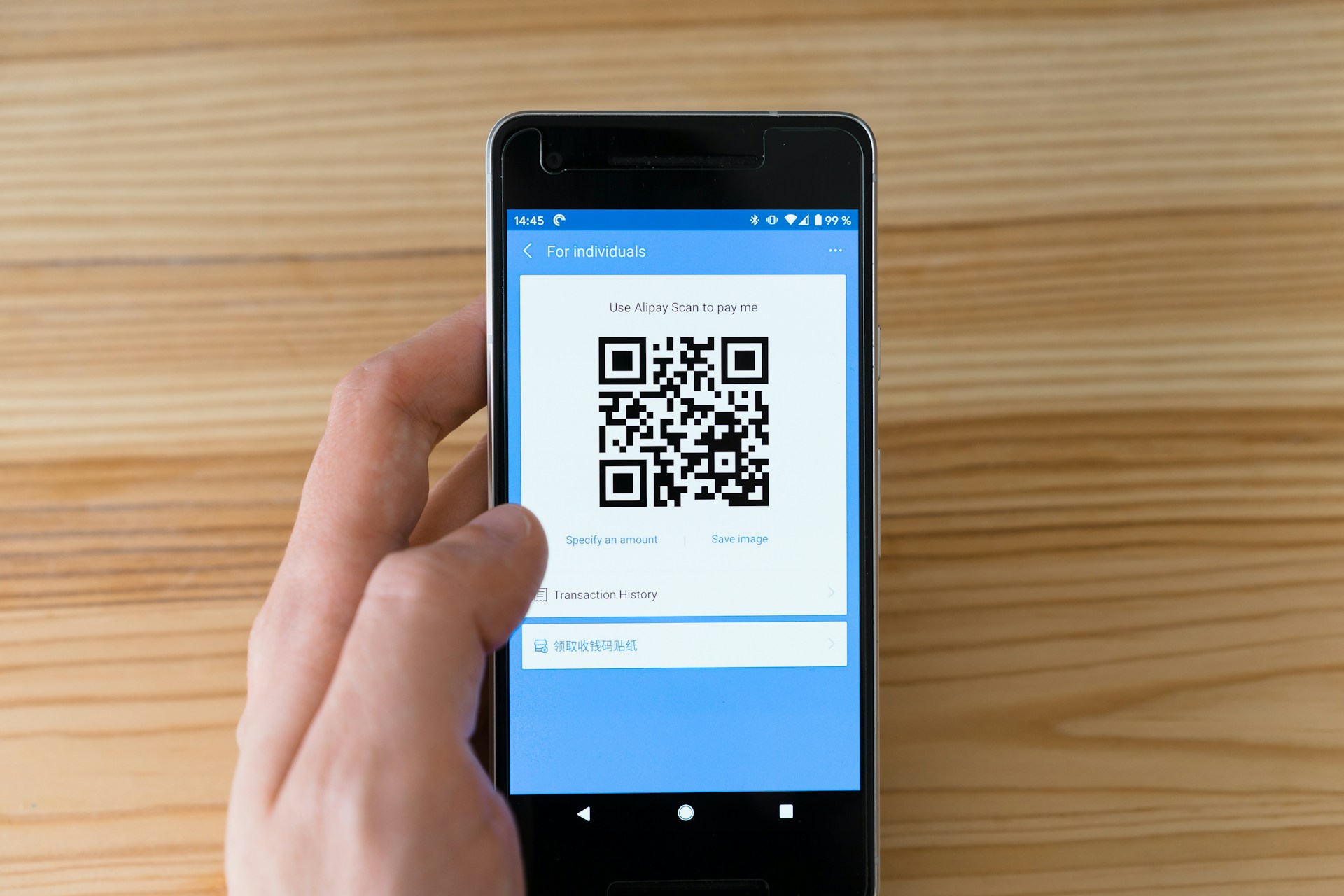
As it may seem, when comparing static vs dynamic QR codes, dynamic QR codes are more advanced and have a shorter encoded URL, which leads users to your desired content page.
If needed, you can change the destination and content if you need to update it without having to print a new QR code. With a [dynamic QR code generator](https://linklyhq.com/features/qr-code-generator), you’ll receive its scanning statistics, which are mainly used in campaigns related to marketing.
With these codes, you’ll have further location information, scanning amounts, the date and time, and the type of operating system it uses. This information is essential for businesses that want to improve their reputation when trying to reach a particular audience.
Since dynamic QR codes are more flexible, you can use them for various circumstances, such as improving your marketing campaign and gathering customer feedback.
### Government Use
Dynamic QR codes allow government office settings to update their business hours to improve booking appointments. Additionally, government settings also use these codes to collect feedback from individuals.
### Collects Reviews
When researching a nice restaurant for dinner, many customers go online to study reviews to determine whether or not they will give the establishment their business. Ratings and reviews are essential in the hospitality industry, deciding whether or not your business is booming.
To encourage your customers to rate your restaurant, you can use a rating QR code. To do this, you can print the code on the customer’s receipt, table decorations, or menu, encouraging your customers to rate you.
### For Marketing
Dynamic QR codes are popular for marketing campaigns, allowing you to distribute a wide range of information without creating new materials. For example, you can change the destination of your URL to your most-visited particular media page, spending where your audience visits most.
Dynamic QR codes can provide insights into engagement, offering information on time, location, and scan count. With this information, you can improve future marketing campaigns.
## Static vs Dynamic QR Codes: The Benefits
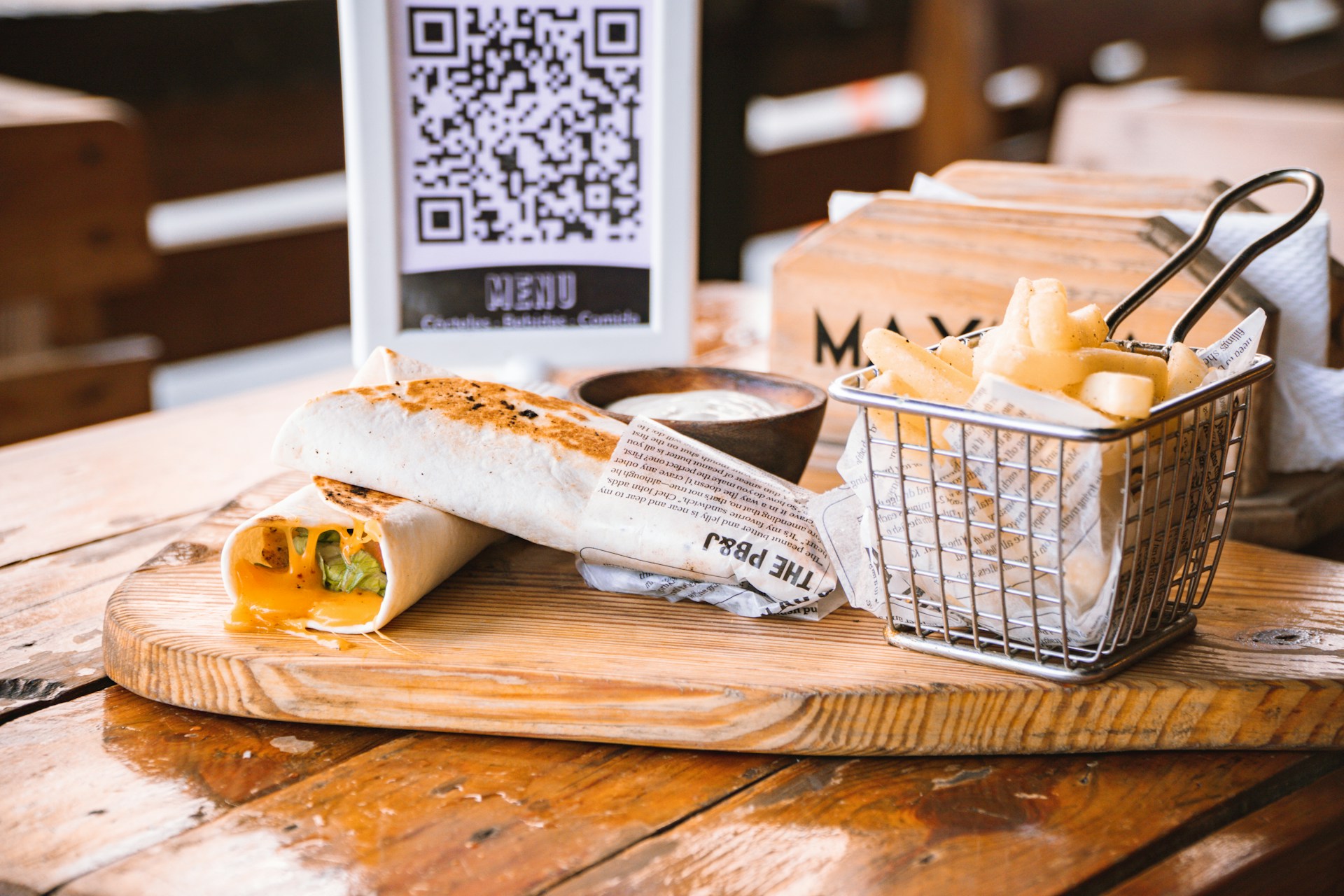
### Static QR Codes
* Simple to Use - Simple to use and create, requiring no infrastructure on the backend.
* Comparability - This can be used with any code reader.
* Longevity - These are used in settings where you don’t need to change the information, such as business cards and product labels.
* Unchangeable Information - Can’t alter already encoded data; great for one-time use events.
* Cost-Effective - Free to use and generate.
### Dynamic QR Codes
* Easily change or add information - You can edit codes after printing them, saving you time and money.
* Can fix mistakes if needed - Due to their editing capabilities, you can fix them instead of making a new code.
* Uses shorter URLs - Uses links that are smaller and simpler.
* Update your campaigns - You can adapt to your customers' preferences quickly.
* Monitors statistics - Gives you a large area of tracking information, allowing you to make adjustments to improve future business
* Can be set to [expire](https://linklyhq.com/support/create-expiring-links).
Linkly lets you [generate dynamic QR codes for free](https://linklyhq.com/support/create-qr-codes).
## Frequently Asked Questions
### How can I tell if a QR code is static or dynamic?
If your QR code has a slight encoded URL redirection in it, then it’s considered a dynamic QR code. If your final destination URL is the same, then it’s regarded as a static QR code.
### Are dynamic QR codes worth it?
For marketing purposes, dynamic QR codes are an excellent choice as they offer the ability to track user engagement and more flexibility.
### Can I convert a static QR code to a dynamic one?
You can’t convert a static QR code to a dynamic QR code or do the opposite because they have different encoding methods and structures.
### Can I use a static QR code for my website?
For marketing campaigns that don’t need a destination URL adjustment, you can use static QR codes.
### What is the benefit of static QR codes?
Static QR codes have several benefits, such as reliability, cost efficiency, and ease of use.
---
# URL Blacklist
> URL blacklisting: Understand what a URL blacklist is and learn effective strategies to prevent your website from being blacklisted.
Source: https://linklyhq.com/blog/url-blacklist
# URL Blacklist: What It Is & How to Avoid It
In today's digital landscape, ensuring safe web browsing is paramount. To protect users, online companies, search engines, and government agencies have implemented various security measures over the years, including CISPA. One of the most prevalent tools in this arsenal is the URL blacklist, designed to prevent consumers from visiting malicious websites.
At [Linkly](https://linklyhq.com/), we prioritize your online safety and business integrity. This post will delve into what a URL blacklist is and how you can avoid landing on one.
- - -
## Understanding URL Blacklists
A URL blacklist is a list of websites identified as harmful or unsafe due to suspicious activities detected by antivirus vendors, search engines, and other hosting services. When a website is blacklisted, access is blocked, and users receive a warning message about potential malware.
Being blacklisted can significantly reduce your site traffic, damage your business reputation, and prevent you from using services like Google Ads. This can occur due to malicious behavior, security issues such as spam, trojans, phishing, or even due to software vulnerabilities and cyber-attacks not directly caused by the site owner.
- - -
## How to Avoid the URL Blacklist
1. **Create a Strong Password** — Strong passwords are your first line of defense. A robust password should be at least twelve characters long and include numbers, upper and lower case letters, and special characters. Use a password generator for added security and a password manager to avoid using the same password across multiple accounts.
2. **Use Trusted and Reliable Software** — Free themes, plugins, and software can be tempting but often come with risks. Ensure you use reputable sources. Research the developer, check compatibility with your site, read customer reviews, monitor the number of active installations, and verify the frequency of software updates.
3. **Fix Damaged Links** — Broken links can lead to 404 errors, negatively impacting SEO and user experience. Regularly audit your site for broken links and fix them promptly to maintain a healthy and accessible site.
4. **Limit Login Attempts** — Protect against brute force attacks by limiting the number of login attempts. This, combined with strong passwords, can thwart hackers from accessing your site.
5. **Use a Cybersecurity Service** — Regular scans for threats and infections are crucial. If your hosting provider doesn’t offer this service, consider a third-party cybersecurity solution to monitor and protect your site from potential threats.
6. **Designate Permissions and User Roles** — If your site requires multiple users, assigning specific permissions and roles can enhance security. Restricting access can prevent hackers from causing extensive damage if they compromise one user account.
- - -
## Final Thoughts
URL blacklisting is a necessary safety measure employed by companies like McAfee, Norton, and Google to protect online users. However, it can also harm your website’s reputation, revenue, and traffic. Understanding the causes of blacklisting and how to avoid it is crucial for maintaining a secure and reputable online presence.
At [Linkly](https://linklyhq.com/), we offer robust solutions to help you safeguard your website and business from potential threats. Explore our services to ensure your site remains secure and trusted by your visitors.
- - -
## URL Blacklist: FAQ
### How do I resolve a URL blacklist?
Remove the problematic software or content with a cleanup service or manually.
### How do you check a URL blacklist?
Use a blacklist checker to verify your website across multiple blacklist databases.
### Why would a URL be blacklisted?
URLs may be blacklisted if they are involved in malicious campaigns or fraudulent activities.
### How do I fix a blacklisted website?
Fix a blacklisted site by changing your SEO strategy, removing plagiarized content, uninstalling malicious plugins, or running a malware scan.
---
# Do QR Codes Expire?
> Do QR Codes Expire?
Source: https://linklyhq.com/blog//qr-codes-expire
# Do QR Codes Expire? Here's Everything You Need to Know
QR codes have become ubiquitous, appearing on everything from advertisements to product packaging.
They serve as a bridge between the physical and digital worlds, making information access seamless and convenient.
But with their widespread use, a common question arises: [do they expire](https://linklyhq.com/support/create-expiring-links)?
## The Basics: Do QR Codes Expire?
**In simple terms, most QR codes do not expire. Their longevity and functionality depend on the type of QR code and how it was created.**
Here's a breakdown of the types of QR codes and their characteristics regarding expiration.
## Types of QR Codes
There are two main types of QR codes: **Static QR Codes** and **Dynamic QR Codes**.
1. **Static QR Codes**
* **Definition:** Once created, the information encoded in a static QR code cannot be changed. It always leads to the same content, such as a URL, text, or contact information.
* **Use Cases:** Ideal for situations where the information does not need to be updated, such as personal contact details or product labels.
* **Longevity:** Static QR codes do not expire. However, if the linked content becomes unavailable (e.g., the URL is deactivated), the QR code will lead to an inaccessible page.
2. **Dynamic QR Codes**
* **Definition:** These codes allow the encoded information to be updated even after the QR code has been printed. They typically redirect to a URL that can be changed as needed.
* **Use Cases:** Perfect for marketing campaigns, event information, and any scenario where the content might change over time.
* **Longevity:** While dynamic QR codes themselves do not expire, their functionality can be influenced by the service provider’s settings and subscription status. Some providers may limit the number of scans or set expiration conditions based on subscription plans.
## Do Static QR Codes Expire?
**No**, static QR codes do not expire. They remain functional as long as the physical QR code is undamaged and the linked content is accessible. Factors that can impact their functionality include:
* **Physical Damage:** Wear and tear or damage to the QR code can make it unscannable.
* **Content Accessibility:** If the URL or data linked to the QR code is removed or becomes inactive, the QR code will no longer lead to the intended destination.
## Do Dynamic QR Codes Expire?
[Dynamic QR codes](https://linklyhq.com/features/qr-code-generator) offer greater flexibility compared to static ones. While they do not have a strict expiration date, their functionality can be subject to:
* **Service Provider Settings:** Some providers may impose limits on the number of scans or set conditions based on subscription plans.
* **Subscription Status:** If you fail to maintain your subscription with the QR code service provider, the dynamic QR code may become inactive.
## Creating a Non-Expiring QR Code
To ensure your QR code remains functional and effective, follow these steps:
1. **Determine the QR Code Type:** Decide whether you need a static or dynamic QR code based on your use case.
2. **Choose a Reputable Generator:** Use a reliable [QR code generator](https://linklyhq.com/support/create-qr-codes) known for its stability and longevity. We recommend Linkly, of course!
3. **Enter Your Data:** Input the required information, such as a URL or text.
4. **Customize Your QR Code:** Adjust the color, shape, and design to match your branding.
5. **Set Error Correction:** Ensure your QR code remains scannable even if slightly damaged.
6. **Test Before Finalization:** Verify that the QR code leads to the correct content.
7. **Download and Deploy:** Download your QR code in the desired format for digital or print use.
## Frequently Asked Questions
### How long does a QR code last?
As long as the linked content remains active, a QR code will continue to work.
Linkly's [QR codes can be set to expire](https://linklyhq.com/support/create-expiring-links).
### How permanent are QR codes?
Static QR codes are permanent and do not expire. Dynamic QR codes are editable and depend on the service provider’s settings. All of [Linkly's QR codes are editable.](https://linklyhq.com/support/create-qr-codes)
### What QR code does not expire?
Static QR codes, also known as permanent QR codes, do not expire.
### How do I reactivate my expired QR code?
For dynamic QR codes, reactivate by renewing your subscription or upgrading your plan with the service provider.
### Can I use my old QR code?
Yes, if you created a dynamic QR code, you can redirect it to a new page or content.
---
# Clickmeter Alternative (2026 review)
> Linkly is click tracking software that helps marketers and affiliates reach their goals.
Source: https://linklyhq.com/blog/linkly-vs-clickmeter
# Clickmeter Alternative (2026 review)
Linkly and Clickmeter are both URL shorteners with click tracking ([tracking links](https://linklyhq.com/create-tracking-links)). As of 2026, Clickmeter has been superseded by Rebrandly. We recommend you switch to [Linkly](https://linklyhq.com/) for an equivalent feature set.
## Features Common to Linkly & Clickmeter
* [Click tracking](https://linklyhq.com/create-tracking-links)
* Link shortening
* [Custom domains/branding](https://linklyhq.com/support/custom-domain)
* Location based redirects
* [Link rotators (A/B testing)](https://linklyhq.com/support/link-rotator)
* [Mobile redirection](https://linklyhq.com/support/app-redirects)
* [Retargeting](https://linklyhq.com/support/retargeting-tracking-pixels)
* [QR code links](https://linklyhq.com/support/create-qr-codes)
* Guest/team accounts
* [Export to spreadsheet](https://linklyhq.com/support/google-sheets-addon)
* [Link cloaking](https://linklyhq.com/support/link-cloaking)
Both also have unique features:
## Linkly’s Unique Features
* On-site link replacement (“linkify text”), which can replace words/phrases on your website with links
* Automatic link replacement on your website
* Link testing
* SSL certificates for your domain
## Clickmeter Tracking Unique Features
* API access
* Password protected links
* Limited number of click links
Linkly offers a [free plan](https://linklyhq.com/support/free-plan).
## Clickmeter Pricing
Clickmeter doesn’t have a trial but does offer a money-back guarantee.
---
# 5 Click Tracking Software Products Reviewed (2026)
> Click tracking is an essential component of any digital marketing campaign. Here’s a comprehensive list of click trackers suitable for business use. Voluum From the team at Zeropark, this tool is aimed at affiliate marketers buying wholesale traffic from ad networks. Paid only.
Source: https://linklyhq.com/blog/list-of-link-trackers-1
# 5 Click Tracking Software Products Reviewed (2026)
[Click tracking](https://linklyhq.com/create-tracking-links) is an essential component of any digital marketing campaign.
Here’s a comprehensive list of click trackers suitable for business use.
## Voluum
From the team at Zeropark, this tool is aimed at affiliate marketers buying wholesale traffic from ad networks. Paid only.
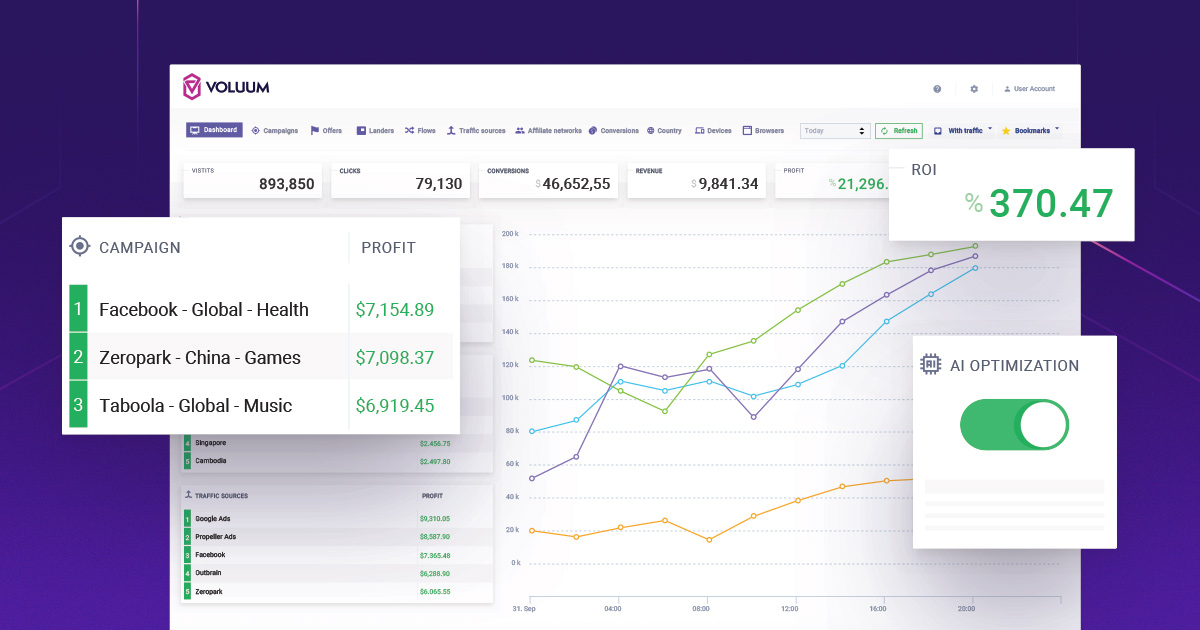
Rebrandly
---------
A spin-off from Clickmeter (discussed below), Rebrandly aims to make branded link shortening easy. Nice features include a Chrome extension and Zapier integration. Offers a free plan.
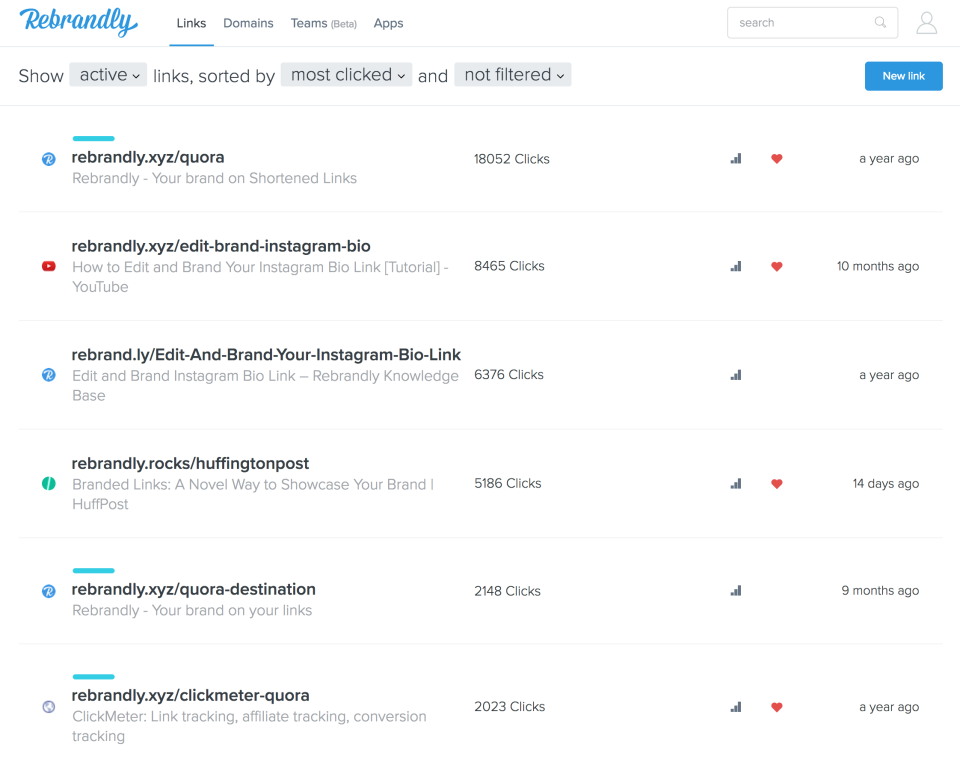
Clickmeter
----------
Clickmeter, the original product behind Rebrandly, is a fully featured link tracker. It offers all the main features, including redirects, cloaking, retargeting and conversion tracking. Paid only, but includes a money back guarantee.
CPV Lab Pro
-----------
The original self-hosted click tracker is now selling itself as a service. It’s expensive, as it requires the payment of a monthly license fee, as well as hosting, and a person to install it. Unlike Rebrandly and Clickmeter, this product is more like Voluum, in that it targets people buying traffic from ad networks.
Clickmagick
-----------
Clickmagick is one of the oldest link trackers out there. Focusing on small business, it offers a number of basic tools for affiliate marketers. It also offers a “hello bar” and popup script to run on your website, which is unique amongst the link trackers.
Linkly
------
Our own link tracker compares favorably with the competition. Aimed at publishers, agencies and marketers, Linkly can shorten links, apply custom branding with your own domain, perform complex redirections (including by location and device), retargeting, and even replace words and phrases on your website with links. [Did we mention we have a free plan?](https://linklyhq.com/pricing)
---
# Using Elixir Phoenix in a Commercial SaaS Project
> Linkly is written in Elixir. I had always wanted exposure to the Erlang ecosystem, and Elixir is an easy route. I won’t cover the benefits of BEAM or Erlang directly here, as that’s been written about elsewhere. Instead, I’ll focus on the practicalities of using Elixir Phoenix for a real project.
Source: https://linklyhq.com/blog/using-elixir-phoenix-in-a-commercial-saas-project
# Using Elixir Phoenix in a Commercial SaaS Project
Linkly is written in [Elixir](https://elixir-lang.org).
I had always wanted exposure to the Erlang ecosystem, and Elixir is an easy route.
I won’t cover the benefits of BEAM or Erlang directly here, as that’s been written about elsewhere. Instead, I’ll focus on the practicalities of using Elixir Phoenix for a real project.
I’m going to assume you know what Ruby on Rails is, as Phoenix, Elixir’s web framework, is heavily inspired by Rails.
## Actually Programming in Elixir Phoenix
Writing in Elixir is a joyful experience.
It follows similar paradigms to Rails, including MVC, and even looks similar.
Unlike Rails, the code is compiled before it is run. This is a useful step as it allows you to catch errors that you otherwise might not have.
Models in Phoenix are grouped into ‘Contexts’. This is an extra level of abstraction, intended to create clear separation between parts of applications, e.g. Users and Products. Each context can contain any number of models.
## Performance
A lot has been made of performance on other blogs, so I’ll cover the practical side here.
For a fully featured web framework, the performance is clearly a lot faster than Rails, and requires substantially less hardware to run.
The time ‘to boot’ of running mix phx.server vs rails server is faster. Even when developing on a laptop, pages load noticeably faster with Phoenix.
## Availability of Packages for Elixir Phoenix vs Rails
Superficially, it seems like there’s a difference here. Rails has many thousands of gems versus Elixir’s Hex repository.
As it happens, almost everything you’d actually use is available in the Elixir Hex package system - JSON parsers, HTTP clients, tools for formatting and parsing Markdown - it’s all there, and the module quality is outstanding.
In Rails, there are substantially more gems, but you would never include them in a real project, due to their unmaintained status or risk associated with building too many external dependencies into your application.
Platforms like Stripe and Recurly maintain their own Rails gems for interacting with their APIs. This can be handy, and are generally lacking support for Elixir.
I found, however, it was very easy to use Elixir’s Tesla package for interacting with HTTP endpoints of services, and finally ended up preferring working this way, versus using pre-packaged gems, as it’s lighter, and allows you to understand what’s happening.
## Database Abstraction - Ecto and ActiveRecord
Ecto is not as fully featured as ActiveRecord.
It’s not intended to be.
Ecto is a simple database wrapper that maps database queries to Elixir objects.
Initially, I found it to be frustrating that it didn’t work just like ActiveRecord.
However, Ecto lets you interact with the database in a very straightforward way, and actually makes programming web applications much easier.
With ActiveRecord, once you start building complex queries, it takes longer to figure out ActiveRecord than just writing a query as SQL.
Having used both, it is my conclusion that using a lightweight database wrapper like Ecto is easier than using a heavyweight abstraction like ActiveRecord.
It gives you the safety of using a database wrapper, without the headache and weight of a 'too clever” abstraction.
Both contain migration and rollback functionality.
The default database for Phoenix projects is Postgres.
For those using NoSQL databases, Ecto works with Mongo.
Better yet, Ecto works with Postgres’ NoSQL features, allowing you to save and query JSON without needing Mongo.
## User Authentication
This is somewhere Elixir Phoenix is lacking.
Rails has the Devise module. Phoenix has Coherence, however it is presently unmaintained.
If you want to use a basic username & password login, you will have to build every step of that. That includes hashing passwords, password reset logic, ‘remember-me’ settings etc.
This is tedious and carries substantial security risk.
I opted to use Auth0, which worked with Phoenix just fine. Perhaps this is a better solution anyway, but it would have been nice to have had a choice.
## Deployment & Hosting
The main host of Phoenix apps is [Gigalixir](https://gigalixir.com), a small American company run by Elixir enthusiasts.
Gigalixir is hosted on Google Cloud, so the underlying infrastructure is sound.
Gigalixir’s buildpack makes deployment easy, and supports all of Elixir’s clever deployment strategies (distillery, mix).
It is more expensive than ‘roll-your-own’, but most of the cost is wrapped up in Postgres database hosting.
Elixir Phoenix is so light that it can be run on small docker pods and still handle a very healthy number of requests.
Despite the markup, it is absolutely worth it to take the headache away.
I’ll just add, their customer support is outstanding.
## Availability of Programmers
There are substantially fewer Elixir programmers out there.
Elixir is “programmer’s language” -a language people come to, having learnt something else.
Having said that, those who do Elixir are typically better programmers. Perhaps it’s the conscious choice of picking a better language.
It reminds me of the early days of Rails, where it seemed like only “rockstars” would use it (versus PHP).
Any good Rails programmer will have no problem picking up Elixir Phoenix, and will be up and running within a few days.
## Would I Use Elixir Phoenix again?
Definitely.
I’ve worked with a lot of languages, and Elixir is the easiest and most powerful I’ve worked with.
I look forward to writing Elixir.
---
# How to track clicks on a link
> Link tracking is the process of tracking who and how many people clicked on a link. There are two types of link tracking - outbound link tracking (of which Linkly is the leader), and internal link tracking (for which we recommend either Linkly or Google Analytics). How to track clicks on a link
Source: https://linklyhq.com/blog/how-to-track-clicks-on-a-link
How to track clicks on a link
=============================
**Link tracking** is the process of tracking who and how many people clicked on a link.
There are two types of link tracking - outbound link tracking (of which [Linkly](https://linklyhq.com/) is the leader), and internal link tracking (for which we recommend either Linkly or Google Analytics).
How to track clicks on a link - outbound & internal
---------------------------------------------------
In order to track clicks on links, you need to [create a special kind of link called a tracking link](https://linklyhq.com/create-tracking-links) (Check out our article [What is a tracking link?](https://linklyhq.com/create-tracking-links/)).
Tracking links work by redirecting the user through a tracking service like Linkly, saving their information, and then forwarding the user to the final destination.
The process is instant and invisible, and the user will not know they have been counted.
Tracking links use 301 redirects, which preserve the SEO value for links that are shared.
Linkly saves important information, specifically the geographic location of the click, the destination and the referring page (which shows where the user came from).
Cookies can also be set to track conversions, or add a user to a remarketing or retargeting list.
Many URL shorteners provide basic analytics (including Linkly, bit.ly, TinyURL and YOURLS) out of the box, with differing degrees of sophistication. Most URL shorteners are built for a specific purpose such as social sharing, branding or conversion tracking.
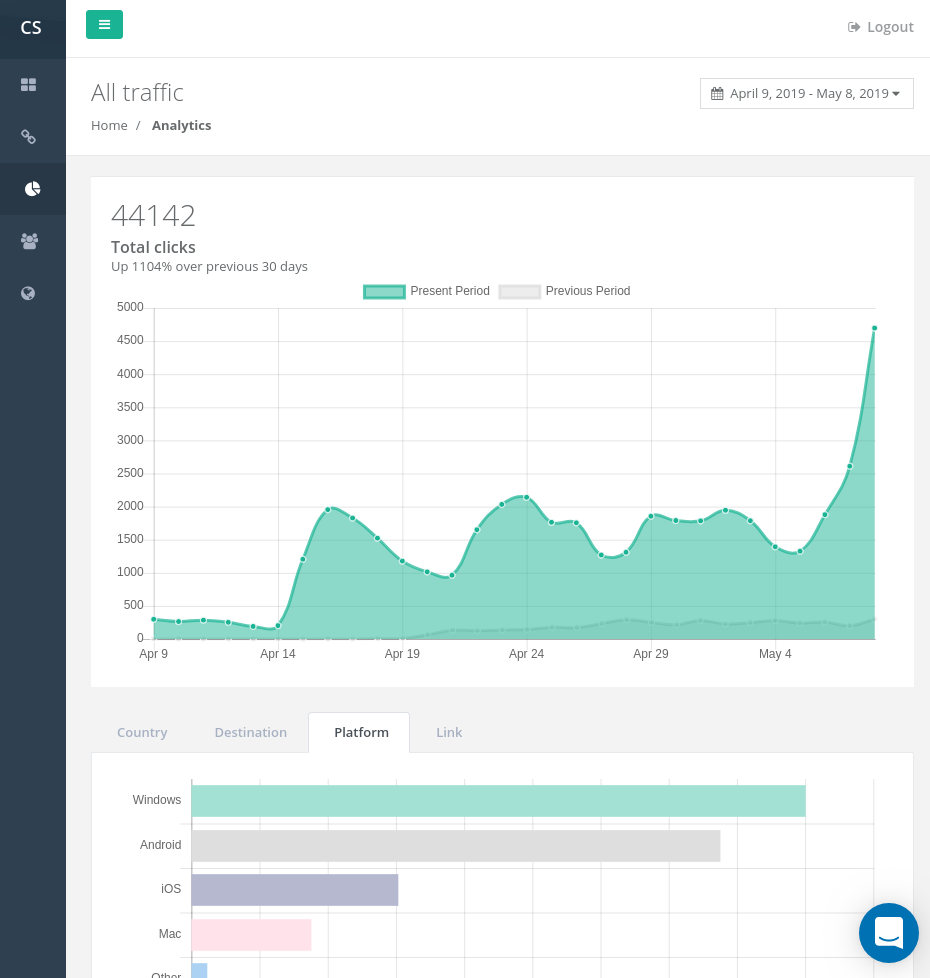
---
# List of Link Rotators (Free & Paid)
> Linkly gathers the best free and paid link rotators from around the web.
Source: https://linklyhq.com/blog/list-of-link-rotators
List of Link Rotators (Free & Paid)
===================================
**Link rotators**, sometimes called **URL rotators**, allow you to randomly allocated traffic to particular destinations.
## Free & Paid Link Rotators
There are several [free link rotators](https://linklyhq.com/support/link-rotator) available on the web.
* **[Linkly’s Link Rotator](https://linklyhq.com/)** (our own!) offers unlimited destinations, is suitable for high traffic/paid traffic, and has a number of other features such as custom domains, bot detection and click fraud prevention. Linkly also offers a free link rotator for up to 500 monthly clicks.
* **[ClickMeter](https://l.linklyhq.com/l/NY)** - a paid only link rotator (starting $29 a month) that includes link rotators with conversion tracking.
* **[GeniusLink](https://l.linklyhq.com/l/NZ)** - a paid only service (starting at $9 a month) that includes link rotation. GeniusLink is focused on Amazon affiliate marketers.
* **[Free Rotator.com](http://freerotator.com/)** - free link rotator, old fashioned, lacks secure domain.
* **[Rotator 4 Pro](https://www.rotator4pro.com/)** - free link rotator with paid plans
---
# Linkly - A PixelMe Alternative
> Linkly is a free alternative to PixelMe , the retargeting pixel custom link shortener, and offers a number of additional features to boot. Linkly vs PixelMe: Retargeting Pixels If you're trying to build custom audiences with Facebook Pixel or Twitter Audience Tags , you'll want to add those tr
Source: https://linklyhq.com/blog/pixelme-alternative
# Linkly - A PixelMe Alternative
Linkly is a free alternative to **PixelMe**, the retargeting pixel custom link shortener, and offers a number of additional features to boot.
## Linkly vs PixelMe: Retargeting Pixels
If you're trying to build custom audiences with **Facebook Pixel** or **Twitter Audience Tags**, you'll want to add those tracking pixels to links you share.
Both Linkly and PixelMe do this.
Linkly offers a free plan for up to 500 clicks per month.
PixelMe is a paid only option, starting at $29 a month.
Linkly allows you to embed **any** snippet (not just tracking pixels), so you can also add **Google Tag Manager** and **Google Analytics** to your links.
## Linkly vs PixelMe: Feature Showdown
Linkly also offers a number of smart redirect options, including redirecting by [device](https://linklyhq.com/support/app-redirects), [geolocation](https://linklyhq.com/support/creating-location-redirects) or using a [link rotator](https://linklyhq.com/support/link-rotator) and [more](https://linklyhq.com/create-tracking-links).
## Important Note About PixelMe
PixelMe was acquired by Carbon6 in 2022 and no longer exists as an independent product. This means that if you're looking for a PixelMe alternative, you no longer have the option to sign up for the original PixelMe service.
Carbon6 has integrated PixelMe's functionality into their broader suite of e-commerce tools, but if you're specifically looking for a dedicated link shortener with retargeting capabilities, Linkly provides a comprehensive alternative.
---
# Rebrandly Alternative
> Linkly is an alternative custom URL shortener to Rebrandly. Use your domain to create branded short-URLs, with retargeting, smart redirects and more.
Source: https://linklyhq.com/blog/rebrandly-alternative
# Rebrandly Alternative
**Linkly** is an alternative to **Rebrandly** & **Bitly Enterprise**.
Linkly is a **custom URL shortener**, that allows you to use your own domain to shorten links.
Links shortened with Linkly:
* Have **higher click-through rates**, as users can see who’s behind a link (unlike generic bit.ly links).
* Spread **brand awareness**, even if your link isn’t actually clicked.
* Provide detail **metrics and tracking**.
Both Linkly and Rebrandly offer the opportunity to **edit social meta tags (Open Graph)**, and [add retargeting pixels to links](https://linklyhq.com/support/retargeting-tracking-pixels).
Linkly also offers a number of additional redirect options:
* Redirect by country (**georedirection**)
* Redirect by device (i.e. Android/iPhone/Desktop etc)
* [Link rotation](https://linklyhq.com/support/link-rotator) (easily split traffic between several destinations)
Both Linkly & Rebrandly have free plans, and both have plugins for **Firefox** & **Chrome**.
Both Linkly & Rebrandly have integration with Zapier.

Adding a Domain to Linkly or Rebrandly
--------------------------------------
Using any custom URL shortener requires you to add your domain.
If you already have a domain, you’ll need to login to your domain provider’s website and add a CNAME record that points to either Linkly or Rebrandly.
That’s pretty much all that’s necessary.
Linkly & Rebrandly - Pricing
----------------------------
Both offer similar pricing and **free plans**, with paid plans starting at **$29 per month**.
---
# ClickMeter Alternative
> Linkly & ClickMeter are both platforms for creating tracking links. Here's a feature showdown to see which is better.
Source: https://linklyhq.com/blog/clickmeter-alternative
# ClickMeter Alternative
**Linkly** is an alternative to Clickmeter.
Both Linkly & ClickMeter allow you to easily create tracking links.
## What is ClickMeter?
**ClickMeter** is a link shortener with additional features, including redirection, tracking, and retargeting.
Clickmeter has been around since 2009.
Linkly, is a relatively new entrant, joining the market in 2019.
ClickMeter's main focus is on **paid advertising** (it has competent CPC/ROI calculations) and **affiliate marketing**.
Linkly, by comparison, is broader in its reach, serving to be a **custom URL shortener** that can be used for a wide variety of marketing tasks.
## Features Common to Linkly & ClickMeter
* Both are effectively link shorteners on steroids.
* Both make it easy to **[create tracking links](https://linklyhq.com/create-tracking-links)**, and use a **[custom domain](https://linklyhq.com/support/custom-domain)** to create [vanity URLs](https://linklyhq.com/support/vanity-url).
* Both platforms offer redirection by country (**[georedirect](https://linklyhq.com/support/creating-location-redirects)**).
* Both platforms have **[link rotation](https://linklyhq.com/support/link-rotator)** and **[link cloaking](https://linklyhq.com/support/link-cloaking)**.
* Both platforms have clear, visual reports.
* Both allow automatic tagging of links with [Google Analytics UTM](https://linklyhq.com/support/google-analytics-utm-tag-builder) tags.
* Both can modify the referrer settings.
## Features Unique to Linkly
* Linkly offers [redirection by device](https://linklyhq.com/support/app-redirects) (i.e. send iPhone/Android users to different destinations).
* Linkly allows you to [edit social media previews](https://linklyhq.com/support/custom-social-previews/) (open graph meta tags) for your links.
* Linkly offers integrations for [Chrome](https://linklyhq.com/support/google-chrome-extension/), Firefox, [Google Sheets](https://linklyhq.com/support/google-sheets-addon) and [Zapier](https://linklyhq.com/support/zapier-integration/).
* Linkly offers click fraud protection using [Google's ReCaptcha v3](https://linklyhq.com/support/robot-clicks). This is particularly useful for blocking bots and malicious traffic, using Google's know-how.
* Linkly allows you to [add retargeting tags](https://linklyhq.com/support/retargeting-tracking-pixels) like Facebook Pixel, Google Tag Manager and more to links.
## Features Unique to ClickMeter
ClickMeter seeks a different audience, with a focus on marketing agencies.
* Ability to whitelabel ClickMeter reports and interface, including your own logo.
* Conversion notifications
* A variety of reports, including world maps and click streams.
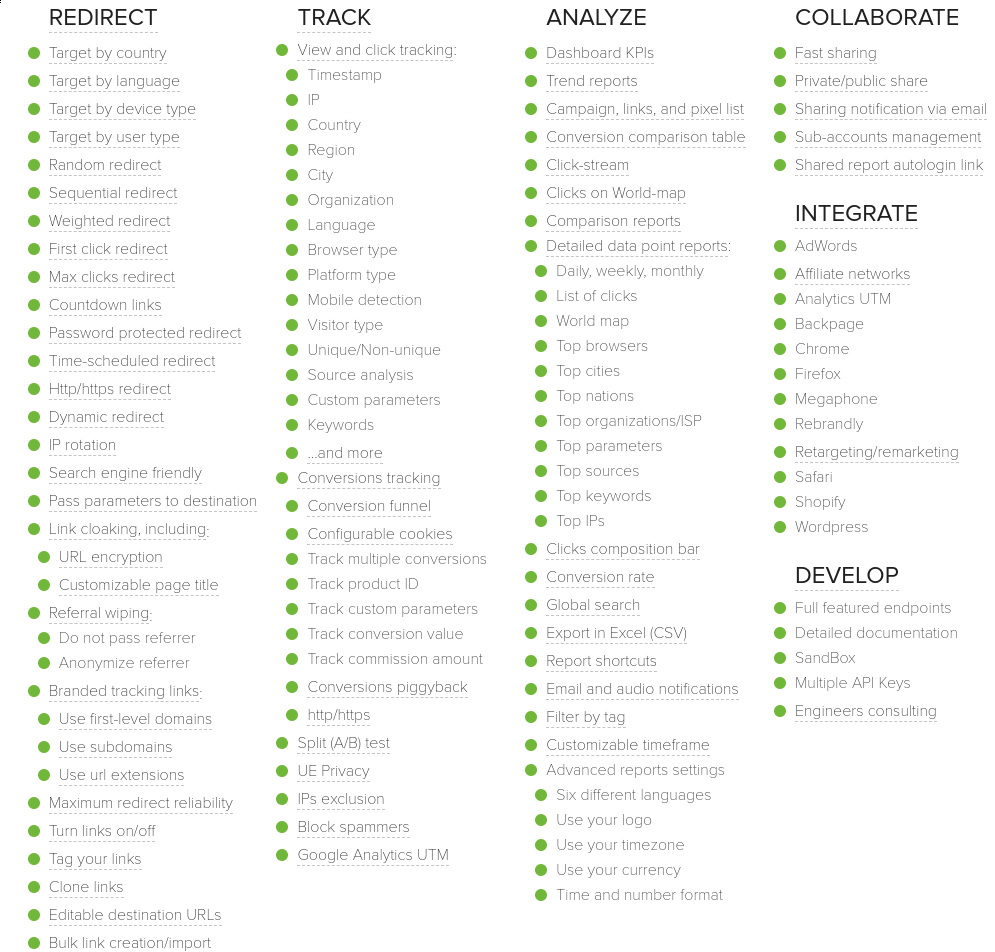
Perhaps the most important thing to know…
--------------------------------------
**ClickMeter** isn't maintained and developed anymore.
It's the same team behind '[Rebrandly](https://linklyhq.com/blog/linkly-vs-rebrandly)', and all their development efforts are there.
Linkly was built in response to needing a tool like ClickMeter, but more modern.
Linkly & ClickMeter Pricing
---------------------------
**Linkly has a free plan**, whereas ClickMeter is paid only.
---
# ClickMagick Alternative
> Linkly is modern click tracking software. Linkly is free for 500 clicks per month.
Source: https://linklyhq.com/blog/clickmagick-alternative
# ClickMagick Alternative
Linkly is a more modern alternative to ClickMagick. Both are competent click trackers.
## Features Linkly & ClickMagick Have in Common
* Easily [create tracking links](https://linklyhq.com/create-tracking-links) and produce visual reports.
* [Link rotation](https://linklyhq.com/support/link-rotator) to allow easy split testing
* Country based redirects ([georedirects](https://linklyhq.com/support/creating-location-redirects))
* Device ([Mobile/Desktop/iPhone/Android](https://linklyhq.com/support/app-redirects)) redirects
* Ability to [add retargeting pixels](https://linklyhq.com/support/retargeting-tracking-pixels) to links
* Ability to use custom domains to [create vanity URLs](https://linklyhq.com/support/custom-domain), that is, branded short-URLs that have much higher click-through rates than generic shortened links.
* [Parameter (subid) tracking](https://linklyhq.com/support/using-parameters-and-subid/)
* [Link cloaking](https://linklyhq.com/support/link-cloaking/) - the ability to hide the destination URL of a link by opening it in an iFrame
Both also have competent [click fraud monitoring](https://linklyhq.com/support/robot-clicks), although Linkly uses Google ReCaptcha v3, which leverages Google’s reach on the internet to help separate out robots from human traffic.
## Features Unique to Linkly
Linkly has a few extra features up its sleeve:
* [Custom social media previews](https://linklyhq.com/support/custom-social-previews/) - Allows you to edit the image/description/title of a post you share on Facebook or Twitter.
* Integration with Google [Chrome](https://linklyhq.com/support/google-chrome-extension/), [Firefox](https://linklyhq.com/support/google-chrome-extension/), [Google Sheets](https://linklyhq.com/support/google-sheets-addon) & [Zapier](https://linklyhq.com/support/zapier-integration).
* [Linkify Text](https://linklyhq.com/support/linkify-text) - Linkly can automatically replace words and phrases in text on your website with links. This is useful for adding affiliate links into content based websites, without editing every page.
* [Automatic Link Replacement](https://linklyhq.com/support/automatic-link-replacement) - By embedding a JavaScript snippet into your website, Linkly can automatically replace links with Linkly links, allowing you to track outbound visitors.
* Automatically [add UTM tags to destinations](https://linklyhq.com/support/google-analytics-utm-tag-builder) - see inbound traffic in Google Analytics
* [Bitly Link Import](https://linklyhq.com/support/bitly-import-links)
* Support for teams, multiple users & multiple workspaces.
* QR code generation
* Secure (https) link destinations
Linkly also has a free plan, so you can get 500 clicks.
## Features Unique to ClickMagick
ClickMagick is ultimately focused on affiliate marketers, so a slightly different audience.
ClickMagick has a few unique features of its own:
* Postback (webhook, or sever to server) conversion tracking
* “MagickBars” - these are ‘Hello bar’ type popups that appear on the bottom or top of pages to aid in promotion
* “MagickPops” - these are popups you can embed in your site to present offers to visitors. There are four types: ‘On-Load’, ‘Delayed’, ‘On-Exit’ & ‘Redirect’.
Clickmagick doesn’t have a free plan, but does offer a free trial (with a credit card).
---
# Bitly Alternative
> Linkly is a bitly alternative with more features, and is targeted at professional marketers. Both of them are custom URL shorteners. Features common to Bitly & Linkly Both allow you to shorten long URLs, track clicks, and create visual reports. Both allow you to use a custom domain to
Source: https://linklyhq.com/blog/bitly-alternative
# Bitly Alternative
Linkly is a **Bitly alternative** with more features, and is targeted at professional marketers.
Both of them are custom URL shorteners.
## Features common to Bitly & Linkly
Both allow you to shorten long URLs, track clicks, and create visual reports.
Both allow you to use a custom domain to create branded short-URLs ([vanity URLs](https://linklyhq.com/support/vanity-url)), although Bitly requires a paid plan for this. With Linkly, you can use a domain even on a free plan.
Both offer multi-user workspaces.
[Bitly Enterprise](https://linklyhq.com/blog/bitly-enterprise-pricing), their high-volume offering, is targeted at Fortune 500 companies.
## Features unique to Linkly
With Linkly, you can:
* Change the destination after a link has been created.
* [Add retargeting pixels to links](https://linklyhq.com/support/retargeting-tracking-pixels), such as Facebook Pixel or Twitter Tailored Audiences.
* [Create QR codes](https://linklyhq.com/support/create-qr-codes).
* Use smart redirects, to redirect users based on location, device or randomly ([link rotators](https://linklyhq.com/support/link-rotator)).
* [Customise social media previews](https://linklyhq.com/support/custom-social-previews/)
* Use integrations with [Chrome](https://linklyhq.com/support/google-chrome-extension/), [Firefox](https://linklyhq.com/support/google-chrome-extension/), [Zapier](https://linklyhq.com/support/zapier-integration/) & [Google Sheets](https://linklyhq.com/support/google-sheets-addon).
## Features unique to Bitly
* API for programmatic generation of links
Linkly also has a [Bitly import](https://linklyhq.com/support/bitly-import-links) feature, for migrating large numbers of links from Bitly to Linkly.
---
# Sniply Alternative
> Linkly is an alternative to Sniply. Create a free account and track 500 clicks per month.
Source: https://linklyhq.com/blog/sniply-alternative
# Sniply Alternative
Linkly is an alternative to Sniply.
Both are **custom URL shorteners**, with a slightly different focus.
Sniply’s main feature **custom call-to-action** popup on every link you share, which works using iFrames (cloaking).
## Features Unique to Linkly
Linkly, on the other hand, provides a number of functions that Sniply doesn’t, namely:
* Redirect by country
* Redirect by device
* [Rotate links](https://linklyhq.com/support/link-rotator) (link rotator)
* [Google Sheets integration](https://linklyhq.com/support/google-sheets-addon)
* Shortening of [mailto](https://linklyhq.com/support/shortening-mailto-links), [SMS links](https://linklyhq.com/support/tracking-sms-links) and [call links](https://linklyhq.com/support/shortening-tel-links)
* It also includes Call-to-action links, just like Sniply.
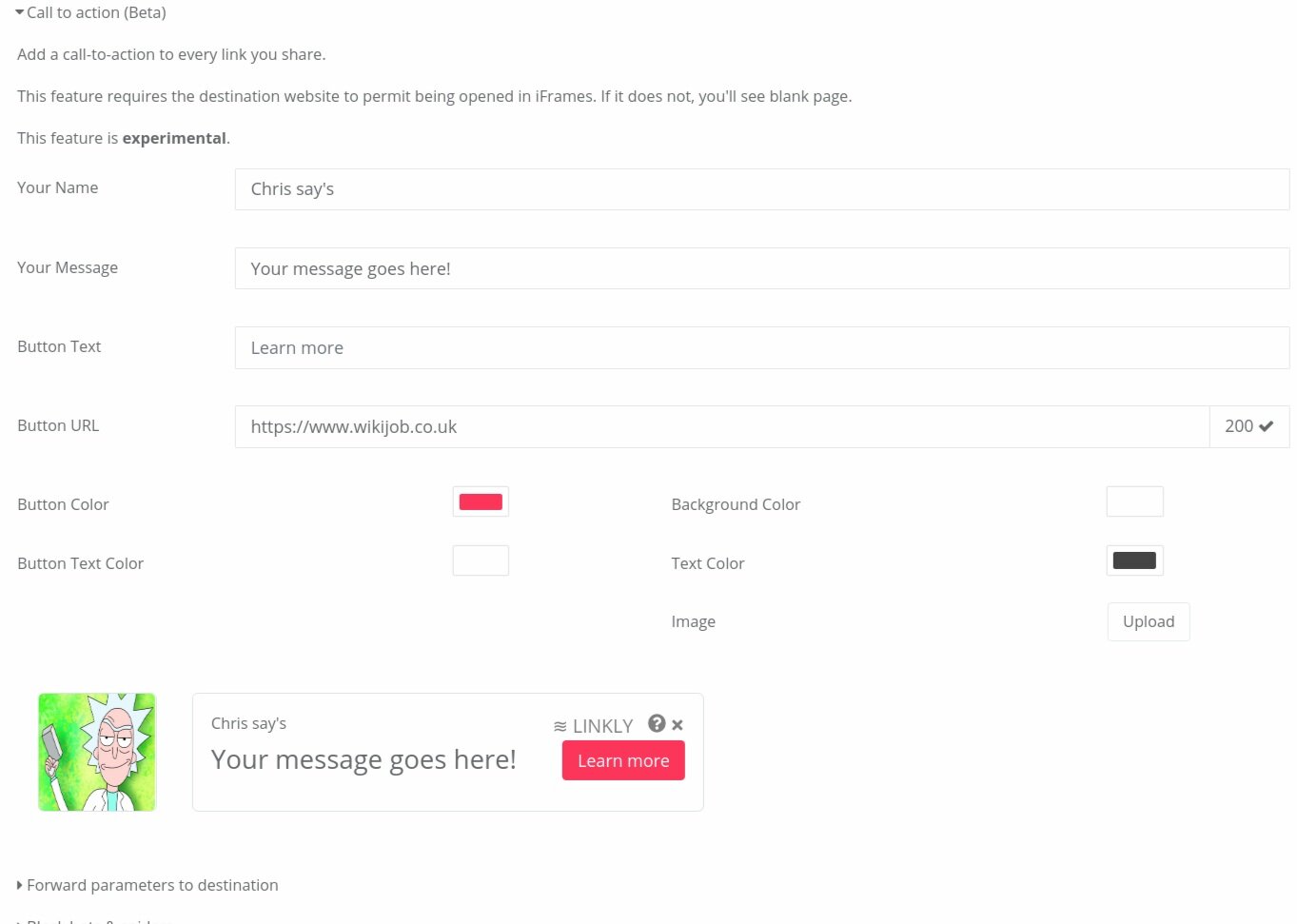
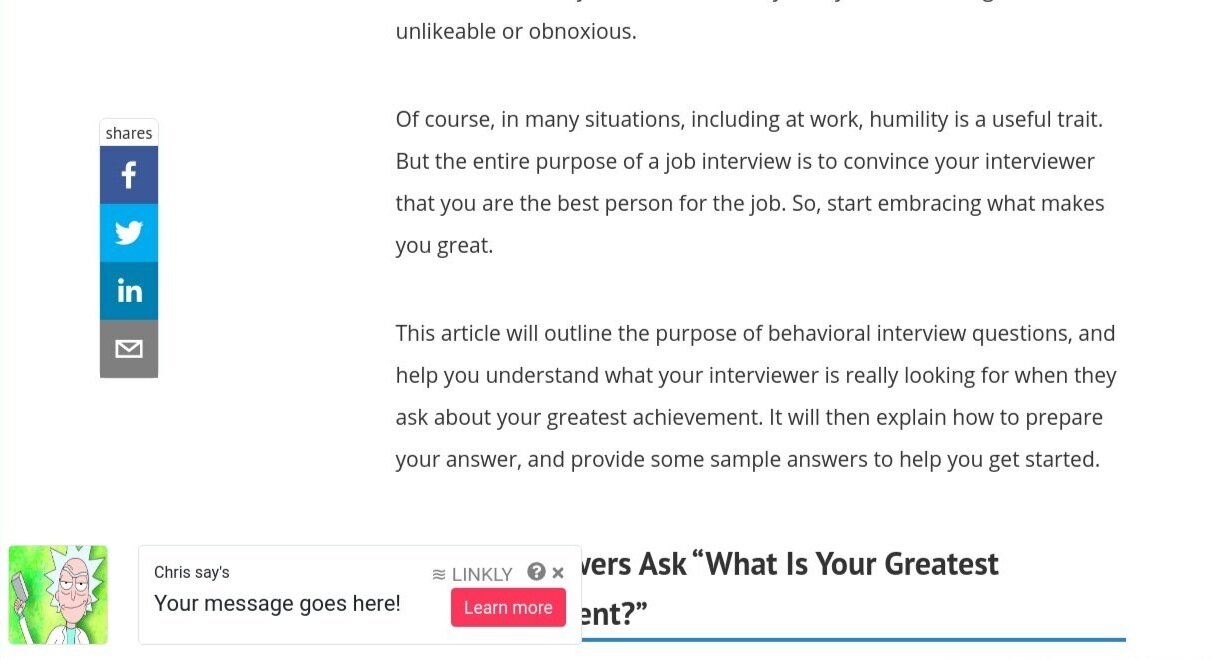
An example of **call-to-action** in action. Share a website, and have a popup with your content come up in the bottom-left corner.
## Features Shared By Linkly & Sniply
* Use custom domains to [create branded short-URLs](https://linklyhq.com/support/custom-domain)
* [Add retargeting pixels to links](https://linklyhq.com/support/retargeting-tracking-pixels)
* Chrome plugins
* Free plan: Sniply & Linkly - both 500 clicks per month.
* The ability to add a call to action to every link you share.
## Features Unique to Sniply
Fundamentally, Sniply’s main selling feature is the ability to attach a popup to links you share. This can be particularly valuable if you are sharing other people’s content on social media.
Sniply also has a different ‘link creation’ tool, focussed on the CTA:
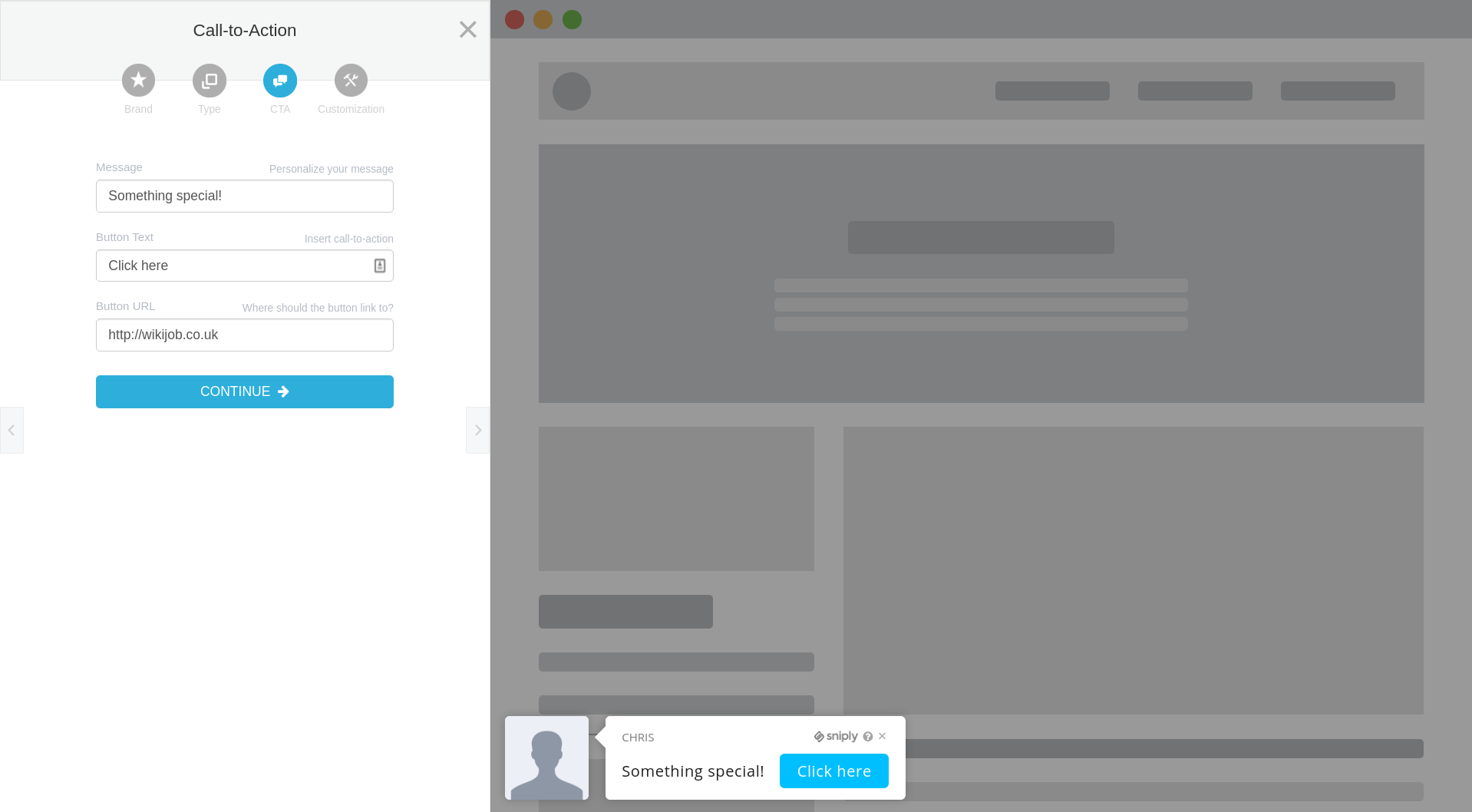
---
# RocketLink Alternative
> Linkly is an alternative to RocketLink.io. Try Linkly free for 500 clicks per month.
Source: https://linklyhq.com/blog/rocketlink-alternative
# RocketLink Alternative
Linkly is an alternative to RocketLink, particularly when you need to attach retargeting pixels to links.
## Linkly vs RocketLink - Features in Common
* Both allow you to attach retargeting pixels to links, be it Facebook Pixel, Twitter Tailored audiences or any other retargeting tag
* Both produce beautiful, visual reports of your traffic
* Both are custom URL shorteners that all you to use your own domain to create tracking links (in this way, both are a reasonable replacement for Bitly Enterprise).
* Both have plugins for Chrome & Firefox
## Features Unique to Linkly
Linkly has a number of features on RocketLink, including:
* Ability to redirect to different destinations by country
* Ability to redirect to different destinations by device
* Click Fraud protection - using Google Recaptcha v3
* The ability to block bots/spiders from following your links
* Automatic QR code generation
* Zapier integration
* Ability to customise social media previews when sharing on Facebook, Twitter & LinkedIn.
## Features Unique to RocketLink
RocketLink's stand out feature is its **call-to-action** - similar to that of [Sniply](https://linklyhq.com/blog/sniply-alternative). This is particularly useful when sharing **other people’s content** on social media, as you get a popup with your own message on the article.
## RocketLink vs Linkly: Pricing
RocketLink only offers paid plans, starting at $19.
Linkly has a **free plan**, allowing you to track 500 clicks, with high traffic plans starting at $29.
---
# Click tracking software compared
> In this article, we compare click tracking software . What is click tracking software? Click tracking software is software used to track clicks on links, normally used by affiliate marketers to determine the performance of their marketing. Types of Click Tracking Software Generally, there are
Source: https://linklyhq.com/blog/click-tracking-software-compared
# Click tracking software compared
In this article, we compare **click tracking software**.
## What is click tracking software?
**Click tracking software** is software used to track clicks on links, normally used by affiliate marketers to determine the performance of their marketing.
## Types of Click Tracking Software
Generally, there are three types of click tracking that need to be done:
### On site click tracking
On-site click tracking software would include things like:
* **Google Analytics** - useful for getting a general picture of traffic. Using GA’s events, you can build up a picture of the actions users take **on your website.**
* **HotJar, CrazyEgg, ClickTale** - these user experience monitoring tools produce **heatmaps** and **session recordings** of users actual activities on your website. This can be particularly informative, particularly when trying to understand where users look and where they bounce. These tools are vital for the on-boarding steps of SaaS products as well.
* **Mailchimp** and similar mail providers automatically include tracking links in emails you send, recording clicks, and can optionally integrate with **Google Analytics**.
## Offsite, social media & affiliate click tracking
Marketing usually involves doing significant outreach, whether that’s through **paid advertising**, **social media**, **content marketing** or offline.
In this case, on-site solutions like Google Analytics and HotJar are of no use, as you can’t install the tracking tags on your pages.
In this case, you need a solution for tracking clicks wherever you share your links.
### Free & freemium click tracking Options:
* **[Linkly](https://linklyhq.com/)** - well, you're here, aren't you? :) **Linkly** helps you get more from the links you share. Linkly is a professional link shortener. Linkly has a free plan to track up to 500 clicks per month, and you can attach your own domain, so all your links branded.

* **[Bitly](https://bit.ly)** - The original free link shortener, Bitly takes a link and gives you a tracking link in its place. Bitly is very limited, however:
1. You can’t use your own domain, which significantly reduces the CTR of links.
2. You can’t change the destination of a link after you’ve shared it, which is particularly important for time-sensitive promotions.
3. [Bitly Enterprise](https://linklyhq.com/blog/bitly-enterprise-pricing) is a big step up in terms of cost (thousands of dollars).
* **Rebrandly** - A very legitimate alternative to Bitly, with a different focus to Linkly. Rebrandly focuses on allowing you to use your own domain for tracking links, and has a number of features Linkly has, including the ability to add retargeting tags, custom social media previews, and the ability to add your own domain. Rebrandly is lacking in its redirect functionality however, and almost every advanced feature requires a paid plan.
### Paid click tracking options:
There are other options that focus on a particular niche:
* **ClickMeter** - ClickMeter has been around more than a decade. ClickMeter is focused on **paid advertising** and **redirection**. It offers all the usual features, although it is very dated and no longer being updated. The team have moved over to Rebrandly (mentioned above).
* **ClickMagick** - A ‘low-fi’ and simple click tracker, it allows you create tracking links. Its main focus is [affiliate marketers](https://linklyhq.com/blog/how-to-set-up-affiliate-links). It has a couple of cool features (MagickPop & MagickBars, call-to-action features that make it look a bit like Sniply). It lacks the depth of other packages.
* **Voluum** - A costly solution targeted at people promoting affiliate offers via paid advertising.
* **Improvely** - A tool designed to track the results of paid advertising, and reduce [click fraud](https://linklyhq.com/blog/click-fraud/).
* **Linktrackr** - Pretty good tool used for multi-purpose tracking and redirecting. This is perhaps the best Linkly alternative out there.
## Click tracking software comparison table
We keep a list of the main click trackers [here](https://linklyhq.com/click-tracking-software).
---
# How Psychometric Success increased its revenues with Linkly
> Psychometric Success, the leading numerical and verbal reasoning practice aptitude test site, increased its revenues by using Linkly's vanity URLs and Linkify text features.
Source: https://linklyhq.com/blog/how-psychometric-success-increased-its-revenues-with-linkly
How Psychometric Success increased its revenues with Linkly
===========================================================
[Psychometric Success](https://psychometric-success.com/) is the internet’s biggest resource for numerical reasoning, verbal reasoning and mechanical reasoning psychometric tests.
What are psychometric tests?
----------------------------
**Psychometric tests** are a type of aptitude test typically used for assessing a candidate’s ability to answer numerical and verbal reasoning questions under time pressure.
These aptitude tests are effectively a proxy for intelligence tests. They are typically used when a candidate doesn’t have the requisite employment experience to differentiate them. As such, they are commonly used on graduates, but are finding increasing use across all age groups and industry types.
Candidates tend to be very anxious about these tests, as performance on these tests can have outsized effects on their future.
What is Psychometric Success?
-----------------------------
Psychometric Success is a website dedicated to improving candidates' performance on numerical and verbal reasoning tests.
It offers a number of [free practice reasoning tests](https://psychometric-success.com/downloads/download-practice-tests) for numerical, verbal, diagrammatic and mechanical tests.
## Linkly & Psychometric Success
Psychometric Success makes money from selling additional practice reasoning tests.
Psychometric Success is built on Squarespace, so the ability to modify pages or install plugins is limited.
Psychometric Success faced multiple challenges:
* Tracking clicks for affiliate partners
* Forwarding users to the right app store, be that Apple Apps (formerly iTunes) or Google Play
* Creating tracking links automatically to affiliate partners
## Tracking Clicks to Affiliate Partners
With [Linkly](https://linklyhq.com/), it was possible to replace all the affiliate links with tracking links.
Using a custom domain, it was possible to [create a vanity URL](https://linklyhq.com/support/vanity-url) for all pages:
**Main site URL:**
https://psychometric-success.com
**Linkly vanity URLs:**
https://link.psychometric-success.com/
This meant that affiliate links on Psychometric Success had a much higher click-through rate.
## App Redirect to the right store
Psychometric Success's numerical & verbal reasoning practice tests [app](https://psychometrictests.app) had three main points of contact:
* The Psychometric Tests landing page at https://psychometrictests.app
* The Apple App Store
* The Google Play Store
The challenge was redirecting users to the appropriate destination, based on their platform.
Linkly was able to do this using its [device target](https://linklyhq.com/support/app-redirects) feature.
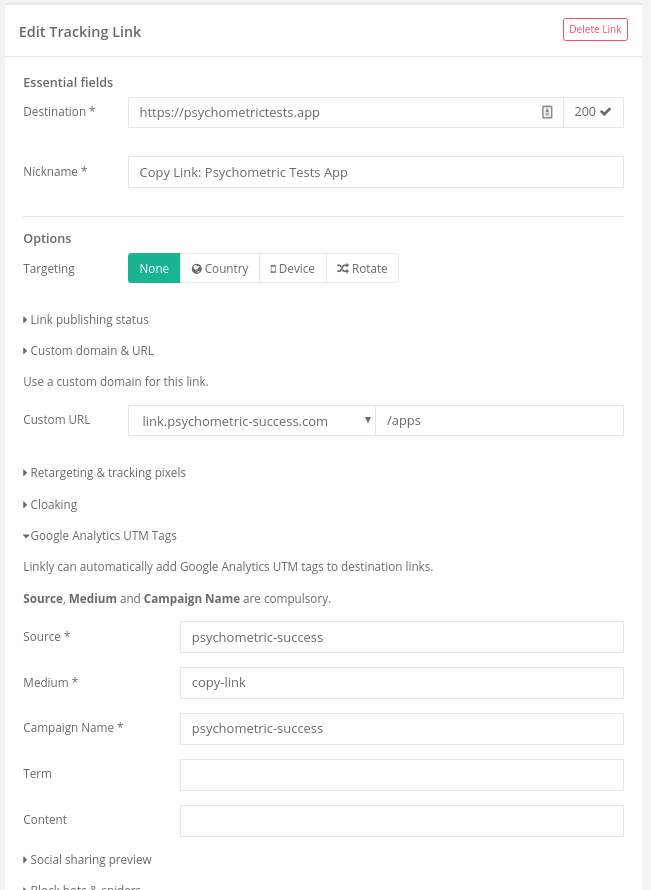
How we built out the link to [psychometrictests.app](https://psychometrictests.app), using a [vanity URL](https://linklyhq.com/support/custom-domain), [UTM tags](https://linklyhq.com/support/google-analytics-utm-tag-builder) and [app store redirects](https://linklyhq.com/support/app-redirects)
Adding In Content Links using Linkify Words
-------------------------------------------
Linkly has a feature called ‘[Linkify Words](https://linklyhq.com/support/linkify-text)’, that allows the automatic replacement of in-content words and phrases with links, by means of a javascript snippet inserted in the site.
This is particularly beneficial for **content based websites**, where editing and maintaining thousands of links across hundreds of pages is unfeasible.
---
# How URL shorteners work
> URL shortening, sometimes called link shortening, is used to shorten long URLs into something more readable and shareable. At its very essence, a URL shortener is a link that 301 redirects into a new destination. Algorithms for Link Shortening When you create a short-link with any l
Source: https://linklyhq.com/blog/how-url-shorteners-work
# How URL shorteners work
**URL shortening**, sometimes called **link shortening**, is used to shorten long and nasty URLs into something more readable and shareable.
At its very essence, a URL shortener is a link that 301 redirects into a new destination.
**Video: What Is a URL Shortener? (And What They Actually Do)** — https://www.youtube.com/embed/n7bOhf0zNwY
The redirect is the easy part — see what a modern URL shortener actually does, live in Linkly. Shorten an unreadable link, track every click by country and device, put links on your own domain, change a destination after sharing, and tour the extras — QR codes, link rotators, geo redirects, Google Sheets sync, and more.
- 0:00 — The whole trick, explained
- 0:12 — Long URL → short link, live
- 0:22 — From shorteners to link managers
- 0:32 — See every click (country + device)
- 0:42 — Your own domain — and editable links
- 0:53 — Also in the box: 8 more features
- 1:13 — Try it free
## Algorithms for Link Shortening
When you create a short-link with any link shortening service (be it Linkly, Bitly, or any of a number of others), a new link is inserted into a database, which returns a numeric ID.
This number might be very long, and numbers certainly aren’t very attractive on the end of URLs: e.g.
`shor.tr/2385162034`
Link shorteners get around this by changing the **base** of the number.
In base 10, numbers go from 0 to 9 before you add another digit (10) and start all over again.
In base 16 (hexadecimal), numbers go from 0-15, however the numbers 10-15 are represented by the letters A through F.
So, for example, the number 11 would be B.
The long number in the link above would be **8E2AAF32** - a bit shorter, but not much shorter.
Link shorteners tend to use **Base 62**, which gives you:
* The numbers 0-9 (10 symbols)
* The lowercase letters a - z (26 symbols)
* The uppercase letters A - Z (26 symbols)
For a total of 10 + 26 + 26 = 62 symbols.
Now, let’s encode the number above using Base 62:
`2385162034` in Base 10 = `2bPtb0` in Base 62
This is now six characters (as opposed to 10), yet still uniquely identifies the link.
All link shorteners work on similar principles.
## After the shortening…
When a request comes for a link, the extension is converted back to Base 10, the database queried for that link ID, and the user is redirected to the destination for that link.
A link shortener might at this point record the request, in order to provide click tracking functionality.
---
# GDPR, CCPA & Retargeting Pixels
> Learn how GDPR and CCPA apply to retargeting pixels. Understand your consent obligations, joint controller responsibilities, and how to use tracking pixels compliantly.
Source: https://linklyhq.com/blog/gdpr-ccpa-amp-retargeting-pixels
# GDPR, CCPA & Retargeting Pixels: What Marketers Need to Know
Using retargeting pixels from Facebook, Google, or other ad networks? You need to understand your legal obligations under GDPR and CCPA. Getting this wrong can result in significant fines.
This guide explains what you need to know about using [retargeting pixels](https://linklyhq.com/support/retargeting-tracking-pixels) compliantly.
## What Are Retargeting Pixels?
Retargeting pixels are small pieces of code you place on your website (or in [tracking links](https://linklyhq.com/create-tracking-links)) that collect data about visitors. This data is sent to advertising networks like Meta (Facebook), Google, or TikTok, allowing you to show targeted ads to people who have visited your site.
The problem? These pixels collect personal data, which triggers privacy law obligations.
## Do I Need Consent for Retargeting Pixels?
**Yes.** Under both the GDPR and the ePrivacy Directive (the "Cookie Law"), you must obtain consent before firing retargeting pixels.
Retargeting pixels are considered "non-essential" cookies/tracking. Unlike essential cookies (which are needed for your website to function), retargeting is for marketing purposes and requires explicit opt-in consent.
This means you need:
- A **cookie consent banner** that loads before any tracking pixels fire
- **Genuine consent** — pre-ticked boxes don't count
- The ability for users to **withdraw consent** easily
- **Documentation** of consent for compliance purposes
## Am I a Data Controller?
**Yes.** When you embed retargeting pixels on your website, you are typically considered a **joint data controller** alongside the advertising network.
This was clarified by the Court of Justice of the European Union (CJEU) in the *Fashion ID* case (2019). The court ruled that a website embedding Facebook's Like button (which works similarly to tracking pixels) shares responsibility with Facebook for the data collection.
As a joint controller, you are responsible for:
- Obtaining valid consent before the pixel fires
- Informing users about the data collection in your privacy policy
- Having a lawful basis for processing (typically consent for retargeting)
The ad network is also a controller — they use the data for their own purposes (improving ad targeting, building user profiles). They are **not** merely a "data processor" acting on your instructions.
## GDPR vs CCPA: Key Differences
### GDPR (EU/UK)
- Requires **opt-in consent** before tracking
- Applies to anyone targeting EU/UK residents
- Fines up to €20 million or 4% of global revenue
### CCPA (California)
- Requires **opt-out** mechanism ("Do Not Sell My Personal Information")
- Applies to businesses meeting certain thresholds
- Users can opt out of "sale" of personal information (which includes sharing data with ad networks for cross-context behavioral advertising)
- Fines up to $7,500 per intentional violation
Note: The CPRA (California Privacy Rights Act) strengthened CCPA requirements, including new rules around "sharing" data for advertising purposes.
## How to Use Retargeting Pixels Compliantly
### 1. Implement a Consent Management Platform (CMP)
Use a cookie consent tool that:
- Blocks tracking pixels until consent is given
- Records consent for compliance purposes
- Allows users to withdraw consent
Popular options include Cookiebot, OneTrust, and Termly.
### 2. Update Your Privacy Policy
Clearly explain:
- What tracking pixels you use
- What data is collected
- How the data is shared with ad networks
- Users' rights regarding their data
### 3. Configure Consent Mode
Both Google and Meta offer "Consent Mode" features that adjust tracking behavior based on user consent. Enable these to ensure pixels respect user choices.
### 4. Consider Server-Side Tracking
Server-side tracking (like Meta's Conversions API) gives you more control over what data is shared, though consent requirements still apply.
## What About Linkly?
When you add [retargeting pixels to Linkly links](https://linklyhq.com/support/retargeting-tracking-pixels), the same rules apply. If you're targeting users in the EU/UK or California, you should:
- Only use retargeting pixels on links where you have a lawful basis
- Ensure your main website has proper consent mechanisms
- Consider whether the context of your link sharing implies consent
For links shared in contexts where you cannot obtain consent (like social media posts to cold audiences), consider whether retargeting pixels are appropriate.
## Further Reading
- [Meta's Data Processing Terms](https://www.facebook.com/legal/terms/dataprocessing)
- [Google Ads Data Processing Terms](https://privacy.google.com/businesses/processorterms/)
- [ICO Guidance on Cookies](https://ico.org.uk/for-organisations/direct-marketing-and-privacy-and-electronic-communications/guide-to-pecr/cookies-and-similar-technologies/)
- [CNIL Cookie Guidelines](https://www.cnil.fr/en/cookies-and-other-tracking-devices-cnil-publishes-new-guidelines)
## Summary
Using retargeting pixels requires you to:
1. **Obtain consent** before firing tracking pixels (GDPR/ePrivacy)
2. **Provide opt-out** mechanisms (CCPA)
3. **Inform users** in your privacy policy
4. **Recognize your role** as a joint data controller
Privacy compliance isn't optional — it's a legal requirement that protects both your users and your business.
---
# How WikiJob.co.uk Uses Linkly to Increase Revenues
> WikiJob produces global content for those interested in jobs and careers, aptitude tests , personal finance, trading , and products and wellness. The site offers well-researched free content to help millions of visitors succeed and make the right choices. WikiJob has a small but busy team of c
Source: https://linklyhq.com/blog/how-wikijobcouk-uses-linkly-to-increase-revenues
# How WikiJob.co.uk Uses Linkly to Increase Revenues
[WikiJob](https://www.wikijob.co.uk) produces global content for those interested in jobs and careers, [aptitude tests](https://www.wikijob.co.uk/content/aptitude-tests/test-types/aptitude-tests), personal finance, [trading](https://www.wikijob.co.uk/content/trading/forex/top-stock-brokers-uk), and products and wellness.
The site offers well-researched free content to help millions of visitors succeed and make the right choices.
WikiJob has a small but busy team of content specialists working on delivering over 100 articles every month. This means that thousands of links are generated over that content, with millions of annual clicks.
Without a tool like Linkly, these links would be impossible to manage, keep track of and edit where necessary.
### How WikiJob Uses Linkly
Linkly has become an essential everyday tool for the busy content team at WikiJob. Linkly is not only a powerful link shortening tool, but it also offers:
* Click tracking
* Branded link shortening
* Advanced Redirects
* Retargeting pixels
Linkly allows the WikiJob team to create neat and tidy custom affiliate links, that are branded with the wikijob.co.uk domain, and track them using Linkly’s easy to use reports.
Linkly is entirely invisible once the fully branded links are in place, and the continuity of branding reflects the professional, seamless look that WikiJob is known for.
WikiJob manages an increasing family of sites, all providing the quality, informative content that is expected from the brand. All these domains can be managed from the same Linkly account, giving flexibility and the peace of mind that thousands of links and over 50 domains can be managed in one place and by multiple team members.
The My Links home page gives a quick overview of each linkly link, giving today’s clicks, 30-day clicks and overall clicks at a glance. A powerful search feature helps you locate each link quickly and easily. Essential when you have over 700 links per domain, like WikiJob.
Drilling down, the available reports reveal much more, such as country, device, ISP, destination and referrer.
Easily tracking click rates on each affiliate link (and even focusing down on which article each click comes from) is a great tool and has helped to increase the number of affiliate partners that WikiJob works with.
When creating custom links in Linkly, WikiJob is able to automatically replace keywords in its articles with links. For example, all mentions of certain trading partners or aptitude tests can link back to key sites using the Linkly affiliate links that have been previously set up.
This is time-saving for such a large content provider like WikiJob, as there is no longer the need to add links manually in the CMS. It is also an efficient way of increasing click through on key links.
Another handy feature that WikiJob uses regularly is the ability to redirect users by country. This has allowed the company to ensure that the right affiliate link reaches users, no matter where they are based in the world. For a global business, this feature ensures that links are accessible and relevant to users, and CTR is optimized.
---
# How TestHQ.com uses Linkly to Improve Conversion Rates
> TestHQ.com is a popular practice aptitude test provider, which sells courses and assessments to help job seekers pass their interview assessments. TestHQ.com is built using Kajabi, an off the shelf e-learning solution. While Kajabi supports multiple currencies, it isn’t able to direct users to the
Source: https://linklyhq.com/blog/testhq-com
How TestHQ.com uses Linkly to Improve Conversion Rates
======================================================
[TestHQ.com](https://testhq.com) is a popular practice aptitude test provider, which sells courses and assessments to help job seekers pass their interview assessments.
TestHQ.com is built using Kajabi, an off the shelf e-learning solution. While Kajabi supports multiple currencies, it isn’t able to direct users to the right currency based on their region, instead require users to select from a list of offers on their website.
TestHQ, using [Linkly’s geo-redirects](https://linklyhq.com/support/creating-location-redirects), were able to quickly creating links that redirected users based on their location, to a number of landing pages customized for their region. This way, users from North America would see prices in USD, Europeans in EUR and Brits in GBP.
This significantly improves the customer journey, leading to higher conversion rates overall.
---
# Link Rotators - Everything you need to know (2026)
> Link rotators - how to use, A/B testing and more. Linkly has a free link rotator for 500 clicks per month.
Source: https://linklyhq.com/blog/link-rotators
# Link Rotators
In this article, we’ll discuss everything you need to know about **link rotators,** including what they are, when to use them and what their effect is on SEO.
**Everything in this guide:**
* [What is a link rotator?](#what-is-a-link-rotator)
* [How do link rotators work?](#how-do-link-rotators-work)
* [Sticky link rotators](#sticky-link-rotators)
* [Why use a link rotator?](#why-link-rotator)
* [Why use a sticky link rotator?](#why-use-a-sticky-link-rotator)
* [How do sticky link rotators work?](#how-do-sticky-link-rotators-work)
* [List of free link rotators](#free-link-rotators)
* [Paid link rotators](#paid-link-rotators)
* [Link rotators & conversion tracking](#link-rotators-and-conversion-tracking)
* [Link rotators for A/B testing](#link-rotators-for-ab-testing)
* [Link rotators and SEO](#link-rotator-seo)
* [When not to use a link rotator](#when-not-to-use)
## What is a link rotator?
A **link rotator**, sometimes called a **URL rotator** or **traffic rotator**, is a link that automatically splits traffic to multiple destinations, based on chance.

When a user clicks on a link, it's like spinning a roulette wheel to determine their destination.
If they click on the link again, they might go to a different destination.
How do link rotators work?
--------------------------
Link rotators are normally a feature of **[URL shorteners](https://linklyhq.com/support/shortened-url)** (usually not mainstream ones like [Bit.ly](https://bit.ly), but ones built for marketers).
When you create a [link rotator link](https://linklyhq.com/support/link-rotator), you add multiple destinations, and the amount of traffic you will want to send to each.
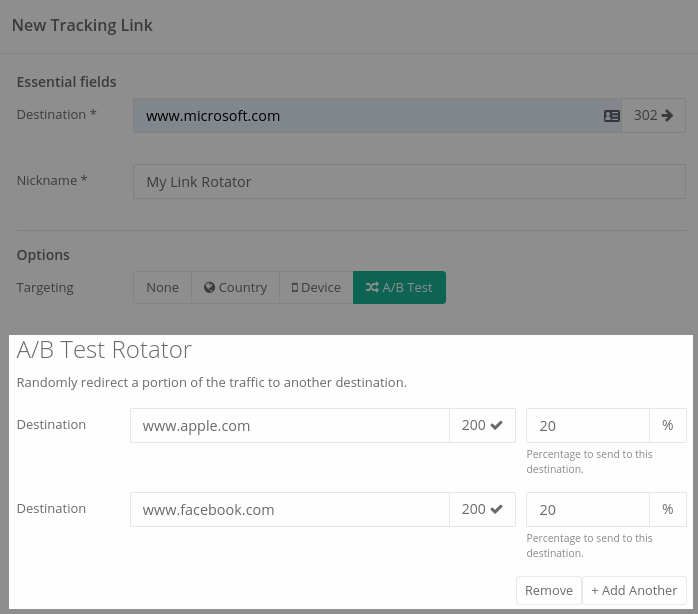
When a visitor visits the link, the link rotator’s server generates a random number, and allocates a destination, in the proportion you defined.
Why use a link rotator?
-----------------------
The main reason to use a link rotator is to test multiple offers or landing pages with the same marketing.
For example, you might show two different offers in equal proportion, and count which had the higher revenue:
Sticky link rotators
--------------------
Sometimes, you might want to make a link rotator **sticky**.
This means that when the same user clicks twice on a link, they always go to the same destination.
This means the roulette wheel spins only once for the visitor, and then stays ‘stuck’.
Why use a sticky link rotator?
------------------------------
If you are showing different landing pages to different people (for example, if you are running an **A/B test**), once a user has been allocated a landing page, you don’t want to confuse them by sending them to a different landing page.
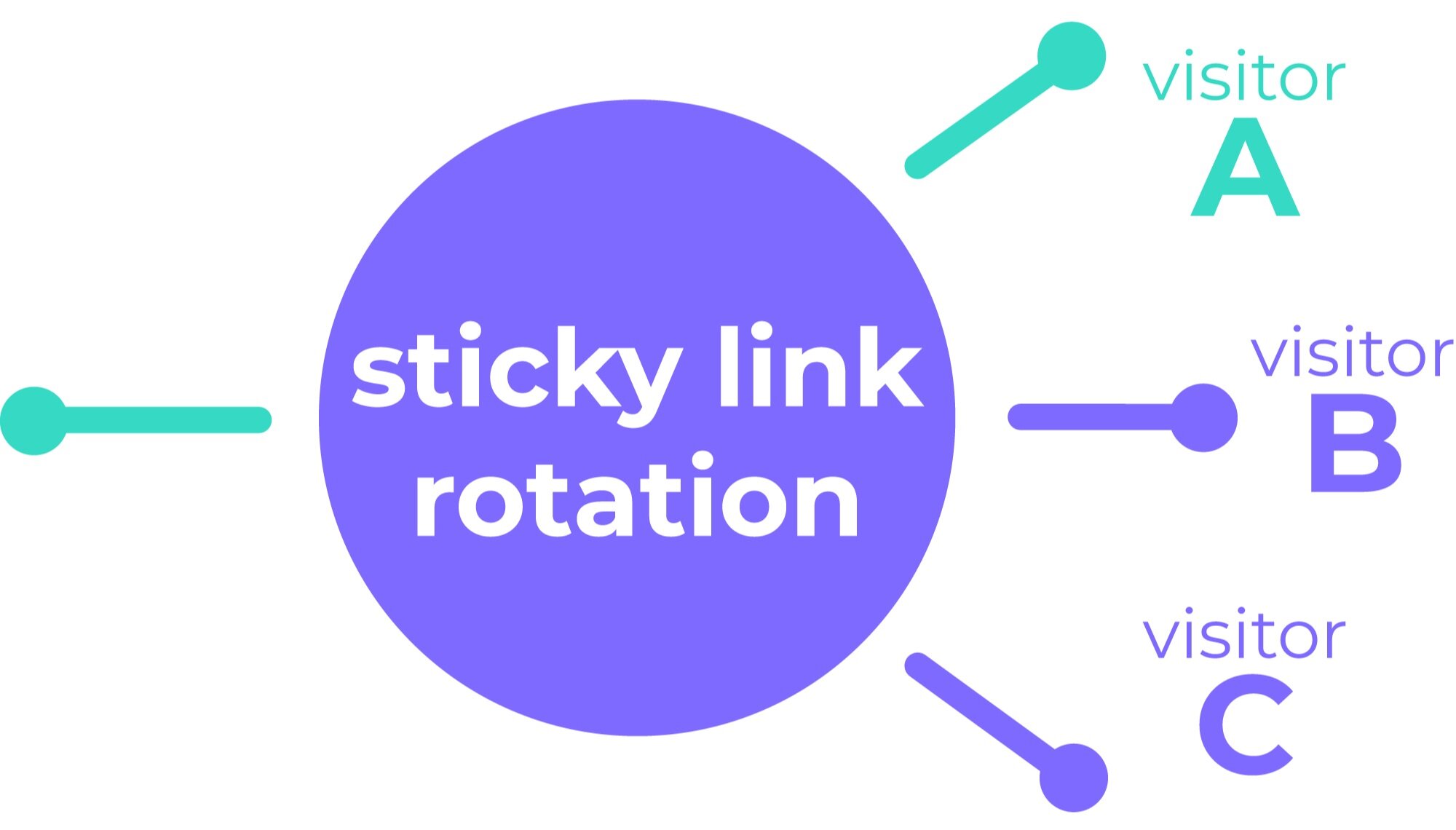
How do sticky link rotators work?
---------------------------------
Sticky link rotators work by saving a **cookie** on the user’s browser that identifies them.
When a click comes through again with that cookie attached, the link rotation service knows which destination to send them to.
Free link rotators
------------------
There are a number of free link rotators available on the internet.
One is [LinkSplit](https://linksplit.io/). It offers 2,500 clicks per month free, but you have to pay after that. You also have to pay to use your own domain.
There's also [TPMRotator](https://www.tpmrotator.com/). TPMRotator has fewer restrictions than LinkSplit, but they show adverts between clicks unless you pay.
Here's the shameless plug (you knew it was coming!). [Linkly](https://linklyhq.com/) offers [free link rotators](https://linklyhq.com/support/link-rotator) with [custom domains](https://linklyhq.com/support/custom-domain) and no ads, and offers 500 clicks per month for free.
Paid link rotators
------------------
Outbound link management software tends to have link rotators as a feature.
[AdsBridge](https://www.adsbridge.com/) is one option:
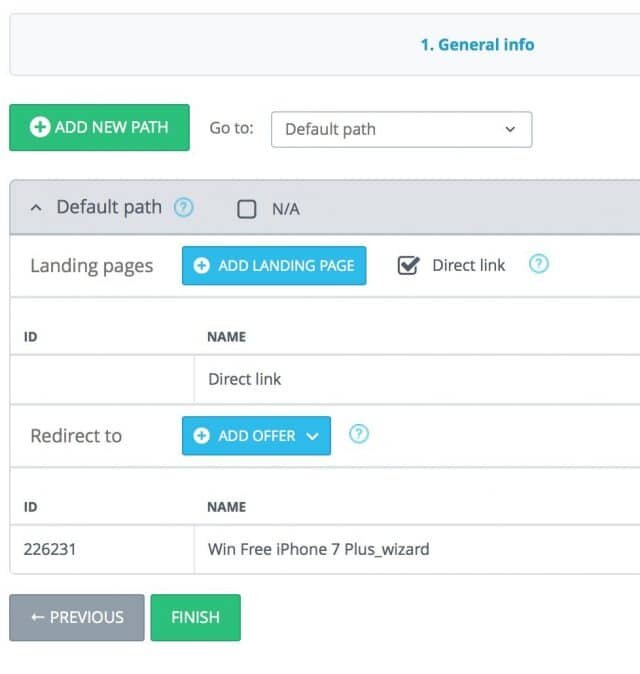
Adsbridge is geared towards people buying paid advertising to market affiliate schemes.
[Linktrackr](https://www.linktrackr.com/url-rotator/) is another great choice, and is cheaper than AdsBridge.
Linktrackr’s [link rotator](https://www.linktrackr.com/url-rotator/) is similar to Linkly’s:
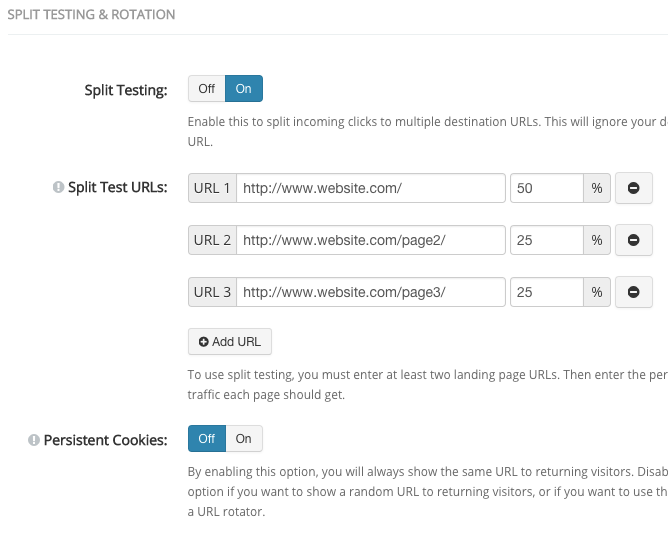
We used Linktrackr in our previous business and thought it was a fine tool.
Link Rotators and Conversion Tracking
-------------------------------------
If you’re showing different offers to different people, you’ll often want conversion tracking too.
**Conversion tracking** is the process of recording not just which URL a visitor went to, but what they purchased.
You can do conversion tracking just fine with [Google Analytics](https://linklyhq.com/support/ga4-tracking-tags) (and I recommend you do that):

Google Analytics conversion tracking. Thanks to AdStage for the screenshot.
You might want to track it in the link rotator software too.
Conversion tracking is generally a feature only of paid products. All of the paid options listed offer conversion tracking.
[Linkly](https://linklyhq.com/) offers [click tracking and analytics](https://linklyhq.com/support/click-tracking) on its free plan as well, but is limited to 500 clicks per month.
Link Rotators for A/B Testing
-----------------------------
Combined with **conversion tracking**, the main purpose of link rotators is for **A/B testing**.
While most link rotators allow you to split traffic between any number of destinations, normally you'll just want to compare two destinations. See our guide on [creating a link rotator](https://linklyhq.com/support/link-rotator) to get started.
Link Rotators and SEO
---------------------
GoogleBot is generally treated as a normal human visitor when it visits a link rotator.
This means Google will get redirected to one of your destinations.
Most link rotators use a 301 type redirect, which is normal on the internet, and Google knows how to handle this.
Linkly has a feature to [block search bots like GoogleBot](https://linklyhq.com/support/list-of-search-bots):
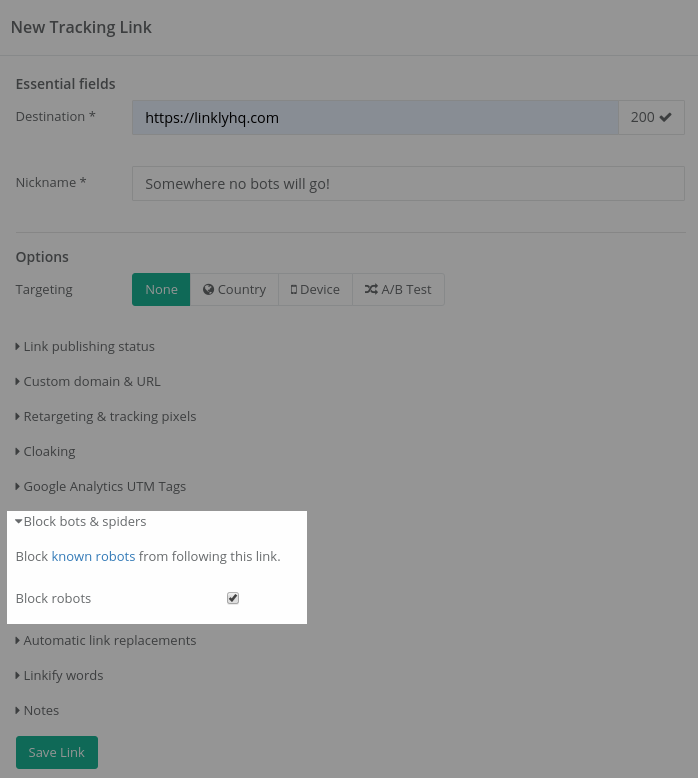
With Linkly, you can [block search bots](https://linklyhq.com/support/list-of-search-bots) from following your link rotators
There isn’t, however, a compelling SEO reason to do this.
If you are split testing different versions of a landing page, you may want to use a [canonical tag](https://support.google.com/webmasters/answer/139066?hl=en), so Google knows which one to save in its index.
When not to use a link rotator
------------------------------
Some split testing software, such as [Visual Website Optimizer](https://www.vwo.com), can automatically show variants on the same URL.
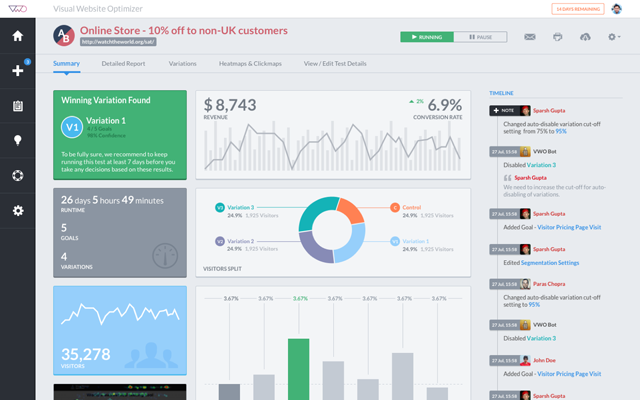
In cases like these, you don't need a link rotator.
Ready to try link rotation? Check out our [step-by-step guide to creating a link rotator](https://linklyhq.com/support/link-rotator) with Linkly.
---
# What is Base 62?
> Base 62 is the algorithm used by most URL shorteners to generate custom short links. To answer how it works, the first question we need to answer is: what are bases? What is a base? When counting up, the base is the number of numbers that you count before you add another digit. We all get taught
Source: https://linklyhq.com/blog/what-is-base-62
What is Base 62?
================
**Base 62** is the algorithm used by most URL shorteners to generate custom short links. To answer how it works, the first question we need to answer is: **what are bases?**
What is a base?
---------------
When counting up, the base is the number of numbers that you count before you add another digit.
We all get taught **base 10** in school. This means that once you count past ‘9’**,** you add a ‘1’ to the left of your number, and start over again from ‘0’.
What other bases are popular?
-----------------------------
**Binary** (base 2) are just 1’s and 0’s, and **hexadecimal** (base 16) are both used heavily in computer science.
When a base is greater than 10, we use letters to represent the digits. So for hexadecimal, we use the digits 0-9, followed by the letters A-F. F would the number 15 (in base 10), and 10 would be the number 16.
What is base 62?
----------------
Base 62 consists of all the **normal numbers** **0-9**, plus all the **uppercase** **letters A-Z**, and all the **lowercase letters a-z**. That’s for a total number of symbols of **10 + 26 + 26 = 62**.
This means that long numbers can be represented by a short few letters. For example, the base 10 number
**Base 10: 1213542312 => Base 62: 1K7tn6**
**URL shorteners represent links internally using Base 10, counting up from 0, but display the shortened Base 62 URL on the outside.**
That is how base 62 works!
---
# What is a Bitly Link? How They Work + Free Alternatives
> Bitly links are shortened URLs that fit anywhere. Learn how they work, when to use them, and the best free Bitly alternatives for tracking clicks and branding.
Source: https://linklyhq.com/blog/what-is-a-bitly-link
# What is a Bitly Link?
## What are Bitly Links?
Bitly is the first large link shortener, originally designed to help Twitter users share links and keep tweets under the 140 character limit.
The links look like:

The second half of the link is always a unique code.
When you create a Bitly link, they [redirect to the final destination with a 301](https://linklyhq.com/support/http-status-codes).
## Things to Know about Bitly Links
* You cannot change the destination of a Bitly link once it has been created.
* Bitly links last indefinitely.
* Bitly uses the [Base 62](https://linklyhq.com/blog/what-is-base-62) link shortening algorithm to generate links.
* Bitly’s features are limited to link shortening, and basic analytics.
* You cannot [redirect based on geolocation](https://linklyhq.com/support/creating-location-redirects).
* Advanced features (like those in [Linkly](https://linklyhq.com/), for example), such as smart redirection, [retargeting](https://linklyhq.com/support/retargeting-tracking-pixels), [Facebook Pixel](https://linklyhq.com/support/add-facebook-pixel-to-a-link), and more are not available.
* Bitly links are 21 characters long.
## How to Create Bitly Links
1. **Sign up or log in** — Visit [bitly.com](https://bitly.com) and log in to your account. If you don't have one, create a free account.
2. **Access the link creation tool** — Once logged in, click the **Create** button at the top right of the dashboard.
3. **Enter your long URL** — Paste the long URL you want to shorten into the field provided.
4. **Customize the back-half (optional)** — If you're on a paid plan or your account allows it, you can customize the back-half of the URL to make it more meaningful or brand-relevant.
5. **Add a title (optional)** — You can also add a title for internal tracking purposes. This won't affect the link itself but can help organize your links.
6. **Click "Create" or "Save"** — Bitly will generate a shortened link, which you can copy and use immediately.
7. **Track performance** — Bitly automatically tracks link clicks and engagement. Navigate to the **Links** section in your dashboard to view metrics.
> **Tip:** If you want to use your own branded domain (e.g. `lnk.yourbrand.com`), Bitly supports custom domains on paid plans.
---
# Release notes
---
# Unique clicks now count returning visitors once
Source: https://linklyhq.com/release-notes/unique-clicks-returning-visitors
Someone who comes back to your link later the same day now counts as one unique click, as they always should have.
Since August, the visitor fingerprint behind unique clicks also included details of how the visitor's browser set up its secure connection. Browsers deliberately randomise some of those details every time they connect, so a visitor returning later in the day often looked like someone new. The effect was strongest in Chrome and on Android.
We've taken those details out. The fingerprint is now a one-way hash of the visitor's network address, browser and language setting. As before, there are no cookies, no JavaScript, and nothing is stored on the visitor's device.
Your full click history has been recalculated, so past and future numbers stay comparable. Expect unique counts to fall by around 10% on typical traffic, and by more on links with many returning Chrome and Android visitors. Unique clicks on ad traffic stay close to the click counts your ads manager reports, and total clicks are unchanged.
---
# Stripe app: see which links make sales
Source: https://linklyhq.com/release-notes/stripe-app
Linkly is now on the [Stripe App Marketplace](https://marketplace.stripe.com/apps/linkly-conversion-tracking). Install **Linkly Conversion Tracking**, connect it to your workspace, and every payment that came through a tracked Linkly link is recorded against that link: one-off payments, subscription renewals, and refunds, which are subtracted. Stripe Payment Links need no code at all; for your own checkout, pass the click identifier as `client_reference_id`. Inside Stripe, each payment shows the short link it came from.
The New Link form now recognises a Stripe Payment Link and tells you how to set this up. Setup steps in [Stripe integration](https://linklyhq.com/support/stripe-integration).
---
# Add custom domains in bulk
Source: https://linklyhq.com/release-notes/bulk-add-domains
You can now attach many custom domains at once. Go to **Domains → Bulk add**, paste your list, and Linkly attaches each domain in turn using the same DNS checks as adding one on its own. The records every domain needs are shown right on the page, and any domain that isn't pointing at Linkly yet is listed as failed so you can retry it once DNS has propagated.
Setup details in [Custom domains](https://linklyhq.com/support/custom-domain).
---
# See which ads your clicks came from
Source: https://linklyhq.com/release-notes/ad-analytics
Traffic reports have a new **Ads** tab. If you send paid traffic through a Linkly link, it breaks those clicks down by network, placement, campaign, ad set and ad.
Network and placement need no setup — ad platforms tag their own clicks, so Linkly can read them straight away. One campaign we looked at was sending **85% of its clicks from Meta's Audience Network**: third-party apps and games rather than the Facebook and Instagram feeds.
Full details in [Ad Analytics](https://linklyhq.com/support/ad-analytics).
---
# Host a PDF with Linkly
Source: https://linklyhq.com/release-notes/host-a-pdf-with-linkly
You can now upload a PDF to Linkly and point a short link straight at it — no file host, no cloud storage account, no long unmemorable URL to share. Pick **PDF** from the link types under the **Destination** field, choose your file, and save.
The advantage over linking to a file directly is that the short link can be changed and a file URL cannot. Click **Replace**, upload a new version, and every link and QR code already printed or sent opens the new document. Menus, price lists and timetables stop being a reprinting problem.
Files up to **10MB**, included on every plan. Hosted PDFs are public to anyone with the address, which contains a long random string so it can't be guessed — for confidential documents, [password-protect](https://linklyhq.com/support/password-protected-links) or [expire](https://linklyhq.com/support/create-expiring-links) the link.
Full instructions are in the [PDF to link guide](https://linklyhq.com/support/pdf-to-link).
---
# Linkly is now in the Claude Directory
Source: https://linklyhq.com/release-notes/linkly-in-the-claude-directory
Linkly is now listed in the [Claude connector directory](https://claude.ai/directory/linkly), so connecting your Linkly account to Claude takes a couple of clicks — no URLs to paste and no API keys.
Open [Linkly's directory page](https://claude.ai/directory/linkly) — or search for **Linkly** in Claude's **Directory** — and click **Connect to Claude**. Sign in with your Linkly account, choose a workspace, and you're done.
The listing is a public page, so you can open or share it without a Claude account — handy for showing your team (or your Claude admin) exactly which tools the connector provides before anyone connects it.
## What you can do
Once connected, ask Claude to:
* **Create links** - "Create a short link for https://example.com/spring-sale called Spring Sale"
* **View analytics** - "Which countries are my clicks coming from this month?"
* **Search and update links** - "Find my links about the product launch and update the promo one"
* **Manage domains and webhooks** - "List my custom domains" or "Subscribe my webhook to click events"
## Works on every plan
The Claude integration is available on all Linkly plans, including the free plan.
If your organisation has the directory switched off, or you use Claude Code, the manual setup still works — see the [updated setup guide](https://linklyhq.com/support/claude-desktop-integration).
---
# City and Region in Analytics
Source: https://linklyhq.com/release-notes/city-and-region-in-analytics
Click analytics now include the **city** and **region** a visitor clicked from, alongside the country reporting you already had. It's there wherever location appears — reports, the click list and CSV exports — so you can see which cities a campaign is actually reaching rather than only which countries.
The location data is provided by Cloudflare, which resolves it at the edge as the redirect happens. No extra setup and nothing new to switch on.
---
# Improved Bot Detection
Source: https://linklyhq.com/release-notes/improved-bot-detection
Bot detection now weighs several signals together rather than leaning on where a click came from. That matters most for the growing number of real people who arrive through Facebook and Instagram in-app browsers, mobile carrier proxies and iCloud Private Relay, all of which route traffic through hosting networks. Those visitors are now recognised as the people they are.
**Bot blocking is more precise as a result.** On links with bot blocking switched on, automation is turned away while genuine visitors on their phones go straight through to your destination.
Detection is sharper on automation too. Headless browsers and tools like Puppeteer, Playwright and Selenium are now recognised, along with crawlers that don't identify themselves — so your click figures rest on stronger signals in both directions.
Three smaller improvements. **Skip social crawler tracking** now recognises Facebook's crawler on custom domains as well. Each crawler is reported under one consistent name, however your link was served. And a click from a hosting network that we've identified as a real person is labelled `Amazon.com (cloud)`, so it's clear why it appears in your human traffic.
---
# Human Clicks in the Links Dashboard
Source: https://linklyhq.com/release-notes/human-clicks-in-the-links-dashboard
Your links dashboard can now show **human clicks** — Today, 30 Day and Total counting real visitors rather than crawlers, link previews and monitoring tools. Open Linkly in a new browser and you'll see them straight away. If you already have your columns set up, nothing changes: your view is left exactly as you had it, and you can add the human figures from the Columns menu whenever you want.
The all-traffic counts stay available as their own columns, so you can show both side by side and see how much of a link's traffic is automated. Traffic reports have worked this way for a while — the links table now matches.
Sparklines follow the same rule. A link whose traffic is entirely automated now simply says "No recent clicks", rather than drawing a chart of crawler activity that looked like real interest.
---
# Unique Clicks Now Count Visitors, Not IP Addresses
Source: https://linklyhq.com/release-notes/unique-clicks-count-visitors
Until now, the **Unique** filter counted one click per IP address per day. On mobile networks that undercounts real people, because carriers routinely put many phones behind a single shared IP address. The effect was largest on ad-campaign traffic — TikTok, Instagram, and similar audiences are almost entirely mobile — where unique counts could sit well below the click numbers your ads manager reported.
Unique clicks are now counted per **visitor**, using a privacy-preserving fingerprint: a one-way hash of connection characteristics. No cookies, no JavaScript, and nothing stored on the visitor's device. In validation against live TikTok campaigns, unique clicks moved from roughly 30% below the ad platform's own click count to within a few percent of it.
The new counting applies across your full click history, so past campaigns are directly comparable. Expect unique counts to rise — most noticeably on mobile-heavy traffic. Total click counts are unchanged, and the Unique toggle works everywhere it did before: dashboards, reports, the click list, and CSV exports.
---
# Conversion Tracking
Source: https://linklyhq.com/release-notes/conversion-tracking
Clicks tell you something worked. **Conversion tracking** tells you what. Switch it on for any link and your dashboard gains Conversions and Revenue columns alongside clicks, so you can see which links bring in signups and sales rather than just traffic.

If you already send purchase events to **Google Analytics 4**, there's nothing to build — add the Linkly script to your site and we read the events you're already sending. No new events, no tagging work. Not on GA4? Report sales yourself in a line of JavaScript, or server-side from your backend.
Turn it on from any link's options, where the script is one click away. It's free on every plan, and currently in **Beta** — attribution depends on your site as well as ours, so it's worth verifying on your own setup before you rely on the numbers.
---
# Human Clicks by Default
Source: https://linklyhq.com/release-notes/human-clicks-by-default
Your traffic reports now show **human clicks by default**. Around a third of all link clicks come from bots — social previews, spam scanners, search crawlers — and they're now filtered out of your headline numbers automatically, so your analytics reflect real visitors.
You'll see how many bots were filtered next to your click count (for example, "1,240 clicks · 380 bots filtered"), and a new **Include bot traffic** toggle reveals the full picture whenever you need it. The API is unchanged — reports there still include all traffic by default.
---
# Linkly now speaks 5 more languages
Source: https://linklyhq.com/release-notes/five-new-languages
Linkly's site and help content are now available in five more languages: **Arabic, Indonesian, Vietnamese, Turkish, and Thai** — bringing us to 17 languages in total.
Arabic is our first right-to-left language, so the entire interface mirrors to match, with proper Arabic typography throughout.
Switch languages from the globe menu in the navigation bar, or jump straight to a localized page — for example `/id/pricing` or `/tr/features/smart-links`.
---
# Free Unlimited User Seats
Source: https://linklyhq.com/release-notes/free-unlimited-user-seats
User seats are now free and unlimited on all plans. You can invite as many team members as you need without any additional cost. Workspaces support up to 100 users.
---
# Open links directly in apps
Source: https://linklyhq.com/release-notes/open-links-directly-in-apps
Links can now open **inside a native app** instead of a mobile browser. Paste an Amazon product, a YouTube video, or a Spotify track and switch on **Open in app** — Linkly recognises the app and fills in the technical settings for you, with an automatic fallback to the app store or website if the app isn't installed.
It works from the places where links usually break out to a limited in-app browser, like the **link in bio** on TikTok and Instagram — and it stays out of the way everywhere else, so your phone's built-in app handling keeps working normally. No SDK and no changes to the destination app required.
Popular apps like Amazon, YouTube, Spotify, Instagram, TikTok, and many more are recognised automatically, and you can set up any other app by hand.
[Learn more about Open in app](https://linklyhq.com/support/open-in-app)
---
# Retiring l.linklyhq.com for free plans
Source: https://linklyhq.com/release-notes/retiring-l-linklyhq-com-for-free-plans
We've retired the **l.linklyhq.com** short domain for free plan users. This domain was offered historically and hasn't been available for new links since 2024. Visitors to a free plan link on this domain will now see a "gone" error.
Paid and enterprise customers are unaffected: existing l.linklyhq.com links keep working, though no new links can be created on the domain.
If you're on a free plan and still using l.linklyhq.com, we recommend migrating your links to **linkly.link** or [connecting your own custom domain](https://linklyhq.com/support/custom-domain).
---
# Restore deleted links
Source: https://linklyhq.com/release-notes/restore-deleted-links
Deleted a link by mistake? You can now bring it back yourself. Open the **Bulk** menu on your links dashboard and choose **Restore Deleted** to see everything you've deleted, then select the links you want and click **Restore** — no need to contact support.
Restored links keep their original short URL and settings, so any QR codes or campaigns pointing at them start working again straight away. If a link's short URL has since been reused by a newer link, we'll skip that one and let you know.
---
# Linkly is now an official ChatGPT app
Source: https://linklyhq.com/release-notes/chatgpt-app-store
Linkly is now an official app in ChatGPT. Find it in ChatGPT's app directory — no custom setup or config files — and create branded short links, generate QR codes, and check your click analytics right inside the conversation.
**[Open Linkly in ChatGPT →](https://go.linklyhq.com/chatgpt)**
## What you can do
Connect your workspace once, then just ask ChatGPT to:
* **Shorten a URL** — "Shorten https://example.com/my-long-page"
* **Create a QR code** — "Make a QR code for my website"
* **Check analytics** — "How many clicks did my last link get, and from which countries?"
* **Manage links** — "List my recent links" or "Update that link's destination"
It works on ChatGPT web and mobile, and signs in securely with your Linkly account via OAuth — the model never sees your credentials.
See the [ChatGPT integration guide](https://linklyhq.com/support/chatgpt-integration) to get started.
---
# Export QR codes in bulk
Source: https://linklyhq.com/release-notes/bulk-qr-code-export
You can now download QR codes for many links at once. Select the links on your dashboard, open the **Bulk** menu, and choose **Export QR Codes** — as **PNG** (full colour, with your logo and styling) or **SVG** (vector, ideal for print). Linkly renders every selected link's QR and hands you a single zip, with a progress indicator for larger batches.
PNG exports keep each link's saved colours, eye styles, and logo, so bulk output matches what you'd get downloading a single link. See [creating QR codes](https://linklyhq.com/support/create-qr-codes) for more.
---
# More keyboard shortcuts
Source: https://linklyhq.com/release-notes/more-keyboard-shortcuts
We've expanded Linkly's keyboard shortcuts so you can do more without reaching for the mouse. Press **`?`** on any screen to see every shortcut available there — a quick reference, right where you are.
There are new single-key actions on a link's details page: **edit** (`e`), **duplicate** (`d`), **open the destination** (`o`), **copy the short link** (`c`), or **jump to its clicks** (`r`). The dashboard shortcuts you already know — `⌘K` to search and `⌘↵` to create a link — work just as before.
View the full list in the [keyboard shortcuts reference](https://linklyhq.com/support/keyboard-shortcuts).
---
# Sign in with Microsoft
Source: https://linklyhq.com/release-notes/sign-in-with-microsoft
You can now sign up or log in to Linkly with **Sign in with Microsoft**. One click with your personal Microsoft account or your Microsoft 365 work or school account, and you're in — no password to remember.
It sits right alongside the Google and email options on the [sign-up](https://app.linklyhq.com/signup) and login screens, so you can use whichever account you already have. Faster sign-in, one less password, now with Microsoft.
---
# Webhooks for Created, Updated & Deleted Links
Source: https://linklyhq.com/release-notes/link-lifecycle-webhooks
Webhooks now fire on more than just clicks. Subscribe at the link or workspace level and you'll receive a POST whenever a link is **created**, **updated**, or **deleted** — each identified by an `event` field (`link.created`, `link.updated`, `link.deleted`) alongside the existing `click` event.
This makes it easy to keep your own systems in sync as your links change. See the [webhooks documentation](https://linklyhq.com/support/webhooks) for the payload format.
---
# Six new retargeting pixels: LinkedIn, X, Pinterest, Microsoft, Snap & Reddit
Source: https://linklyhq.com/release-notes/new-retargeting-pixels
We've added six new advertising pixels you can fire from your links — **LinkedIn, X (Twitter), Pinterest, Microsoft Advertising, Snap, and Reddit** — and brought every pixel together in a redesigned **Tracking scripts & audience pixels** panel.
Pick a platform, paste your ID, and save. When someone clicks the link, the pixel fires automatically before they're redirected — so you build retargeting audiences and analytics from every click, with no tracking scripts to copy and paste.
Linkly now supports ten platforms:
- **Meta Pixel**
- **TikTok Pixel**
- **Google Analytics (GA4)**
- **Google Tag Manager**
- **LinkedIn Insight Tag**
- **X (Twitter) Pixel**
- **Pinterest Tag**
- **Microsoft Advertising (UET)**
- **Snap Pixel**
- **Reddit Pixel**
Use any combination on the same link — they fire everywhere your Linkly links resolve, including custom domains.
See '[Retargeting & tracking pixels](https://linklyhq.com/support/retargeting-tracking-pixels)' for the full guide.
---
# Analytics API Limits Vastly Improved
Source: https://linklyhq.com/release-notes/analytics-api-limits-improved
We've significantly increased the Analytics API limits for all plans, including Free.
The biggest change is to **data scanned** — the limit has been raised by a large multiple across every plan, meaning you can run much larger queries and export far more data before hitting a limit.
These improvements apply automatically to your account — no action needed.
For full details, see the [Analytics API documentation](https://linklyhq.com/support/analytics-api).
---
# Privacy Policy & Terms Update
Source: https://linklyhq.com/release-notes/privacy-policy-terms-update
We've updated our Privacy Policy and Terms & Conditions to clarify how we use account activity data for customer communications, and to disclose that we use AI for this purpose. [Read the updated policies.](https://linklyhq.com/support/privacy)
---
# Improved API documentation
Source: https://linklyhq.com/release-notes/improved-api-documentation
We've rebuilt our API reference with [Scalar](https://scalar.com) for a faster, cleaner experience — complete with interactive examples and ready-to-copy code snippets in over 20 languages.
Explore it here: [linklyhq.com/url-shortener-api-reference](https://linklyhq.com/url-shortener-api-reference)
---
# Filter Analytics by Platform and Referrer
Source: https://linklyhq.com/release-notes/filter-by-platform-and-referrer
You can now filter your click analytics by platform (operating system) and by referrer. Click a platform in the chart — or the filter icon next to a referrer — to focus every report on that segment.
---
# Postman collection
Source: https://linklyhq.com/release-notes/postman-collection
Linkly's API is now available as a Postman collection. Import it for instant access to every endpoint — no code required. Each request comes pre-filled with example payloads; just paste your API key and start firing requests.
[Run in Postman →](https://go.linklyhq.com/postman)
---
# Linkly CLI
Source: https://linklyhq.com/release-notes/linkly-cli
The Linkly CLI is now available. Install it with npm and manage your short links, click analytics, custom domains, QR codes, and webhooks directly from your terminal.
```
npm install -g @linkly-link-shortener/cli
linkly auth login
```
Sign in with OAuth (browser) or an API key — credentials are saved locally so you only authenticate once. Add `--json` to any command for machine-readable output, or run `linkly schema` to print the full command tree for use with AI agents and scripts.
[Read the full documentation →](https://linklyhq.com/support/cli)
---
# Slack Click Notifications
Source: https://linklyhq.com/release-notes/slack-click-notifications
Click notifications are now available in Slack. Install the Linkly Slack app, run `/linkly notify` in your channel, then toggle **Send to Slack** on for any link — the bot will post a message whenever that link is clicked.
Notifications include the link name, short URL, country, browser, and a link straight to the analytics dashboard. Debouncing applies as normal: at most one notification per link every 15 minutes, and bot clicks are excluded.
After installing, the setup page walks you through the next step: run `/linkly notify` in your chosen Slack channel to activate notifications. You can also type `/linkly` in Slack at any time to see all available commands.
[Learn more about Slack click notifications](https://linklyhq.com/support/slack-integration).
---
# Linkly for Slack
Source: https://linklyhq.com/release-notes/slack-integration
Create branded short links, check click stats, and grab QR codes — without leaving Slack.
<a href="https://go.linklyhq.com/slack" target="_blank" rel="noopener noreferrer"><img alt="Add to Slack" height="40" width="139" src="https://platform.slack-edge.com/img/add_to_slack.png" srcset="https://platform.slack-edge.com/img/add_to_slack.png 1x, https://platform.slack-edge.com/img/add_to_slack@2x.png 2x" /></a>
## What's in it
* **`/shorten <url>`** — create a branded short link in one command. Add `<domain>/<slug>` to pick the exact short URL.
* **`/clicks <domain/slug>`** — see total clicks and last-7-day stats, with a button into the full analytics dashboard.
* **`/qr <domain/slug>`** — get a scannable QR code rendered right in the channel.
* **App Home** — at-a-glance view of your connected Linkly workspace, default short-link domain, and dashboard shortcuts.
Three minimal bot scopes: `commands`, `chat:write`, `im:write`. No message-history or DM-history access.
Full details: [Slack integration docs](https://linklyhq.com/support/slack-integration).
---
# Created By column on the dashboard
Source: https://linklyhq.com/release-notes/created-by-column-on-dashboard
The links dashboard now has a **Created By** column, showing which team member generated each link. This only applies to new links created after 13 May 2026 — older links will show as blank.
---
# CC and BCC for mailto links
Source: https://linklyhq.com/release-notes/mailto-cc-bcc
Linkly's [mailto link generator](https://linklyhq.com/support/shortening-mailto-links) now supports **CC** and **BCC** fields alongside the existing subject and body. Add multiple recipients to a single shortened mailto link without hand-crafting the URL syntax.
---
# New pricing plans
Source: https://linklyhq.com/release-notes/new-pricing-plans
We've refreshed [our pricing](https://linklyhq.com/pricing) with four clearer tiers — **Starter**, **Pro**, **Business**, and **Enterprise** — priced by links/month with a tracked-clicks quota for analytics. Pro and Business now also support per-resource add-ons (extra clicks, links, domains, or seats) so you can extend a single thing without bumping plans.
**Existing customers are grandfathered.** If you're already paying for Linkly, nothing changes — you keep your current plan and pricing for now.
---
# Zapier templates inside Linkly
Source: https://linklyhq.com/release-notes/zapier-templates-in-app
You can now browse and install Linkly's Zapier integrations directly from the Linkly dashboard at **Integrations → Zapier** — no need to leave for zapier.com.
We've also added new Zap templates for Google Sheets, Slack, RSS, WordPress and Mailchimp, covering the most-asked-for workflows: shortening URLs in bulk, getting Slack alerts on link clicks, and logging click data to Google Sheets.
[See the integration →](https://linklyhq.com/support/zapier-integration)
---
# Link Previews and a Cleaner Layout in the New Link Form
Source: https://linklyhq.com/release-notes/link-form-previews-and-layout
The new link form now shows a live preview of the destination page — title, description, and favicon — pulled in as soon as you paste a URL. Use it to confirm you've got the right page before you share the link.
We've also reworked the layout to be easier to scan: the destination, short link, and nickname sit together at the top, with targeting and tracking & analytics options grouped underneath. The QR code, recent clicks, and link preview now share a single side panel.
---
# Linkly for ChatGPT
Source: https://linklyhq.com/release-notes/chatgpt-app
Linkly is now available as a ChatGPT app — the easiest way to create short links, QR codes, and check analytics without leaving your conversation.
**[Open Linkly in ChatGPT →](https://go.linklyhq.com/chatgpt)**
## What You Can Do
Once connected, just ask ChatGPT to:
* **Shorten URLs** - "Shorten this URL: example.com/my-long-page"
* **Create QR codes** - "Make a QR code for my website"
* **Track clicks** - "How many clicks did my last link get?"
* **Manage links** - "List my recent links"
## Getting Started
Open [go.linklyhq.com/chatgpt](https://go.linklyhq.com/chatgpt), sign in to your Linkly account when prompted, and start chatting.
This is now our recommended way to use Linkly with ChatGPT. See the [full setup guide](https://linklyhq.com/support/chatgpt-integration) for more.
---
# Improved OAuth Flow for Claude's MCP Server
Source: https://linklyhq.com/release-notes/mcp-server-oauth-flow
We've revamped how AI assistants connect to the [hosted Linkly MCP server](https://linklyhq.com/support/mcp-server) at `https://mcp.linklyhq.com`. The new flow uses OAuth 2.1 with PKCE and dynamic client registration — there's no API key to paste into a config file anymore.
When Claude Desktop, Claude Code, or any other MCP-compatible client connects for the first time, a browser window opens asking you to sign in to Linkly and approve access. After that, your assistant stays connected with a workspace-scoped token, and the model itself never sees your credentials.
For Claude Desktop, the config is now just:
```json
{
"mcpServers": {
"linkly": {
"command": "npx",
"args": ["-y", "mcp-remote", "https://mcp.linklyhq.com"]
}
}
}
```
See the [updated setup guide](https://linklyhq.com/support/claude-desktop-integration) for full instructions.
---
# Browser Push Notifications
Source: https://linklyhq.com/release-notes/browser-push-notifications
Click notifications can now be delivered as browser push notifications in addition to email. Push notifications appear instantly on your desktop or mobile device, even when Linkly isn't open in a tab.
To enable push notifications, go to **Account Settings** and toggle on **Browser Notifications**. Once enabled, any link with click notifications turned on will also send push notifications to your device. Clicking a notification takes you directly to that link's traffic report.
Push notifications work in Chrome, Safari, Firefox, and Edge. They use the same 15-minute debouncing as email notifications. [Learn more about click notifications](https://linklyhq.com/support/click-notifications).
---
# TikTok Pixel Integration
Source: https://linklyhq.com/release-notes/tiktok-pixel
You can now add a TikTok Pixel to your links with a dedicated **Pixel ID** field — no need to paste the full tracking script manually.
In the link editor, expand the **TikTok Pixel** section, enter your Pixel ID, and save. When someone clicks the link, the TikTok Pixel fires automatically before they're redirected to the destination.
This works alongside the existing Meta Pixel and Google Analytics integrations. You can use all of them on the same link.
See '[Add TikTok Pixel to a Link](https://linklyhq.com/support/tiktok-pixel)' for the full guide.
---
# Use Site Icons as QR Code Logos
Source: https://linklyhq.com/release-notes/qr-code-site-icon-logo
You can now use the destination website's icon as your QR code logo with a single click.
In the QR code editor, next to the **Upload** button in the Logo row, you'll see a small icon showing the favicon of your link's destination. Click it to instantly set it as the QR code logo — no need to download and re-upload the image yourself.
This makes it quick and easy to create branded QR codes that match the destination site.
---
# WhatsApp Link Generator
Source: https://linklyhq.com/release-notes/whatsapp-link-generator
You can now create and edit WhatsApp click-to-chat links directly in the Linkly link editor.
When you paste a `wa.me` URL into the destination field (or just type `wa.me`), a form pops out with separate **Phone number** and **Message** fields, along with a live preview showing how the message will appear in WhatsApp.
This means you can:
* **Edit the phone number and message** without manually URL-encoding the `text` parameter
* **See a live preview** of the WhatsApp chat as you type
* **Track every click** with full Linkly analytics — location, device, referrer, and more
All existing Linkly features work with WhatsApp links, including custom domains, retargeting pixels, UTM tags, expiry dates, and A/B rotation.
See '[WhatsApp Link Generator](https://linklyhq.com/support/whatsapp-link-generator)' for the full guide.
---
# Preview square open graph images (WhatsApp)
Source: https://linklyhq.com/release-notes/preview-square-open-graph-images-whatsapp
We've added the ability to preview open graph social sharing images as they would appear on platforms that render square images (WhatsApp).
This feature doesn't change the underlying image.
---
# Automatic DNS Setup with Domain Connect
Source: https://linklyhq.com/release-notes/domain-connect
Linkly now supports the [Domain Connect](https://www.domainconnect.org/) protocol, allowing you to set up custom domain DNS records automatically with a single click.
When adding a domain in the wizard, if your DNS provider supports Domain Connect, you'll see an **Auto-Configure** option. Click it, authorize the changes at your provider, and Linkly will set up the correct CNAME or A records for you — no manual DNS editing required.
Supported DNS providers include:
- Cloudflare
- GoDaddy
- IONOS
- NameSilo
- Plesk
- WordPress.com
For more details, see our [custom domain setup guide](https://linklyhq.com/support/custom-domain).
---
# Public URL Shorteners Upgraded to Cloudflare
Source: https://linklyhq.com/release-notes/cloudflare-upgrade
Today we have upgraded our public URL shorteners on the URLs, linkly.link, 2ly.link and 3ly.link to our new infrastructure on Cloudflare workers.
This is a dramatic upgrade which should reduce global redirect times and increase capacity for traffic surges.
---
# Link icons are now available as an optional column in the dashbaord
Source: https://linklyhq.com/release-notes/index
Link icons are now available as an optional column in the dashboard. This allows you to see at a glance the icon of the link's destination. This only works if the destination provides an icon.
Icons are also shown when detected when entering URLs.
---
# QR Code Generator API
Source: https://linklyhq.com/release-notes/qr-code-api
You can now access QR code images directly via URL by appending `.qr.png` to any short link. For example:
```
https://lnk.ly/ABC123.qr.png
```
This returns a PNG image of the QR code, complete with any saved styles, colors, and logos. No authentication is required, making it easy to embed QR codes in emails, documents, or webpages using a simple `<img>` tag.
For developers who need more control, an [authenticated API endpoint](https://linklyhq.com/support/qr-code-generator-api) is also available at `/api/v1/link/:id/qr/png`, which supports query parameter overrides for colors, styles, and size.
See '[QR Code Generator API](https://linklyhq.com/support/qr-code-generator-api)' for full documentation.
---
# Improved Dashboard Layout
Source: https://linklyhq.com/release-notes/improved-dashboard-layout
We've redesigned the Linkly dashboard with a cleaner, more modern layout.
**Refreshed sidebar** - The navigation sidebar has been updated with a sleek dark theme, clearer icons, and better visual hierarchy so you can find what you need faster.
**Sparkline previews** - Each link now shows a mini traffic sparkline directly in the table, giving you an at-a-glance view of recent click activity without opening the full report.
**Inline QR codes** - QR codes are now displayed as thumbnails alongside each link, making it easy to identify and download them.
**Streamlined toolbar** - Column visibility and data export controls are now accessible from a clean toolbar at the top of the table.
---
# Faster Dashboard & Workspace Management
Source: https://linklyhq.com/release-notes/faster-dashboard
We've made your Linkly dashboard noticeably faster to load, and added new workspace management features.
**Faster page loads** - The dashboard now loads key data earlier and defers non-essential scripts, so you'll see your links and analytics faster than before.
**Manage workspaces in-app** - You can now create new workspaces and rename existing ones without leaving the dashboard. No more page reloads or context switching.
**Smaller downloads** - We've reduced the amount of data your browser needs to download on each visit, which is especially helpful on slower connections.
---
# Linkly Is Now Available in 11 Languages
Source: https://linklyhq.com/release-notes/multilingual-website
Linkly is now available in 11 languages. The entire website — including all pages, feature descriptions, and release notes — has been translated to help users around the world get the most out of Linkly in their preferred language.
## Supported Languages
* English
* Spanish (Español)
* French (Français)
* German (Deutsch)
* Portuguese (Português)
* Italian (Italiano)
* Dutch (Nederlands)
* Japanese (日本語)
* Korean (한국어)
* Chinese (中文)
* Polish (Polski)
Your language is automatically selected based on your browser settings, or you can switch manually using the language selector in the navigation bar.
---
# Click Notifications
Source: https://linklyhq.com/release-notes/click-notifications
You can now receive email notifications when your links are clicked. Enable notifications on any link and choose which workspace members should be notified.
Notifications include the link name, destination, country, browser, and platform of each click. To keep your inbox manageable, emails are automatically debounced to at most one per link every 15 minutes, and bot clicks are filtered out.
Click notifications are also available via the [API](https://linklyhq.com/support/api) using the `notify_user_ids` field. [Learn more about click notifications](https://linklyhq.com/support/click-notifications).
---
# Multilingual Documentation
Source: https://linklyhq.com/release-notes/multilingual-documentation
Linkly's documentation is now available in 10 languages, making it easier for users around the world to get the most out of our platform.
## Supported Languages
* English
* Spanish (Español)
* French (Français)
* German (Deutsch)
* Portuguese (Português)
* Italian (Italiano)
* Dutch (Nederlands)
* Japanese (日本語)
* Korean (한국어)
* Chinese (中文)
## What's Translated
All support articles, blog posts, and feature pages are now available in each language. The language is automatically selected based on your browser settings, or you can switch manually using the language selector in the navigation bar.
## Localized Links
Internal links throughout the documentation are fully localized, so you'll stay in your chosen language as you navigate between pages.
---
# Click-Based Link Expiry
Source: https://linklyhq.com/release-notes/click-based-link-expiry
Links can now expire after a set number of clicks, in addition to the existing date-based expiry. You can use either type on its own, or combine both — whichever threshold is reached first will trigger the expiry.
When a link expires, visitors are either redirected to a destination of your choice, or shown a dedicated "link expired" page.
Click-based expiry is available in the dashboard, via the [API](https://linklyhq.com/support/api), and through our [Zapier integration](https://zapier.com/apps/linkly/integrations). [Learn more about expiring links](https://linklyhq.com/support/create-expiring-links).
---
# ISP Exclusion Filter
Source: https://linklyhq.com/release-notes/isp-exclusion-filter
You can now exclude specific ISPs from your analytics dashboard. This is useful for filtering out bot traffic or focusing on genuine user clicks.
Use the new exclude button (×) next to any ISP in the ISP tab to hide that traffic from your reports. Excluded ISPs appear with a strikethrough and can be easily re-included with one click.
You can also exclude multiple ISPs at once, and mix inclusions with exclusions for precise filtering.
---
# Export Data By Link - All Your Click Data in One Download
Source: https://linklyhq.com/release-notes/export-data-by-link
**Export Data By Link** makes it easy to download click analytics for all your links in a single file. Instead of exporting data link by link, you now get a matrix with dates as rows and links as columns.
The new **Export Data** dropdown in the traffic report gives you quick access to:
- **By Link** - All links in one file with clicks broken down by date (recommended)
- **Totals** - Aggregate daily totals across all links
- **Raw Click Data** - Individual click records with full details
- **BigQuery** - Direct SQL access for advanced analysis
- **Webhooks** - Real-time click notifications
Export as CSV for spreadsheets, or use the Google Sheets option to paste a live data feed formula that automatically updates.
See the [Analytics API documentation](https://linklyhq.com/support/analytics-api) for details on the new `pivot=link_id` parameter.
---
# Happy New Year, Happy New Logo
Source: https://linklyhq.com/release-notes/new-year-new-logo
We're kicking off the new year with a fresh look! Linkly has a brand new logo that better represents who we are and where we're heading.
The new design features a bold, modern "L" icon with our signature orange, red, and blue colors, paired with clean typography.
You'll see the new logo rolling out across the Linkly dashboard, browser extension, and all our integrations over the coming weeks.
Here's to a great 2026!
---
# Improved Logo Support, Eye Colors & Styles in QR Code Editor
Source: https://linklyhq.com/release-notes/improved-qr-code-logos
We've improved the QR code logo editor to add options for logo padding and eye styles. We've set the default background to be transparent.
---
# Make Integration
Source: https://linklyhq.com/release-notes/make-integration
We're excited to announce our official [Make integration](https://linklyhq.com/support/make-integration), bringing powerful visual automation to Linkly users.
**Make** (formerly Integromat) is a popular automation platform that lets you connect apps and build workflows visually without code.
## What You Can Do
With the Linkly Make integration, you can:
* **Create** new shortlinks with full configuration (UTM parameters, tracking pixels, Open Graph metadata, and more)
* **Update** existing links by ID
* **Delete** links when no longer needed
* **Get** link details for use in other scenario steps
* **List** all links in your workspace
* **Watch clicks** instantly when any link is clicked (instant trigger)
## Getting Started
In Make, search for "Linkly" when adding a new module to your scenario. Connect your Linkly account using your API key from your workspace settings.
[Find the Linkly integration on Make](https://www.make.com/en/integrations/linkly?utm_source=linkly-app&utm_medium=partner&utm_campaign=partner-listing)
Check out our [full documentation](https://linklyhq.com/support/make-integration) for setup instructions and use cases.
---
# Support for URLs with commas
Source: https://linklyhq.com/release-notes/rules-with-commas
Previously, commas in URLs were declared unsafe and as such were not usable in URL fields in Linkly.
We've adapted this and now URLs fully support commas in Linkly.
---
# Introduction of Analytics API Fair Use Limits
Source: https://linklyhq.com/release-notes/api-limits-intro
We're introducing fair use limits for the Analytics API to ensure reliable service for all customers.
## Why We're Making This Change
As Linkly has grown, so have the costs of running our analytics infrastructure. A small number of accounts have been making extremely intensive API requests, which impacts performance and costs for everyone. These limits ensure fair access while keeping the service sustainable.
## What's Changing
The Analytics API now has usage limits that reset each billing period:
* **Free Plan**: 100 requests / month, 10 GB data scanned / month
* **Monthly Paid**: 2,000 requests / month, 2 TB data scanned / month
* **Annual Paid**: 24,000 requests / year, 24 TB data scanned / year
Rate limits are also in place: **50 requests per hour** per workspace.
## What This Means For You
**Most users won't notice any change.** These limits are designed to only affect the most intensive usage patterns. If you're using the API for standard reporting and data export, you're unlikely to hit these limits.
## Monitoring Your Usage
You can monitor your API usage in the **Billing** section of your account settings. This shows your current usage against your limits.
## Need Higher Limits?
If you need more capacity for your application, please talk to us using the support widget. We're happy to discuss options for high-volume use cases.
## Alternatives for Heavy Usage
For customers with intensive analytics needs, consider our [BigQuery Integration](https://linklyhq.com/support/bigquery-integration), which provides direct SQL access to your click data without API rate limits.
For full details, see the [Analytics API documentation](https://linklyhq.com/support/analytics-api).
---
# New Spreadsheet Import - Beta
Source: https://linklyhq.com/release-notes/spreadsheet-import-beta
Today we have deployed a significantly improved way of generating hundreds of short links in Linkly.
Linkly now has an embedded spreadsheet which allows you to manage your imports visually.
Linkly's old CSV upload continues to be available is linked from the navbar at the top of the spreadsheet.
This feature is a beta and we welcome feedback from users.
---
# Claude Desktop Integration
Source: https://linklyhq.com/release-notes/claude-desktop-integration
We're excited to announce the [Linkly MCP server for Claude Desktop](https://linklyhq.com/support/claude-desktop-integration), allowing you to manage your short links through natural conversation.
## What You Can Do
Once connected, simply ask Claude to:
* **Create links** - "Create a short link for https://example.com with UTM source twitter"
* **View analytics** - "How many clicks did my links get this week?"
* **Update links** - "Change the destination of my promo link"
* **Search links** - "Find all links related to the product launch"
* **Manage webhooks** - "Set up a webhook for click notifications"
## Getting Started
1. Get your API key from **Settings → API** in Linkly
2. Add the Linkly MCP server to your Claude Desktop config
3. Start chatting!
Check out our [full setup guide](https://linklyhq.com/support/claude-desktop-integration) for detailed instructions.
---
# n8n Integration
Source: https://linklyhq.com/release-notes/n8n-integration
We're excited to announce our official [n8n integration](https://linklyhq.com/support/n8n-integration), bringing powerful workflow automation to Linkly users.
**n8n** is a flexible workflow automation platform similar to Zapier, with the added benefit of self-hosting options and a visual workflow builder.
## What You Can Do
With the Linkly n8n node, you can:
* **Create** new shortlinks with full configuration (UTM parameters, tracking pixels, Open Graph metadata, and more)
* **Update** existing links by ID
* **Delete** links when no longer needed
* **Get** link details for use in other workflow steps
* **Trigger workflows** instantly when any link (or a specific link) is clicked
## Getting Started
Install the Linkly node from n8n's community nodes: **Settings > Community Nodes > Search for "linkly"**
Or via npm: `npm install @linkly-link-shortener/n8n-nodes-linkly`
Check out our [full documentation](https://linklyhq.com/support/n8n-integration) for setup instructions and use cases.
---
# Zapier Integration 3.0 - Instant Click Webhooks
Source: https://linklyhq.com/release-notes/zapier-integration-3-0
Our [Zapier integration](https://linklyhq.com/support/zapier-integration) has been upgraded to version 3.0 with instant click webhooks.
**New triggers:**
- **Any Link Clicked (⚡ Instant)** - fires immediately when any link in your workspace is clicked
- **Specific Link Clicked (⚡ Instant)** - fires immediately when a specific link is clicked
Click events now trigger in real-time instead of polling every 15 minutes.
---
# Webhooks (Beta) - Real-Time Click Notifications
Source: https://linklyhq.com/release-notes/webhooks
**Webhooks (Beta)** lets you receive real-time POST notifications when your links are clicked. Perfect for Zapier automations, custom analytics, CRM integrations, and lead tracking.
Configure webhooks per-link or workspace-wide in Settings. Payloads include country, device, browser, referer, and UTM parameters.
See the [webhooks documentation](https://linklyhq.com/support/webhooks) for setup details.
---
# Keyboard Shortcuts for Faster Link Creation
Source: https://linklyhq.com/release-notes/keyboard-shortcuts
Linkly now supports keyboard shortcuts for faster link creation.
* Press Ctrl/Cmd+Enter on the dashboard to create a new link.
* Press Ctrl/Cmd+Enter on the new link form to save a link.
* Press Escape anywhere to return to the dashboard.
* Press Ctrl/Cmd+K to search the links.
View the complete [keyboard shortcuts reference guide](https://linklyhq.com/support/keyboard-shortcuts) for more details.
---
# Ability to rename workspaces
Source: https://linklyhq.com/release-notes/rename-workspaces
We've made it easier to rename workspaces. There is now a dedicated workspace settings page.
---
# Support for Hourly Data
Source: https://linklyhq.com/release-notes/hourly-data
Linkly's Analytics now allows you to view the data by hour.
This also applies to all API endpoints and Google Sheets.
It's also fully integrated with timezone support.
---
# Block Robots & Ignore Social Crawlers Now Work Together
Source: https://linklyhq.com/release-notes/block-bots-and-social-crawlers
We've adjusted the way "Block robots" works to now block all social media crawlers.
If you also enable "ignore social crawlers," it will permit these through and not track them, even if block robots is enabled.
---
# Ability to Filter by ISP Added
Source: https://linklyhq.com/release-notes/filter-by-isp
We've added functionality to filter by Internet Service Provider.
---
# Improved Referrer Handling
Source: https://linklyhq.com/release-notes/improved-referrer-handling
We've improved the way referrers are handled.
The options are now pass through referrers, or to hide them entirely.
---
# Social media crawler tracking is now optional
Source: https://linklyhq.com/release-notes/social-media-crawler-tracking-optional
Improving on from our change on October 26 to stop tracking social media crawlers, we have exposed this functionality as an option for users who would like still track these robots.
---
# Filtering of nasty bots
Source: https://linklyhq.com/release-notes/nasty-bots
We now automatically filter out URLs containing .php and /wp-admin in them. These will return a 404.
This will reduce the number of malicious clicks on root domains attached to Linkly.
---
# Improved Uptime Monitoring
Source: https://linklyhq.com/release-notes/improved-uptime-monitoring
We have improved our uptime monitoring and response process, in response to outage on October 15, 2025.
We have added response times, monitoring for separate services and endpoints.
We are continuing to roll out backend improvements that will improve reliability for our customers.
You can see our current uptime at https://status.linklyhq.com.
---
# Improved Handling of Social Media Crawlers
Source: https://linklyhq.com/release-notes/improved-handling-of-social-media-crawlers
We've improved the way Linkly handles social media crawlers from Facebook, YouTube, Google, LinkedIn, and Twitter.
Now, when traffic from these servers hits your links, it isn't recorded and it doesn't count against click limits.
However, the robot is transparently redirected to the correct destination.
We now also always permit these crawlers through even when the block robots feature is being used.
This improves a scenario where users are heavy users of social networks and find their click limits would be consumed by social media crawlers.
[Learn more about bot traffic →](https://linklyhq.com/support/robot-clicks)
---
# More informative bot blocking notices
Source: https://linklyhq.com/release-notes/bot-blocking-notices
We've improved the way our bot blocking works to show more useful information.
It also includes the hosting provider we identified.
We've updated the response code to be 403.
---
# Improved API Response Times
Source: https://linklyhq.com/release-notes/improved-response-times
Today we've published an update for API users that accelerates responses by approximately 300ms.
This will allow bulk uploads and API integrations to operate more quickly.
---
# Incident report: October 15, 2025 (UTC)
Source: https://linklyhq.com/release-notes/downtime-incident-report-oct-15
## Summary
On October 15, Linkly experienced a prolonged outage caused by an automated deployment that introduced a configuration error in production. The issue also disabled key elements of our monitoring and alerting systems, delaying detection and response.
## Root cause
A missing safeguard allowed an automated deployment to execute outside approved windows, resulting in a configuration mismatch that disrupted routing. Monitoring checks failed to detect the outage because they were scoped to internal endpoints that continued returning success.
## Corrective actions
1. Disabled automatic deployments; production now requires manual approval.
2. Implemented external monitoring independent of our core infrastructure.
3. Added redundant alerting channels (SMS and voice) to ensure immediate awareness of incidents.
4. Introduced deployment locks during off-hours until 24/7 on-call coverage is established.
## Next steps
We are reviewing our operational procedures and expanding incident response coverage to ensure rapid detection and recovery from any future issues.
## Closing
We apologise for the disruption and thank our customers for their patience. Reliability remains our top priority, and we are committed to preventing a recurrence.
---
# Outage October 15 2025
Source: https://linklyhq.com/release-notes/outage-oct-15-2025
On October 15 2025, Linkly experienced a major outage that disrupted service for many customers.
Our monitoring and recovery systems also failed, which is why the issue was not reflected on the status page in real time. Service was fully restored after approximately five hours.
We understand the impact such outages have - both in lost revenue and customer trust - and we take this extremely seriously.
We are implementing significant infrastructure and monitoring improvements to prevent this from happening again.
We apologise for the disruption and appreciate your patience. If you need assistance, please reach out to our team.
A detailed summary of the corrective measures will be published in our release notes once completed.
---
# Improved Handling of Corrupted URLs
Source: https://linklyhq.com/release-notes/improved-handling-of-corrupt-urls
We've improved Linkly's handling of URLs that are corrupted by invisible characters when copy-and-pasting from apps like Gmail.
Typically, this produces invisible characters which formerly caused the links to be 'not found'.
We've made a change to explicitly strip these characters when we see them.
---
# Improved Export of Raw Data
Source: https://linklyhq.com/release-notes/improve-raw-data-export
We have improved the raw data export and moved this to an API endpoint, allowing you to get raw data from Linkly into Google Sheets and your applications.
---
# Add custom subdomains to Linkly
Source: https://linklyhq.com/release-notes/custom-subdomains
Linkly now allows you to add custom sub-domains, improving the look and customisation of [vanity URLs](https://linklyhq.com/support/vanity-url).
---
# QR Codes now Visible in Dashboard
Source: https://linklyhq.com/release-notes/qr-codes-in-dashboard
You can now view QR codes in your dashboard directly.
This includes formatting changes, logos, and custom QR codes.
---
# Domain Favicon Support
Source: https://linklyhq.com/release-notes/favicon
We've added [custom favicon support](https://linklyhq.com/support/favicon) to [custom domains](https://linklyhq.com/support/custom-domain). You can now override the Linkly logo and use whatever favicon you desire.
---
# Improved QR Code Editor
Source: https://linklyhq.com/release-notes/qr-code-editor
Today, we've released a significant improvement to our QR code editor.
This update allows you to add logos, change colors, and styles, and download QR codes as high-resolution PNG and JPEG images ready for printing.
---
# DDOS Mitigation September 2025
Source: https://linklyhq.com/release-notes/dos-mitigation
On September 19, at approximately 1830 UTC, Linkly's servers were subject to a distributed denial-of-service attack, which caused degraded performance and some customers' links to be affected. The issue persisted for approximately 30 minutes.
The attack was targeted at one of our customer's domains. We identified the source and re-routed traffic away from Linkly.
Today, we've released updates that should help mitigate future DDOS attacks.
---
# Timezone support
Source: https://linklyhq.com/release-notes/timezone-support
Linkly's traffic reports now support multiple timezones.
Select your timezone from the dropdown list at the top of the traffic reports.
Underlying data is always recorded in UTC and transformed at the point of query.
Data in the links dashboard is shown in UTC only.
---
# SVG Support for QR Codes
Source: https://linklyhq.com/release-notes/svg-qr-codes
We've updated our QR code implementation to support downloading in lossless SVG format, as well PNG format.
See '[How to Create a QR Code](https://linklyhq.com/support/create-qr-codes)' for more details.
---
# Better support for anchors
Source: https://linklyhq.com/release-notes/better-anchor-support
Today we fixed an issue involving anchors and [UTM tags](https://linklyhq.com/support/google-analytics-utm-tag-builder) and [parameter forwarding](https://linklyhq.com/support/forward-url-query-parameters).
In the past, anchors that were present on the destination URL would be stripped under these transformations.
We've made a change where the anchors are now preserved when using these features.
---
# Public URL shortener moving to linkly.link
Source: https://linklyhq.com/release-notes/public-url-shortener-moving-to-linkly-link
We've migrated our primary public URL shortener domain to the new domain `linkly.link`.
All new links will be generated on this domain by default.
URLs generated on the old domains 2ly.link and 3ly.link will continue to function, and are still available as alternative URLs. Links are mirrored across all domains.
---
# Linkly's 2025 Pricing Updates
Source: https://linklyhq.com/release-notes/linkly-pricing-update-2025
On 1st June 2025, Linkly's pricing will increase.
For monthly plans, the new pricing will be:
| Monthly Clicks | Price per Month | Billing |
| -------------- | --------------- | ------------- |
| 5,000 | $22 | Annually only |
| 25,000 | $39 | Monthly |
| 50,000 | $67 | Monthly |
| 100,000 | $107 | Monthly |
| 200,000 | $176 | Monthly |
| 500,000 | $329 | Monthly |
| Unlimited | $569 | Monthly |
Annual plans **get two months free, saving 17% over monthly plans.**
Domains will increase to $23/year, or $34.50 for premium TLDs.
## Switch to an Annual Plan and Save
In addition, for customers who switch to an annual plan before 1st June 2025, they will be able to retain their current pricing for a further 12 months.
---
# Live Feeds Support for Microsoft Excel
Source: https://linklyhq.com/release-notes/live-feeds-excel
Linkly has extended its Google Sheets live data feeds integration to now work with Microsoft Excel. [Please see here for how to get live feeds into Excel](https://linklyhq.com/support/excel-live-feeds).
---
# Migrated Twitter references to X
Source: https://linklyhq.com/release-notes/twitter-to-x
We've migrated all references to Twitter to now be X.
X cards (formerly Twitter cards) open graph markup remains as the same, as specified in X's documentation.
---
# Improved documentation search
Source: https://linklyhq.com/release-notes/improved-docs-search
We've dramatically improved the search in our documentation section to make it easier to find help when you need it.
---
# Added Instructions on How to Use Custom Domains after Adding Domain
Source: https://linklyhq.com/release-notes/custom-domain-instructions
We've made it easier to get started using custom domains. Now, when you successfully attach a domain for the first time, Linkly will show you exactly how to create a link using that domain.
---
# Fixed link creation dates for large workspaces
Source: https://linklyhq.com/release-notes/fixed-creation-dates
We've made a change that fixes the link creation date for large workspaces (those with more than 10,000 links in them).
---
# Exporting Links Now Includes Rules
Source: https://linklyhq.com/release-notes/export-links-now-include-rules
Exporting links now includes rules. This means that geotargeting, device targeting, and link rotators all appear in exported CSV sheets as escaped JSON.
---
# Linkly Google Chrome plugin updated with reduced permissions
Source: https://linklyhq.com/release-notes/chrome-plugin-update
Linkly's Google Chrome plugin has been updated to require fewer permissions (only `activeTab`).
This improves the user privacy of the plugin.
The Chrome plugin allows users to generate short links using Linkly's URL shortener in one click.
You can download the plugin at the [Google Chrome Webstore here](https://go.linklyhq.com/chrome).
The [plugin source code](https://github.com/chrism2671/linkly-chrome-extension) is available on GitHub.
---
# Downtime Post-mortem, 14 March 2025
Source: https://linklyhq.com/release-notes/downtime-2025
On March 14, 2025, Linkly was subject to a denial-of-service attack that resulted in our app being offline for approximately 65 minutes, in two chunks.
The attack was targeted at one of our customers.
During the attack, over 1 billion requests were sent to our servers, in minutes.
This affected a number of our customers, whose links were offline or suffered from degraded performance during this time, and our web app was inaccessible.
We mitigated the attack by applying Cloudflare's WAF at our edge, which was able to block the attack while allowing legitimate traffic through.
## Actions for Future Mitigation
We will be applying Cloudflare's edge throughout our network, which will help mitigate future denial-of-service attacks as they happen, without interruption of service.
You can monitor Linkly's uptime here: https://status.linklyhq.com.
---
# Automatic Stripping of Whitespace in URLs
Source: https://linklyhq.com/release-notes/url-strip
We've added a feature today that will automatically strip leading and trailing whitespace in:
* URLs set as destinations
* Rule URLs
* Slugs when used with custom domains.
This change has been applied whether links are created by the new link form, CSV, or API.
---
# Increased Parameters Maximum Length
Source: https://linklyhq.com/release-notes/max-parameter-length
We have increased the maximum parameter length to be 36 characters.
We have added specific filters to drop click IDs from ad networks such as Google, Meta and TikTok. See the [parameters and SubID guide](https://linklyhq.com/support/using-parameters-and-subid) for the full list of stripped parameters.
---
# Updated Deployment Image
Source: https://linklyhq.com/release-notes/updated-deployment-image
We have performed some security maintenance on our systems and updated our infrastructure to the latest in-support packages.
This update only affects enterprise customers performing security audits on Linkly, and improves security.
---
# Introduction of VAT for European Accounts
Source: https://linklyhq.com/release-notes/vat-for-eu
Starting in January 2025, Linkly will be required to collect VAT for customers based in the EU.
Businesses in the EU do not need to pay VAT if they present a valid European VAT number.
You do not currently have a VAT number on your account.
If you have a valid VAT number, please update your billing details to include it by following the instructions here:
https://linklyhq.com/support/add-a-vat-number
Please note, it isn't possible for us to refund VAT collected if a VAT number wasn't provided at the time of the charge.
If you have any questions, please don't hesitate to contact us through the chat widget in your account.
---
# SSL Everywhere
Source: https://linklyhq.com/release-notes/https-links
We've released an update today that requires SSL (https) on all short-links.
---
# Faster Queries for Parameters
Source: https://linklyhq.com/release-notes/faster-query-parameters
We've rolled out improvements today to the query times for aggregate based queries such as parameters, ISP and robots.
These should load significantly faster, especially for workspaces with large amounts of data.
---
# Updated Primary IP Address
Source: https://linklyhq.com/release-notes/updated-ip-address
Linkly's infrastructure has had a major upgrade.
Our primary service has moved to the IP address \`34.133.74.21\`.
Most users will not notice any change. We have migrated all CNAME based domains to this IP.
Domains on the old A-record IP will continue to function.
---
# Removed tracking for IDs
Source: https://linklyhq.com/release-notes/no-long-params
We've stopped tracking parameters with value lengths longer than 30 characters.
We've made this change due to the unique IDs some ad networks set, which distorts analytics results for parameters designed for marketing attribution.
This change should make params queries faster, and easier to navigate on the params tab.
---
# Updated QR Code Domains
Source: https://linklyhq.com/release-notes/updated-qr-code-domains
We've updated our default QR code domains (for accounts not using [custom domains](https://linklyhq.com/support/custom-domain)) to make scanning more reliable in some regions.
We strongly advise users attach a domain before printing QR codes as it reduces scanning errors significantly.
---
# DateTime Support via API
Source: https://linklyhq.com/release-notes/datetime-support-via-api
Our API now allows you to set start/end times using datetime. This allows you to query data by hour inside a day, if you would like to.
---
# Account Downgrades Now Occur at the End of the Billing Cycle
Source: https://linklyhq.com/release-notes/downgrades-month-end
We have adjusted our billing system so account downgrades are effected at the end of the billing cycle.
---
# Click IDs are now based on UUID4
Source: https://linklyhq.com/release-notes/clicks-ids-uuid
As we continue to upgrade our systems for greater scale, we have adjusted our clicks database to use UUID4 as unique identifier, instead of sequential integers. This has been backfilled.
---
# Interpolated dates & hours in API
Source: https://linklyhq.com/release-notes/interpolated-dates-hours-in-api
We've improved the API to return zeros where traffic figures for that date or hour are zero. Previously, the API would omit rows that had no data.
---
# Hourly click counts via API
Source: https://linklyhq.com/release-notes/hourly-click-counts-via-api
We've added the ability to get hourly breakdowns of traffic via the API.
Full documentation is available via OpenAPI here:
---
# Improved 'Unique Users' Counting
Source: https://linklyhq.com/release-notes/improved-unique-users-counting
We've updated the way we count unique users to make it more accurate.
Uniqueness is determined by the combination of:
* Click Date (UTC timezone)
* Remote IP Address
---
# Support for Timezones in Analytics Reports APIs
Source: https://linklyhq.com/release-notes/api-timezone-support
We've added support for timezones in our analytics reporting API.
You can now select the timezone for your query in the \`clicks\` method.
See the [API documentation](https://linklyhq.com/url-shortener-api-reference#/Clicks/list_clicks) for details.
---
# Added the Ability to Purchase Domains via Linkly
Source: https://linklyhq.com/release-notes/domain-purchasing
We have added the ability to purchase domains from Linkly, and have them automatically attached to your workspace.
---
# Improved Data Export
Source: https://linklyhq.com/release-notes/improved-data-export
We've improved the export of [raw click data from Linkly as a CSV file](https://linklyhq.com/support/export-data-as-csv).
We now include all the additional metadata we collect about a click (including location), and the query string, which is now encoded as JSON key-value pairs.
This is specifically for the 'all data' export.
---
# Sign in With Google is now the recommended one-click login method
Source: https://linklyhq.com/release-notes/google-default-login
We've updated our login page to use Sign in with Google as the default login.
This is to help facilitate one-click, passwordless login to our service.
You can still use a valid email address to login, using our passwordless authentication.
If you are using an email and would like to attach a Google account, you can add it as a user under *Users* in your workspace.
---
# Support for Million+ Link Workspaces
Source: https://linklyhq.com/release-notes/large-workspace-support
We've dramatically improved the performance of large workspaces, including those with many millions of links.
In the past, loading and sorting these links could take too long and timeout.
We've significantly improved the way this works and now workspaces can handle millions of links with ease.
---
# Adjusted Layout to Improve Visibility on Some Devices
Source: https://linklyhq.com/release-notes/removed-footer
We've removed a footer component in the app that was blocking some text on some devices.
---
# Realtime Dashboard Updates
Source: https://linklyhq.com/release-notes/realtime-dashboard-updates
Our dashboard now updates in realtime, allowing you to monitor the flow of clicks as they arrive.
---
# Improved Domain Administration
Source: https://linklyhq.com/release-notes/improved-domain-admin
We've updated our domain admin page to load faster for workspaces with many domains. You can [add up to 50 domains](https://linklyhq.com/support/custom-domain) to your Linkly workspace, to create custom branded short links.
---
# Improvements to Shareable Dashboards
Source: https://linklyhq.com/release-notes/shareable-dashboard-layout
We've improved our shareable dashboards (public analytics) layouts to be more readable on wider screens.
---
# Faster Loading Times for Dashboards
Source: https://linklyhq.com/release-notes/faster-loading-times-for-dashboards
We've made some improvements to our dashboards that should allow them to load substantially faster.
---
# Zapier Integration Updated
Source: https://linklyhq.com/release-notes/zapier-integration-2-2
Following our ending of the Call-To-Action beta, we've upgraded our [Zapier](https://linklyhq.com/support/zapier-integration) integration to reflect the most recent version of our [API](https://linklyhq.com/support/api).
There are no other changes.
---
# Datepicker TimeZone Issues Fixed
Source: https://linklyhq.com/release-notes/datepicker-timezone-issues
We've improved our datepicker's functionality for different timezones.
---
# Automatically Detecting Domain Records
Source: https://linklyhq.com/release-notes/auto-detect-domain-records
We've improved our [domain](https://linklyhq.com/support/custom-domain) adding wizard so that it will wait til it sees your DNS records.
We recommend all customers [attach a domain](https://linklyhq.com/support/custom-domain) to use Linkly.
---
# Fixed Parameter Search Bug
Source: https://linklyhq.com/release-notes/fixed-param-search-bug
We've fixed a bug today that caused the 'search' field to disappear when searching for [parameters](https://linklyhq.com/support/using-parameters-and-subid) that didn't exist in traffic reports.
---
# Publicly Shareable Analytics
Source: https://linklyhq.com/release-notes/shareable-analytics
We've added the ability to share analytics for a particular link with a third party, without having to invite them to become a user.
---
# Linkly's 2024 Pricing Updates
Source: https://linklyhq.com/release-notes/updated-pricing
Linkly's pricing will change on 15 May 2024.
The new pricing will be:
* 25000 clicks $34/month
* 50000 clicks $59/month
* 100000 clicks $94/month
* 200000 clicks $154/month
* 500000 clicks $289/month
* Unlimited $499/month
We know price increases are never welcome. We've done our best to minimize the impact; this is the first increase since 2019.
## Switch to an Annual Plan and Save
In addition, for customers who switch to an annual plan before 15 May 2024, they will be able to retain their current pricing for a further 12 months.
---
# Introduction of Annual Plans
Source: https://linklyhq.com/release-notes/new-annual-plans
We have added annual options for billing for customers who would prefer to pay in a single transaction.
---
# Link Shortening API Now Available on RapidAPI
Source: https://linklyhq.com/release-notes/rapid-api
We've made our link shortening API available on RapidAPI. Check out the [Linkly API on RapidAPI](https://rapidapi.com/linklyhq-linklyhq-default/api/linkly-url-shortening-api).
---
# API Request Generator
Source: https://linklyhq.com/release-notes/api-generator
We've made it easier to build API requests. You can now use a generator that will create a request for you, right inside Linkly.
Click the `API Request` button at the bottom of the **Create New Link** form to see a fully-formed \`curl\` statement you can use to add Linkly to your apps.
---
# Click Fraud Mode Deprecated in API
Source: https://linklyhq.com/release-notes/click-fraud-mode-deprecated-in-api
Since the deprecation of Linkly's Recaptcha Click Fraud detection, we have now updated the API to reflect this change.
Users can still detect bots and inorganic traffic using Linkly's [bot detection](https://linklyhq.com/support/robot-clicks).
---
# Added buttons on the main link form for bulk import
Source: https://linklyhq.com/release-notes/bulk-import
We've made it easier to find bulk import. You can now find it on the 'Create New Link' form, in the top right.
---
# IP Exclusion Fixes
Source: https://linklyhq.com/release-notes/ip-exclusion-fix
We've fixed an issue where multiple IP addresses couldn't be excluded from the traffic logs.
You can exclude IPs from being logged by going to **Settings -> IP Exclusion**.
---
# Improved Help Links in Create New Link Form
Source: https://linklyhq.com/release-notes/inline-help
We've added inline help and 'Learn more' links in the 'Create New Link' form to make it easier to understand specific features.
---
# Removed 'Saved Searches'
Source: https://linklyhq.com/release-notes/removed-saved-searches
We've removed 'saved searches' in the search box on the dashboard, as it was causing significant confusion amongst users.
---
# Moved data export buttons
Source: https://linklyhq.com/release-notes/moved-data-export
We've moved the data export buttons (CSV/JSON/Sheets) to the top of the traffic detail tabs on the analytics reports, to make them easier to find.
You can use these to get the current view's data in a live feed.
---
# Improved Domain Adding Experience
Source: https://linklyhq.com/release-notes/add-domain-wizard
We've improved our domain adding instructions and built an interactive wizard to help you set them up quickly.
---
# Linkly's Alternative URLs/Mirror Domains
Source: https://linklyhq.com/release-notes/alternative-urls
If you're not using a [custom domain](https://linklyhq.com/support/custom-domain) with Linkly, you can now select one of our mirror domains from the dropdown on the show link page:
We still always recommend users attach a domain to Linkly for best results.
\## Linkly's Primary Domains
Linkly's primary domain is \`linkly.link\`. We also have mirror domains at \`2ly.link\` and \`3ly.link\`.
---
# Sort order on dashboard is now persistent
Source: https://linklyhq.com/release-notes/dashboard-sort-saved
Linkly's dashboard now features persistent sort, so now you can always view your links the way you would like to.
---
# API Support for Arrays
Source: https://linklyhq.com/release-notes/api-support-for-arrays
Our API has been upgraded to support arrays, so you can generate thousands of links in a single request.
---
# Introduction of Passwordless Logins
Source: https://linklyhq.com/release-notes/introduction-of-passwordless-logins
Users who previously had a password on Linkly can now login using a passwordless login.
Users old passwords have been discarded entirely.
---
# Extended Login Session Time
Source: https://linklyhq.com/release-notes/extended-session-time
Logins on Linkly will now last for 30 days, up from 24 hours. This should reduce how often you need to login.
---
# Improved CSV import functionality
Source: https://linklyhq.com/release-notes/improved-csv-import-functionality
Today we’ve significantly improved our CSV import functionality. Now, Linkly will return a spreadsheet of imported links, or link creation failures. In addition, it’s now possible to set up rotators, device and geo-targeted links directly from a spreadsheet.
---
# Deprecation of 'Call to Action' Features
Source: https://linklyhq.com/release-notes/deprecation-of-call-to-action-features
We’ve ended our beta of Call-to-Action, and the feature will be discontinued.
Links using this feature will continue to function as normal, after which they will be converted to normal redirects.
---
# Automatic Slug Generation in the API & Spreadsheets for Custom Domains
Source: https://linklyhq.com/release-notes/automatic-slug-generation-in-the-api-for-custom-domains
We’ve improved the link generation API to automatically generate slugs for custom domains. It works for spreadsheet uploads and API requests.
Now, if you select a domain, but leave the `slug` field blank, Linkly will automatically generate a slug for you, and return the complete link in response.
---
# Improved Dashboard Buttons
Source: https://linklyhq.com/release-notes/improved-dashboard-buttons
We’ve improved the way dashboard buttons work. It works better for smaller screens and many data columns.
---
# Link buttons added to the 'Edit' page
Source: https://linklyhq.com/release-notes/link-buttons-added-to-the-edit-page
You can now go straight to reports or open a link from the ‘Edit link’ page.
---
# QR codes now save with the name of the link
Source: https://linklyhq.com/release-notes/qr-codes-now-save-with-the-name-of-the-link
Previously [Linkly QR codes](https://linklyhq.com/support/create-qr-codes) all downloaded with the same name; now we’ll use the link name to make it clearer what the destination is.
---
# Updated 'random' function for custom shortlink domains
Source: https://linklyhq.com/release-notes/updated-random-function-for-custom-shortlink-domains
We’ve updated the ‘random’ button on the ‘Create New Link’ page to have a wider choice of random possibilities for users with a large number of links. It can now generate 14 million possible combinations, so a collision is less likely!
---
# Support for non-ASCII domains, such as Chinese domains
Source: https://linklyhq.com/release-notes/support-for-non-ascii-domains-such-as-chinese-domains
Linkly now supports non-ASCII domain representations to [shorten links](https://linklyhq.com/create-tracking-links) with [vanity URLs](https://linklyhq.com/support/custom-domain).
To use a non-ASCII international domain, just enter the ASCII representation of the domain into Linkly, and everything else should work perfectly.
---
# Deprecation of Conversion Tracking
Source: https://linklyhq.com/release-notes/deprecation-of-conversion-tracking
Today we are removing Linkly’s conversion tracking functionality.
We’re doing this as there are better solutions for tracking conversions, which both require javascript to be installed on the target website.
We recommend all users enable Goals/Funnels in [Google Analytics](https://linklyhq.com/support/google-analytics-utm-tag-builder) if they would like to track conversions. You can still join this data to Linkly, using UTM tags.
---
# Improvement of Group Reports
Source: https://linklyhq.com/release-notes/improvement-of-group-reports
We’ve improved the behaviour when generating reports with groups of links.
Changes:
* **GET** requests for grouped links now use a hyphen to separate link IDs. It should be possible to group several hundred links.
* Improved layout when displaying reports for many links.
---
# Speed Improvements of Links Dashboard
Source: https://linklyhq.com/release-notes/speed-improvements-of-links-dashboard
We’ve made some backend improvements that significantly increase the loading speed of the dashboard for users with high-traffic workspaces.
---
# Expiring Links
Source: https://linklyhq.com/release-notes/expiring-links
We’ve recently added a feature to [allow links to expire](https://linklyhq.com/support/create-expiring-links/) after a certain date & time, and optionally to specify a destination once they expire.
This feature can also be accessed via the [API](https://linklyhq.com/support/api).
---
# Upgrading of Google Sheets Addon to Google Sheets Live Data Feeds
Source: https://linklyhq.com/release-notes/upgrading-of-google-sheets-addon-to-google-sheets-live-data-feeds
We’re deprecating our support for the Google Sheets Addon, available via the Chrome Web Store, in favor of the Google Sheets Live Data Feeds from Linkly.
These provided added reliability and flexibility. The feeds are standardised and can also be imported into other tools, such as Google Data Studio. Feeds are available as JSON & CSV.
Find out how to use the [Google Sheets feeds here](https://linklyhq.com/support/google-sheets-addon).
---
# Substantial Performance Improvements to Dashboard & Analytics
Source: https://linklyhq.com/release-notes/substantial-performance-improvements-to-dashboard-amp-analytics
Today, we’ve significantly expanded our backend infrastructure, as Linkly continues to grow to be one of the largest global link tracking solutions available.
Traffic reports for large workspaces now load instantly (with some speedups being in excess of 100x), and dashboards load 10x faster.
These are just some of the improvements we’re making. There are millions of Linkly links generated each month, serving billions of clicks.
---
# Traffic Report Tabs are Now 'Sticky'
Source: https://linklyhq.com/release-notes/traffic-report-tabs-are-now-sticky
Report tabs now remember their position when changing settings
Tabs in Linkly’s traffic reports now remember their previously selected location when changing settings/dates/links.
---
# Reporting API Performance Upgrades
Source: https://linklyhq.com/release-notes/reporting-api-performance-upgrades
We’ve upgraded the reporting API endpoints for click tracking data in CSV, JSON & Google Sheets formats.
Performance is much faster for workspaces with large traffic volumes.
---
# Upgrade of Universal Analytics to Google Analytics 4
Source: https://linklyhq.com/release-notes/upgrade-of-universal-analytics-to-google-analytics-4
Today we’ve upgraded our systems to remove Google’s deprecated Google Analytics 3 (Universal Analytics).
[Google Analytics 4](https://linklyhq.com/support/ga4-tracking-tags) is now the preferred way to track Linkly campaigns using GA.
---
# Improvement of Zapier Click Triggers
Source: https://linklyhq.com/release-notes/improvement-of-zapier-click-triggers
We’ve improved our Zapier Click Triggers to now include details of the link that was clicked.
This should make it easier to build actions without requiring an explicit Link ID. Old zaps should continue working without interruption.
---
# Links dashboard now sorts by 30-day-clicks by default
Source: https://linklyhq.com/release-notes/links-dashboard-now-sorts-by-30-day-clicks-by-default
Links are now shown in the order of descending 30-day traffic by default.
---
# Improved dashboard export links
Source: https://linklyhq.com/release-notes/improved-dashboard-export-links
We’ve made the dashboard export links more visible. You can now get the data from the dashboard as a live feed to use in Google Sheets.
---
# Deprecation of Old Reporting APIs
Source: https://linklyhq.com/release-notes/deprecation-of-old-reporting-apis
We have removed the old OpenAPI reporting URLs, as they have been superseded by the copy-and-paste API requests available inside Linkly.
---
# Upgrade of Zapier Integration
Source: https://linklyhq.com/release-notes/upgrade-of-zapier-integration
As we proceed to move towards getting our Zapier Integration our of beta, we’ve made some improvements.
Previous versions of the integration have been deprecated, and users will need to upgrade to version 2.1.0 to keep their zaps running.
This should be last major update before getting our integration live. [Join the Zapier Integration beta](https://l.linklyhq.com/l/vX) to get started.
---
# Uptime Monitoring & Status Page
Source: https://linklyhq.com/release-notes/published-status-page
We’ve long monitored our uptime internally. Quick responses to outages are particularly important for an URL shortener processing millions of clicks per day. We're now publishing our uptime and system status on the [Linkly status page](https://status.linklyhq.com).
[Check our Uptime](https://status.linklyhq.com)
---
# Addition of Expiry Time & Destination to the Dashboard
Source: https://linklyhq.com/release-notes/addition-of-expiry-time-amp-destination-to-the-dashboard
You can search view and sort expiring links on the dashboard, by adjusting the column visibility.
---
# Dashboard Export Links Upgraded to Include Search
Source: https://linklyhq.com/release-notes/dashboard-export-links-upgraded-to-include-search
When you search in the dashboard, the export links will now update a search parameter, meaning these API endpoints now allow filtering of your links. It also works for Google Sheets.
---
# Deprecation of ReCaptcha traffic monitoring
Source: https://linklyhq.com/release-notes/deprecation-of-recaptcha-traffic-monitoring
Today we’re deprecating our Recaptcha traffic monitoring feature.
Our network based bot detection has improved. It is faster and more reliable, and supercedes the capabilities of ReCaptcha.
You can see our bot differential in the ‘Robots’ tab on the traffic reports.